Synder is the best software for accounting automation and integrations, supporting 500 monthly transaction syncs on its $52-per-month Basic plan with annual billing. Choose A2X for ecommerce payout reconciliation or AutoEntry for affordable automated extraction of financial information from invoices, receipts and bank statements.
How we make this list: we compare pricing pages, product documentation and public user reviews, then re-check every price before each update. No product paid for a place. Disclosure.
Synder Basic costs $624 annually and includes 500 monthly transaction syncs.
A2X starts at $29 per month for most sales channels and holds a 4.9/5 Capterra rating from 286 reviews.
AutoEntry Bronze costs $13 per month and includes 50 monthly document processing credits.
Zoho Books Standard costs $180 annually and includes bank feeds, API access and recurring expense automation.
Xero connects with more than 1,000 applications, while QuickBooks Online has 8,554 Capterra reviews.
Hubdoc costs $144 annually for unlimited document processing and integrations with Xero and QuickBooks Online.
What to look for in accounting automation and integration software
Accounting automation software reduces repetitive financial administration by collecting documents, synchronizing transactions, categorizing expenses and preparing information for reconciliation. Integration platforms connect financial records with ecommerce stores, payment processors and other business systems.
Decide whether you need a complete accounting platform or an automation layer that connects to your existing general ledger. Products such as Xero and Zoho Books manage financial records directly, while Synder and A2X focus on moving transaction information between systems.
Look for transaction mapping, duplicate prevention, audit trails and error recovery. These controls help accountants identify inaccurate entries before they affect financial reports.
Compare document allowances, transaction limits and connected sales channels. A low subscription price may become expensive when your business processes substantial transaction volumes.
Automation does not eliminate the need for financial oversight. Accountants should review exceptions, tax classifications, reconciliations and unusual transactions before finalizing financial statements.
The 7 best software tools for accounting automation and integrations
01
Synder
4.7/5on Capterra (259 reviews, checked Nov 2026)
Starts at$52/mo
Best accounting automation and integration software overall
Monthly sync allowance500
Import frequencyDaily on Basic
Primary functionPayment and sales synchronization
Entry planBasic, annual billing
synder.com
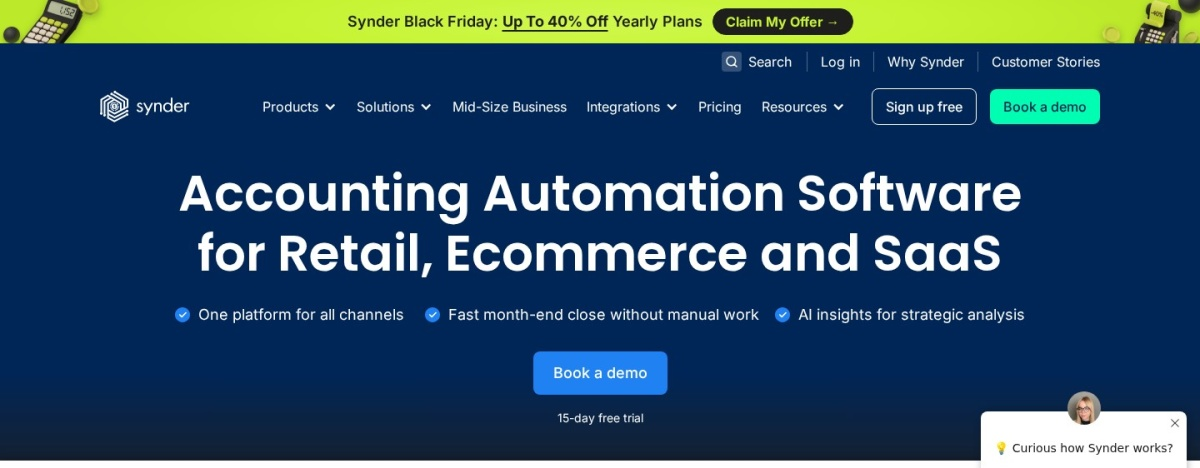
Synder homepage, captured Nov 2026.
Synder is an accounting integration platform that transfers financial transaction information from ecommerce and payment services into accounting systems. Basic includes 500 monthly transaction syncs, daily data imports and core synchronization tools for businesses managing online sales.
The trade off is transaction-based billing and restricted functionality on the entry subscription. Basic costs $52 per month with annual billing, while higher plans accommodate greater transaction volumes and more frequent imports. A temporary promotional discount was advertised when checked. It suits businesses connecting payment activity with existing accounting records.
What we like
Automated payment transaction synchronization
Supports ecommerce and payment platforms
Transaction mapping capabilities
Rollback and resynchronization controls
Scalable transaction allowances
Watch out for
Entry subscription has transaction limits
Historical imports can incur additional costs
Requires a separate accounting platform
Basic includes transaction syncing; higher plans increase capacity and import frequencyVisit synder.com
02
A2X
4.9/5on Capterra (286 reviews, checked Nov 2026)
Starts at$29/mo
Best for ecommerce payout reconciliation
Starting order allowanceUp to 200 for most channels
Accounting integrationsQuickBooks Online, Xero and NetSuite
Billing modelSales channel and order volume
Entry planSingle-channel subscription
a2xaccounting.com
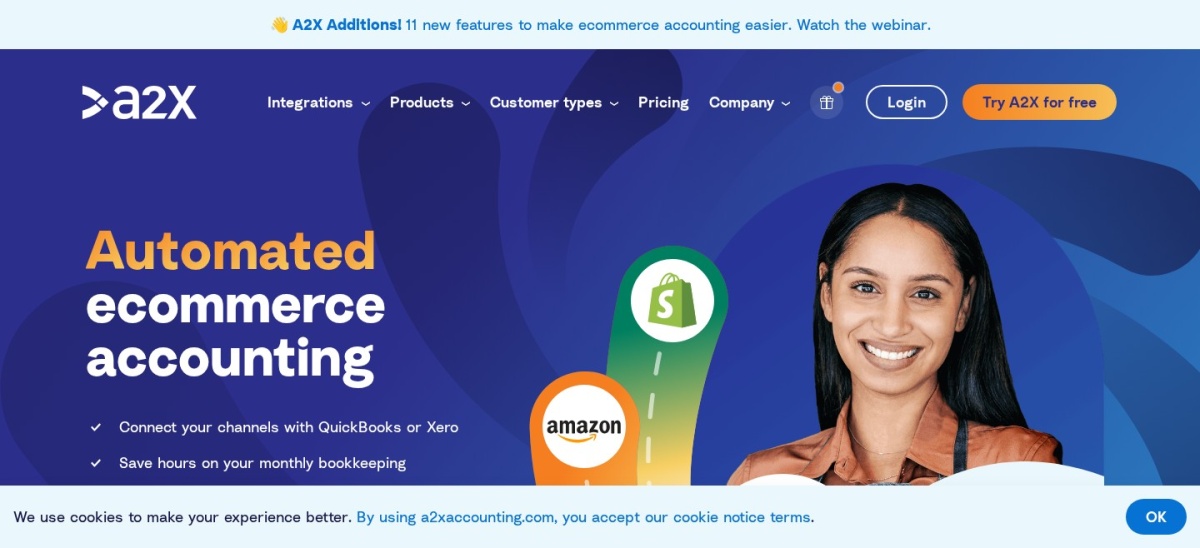
A2X homepage, captured Nov 2026.
A2X is an ecommerce accounting integration platform that converts marketplace settlements and store payouts into organized accounting entries. Most supported sales channels start at $29 per month for businesses processing up to 200 monthly orders.
The trade off is that pricing depends on your sales channels and order volumes. The $29 entry subscription covers qualifying individual channels, while multichannel operations require different packages. It suits ecommerce merchants and accounting firms that need to reconcile marketplace payouts against bank deposits.
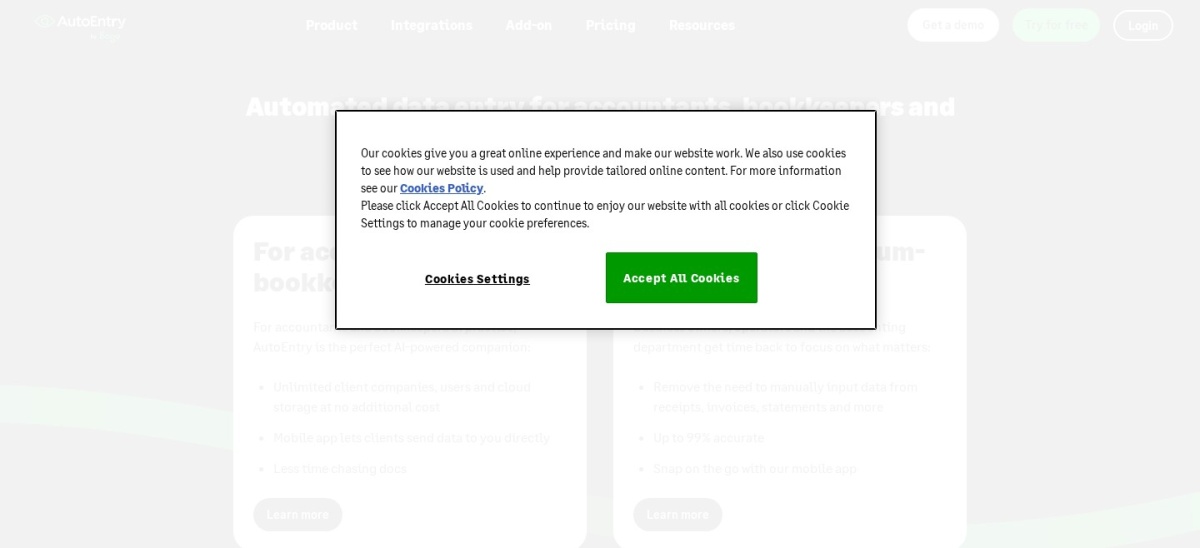
AutoEntry is a financial document processing application from Sage that extracts accounting information from invoices, receipts and bank statements. Bronze includes 50 monthly processing credits, unlimited users and the ability to retain unused credits for up to 90 days.
The trade off is credit-based pricing, with different document types consuming different amounts of credits. Bronze costs $13 per month, so businesses processing substantial document volumes may need to upgrade. It suits bookkeepers and accounting firms that want to reduce manual financial data entry.
What we like
Affordable entry subscription
Automated financial document extraction
Unlimited users across subscriptions
Unused credits can carry forward
Flexible subscription management
Watch out for
Processing costs depend on document types
Extracted information requires accuracy checks
Not a complete accounting platform
Bronze provides 50 monthly processing credits and unlimited usersVisit autoentry.com
04
Zoho Books
4.4/5on Capterra (684 reviews, checked Nov 2026)
Paid from$15/mo
Best affordable accounting platform with automation
Standard users3
API accessIncluded on Standard
Bank feedsIncluded on Standard
Entry planStandard, annual billing
zoho.com
Zoho Books homepage, captured Nov 2026.
Zoho Books is a cloud accounting platform combining invoicing, expense management, financial reporting and business automation. Standard supports 3 users and includes connected bank feeds, recurring expenses, custom reports, journal templates and API access for additional integrations.
The trade off is that advanced inventory, approval and customization requirements can require higher subscriptions. Standard costs $15 per organization per month with annual billing or $20 with monthly billing. It suits small businesses that want accounting and routine financial automation within the same application.
What we like
Permanent free edition available
Affordable paid accounting subscription
API access on Standard
Integration with the Zoho application ecosystem
Recurring expense automation
Watch out for
Entry subscription limits user accounts
Advanced automation requires higher plans
Document scanning add-ons can increase costs
Standard adds bank feeds, recurring expenses, API access and custom reportsVisit zoho.com
05
Xero
4.4/5on Capterra (3,341 reviews, checked Nov 2026)
Starts at$27/mo
Best for accounting integrations and bank reconciliation
Application integrations1,000+
Early invoice allowance20
Early bill allowance5
Entry planEarly, monthly billing
xero.com
Xero homepage, captured Nov 2026.
Xero is a cloud accounting platform offering bank reconciliation, invoicing, document capture and integrations with more than 1,000 applications. Early includes financial reporting, bank transaction reconciliation, a 30-day cash flow forecast and access without per-user license charges.
The trade off is that Early limits invoices to 20 and bills to 5, including qualifying transactions generated by integrations. Its regular subscription costs $27 per month, compared with a temporary introductory offer of $2.70. It suits small businesses seeking connected bookkeeping and an extensive integration ecosystem.
What we like
Extensive third-party application ecosystem
No per-user license fees
Bank reconciliation and document capture
Integrated financial reporting
Cash flow forecasting
Watch out for
Early has invoice and bill limits
Automatic reconciliation can require an add-on
Higher-volume businesses may need Growing
Early includes connected bookkeeping; Growing expands bill automation and reconciliationVisit xero.com
06
QuickBooks Online
4.3/5on Capterra (8,554 reviews, checked Nov 2026)
Paid from$38/mo
Best for small business bookkeeping automation
Simple Start users1
Accountant access2 accountants
Bank connectivityAutomatic transaction synchronization
Entry planSimple Start, monthly billing
intuit.com
QuickBooks Online homepage, captured Nov 2026.
QuickBooks Online is a cloud bookkeeping platform for tracking income, expenses, invoices and business performance. Its Simple Start subscription supports 1 business user and access for 2 accountants, with connected financial accounts and accounting assistance.
The trade off is that Simple Start restricts business user access, while more involved workflows can require higher subscriptions. Its regular price is $38 per month, excluding a temporary 70% introductory discount. It suits small businesses that want established accounting software with extensive third-party integration options.
What we like
Largest public review count in this comparison
Automatic bank transaction synchronization
Dedicated accountant collaboration
Broad third-party integration ecosystem
Integrated invoicing and financial reporting
Watch out for
Entry subscription supports one business user
Advanced workflows can require upgrades
External integration subscriptions may increase costs
Simple Start expands bookkeeping capabilities and provides accountant accessVisit intuit.com
07
Hubdoc
4.2/5on Capterra (92 reviews, checked Nov 2026)
Starts at$12/mo
Best for affordable financial document capture
Document processingUnlimited usage
Accounting integrationsXero and QuickBooks Online
Free trial30 days
Entry planStandalone monthly subscription
hubdoc.com
Hubdoc homepage, captured Nov 2026.
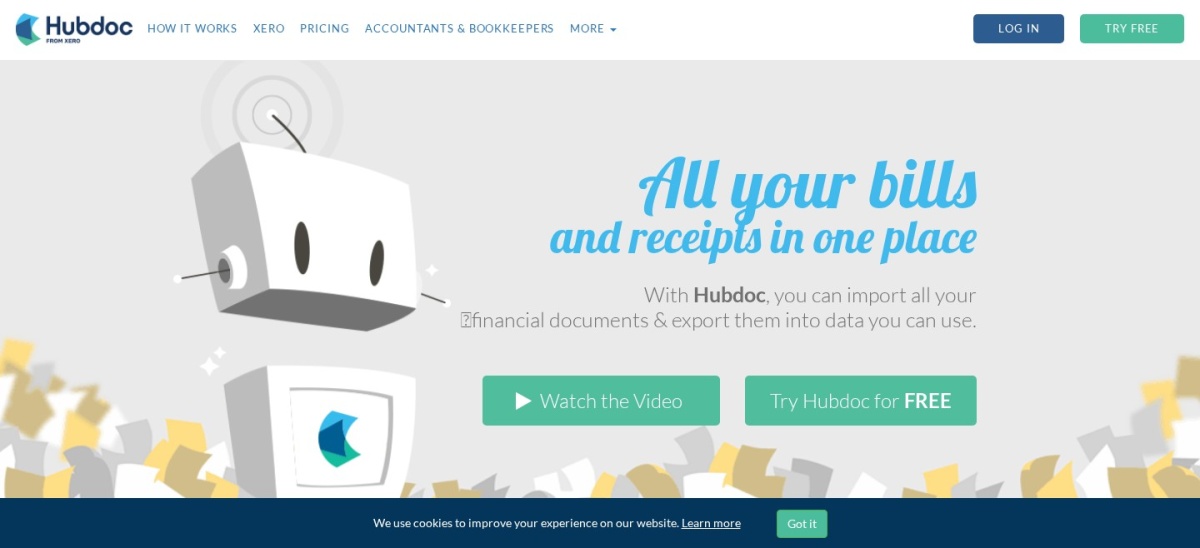
Hubdoc is a financial document collection and extraction application that captures receipts, invoices, bills and statements. Its $12 monthly standalone subscription includes unlimited usage, mobile document capture, email forwarding and synchronization with Xero and QuickBooks Online.
The trade off is its narrower scope compared with complete accounting systems and specialized ecommerce integration platforms. Hubdoc costs $144 annually at its standalone subscription rate. It suits businesses and bookkeepers that primarily need to organize financial documents and reduce repetitive receipt entry.
What we like
Lowest paid subscription in this comparison
Unlimited document usage
Mobile and email document capture
Direct accounting software integrations
Watch out for
Limited scope beyond document processing
Requires a separate accounting platform
Lower customer service ratings than several alternatives
The standalone subscription includes document extraction and accounting synchronizationVisit hubdoc.com
Accounting platforms vs. dedicated accounting integration software
Complete accounting platforms such as Zoho Books, Xero and QuickBooks Online maintain financial records, generate reports and support everyday bookkeeping. They provide the central system where financial information is recorded and reviewed.
Dedicated integration platforms such as Synder and A2X connect payment processors and ecommerce services to those accounting systems. Their main purpose is reducing transaction entry and organizing financial information for reconciliation.
Document automation applications such as AutoEntry and Hubdoc address another part of the workflow by extracting financial information from receipts, invoices and statements. Combining these software categories can improve coverage, although overlapping features may create unnecessary subscription costs.
How we chose
We shortlisted established accounting platforms, financial integration applications and document automation tools based on bookkeeping functionality, transaction synchronization, reconciliation support, integration coverage and suitability for business accounting workflows.
Official vendor pricing pages and public Capterra ratings were checked on 27 Nov 2026. Monthly subscriptions were annualized using their regular advertised rates, with introductory promotions excluded. Xero's official $27 regular price takes precedence over the lower starting price displayed by Capterra.
We excluded applications without sufficient public review evidence, products with unconfirmed entry prices and tools that primarily handle unrelated financial administration. The comparison includes both accounting systems and specialized integration tools, so their entry subscriptions are not equivalent in functionality. No vendor paid for a place, and we do not claim testing for this list.
How to choose software for accounting automation and integrations
Identify your financial workflow requirements and evaluate these factors before selecting an accounting automation platform.
Identify your existing accounting system. Determine whether you need to replace your current general ledger or add automation to it. Check compatibility with your existing accounting software, payment providers and business applications.
Calculate transaction and document volumes. Estimate monthly sales, payment transactions, supplier invoices and receipts. Compare processing allowances, order limits, document credits and the cost of additional usage.
Review reconciliation and error controls. Check whether the application supports account mapping, duplicate prevention, correction workflows and financial audit trails. Ensure accountants can review exceptions before posting or finalizing transactions.
Compare the complete subscription cost. Include the accounting platform, integration subscriptions, additional users, document processing and payment fees. Avoid purchasing separate automation tools when your existing software already covers the same requirements.
FAQ
What is the best software for accounting automation and integrations?
Synder is our top choice for automating payment transaction synchronization with accounting systems. A2X is particularly suitable for ecommerce payout reconciliation, while AutoEntry is a better option for reducing manual financial document processing and accounting data entry.
What accounting tasks can be automated?
Common accounting automation tasks include receipt extraction, invoice processing, recurring billing, transaction synchronization, expense categorization, bank reconciliation and financial reporting. Automation capabilities depend on the selected software, connected applications and the accuracy of configured accounting rules.
Can accounting automation software integrate with QuickBooks and Xero?
Yes. Synder, A2X and Hubdoc support integrations with established accounting platforms, including QuickBooks Online and Xero. Verify the exact integration capabilities, supported transaction types and subscription requirements before purchasing software for your existing accounting environment.
How much does accounting automation software cost?
Starting subscriptions in this comparison range from $12 per month for Hubdoc to $52 per month for Synder with annual billing. Actual costs depend on document volumes, transaction allowances, connected sales channels, additional users and any separate accounting subscriptions.
Can accounting automation replace a bookkeeper?
Accounting automation reduces repetitive tasks but does not eliminate the need for professional financial oversight. Bookkeepers and accountants remain responsible for reviewing unusual transactions, correcting classification errors, validating reconciliations, maintaining accounting policies and preparing accurate financial statements.
SaaS SEO and WordPress specialist with about 8 years of experience. Rakib compares WordPress plugins, themes, hosting and software using public pricing, documentation and user reviews. See how we rank.