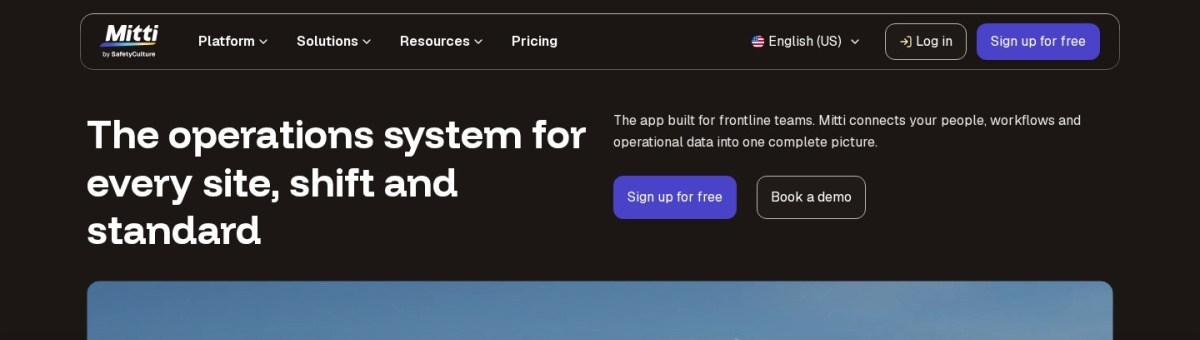
SafetyCulture is the top choice to manage audits efficiently, combining a free 10-seat entry tier with 4.6-star Capterra ratings across 355 reviews. GoAudits offers the lowest per-seat entry at $10/month billed annually, while AuditRunner suits internal GRC teams starting at $890.
How we make this list: we compare pricing pages, product documentation and public user reviews, then re-check every price before each update. No product paid for a place. Disclosure.
SafetyCulture leads overall with a free tier, 4.6/5 Capterra score across 355 reviews, and $29/seat/mo regular monthly pricing.
GoAudits delivers the lowest published per-user rate at $12/mo regular ($10/mo billed annually) and a 4.8/5 Capterra rating.
AuditRunner starts at $890 for up to 20 users with risk-oriented audit universes and automated IIA-aligned report generation.
Certainty Software charges a predictable $18/user/mo billed annually ($216/yr) with unlimited sites, checklists, and data.
Isolocity includes all eQMS modules and free unlimited training starting at $39/mo for production users and $220/mo for admins.
What to look for in audit management software
Manual spreadsheets and scattered email threads slow down audit cycles and hide overdue corrective actions. Dedicated audit software centralizes checklists, evidence photos, and issue sign-offs in one searchable record.
Start by matching the platform to your audit style. Operational and quality teams need offline mobile checklists and instant PDF reports, whereas internal finance and GRC teams need risk matrices, control testing, and audit trail logs.
Pay close attention to how vendors count paid seats. Several platforms charge full rates only for audit administrators while giving frontline staff or task assignees free or discounted access.
Check regular renewal pricing rather than first-year discounts or annual-only quotes. Adding custom API integrations, extra file storage, or AI credits can raise year-two costs sharply.
Best for mobile inspections and multi-site operations
Entry planFree (up to 10 seats, 5 templates)
Regular paid$29/seat/mo ($24/mo annual)
Offline modeiOS and Android mobile apps
AI credits500/seat/mo on Premium
safetyculture.com
SafetyCulture homepage, captured Nov 2026.
SafetyCulture is an inspection and audit platform (formerly iAuditor) built for frontline teams running recurring site and quality checks. Its Free plan covers up to 10 seats with 5 active inspection templates, basic analytics, and issue reporting.
The trade off is per-seat scaling on the Premium plan, which costs $29 per seat per month at regular monthly rates ($24 per month billed annually) and meters advanced AI usage in monthly credits. It suits multi-site operations needing fast mobile adoption.
What we like
Free plan supports small teams up to 10 users without a time limit
Offline mobile capture attaches timestamped photos and voice notes
Instant PDF and web reports standardize multi-location compliance
Watch out for
Per-seat pricing adds up quickly when expanding beyond 10 staff
Advanced workflow automation and dashboard setup take extra configuration
Premium unlocks unlimited templates, SSO, integrations, and 500 AI credits per seat.Visit safetyculture.com
02
GoAudits
4.8/5on Capterra (146 reviews, checked Nov 2026)
Starts at$12/mo
Best for low-cost mobile auditing and instant reports
Entry planStarter at $12/user/mo ($10 annual)
Free trial14 days with free checklist setup
SecurityISO 27001 certified cloud
PlatformsWeb, iOS, and Android offline
goaudits.com
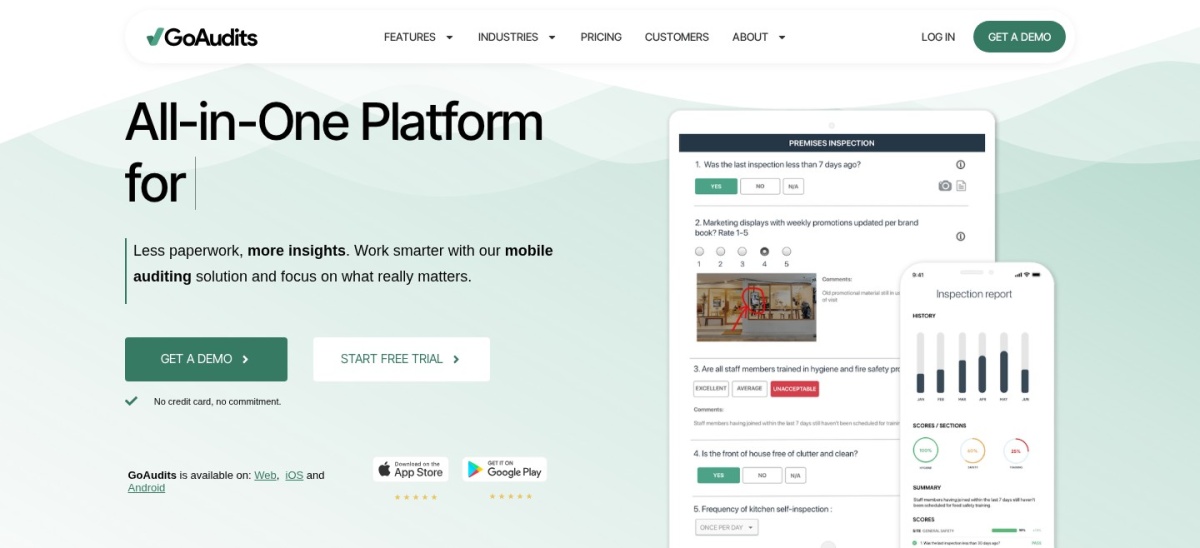
GoAudits homepage, captured Nov 2026.
GoAudits is a cloud and mobile audit app designed to replace paper checklists across hospitality, retail, and manufacturing teams. Every plan starts with a 14-day full-feature trial that includes complimentary checklist setup from their onboarding team.
The trade off is that there is no permanent free tier, and the Starter plan costs $12 per user per month billed monthly ($10 per month billed annually) while gating role permissions and trend analytics to higher tiers. It suits budget-conscious field teams.
What we like
Lowest regular per-user price among dedicated mobile audit tools
Works offline on iOS and Android with automatic report distribution
Includes free initial checklist digitization during the 14-day trial
Watch out for
No forever-free plan for solo auditors or micro-teams
Advanced trend dashboards and granular permissions require upgrading
Enterprise adds role permissions, scheduled audit assignments, and trend reporting.Visit goaudits.com
03
Certainty Software
4.5/5on Capterra (58 reviews, checked Nov 2026)
Starts at$18/mo
Best for predictable unlimited-site enterprise checklists
Entry planStandard at $18/user/mo (annual)
Included scopeUnlimited sites, forms, and data
Trial option30-day Proof of Concept ($930 setup)
Supplier tierFrom $49/supplier/yr option
certaintysoftware.com
Certainty Software homepage, captured Nov 2026.
Certainty Software is a configurable audit and inspection platform used across construction, manufacturing, and supply chain programs. Its Standard plan at $18 per user per month (billed annually at $216/yr) includes unlimited sites, unlimited checklists, custom branding, and business intelligence dashboards.
The trade off is annual billing commitment and a $930 onboarding fee if you opt for a guided 30-day Proof of Concept before subscribing. It suits mid-market and enterprise teams needing flat, predictable per-user pricing without data caps.
What we like
Unlimited sites, checklists, and storage included in the base Standard tier
Rule-based corrective and preventive action workflows automate follow-ups
Supports iOS, Android, and Windows devices online and offline
Watch out for
No self-serve free plan or no-cost trial sandbox
AI vision form completion and SSO are reserved for Enterprise options
Enterprise options add AI form features, SSO, OData database access, and priority support.Visit certaintysoftware.com
04
AuditRunner
4.5/5on G2 (26 reviews, checked Nov 2026)
Starts at$890/yr
Best for risk-based internal audit and GRC teams
Entry planStarter from $890 (up to 20 users)
DeploymentCloud or on-premise group license
StandardsIIA-aligned audit universe and reports
Mid-tierPro from $2,680 (up to 200 users)
auditrunner.com
AuditRunner homepage, captured Nov 2026.
AuditRunner is a low-code governance, risk, and internal audit platform built around Institute of Internal Auditors standards. Its Starter group license starts at $890 for up to 20 users and includes a risk-oriented audit universe, annual audit planning, and automated report generation.
The trade off is that enterprise risk heat maps, internal control flowcharts, and approval workflows sit in the Pro tier starting at $2,680 for up to 200 users. It suits internal audit departments wanting group licensing rather than per-seat fees.
What we like
Group licensing covers up to 20 users on Starter without per-seat surprises
Generates IIA-aligned internal audit reports automatically from collected findings
Available as either cloud SaaS or on-premise installation
Watch out for
Exact quotes vary based on selected modules and deployment type
Initial data entry for process catalogs takes structured setup
Pro adds enterprise risk management, control heat maps, and multi-step approval workflows.Visit auditrunner.com
05
Fulcrum
4.7/5on Capterra (238 reviews, checked Nov 2026)
Starts at$43/mo
Best for geospatial field audits and offline data capture
Entry planProfessional at $43/user/mo (annual)
Minimum seats5 users minimum ($2,580/yr min)
Free trial14 days, no credit card required
Key featureOffline maps and geotagged evidence
fulcrumapp.com
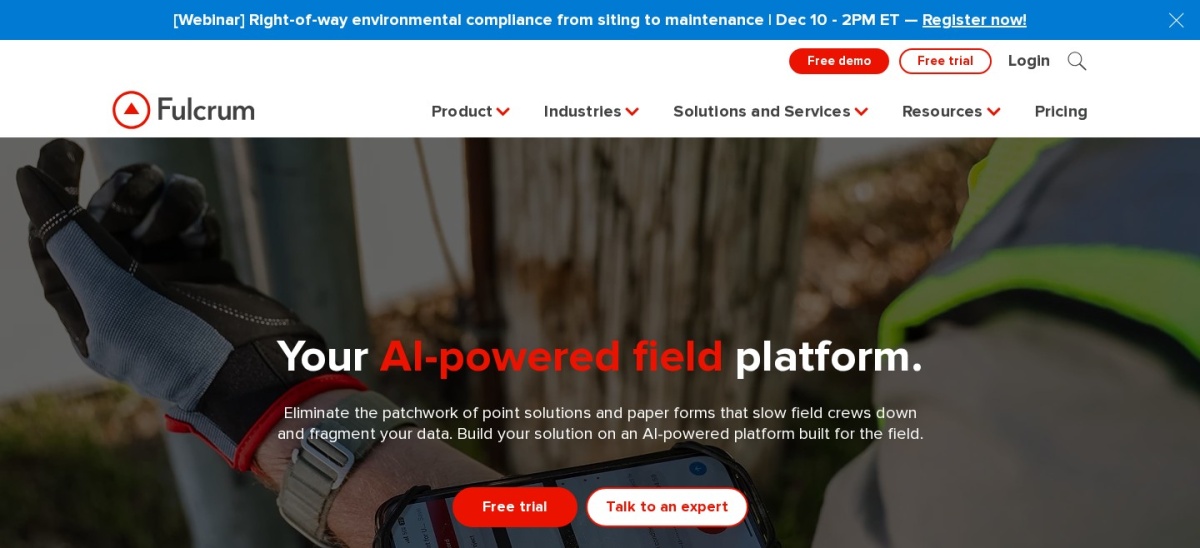
Fulcrum homepage, captured Nov 2026.
Fulcrum is a mobile field inspection and data collection platform with built-in geospatial mapping and offline basemaps. Its Professional plan costs $43 per user per month on an annual contract and includes drag-and-drop forms, barcode scanning, photo capture, and automated geotagging.
The trade off is a mandatory 5-user minimum on annual subscriptions ($2,580 per year baseline), while audit logging, SSO, and operational API access require the $55 per user Elite tier. It suits field infrastructure, utility, and environmental audit crews.
What we like
Captures offline GPS coordinates, photos, audio, and signatures reliably
No-credit-card 14-day trial lets teams build and test custom forms first
AI face blurring protects privacy automatically on field inspection photos
Audit logging and API webhooks are locked behind the $55/user Elite plan
Elite adds full audit logging, SSO/SCIM, API access, and AI Audio FastFill.Visit fulcrumapp.com
06
Isolocity
4.6/5on Capterra (67 reviews, checked Nov 2026)
Starts at$39/mo
Best for ISO and FDA quality audits with free onboarding
Production seat$39/user/mo (basic staff free)
Admin seat$270/mo regular ($220/mo annual)
Onboarding$0 setup, training, and SOPs
ModulesAll quality modules included
isolocity.com
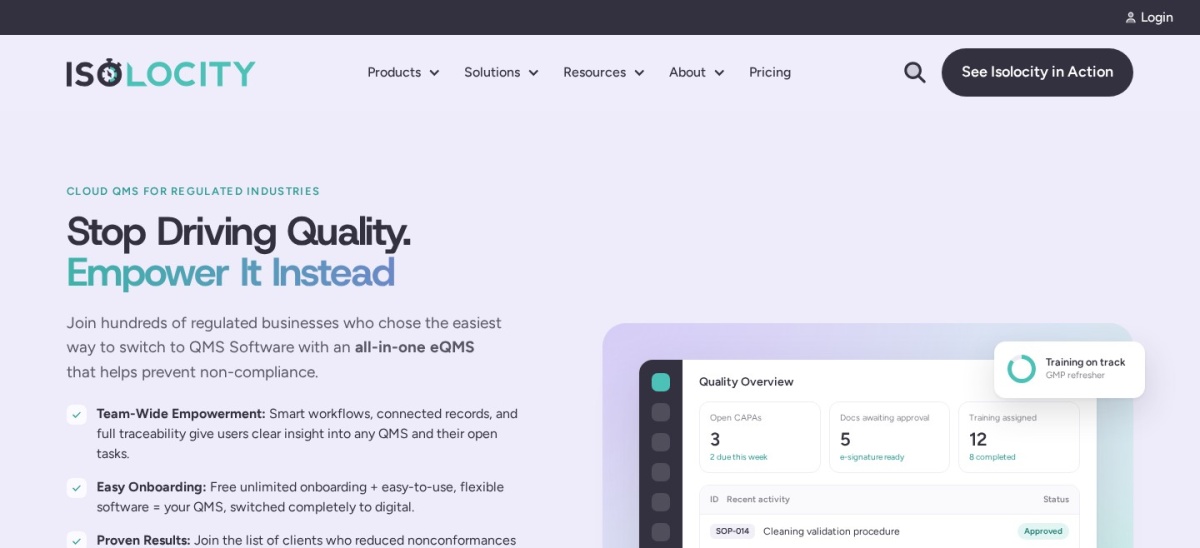
Isolocity homepage, captured Nov 2026.
Isolocity is a cloud quality management system built for regulated manufacturing, food, and life sciences audits. Every paid tier includes all modules, standard operating procedure templates, unlimited free basic employee seats, and unlimited free training with zero activation fees.
The trade off is high admin seat pricing at $270 per month regular ($220 per month billed annually), though additional production users cost $39 per month and there is no free trial. It suits compliance-heavy manufacturers wanting turnkey implementation.
What we like
Includes every eQMS module plus free unlimited training and support
Basic employee users are free and unlimited alongside paid admin seats
Zero activation or setup fees compared to traditional QMS vendors
Watch out for
No free plan or self-serve trial period before purchasing
Full admin seats are expensive for small teams with multiple quality managers
Enterprise adds dedicated account management, open API integrations, and volume pricing.Visit isolocity.com
07
AuditFindings
4.8/5on Capterra (8 reviews, checked Nov 2026)
Paid from$299/mo
Best for post-audit remediation and issue tracking
Entry planFree Basic (1 active user, 5 audits)
Paid starter$299/mo (up to 10 active users)
AssigneesUnlimited across all plans
AI toolsAI Advisor imports report findings
auditfindings.com
AuditFindings homepage, captured Nov 2026.
AuditFindings focuses specifically on tracking, assigning, and closing corrective actions after financial or compliance audits finish. Its free Basic tier supports 1 active portal user, up to 5 active audits, 100MB storage, and unlimited issue assignees.
The trade off is a steep jump to the first paid tier at $299 per month ($3,588/yr) for up to 10 active users and 5GB of file storage, and it does not run fieldwork checklists itself. It suits banks and audit leaders eliminating remediation spreadsheets.
What we like
Unlimited remediation assignees on every tier so department owners cost nothing
AI Advisor extracts findings directly from uploaded audit reports
Free Basic plan lets solo audit coordinators track up to 5 active audits
Watch out for
Does not perform live field inspections or audit fieldwork
Big price jump from the 1-user free plan to the $299/mo paid tier
Higher tiers expand active users to 25 or unlimited, add SAML SSO, and increase storage to 1TB+.Visit auditfindings.com
How audit software seat models affect your real bill
Two tools with similar headline per-user rates can produce wildly different annual invoices depending on who counts as a paid user. Platforms like Isolocity and AuditFindings let unlimited frontline staff or department owners respond to assigned tasks at no extra charge, billing only for core audit administrators.
By contrast, per-seat tools like SafetyCulture and Fulcrum charge for every active inspector seat, and Fulcrum enforces a 5-user annual minimum. Before signing, map how many people write checklists versus how many simply upload evidence or close corrective actions.
How we chose
We evaluated dedicated audit, inspection, and quality compliance platforms listed on Capterra and G2 that publish transparent pricing or verifiable entry licensing. Tools were selected to cover operational site inspections, geospatial fieldwork, internal GRC audits, and post-audit issue remediation.
All prices, regular monthly versus annual rates, review scores, and review counts were verified directly from official vendor pricing pages and public review listings on 22 Nov 2026. Where vendors offer both monthly and annual billing, we list the regular non-promotional rate and note annual discounts.
We excluded enterprise GRC suites such as AuditBoard (Optro), Workiva, TeamMate+, and Diligent One because they withhold public pricing behind custom enterprise quotes. No vendor paid for a place, and we do not claim testing for this list.
How to choose the right audit software
Match your audit workflow, team size, and reporting obligations to the right platform before committing to annual seats.
Separate fieldwork checklists from GRC risk programs. Choose mobile-first apps like SafetyCulture, GoAudits, or Fulcrum for physical site, safety, and quality inspections, and choose AuditRunner or AuditFindings for internal controls and management remediation tracking.
Count administrator seats separately from task assignees. Calculate how many staff build audits versus how many only resolve findings, then favor tools like Isolocity or AuditFindings that include unlimited free basic assignees.
Verify offline sync and evidence capture requirements. If auditors work inside basements, plants, or remote utility sites without cellular coverage, confirm native iOS and Android offline caching with photo and signature timestamps.
Check reporting exports and compliance certifications. Ensure the platform generates branded PDF or Excel reports automatically and holds SOC 2 or ISO 27001 certification if you store sensitive financial or regulatory evidence.
FAQ
What is the best free software to manage audits?
SafetyCulture offers the strongest free plan for operational teams, supporting up to 10 seats, 5 active inspection templates, and basic issue tracking. For post-audit corrective action tracking, AuditFindings provides a free Basic tier for 1 active administrator and unlimited assignees.
How much does audit management software cost per year?
Published entry plans run from $144 per user per year on GoAudits ($12/mo regular) and $216 per user per year on Certainty Software ($18/mo billed annually) up to $890 per year for a 20-user AuditRunner group license. Enterprise GRC platforms without public pricing often exceed $30,000 annually.
What is the difference between audit checklist apps and GRC audit software?
Audit checklist apps like GoAudits and SafetyCulture focus on mobile forms, photo evidence, scoring, and instant PDF reports during physical inspections. GRC platforms like AuditRunner map enterprise risks, internal controls, and multi-department remediation plans against standards like IIA or ISO.
Do audit management tools work offline without internet access?
Yes, mobile-focused platforms including SafetyCulture, GoAudits, Certainty Software, and Fulcrum store checklists locally on iOS and Android devices. Auditors can capture photos, signatures, and GPS coordinates offline and sync records automatically once connectivity returns.
Why do major enterprise audit tools hide their pricing?
Enterprise vendors such as AuditBoard (Optro), TeamMate+, and Workiva price contracts based on named auditor seats, separate compliance modules, document volume, and implementation services. Because quotes vary widely by deployment size, they require custom sales scoping rather than flat tiers.
SaaS SEO and WordPress specialist with about 8 years of experience. Rakib compares WordPress plugins, themes, hosting and software using public pricing, documentation and user reviews. See how we rank.