Zoho Expense is the best receipt tracker app for most small businesses, offering 20 monthly receipt scans per user on its free plan. Choose Expensify for employee expense reporting and reimbursements or Shoeboxed if you need to digitize and organize physical receipts.
How we make this list: we compare pricing pages, product documentation and public user reviews, then re-check every price before each update. No product paid for a place. Disclosure.
Zoho Expense supports 3 free users with 20 automatic receipt scans per user each month.
Expensify offers free individual receipt scanning and paid business plans from $5 per member monthly.
Shoeboxed Starter costs $97 per year and includes 50 monthly digital receipt scans.
Everlance combines receipt uploads and mileage tracking from $69.99 per year.
Wave offers unlimited receipt capture for $72 per year, making it an affordable bookkeeping option.
AutoEntry starts at $13 per month for 50 document processing credits.
What to look for in a receipt tracker app
A receipt tracker app turns paper receipts and digital purchase confirmations into organized expense records. It reduces manual data entry and makes supporting documents easier to locate during bookkeeping, reimbursement and tax preparation.
Look for optical character recognition, commonly called OCR. This feature extracts information such as merchant names, transaction dates, totals and taxes from receipt images. Check extracted information before accepting it into your financial records.
Receipt allowances matter more than the advertised subscription price. Some apps offer unlimited scanning, while others charge according to monthly document volumes or the number of users.
Consider where your receipt data needs to go. Freelancers may only need downloadable reports, while businesses often require approval workflows, accounting integrations and employee reimbursements.
Check document retention, export formats and account cancellation policies. A receipt archive is most useful when you can retrieve the original documents without depending entirely on an active subscription.
4.6/5on Capterra (1,231 reviews, checked Nov 2026)
Paid from$3/mo
Best for affordable receipt and expense tracking
Free planUp to 3 users
Free receipt scans20/user/month
Paid receipt scans200/user/month on Standard
Entry planStandard, per user, billed annually
zoho.com
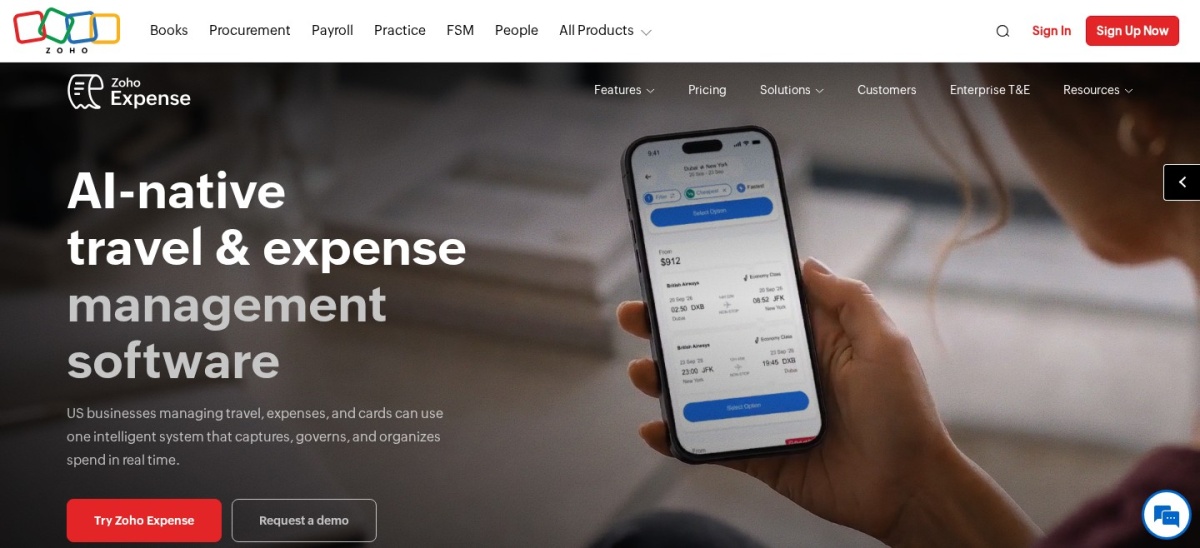
Zoho Expense homepage, captured Nov 2026.
Zoho Expense is an expense management app that captures receipts, categorizes purchases and creates expense reports. Its free plan supports up to 3 users, with 20 automatic receipt scans per user each month and 5 GB of receipt storage.
The trade off is that automatic scanning allowances depend on your subscription. Standard costs $3 per user per month billed annually and increases the allowance to 200 scans per user monthly. It suits freelancers and small businesses seeking affordable expense administration.
What we like
Permanent free plan for small teams
Automatic receipt data extraction
Expense reporting and mileage tracking
Integration with Zoho accounting products
Watch out for
Free automatic scanning allowance is limited
Subscription costs increase with user count
Advanced policies require higher tiers
Standard adds higher scanning allowances and receipt line-item capture.Visit zoho.com
02
Expensify
4.5/5on Capterra (1,402 reviews, checked Nov 2026)
Paid from$5/mo
Best for employee expenses and reimbursements
Receipt captureSmartScan
Individual scanningFree
Expense reportsYes
Entry planCollect, per member monthly
expensify.com
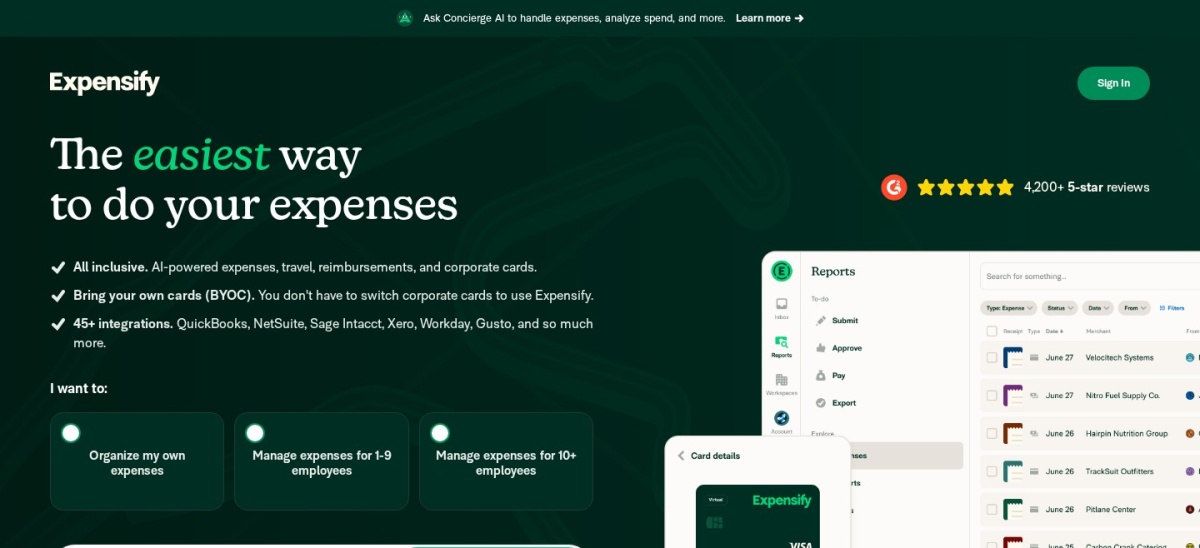
Expensify homepage, captured Nov 2026.
Expensify is a receipt and expense management platform that combines document scanning with expense submissions and employee payments. Individuals can use receipt SmartScan without a subscription, while the Collect business plan starts at $5 per member per month.
The trade off is that business billing depends on member activity and workspace configuration. Collect costs $60 per member annually at its regular monthly rate, while more advanced controls cost extra. It suits businesses that need receipts connected to reimbursement workflows.
What we like
Free individual receipt scanning
Employee expense submission workflows
Accounting software integrations
Mileage and travel expense management
Watch out for
Per-member charges increase team costs
Advanced administration requires a higher plan
Billing rules require careful review
Collect adds business workspace and expense management features.Visit expensify.com
03
Shoeboxed
4.4/5on Capterra (227 reviews, checked Nov 2026)
Starts at$97/yr
Best for digitizing paper receipts
Digital scans50/month on Starter
Paper scans20/year on Starter
Mileage trackingUnlimited for 3 users
Entry planStarter
shoeboxed.com
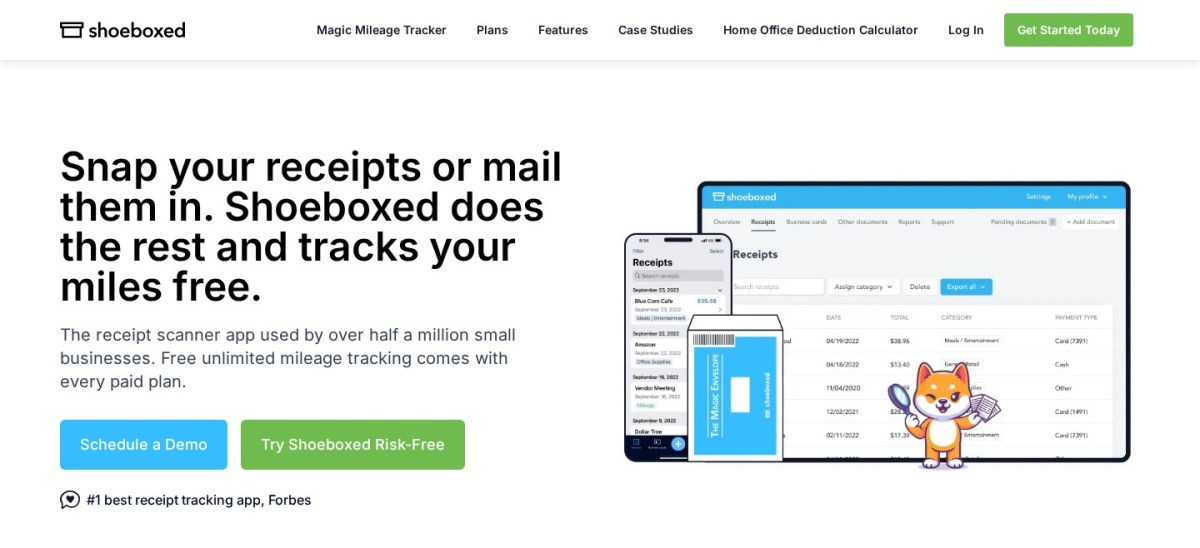
Shoeboxed homepage, captured Nov 2026.
Shoeboxed is a receipt digitization service with mobile scanning, expense categorization and physical document processing. Its Starter plan includes 600 digital scans annually, 20 paper scans annually and mileage tracking for 3 users.
The trade off is that exceeding the included allowances triggers additional charges. Starter costs $97 per year and includes 3 years of digital scan storage. It suits businesses with accumulated physical receipts that need organized digital copies and expense reports.
What we like
Physical receipt processing available
Mobile receipt capture
CSV expense exports
Mileage tracking included
Watch out for
Extra charges for exceeding scan allowances
Entry plan has limited paper processing
No permanent free plan
Pro increases receipt processing limits and adds Gmail receipt synchronization.Visit shoeboxed.com
04
Everlance
4.5/5on Capterra (66 reviews, checked Nov 2026)
Paid from$69.99/yr
Best for mileage and receipt tracking together
Receipt captureReceipt uploads
Mileage trackingAutomatic and manual
ReportsCSV and Excel exports
Entry planStarter
everlance.com
Everlance homepage, captured Nov 2026.
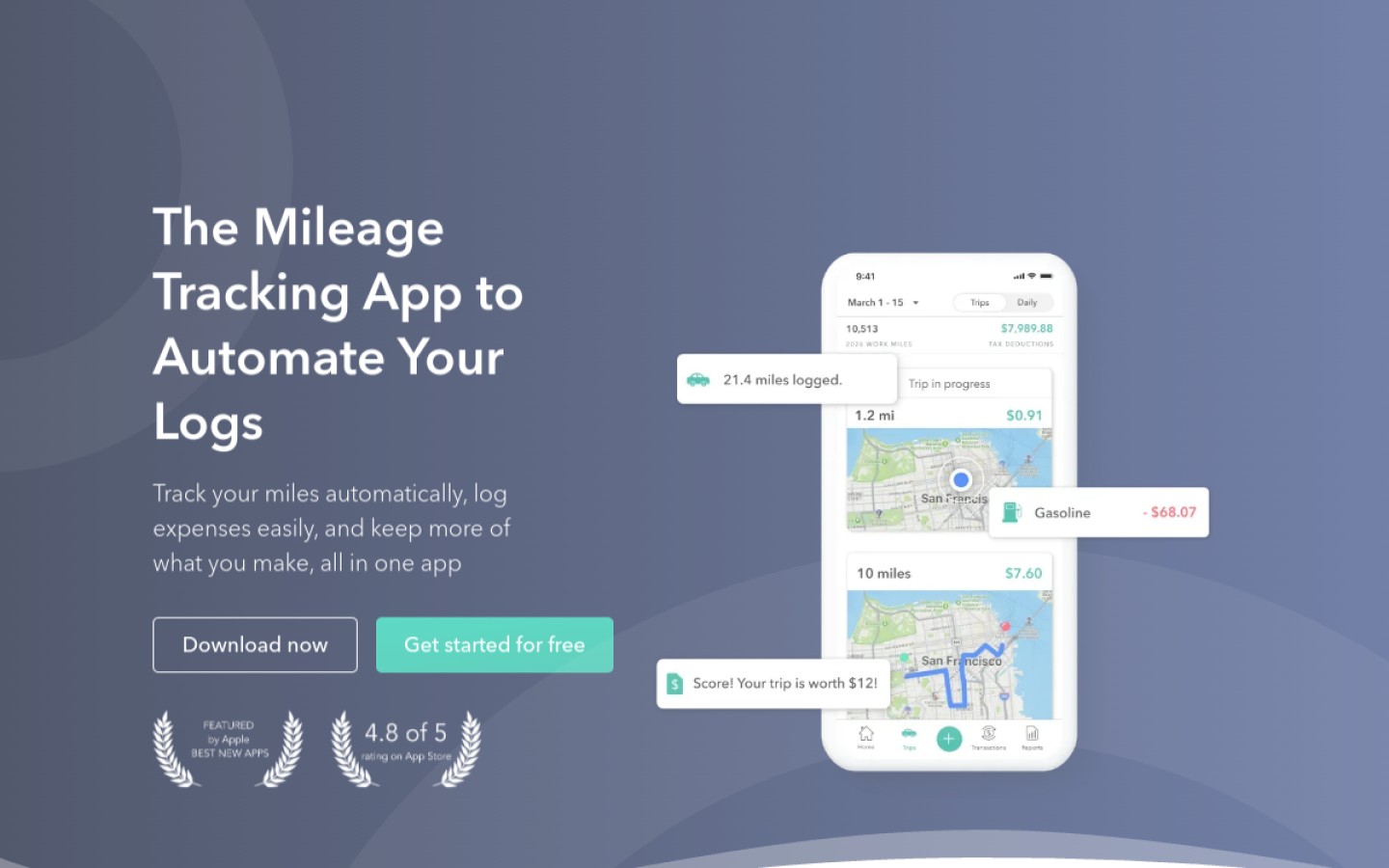
Everlance is a mileage and expense tracking app designed for independent workers and mobile businesses. It combines trip records with financial transactions and supporting receipt images, with Starter available for $69.99 annually.
The trade off is that Everlance focuses more on vehicle-related expenses than detailed document processing. Starter also offers monthly billing at $8.99, while additional reporting features depend on the selected subscription. It suits contractors and professionals who regularly drive for work.
4.4/5on Capterra (1,727 reviews, checked Nov 2026)
Starts at$72/yr
Best for receipt tracking with bookkeeping
Receipt scansUnlimited with Receipts subscription
Capture methodsMobile, desktop and email
Data extractionOCR
Entry planReceipts add-on
waveapps.com
Wave homepage, captured Nov 2026.
Wave is an accounting platform with a receipt scanning subscription that connects purchase documents to bookkeeping records. Its Receipts add-on costs $72 per year and supports unlimited receipt uploads through mobile devices, desktop uploads and email forwarding.
The trade off is that receipt scanning is not included in the free Starter accounting plan. The subscription costs $8 monthly or $72 annually, while the Pro accounting plan includes receipt capture. It suits freelancers who want expenses and accounting records in one place.
What we like
Unlimited receipt scanning with subscription
Automatic bookkeeping record creation
Email receipt forwarding
Integrated accounting and invoicing
Watch out for
Receipt scanning requires payment
Not designed for complex employee reimbursements
Some accounting automation requires Pro
The Receipts subscription adds unlimited OCR-powered receipt capture.Visit waveapps.com
06
AutoEntry
4.4/5on Capterra (227 reviews, checked Nov 2026)
Starts at$13/mo
Best for accountants and document data entry
Processing allowance50 credits/month
UsersUnlimited
Credit rolloverUp to 90 days
Entry planBronze
autoentry.com
AutoEntry homepage, captured Nov 2026.
AutoEntry is a document processing platform that extracts financial data from receipts and invoices for accounting workflows. Bronze includes 50 monthly processing credits and unlimited users, with 25 free credits available during the trial.
The trade off is that document processing consumes credits, so complex documents and higher volumes can increase costs. Bronze costs $13 per month, and unused credits remain available for up to 90 days. It suits bookkeepers who regularly transfer purchase data into accounting software.
What we like
Receipt and invoice data extraction
Unlimited users across subscriptions
Unused credit rollover
Accounting software integrations
Watch out for
Credit-based pricing requires monitoring
No permanent free subscription
Less suitable for personal spending reports
Higher plans increase the monthly document processing credit allowance.Visit autoentry.com
07
Neat
4/5on Capterra (100 reviews, checked Nov 2026)
Starts at$200/yr
Best for searchable receipt and document archives
Receipt scanningYes
Data extractionOCR
Document retrievalSearchable archive
Entry planNeat annual subscription
neat.com
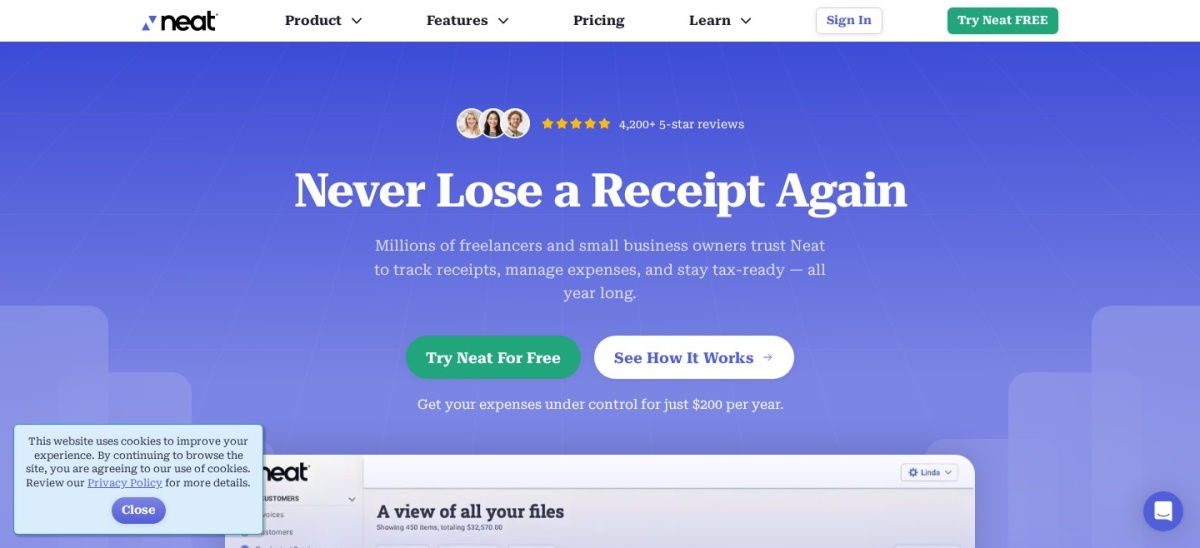
Neat homepage, captured Nov 2026.
Neat is a financial document management platform that digitizes receipts, organizes purchase records and creates searchable archives. Its primary subscription costs $200 annually and includes document management features, with additional services available separately.
The trade off is the higher annual subscription cost compared with basic receipt trackers. Neat costs $200 per year, while enhanced support and automated financial insights are optional paid additions. It suits businesses that prioritize long-term document organization.
What we like
Searchable receipt and document archive
Automatic financial data extraction
Expense categorization
Mobile document capture
Watch out for
Higher entry price than basic scanners
No permanent free plan
Additional services increase subscription costs
Optional paid additions provide enhanced support and automated insights.Visit neat.com
How much does a receipt tracker app cost?
Entry subscription costs in this comparison range from $36 to $200 annually. However, Zoho Expense and Expensify charge per user or member, meaning the total subscription cost depends on how many people need access.
Wave offers unlimited receipt capture at $72 annually, while Shoeboxed and AutoEntry apply document processing allowances. Compare expected receipt volumes before selecting a subscription.
The least expensive app is not necessarily the best value. Include administrative time, accounting integrations, additional document charges and reporting requirements when estimating your total costs.
How to improve automatic receipt scanning accuracy
Photograph receipts on a flat surface with consistent lighting. Avoid folded corners, shadows and reflections that obscure merchant names, transaction dates or purchase totals.
Review extracted information before exporting it into accounting software. Faded thermal receipts, handwritten amounts and unusual document layouts can cause recognition errors.
Keep original receipt images attached to their expense records. This makes it easier to resolve duplicate transactions, incorrect categories and discrepancies during financial reviews.
How we chose
We shortlisted established receipt tracking, expense management and document processing platforms using official product documentation and public Capterra reviews. We prioritized automatic receipt capture, document retrieval, reporting, accounting integrations and subscription transparency.
Prices, ratings and review counts were checked on 27 Nov 2026. The comparison uses regular entry subscription prices, with recurring monthly charges converted into annual equivalents. Per-user charges and document allowances are identified separately.
We excluded products without sufficiently verifiable public pricing or established review histories. We also excluded general document scanners that lack meaningful expense organization or financial record management. No vendor paid for a place, and we do not claim testing for this list.
How to choose the best receipt tracker app
Compare your receipt volume, reporting requirements and accounting workflow before committing to a subscription.
Estimate your monthly receipt volume. Count paper receipts, emailed purchase confirmations and employee submissions. Choose a subscription with enough scanning capacity to avoid recurring overage charges.
Identify your reporting requirements. Decide whether you need basic expense summaries, mileage logs, reimbursement approvals or accounting-ready transaction exports.
Check accounting compatibility. Confirm that the app connects to your accounting software or provides downloadable files that your bookkeeper can import.
Review document retention policies. Check how long receipts remain accessible, whether original images can be exported and what happens to stored documents after cancellation.
FAQ
What is the best app for tracking receipts?
Zoho Expense is our top pick for affordable receipt tracking because it combines automatic receipt scanning, expense reports and mileage management. Its free plan supports up to 3 users, making it suitable for freelancers and small teams.
Is there a free receipt tracker app?
Yes. Zoho Expense and Expensify provide free receipt tracking options. Zoho Expense limits automatic scans to 20 per user monthly on its free plan, while Expensify offers free individual SmartScan receipt capture.
Which receipt tracker app is best for tax preparation?
Shoeboxed is a good choice for organizing physical receipts, while Everlance is useful for recording mileage and related expenses. Choose an app that preserves original documents and provides downloadable expense reports for your tax professional.
Can receipt tracker apps automatically extract purchase information?
Many receipt tracker apps use optical character recognition to identify merchant names, purchase dates, transaction totals and other financial information. You should review extracted information because damaged receipts and unusual layouts can produce inaccurate records.
Can I scan unlimited receipts with a receipt tracker app?
Some subscriptions offer unlimited receipt scanning. Wave provides unlimited receipt capture through its $72 annual Receipts subscription. Other platforms impose monthly scanning allowances or processing credit limits, so compare these restrictions before subscribing.
SaaS SEO and WordPress specialist with about 8 years of experience. Rakib compares WordPress plugins, themes, hosting and software using public pricing, documentation and user reviews. See how we rank.