Zoho Expense is the best receipt scanning app for most small businesses, with 200 monthly receipt scans per user on its $3 monthly Standard plan, billed annually. Choose Expensify for unlimited business receipt scanning and reimbursements, or SparkReceipt for freelancers who want automated expense categorization.
How we make this list: we compare pricing pages, product documentation and public user reviews, then re-check every price before each update. No product paid for a place. Disclosure.
Zoho Expense offers 20 monthly receipt autoscans per user on its free plan for up to 3 users.
Expensify Collect includes unlimited SmartScans for $5 per member per month.
SparkReceipt Pro processes 50 documents monthly for $69 per year.
Foreceipt Individual includes 200 monthly receipt scans and 7 years of receipt retention.
Shoeboxed Starter costs $97 annually and includes 50 digital scans per month.
What to look for in a receipt scanning app
Receipt scanning apps convert paper receipts into digital expense records using optical character recognition (OCR). They can extract merchant names, transaction dates, amounts and other purchase details.
The main difference between products is what happens after scanning. Some simply organize receipts, while others create accounting entries, match bank transactions or prepare employee reimbursement requests.
Check monthly scanning allowances before subscribing. A low-cost plan may become expensive if you regularly exceed its document processing limits.
Data retention and export options are also important. Look for searchable receipt images, downloadable expense reports and access to records when changing accounting software.
4.6/5on Capterra (1,231 reviews, checked Nov 2026)
Paid from$3/mo
Best receipt scanning app overall
Free usersUp to 3
Free monthly scans20 per user
Standard monthly scans200 per user
BillingPer user, annually
zoho.com
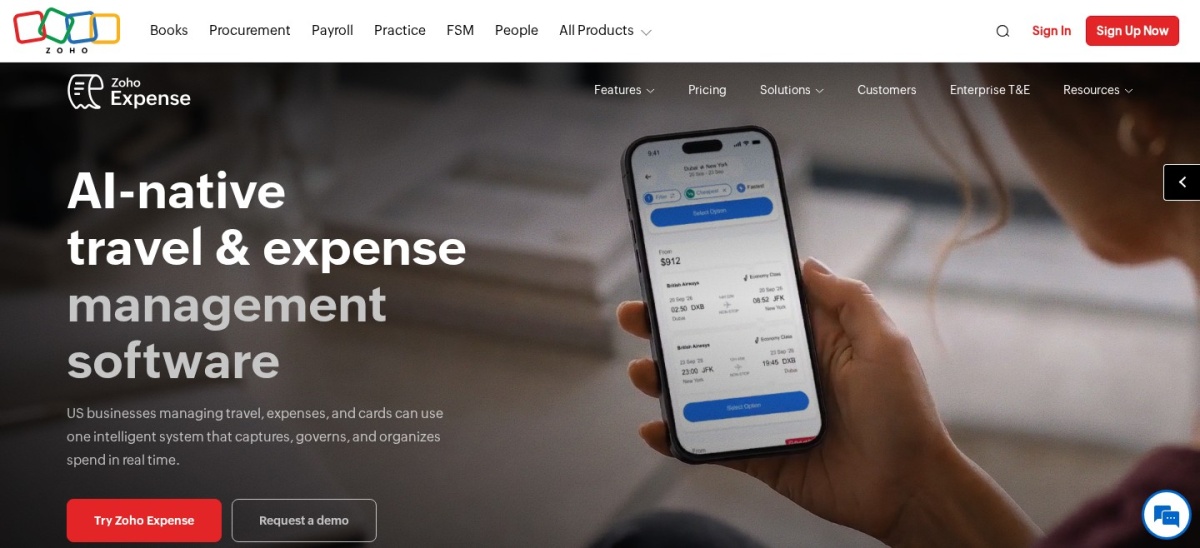
Zoho Expense homepage, captured Nov 2026.
Zoho Expense is an expense management app with automated receipt scanning, mileage tracking and reporting. Its free edition supports up to three users and provides 20 receipt autoscans per user each month.
The trade off is the monthly scanning allowance. Standard costs $3 per user per month when billed annually and increases the allowance to 200 scans per user. It suits small businesses that need affordable receipt capture and organized employee expenses.
What we like
Permanent free plan for small teams
Receipt scanning in multiple languages
Accounting software integrations
Expense approval workflows
Watch out for
Monthly OCR allowances apply
Advanced expense policies require higher plans
Standard increases scanning allowances and adds line-item extraction.Visit zoho.com
02
Expensify
4.5/5on Capterra (1,402 reviews, checked Nov 2026)
Paid from$5/mo
Best for employee reimbursements
OCR technologySmartScan
Collect scanningUnlimited
Accounting integrationsQuickBooks and Xero
BillingPer member, monthly
expensify.com
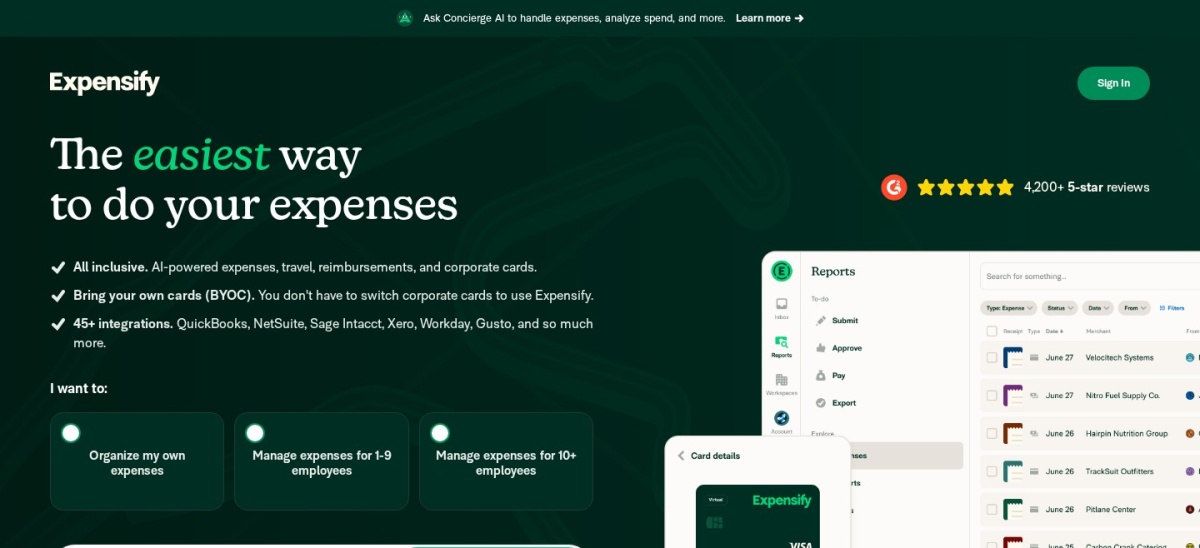
Expensify homepage, captured Nov 2026.
Expensify is a receipt scanning and expense management application that extracts transaction details through its SmartScan technology. Collect includes unlimited receipt scans, expense approvals and accounting integrations for $5 per member monthly.
The trade off is that organizational spending increases as more employees join the paid workspace. Collect costs $60 per member annually at its monthly rate, while advanced controls require a higher plan. It suits businesses managing employee purchases and reimbursements.
What we like
Unlimited scanning on Collect
Integrated reimbursement workflows
Corporate card transaction matching
Accounting software connections
Watch out for
Per-member subscription costs
Advanced approval rules require an upgrade
Collect adds shared expense management and accounting integrations.Visit expensify.com
03
SparkReceipt
4.8/5on App Store (946 reviews, checked Nov 2026)
Paid from$5.75/mo
Best for freelancers and independent contractors
Pro document allowance50/month
Connected email inboxes1 on Pro
Additional users$1/month each
BillingAnnually at listed rate
sparkreceipt.com
SparkReceipt homepage, captured Nov 2026.
SparkReceipt is an AI-assisted receipt scanner that captures purchase details, categorizes expenses and imports digital receipts from email. Pro includes 50 monthly document scans and one connected email inbox.
The trade off is that frequent receipt scanning may exceed the Pro allowance. Pro costs $69 annually, and the higher Elite subscription accommodates larger workloads. It suits freelancers who want organized business expenses without maintaining a complicated expense management system.
What we like
Automatic expense categorization
Email receipt imports
PDF, CSV and Excel exports
Free accountant access
Watch out for
Entry plan has a document allowance
Free access is limited to mobile apps
Pro adds web access, connected email capture and accounting integrations.Visit sparkreceipt.com
04
Foreceipt
4.7/5on App Store (6,700+ reviews, checked Nov 2026)
Paid from$5/mo
Best for long-term receipt organization
Free allowance100 receipts total
Individual allowance200 receipts/month
Paid receipt retention7 years
BillingAnnually at listed rate
foreceipt.com
Foreceipt homepage, captured Nov 2026.
Foreceipt is a receipt organization and expense tracking app that accepts photographs, emailed receipts and web uploads. Its free plan accommodates 100 receipts in total, while Individual increases the allowance to 200 receipts each month.
The trade off is that free receipt storage lasts only 12 months. Individual costs $60 annually and extends receipt retention to seven years. It suits independent professionals and household budget managers who prioritize historical expense records.
What we like
Extended paid receipt retention
Custom expense categories
Mobile and web synchronization
PDF and spreadsheet reporting
Watch out for
Free allowance is cumulative rather than monthly
Free reporting and retention limits
Individual adds longer retention and unlimited PDF and Excel reports.Visit foreceipt.com
05
Shoeboxed
4.4/5on Capterra (227 reviews, checked Nov 2026)
Starts at$97/yr
Best for digitizing paper receipt collections
Digital scans50/month
Paper scans20/year
Included users3
Digital scan retention3 years
shoeboxed.com
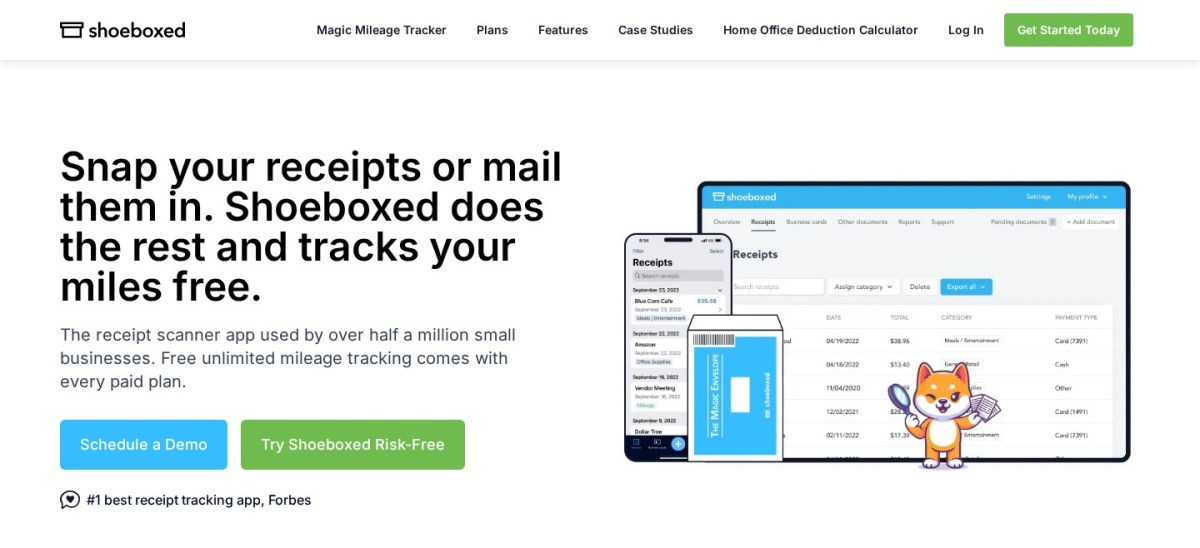
Shoeboxed homepage, captured Nov 2026.
Shoeboxed is a receipt scanning service that combines mobile document capture with physical receipt processing. Starter includes 50 digital scans monthly, 20 paper scans annually and one mail-in Magic Envelope per year.
The trade off is that additional paper scanning incurs extra charges beyond the Starter allowance of $97 per year. A temporary Black Friday promotion offers additional paper scans on annual subscriptions. It suits businesses that maintain physical receipt collections.
What we like
Physical receipt scanning service
Mobile receipt capture
Unlimited mileage tracking
Downloadable expense reports
Watch out for
Limited entry-level paper scanning allowance
Additional scans incur charges
No permanent free plan
Starter includes digital scanning, physical document processing and mileage tracking.Visit shoeboxed.com
06
Wave
4.4/5on Capterra (1,732 reviews, checked Nov 2026)
Starts at$72/yr
Best for receipt scanning with bookkeeping
Receipt scanningUnlimited with add-on
Upload methodsMobile, desktop and email
AccountingBuilt in
Entry optionReceipts add-on
waveapps.com
Wave homepage, captured Nov 2026.
Wave is a small business accounting platform with receipt scanning, expense categorization and invoicing. Its optional $72 annual Receipts subscription supports unlimited digital receipt capture and creates bookkeeping records from scanned documents.
The trade off is that automated receipt scanning is not included with the free accounting plan. The Receipts add-on costs $72 annually, while additional accounting automation requires Pro. It suits freelancers who prefer managing receipts and bookkeeping together.
What we like
Unlimited scanning with the receipt subscription
Integrated bookkeeping records
Multiple receipt upload methods
Built-in invoicing and financial reports
Watch out for
Receipt OCR requires payment
Advanced accounting automation costs extra
The Receipts add-on enables unlimited digital receipt capture.Visit waveapps.com
07
Dext
4.3/5on Capterra (176 reviews, checked Nov 2026)
Starts at$302.50/yr
Best for accountants and bookkeepers
Monthly documents250
Included users5
Accounting integrationsQuickBooks, Xero and Sage
Free trialAvailable
dext.com
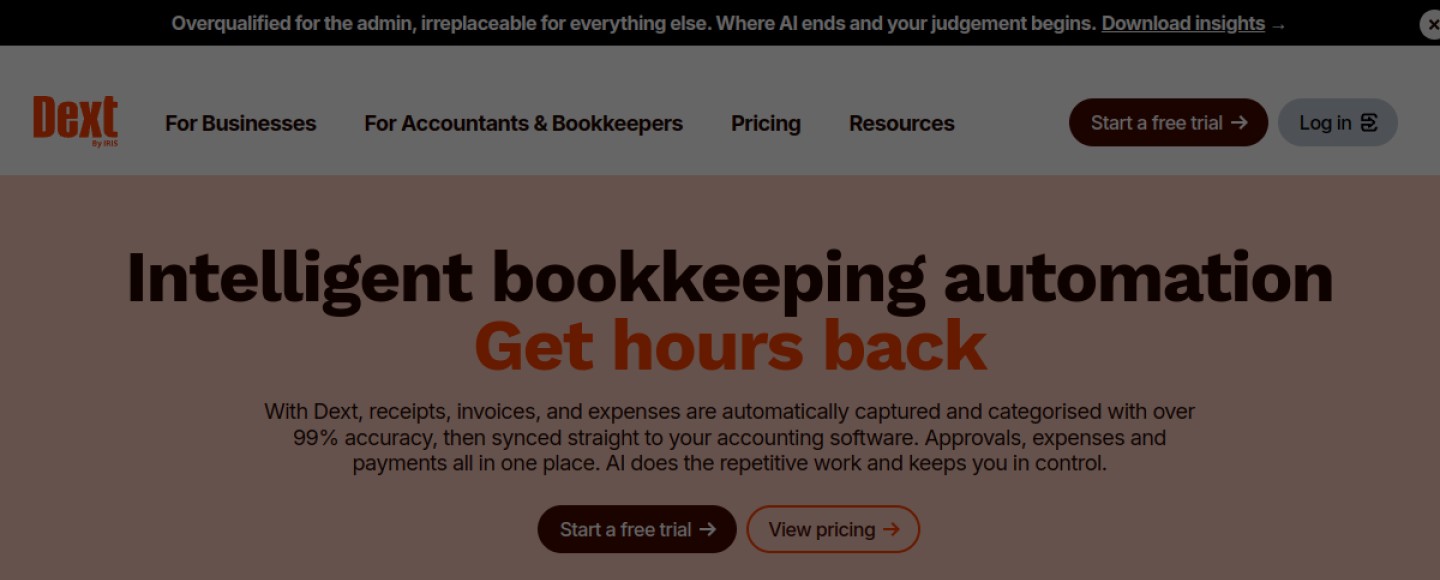
Dext homepage, captured Nov 2026.
Dext is a bookkeeping automation platform that captures receipts, invoices and financial documents before transferring extracted data into accounting software. Its entry business subscription accommodates 250 documents monthly and includes five users.
The trade off is its higher subscription cost of $302.50 annually and additional charges for certain extraction services beyond included credits. It suits accounting professionals and businesses processing substantial volumes of financial paperwork.
What we like
Automated financial document extraction
Direct accounting software integrations
Searchable receipt archive
Multiple document submission methods
Watch out for
Higher starting price than individual apps
Document processing allowances apply
Specialized extraction can cost extra
The business subscription includes document capture, storage and accounting integrations.Visit dext.com
Receipt scanning apps vs. expense management software
Dedicated receipt scanning apps focus on digitizing documents, extracting purchase information and organizing expense records. They are suitable for freelancers, household budgets and independent businesses with straightforward reporting needs.
Expense management platforms extend scanning into approval workflows, employee reimbursements and corporate card reconciliation. Businesses with multiple employees should prioritize these capabilities when choosing a receipt scanning application.
Accounting-focused products connect scanned documents directly to bookkeeping records. This approach reduces repeated data entry and helps accountants reconcile purchases against financial transactions.
How we chose
We shortlisted established receipt scanning applications with mobile document capture, automated data extraction and practical expense organization features. The comparison prioritizes scanning allowances, regular subscription costs, export capabilities and accounting integrations.
Prices, ratings and review counts were checked on 27 Nov 2026 using official vendor pages, Capterra and App Store listings. Annualized prices reflect regular entry-level subscriptions or the cheapest paid receipt scanning option, excluding temporary promotions.
We excluded general document scanners without meaningful expense organization features and products without established public review histories. Free accounting plans without included receipt scanning are not classified as free receipt scanning plans. No vendor paid for a place, and we do not claim testing for this list.
How to choose the best receipt scanning app
Compare your receipt volume, reporting requirements and accounting workflow before selecting a receipt scanning subscription.
Estimate your monthly receipt volume. Count typical paper and digital receipts, then compare scanning allowances and potential additional processing charges.
Identify your accounting requirements. Choose an application that connects with your existing bookkeeping software or provides suitable spreadsheet exports.
Review storage and export policies. Check receipt retention periods, original image accessibility and available export formats before committing to a subscription.
Calculate the complete subscription cost. Include additional users, scanning allowances, optional features and regular renewal prices when comparing annual expenses.
FAQ
What is the best app for scanning receipts?
Zoho Expense is our top pick for its affordable subscription, automated receipt scanning and expense reporting capabilities. Expensify is particularly suitable for employee reimbursements, while SparkReceipt focuses on independent professionals.
Are there any completely free receipt scanning apps?
Zoho Expense, Foreceipt and SparkReceipt offer free receipt scanning options with usage restrictions. These plans can suit occasional scanning, although frequent business purchases may require a paid subscription with higher allowances.
Can receipt scanning apps automatically categorize expenses?
Yes. Applications such as SparkReceipt, Dext and Expensify use automated extraction and categorization to organize purchases. Users should still review extracted amounts, tax information and expense categories before finalizing accounting records.
Can I scan receipts directly into accounting software?
Several receipt scanning apps connect with accounting platforms such as QuickBooks and Xero. Dext, Expensify and SparkReceipt support accounting integrations, while Wave provides receipt scanning within its own bookkeeping platform.
Should I keep paper receipts after scanning them?
Digital copies can simplify recordkeeping, but document retention requirements vary according to applicable rules and transaction types. Keep readable digital images, maintain backups and confirm whether original paper documents must also be retained.
SaaS SEO and WordPress specialist with about 8 years of experience. Rakib compares WordPress plugins, themes, hosting and software using public pricing, documentation and user reviews. See how we rank.