PayHOA leads for HOA chart of accounts management with structured fund tracking, automated bank feeds, and flat-rate community tiers starting at $49/month billed yearly. Effortless HOA fits self-managed boards seeking per-home pricing from $3/month, while Buildium suits mid-size portfolios needing deeper accounting workflows.
How we make this list: we compare pricing pages, product documentation and public user reviews, then re-check every price before each update. No product paid for a place. Disclosure.
PayHOA starts at $49/month billed yearly ($588/yr) for 1–25 units and holds a 4.7/5 rating across 293 G2 reviews.
Effortless HOA starts at $3/home/month with full HOA books, budgeting, and no per-user fees.
Buildium starts at $65/month ($780/yr) on Essential and holds a 4.4/5 rating across 287 G2 reviews.
ManageCasa starts at $45/month ($540/yr) and lets you add, edit, or disable accounts across five categories.
QuickBooks Online starts at $38/month ($456/yr) on Simple Start with a 4.0/5 rating across 3,912 G2 reviews.
What to look for in HOA chart of accounts software
A homeowners association chart of accounts organizes assets, liabilities, equity or fund balances, income, and expenses so board reports stay consistent from month to month. Unlike generic retail books, HOA accounts need clear lines for regular assessments, special assessments, late fees, operating expenses, and reserve activity.
Separating operating funds from reserve funds is essential so routine maintenance never masks capital project spending. Look for software that supports numbered account ranges, custom sub-accounts, and clean budget-versus-actual reporting that board members and accountants can read without guesswork.
Check how unit counts, bank connections, and payment fees affect your total bill before committing. Some platforms charge by unit tier or per home, while others add ACH, card, check mailing, or tax-filing fees on top of the base subscription.
For low-cost entry plans with accounting and portals
$12.42/mo
No free plan
4.4/5
Price ladder: cheapest paid plan per year
List prices, USD, checked Nov 2026
Effortless$36
TenantCloud$149
QuickBooks$456
ManageCasa$540
PayHOA$588
Buildium$780
Condo Control$810
The 7 best software to manage hoa chart of accounts
01
PayHOA
4.7/5on G2 (293 reviews, checked Nov 2026)
Starts at$49/mo
Best for small and growing self-managed HOAs
Entry tier1–25 units
Billing$588/yr yearly
Trial30-day free trial
Core focusHOA books & dues
payhoa.com
PayHOA homepage, captured Nov 2026.
PayHOA is HOA management software that combines accounting, automated bank transactions, bill tracking, and homeowner portals across 6,000+ communities. Boards can track operating and reserve activity, run financial reports, and manage dues in one place.
The trade off is that unit tiers climb past $49/month as communities grow, and online payment or optional bookkeeping add-ons carry extra charges. It suits volunteer HOA boards that want dedicated community accounting without complex setup.
What we like
Built specifically for HOA dues, assessments, and community reporting
Includes a 30-day free trial with no credit card required
4.7/5 rating on G2 across 293 reviews
Watch out for
Monthly price rises with unit count and add-on services
ACH bank transfers ($2.45) and card payments (3.5% + $0.50) carry fees
Higher unit tiers and optional services like bookkeeping or tax filing cost extra.Visit payhoa.com
02
Effortless HOA
5/5on Effortless HOA (150+ communities reviews, checked Nov 2026)
Starts at$3/mo
Best for self-managed HOAs with simple per-home pricing
Starter rate$3/home/mo
Community cap$249/mo max
Trial30-day free trial
Per-user feeNone
effortlesshoa.com
Effortless HOA homepage, captured Nov 2026.
Effortless HOA is community management software built for self-managed associations, starting at $3/home/month with full HOA books, reporting, and dues or fine invoicing. Every board member and homeowner gets access without per-user fees.
The trade off is that online card or ACH dues collection and autopay sit on the $6/home/month Pro plan rather than Starter. It suits self-managed boards that want straightforward per-home pricing and a $249/month community cap.
What we like
Clear $3/home/month Starter rate capped at $249/month per community
No per-user fees for board members or homeowners
Includes a 30-day free trial with no credit card required
Watch out for
Online dues payments and autopay require upgrading to Pro at $6/home/month
Smaller public review footprint than legacy platforms
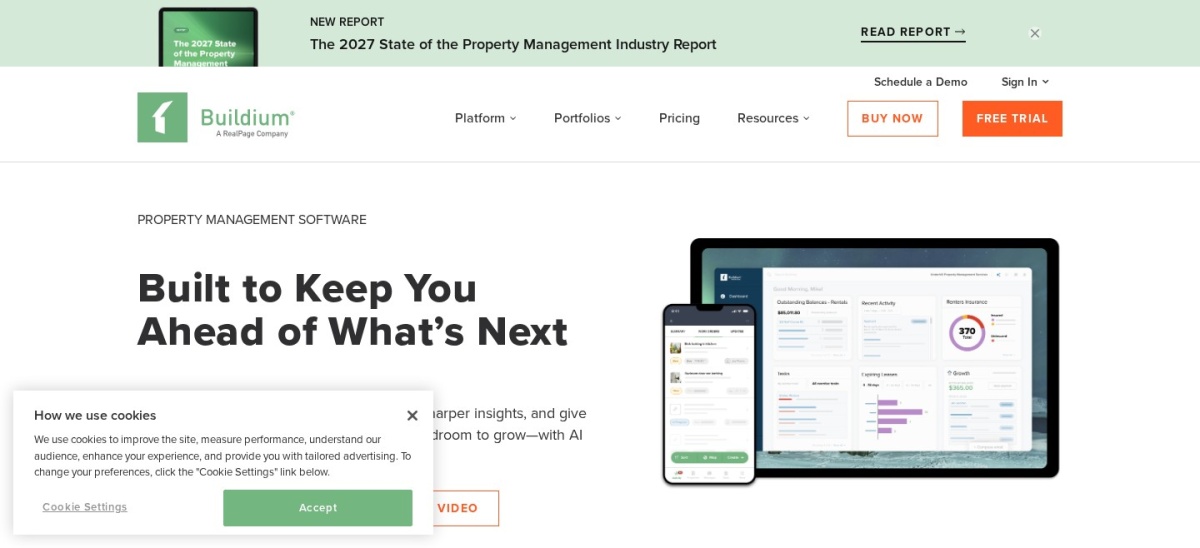
Best for associations and managers needing structured ledger controls
Essential planFrom $65/mo
Growth planFrom $202/mo
Premium planFrom $420/mo
TrialFree trial
buildium.com
Buildium homepage, captured Nov 2026.
Buildium is property and association management software with full accounting, general ledger accounts, bulk account imports, and bank reconciliation starting at $65/month on Essential. It supports custom accounts, sub-accounts, and financial reporting.
The trade off is that Essential charges $99 per business bank account setup and per-transaction EFT or card fees, and total cost scales by unit tier. It suits associations and managers that want established accounting workflows.
What we like
Supports general ledger account creation, sub-accounts, and bulk imports
Includes bank reconciliation and financial reporting across plans
4.4/5 rating on G2 across 287 reviews
Watch out for
Essential charges $99 per business bank account setup and lacks live phone support
Transaction and add-on fees apply on top of base pricing
Growth ($202/mo+) and Premium ($420/mo+) include bank account allowances and phone support.Visit buildium.com
04
ManageCasa
4.1/5on G2 (5 reviews, checked Nov 2026)
Starts at$45/mo
Best for customizing chart of accounts categories by tier
Basic planFrom $45/mo
COA categories5 account types
Trial14-day free trial
Billing cycleMonthly or yearly
managecasa.com
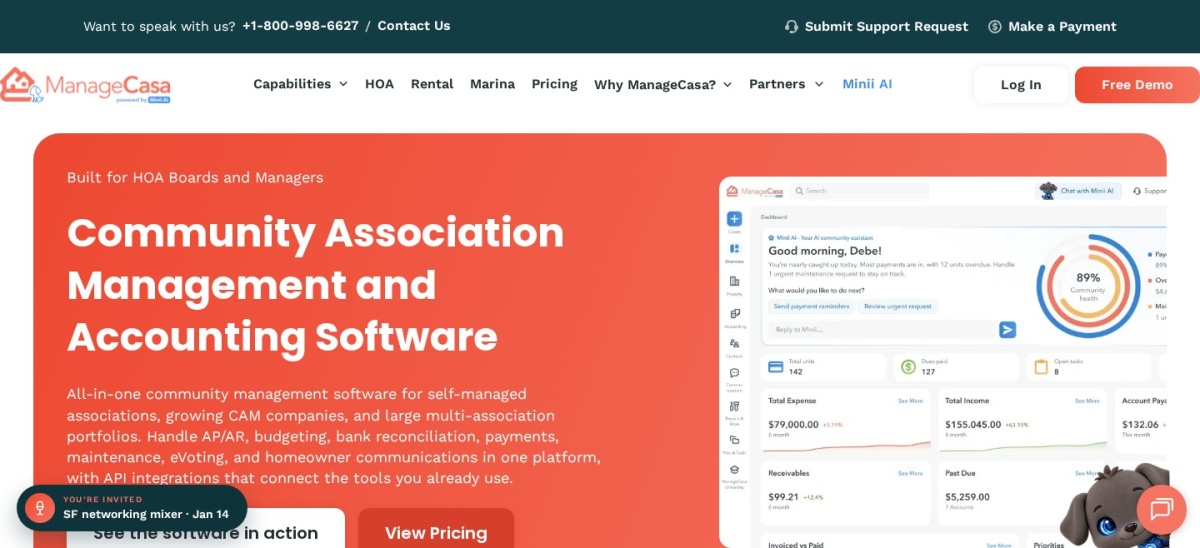
ManageCasa homepage, captured Nov 2026.
ManageCasa is HOA and rental management software starting at $45/month that lets you add, edit, or disable accounts across assets, liabilities, equity, income, and expenses. It also offers bank sync, trust accounting, and recurring invoicing.
The trade off is that added account limits, budgets, and bank connections depend on your plan tier, with mailing and e-voting overages extra. It suits small-to-midsize boards that want clear account controls and a 14-day trial.
What we like
Lets you add, edit, or disable accounts across five core accounting categories
Includes trust accounting, bank reconciliation, and recurring invoices
12% discount available with annual billing
Watch out for
Lower tiers cap added accounts, budgets, and bank connections
Physical mail, e-voting extras, and bookkeeping add-ons cost extra
Higher tiers expand account limits, budgets, bank connections, and reporting exports.Visit managecasa.com
05
Condo Control
4.8/5on G2 (241 reviews, checked Nov 2026)
Starts at$67.50/mo
Best for condo and HOA boards combining ledger and resident tools
Entry floorFrom $67.50/mo
AccountingGeneral ledger
PortalsBoard & resident
G2 rating4.8/5 (241)
condocontrol.com
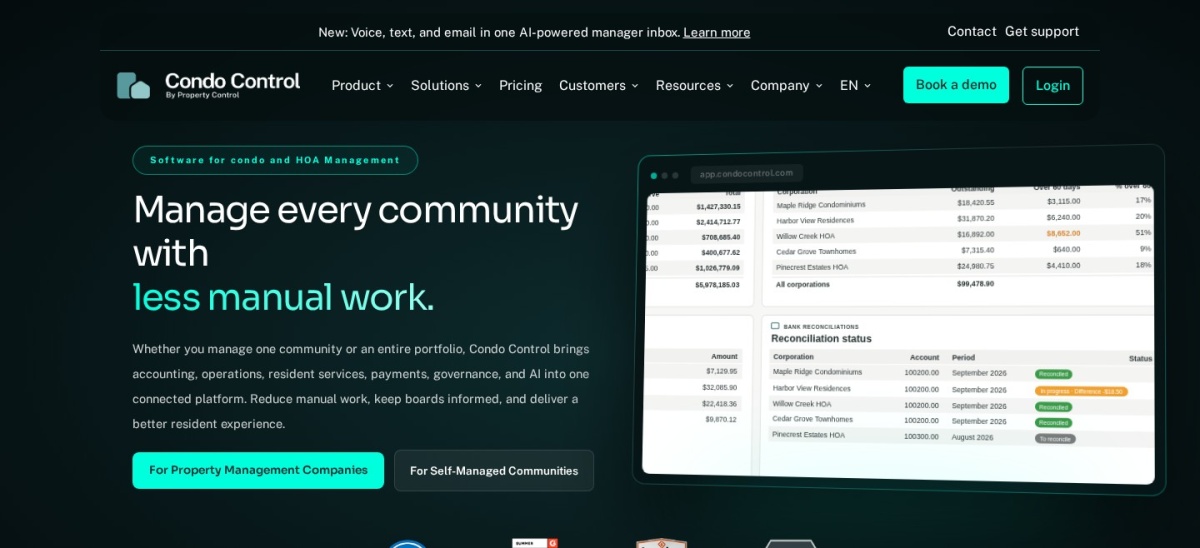
Condo Control homepage, captured Nov 2026.
Condo Control is a community management platform for condos and HOAs that pairs general ledger accounting and custom charts of accounts with resident communication and governance tools. Starting prices begin at $67.50/month for smaller unit bands.
The trade off is that unit bands above the entry floor and add-ons such as violations, e-voting, or websites can require custom quotes. It suits condo and HOA boards that want resident tools alongside accounting.
What we like
High 4.8/5 rating on G2 across 241 reviews
Supports double-entry general ledger accounting, budgets, and 1099s
Combines financial tracking with resident portals and announcements
Watch out for
Pricing above the entry tier and certain add-ons are not all published upfront
Broader feature set can feel heavy for very small volunteer boards
Larger unit tiers and add-ons such as violation tracking or e-voting vary by quote.Visit condocontrol.com
06
QuickBooks Online
4/5on G2 (3,912 reviews, checked Nov 2026)
Starts at$38/mo
Best for treasurers who already know standard bookkeeping software
Simple Start$38/mo
Essentials$75/mo
Plus$115/mo
G2 rating4.0/5 (3,912)
quickbooks.intuit.com
QuickBooks Online homepage, captured Nov 2026.
QuickBooks Online is general business accounting software starting at $38/month on Simple Start that lets you customize income, expense, asset, liability, and equity accounts. Many treasurers pick it because accountants recognize its reports.
The trade off is that it lacks built-in HOA dues billing, homeowner portals, and reserve-fund workflows out of the box. It suits small associations with a treasurer comfortable configuring general ledger accounts.
What we like
Widely familiar to bookkeepers and CPAs at tax time
Lower starting monthly rate ($38/month) than many dedicated HOA suites
Large review base of 3,912 reviews on G2
Watch out for
Not built specifically for HOA assessments, violations, or homeowner portals
Users report recurring subscription price increases over time
Best for low-cost entry plans with accounting and portals
EssentialsFrom $12.42/mo
ProFrom $16.58/mo
BusinessFrom $100/mo
G2 rating4.4/5 (312)
tenantcloud.com
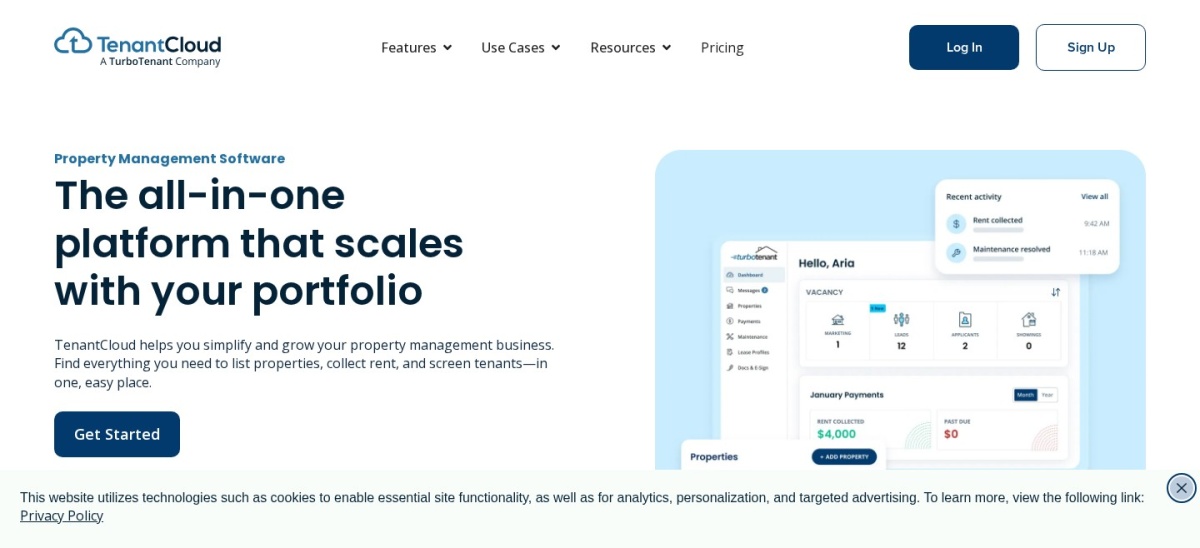
TenantCloud homepage, captured Nov 2026.
TenantCloud is cloud property management software starting at $12.42/month on Essentials that includes accounting, financial reports, and owner portals. Paid tiers add online transaction tools, bank reconciliation, and accounting sync options.
The trade off is that its workflows center on rental properties rather than HOA-specific governance, violations, or reserve studies. It suits budget-minded boards or mixed portfolios that want low-cost accounting and portals.
What we like
Low starting price on Essentials compared with dedicated HOA platforms
Includes owner portals, reporting, and online payment options
4.4/5 rating on G2 across 312 reviews
Watch out for
Designed primarily around rental properties rather than HOA board rules
Some accounting automations and team tools sit on higher plans
Pro and Business plans expand accounting automation, team permissions, and reporting.Visit tenantcloud.com
Structuring HOA accounts cleanly
Start your chart of accounts with clear numbering ranges—such as 1000s for assets, 2000s for liabilities, 3000s for fund balances, 4000s for income, and 5000s and above for expenses. Leaving gaps between account numbers makes it easy to insert new lines later without renumbering everything.
Keep operating accounts and reserve accounts separate so dues and reserve transfers never blur together on monthly statements. Avoid creating dozens of unused accounts, which slows down data entry and increases coding errors.
How we chose
We built this list from HOA accounting software directories, community association guides, and verified G2 and Capterra listings for platforms actively used to manage association ledgers and charts of accounts.
Every rating, review count, and starting price in this guide was checked in November 2026 from official pricing pages and public review listings, using regular starting rates rather than temporary discounts.
We excluded unverified tools, products without clear accounting or pricing details, and setups that do not fit association bookkeeping. No vendor paid for a place, and we do not claim testing for this list.
How to choose HOA chart of accounts software
Follow four steps to pick software that matches your association's budget and bookkeeping workflow.
Count your units and check billing rules. Compare flat unit tiers, per-home rates, and minimums against your current association size and expected growth.
Verify fund and account customization. Make sure you can separate operating and reserve activity, add custom accounts or sub-accounts, and export clean reports.
Factor in payment and add-on fees. Check ACH, card, check-printing, mailing, and add-on costs so surprise transaction fees do not blow up your budget.
Test your chart during a trial. Import sample accounts, dues, and expenses during a free trial to see how easy monthly reconciliation is for your board.
FAQ
What is an HOA chart of accounts?
An HOA chart of accounts is the structured list of asset, liability, equity or fund balance, income, and expense accounts used to categorize association money. A clear chart keeps monthly financial statements consistent and makes annual budgets and audits easier to follow.
Should an HOA separate operating and reserve accounts?
Yes. Keeping operating funds separate from reserve funds helps boards see day-to-day cash available for routine bills versus money set aside for major repairs or replacements. Clear account separation also prevents accidental spending from reserve balances.
Can small HOAs use general accounting software instead of HOA software?
Small associations can use general accounting tools like QuickBooks Online if a board member knows double-entry bookkeeping and wants familiar reports. However, HOA-specific tools usually handle homeowner dues, billing, and community records more naturally.
Do HOA software plans charge extra for online payments or mailings?
Many platforms charge separate fees for ACH transfers, credit card payments, printed checks, physical mailings, or optional bookkeeping services. Always check whether the association or the homeowner pays online processing fees before choosing a plan.
How many accounts should an HOA chart of accounts have?
Most small-to-midsize associations only need a focused set of accounts covering regular dues, late fees, utilities, maintenance, insurance, and reserve items. Adding too many narrow or unused accounts often leads to miscategorized expenses.
Should you change your chart of accounts mid-year?
It is usually best to keep account numbers and names steady throughout the fiscal year so monthly and year-to-date budget comparisons stay accurate. If you need structural changes, plan them around your fiscal year-end.
SaaS SEO and WordPress specialist with about 8 years of experience. Rakib compares WordPress plugins, themes, hosting and software using public pricing, documentation and user reviews. See how we rank.