Checkly tops our list of the best synthetic monitoring tools, offering 1,000 browser checks and 10,000 API checks on its free plan alongside monitoring as code. Choose Site24x7 for affordable website and infrastructure monitoring or Uptrends for browser performance monitoring and visual reporting.
How we make this list: we compare pricing pages, product documentation and public user reviews, then re-check every price before each update. No product paid for a place. Disclosure.
Checkly includes 1,000 browser checks and 10,000 API checks on its free Hobby plan.
Site24x7 starts at $108 per year and supports monitoring for 25 websites.
Uptrends starts at $504 per year with browser performance and availability monitoring.
Datadog charges from $5 per 10,000 synthetic API test runs under annual billing.
UptimeRobot offers 50 free monitors with five-minute monitoring intervals.
How do you choose the best synthetic monitoring tools?
Synthetic monitoring detects problems before customers report them. It sends scheduled requests or simulates user interactions to identify availability issues, broken transactions and slow application responses.
Browser monitoring provides more context than basic uptime checks. A website can return a successful HTTP response while its checkout process, login form or search functionality remains broken.
Monitoring as code is particularly useful for engineering teams. Developers can store monitoring scripts alongside application code, review changes and deploy updated checks through existing development pipelines.
Pricing depends on monitoring frequency, location coverage and test complexity. An inexpensive API monitoring package may become costly when browser transactions run frequently across several locations.
Alert quality matters as much as detection speed. Look for retry policies, useful failure diagnostics and integrations with the communication platforms your incident response team already uses.
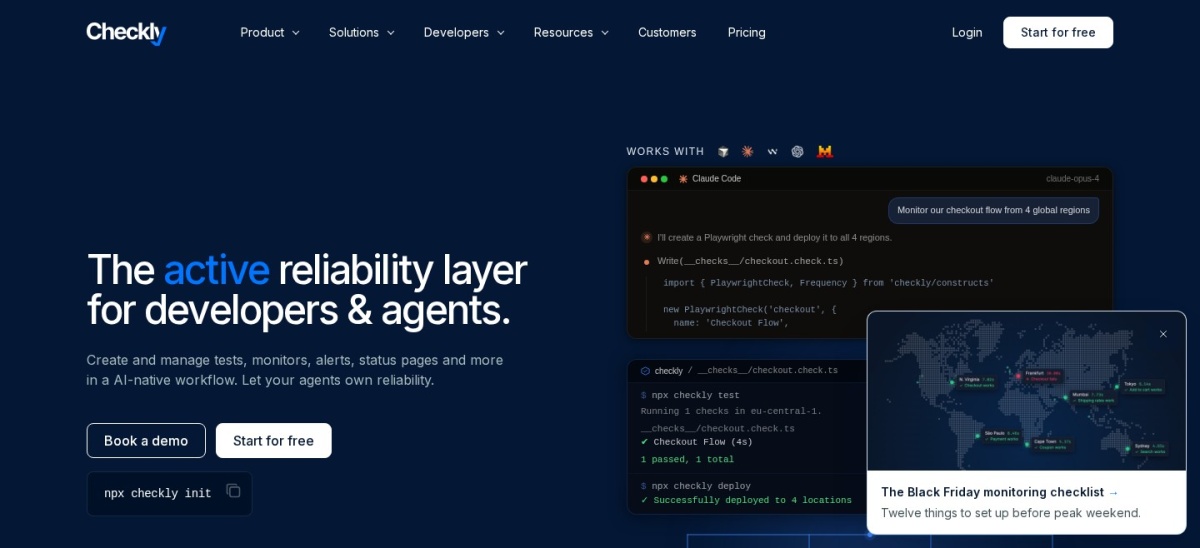
Checkly is a developer-focused synthetic monitoring platform that uses Playwright scripts and API checks to monitor application reliability. Its free Hobby plan includes 1,000 browser checks and 10,000 API checks, making it useful for monitoring smaller applications without an upfront subscription.
The trade off is that code-based monitoring requires familiarity with development workflows, while higher execution volumes require additional spending. Starter costs $24 per month when billed annually and includes 3,000 browser checks and 25,000 API checks. It suits engineering teams that want monitoring configurations stored in version control.
Private monitoring requirements may need higher tiers
Starter increases monitor allowances and supports more frequent uptime checks.Visit checklyhq.com
02
Site24x7
4.6/5on G2 (486 reviews, checked Nov 2026)
Paid from$9/mo
Best for affordable full-stack monitoring
Entry planWeb Uptime
Website allowance25 websites
Polling interval1 minute
Status pages3
site24x7.com
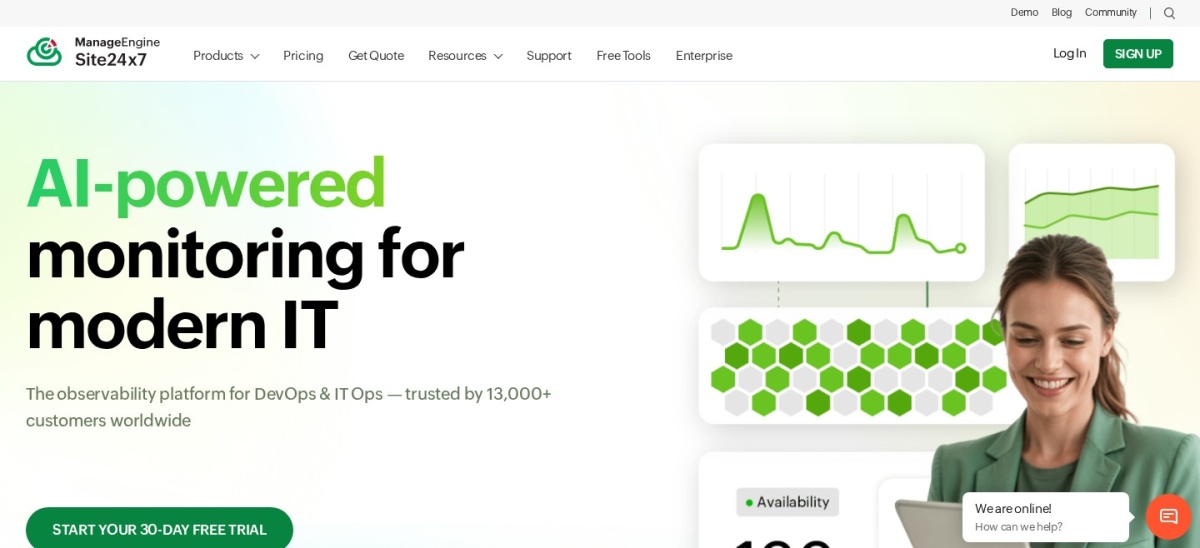
Site24x7 homepage, captured Nov 2026.
Site24x7 is a monitoring platform covering website availability, synthetic transactions, infrastructure and application performance. Its Web Uptime package supports 25 websites, transaction monitoring capabilities and three status pages.
The trade off is that advanced browser transactions and additional monitoring resources may require separate licenses or higher subscriptions. Web Uptime costs $9 per month with annual billing or $10 with monthly billing. It suits small IT teams seeking several monitoring capabilities from one provider.
What we like
Affordable entry subscription
Website and infrastructure monitoring options
Transaction monitoring capabilities
Integrated status pages
Supports third-party alert integrations
Watch out for
Resource licensing can become complicated
Entry package has limited location coverage
Advanced monitoring increases subscription costs
Paid packages expand website coverage, reporting and monitoring capabilities.Visit site24x7.com
03
Uptrends
4.7/5on Capterra (107 reviews, checked Nov 2026)
Starts at$42/mo
Best for browser performance monitoring
Entry planCore
Users10
Uptime interval2 minutes
Public status pages10
uptrends.com
Uptrends homepage, captured Nov 2026.
Uptrends is a synthetic monitoring service designed to identify website availability and browser performance problems. Its Core subscription includes access for 10 users, two-minute uptime monitoring and browser-based performance checks using current browser technology.
The trade off is the higher entry cost compared with simpler monitoring services and the need to review contract terms carefully. Core starts at $42 per month with annual billing or $46 with monthly pricing. It suits operations teams that prioritize visual performance analysis and external monitoring.
What we like
Browser-based website performance monitoring
Regional monitoring locations
Public status pages included
Supports collaborative monitoring workflows
Watch out for
No permanent free plan
Advanced transactions may require higher packages
Subscription terms require careful review
Higher packages expand monitoring coverage and advanced transaction capabilities.Visit uptrends.com
04
Better Stack
4.8/5on G2 (344 reviews, checked Nov 2026)
Paid from$29/mo
Best for monitoring and incident response
Free monitors and heartbeats10
Browser enginePlaywright
Transaction execution$1 per 100 Playwright minutes
Paid subscriptionResponder
betterstack.com
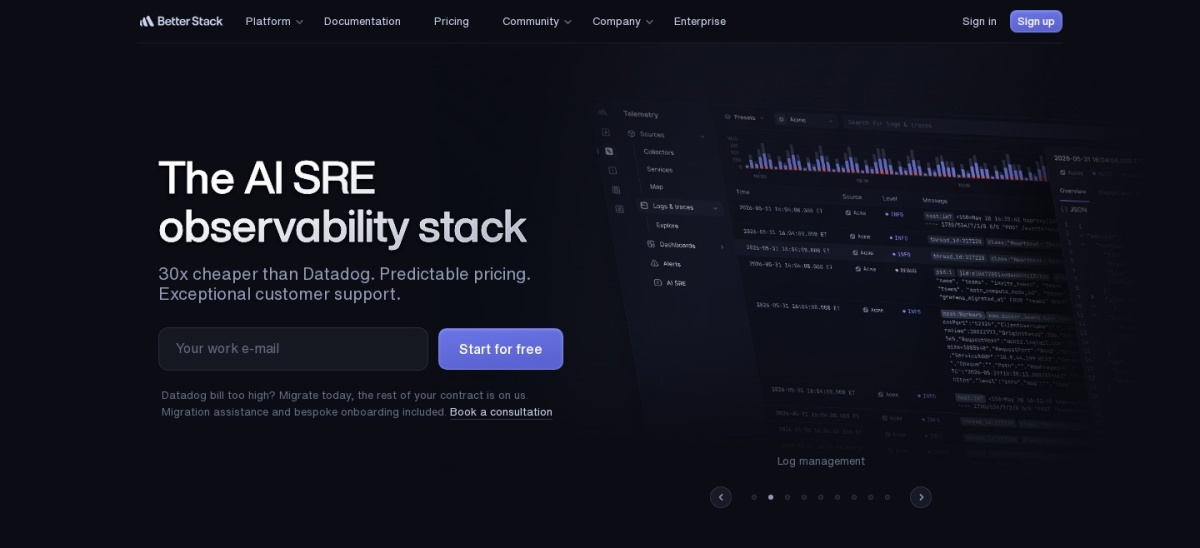
Better Stack homepage, captured Nov 2026.
Better Stack is an observability and incident management platform combining uptime monitoring, synthetic browser transactions and on-call scheduling. Its free personal plan includes 10 monitors and heartbeats, a status page and notifications through Slack and email.
The trade off is modular pricing, with browser execution and monitoring resources potentially adding to the subscription cost. The paid platform starts at $29 per month with annual billing, while browser execution costs $1 per 100 Playwright minutes. It suits teams wanting monitoring and incident response together.
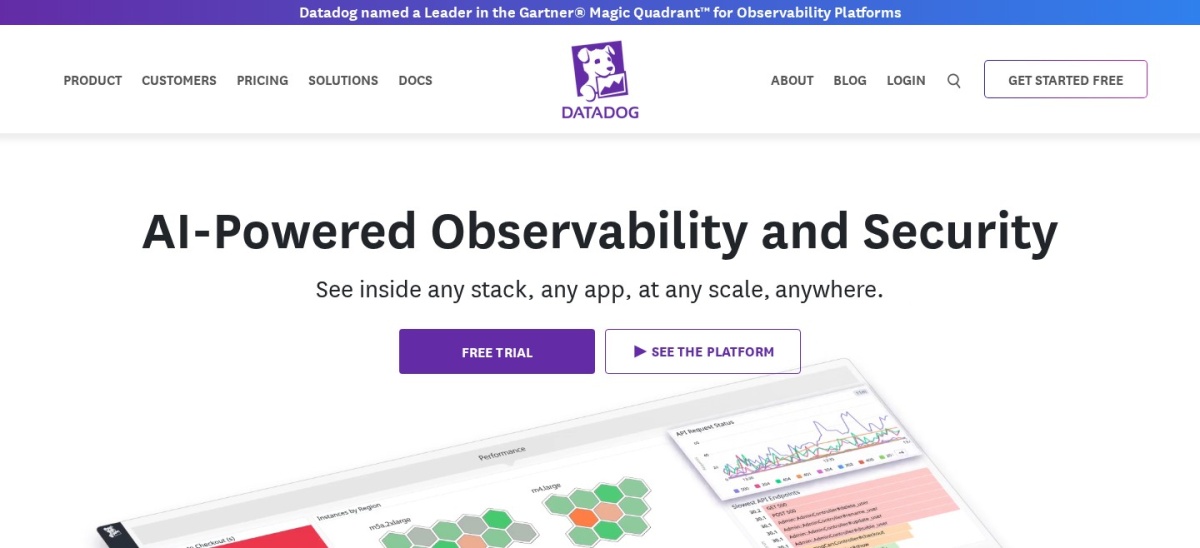
Datadog is an observability platform that connects synthetic API and browser tests with application performance and infrastructure data. Its entry synthetic API testing rate starts at $5 per 10,000 monthly test runs under annual billing, with support for multistep API workflows.
The trade off is usage-based billing rather than a fixed unlimited monitoring subscription. Browser testing starts at $12 per 1,000 monthly runs, and additional observability products incur separate charges. It suits engineering teams that need to connect failed synthetic checks with backend application issues.
What we like
Connects synthetic failures with application traces
Supports multistep API monitoring
Browser test recording without coding
Private monitoring locations supported
Integrated alerting and observability dashboards
Watch out for
Execution-based pricing can increase quickly
Additional observability products cost extra
More complex configuration than basic uptime services
No permanent free synthetic monitoring plan
Synthetic testing is billed by execution volume; the yearly figure represents one API testing billing unit.Visit datadoghq.com
06
UptimeRobot
4.7/5on G2 (339 reviews, checked Nov 2026)
Paid from$12/mo
Best for basic synthetic availability checks
Free monitors50
Free check interval5 minutes
Paid check interval60 seconds on Solo
Entry planSolo, 10 monitors
uptimerobot.com
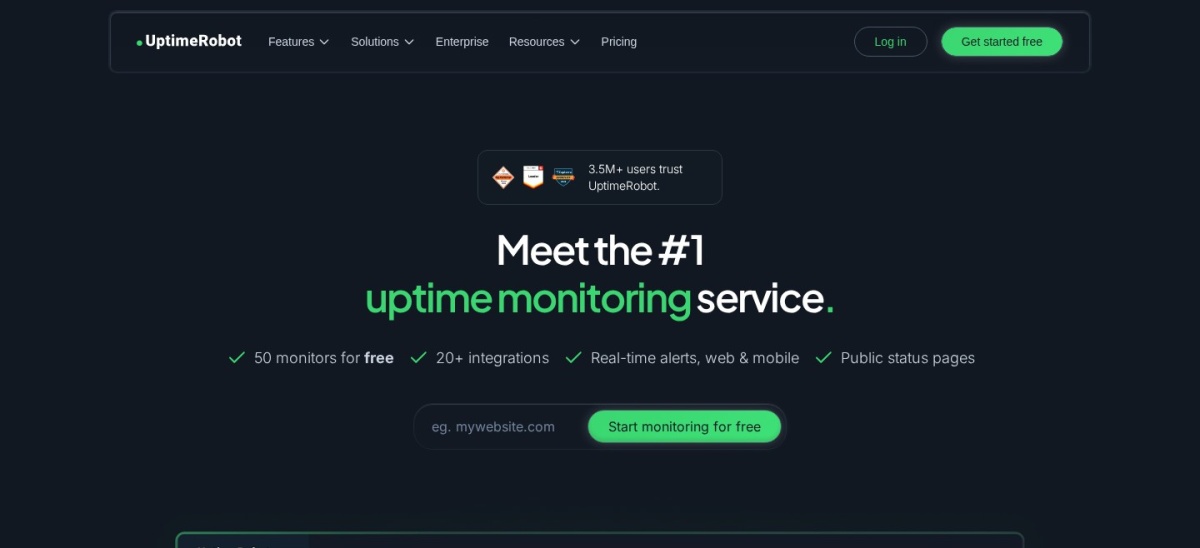
UptimeRobot homepage, captured Nov 2026.
UptimeRobot is an external monitoring service for website availability, endpoints, keywords, network ports and scheduled jobs. Its free plan supports 50 monitors with five-minute check intervals, making it useful for basic synthetic availability checks across multiple websites.
The trade off is that endpoint monitoring does not replace complete browser transaction testing for complicated user journeys. Solo costs $12 per month with annual billing and supports 10 monitors with 60-second monitoring intervals. It suits freelancers and small businesses that primarily need downtime notifications.
What we like
Generous free monitoring allowance
Simple configuration for website owners
Affordable paid monitoring subscription
Supports multiple endpoint monitoring methods
Watch out for
Not a full browser transaction testing platform
Free monitoring intervals are slower
Entry paid tier supports fewer monitors than the free plan
Solo adds faster checks, additional monitor types, SSL monitoring and expanded status page capabilities.Visit uptimerobot.com
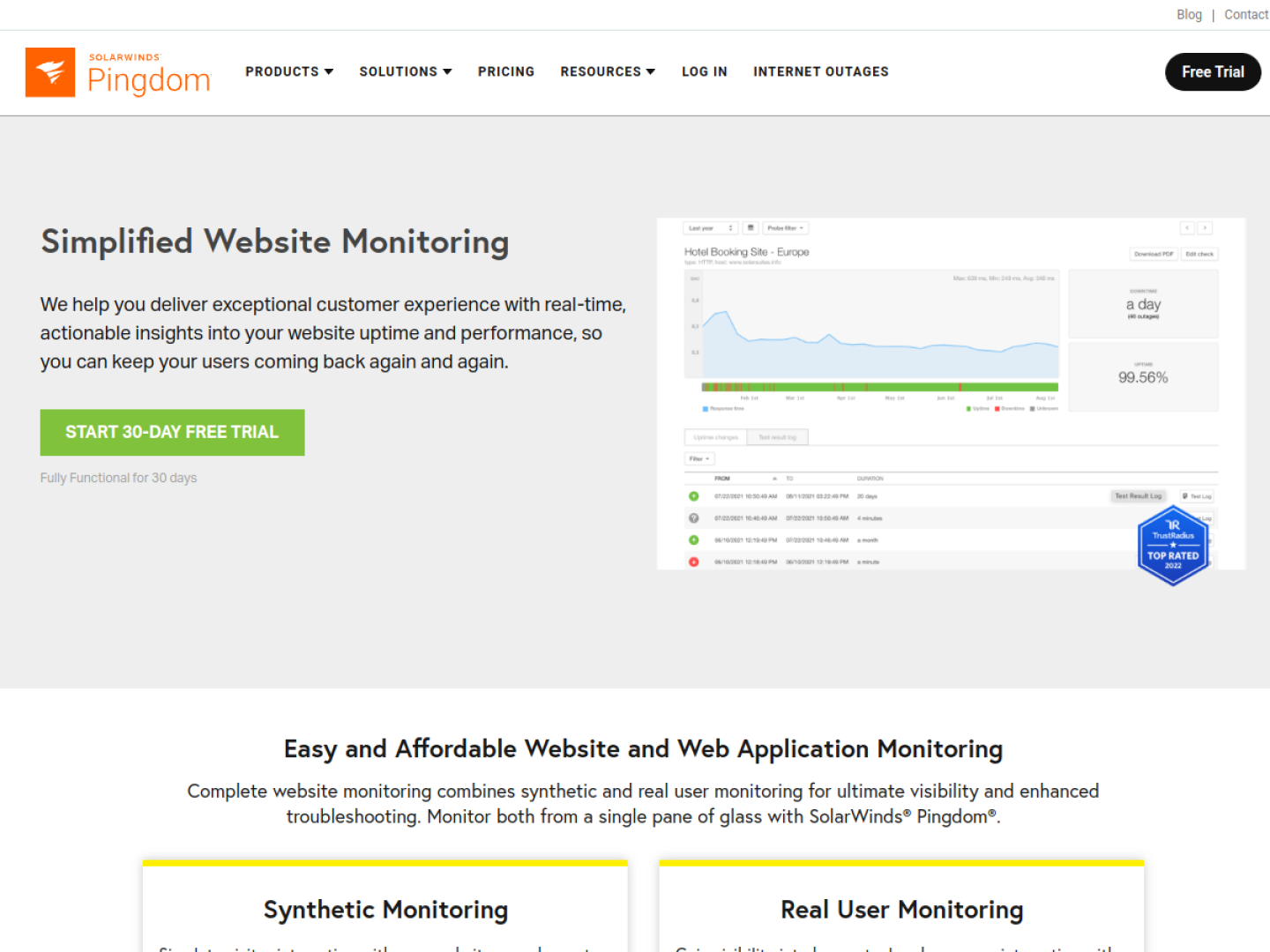
Pingdom is a website monitoring platform that combines availability checks, page speed analysis and synthetic transaction monitoring. Its synthetic monitoring subscription includes configurable monitoring quantities, maintenance windows, public status pages and email or SMS notifications.
The trade off is that subscription costs depend on the selected monitoring quantities, and the official pricing calculator did not expose a numeric starting price during verification. The custom pricing label here indicates an unverified calculator price, not a confirmed quote-only enterprise plan. It suits website operations teams prioritizing performance reports.
Synthetic monitoring subscriptions provide scheduled availability, performance and transaction checks.Visit pingdom.com
What is the difference between synthetic monitoring and real user monitoring?
Synthetic monitoring simulates requests and interactions on a schedule. It can identify problems even when nobody is actively using an application, making it particularly useful for checking critical services during quiet periods.
Real user monitoring collects performance information from actual visitors. It helps identify problems associated with particular devices, browsers, network conditions and usage patterns that synthetic tests may not reproduce.
Use both methods for applications where availability and customer experience directly affect revenue. Synthetic checks provide early warnings, while real user monitoring helps explain how production problems affect actual customers.
Why synthetic monitoring costs increase with test frequency
Execution-based pricing makes monitoring frequency an important purchasing decision. Running the same browser transaction more frequently or from several locations consumes more execution capacity.
Reserve frequent checks for essential endpoints and business transactions. Less important journeys can run at longer intervals, helping control monitoring costs without removing coverage entirely.
Compare included executions, overage rates and location settings before purchasing. The advertised entry subscription alone does not necessarily reflect the total cost of monitoring a production application.
How we chose
We selected established synthetic monitoring platforms that cover scheduled external checks, browser transactions or API availability. The ranking prioritizes monitoring capabilities, pricing transparency, developer workflows, incident response and public customer feedback.
Official pricing pages and G2 or Capterra ratings were checked on 29 Nov 2026. Annual subscription figures use regular annual-billing rates. Datadog uses execution-based pricing, Better Stack has modular usage charges, and Pingdom's calculator did not expose a numeric price. Pingdom therefore remains a provisional entry that requires price verification or replacement before publication.
We excluded tools with insufficient public review evidence and platforms focused exclusively on passive application analytics. Specialized availability monitoring services were included where they address simpler synthetic monitoring requirements. No vendor paid for a place, and we do not claim testing for this list.
How to choose the right synthetic monitoring tool
Identify your critical application workflows, monitoring requirements and incident response process before comparing subscriptions.
Define the interactions you need to monitor. Separate basic endpoint availability from complete browser journeys. Applications with authentication, checkout forms or complex navigation benefit from scripted browser checks.
Calculate your expected execution volume. Consider monitoring frequency, test locations and the number of monitored workflows. Compare these requirements against included allowances and additional usage charges.
Match the platform to your team's technical skills. Choose monitoring as code for teams comfortable maintaining automated scripts. Visual transaction recording and simpler endpoint configuration may suit teams with limited development resources.
Review alerting and diagnostic capabilities. Check whether the platform supports your communication channels, incident escalation policies, browser screenshots and application traces. Useful diagnostic information reduces the work required to investigate failures.
FAQ
What are the best synthetic monitoring tools in 2026?
Checkly is our top synthetic monitoring recommendation for engineering teams because it combines Playwright browser checks, API monitoring and monitoring as code. Site24x7 is a lower-cost option for general IT monitoring, while Uptrends is particularly useful for browser performance analysis.
What is the best free synthetic monitoring tool?
Checkly is the best free option for developers who need browser and API monitoring, with 1,000 browser checks and 10,000 API checks included. UptimeRobot is a simpler alternative for website owners who primarily need scheduled availability checks.
How much does synthetic monitoring software cost?
Synthetic monitoring subscriptions in this comparison start at $9 per month for Site24x7 with annual billing. Usage-based services such as Datadog charge according to execution volume, with API testing starting at $5 per 10,000 monthly test runs.
Is Checkly better than Site24x7?
Checkly is better for developers who want Playwright scripts, API checks and version-controlled monitoring configurations. Site24x7 is better for general IT operations teams that need website monitoring alongside infrastructure and application monitoring capabilities at a lower entry subscription price.
Which synthetic monitoring tool is best for small businesses?
Site24x7 is a good choice for small businesses that need website availability monitoring, status pages and transaction checks. UptimeRobot is easier to justify when requirements are limited to basic endpoint monitoring, downtime notifications and straightforward website availability reports.
Can synthetic monitoring tools monitor APIs?
Yes, synthetic monitoring tools can send scheduled API requests and validate responses against expected conditions. Checkly and Datadog support API monitoring workflows that help teams identify endpoint failures, authentication problems and performance regressions before users report them.
Does synthetic monitoring replace real user monitoring?
No, synthetic monitoring does not replace real user monitoring. Synthetic checks provide controlled, repeatable measurements, while real user monitoring captures actual visitor experiences. Combining both approaches helps identify anticipated failures and unexpected production performance problems.
Do synthetic monitoring tools require coding?
No, coding is not required for every synthetic monitoring tool. Basic uptime checks and visual browser recording can reduce technical requirements. Code-based platforms such as Checkly are particularly useful when developers want reusable scripts and monitoring configurations maintained alongside application code.
SaaS SEO and WordPress specialist with about 8 years of experience. Rakib compares WordPress plugins, themes, hosting and software using public pricing, documentation and user reviews. See how we rank.