HeyGen is the best software to create training videos for most teams, with realistic AI presenters in 175 languages from 24 dollars a month billed yearly. Choose Synthesia for enterprise policy lessons, Colossyan for assessed courses, and Camtasia for hand-edited screen lessons.
How we make this list: we compare pricing pages, product documentation and public user reviews, then re-check every price before each update. No product paid for a place. Disclosure.
HeyGen is the best pick for most teams, with realistic avatars in 175 languages from $24 a month billed yearly.
Synthesia is the enterprise pick, but SCORM and single sign-on sit behind Enterprise contracts.
Colossyan is the only tool here with SCORM export on a self-serve $59 a month plan.
Guidde is the cheapest way to make short how-to videos, at $19 per creator a month billed yearly.
Vyond is the priciest tool here at $58 a user a month, built for animated compliance scenarios.
What training video software should cover
Training video software splits into two kinds: presenter-led tools that put an avatar or animated character on screen, and screen-based tools that record what happens on a computer. Most teams need one of each.
Avatar tools are fastest for policy, onboarding and compliance lessons, because a script becomes a video in minutes. Screen tools are best for software training, where learners must see the clicks.
SCORM export matters when training must live in a learning management system with completion tracking. Some tools in this list include it on self-serve plans, and some hold it for Enterprise contracts.
Prices here are monthly rates on annual billing. Several tools charge per creator or per user, so the cost scales with team size rather than with the number of videos.
HeyGen is an AI video platform that turns scripts into training videos with realistic avatars in 175 languages, and it holds G2's top badge for most realistic avatars. The free plan covers 3 watermarked videos a month, and Creator costs $24 a month billed annually with unlimited video creation.
The trade off is depth of course authoring. HeyGen makes great presenter video, but it is not a full course builder with branching quizzes. It suits teams that need training video plus marketing and sales video in one tool.
Synthesia is the avatar video platform L and D teams already use for onboarding at scale, with stock and personal avatars in more than 140 languages. The free Basic plan covers watermarked output, and Starter costs $14 a month billed annually.
The trade off is SCORM. Synthesia holds SCORM and single sign-on for Enterprise contracts, so smaller teams cannot export assessed courses. It suits enterprises that want governed avatar video at scale.
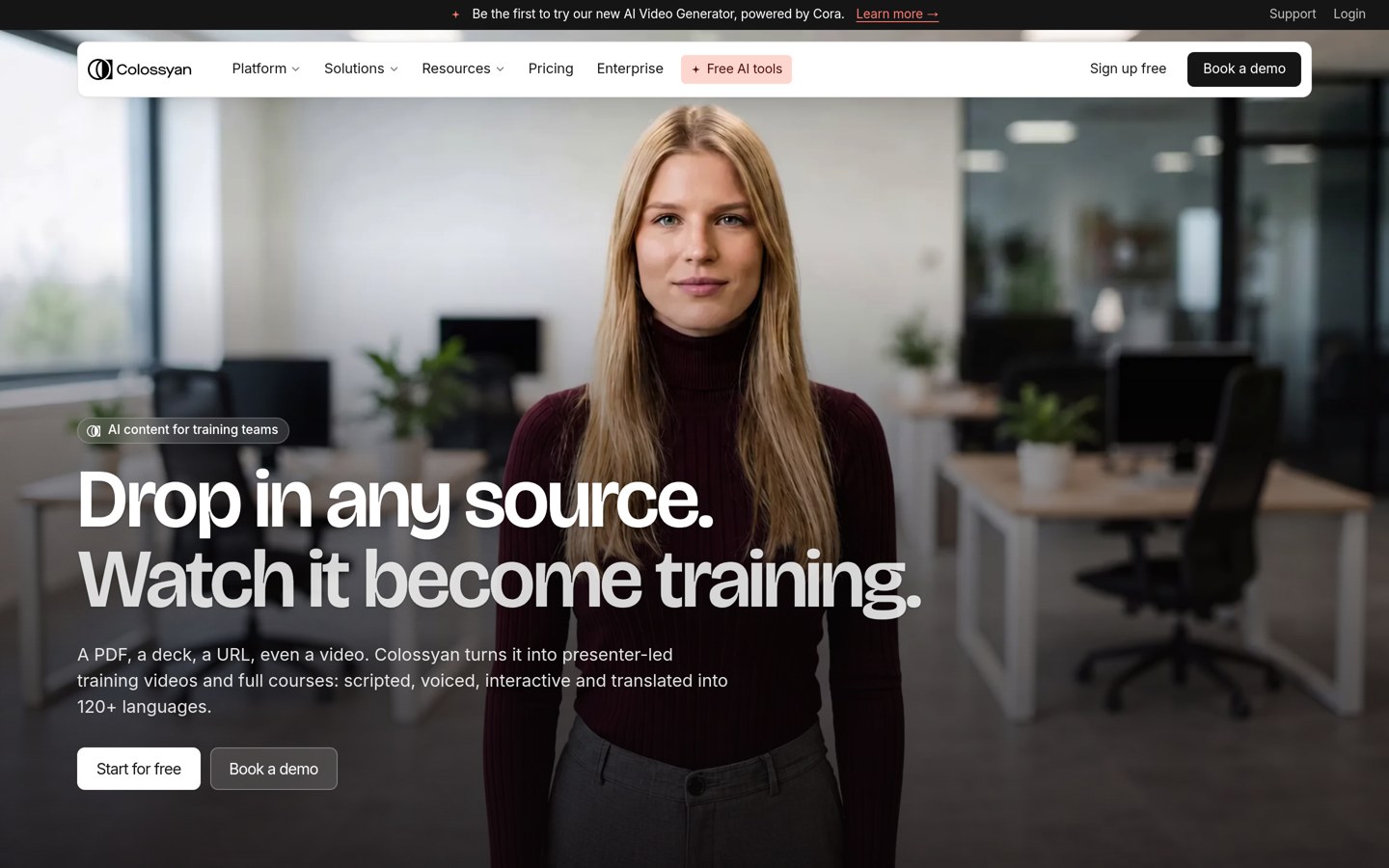
Colossyan is built for L and D teams that need structured courses, turning documents into multi-lesson avatar video with quizzes and branching. The free Starter tier covers basic courses, and Professional costs $59 a month billed annually with SCORM export.
The trade off is cost and minutes. Colossyan restructured pricing in 2026, and the $59 plan meters NEO2 minutes that expire monthly. It suits mid-market teams that want assessed, SCORM-ready courses without an Enterprise quote.
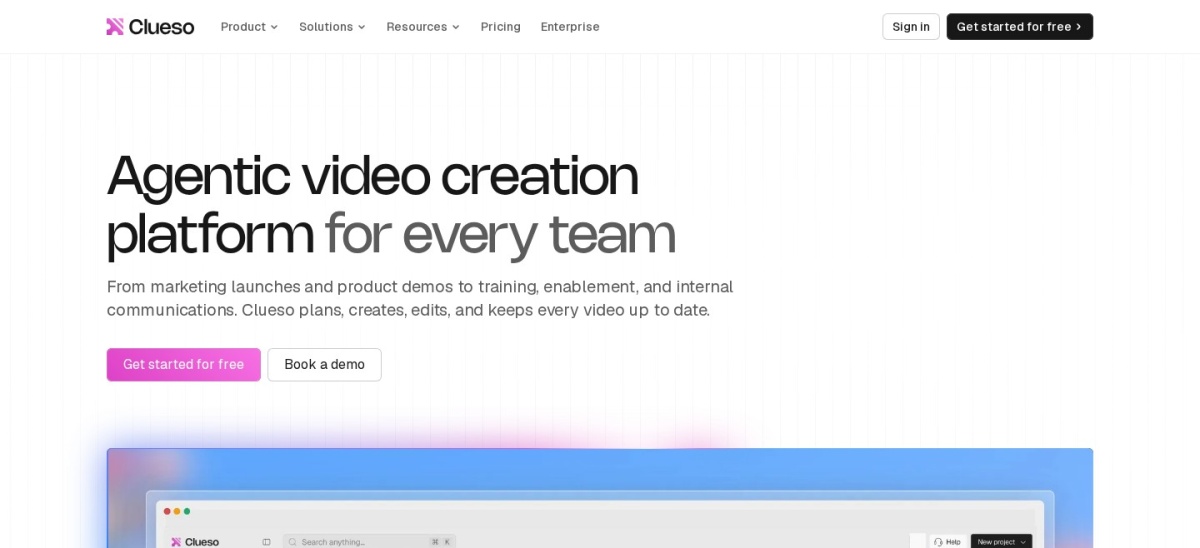
Clueso is a training video tool that rebuilds videos from a recording, a deck, a document or a prompt, so lessons stay current when the product changes. The free plan covers basic videos, and the paid plan costs $40 a month billed annually with translation in more than 150 languages.
The trade off is size. Clueso holds 4.8 out of 5 on G2 from only 136 reviews, so its base is smaller than HeyGen or Synthesia. It suits teams whose training videos go stale fast and need rebuilding.
Camtasia is a desktop screen recorder and editor for hand-edited software lessons, where every frame matters. There is no free plan, only a trial, and annual plans start at $15 a month billed annually with the full editor.
The trade off is collaboration. Camtasia is a desktop editor for one author at a time, with no built-in course authoring or SCORM. It suits experts who demo software step by step.
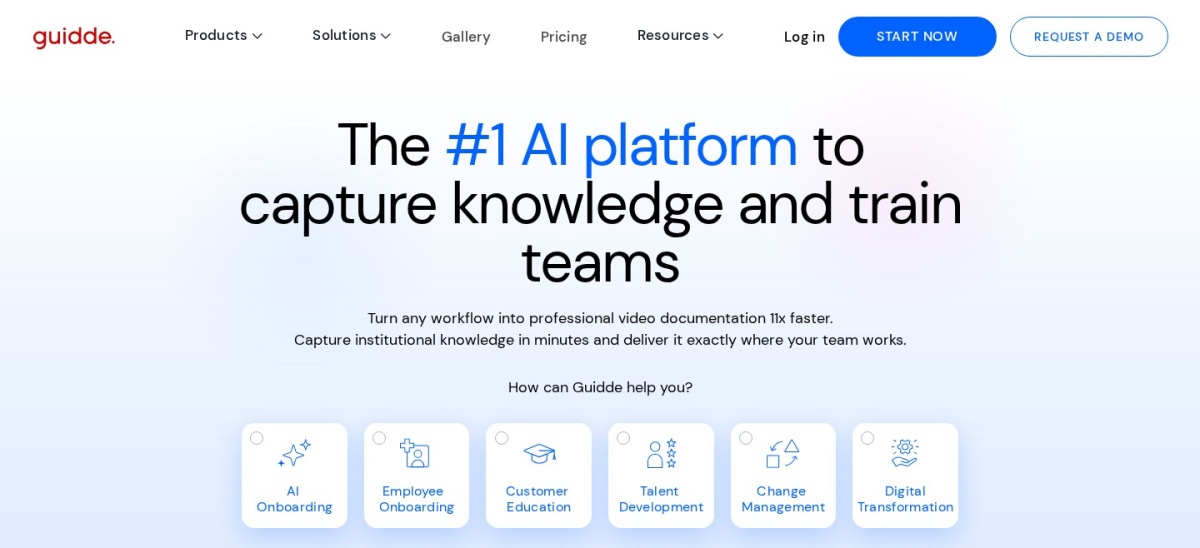
Guidde is a click-capture tool that turns clicks on screen into narrated how-to videos with step-by-step guides, in minutes instead of hours. The free plan covers basic guides, and the paid plan costs $19 per creator a month billed annually.
The trade off is scope. Guidde is built for short how-to videos, not full courses, and SCORM export sits on Enterprise. It suits support and enablement teams that answer the same how-to questions daily.
Loom is a screen and camera recorder for quick recorded explanations, with transcripts in more than 50 languages and easy sharing by link. The free plan covers basic recording, and Business costs $18 a user a month with AI summaries and editing.
The trade off is structure. Loom records fast, but it has no course authoring, quizzes or SCORM export. It suits teams that need quick explanations, not a full training library.
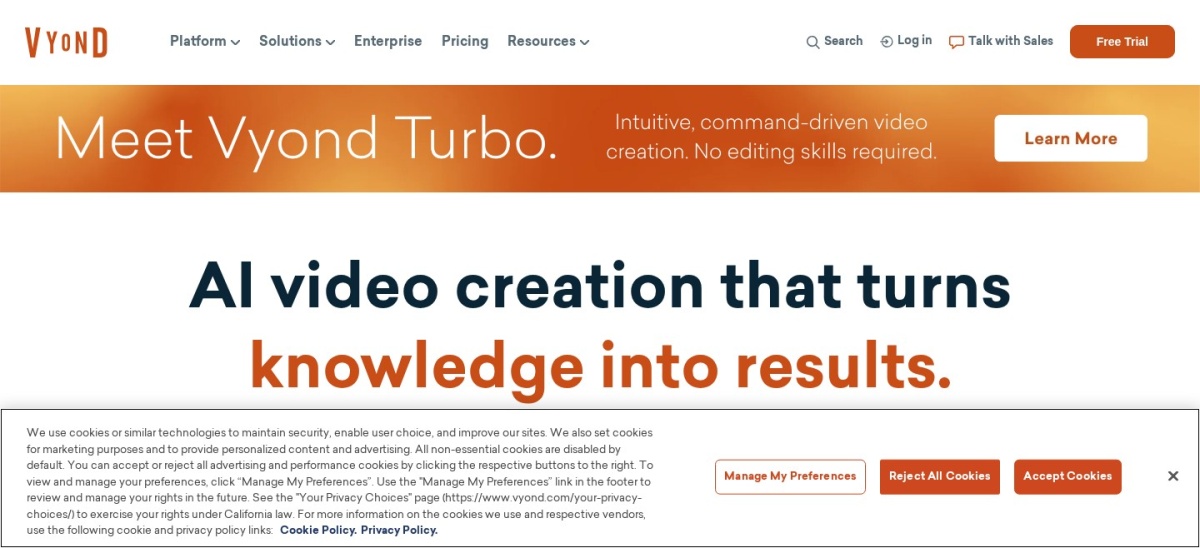
Vyond is an animation platform for workplace training scenarios, with characters, templates and text-to-speech in more than 80 languages. There is no free plan, only a trial, and Starter costs $58 a user a month billed annually.
The trade off is price. Vyond is the priciest tool in this list, and reviewers note cost as the main drawback for smaller teams. It suits compliance and HR teams that teach with animated scenarios.
Avatar tools such as HeyGen, Synthesia and Colossyan turn a written script into a presenter video with no camera or studio. They suit policy, onboarding and multilingual lessons.
Screen tools such as Camtasia, Guidde and Loom record the computer screen, so learners see the exact clicks. They suit software training and support how-tos.
Many teams end up with one tool from each group. A single tool rarely covers both presenter video and detailed screen lessons well.
How we chose
We started from the training video tools L and D teams actually shortlist, then kept those with a verifiable G2 rating and a published price or free plan. Tools without a review profile were left out.
Prices and ratings come from each vendor's pricing page and G2, checked in October and November 2026 and cross-checked against Toolradar and Clueso roundups. Synthesia's annual price is $14 a month in the October 2026 check and $18 in the September 2026 check, so we used the newer figure.
We left out Elai.io, which is now part of Panopto and overlaps with Colossyan and Synthesia on a smaller review base. No vendor paid for a place, and we do not claim hands-on testing for this list.
How to choose training video software
Start with the kind of lesson you make most, then check SCORM and language needs.
Decide the lesson type first. Avatar video suits policy and onboarding, screen recording suits software demos, and animation suits compliance scenarios. Pick the tool built for your main lesson type.
Check SCORM before you buy. If training must live in an LMS with completion tracking, confirm SCORM export is on the plan you will pay for, not only on Enterprise.
Test with a real lesson. Make one full lesson on the free plan or trial before you pay. Check the avatar quality, the export time and whether the voice sounds natural.
Count the cost per creator. Most tools charge per creator or per user, so a $24 plan for five creators costs $120 a month. Multiply the list price by your team size.
FAQ
What is the best software to create training videos?
HeyGen is the best software to create training videos for most teams, with realistic AI presenters in 175 languages from $24 a month billed yearly. Synthesia is best for enterprise policy lessons, and Colossyan is best for assessed courses.
Can I create training videos for free?
Yes. HeyGen, Synthesia, Colossyan, Clueso, Guidde and Loom all have free plans or a free tier. Free plans usually cap video minutes or add a watermark, so a paid plan is needed for a full library.
Which training video tool exports SCORM?
Colossyan exports SCORM on its $59 a month Professional plan, and HeyGen includes SCORM on Business. Synthesia holds SCORM for Enterprise contracts, and Guidde and Clueso hold it for Enterprise too.
How much does training video software cost?
Paid plans in this list run from $14 to $59 a month on annual billing. Camtasia starts at $15 a month, Guidde at $19 per creator a month, and Vyond is the priciest at $58 a user a month.
Is Synthesia or HeyGen better for training?
HeyGen leads on avatar realism, language range and SCORM on a self-serve plan. Synthesia leads on enterprise governance, with a wider avatar library and stronger admin controls on Enterprise plans.
What is the best training video software for software demos?
Camtasia is best for hand-edited software lessons, with a full desktop timeline. Guidde is best for short click-by-click how-tos, and Loom is best for quick recorded explanations.
Do I need an LMS to use these tools?
No. All eight tools can share training video by link or file. An LMS only becomes necessary when you need completion tracking, quizzes and SCORM or xAPI reporting.
SaaS SEO and WordPress specialist with about 8 years of experience. Rakib compares WordPress plugins, themes, hosting and software using public pricing, documentation and user reviews. See how we rank.