Slack Workflow Builder is the best Slack automation for most teams because it is built in, free to start and needs no extra app. Pick Zapier for the widest app library and Make for visual multi-step flows at a lower monthly price.
How we make this list: we compare pricing pages, product documentation and public user reviews, then re-check every price before each update. No product paid for a place. Disclosure.
Slack Workflow Builder is built in, so it is the free starting point for any team already on Slack.
Zapier connects Slack to 9,000+ apps, the widest library here, from $19.99 a month.
Make gives the most visual power per dollar: Core is $12 a month for 10,000 credits.
n8n is the top-rated platform at 4.7 out of 5, and it is free to self-host.
Geekbot, Standuply and Polly automate standups and polls inside Slack, with paid plans from $1.50 a month.
IFTTT and Pabbly Connect are the cheapest platforms, but both have thin G2 review bases of 30 to 117 reviews.
What Slack automations actually do
Slack automations fall into two groups. Native tools live inside Slack and run standups, polls and reminders, while platforms such as Zapier, Make and n8n move data between Slack and other apps.
Start with the job, not the tool. If the work starts and ends in Slack, the built-in Workflow Builder or a Slack-native app is enough. If a Slack message must create a task, log a lead or update a sheet, you need a platform.
Scheduled runs are the quiet cost driver. A daily standup bot that posts at 9am is cheap, while a platform that fires thousands of tasks a month is not. Our guide on scheduling posts in WordPress covers the same check-the-schedule habit for publishing.
Ratings in this list come from G2, and the Slack rating covers the whole Slack app, not the Workflow Builder feature alone. Each automation platform is rated on its own G2 profile.
Slack Workflow Builder homepage, captured Nov 2026.
Slack Workflow Builder is the built-in automation tool inside Slack, so teams can build workflows without adding another app. It covers routine jobs such as welcome messages, request forms, channel posts and daily reminders, and Slack itself has a free plan for small teams.
The trade off is depth. It only automates inside Slack, so anything that must move data between Slack and other apps needs a platform such as Zapier or Make, and the fuller Slack plan costs $7.25 per user a month. It suits teams whose automations start and end in Slack.
Zapier is a no-code automation platform that connects Slack to more than 9,000 apps. A Zap starts with a trigger, such as a new Slack message, and runs actions in other apps, and the free plan covers 100 tasks a month with two-step Zaps.
The trade off is price. Multi-step Zaps, webhooks and premium apps need the Professional plan at $19.99 a month, and costs climb as task volume grows. It suits teams that want the largest app library and the fastest setup.
Make is a visual automation platform where each workflow is a scenario drawn on a canvas, with routers, filters and error handling built in. The free plan includes 1,000 credits a month, and Core at $12 a month adds 10,000 credits with unlimited scenarios.
The trade off is the learning curve. The canvas is more powerful than Zapier, but new users take longer to build their first branching flow, and credit use needs watching. It suits teams that run multi-step Slack workflows on a budget.
n8n is a node-based automation platform with a visual editor, code nodes and AI agent support. It is free to self-host with unlimited runs, and Cloud Starter costs $20 a month for 2,500 executions with unlimited steps per run.
The trade off is skill. Building flows needs comfort with APIs, JSON and expressions, and paid support is forum-first on Starter. It suits technical teams that want deep control and low per-run costs.
What we like
Free self-hosted edition
Code nodes for custom logic
No per-step charges on cloud plans
Watch out for
Steep learning curve
Forum-first support on Starter
Cloud Starter adds hosting and 2,500 executionsVisit n8n.io
05
Geekbot
4.6/5on G2 (164 reviews, checked Nov 2026)
Paid from$2.50/mo
Best for async standups in Slack
Free planUp to 10 users
Paid planBasic, $2.50/participant/mo
StandupsUnlimited, async
ReportsAnalytics dashboard
geekbot.com
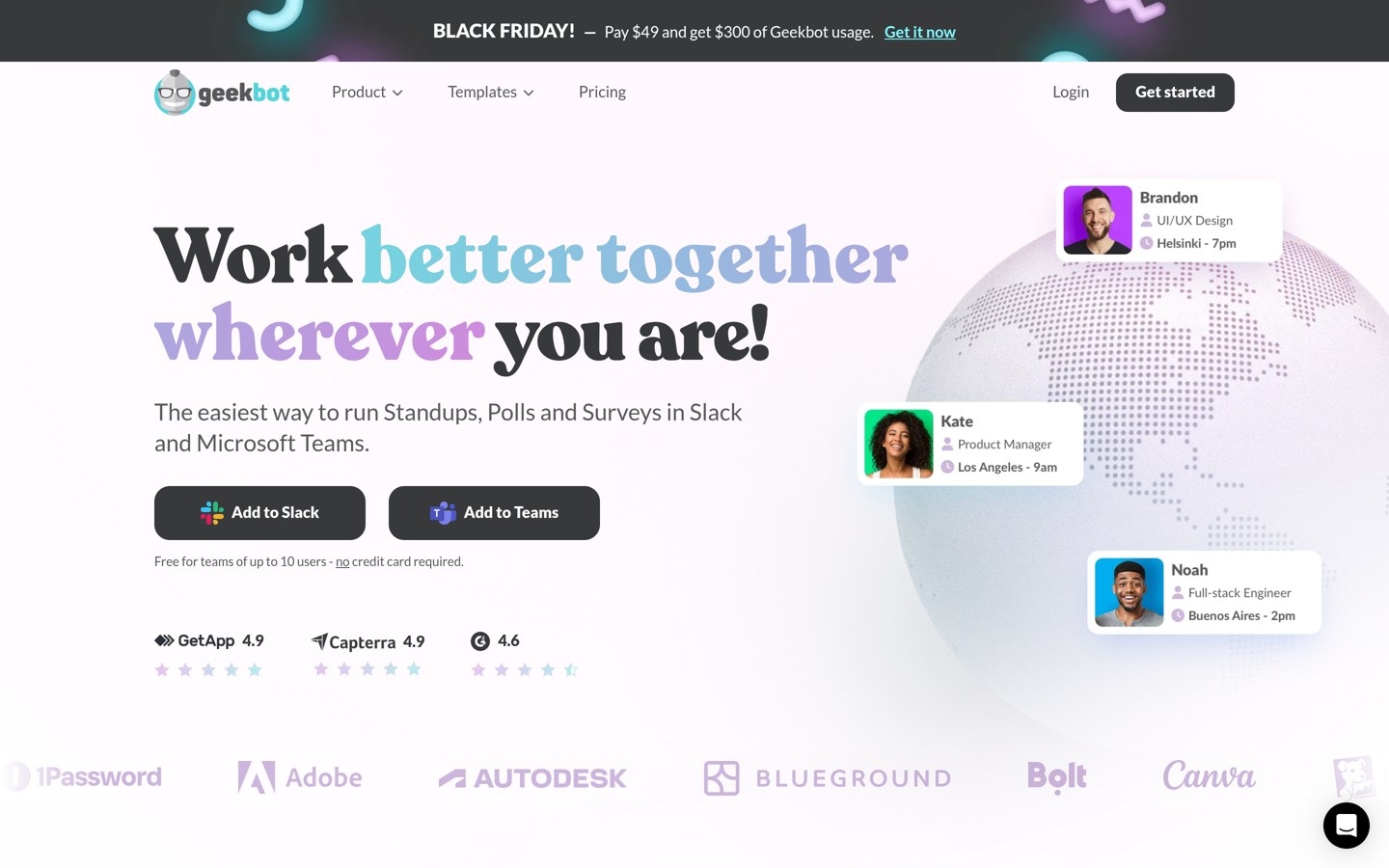
Geekbot homepage, captured Nov 2026.
Geekbot is a Slack app that runs asynchronous standups, polls and surveys without a meeting. Its free Starter plan covers up to 10 users with unlimited standups, and Basic standups cost $2.50 per participant a month on annual billing.
The trade off is scope. Geekbot automates team check-ins and feedback, not cross-app workflows, so it pairs with a platform such as Zapier for wider automation. It suits remote teams that want daily updates in Slack.
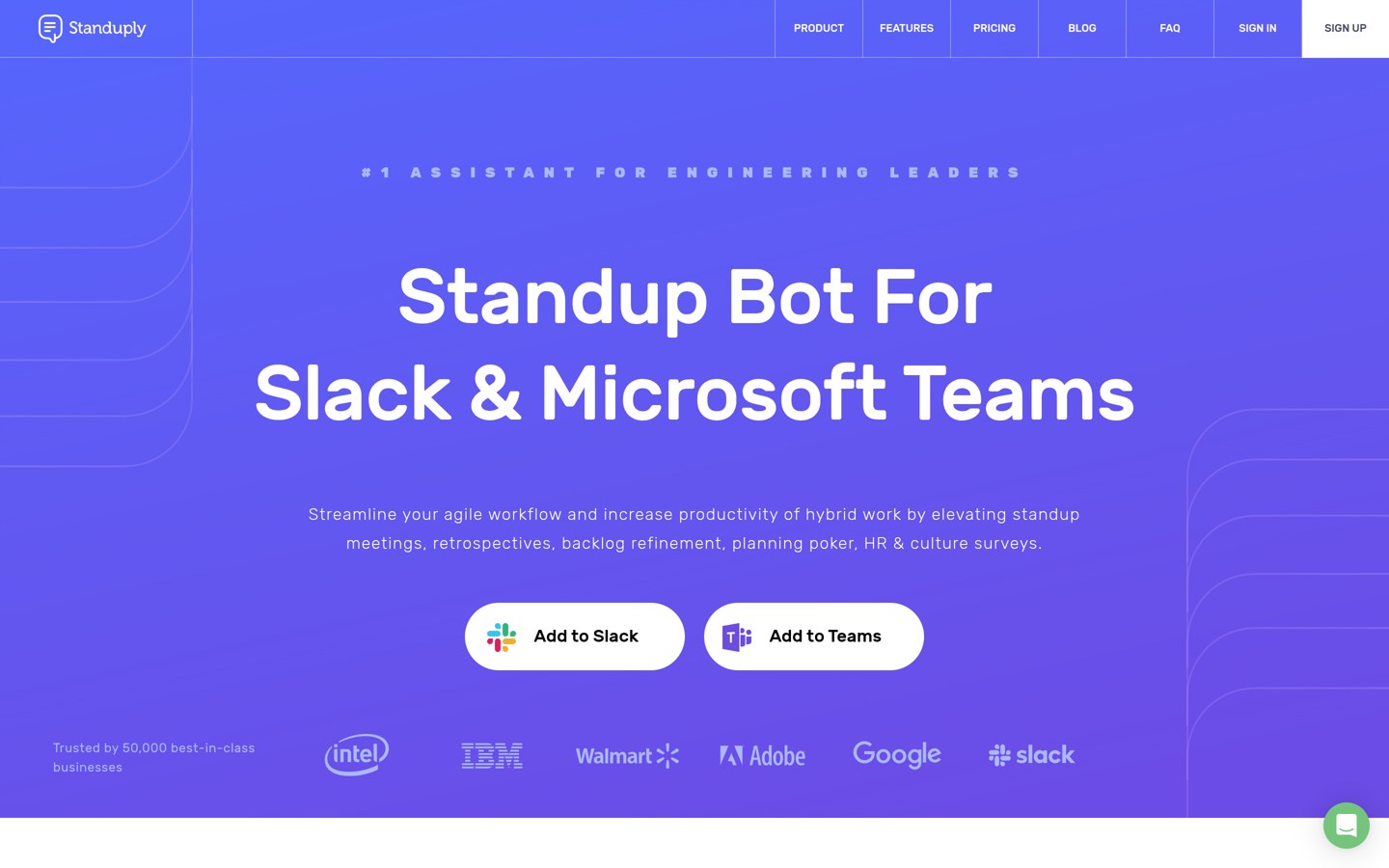
Standuply is a Slack bot that runs daily standups, retrospectives, polls and planning poker on a schedule. Its free Starter plan covers 3 users, and Team costs $1.50 per user a month on annual billing.
The trade off is the thin review base. Standuply is rated 4.8 out of 5 on G2, but from only 30 reviews, and the free plan covers just 3 users. It suits small teams that want the cheapest paid standup bot.
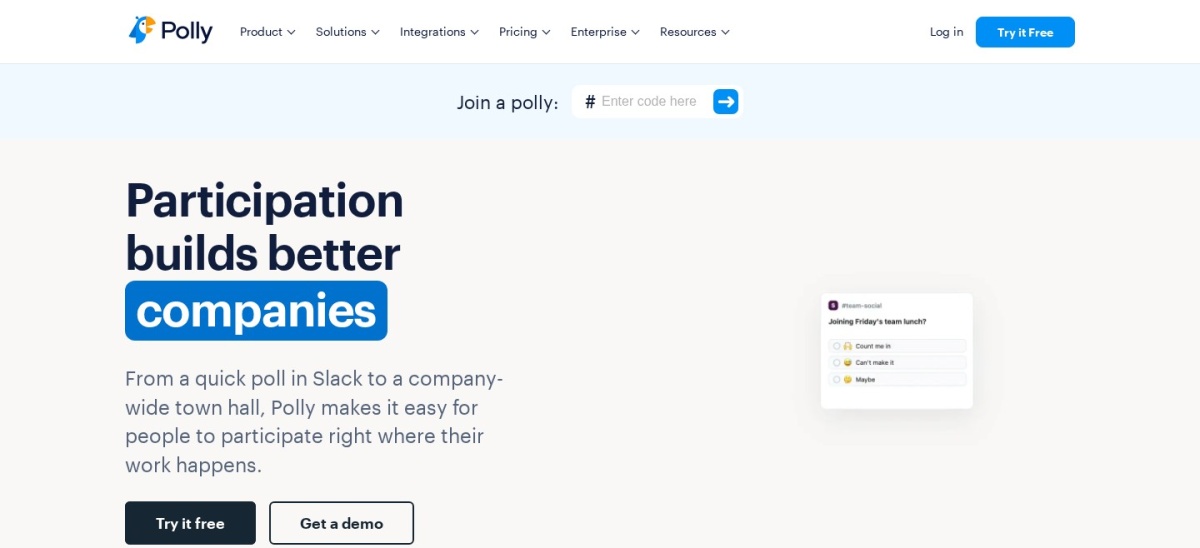
Polly is a Slack app for polls, surveys, standups and quizzes that run where the team already works. The free plan covers basic polls, and Basic at $19 a month per licence adds surveys, standups, scheduling and exports.
The trade off is price. At $19 a month per licence, Polly costs more than Geekbot or Standuply for similar standup features, and some reviewers call its pricing unclear. It suits teams that run frequent polls and pulse surveys.
IFTTT is a simple automation service that links Slack to more than 1,000 services with one-trigger applets. The free plan covers 2 applets, and Pro at $2.99 a month raises the limit to 20 applets with multi-action flows and webhooks.
The trade off is simplicity. IFTTT suits single-trigger jobs, not branching business workflows, and it moved to usage-based pricing in late October 2026, so the $2.99 Pro figure needs a check at checkout. It suits personal and small-team automations.
Pabbly Connect is a workflow platform that links Slack to more than 2,000 apps with multi-step flows, routers and filters. Its free plan covers 100 tasks a month, and Standard costs $16 a month on annual billing for 10,000 tasks.
The trade off is polish. The interface feels dated next to Zapier and Make, and its G2 rating of 4.1 out of 5 comes from only 30 reviews. It suits budget teams that run high volumes of simple multi-step flows.
Native tools vs automation platforms: which side fits
Native tools are the cheaper side. Geekbot, Standuply and Polly live inside Slack, cost $1.50 to $19 a month, and need no setup outside the workspace.
Platforms are the wider side. Zapier, Make, n8n, IFTTT and Pabbly Connect move data between Slack and other apps, and their prices track tasks, credits or executions instead of seats.
Most teams end up with one of each: a native app for daily standups and polls, plus one platform for everything that leaves Slack.
How we chose
We started from the Slack App Directory and the main automation platforms, then kept tools with a public G2 rating and a published price.
Prices come from each vendor's pricing page, checked on 26 November 2026. Ratings and review counts come from G2 on the same day. Where a vendor shows a sale, the list shows the regular price.
We left out enterprise platforms that publish no starting price. No vendor paid for a place, and we do not claim to have used these tools ourselves.
How to choose a Slack automation
Start with the jobs that repeat every week, then match the tool to the job.
List the jobs that repeat every week. Standups, reminders and approvals are Slack-native jobs. Cross-app sync needs a platform.
Check what Slack already covers. Workflow Builder handles forms, welcome messages and scheduled posts before you pay for anything else.
Match the price to the unit. Compare per-user prices for Slack apps with per-task or per-credit prices for platforms, using your real monthly volume.
Start free, then pay for one tool. Run the free plan for two weeks, then upgrade the tool that saves the most time.
FAQ
What is the best Slack automation?
Slack Workflow Builder is the best starting point for most teams because it is built into Slack and needs no extra app. Teams that need cross-app flows should look at Zapier for the widest library or Make for visual multi-step flows.
Can I automate Slack without another app?
Yes. Workflow Builder is built into Slack and covers forms, welcome messages, scheduled posts and channel reminders. You only need another app when a workflow must move data between Slack and a different tool.
What is the cheapest Slack automation?
Standuply is the cheapest paid option here at $1.50 per user a month on annual billing. Geekbot is free for teams up to 10 users, and Slack Workflow Builder is built in, so small teams can start at no cost.
Is Zapier or Make better for Slack?
Zapier is better when you need the widest app library and the fastest setup, with 9,000+ apps. Make is better when you want visual branching flows at a lower price, with Core at $12 a month for 10,000 credits.
Do I need Slack Pro to automate Slack?
No. Workflow Builder ships with Slack, and the free plan covers basic messaging and workflows. Pro at $7.25 per user a month adds unlimited message history, unlimited apps and group huddles.
Which tool is best for async standups in Slack?
Geekbot is the best pick for most teams, with a free plan up to 10 users and paid standups at $2.50 per participant a month. Standuply is the cheapest paid option, and Polly fits teams that also run frequent polls.
SaaS SEO and WordPress specialist with about 8 years of experience. Rakib compares WordPress plugins, themes, hosting and software using public pricing, documentation and user reviews. See how we rank.