WLWPLegible EditorsLast verified 22 Nov 2026How we rank12 min read
★ Short answer
Semgrep is our top SAST tool for development teams that need customizable security rules, cross-file analysis, and pull request scanning. Its free edition supports 10 contributors and repositories, while Teams Code costs $30 per contributor monthly. SonarQube suits teams combining security and code quality, while Snyk offers broader developer security coverage.
How we make this list: we compare pricing pages, product documentation and public user reviews, then re-check every price before each update. No product paid for a place. Disclosure.
Semgrep Free supports up to 10 repositories and 10 contributors. Teams Code costs $30 per contributor monthly, with a 4.6/5 G2 rating from 56 reviews.
SonarQube Cloud Team starts at $34 monthly and scans code for vulnerabilities, bugs, and maintainability issues. G2 rates SonarQube 4.4/5 from 167 reviews.
Snyk Free includes 100 SAST tests monthly, while Team costs $25 monthly and increases the allowance to 1,000 Snyk Code tests.
Codacy Team starts at $18 per developer monthly with annual billing and supports up to 100 private repositories and unlimited lines of code.
DeepSource Team costs $24 per user monthly with annual billing and includes unlimited repositories, pull request reviews, and automated code analysis.
GitLab Premium costs $29 per user monthly with annual billing, while GitHub Code Security costs $30 per active committer monthly for private-repository security.
What to look for in SAST tools
Static Application Security Testing, or SAST, examines source code without executing the application. It helps identify potentially insecure coding patterns, injection vulnerabilities, unsafe data handling, and other weaknesses before software reaches production.
The first consideration is programming language coverage. A scanner should understand the languages and frameworks your team uses. Some tools emphasize particular ecosystems, while broader platforms support multiple languages and infrastructure configuration formats.
Detection quality matters more than the number of findings. Consider false positives, data-flow analysis, configurable rules, and how clearly the software explains vulnerabilities. Teams need actionable results that developers can investigate rather than a growing backlog of low-value alerts.
Integration with development workflows is equally important. Look for IDE plugins, pull request comments, CI/CD scanning, security gates, and issue-tracking connections. Earlier feedback generally makes security problems easier to investigate and address.
Finally, distinguish SAST from related security tools. Software Composition Analysis identifies vulnerable dependencies, while secret scanning looks for exposed credentials. A complete application security program may require these capabilities alongside source code analysis.
Semgrep is a static application security testing platform for finding vulnerabilities through configurable rules and code analysis. Its free edition supports 10 repositories and 10 contributors, with cross-file analysis, Pro rules, and 60 AI credits. Developers can scan more than 35 languages and integrate findings into pull requests and development workflows.
The trade off is that larger teams need paid contributor licenses, and separate security capabilities can carry additional charges. Teams Code costs $30 per contributor monthly, equivalent to $360 annually. It suits development and AppSec teams that want customizable detection with automated security feedback.
What we like
Free edition supports 10 repositories and contributors
Customizable security rules
Cross-file and data-flow analysis
CI/CD and pull request integrations
AI-assisted vulnerability triage
Watch out for
Free edition has contributor and repository limits
Paid products use separate contributor-based pricing
Teams Code adds paid contributor capacity, SSO, security workflows, and expanded supportVisit semgrep.dev
02
SonarQube
4.4/5on G2 (167 reviews, checked Nov 2026)
Paid from$34/mo
Best for combining code security and quality
Free private codeUp to 50,000 LOC
Language coverage35+ languages
AnalysisBugs, vulnerabilities and hotspots
Paid planCloud Team, from $34/mo
sonarsource.com
SonarQube homepage, captured Nov 2026.
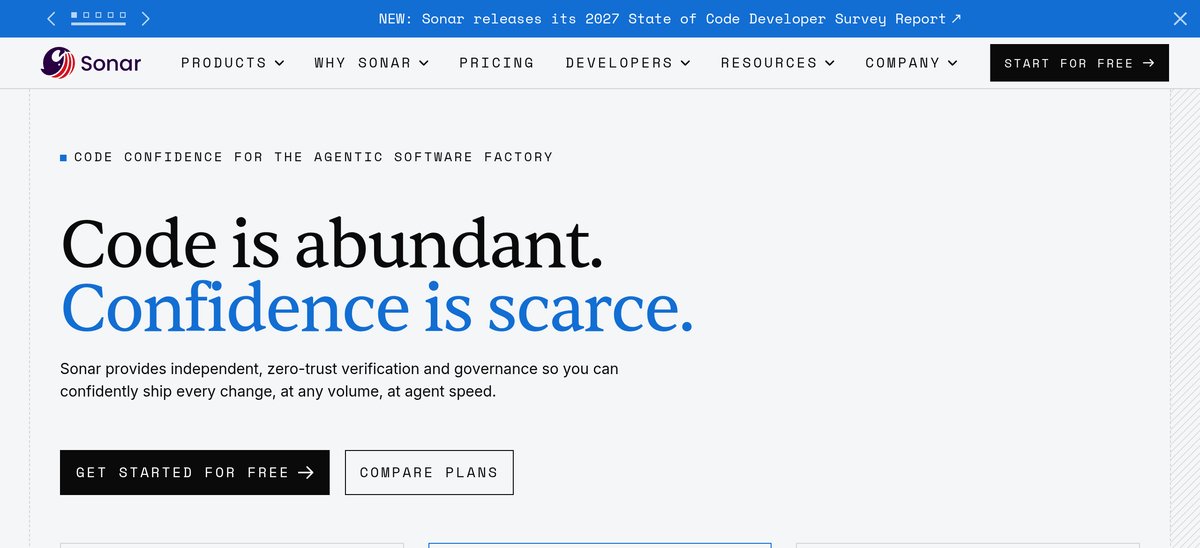
SonarQube is a code analysis platform that identifies security vulnerabilities, bugs, security hotspots, and maintainability problems. Its cloud free tier supports private projects up to 50,000 lines of code. Team starts at $34 monthly and provides automated analysis across more than 35 languages, with quality gates and development workflow integrations.
The trade off is that SonarQube Cloud uses private lines of code for subscription sizing, so larger projects increase costs. Team starts at $34 monthly, equivalent to $408 annually at the entry rate. It suits teams that want security findings and code quality metrics within the same review process.
What we like
Combines SAST and code quality analysis
Free private-project allowance
Supports more than 35 languages
Quality gates help enforce coding standards
IDE and CI/CD integration options
Watch out for
Cloud pricing increases with private code size
Some advanced security capabilities require higher plans
Initial quality gate configuration takes effort
False positives require investigation
Cloud Team expands private-code capacity and commercial analysis capabilitiesVisit sonarsource.com
03
Snyk
4.5/5on G2 (136 reviews, checked Nov 2026)
Paid from$25/mo
Best for broader developer security coverage
Free projects5
Free SAST tests100/month
Team SAST tests1,000/month
Paid planTeam, $25/mo
snyk.io
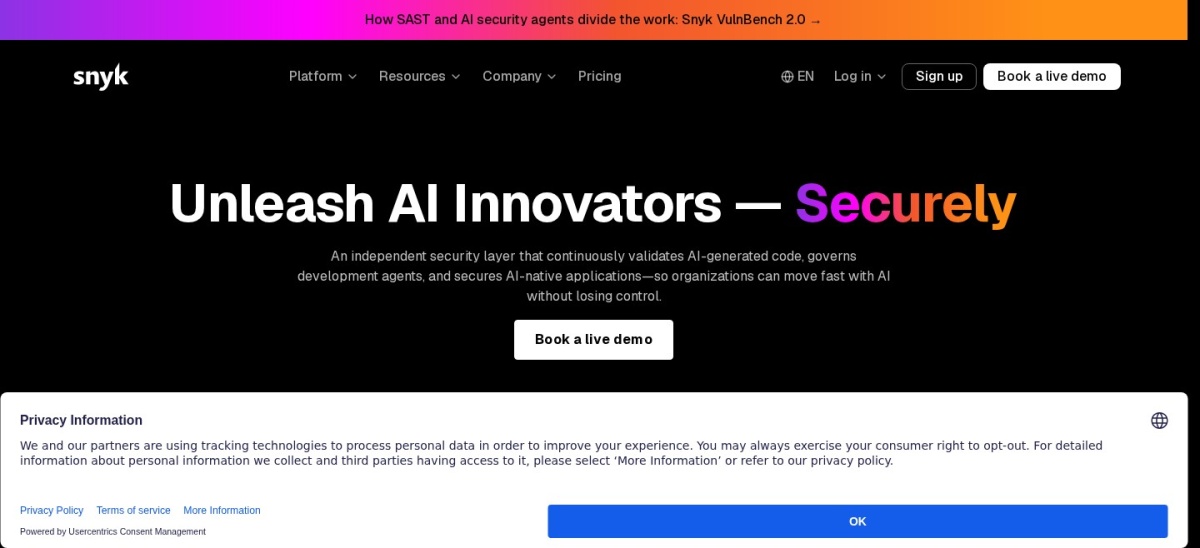
Snyk homepage, captured Nov 2026.
Snyk is a developer security platform that identifies vulnerabilities in application code, open-source dependencies, containers, and infrastructure configurations. Its free plan supports 5 projects and 100 Snyk Code tests monthly. Team costs $25 monthly and increases coverage to 100 projects and 1,000 SAST tests monthly.
The trade off is that scanning allowances differ between security products, and the public Team tier has usage limits. Team costs $25 monthly, equivalent to $300 annually before any additional requirements. It suits developers who need SAST alongside dependency and infrastructure security checks.
What we like
Free SAST scanning allowance
Covers code, dependencies, containers and IaC
IDE and repository integrations
Remediation guidance for vulnerabilities
Team includes 1,000 monthly SAST tests
Watch out for
Free plan supports only 5 projects
Test allowances vary by security product
Enterprise capabilities require custom pricing
Developers must review automated findings
Team increases project and test allowances across supported security productsVisit snyk.io
04
Codacy
4.6/5on G2 (31 reviews, checked Nov 2026)
Paid from$18/mo
Best for automated code review and security checks
Team private projectsUp to 100
Team code allowanceUnlimited LOC
Language coverage49 languages
Paid planTeam, $18/dev/mo annually
codacy.com
Codacy homepage, captured Nov 2026.
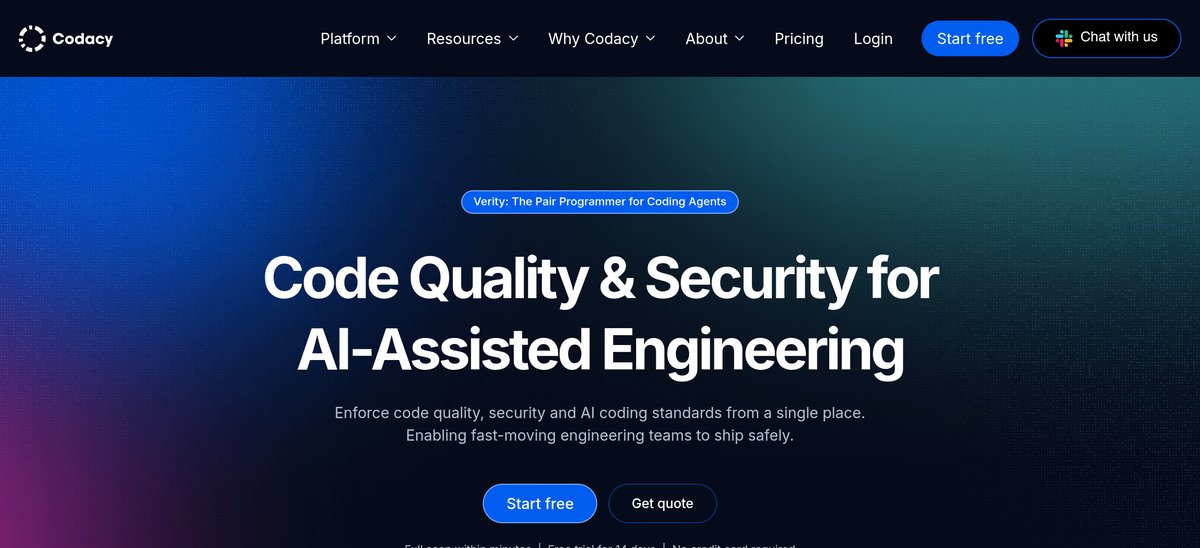
Codacy is an automated code quality and security platform that scans source code, identifies vulnerabilities, and applies coding standards. Its free Developer edition supports local IDE, CLI, and coding-agent checks. Team starts at $18 per developer monthly with annual billing and supports up to 100 private repositories, unlimited lines of code, and shared analysis across 49 languages.
The trade off is that Team supports a maximum of 30 contributors, while some advanced vulnerability management capabilities require Business. Team starts at $216 per developer annually. It suits engineering teams that want security scanning, code quality enforcement, and pull request checks in one platform.
What we like
Free local developer security scanning
Team supports up to 100 private repositories
Unlimited lines of code on Team
Supports 49 programming languages
Integrates with Git repositories and pull requests
Watch out for
Team is limited to 30 developers
Advanced enterprise security features require Business
Cloud integrations exclude some self-hosted repositories
Custom security policies require configuration
Team adds cloud scanning, private repositories, pull request gates, and shared standardsVisit codacy.com
05
DeepSource
4.6/5on G2 (22 reviews, checked Nov 2026)
Paid from$24/mo
Best for automated security-focused code reviews
Paid repositoriesUnlimited
Pull request reviewsUnlimited
Included SCA targets3
Paid planTeam, $24/user/mo annually
deepsource.com
DeepSource homepage, captured Nov 2026.
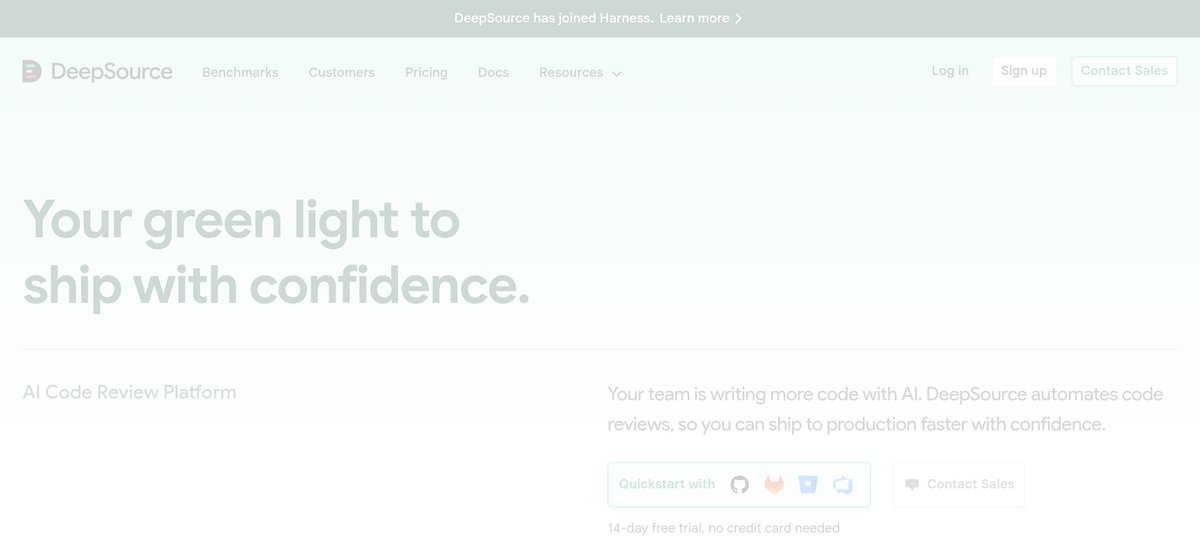
DeepSource is a code analysis and review platform that identifies security issues, coding problems, and maintainability concerns in pull requests. Team costs $24 per user monthly with annual billing and includes unlimited repositories, unlimited pull request reviews, AI-assisted analysis, automated formatting, and 3 dependency-scanning targets. A free trial includes AI Review credits.
The trade off is that AI Review usage beyond included credits and additional dependency targets can create extra charges. Team costs $288 per user annually before usage-based extras. It suits development teams that want security findings, automated code review, and remediation assistance within existing Git workflows.
What we like
Unlimited repositories on Team
Unlimited pull request reviews
Automated formatting and remediation
Includes dependency scanning targets
Integrates security findings into code review
Watch out for
AI Review has separate usage-based charges
Additional SCA targets cost extra
Smaller independent review sample
Advanced deployment options require Enterprise
Team adds unlimited repositories, automated reviews, audit logs, and API accessVisit deepsource.com
06
GitLab
4.5/5on G2 (905 reviews, checked Nov 2026)
Paid from$29/mo
Best for SAST integrated with DevSecOps pipelines
Free group users5
Free compute minutes400/month
Free SASTIncluded
Paid planPremium, $29/user/mo annually
gitlab.com
GitLab homepage, captured Nov 2026.
GitLab is a DevSecOps platform combining source control, CI/CD, code review, and application security scanning. Its free cloud plan supports 5 users per top-level group, includes 400 compute minutes monthly, and provides SAST scanning. Premium costs $29 per user monthly with annual billing and adds advanced CI/CD, collaboration, and support capabilities.
The trade off is that sophisticated vulnerability dashboards, security approval policies, and advanced SAST management belong to the custom-priced Ultimate tier. Premium costs $348 per user annually but does not include the full enterprise security interface. It suits development teams already building and deploying software through GitLab.
Premium does not unlock the complete security suite
Some security outputs require manual interpretation on lower tiers
Premium adds advanced CI/CD and collaboration; Ultimate adds vulnerability management and security governanceVisit gitlab.com
07
GitHub Code Security
4.7/5on G2 (2,440 reviews, checked Nov 2026)
Paid from$30/mo
Best for native GitHub vulnerability scanning
SAST engineCodeQL
Public repositoriesFree code scanning
Private repository billingPer active committer
Paid planCode Security, $30/committer/mo
github.com
GitHub Code Security homepage, captured Nov 2026.
GitHub Code Security is an application security offering that brings CodeQL analysis, vulnerability alerts, remediation guidance, and security workflows into GitHub repositories. Code scanning is available free for eligible public repositories. For private repositories, Code Security costs $30 per active committer monthly and supports integrated analysis and developer remediation.
The trade off is that private-repository pricing depends on active committers, and the code security charge can be additional to repository hosting costs. One active committer costs $360 annually at the published rate. It suits teams that want vulnerability scanning integrated directly into GitHub pull requests and repository management.
What we like
Native GitHub and pull request integration
CodeQL security analysis
Free code scanning for eligible public repositories
Vulnerability alerts and remediation guidance
Works with established GitHub development workflows
SAST vs DAST vs SCA: understanding the differences
SAST analyzes source code without running the application. It can detect potentially insecure programming patterns early in development, making it useful for pull request checks and CI/CD security gates.
DAST, or Dynamic Application Security Testing, examines a running application from the outside. It helps identify weaknesses that appear when an application processes requests, handles authentication, or interacts with its environment.
SCA, or Software Composition Analysis, examines third-party software dependencies and their known vulnerabilities. This matters because applications often contain libraries that developers did not write themselves.
These approaches are complementary. SAST identifies weaknesses in custom code, SCA examines dependencies, and DAST evaluates application behavior. Teams should choose coverage based on their software architecture, risk exposure, and available security resources.
How to implement SAST without overwhelming developers
Begin with a manageable set of repositories and languages. Confirm that the scanner recognizes your frameworks, understands build requirements, and produces findings developers can investigate.
Introduce scanning during pull requests before enabling strict security gates. Review false positives and adjust rules to distinguish actionable vulnerabilities from lower-priority code quality warnings.
Prioritize exploitable security issues rather than treating every warning equally. Consider severity, affected functionality, data exposure, and whether the vulnerable code is reachable in realistic application workflows.
Track remediation over time. Assign clear ownership, review recurring vulnerability categories, and periodically revisit rules as frameworks and dependencies change. Automated scanning should support secure engineering practices rather than replace human review.
How we chose
We selected established static application security testing and DevSecOps platforms with documented code scanning capabilities, active development, and public user reviews. The comparison includes dedicated SAST products, automated code review platforms, and repository services with integrated application security.
The article uses an editorial date of 22 Nov 2026. Official vendor pricing pages and G2 reviews were opened for verification on 23 Nov 2026. Prices reflect published regular entry-level paid offerings, with per-contributor, per-user, lines-of-code, and usage-based billing differences identified.
We excluded products requiring custom quotes for their cheapest paid offering and tools without a sufficiently established public review history. GitHub's rating reflects its overall platform, and DeepSource's smaller review sample is disclosed. No vendor paid for a place, and we do not claim testing for this list.
How to choose the best SAST tool
Identify your application's security requirements, then compare language support, detection quality, development integrations, and total scanning costs.
Check programming language and framework coverage. List the languages, frameworks, and repository types used by your team. Confirm that the scanner supports your actual application stack, including relevant security rules and data-flow analysis.
Evaluate how findings are prioritized. Look for severity classifications, vulnerability explanations, customizable rules, and ways to investigate false positives. The goal is to help developers resolve meaningful security problems without excessive alert noise.
Match integrations to your development workflow. Check IDE support, repository connections, pull request comments, CI/CD jobs, issue tracking, and security gates. Security scanning should fit into existing engineering processes with clear ownership and remediation paths.
Calculate the real cost of scanning. Compare contributor fees, active committers, lines of code, scan allowances, and optional security modules. Include the cost of maintaining rules, reviewing findings, and scaling coverage as your codebase grows.
FAQ
What is the best SAST tool in 2026?
Semgrep is our top pick for teams that want customizable security rules, cross-file analysis, and developer workflow integration. Its free edition supports 10 repositories and contributors. SonarQube is a strong alternative for combined code quality and security, while Snyk offers broader application security coverage.
What is SAST in software security?
Static Application Security Testing examines source code or related application artifacts without executing the program. It identifies patterns that may indicate security vulnerabilities, such as unsafe input handling or insecure operations. Developers can use findings to review potential weaknesses before releasing software.
Are there free SAST tools?
Yes. Semgrep offers a free edition supporting 10 contributors and repositories. SonarQube Cloud provides a free private-code allowance, while Snyk includes 100 SAST tests monthly on its free plan. GitLab also includes SAST scanning in its free offering, subject to platform limits.
What is the difference between SAST and DAST?
SAST analyzes code without executing the application, allowing developers to identify potential vulnerabilities during development. DAST evaluates a running application and observes its behavior when processing requests. Using both approaches can uncover different kinds of weaknesses that either method might miss independently.
Which SAST tool is best for CI/CD integration?
GitLab is a practical choice for teams already using its CI/CD system because SAST scanning is built into the development platform. Semgrep, SonarQube, Snyk, and Codacy also support automated security checks in development workflows. The best fit depends on your repository and build infrastructure.
Which SAST tool is best for small development teams?
Semgrep, SonarQube, and Codacy provide accessible starting points for smaller teams. Semgrep has a free edition with contributor limits, SonarQube provides free cloud analysis for smaller codebases, and Codacy offers free local developer scanning. Compare supported languages and workflow requirements before choosing.
How much do SAST tools cost?
Published paid entry prices in this comparison range from $18 per developer monthly for Codacy Team with annual billing to $34 monthly for SonarQube Cloud Team. Other platforms charge per contributor, active committer, or scanning allowance. Total costs depend on the selected licensing model.
Can SAST tools detect every security vulnerability?
No. SAST can identify many source code weaknesses, but it cannot reliably detect every runtime configuration problem, authentication flaw, or vulnerability that depends on application behavior. Teams should combine static analysis with code review, dependency scanning, dynamic testing, and appropriate security practices.
What is the difference between SAST and software composition analysis?
SAST focuses on vulnerabilities and insecure patterns in application source code. Software Composition Analysis identifies known vulnerabilities and licensing concerns in third-party libraries and dependencies. Applications often need both because secure custom code can still depend on vulnerable external packages.