Best Microsegmentation Tools in 2026: 7 Tools Compared
WLWPLegible EditorsLast verified 22 Nov 2026How we rank6 min read
★ Short answer
Tailscale is the top microsegmentation tool for most teams, combining WireGuard mesh networking with identity-based access controls and a free plan for up to 6 users. Twingate fits teams retiring legacy VPNs with resource-level policies from $5/user/month, while NetBird suits self-hosters and open-source builders.
How we make this list: we compare pricing pages, product documentation and public user reviews, then re-check every price before each update. No product paid for a place. Disclosure.
Tailscale starts at $8 per user per month on Standard, with a free Personal plan for up to 6 users and unlimited user devices.
Twingate offers a free Starter plan for up to 5 users and paid Teams access at $5 per user per month.
Firezone starts at $50 per seat per year on Team after a free Starter tier for up to 6 users.
Cloudflare Zero Trust includes a free tier for up to 50 users and paid Pay-as-you-go access at $7 per user per month.
ZeroTier starts at $18 per month on Essential for commercial networks after a 10-device free personal license.
NordLayer requires a 5-user minimum on Lite at $8 per user per month and gates network segmentation on higher tiers.
What to look for in microsegmentation software
Microsegmentation breaks a flat network into smaller, isolated zones so an attacker who compromises one host or service cannot move freely across the rest of your environment. Instead of relying only on broad perimeter firewalls or wide-open VPNs, modern tools tie traffic permissions to identities, tags, or specific resources.
When comparing tools in this space, check how policies are enforced and where traffic flows. Some platforms establish direct peer-to-peer tunnels between nodes or gateways, while others route traffic through cloud edges or host-level rules.
Seat and node rules matter just as much as headline rates. A platform may charge per user, per active seat over 30 days, per connected machine, or enforce a minimum seat count before granting granular access controls.
Decide whether you need managed cloud hosting or self-hosted control planes. Teams with strict data residency or custom infrastructure requirements often prefer open-source clients and self-hosted connectors or gateways.
Tailscale is a zero-trust mesh networking platform built on WireGuard that connects devices, servers, and services with identity-based access rules. Its free Personal plan covers up to 6 users, unlimited user devices, 3 ACL groups, and 50 tagged resources.
The trade off is that the Standard plan costs $8 per user per month and caps access control at 10 ACL groups, with log streaming and 300 ACL groups held for Premium at $18 per user per month. It suits engineering and IT teams wanting fast peer-to-peer segmentation without managing VPN servers.
What we like
Generous free Personal tier for up to 6 users and unlimited user devices
Direct peer-to-peer connections reduce central VPN bottlenecks
Includes 50 tagged resources and 1,000 ephemeral minutes per month on entry tiers
Watch out for
Standard tier limits teams to 10 ACL groups
Control plane is not self-hosted natively
Extra tagged resources cost $1 per month each past the free 50
Standard ($8/user/mo) adds unlimited team users, SCIM provisioning, and MDM/EDR device posture integrations.Visit tailscale.com
02
Twingate
4.6/5on G2 (84 reviews, checked Nov 2026)
Paid from$5/mo
Best for granular resource-level access
Free tierUp to 5 users
Entry paid plan$5/user/mo
Client supportDesktop & mobile
DeploymentLightweight connectors
twingate.com
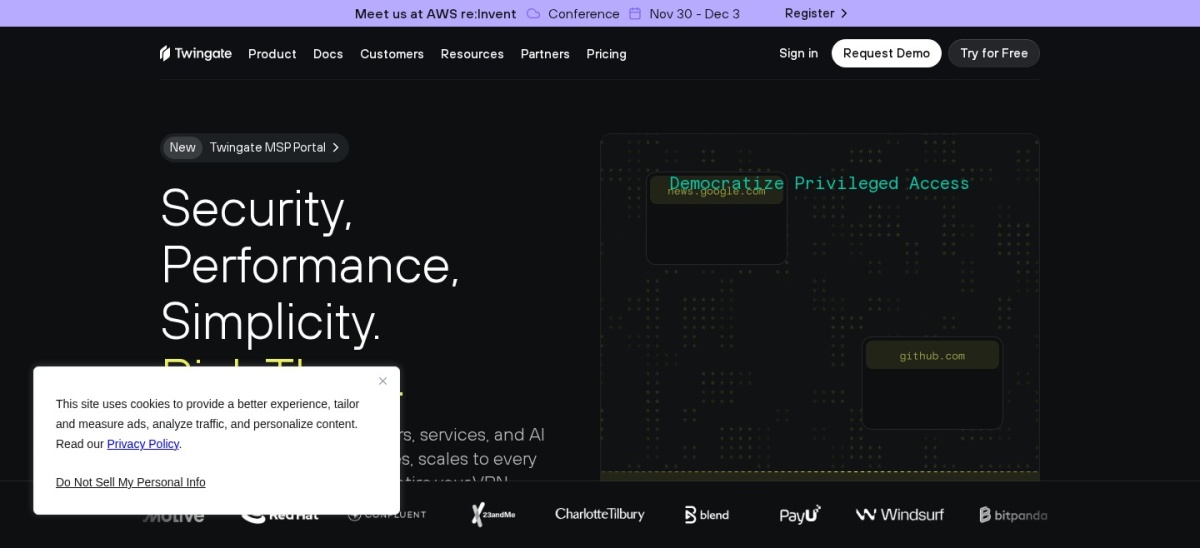
Twingate homepage, captured Nov 2026.
Twingate is a zero-trust network access platform that restricts users and services to specific internal resources rather than exposing full subnets. Its free Starter plan supports up to 5 users and up to 50 resources with split tunneling and conditional access.
The trade off is that paid Teams pricing starts at $5 per user per month (with a 15% yearly discount option shown on the pricing page) and caps the tier at 100 users, while IdP provisioning and exit networks sit on Business at $10 per user per month. It suits teams replacing legacy VPNs with fine-grained resource permissions.
What we like
Low entry price starting at $5 per user per month on Teams
Free Starter tier includes up to 5 users and 50 resources
Deploys via lightweight connectors without opening inbound firewall ports
Watch out for
Teams plan is capped at 100 users
Okta and Entra ID provisioning require the Business tier
DNS filtering and privileged access features are listed as add-ons
Teams ($5/user/mo) raises the cap to 100 users and adds Google Workspace SSO and device posture checks.Visit twingate.com
Firezone is a zero-trust access platform built on WireGuard that pairs a hosted control plane with self-hostable gateways to enforce resource-level policies. Its free Starter plan covers up to 6 users, 10 service accounts, and 10 sites with audit logs and REST API access.
The trade off is that Team costs $50 per seat per year ($5/month monthly option) using static seats for every user and service account in the account, while directory sync and SIEM log sinks require Business at $80 per seat per year. It suits teams wanting predictable annual seat pricing and gateway control.
What we like
Free Starter plan includes up to 6 users and 10 sites with no credit card
Competitive $50 per seat per year Team pricing with gateway load balancing
Business tier counts active seats over a rolling 30-day window
Watch out for
Team plan uses static seats for all users and service accounts
Directory sync for Google, Entra ID, and Okta requires Business
Enterprise SLA and pentest reports sit on custom Enterprise
Team ($50/seat/yr) expands capacity to 500 users, 100 sites, and adds conditional access and priority email support.Visit firezone.dev
04
Cloudflare Zero Trust
4.7/5on Capterra (533 reviews, checked Nov 2026)
Paid from$7/mo
Best free user allowance for small teams
Free tierUp to 50 users
Entry paid plan$7/user/mo
Log retentionUp to 24 hrs free
Core toolsZTNA & SWG
cloudflare.com
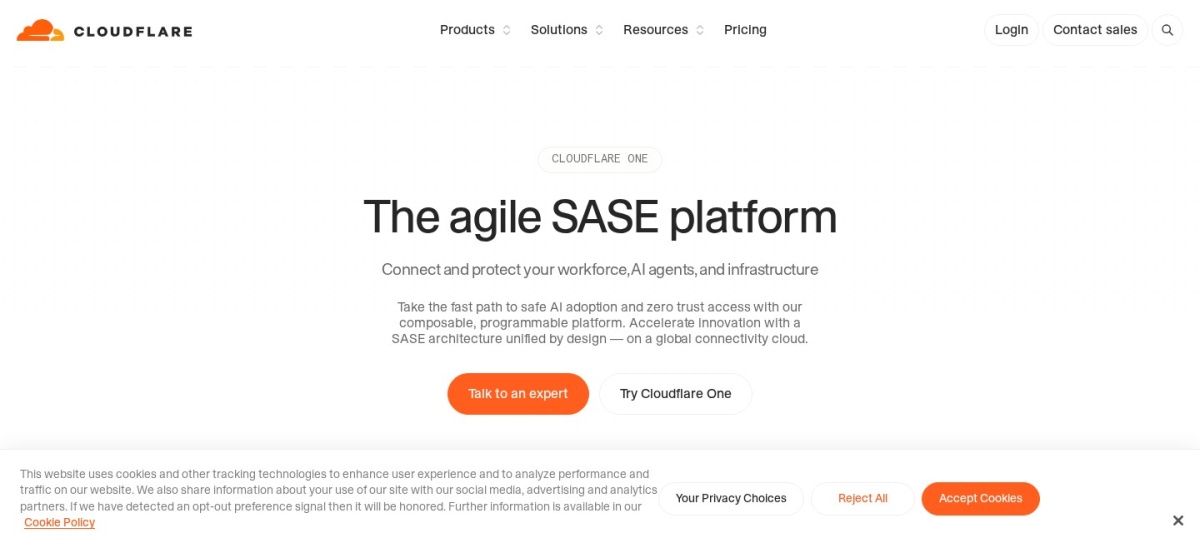
Cloudflare Zero Trust homepage, captured Nov 2026.
Cloudflare Zero Trust delivers identity-based application access, secure web gateway filtering, and device posture controls across Cloudflare's network. Its free plan supports up to 50 users with up to 24 hours of standard log retention and connectors that avoid public IP exposure.
The trade off is that paid Pay-as-you-go access starts at $7 per user per month with 30-day log retention, while Remote Browser Isolation, full DLP, and Log Explorer storage beyond 10 GB cost extra. It suits small and mid-sized teams wanting a free 50-user starting tier and global edge routing.
What we like
Free plan covers up to 50 users with ZTNA and secure web gateway basics
Pay-as-you-go tier at $7 per user per month removes the 50-user cap and adds a 100% SLA
Application connectors link private resources without exposing public IPs
Watch out for
Free plan caps standard log retention at up to 24 hours
Remote Browser Isolation, full DLP, and SIEM log export require add-ons or Contract
Broad feature set can take time to configure cleanly
Pay-as-you-go ($7/user/mo) removes the 50-user limit, extends log retention to 30 days, and adds chat and ticket support.Visit cloudflare.com
05
NetBird
4.8/5on G2 (2 reviews, checked Nov 2026)
Paid from$6/mo
Best for self-hosted and peer-to-peer meshes
Free tierUp to 5 users
Entry paid plan€6/user/mo
HostingCloud or self-hosted
Traffic pathPeer-to-peer mesh
netbird.io
NetBird homepage, captured Nov 2026.
NetBird builds encrypted peer-to-peer mesh networks with access controls, private DNS, and network routes for remote teams and servers. Its cloud Free plan covers up to 5 users and 100 machines, and self-hosting is available for teams that want to run their own control infrastructure.
The trade off is that paid cloud plans are listed in euros starting at €6 per user per month on Team (about $6 equivalent) with €0.50 per month per extra machine, while device posture checks and traffic event streaming require Business at €12 per user per month. It suits technical teams that value self-hosting flexibility and direct peer-to-peer traffic.
What we like
Supports both managed cloud and self-hosted deployment
Peer-to-peer connections keep traffic direct rather than backhauling through a hub
Includes access controls, private DNS, and SSH capabilities
Watch out for
Paid cloud tiers are published in euros rather than USD on the pricing page
Additional machines past the included quota cost €0.50 per month each
Smaller public review footprint on major review directories than legacy VPNs
Team (€6/user/mo) unlocks unlimited users, enterprise IdP SSO, SCIM provisioning, and audit event logging.Visit netbird.io
06
ZeroTier
4.9/5on Capterra (12 reviews, checked Nov 2026)
Paid from$18/mo
Best for virtual Ethernet and edge device fleets
Free tier10 devices, 1 network
Entry paid plan$18/mo
Extra devices$2/device/mo
Audit logs30 days on Essential
zerotier.com
ZeroTier homepage, captured Nov 2026.
ZeroTier creates software-defined virtual networks across desktops, servers, cloud instances, and embedded devices with local policy enforcement. Its Personal license is free for non-commercial use with up to 10 devices, 1 network, and 1 admin.
The trade off is that commercial use requires at least Essential at $18 per month (covering 10 devices, 10 networks, and 5 admins, then $2 per extra device per month), while custom flow rules and 90-day audit logs require Scale at $179 per month. It suits teams connecting distributed machines, lab gear, or edge hardware.
What we like
Free Personal tier lets individuals test virtual networks with up to 10 devices
Works across desktops, servers, routers, and embedded edge hardware
Essential plan includes OIDC single sign-on and 30-day audit logs
Watch out for
Free plan is strictly limited to personal non-commercial use
Commercial device growth adds $2 per device per month on Essential
Custom flow rules are gated behind the $179/month Scale plan
Essential ($18/mo) grants commercial licensing, up to 10 networks, OIDC SSO, API access, and 30-day audit logs.Visit zerotier.com
07
NordLayer
4.3/5on G2 (125 reviews, checked Nov 2026)
Starts at$8/mo
Best for managed business VPN plus segmentation
Free tierNo free plan
Entry paid plan$8/user/mo (5 min)
Server speedUp to 1 Gbps
Dedicated IP add-on+$40/mo on Core/Prem
nordlayer.com
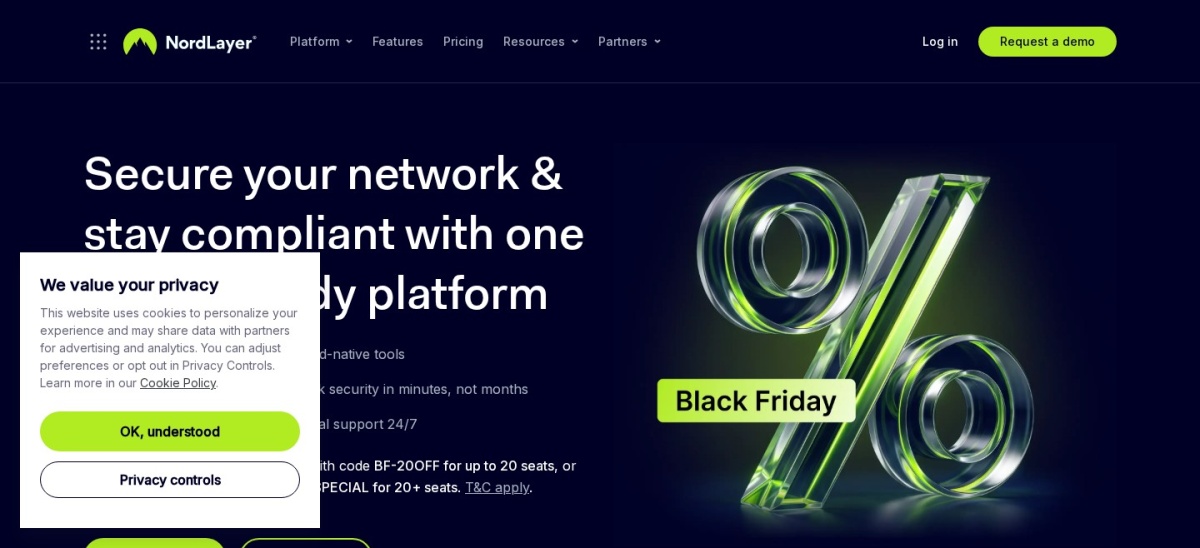
NordLayer homepage, captured Nov 2026.
NordLayer is a cloud-based network access and security platform for remote and hybrid teams that combines gateway access with threat protection and access controls. Its Lite plan starts at $8 per user per month with a 5-user minimum and includes up to 6 devices per license.
The trade off is that there is no free plan, more granular network segmentation and site-to-site interconnection sit on higher tiers rather than the entry Lite plan, and Dedicated IP servers add $40 per month on Core and Premium. It suits small businesses wanting a turnkey managed VPN and gateway security tool.
What we like
Straightforward setup across Windows, macOS, Linux, iOS, and Android
Includes 24/7 live chat and email support across plans
Integrates with identity providers such as Okta, Entra ID, and Google Workspace
Watch out for
No free tier and requires a 5-user minimum
More granular network segmentation is not included on the base Lite plan
Dedicated IP servers add $40 per month on Core and Premium
Core ($11/user/mo) and Premium ($14/user/mo) expand access controls, device posture checks, and network segmentation.Visit nordlayer.com
Peer-to-peer mesh vs. brokered zero-trust access
Peer-to-peer mesh tools establish direct encrypted paths between endpoints or nodes once keys and policies are exchanged. That model can keep latency low for workload-to-workload traffic and works well when machines sit across multiple clouds or offices.
Brokered zero-trust platforms keep private resources behind connectors or gateways and evaluate user or device identity before granting access to specific applications or subnets. Many teams pick based on whether their primary bottleneck is east-west service connectivity or remote user access to private apps.
How we chose
We built this shortlist by reviewing active zero-trust access, software-defined networking, and microsegmentation vendors with public pricing and verifiable user reviews.
All pricing tiers, free limits, plan features, and review counts were checked on 22 Nov 2026 from each vendor's official pricing page and public review listings.
We excluded discontinued products and enterprise platforms that withhold all pricing behind custom sales quotes so buyers can compare transparent starting tiers. No vendor paid for a place, and we do not claim testing for this list.
How to choose a microsegmentation tool
Follow four practical steps to narrow down the right fit for your network.
Map what needs to be isolated first. List which servers, databases, internal apps, or remote devices should never communicate by default, and identify whether your risk centers on lateral movement or remote access.
Check seat, node, and minimum rules. Compare per-user rates against per-device add-ons, active-seat windows, and minimum user counts so your real headcount does not push you into a higher tier.
Verify identity and posture integrations. Confirm whether the plan you want supports your existing identity provider, single sign-on, directory sync, and device health checks without forcing an expensive upgrade.
Test on a small non-production group. Start with a free tier or trial on a limited set of users or staging workloads to verify routing behavior, logs, and administrative overhead before rolling out broadly.
FAQ
What is microsegmentation in network security?
Microsegmentation divides a network into granular segments and enforces access policies at the workload, user, or resource level. If one machine or account is compromised, strict rules limit how far an attacker can move laterally.
Do I need a paid plan to try microsegmentation?
No. Several tools on this list offer free tiers, including Tailscale for up to 6 users, Twingate for up to 5 users, Firezone for up to 6 users, and Cloudflare Zero Trust for up to 50 users.
How does microsegmentation differ from a traditional VPN?
A traditional VPN often grants broad access to an entire network segment once a user connects. Microsegmentation restricts access to specific identities, tags, or resources so users only reach what their role requires.
What should small teams watch out for in pricing?
Watch for minimum seat counts, per-device overages, and features gated behind higher tiers such as directory sync, audit log retention, or network segmentation rules.
Can microsegmentation work across cloud and on-premises servers?
Yes. Agent, connector, and gateway models can link cloud virtual machines, on-premises servers, and remote endpoints under a single policy set when configured with proper routing.
Should I choose a mesh network or a zero-trust access broker?
Choose a mesh network when nodes and services need direct encrypted connections across environments, and choose a zero-trust access broker when the main goal is restricting remote access to specific internal apps.