Best Publishing Software in 2026: 8 Tools Compared
WLWPLegible EditorsLast verified 23 Nov 2026How we rank10 min read
★ Short answer
Adobe InDesign is the best publishing software for professional print work, with unmatched typography and prepress controls and a 4.8/5 Capterra rating from 344 reviews. Pick Affinity Publisher for pro layout at no cost, or QuarkXPress if you want to own your software outright.
How we make this list: we compare pricing pages, product documentation and public user reviews, then re-check every price before each update. No product paid for a place. Disclosure.
InDesign costs $22.99 a month on the annual plan, about $276 a year per seat, and the moment you stop paying you lose access.
Affinity by Canva is now completely free and handles CMYK, master pages and PDF/X export, making it the strongest no-budget pick.
QuarkXPress costs $314 a year on subscription, or $637 once for a perpetual licence you keep forever.
Canva Pro costs $144 a year and is the fastest way for a non-designer to make a good-looking issue, though print control is basic.
Microsoft Publisher was retired in 2026, so teams with .pub files need to move to a tool on this list.
What publishing software should cover
Publishing software sits between word processors and graphic design tools: it gives you precise control over text, images and pages so brochures, magazines, books and reports look professional.
Print shops speak PDF and CMYK, and the tools below do too. Our guide on free desktop publishing software covers the no-cost options in more depth.
The real choice is about budget and workflow: subscription suites, one-time purchases, or free software. Subscriptions compound, so a one-time purchase or a free tool can win over several years of paying monthly.
If files go to a commercial printer, choose a tool with CMYK and PDF/X support. If layouts are digital-only or in-house prints, Canva, Swift Publisher or Marq are faster and cheaper.
Best for professional print and digital publishing
Free planNo, 7-day trial
Paid from$22.99/user/mo
PrepressPDF/X, GREP, preflight
Long documentsBook panel, indexes
adobe.com
Adobe InDesign homepage, captured Nov 2026.
Adobe InDesign is the tool professional layout designers measure everything against. Its handling of master pages, styles, GREP formatting and prepress checks is the reason printers, publishers and agencies keep paying the subscription, and its book panel coordinates chapters, page numbering and indexes across files.
The trade off is price and lock-in. At $22.99 a month on the annual plan, one seat costs about $276 a year, and the moment you stop paying you lose access. For a small business making a quarterly newsletter, InDesign is expensive and complex, and the learning curve is steep for beginners.
What we like
Industry standard with unmatched typography and prepress controls
Deep integration with Photoshop and Illustrator
Strong long-document tools
Watch out for
Subscription-only pricing
The learning curve is steep for beginners
Overkill for simple flyers
Creative Cloud bundles add Photoshop and IllustratorVisit adobe.com
02
Affinity Publisher
4.7/5on G2 (73 reviews, checked Nov 2026)
PriceFree
Best pro layout at no cost
Free planYes, suite is free
Paid from$0
Print outputCMYK, PDF/X
StudioLinkPhoto and Designer in-app
affinity.studio
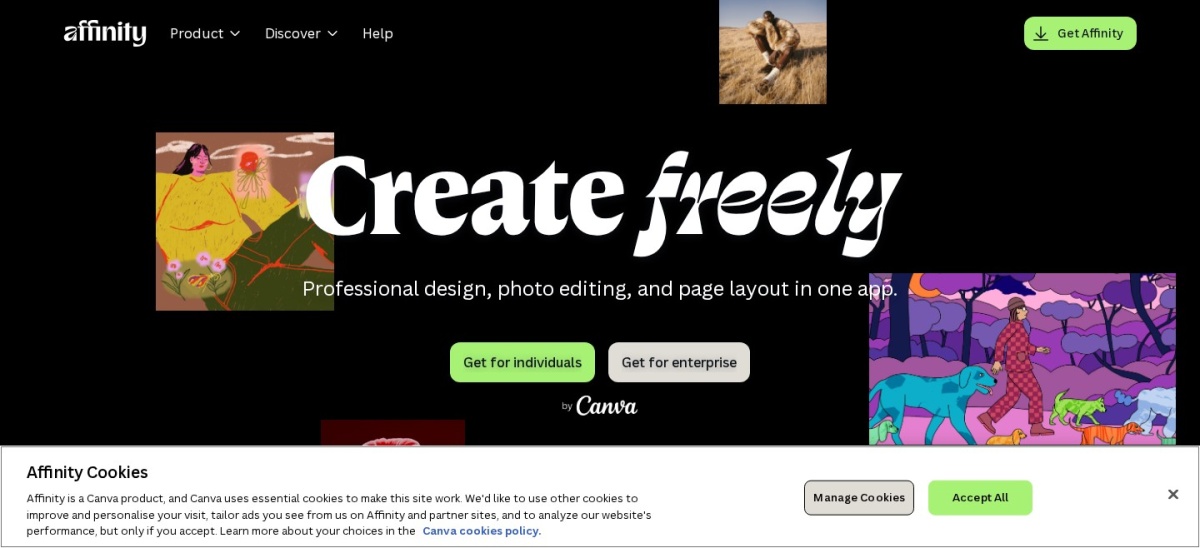
Affinity Publisher homepage, captured Nov 2026.
Affinity Publisher is the favourite of designers fleeing subscriptions, and the Affinity suite by Canva is now completely free. It handles CMYK output, master pages and text styles capably, and its StudioLink feature opens linked Affinity Photo and Designer documents for editing without leaving the layout.
The trade off is that it is not a full InDesign replacement for complex publishing pipelines. Very long documents and specialised prepress automation are weaker, and shops that exchange InDesign files daily may find the friction annoying. For freelancers and small studios, the value is difficult to beat.
What we like
Completely free with professional print features
StudioLink lets you edit photos and vectors inside the layout
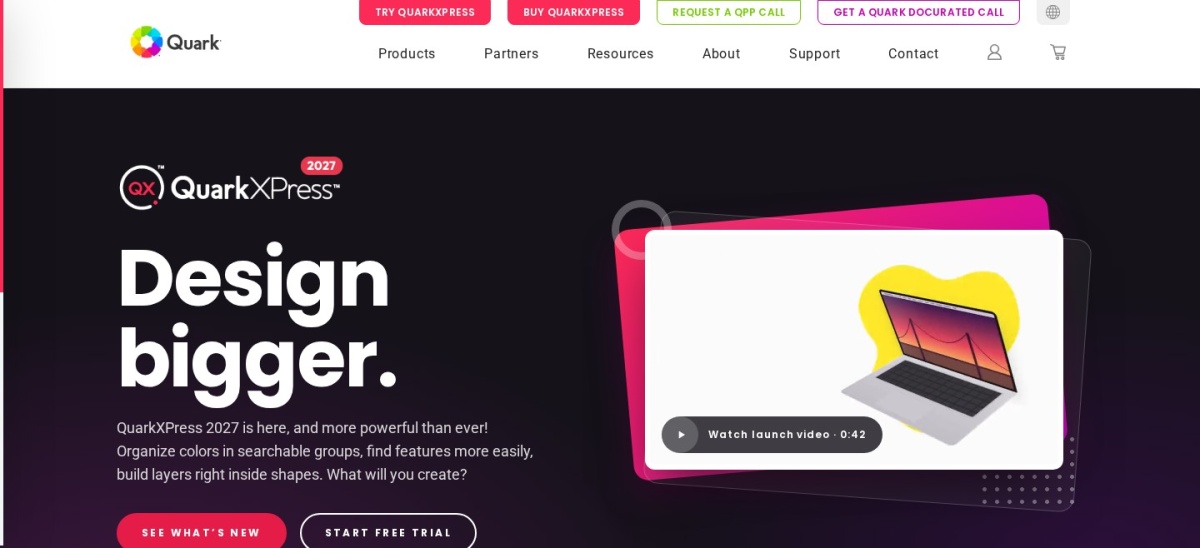
QuarkXPress was the original desktop publishing pioneer and remains a serious alternative. Its vendor store lists a prepaid annual subscription at $314 per year or a perpetual licence at $637 one-time, so teams allergic to subscriptions can buy and keep a version, and its HTML5 export makes interactive eBooks straightforward.
The trade off is the ecosystem gap. There are fewer third-party plugins, fewer tutorials, and the occasional friction exchanging files with InDesign shops. On the other hand, Quark has invested in digital publishing for years, and for independent designers who want professional output with pricing choice, it deserves a hard look.
What we like
Mature professional feature set
Perpetual licence option for $637
Digital publishing and HTML5 export built in
Watch out for
Smaller ecosystem than InDesign
Fewer templates and tutorials
File exchange with InDesign users needs conversion
Perpetual licence at $637 keeps the version you paid forVisit quark.com
04
Canva
4.7/5on G2 (7,678 reviews, checked Nov 2026)
Paid from$144/yr
Best for quick layouts by non-designers
Free planYes
Paid fromPro, $144/yr
TemplatesThousands, flyers to proposals
Print controlBasic, no full prepress
canva.com
Canva homepage, captured Nov 2026.
Canva is not a traditional page layout tool, but for small business materials it often replaces one. Thousands of templates for flyers, menus, proposals and presentations mean a marketer can produce something decent in an afternoon, and the free plan is generous while collaboration is painless.
The trade off is print depth. Fine typography, bleed control and colour management are rudimentary, and multi-page documents with running headers are awkward. Pro costs $144 a year and adds brand controls worth paying for, but use Canva for speed and graduate to a real layout tool for commercial print.
What we like
Enormous template library
Dead simple to use
Sharing and commenting built in
Watch out for
Limited typographic control
Print output is basic
Brand management needs the paid plan
Teams plans add brand controls and admin featuresVisit canva.com
05
Marq
4.5/5on G2 (210 reviews, checked Nov 2026)
Paid from$10/mo
Best for brand-consistent documents at scale
Free planYes, 1 user
Paid fromPro, $10/user/mo
Brand lockingFonts, colours, logos
EditorBrowser-based
marq.com
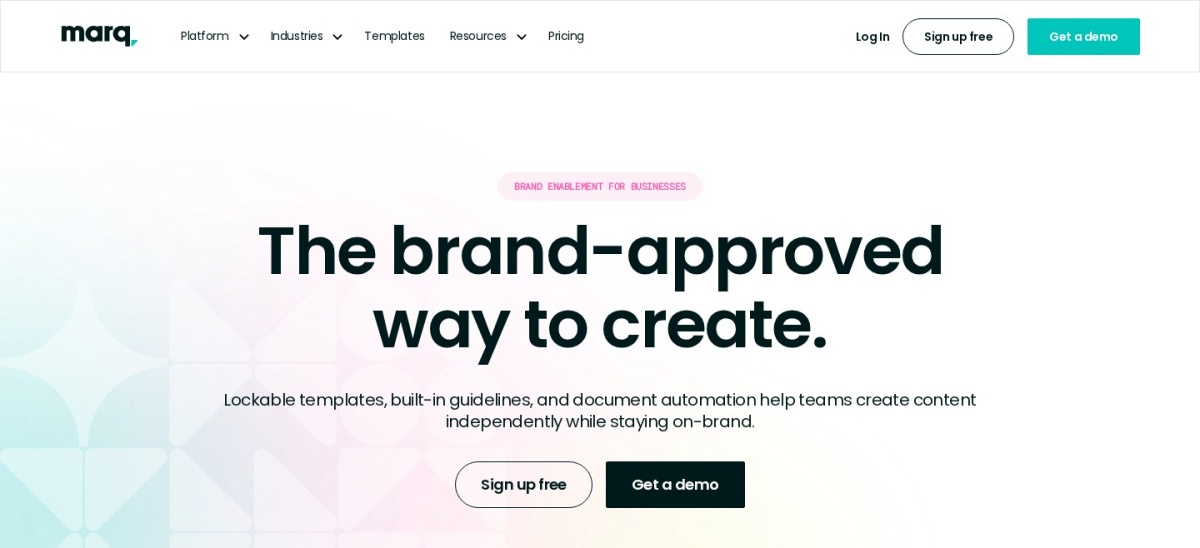
Marq homepage, captured Nov 2026.
Marq solves a different problem: how do you let dozens of non-designers create on-brand documents? Brand managers lock fonts, colours and logos into templates, and anyone in the company can edit text and images within those guardrails, so proposals, one-pagers and reports stay consistent without a designer touching every one.
The trade off is design control. It will not replace InDesign for print craft, and designers who need precise control will feel constrained. Pro costs $10 a user a month on annual billing ($15 billed monthly), and the browser-based editor means nothing to install and nothing for IT to maintain.
What we like
Browser-based with brand templates and asset locking
Role-based editing for non-designers
Approval workflows
Watch out for
Design control is limited compared to InDesign
Per-user pricing adds up
Needs an internet connection
Team adds admin roles, advanced locking and shared storageVisit marq.com
06
Scribus
4.1/5on G2 (28 reviews, checked Nov 2026)
PriceFree
Best zero-cost professional layout
Free planYes, open source
Paid from$0
ColourCMYK, ICC profiles
ScriptingPython
scribus.net
Scribus homepage, captured Nov 2026.
Scribus has quietly served as the free alternative to InDesign for over twenty years. It is genuinely capable of professional print work, with CMYK colour, ICC profiles, PDF/X export and scripting via Python, and nonprofits, schools and freelancers with no budget have produced real magazines and books with it.
The trade off is patience. The interface shows its age and the template ecosystem is thin, so expect to build designs from scratch and to consult the wiki for advanced tasks. It costs nothing and runs on Windows, Mac and Linux, which makes it the best zero-budget pick for real print work.
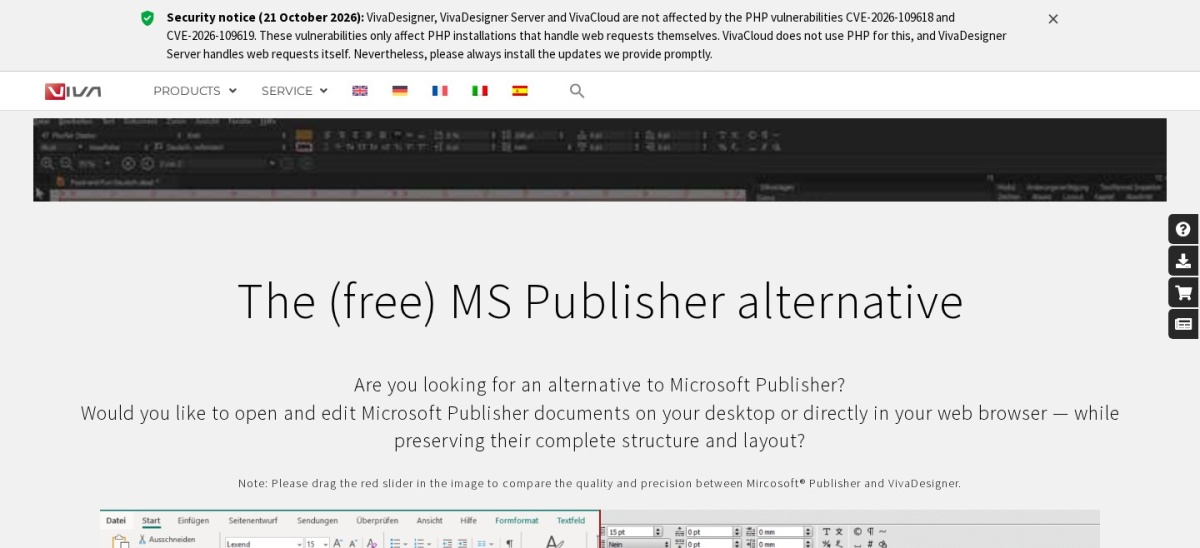
VivaDesigner is a German layout program that has spent two decades positioning itself as a friendly professional alternative to InDesign and QuarkXPress. It runs on every major desktop platform and even in a web browser, with identical file formats across them, and the vendor offers a free edition alongside paid editions.
The trade off is obscurity. The user community is smaller, English documentation can lag, and print shops know it less well than InDesign. Recent versions added AI-assisted features such as image editing and automatic translation, and the free edition makes it worth downloading for mixed-OS teams.
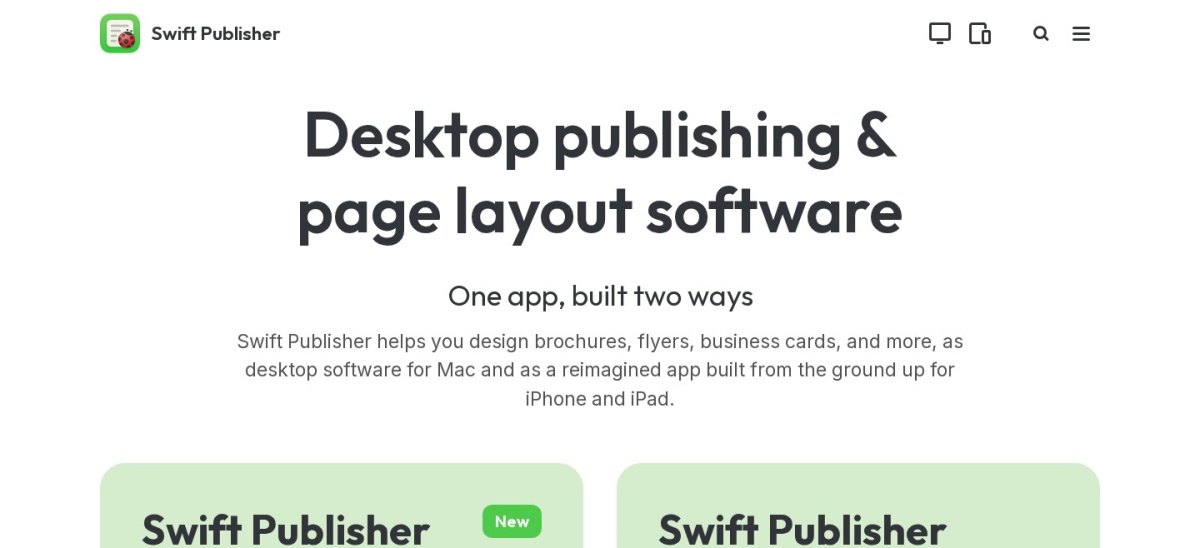
Swift Publisher from BeLight Software is the friendly Mac option, with an intuitive desktop publishing app and hundreds of templates for brochures, newsletters, business cards and labels. The vendor sells it for $19.99 one-time with a free trial, making it one of the cheapest ways to get real layout tools on a Mac.
The trade off is scope. It is aimed at home and small-business users rather than print professionals, so prepress features are limited, though PDF export covers everyday print jobs. It is Mac only, and for church bulletins, club newsletters and event flyers, it is all most people need.
InDesign costs $22.99 a month on the annual plan, about $276 a year per seat, and the moment you stop paying you lose access. Over five years that is about $1,380 per seat.
QuarkXPress costs $314 a year on subscription, or $637 once for a perpetual licence you keep forever, so it pays for itself in just over two years against InDesign. Swift Publisher costs $19.99 once and never bills again.
Affinity Publisher and Scribus cost nothing at all, and both handle CMYK and PDF/X export, so the cheapest professional setup in this list is free.
How we chose
We started from the page layout and desktop publishing tools with established user bases and current availability, replacing Microsoft Publisher, which was retired in 2026, with Marq.
Prices come from vendor stores and pricing pages where verified, checked on 23 November 2026: QuarkXPress at $314 a year subscription from quark.com, Swift Publisher at $19.99 one-time, Marq Pro at $10 a user a month on annual billing. Ratings and review counts come from G2 and Capterra, checked in October and November 2026.
We left out word processors and general design tools with no real layout or prepress features. No vendor paid for a place, and this list is based on pricing, docs and reviews, not on using the tools ourselves.
How to choose publishing software
Start with output, then consider your team's skills and the total price over years.
Check where the files go. If files go to a commercial printer, choose a tool with CMYK and PDF/X support: InDesign, QuarkXPress, Affinity Publisher, Scribus or VivaDesigner.
Match the tool to your team's skills. Professional tools assume layout knowledge; template-driven tools assume none, and that difference decides whether your team will actually use the software.
Price the total over years. Subscriptions compound, so a one-time purchase from QuarkXPress or Swift Publisher, or a free tool like Scribus, can win over several years of paying monthly.
Try the free route first. Affinity Publisher, Scribus and VivaDesigner cost nothing to start with, so test your real layout in one of them before paying for InDesign.
FAQ
What is the best publishing software?
Adobe InDesign is the best publishing software for professional print work, with unmatched typography and prepress controls. Affinity Publisher is the best free pick, and QuarkXPress is the best choice if you want to own your software outright.
Is there free publishing software?
Yes. Affinity by Canva is now completely free, Scribus is free and open source, and VivaDesigner has a free edition. Canva and Marq also have free plans, though their print controls are more basic.
How much does Adobe InDesign cost?
InDesign costs $22.99 a month on the annual plan, about $276 a year per seat, with a 7-day free trial. The moment you stop paying you lose access, so price the subscription over the years you will use it.
Is Affinity Publisher really free?
Yes. Canva made the Affinity suite free, so Affinity Publisher costs nothing to download and use, with CMYK output, master pages and PDF/X export included. Older comparisons list a $69.99 one-time price from before the change.
What replaced Microsoft Publisher?
Microsoft began removing Publisher from Microsoft 365 in October 2026. Marq is the closest replacement for template-driven publishing, while Affinity Publisher and Scribus are the best free picks for real layout work.
What is the cheapest publishing software?
Affinity Publisher and Scribus cost nothing and both handle professional print work. Swift Publisher is the cheapest paid option at $19.99 one-time, though it is Mac only and aimed at casual users.