PaperCut is the best print management software for most organizations, because it covers secure release, cost tracking and waste reduction across every major printer brand. Printix suits smaller teams that want cloud printing at a low per-user price, while Vasion Print fits large fleets.
How we make this list: we compare pricing pages, product documentation and public user reviews, then re-check every price before each update. No product paid for a place. Disclosure.
PaperCut leads on G2 with a 4.5 rating across 541 reviews and the widest printer support in this list.
Printix is the only tool here with a low published price, from $2.09 a user a month for 15 to 50 users.
Vasion Print holds a 4.6 rating across 408 reviews and removes print servers entirely with cloud management.
MyQ X holds the highest rating here at 4.8 out of 5 and starts at $10 a user a month.
Six of the nine tools are quote-only, so budget for a sales conversation before you commit.
What print management software does
Print management software controls who can print, what it costs and where jobs are released. The core job is secure release: a user sends a job, walks to any printer, authenticates and only then does the page come out.
Most enterprise tools in this category are priced by quote, not by a published plan. Only a few vendors publish a per-user price, so this list says plainly where pricing is quote-only.
Cloud tools suit hybrid teams and small offices, because there is no print server to maintain. On-premise tools suit large fleets with strict data rules and existing multifunction devices.
For the wider IT market, our guide on analytics software covers the reporting side of the stack, while this list focuses on the print fleet itself.
List prices in each vendor's currency, checked Nov 2026
PaperCutCustom
Vasion PrintCustom
ezeepFREE€2.75
uniFLOWCustom
ThinPrintCustom
PharosCustom
ScrewDriversCustom
Printix$25
MyQ X$120
The 9 best print management software
01
PaperCut MF
4.5/5on G2 (541 reviews, checked Nov 2026)
PricingCustom/yr
Best print management software overall
Entry planQuote-only via reseller
Secure releaseYes, card, PIN or mobile
Reporting30 report types
Free trial40-day PaperCut NG download
papercut.com
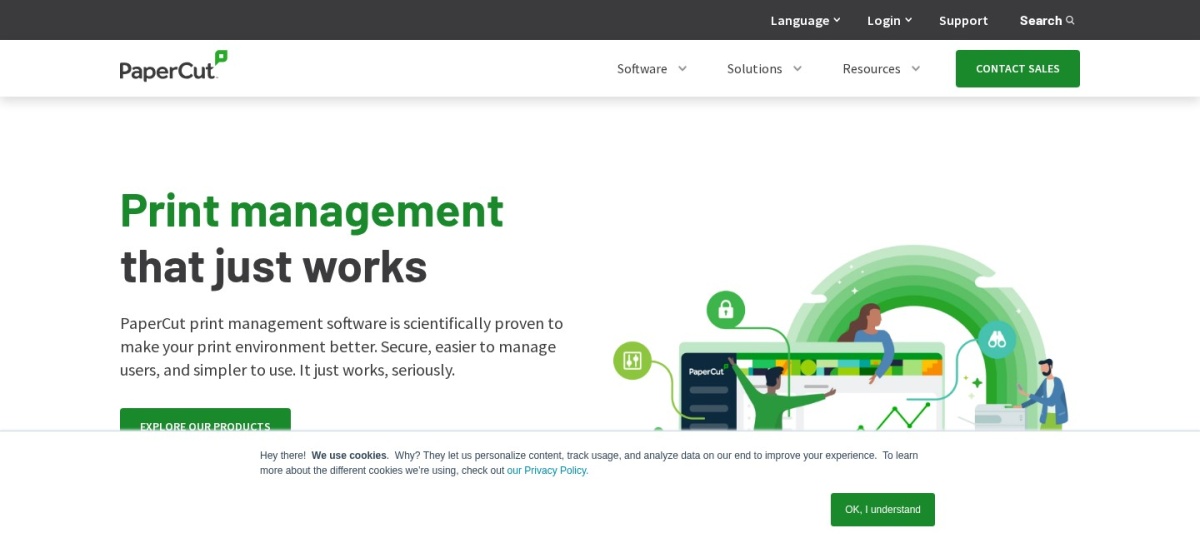
PaperCut MF homepage, captured Nov 2026.
PaperCut MF is a print management platform that helps organizations monitor print usage, manage print jobs and enforce printing policies. It covers secure release, cost tracking, waste reduction and reporting across Windows, macOS, Linux, iOS and Android, with 30 report types for cost allocation by user, department and device. It holds a 4.5 out of 5 rating on G2 across 541 reviews.
The trade off is pricing. PaperCut MF has no published price and is quote-only through sales or a certified reseller, while the sibling PaperCut NG edition is a free 40-day download. It suits organizations of any size that want the most proven print management platform available.
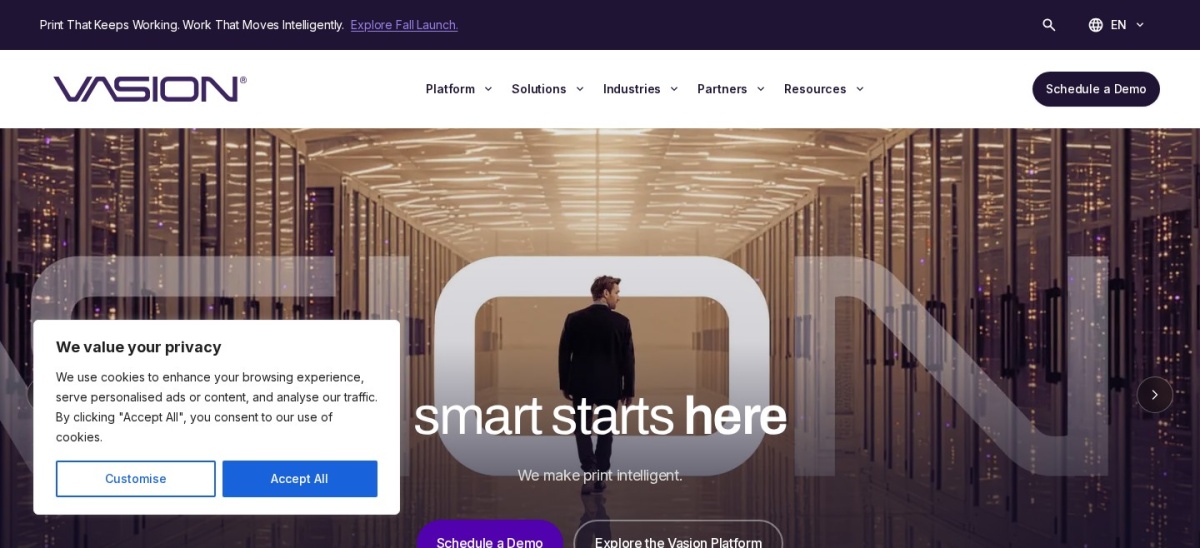
Vasion Print is a serverless print management platform, formerly PrinterLogic, that lets IT teams deploy printers, drivers, policies and secure release workflows from a cloud console. End users self-install printers and keep printing across distributed offices, clinics and stores, with no Windows print server to maintain. It holds a 4.6 out of 5 rating on G2 across 408 reviews.
The trade off is pricing. Vasion Print publishes no prices, plan names or trial, only a demo, and licences are commonly sold in packs of managed printer queues starting around 25. It suits large enterprises that want centralized control without print servers.
What we like
Removes print servers entirely
Strong G2 rating at 4.6 across 408 reviews
Self-service printer installs for end users
Watch out for
No published price, plan names or trial
Queue-based licensing can confuse small teams
Document AI features add complexity for print-only buyers
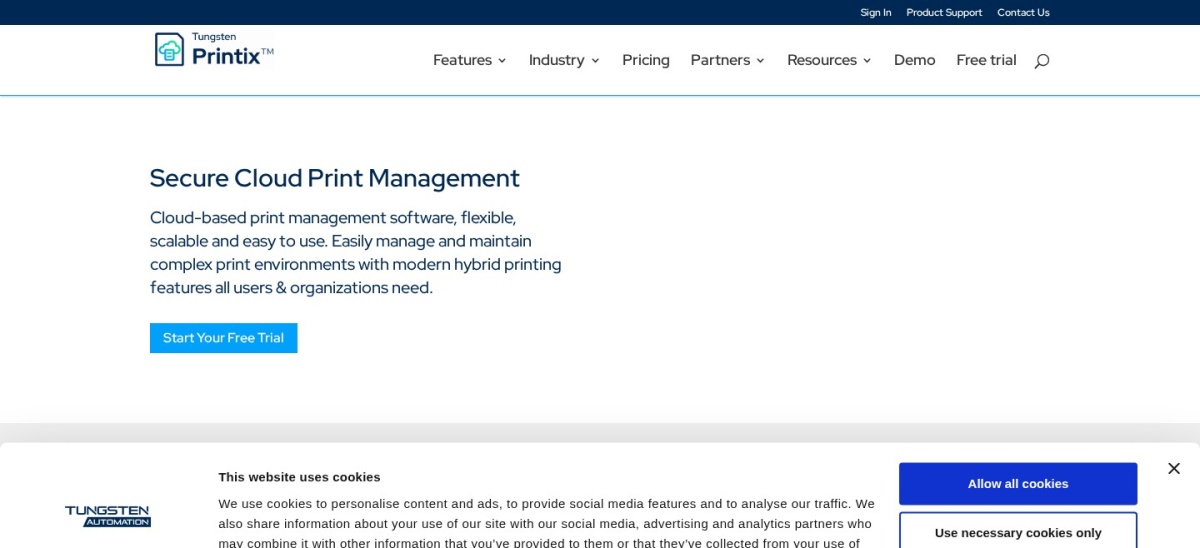
Printix is a cloud-based print management platform from Tungsten Automation that simplifies print workflows and helps businesses reduce printing costs. It manages printers from a cloud console, supports secure release by browser, smartphone, card or ID code, and publishes a rate of $2.09 per user per month on Starter for 15 to 50 users. It holds a 4.2 out of 5 rating on G2 across 13 reviews.
The trade off is review depth. With only 13 G2 reviews, its evidence base is thinner than PaperCut or Vasion Print, and tenants under 15 users pay a minimum fee. It suits small to mid-size businesses that want a printed price and no print server.
What we like
Lowest published price here at $2.09 a user a month
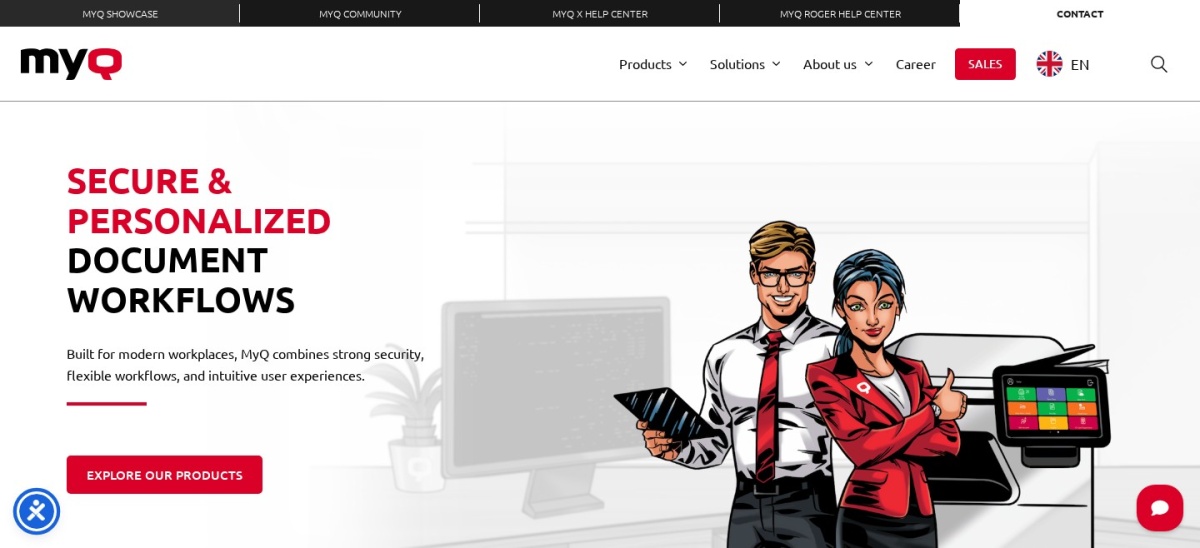
MyQ X is an enterprise print, scan and document management platform with print accounting, secure release, fleet administration and document capture. It supports personalized terminals and traceable templates, which suit multi-office fleets that need policy-driven release and centralized usage baselines. Pricing starts at $10 a user a month, and it holds a 4.8 out of 5 rating on G2 across 119 reviews.
The trade off is enterprise fit. MyQ X is built for multi-office fleets, so small offices may find it heavier than Printix or ezeep. It suits organizations that need printer-tied authentication and detailed cost tracking across sites.
What we like
Highest G2 rating here at 4.8 out of 5
Print accounting and secure release in one
Personalized terminals for shared printers
Watch out for
Built for enterprise fleets, heavy for small offices
ezeep is a cloud print management platform for IT teams, developers and hybrid teams that need printing across devices and locations. It centralizes print queue governance, routes jobs by policy and applies release conditions by user and group, with a free plan and paid prices from 2.75 euros per user a month on annual billing. It holds a 4.4 out of 5 rating on G2 across 50 reviews.
The trade off is currency. Ezeep bills in euros, so US buyers face conversion, and its monthly price is higher at 3.45 euros a user. It suits small to mid-size IT teams that want centralized print queues without a server.
uniFLOW is a comprehensive print and document management solution from NT-ware that covers printing, scanning and device management in one platform. It supports job re-routing, web submission, process workflow automation and batch processing, and it runs as a public cloud service on Microsoft Azure. It holds a 4.1 out of 5 rating on G2 across 45 reviews.
The trade off is pricing and brand fit. UniFLOW publishes no price and is quote-only, and it fits best where the fleet is Canon-heavy or output has to reach SAP. It suits enterprises whose document workflow extends from printing to scanning, cloud storage and secure fax.
What we like
Print, scan, copy and fax in one platform
Runs as a public cloud service on Azure
Strong fit for SAP-connected output
Watch out for
No published price, quote-only
Best fit is Canon-heavy fleets
Smallest G2 review base among the enterprise picks
ThinPrint is an enterprise printing platform for virtual desktops and remote work, with driverless printing, load balancing and failover for high availability. It eases the load on IT departments and increases performance for printing across Citrix, remote desktop and hybrid environments. It holds a 4.6 out of 5 rating on G2 across 18 reviews.
The trade off is evidence and pricing. With only 18 G2 reviews and no published price, buyers need a sales conversation and a pilot to judge it. It suits enterprises running virtual desktops where printing must work without a VPN.
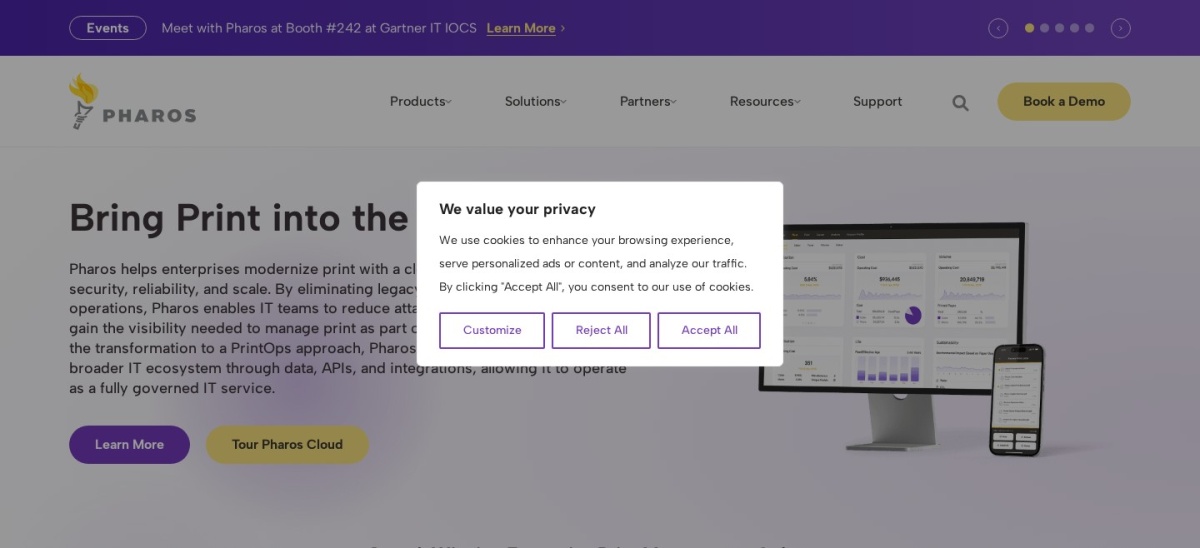
Pharos Cloud is a cloud-native print management platform with a Microsoft Universal Print integration, which suits IT managers at Microsoft-centric organizations. It connects natively to the identity, device and access management already in place, rather than requiring a parallel authentication layer, and it supports Copilot Plus PCs. It holds a 4.1 out of 5 rating on G2 across 26 reviews.
The trade off is evidence and pricing. With only 26 G2 reviews and no published price, buyers need a demo and a quote to judge it. It suits organizations that run Microsoft 365 and want printing tied to existing identity.
ScrewDrivers is a print management tool from Tricerat for Citrix and remote desktop environments, where printing is often the part that breaks first. It focuses on easy deployment and excellent support, with a simple install that gets remote printing working without driver wrangling. It holds a 4.7 out of 5 rating on G2 across 43 reviews.
The trade off is scope and pricing. ScrewDrivers is a focused tool for remote desktop printing, not a full fleet platform, and it publishes no price. It suits environments where Citrix or remote desktop printing must simply work.
Cloud tools such as Printix, ezeep and Pharos Cloud run the print service from the vendor, so IT teams deploy printers and policies without a server on site. They suit hybrid work and distributed offices.
On-premise tools such as PaperCut MF, uniFLOW and ThinPrint run inside the organization, which suits fleets with strict data rules, legacy devices or heavy scan and copy volumes.
Vasion Print sits between the two: a cloud console that manages direct IP printing, so servers go away while control stays central.
How we chose
We started from the print management tools most often recommended for IT teams in 2026, then kept the nine with a verifiable rating on G2 and an established product.
Prices come from each vendor's pricing page or recent verified comparisons, checked on 26 November 2026. Five of the nine tools publish no price, so those entries say quote-only plainly instead of guessing a figure.
Ezeep bills in euros, so its price is shown in euros and not converted to dollars. No vendor paid for a place, and we do not claim hands-on testing for this list.
How to choose print management software
Start with your fleet size and whether you can host a server, then shortlist from there.
Count your printers and users. Under 50 users fits Printix or ezeep on a published per-user price, while larger fleets need a quote from PaperCut or Vasion Print.
Decide cloud or on-premise. Cloud suits hybrid teams with no server room, while on-premise suits strict data rules and heavy scan and copy volumes.
Check secure release support. Confirm the tool supports card, PIN or mobile release on your exact printer models before you buy.
Ask for a quote in writing. For quote-only tools, get the licence, support and implementation fees in one written figure, since none are published.
FAQ
What is the best print management software?
PaperCut is the best pick for most organizations, because it covers secure release, cost tracking, waste reduction and reporting across every major printer brand. Printix suits smaller teams that want a published per-user price, while Vasion Print fits large fleets.
How much does print management software cost?
Only three tools here publish a price: Printix from $2.09 a user a month, MyQ X from $10 a user a month, and ezeep from 2.75 euros a user a month. PaperCut, Vasion Print, uniFLOW, ThinPrint, Pharos and ScrewDrivers are all priced by quote.
What is secure print release?
Secure release holds a print job on the server until the user authenticates at the printer with a card, PIN or phone. It stops sensitive pages sitting in trays, cuts waste from uncollected jobs and records who printed what.
Do I still need a print server?
Not with cloud tools. Printix, ezeep and Vasion Print manage printers from a cloud console with direct IP printing, so the Windows print server can go. On-premise tools such as PaperCut MF still run a server for larger fleets.
Can print management software cut printing costs?
Yes, when it is used to set quotas, route jobs to cheaper devices and require release at the printer. PaperCut reports around 30 report types for cost allocation by user, department and device, which is how most savings are found.
What is the difference between PaperCut MF and PaperCut NG?
PaperCut MF is the full print management platform for organizations, sold by quote through resellers. PaperCut NG is a simpler edition with a free 40-day download, aimed at smaller sites that need basic tracking and control.
SaaS SEO and WordPress specialist with about 8 years of experience. Rakib compares WordPress plugins, themes, hosting and software using public pricing, documentation and user reviews. See how we rank.