Best POS and Accounting Software in 2026: 7 Tools Compared
WLWPLegible EditorsLast verified 22 Nov 2026How we rank6 min read
★ Short answer
Square is the top pick for most businesses because its core POS plan costs $0/mo per location while supporting item tracking, invoicing, and accounting integrations. For omnichannel retail, Shopify POS unifies in-person and online stock, while Odoo combines point of sale and accounting in one platform.
How we make this list: we compare pricing pages, product documentation and public user reviews, then re-check every price before each update. No product paid for a place. Disclosure.
Square starts at $0/mo per location for core POS tools and $49/mo per location on Square Plus.
Loyverse offers free core POS features with optional paid add-ons starting at $7/mo per store monthly or $70/yr.
Shopify POS is available alongside Shopify plans starting at $39/mo monthly or $29/mo yearly, with POS Retail at $89/mo per location.
Odoo provides a One App Free plan for one app with unlimited users, while Standard starts at $24.90 per user/month on its first-year offer.
Lightspeed Retail plans start at $89/mo billed annually or $109/mo billed monthly.
What to look for in POS and accounting software
Most point of sale systems pair checkout software with payment processing fees, while accounting workflows happen either through native ledger tools or third-party integrations. Checking how sales, refunds, taxes, and payouts sync into your books saves hours of manual reconciliation.
Monthly subscription fees tell only part of the cost story because card processing rates, hardware bundles, and extra register or employee add-ons shape total spend. A zero-dollar monthly plan can still cost more at high volume than a paid plan with lower processing rates or broader inventory controls.
Business model fit matters just as much as price. Restaurants, multi-location retailers, mobile sellers, and online stores all stress-test inventory variants, staff permissions, and reporting differently.
For dedicated countertop and handheld POS hardware
$588/yr
No free plan
3.8/5
Price ladder: cheapest paid plan per year
List prices, USD, checked Nov 2026
LoyverseFREE$70
OdooFREE$299
Shopify POS$348
SquareFREE$588
Clover$588
ToastFREE$828
Lightspeed$1,068
The 7 best pos and accounting software
01
Square
4.6/5on G2 (1,231 reviews, checked Nov 2026)
Paid from$49/mo
Best for everyday POS and small business workflows
Entry plan$0/mo per location
Paid planSquare Plus at $49/mo
In-person rate2.6% + 15¢
G2 rating4.6 / 5 (1,231)
squareup.com
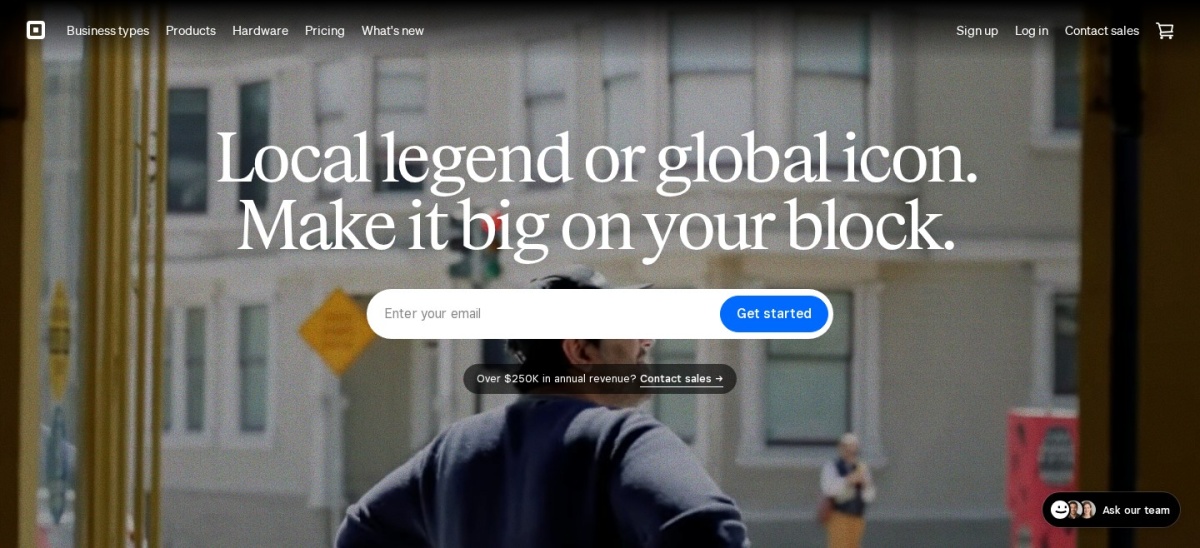
Square homepage, captured Nov 2026.
Square is a point of sale and business commerce platform whose free plan costs $0/mo per location and includes the POS app, item library, invoicing, and appointment booking. In-person tap, dip, or swipe processing starts at 2.6% + 15¢, and online payments start at 3.3% + 30¢.
The trade off is that loyalty programs, unlimited email marketing, and shift scheduling require upgrading to Square Plus at $49/mo per location. It suits small shops, service providers, and sellers wanting quick setup with accounting connections.
What we like
Core POS software starts at $0/mo per location with no monthly software fee
Covers POS app, item library, invoicing, and online ordering or booking basics on the free tier
High user satisfaction across 1,231 G2 reviews
Watch out for
Per-transaction processing fees apply to every payment accepted
Loyalty rewards, shift scheduling, and email marketing sit on paid tiers
Square Plus at $49/mo per location adds loyalty rewards, email marketing, staff shift scheduling, and lower processing rates.Visit squareup.com
02
Loyverse
4.7/5on G2 (17 reviews, checked Nov 2026)
Paid from$70/yr
Best for free core POS with optional add-ons
Core planFree POS and loyalty
Cheapest add-on$70/yr ($7/mo monthly)
Sales history limit31 days on free tier
G2 rating4.7 / 5 (17)
loyverse.com
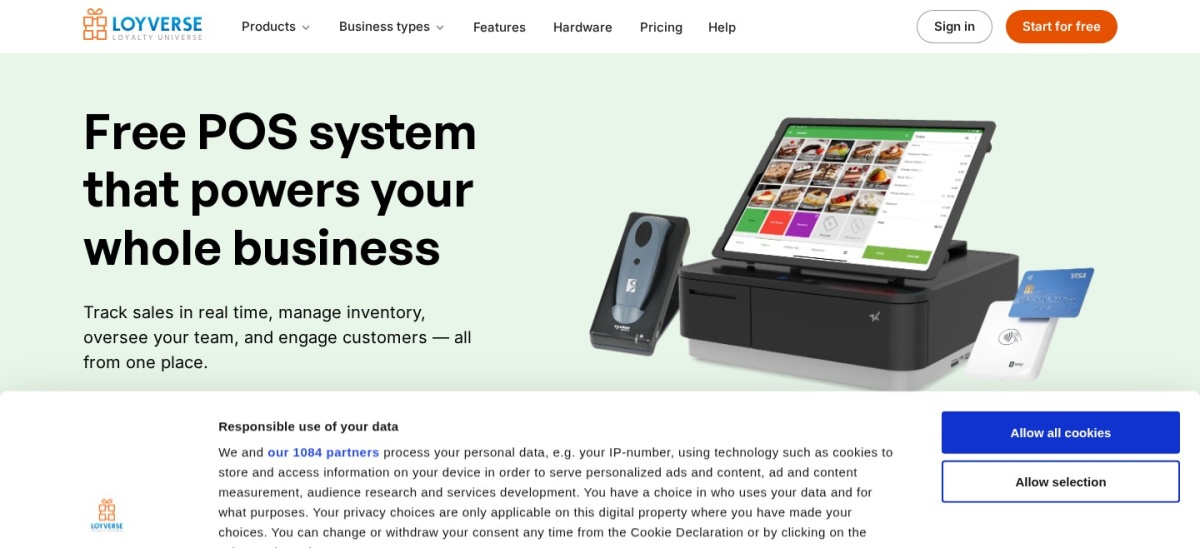
Loyverse homepage, captured Nov 2026.
Loyverse is a point of sale system with a free core tier that includes point of sale, essential inventory, loyalty program tools, multi-store management, and accounting integrations. Sales analytics on the free plan cover the last 31 days.
The trade off is that longer reporting and stock operations cost extra, starting with unlimited sales history at $7/mo per store or $70/yr per store. It suits independent shops and cafes starting on a tight budget.
What we like
Free tier includes POS, essential inventory, loyalty tools, and multi-store management
Affordable optional add-ons starting at $70/yr ($7/mo) per store
14-day free trial and 24/7 live chat support included with paid add-ons
Watch out for
Free sales analytics only show the last 31 days
Employee management and advanced inventory each cost $25/mo ($250/yr) per store
Optional paid add-ons unlock unlimited sales history ($70/yr), employee management ($250/yr), and advanced inventory ($250/yr) per store.Visit loyverse.com
03
Shopify POS
4.4/5on G2 (390 reviews, checked Nov 2026)
Starts at$29/mo
Best for unified online and in-person retail
Base store plan$29/mo yearly ($39/mo)
POS Retail add-on$89/mo per location
In-person card rate2.6% + 10¢ (Basic)
G2 rating4.4 / 5 (390)
shopify.com
Shopify POS homepage, captured Nov 2026.
Shopify POS is a point of sale system built to connect physical checkouts with a Shopify storefront so inventory and orders stay aligned across channels. Basic Shopify plans start at $29/mo billed yearly or $39/mo billed monthly, with Basic in-person card rates at 2.6% + 10¢.
The trade off is that dedicated retail POS locations cost an extra $89/mo per location, and third-party payment providers carry additional fees. It suits merchants selling both in person and online.
What we like
Connects in-person checkout directly with online store inventory and orders
Basic Shopify starts at $29/mo billed annually or $39/mo billed monthly
Strong adoption among retail and omnichannel merchants on G2
Watch out for
POS Retail adds $89/mo per location on top of a Shopify plan
Using non-Shopify payment providers adds extra transaction fees
Upgrading to POS Retail ($89/mo per location) and higher Shopify tiers adds staff permissions, advanced store operations, and lower card rates.Visit shopify.com
04
Odoo
4.2/5on G2 (14 reviews, checked Nov 2026)
Paid from$24.90/mo
Best for combined POS, inventory, and accounting
Free tierOne App Free, unlimited users
Paid planStandard from $24.90/user/mo
Apps includedPOS, Inventory, Accounting
G2 rating4.2 / 5 (14)
odoo.com
Odoo homepage, captured Nov 2026.
Odoo is a modular business suite that includes Point of Sale, Inventory, and Accounting apps, starting with One App Free for a single app with unlimited users. Its Standard plan unlocks all apps and starts at $24.90 per user/month under its first-year pricing offer.
The trade off is per-user pricing across teams and higher first-year introductory rates that increase after 12 months. It suits businesses wanting POS and accounting together in one system.
What we like
Offers One App Free with unlimited users for a single selected app
Unifies POS, inventory, and accounting within one software suite
Standard plan includes all apps and Odoo Online hosting
Watch out for
Per-user pricing scales up as team size grows
First-year discounted user pricing rises after the initial 12-month period
The Standard plan unlocks all Odoo apps—including POS, inventory, and accounting—per user with Odoo Online hosting.Visit odoo.com
05
Lightspeed Retail
4/5on G2 (295 reviews, checked Nov 2026)
Starts at$89/mo
Best for multi-location retail inventory control
Basic plan$89/mo yearly ($109/mo)
Core plan$149/mo yearly ($179/mo)
Card-present rate2.6% + 10¢
G2 rating4.0 / 5 (295)
lightspeedhq.com
Lightspeed Retail homepage, captured Nov 2026.
Lightspeed Retail is a retail point of sale platform built around inventory management, multi-store operations, and accounting integrations. Its Basic plan costs $89/mo billed annually or $109/mo billed monthly with 2.6% + 10¢ card-present processing.
The trade off is higher monthly pricing than entry-level tools, and accounting integrations sit on higher plans like Core at $149/mo annually. It suits established retailers managing detailed stock catalogs.
What we like
Built for retail inventory catalogs, purchase workflows, and multi-location shops
Basic plan includes 24/7 chat support and integrated payments at 2.6% + 10¢
Backed by 295 G2 reviews from retail operators
Watch out for
Higher starting price than free or low-cost entry POS options
Core plan ($149/mo annually) is needed for loyalty and accounting integrations
Core ($149/mo annually) and Plus ($289/mo annually) add loyalty programs, accounting integrations, custom reporting, and automation.Visit lightspeedhq.com
06
Toast
4.2/5on G2 (382 reviews, checked Nov 2026)
Paid from$69/mo
Best for full-service and quick-service restaurants
Starter KitFrom $0/mo pay-as-you-go
Point of Sale planFrom $69/mo
Support24/7/365 restaurant care
G2 rating4.2 / 5 (382)
pos.toasttab.com
Toast homepage, captured Nov 2026.
Toast is a restaurant point of sale and operations platform offering a Starter Kit from $0/mo on pay-as-you-go terms and a Point of Sale plan from $69/mo. It supports table and order management, offline mode, 24/7/365 support, and accounting connections.
The trade off is that add-ons like payroll, online ordering, and custom configurations raise monthly costs, and it targets restaurants rather than general retail. It suits restaurants and food operators needing hospitality workflows.
What we like
Purpose-built for restaurant table service, kitchen workflows, and hospitality operations
Includes offline mode and 24/7/365 support across plans
Strong hospitality review volume with 382 G2 reviews
Watch out for
Focused on restaurants and food service rather than general retail
Add-on suites and hardware configurations increase total monthly spend
The $69/mo Point of Sale plan and Build Your Own options add customizable hardware, payroll, online ordering, and inventory suites.Visit pos.toasttab.com
07
Clover
3.8/5on G2 (109 reviews, checked Nov 2026)
Starts at$588/yr
Best for dedicated countertop and handheld POS hardware
Plan structureStarter, Standard, Advanced
Hardware optionsCountertop, handheld, register
AccountingIntegrates with accounting apps
G2 rating3.8 / 5 (109)
clover.com
Clover homepage, captured Nov 2026.
Clover is a point of sale system and hardware ecosystem offering Starter, Standard, and Advanced plans tailored by business type such as retail, dining, and services. Merchants can pair Clover devices with payment processing, reporting, and accounting integrations.
The trade off is that plan pricing and hardware costs vary by business category and configuration, and third-party apps can add extra monthly fees. It suits merchants wanting dedicated POS terminals and app-extensible checkout.
What we like
Offers dedicated countertop, handheld, and register hardware options
Plans are structured around retail, dining, and service workflows
Supports sales reporting and accounting app connections
Watch out for
Software and hardware pricing depend on business type and setup
Third-party app marketplace add-ons can increase monthly expenses
Standard and Advanced plans expand inventory, order, and hardware capabilities by industry category.Visit clover.com
How POS data connects to accounting
Most point of sale platforms rely on native accounting modules or integrations to record daily sales, taxes, refunds, and deposit batches. Confirming whether summaries post per order or per batch prevents duplicate entries in your ledger.
Pay close attention to processing fees and refunds so net deposits match bank statements cleanly. A clean mapping between POS tenders, tax rates, and expense accounts makes monthly close much faster.
How we chose
We selected established point of sale and accounting software tools that are actively maintained and widely used across retail, hospitality, service, and omnichannel businesses.
All pricing, feature details, and G2 ratings in this guide were checked on 22 Nov 2026 from vendor pricing pages and public software review listings.
We excluded tools that lacked verifiable public pricing or clear POS-to-accounting workflows, and we noted where plans vary by business category or user count. No vendor paid for a place, and we do not claim testing for this list.
How to choose POS and accounting software
Follow four practical steps to match a POS and accounting setup to your operations.
Map your sales channels first. Decide whether you sell at one counter, across multiple retail locations, in a restaurant, or online alongside in-person checkout.
Check how accounting entries are recorded. Verify whether the software includes built-in accounting or syncs sales, taxes, refunds, and payouts into your bookkeeping system.
Calculate total cost beyond the base plan. Factor in card processing percentages, per-location or per-user fees, hardware costs, and optional add-ons at your expected sales volume.
Test checkout and reporting speed with your team. Confirm that staff can ring up items, process returns, and pull daily sales and tax reports without friction.
FAQ
Can POS software replace dedicated accounting software?
POS software tracks sales, items, taxes, and payment batches at checkout, while accounting software handles full general ledger bookkeeping, expenses, and financial statements. Platforms like Odoo combine POS and accounting in one suite, whereas many POS tools connect to external accounting apps.
Why do free POS plans still charge fees?
A free software plan usually means no monthly subscription fee for core POS tools, while payment processing fees still apply per transaction. Hardware devices and paid add-ons such as loyalty, staff scheduling, or advanced inventory may also cost extra.
What should I check before upgrading to a paid POS tier?
Compare the added monthly or annual subscription cost against lower card processing rates and features like loyalty programs, staff permissions, or accounting sync. Only upgrade when the features or rate savings clearly outweigh the extra cost.
Do multi-location businesses pay extra for POS plans?
Many POS systems charge per location, per register, or per user as you expand beyond one counter. Always check whether inventory transfers, reporting, and extra terminals are included in your tier.
Is offline mode important when choosing a POS system?
Offline mode helps keep checkout moving if internet service drops temporarily, though sync rules and card acceptance limits vary by vendor. Ask how offline transactions are queued and reconciled once connection returns.
How do restaurant POS needs differ from retail POS needs?
Restaurants focus on tables, courses, kitchen tickets, modifiers, and tips, while retailers prioritize SKUs, variants, barcodes, and stock replenishment. Choosing a system built for your trade avoids awkward workarounds at the register.