Canva is the best platform for creating posters for most people, with the largest template library and a generous free plan. Pick Adobe Express for branded posters with Adobe assets, PosterMyWall for event posters, and Visme when your poster carries data and charts.
How we make this list: we compare pricing pages, product documentation and public user reviews, then re-check every price before each update. No product paid for a place. Disclosure.
Canva has the largest poster template library here, with thousands of templates and a generous free plan.
Adobe Express leads on brand discipline, with brand kits and Adobe Stock photos on its $9.99 Premium plan.
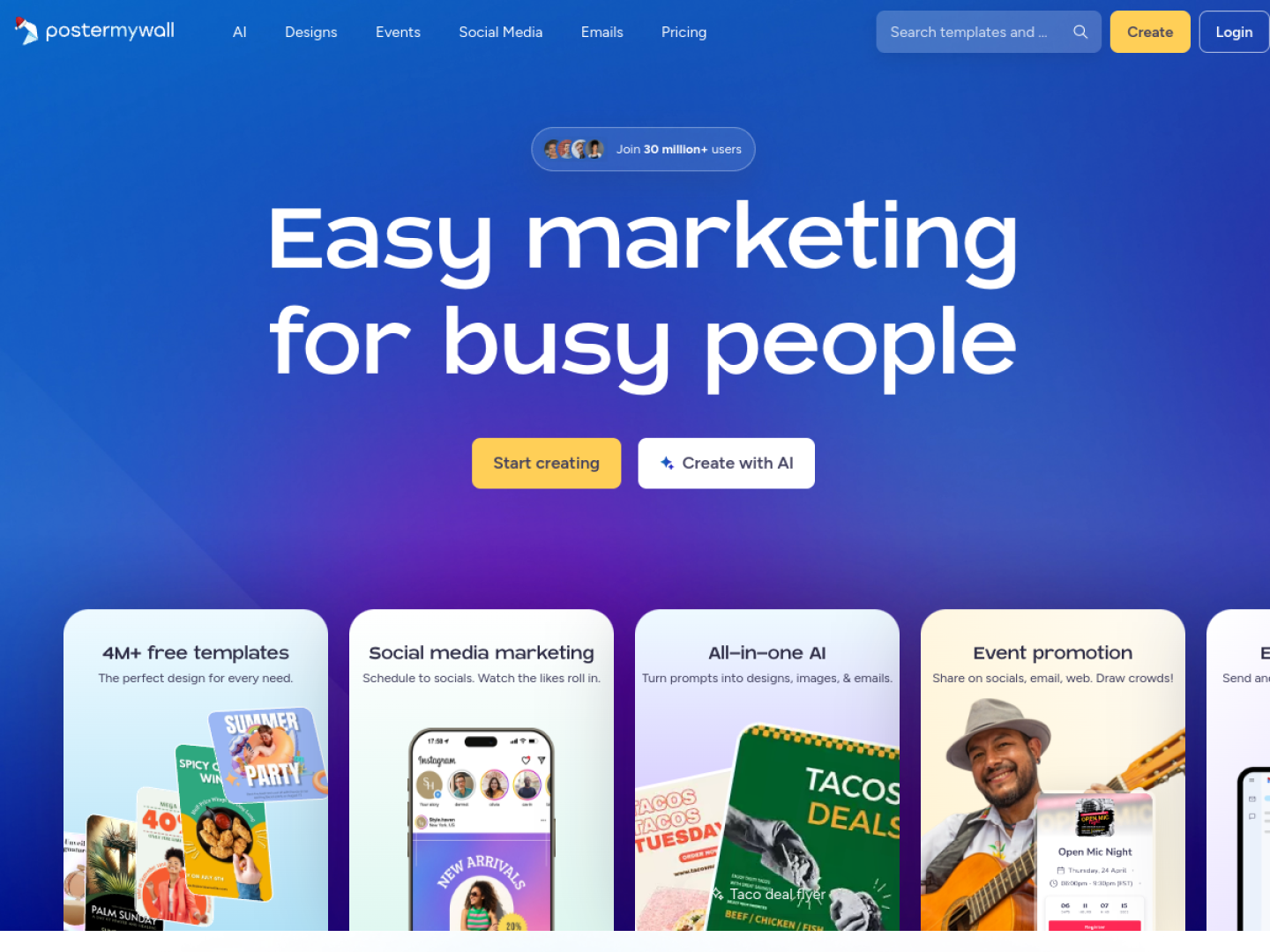
PosterMyWall is the most poster-focused tool here, built around events, flyers and local business promotion.
Visme and Piktochart suit posters that carry data, with charts and infographics built in.
Every tool here has a free plan, and paid plans run $8.99 to $14 a month.
What to look for in platform for creating posters
A poster has two jobs: look good and print well. Templates decide the first, while bleed marks, crop marks and high-resolution exports decide the second.
Free plans are genuinely useful here. Canva, Adobe Express and VistaCreate all let you design and export posters without paying, though watermarks or limits apply on some.
Brand consistency is the next test. If every poster must match your fonts and colours, brand kits matter more than template count; see our SEO tools guide for promoting the finished poster online.
Print ordering separates the specialists. PosterMyWall and VistaCreate build print and signage into the workflow, while others export files for a separate printer.
Canva is a browser-based design tool with thousands of poster templates, covering every size from flyers to billboards. Users drag and drop text, images and shapes, then export for print or social sharing. The free plan is generous enough that many small businesses never pay, and Pro costs $120 a year.
The trade off is that print quality and brand controls sit behind Pro. Background removal, brand kits and higher-resolution downloads need the paid plan. Published Pro prices conflict, with some listings showing $144 a year. It suits beginners and teams that want the largest template choice.
Adobe Express is Adobe's all-in-one design platform, and its strength is brand discipline. The free plan includes thousands of templates and Adobe Stock photos, while brand kits on the Premium plan lock in fonts, colours and logos so every poster looks consistent. Premium costs $9.99 a month.
The trade off is that the best assets sit behind Premium, and the editor is simpler than Photoshop for photo-heavy work. It suits teams already in the Adobe ecosystem that want on-brand posters fast.
PosterMyWall is the specialist on this list: where others treat posters as one format among many, posters, flyers and event graphics are the core of the product. Its templates are built for common events such as sales, classes and community notices, with print and digital signage built in. Premium starts at $9.95 a month.
The trade off is that free downloads carry a watermark, and the design tools are simpler than Canva or Adobe Express. It suits local businesses and event organisers who need posters fast.
VistaCreate is the closest thing to Canva at a lower price. The editor feels instantly familiar, with a drag-and-drop canvas, a template panel and one-click background removal on paid plans. Pro costs $10 a month on annual billing, and VistaPrint ordering is built in.
The trade off is a smaller community and fewer integrations than Canva, so templates and tutorials are thinner. It suits small businesses that want a generous free plan and cheap print ordering.
Visme is a visual content platform for posters, infographics, presentations and reports, with data widgets that turn numbers into charts and maps. It suits teams whose poster is really an infographic with data in it. Starter costs $12.25 a month on annual billing.
The trade off is that the free plan limits downloads and features, and the editor is heavier than a simple poster maker. It suits visual content teams that need posters plus presentations and reports.
Snappa is a stripped-down design tool built for speed. Non-designers pick a pre-sized template, swap the text and export, with no design experience needed. The free Starter plan allows three downloads a month, and Pro costs $10 a month on annual billing.
The trade off is range. With about 6,000 templates it is smaller than Canva, and print options are basic. It suits solo marketers who need a poster in minutes rather than a full design studio.
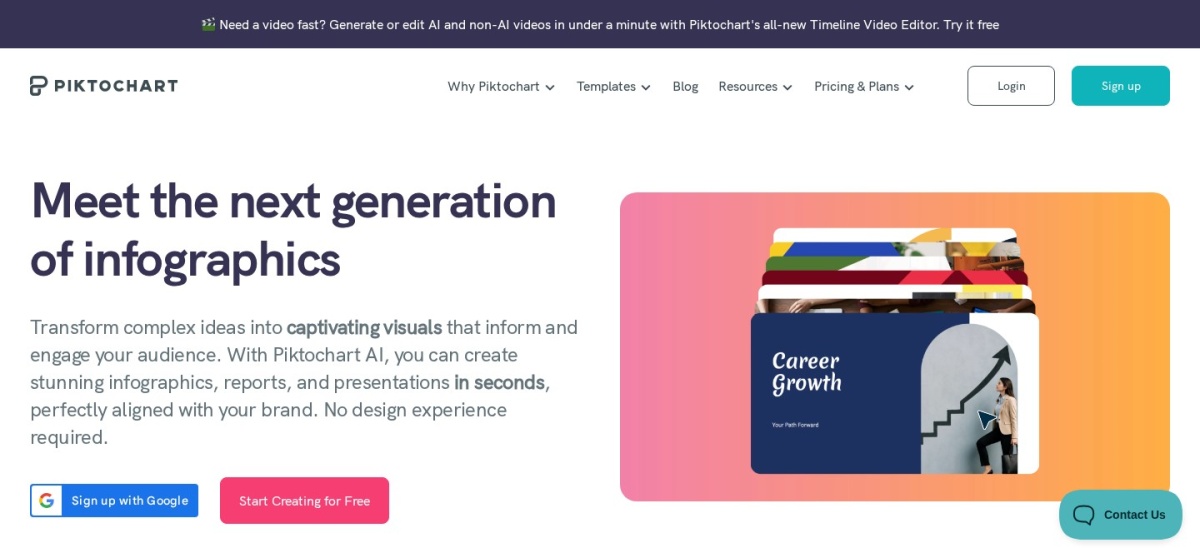
Piktochart is an infographic platform that also makes strong posters, with charts, icons and data visualisation at its core. Teams use it for internal comms posters, reports and banners that need numbers shown clearly. Pro costs $14 per member a month.
The trade off is that it is built for infographics first, so pure poster design feels narrower than Canva. The free plan is limited. It suits teams whose posters carry data and charts.
Fotor is a browser-based creative platform that combines photo editing with graphic design, so photo-heavy posters get real retouching, background removal and AI enhancement in the same tool. The free Basic plan covers simple posters, and Pro costs $8.99 a month.
The trade off is template depth. Its poster templates are fewer than Canva's, and the interface mixes photo tools with design tools. It suits photo-heavy posters that need real editing built in.
We started from the established tools in this category, then kept those with a verifiable rating on G2, Capterra or Trustpilot and a published price or fee.
Prices and fees come from vendor pricing pages and public comparisons checked on 26 November 2026, with ratings and review counts from G2, Capterra or Trustpilot on the same day. Where a vendor shows a sale, the list shows the regular price.
We left out tools with no verifiable rating on any of the three review sites. No vendor paid for a place, and we do not claim hands-on testing for this list.
How to choose platform for creating posters
Start with the job you need done every week, then match the tool to that job.
Pick the poster size first. Check the tool has templates and print presets for your exact size, from flyers to billboards.
Check print quality before paying. Confirm bleed marks, crop marks and high-resolution exports are included on the plan you will buy.
Test brand controls. If consistency matters, confirm brand kits lock in your fonts, colours and logos.
Compare the real monthly cost. Free plans differ on watermarks and download limits, so check what the paid plan actually unlocks.
FAQ
What is the best platform for creating posters?
Canva is the best platform for most people, with the largest template library, a generous free plan and print presets with bleed marks. Adobe Express suits branded work, PosterMyWall suits events, and Visme suits data-heavy posters.
Is there a free poster maker?
Yes. Every tool in this list has a free plan, including Canva, Adobe Express, PosterMyWall, VistaCreate, Visme, Snappa, Piktochart and Fotor. Some free downloads carry watermarks or monthly limits, so check the terms.
What is the cheapest poster design tool?
Fotor is the cheapest paid option at $8.99 a month, followed by PosterMyWall at $9.95 and Adobe Express at $9.99. VistaCreate and Snappa cost $10 a month on annual billing.
Which poster tool is best for events?
PosterMyWall is the best choice for events, with templates built for sales, classes and community notices, plus print and digital signage. Canva also works well for events with its larger template library.
Can I print posters from these tools?
Yes, in most cases. Canva and Adobe Express offer print ordering, VistaCreate integrates with VistaPrint, and PosterMyWall handles print and digital signage. All eight tools export print-ready files.
Which tool is best for infographic posters?
Visme and Piktochart are the best choices for infographic posters, with charts, icons and data visualisation built in. Visme suits reports and presentations too, while Piktochart suits internal comms.
SaaS SEO and WordPress specialist with about 8 years of experience. Rakib compares WordPress plugins, themes, hosting and software using public pricing, documentation and user reviews. See how we rank.