Canva is the best pitch deck software for most founders, with the largest template library and the highest G2 rating in this list. Choose Storydoc for decks you send as a link, Gamma when you need a first draft from a prompt, and Visme when charts and data carry the pitch.
How we make this list: we compare pricing pages, product documentation and public user reviews, then re-check every price before each update. No product paid for a place. Disclosure.
Canva leads with a 4.7 G2 rating from 7,850 reviews and the largest template library, but Pro is single-person only.
Beautiful.ai is the fastest route to a clean deck for non-designers at about $15 a month, with no free plan, only a 14-day trial.
Storydoc is the only tool here built around sending decks as a link, with per-viewer analytics at just under $20 a user a month.
Gamma is the fastest first draft from a prompt at $9 a seat a month, but its 3.9 G2 rating rests on only 39 reviews.
Pitch charges in euros, with Plus at 10 euros a month, and its free plan covers up to 5 members.
What pitch deck software should do
A pitch deck is a sales document as much as a design job. Investors often read it alone on a phone before any meeting, so the deck has to carry the story without a presenter, and analytics that show which slides were read are worth more than extra templates.
AI tools split into two kinds. Prompt-to-deck tools like Gamma draft a whole deck from a sentence, while auto-layout tools like Beautiful.ai take your content and format it. Collaboration tools like Pitch and Google Slides focus on building the deck as a team. Our guide to the best presentation platform covers the same tools from a general presentation angle.
Check the export format before you buy. Storydoc has no PowerPoint export at all, so if an investor asks for the file, you will be sending a PDF. Canva, PowerPoint and Google Slides all export to the formats investors expect.
Free plans cover a first deck well. Canva, Pitch, Gamma, Visme, Prezi and Google Slides all offer a free plan, while Beautiful.ai and Storydoc offer a trial only, and PowerPoint is free on the web with desktop apps behind Microsoft 365.
List prices in each vendor's currency, checked Nov 2026
SlidesFree
PreziFREE$84
PowerPointFREE$100
GammaFREE$108
CanvaFREE$120
PitchFREE€120
VismeFREE$147
Beautiful.ai$174
Storydoc$238
The 9 best pitch deck software tools
01
Canva
4.7/5on G2 (7850 reviews, checked Nov 2026)
Paid from$10/mo
Best pitch deck software overall
Free planYes, 5 GB storage
Paid planPro, $10/mo yearly
Templates1.6M-plus free templates
AIMagic Design and Magic Write
canva.com
Canva homepage, captured Nov 2026.
Canva is a design platform with the largest template library in this list, including more than 1.6 million free templates and 3.6 million-plus Pro templates. Magic Design turns a prompt into a full deck, brand kits keep fonts and colours consistent, and Pro adds 100 GB of storage with exports to PDF, PowerPoint and MP4.
The trade off is that Pro is single-person only, so a team pays per person, and published Pro prices disagree across sources. This list uses $10 a month billed yearly, while the sibling presentation listicle used $18 a month and other comparisons list $12 or $15. It suits founders who want a presentable deck fast without a designer.
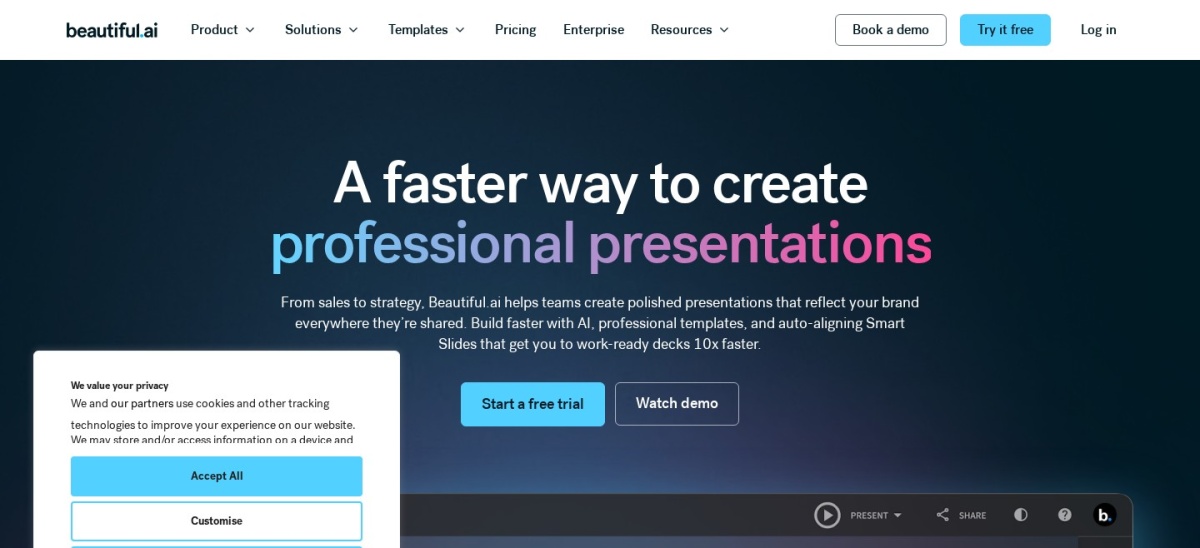
Beautiful.ai is an AI presentation tool whose Smart Slides reformat automatically as you add content, so a non-designer cannot break the layout. It holds more than 300 slide layouts, supports live spreadsheet linking on the Team plan, and offers a one-off single deck for $45 if you only need one.
The trade off is that there is no free plan, only a 14-day trial, and viewer analytics sit on the Team plan at $40 per user a month with a 3-user minimum. Trustpilot reviewers also complain about unexpected annual charges. It suits founders who fight alignment and spacing on every slide.
What we like
Layouts cannot be broken by bad formatting
Fast for non-designers, no design skill needed
More than 300 Smart Slide layouts
One-off single deck for $45
Watch out for
No free plan, 14-day trial only
Viewer analytics need the Team plan
Trustpilot complaints about annual charges
Pro is $14.50 a month billed yearly; some comparisons list $12Visit beautiful.ai
03
Storydoc
4.6/5on G2 (72 reviews, checked Nov 2026)
Starts at$19.80/mo
Best for decks you send as a link
Free planNo, 14-day trial
Paid planStarter, $19.80/user/mo yearly
Active docs5 on Starter
ExportPDF only, no PowerPoint
storydoc.com
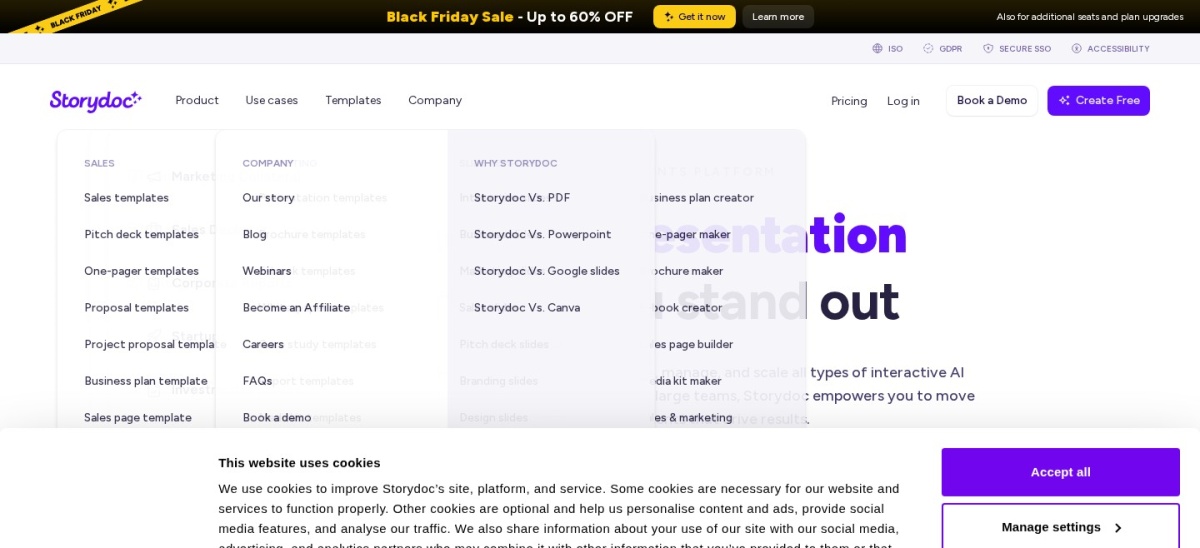
Storydoc homepage, captured Nov 2026.
Storydoc is a scroll-based interactive deck builder designed for decks that are sent as a link rather than presented live. It adds CRM-personalised variables, per-viewer engagement tracking on every page, and mobile-optimised layouts, with templates built for sales and fundraising decks.
The trade off is export. Storydoc exports to PDF only, with no PowerPoint file, and Starter caps you at 5 active documents, so a long investor list needs Pro at $36 a month billed yearly for 30 documents. G2 reviewers also call the pricing steep for startups. It suits founders who pitch asynchronously.
What we like
Best reader analytics in this list
CRM-personalised variables for each investor
Scroll format reads well on a phone
Templates built for fundraising decks
Watch out for
No PowerPoint export, PDF only
Starter caps at 5 active documents
No free plan, 14-day trial only
Starter is $19.80 a user a month billed yearly; Pro is $36Visit storydoc.com
04
Gamma
3.9/5on G2 (39 reviews, checked Nov 2026)
Paid from$9/mo
Best for a first draft from a prompt
Free planYes, 400 one-time credits
Paid planPlus, $9/seat/mo yearly
AI credits1,000 a month on Plus
ExportPDF, PowerPoint and PNG
gamma.app
Gamma homepage, captured Nov 2026.
Gamma is an AI-first presentation builder that turns a text prompt, document or URL into a full deck in minutes, with one-click redesign and sharing by link. The free plan gives 400 one-time AI credits, Plus adds 1,000 credits a month, and Pro adds 4,000 credits with viewer analytics.
The trade off is thin review evidence. Gamma holds the lowest G2 rating in this list at 3.9 out of 5 from only 39 reviews, and Trustpilot shows a 1.7 rating with most reviewers giving one star. Free exports also carry Gamma branding. It suits founders who need a first draft fast and will edit it.
What we like
Fastest first draft in this list
Free plan with 400 AI credits
One-click redesign of a whole deck
Share by link, no file to attach
Watch out for
G2 rating rests on only 39 reviews
Trustpilot rating is 1.7 out of 5
Free exports carry Gamma branding
Plus is $9 a seat a month billed yearly; Pro is $18Visit gamma.app
05
Pitch
4.4/5on G2 (67 reviews, checked Nov 2026)
Paid from€10/mo
Best for team decks with viewer analytics
Free planYes, up to 5 members
Paid planPlus, €10/mo yearly
AI credits100 credits, one-time on free
ExportPowerPoint and PDF
pitch.com
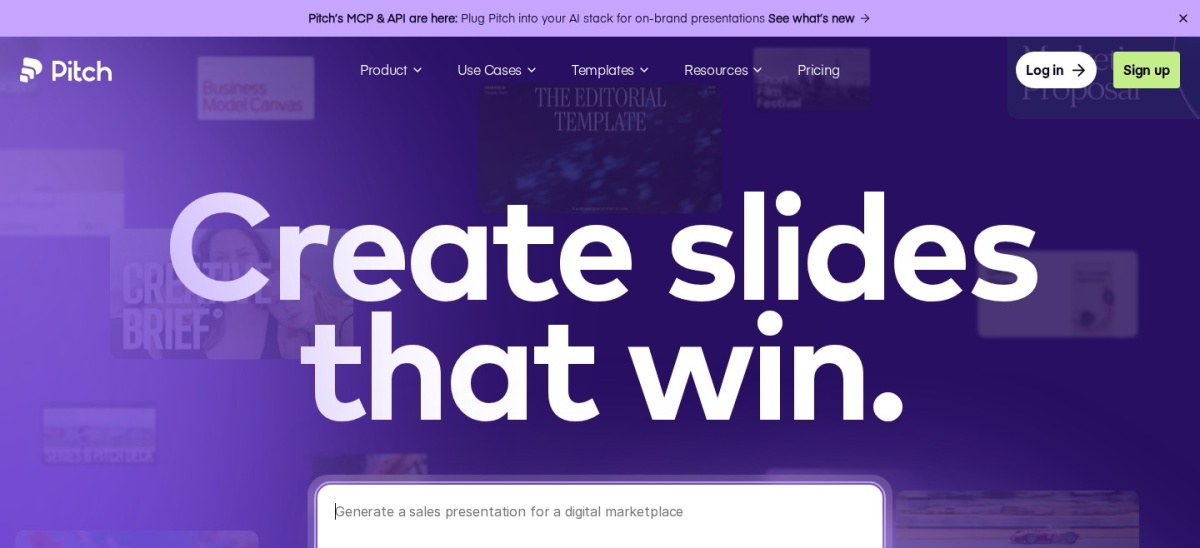
Pitch homepage, captured Nov 2026.
Pitch is a collaborative deck builder for remote teams, with real-time editing, video recording, live presentation mode and Pitch Agent, which builds a deck, a section or a single slide from a prompt. The Team plan adds per-slide viewer analytics showing which slide a reader opened and for how long.
The trade off is currency and credits. Pitch prices are in euros and vary by region, with Plus at €10 a month, Team at €15 and Business at €20, and no US dollar list price is published. The free plan's 100 AI credits never renew, and analytics sit on Team, not Plus. It suits teams building a deck together.
Visme is a visual content platform that covers presentations, infographics and data visualisations in one editor, with charts, maps and data widgets that other slide tools lack. It adds brand kits, interactive elements and an AI design assistant, and Starter at $12.25 per person a month billed yearly unlocks most of it.
The trade off is the free plan. Basic watermarks projects and limits downloads, while PowerPoint export, brand kits and analytics need Pro at $24.75 per person a month. The editor is also steeper than Canva for a first-time user. It suits decks where charts and data carry the pitch.
What we like
Strongest data visuals in this list
Charts, maps and data widgets built in
Brand kits and interactive elements
More than 500 G2 reviews
Watch out for
Free plan watermarks projects
PowerPoint export needs Pro at $24.75
Steeper editor than Canva
Starter is $12.25 a person a month billed yearly; Pro is $24.75Visit visme.co
07
Prezi
4.2/5on G2 (5725 reviews, checked Nov 2026)
Paid from$7/mo
Best for non-linear visual storytelling
Free planBasic, free
Paid planStandard, $7/mo yearly
AI credits500 on Standard
ExportPDF on Plus and up
prezi.com
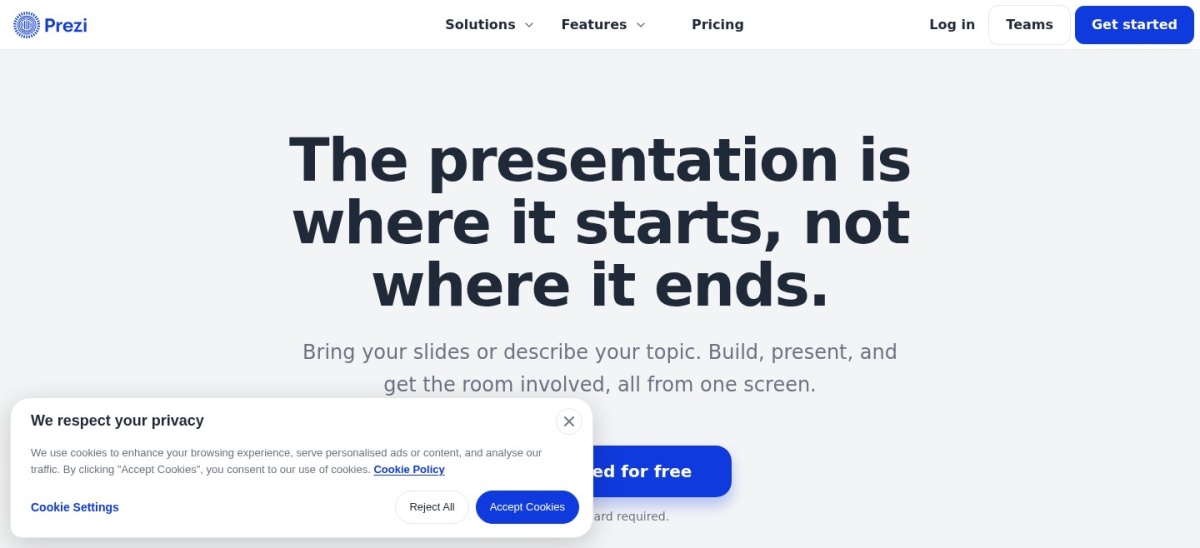
Prezi homepage, captured Nov 2026.
Prezi is a visual presentation platform that uses a zoomable canvas instead of a straight slide sequence, so you can lay the whole story out as a map and jump to the slide a question needs. It adds live polls, quizzes, word clouds and Q and A, plus Prezi AI, which builds a deck from a prompt in seconds.
The trade off is the format. The zooming style is wrong for a formal board deck, and offline access, PDF export, recording and unlimited AI usage need Plus at $19 a month, with premium analytics on the $29 plan. It suits founders who present live and want the room engaged.
What we like
Most engaging live presenting here
Live polls, quizzes and Q and A built in
5,725 G2 reviews, a large base
Free Basic plan to start
Watch out for
Zooming style is wrong for formal decks
PDF export needs Plus at $19 a month
Premium analytics need the $29 plan
Standard is $7 a month billed yearly; Plus is $19Visit prezi.com
08
Google Slides
4.6/5on Capterra (6500 reviews, checked Nov 2026)
PriceFree
Best free pitch deck tool
Free planYes, free for personal use
Paid planWorkspace Starter, $7/user/mo
AIGemini slide generation
ExportPowerPoint, PDF and more
slides.google.com
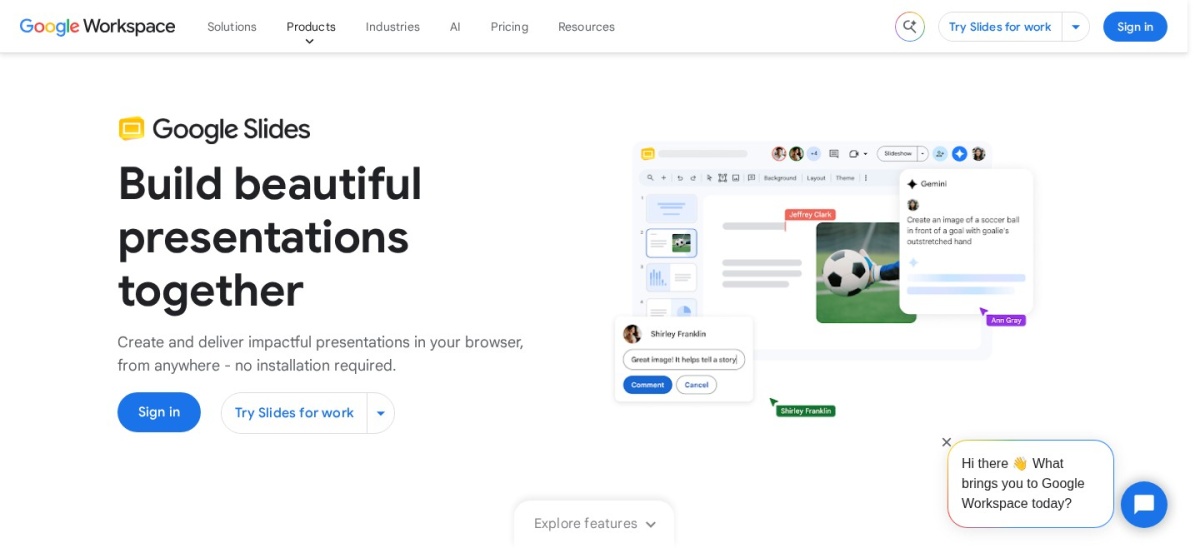
Google Slides homepage, captured Nov 2026.
Google Slides is a free browser-based presentation tool with the best real-time collaboration in this list, letting co-founders edit the same deck at once with comments and version history. Gemini AI can generate slides, images and speaker notes, and files export to PowerPoint and PDF without conversion problems.
The trade off is polish. Templates and design controls are plainer than Canva or Beautiful.ai, and advanced animation and chart control are limited. Business features need Google Workspace Business Starter at $7 a user a month. It suits teams iterating daily who need frictionless collaboration.
What we like
Completely free for personal use
Best real-time collaboration here
Gemini AI built into the editor
No install, works in the browser
Watch out for
Plainer templates than Canva
Limited animation and chart control
Business use needs Workspace at $7 a month
Free for personal use; Google Workspace Business Starter is $7 a user a monthVisit slides.google.com
09
PowerPoint
4.6/5on G2 (4400 reviews, checked Nov 2026)
Paid from$99.99/yr
Best for investor-standard exports
Free planWeb version free
Paid planMicrosoft 365 Personal, $99.99/yr
AICopilot add-on, $21/user/mo
ExportNative PowerPoint, PDF
microsoft.com
PowerPoint homepage, captured Nov 2026.
PowerPoint is the presentation standard investors expect, with the deepest chart, animation and formatting control in this list. Microsoft 365 Personal at $99.99 a year adds the desktop apps, 1 TB of OneDrive storage and premium templates, and the Copilot add-on can generate slides from a prompt.
The trade off is cost and collaboration. The full desktop apps need a Microsoft 365 subscription, Copilot is a $21 a user a month add-on on top of that, and real-time co-editing is weaker than Google Slides. It suits founders who need maximum control and investor-standard files.
What we like
Investor-standard file format
Deepest chart and animation control
Offline desktop apps included
4,400 G2 reviews at 4.6 out of 5
Watch out for
Desktop apps need a subscription
Copilot costs $21 a user a month extra
Collaboration lags Google Slides
Microsoft 365 Personal is $99.99 a year; Copilot is $21 a user a month extraVisit microsoft.com
AI decks vs classic decks: pick the right starting point
If you have no content yet, start with Gamma. A prompt gives you a full first draft in minutes, and you can rebuild the story before you spend time on design.
If you have content but no designer, start with Beautiful.ai or Canva. Beautiful.ai formats every slide for you, while Canva gives you the largest template library to work from.
If the deck is already written, start with PowerPoint or Google Slides. They give you the most control over the final file and the formats investors expect.
How we chose
We started from the pitch deck and presentation tools with a G2 or Capterra profile and a published product, then kept those with a verifiable rating and review count.
Prices come from each vendor's pricing page as reported in comparisons checked between September and November 2026, with the regular price shown where a sale was running. Ratings and review counts come from G2 or Capterra on the same day. Pitch publishes its prices in euros, so the list keeps them in euros.
We left out tools with no verifiable G2, Capterra or Trustpilot rating, including Slidebean, Decktopus and Piktochart. No vendor paid for a place, and we do not claim hands-on testing for this list.
How to choose pitch deck software
Start with how the deck will be read, then check the export format before you commit.
Write the story first. A tool cannot fix a weak story. Draft the ten slides an investor expects, from problem to ask, before you open any deck builder.
Pick the format for the reader. If you present live, Prezi or PowerPoint fits. If you send a link, Storydoc or Gamma fits better, because you can see what was read.
Check the export before you buy. Storydoc has no PowerPoint export, and Visme needs Pro for it. If an investor asks for the file, the export matters more than the editor.
Test the free plan with one real deck. Build your actual deck on the free plan or trial, send it to one friendly reader, and check the analytics before you pay for a year.
FAQ
What is the best pitch deck software?
Canva is the best pick for most founders. It scores 4.7 out of 5 on G2 from 7,850 reviews, offers more than 1.6 million free templates, and its Pro plan costs $10 a month billed yearly.
How much does pitch deck software cost?
Cheapest paid plans in this list run from $7 to about $20 a user a month. Prezi Standard is $7 a month, Gamma Plus is $9 a seat a month, and Storydoc Starter is just under $20 a user a month.
What is the best free pitch deck software?
Google Slides is the best free pick, with real-time collaboration and Gemini AI at no cost for personal use. Canva, Pitch, Gamma, Visme and Prezi also offer free plans with limits.
Can AI build a pitch deck?
Yes. Gamma turns a prompt into a full deck in minutes, Beautiful.ai formats your content automatically, and Pitch Agent builds a deck or a single slide from a prompt. Expect to edit the draft before you send it.
What format should I send a pitch deck in?
Send a PDF or a PowerPoint file, since those are the formats investors open without extra software. Storydoc sends a link instead, which adds reader analytics but has no PowerPoint export.
Is Canva good for pitch decks?
Yes, for most founders. Canva has the largest template library in this list, Magic Design builds a deck from a prompt, and the free plan covers a first deck. Pro is single-person only, so teams pay per person.
SaaS SEO and WordPress specialist with about 8 years of experience. Rakib compares WordPress plugins, themes, hosting and software using public pricing, documentation and user reviews. See how we rank.