QGenda is the best physician scheduling software for hospitals and health systems, since it automates complex schedules across departments with credential and time-off rules built in. Shift Admin suits large physician groups, while Homebase fits small clinics.
How we make this list: we compare pricing pages, product documentation and public user reviews, then re-check every price before each update. No product paid for a place. Disclosure.
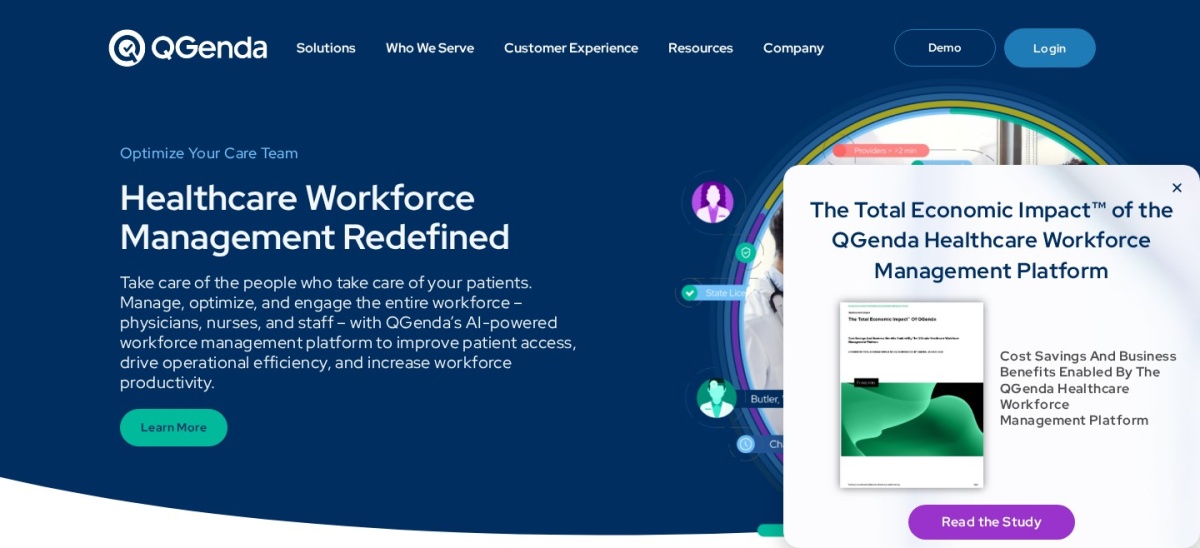
QGenda is the enterprise standard, with a 4.6 G2 rating from 164 reviews and more than 850,000 clinicians on the platform.
Shift Admin holds the highest G2 rating here at 4.9 from 19 reviews, with a powerful rules engine.
Homebase is the only tool here with a real free plan and a published price, from 30 dollars a month.
NurseGrid Manager starts at 5 dollars a month on G2, with a 4.9 rating from 6 reviews.
Most tools in this category price by quote, so small groups should start with the published prices.
What physician scheduling software should cover
Physician scheduling is harder than staff rostering. It must respect credentials, preferences, consecutive-day limits, time-off rules and fairness across a group, then handle swaps and call coverage when someone is sick.
Automation is the dividing line. QGenda and Shift Admin generate schedules against rules, while simpler tools like Amion mostly store and share a schedule that a human builds.
On-call coverage is the daily test. Every tool here should show who is on call right now, let clinicians swap shifts, and push changes to a mobile app without a phone call.
Pricing is quote-based for the enterprise tools. Only Homebase and NurseGrid Manager publish a starting price, so small groups should shortlist those first. Our guide to employee scheduling software covers the general tools beside these clinical ones.
QGenda is an enterprise scheduling platform that schedules physicians at more hospitals and practices than any competitor. Automated schedule generation respects provider preferences, credentials and complex rules, time-off requests and swaps flow through approvals, and more than 850,000 physicians, nurses and staff use the platform.
The trade off is pricing is enterprise quote only, implementation takes months of meetings and customization, and small groups are priced out. It suits hospitals and large health systems.
Shift Admin is a scheduling tool that gives large physician groups a powerful rules engine for complex scheduling, covering shift equity, consecutive-day limits, credential requirements and preference weighting. It holds the highest G2 rating in this list at 4.9 from 19 reviews.
The trade off is QGenda acquired it in January 2021, the public site is now mostly a sign-in page, and prices are not published. It suits emergency medicine and hospitalist groups that outgrow spreadsheets.
Homebase is general scheduling software that fits small clinics, dental and therapy offices. The Basic plan is free for one location and up to 10 employees, Essentials costs $30 a month per location, and it holds a 4.6 rating on G2 from more than 660 reviews.
The trade off is it is not built for physician rules like credentialing and call coverage, so hospitals will outgrow it. It suits small clinics that need simple scheduling with time tracking.
NurseGrid Manager is built for nursing teams that want control over their own schedules, with self-scheduling, float pool visibility and open shift management. G2 lists a starting price of $5 a month, and it holds a 4.9 rating from 6 reviews.
The trade off is the G2 review base is only 6 reviews, and it is narrower than the all-in-one tools, fitting nursing departments rather than whole hospitals. It suits nursing teams that want focused scheduling.
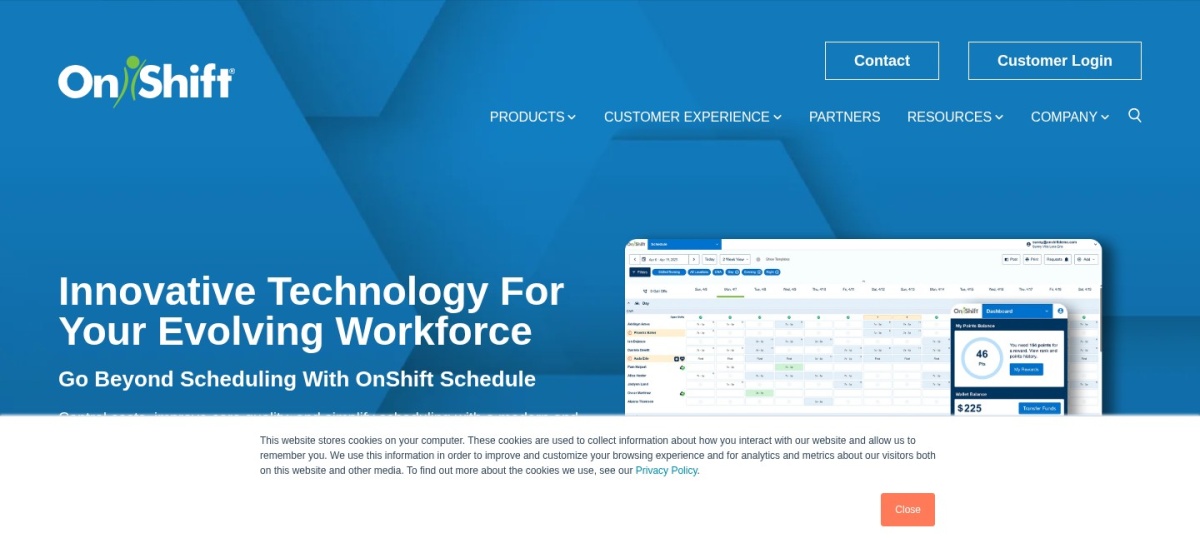
OnShift is scheduling and workforce software for senior living and long-term care, with staff scheduling, call-outs and labor management in one system. It holds a 4.5 rating on G2 from more than 970 reviews, the largest review base in this list.
The trade off is pricing is custom quote only, and it is built for senior living rather than physician groups, so hospital buyers should check fit carefully. It suits care homes and long-term care operators.
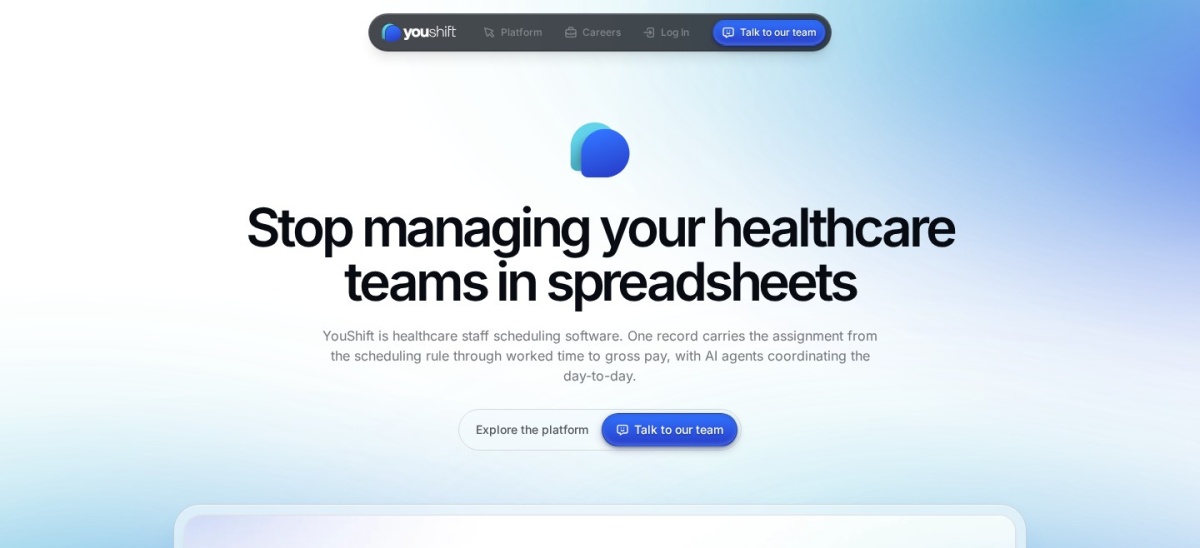
YouShift is scheduling software for physician groups, priced per clinician actually being scheduled. It runs free for a full scheduling period with setup done beside the vendor team, and it holds a 4.9 rating on G2 from 6 reviews.
The trade off is the per-clinician price is not published, and the G2 review base is only 6 reviews, so the rating is thin evidence. It suits physician groups that want to try before they buy.
Lightning Bolt is a physician scheduling platform, from PerfectServe, that won the 2025 Best in KLAS award for physician scheduling with an overall score of 93.1. It brings clinical scheduling rules, staff preferences and time-off constraints into one process for practices and health systems.
The trade off is public review scores are weak, with Capterra at 3.0 from only 3 reviews and G2 at 3.8 from 2, and pricing is quote-only. It suits practices that trust KLAS scores over small review samples.
Enterprise scheduling depends on provider count, departments, modules and implementation. Two hospitals with the same software can pay very different amounts, which is why vendors quote instead of publishing a rate card.
Ask for the full quote in writing. It should list the modules, the implementation fee, the interface costs and the annual support charge, not just the subscription.
Compare the total over three years, not the first year. Implementation lands early, while support and module fees run every year.
For a small group, the cheapest credible option is usually the tool with a published price, not the enterprise system that needs a sales cycle.
How we chose
We started from the physician scheduling tools that appear most often in hospital and group shortlists, then kept those with a verifiable G2 or Capterra rating.
Ratings and review counts come from G2 or Capterra, checked on 26 November 2026. Pricing is quote-based across most of this category, so the list shows Custom where no vendor publishes a price.
We left out Amion, which has no verifiable G2, Capterra or Trustpilot rating despite a published price, and tools with no verifiable rating at all. No vendor paid for a place, and we do not claim hands-on testing for this list.
How to choose physician scheduling software
Start with your group size and the rules your schedules must respect, then check what is published on price.
Count providers and departments. A hospital needs enterprise automation, while a small group can use a simpler tool with a published price.
List the rules that matter. Credentials, consecutive-day limits, preferences and fairness rules separate the real schedulers from simple calendars.
Test on-call coverage. Check who is on call right now, how swaps work, and whether the mobile app is reliable for clinicians.
Get quote pricing in writing. Most tools here price by quote, so ask for the full three-year cost before comparing with published prices.
FAQ
What is the best physician scheduling software?
QGenda is the best pick for hospitals and health systems, since it automates complex schedules across departments with credential and time-off rules built in. Shift Admin suits large physician groups, while Homebase fits small clinics.
How much does QGenda cost?
QGenda does not publish pricing, so the cost comes only from a quote based on provider count, departments and modules. Third-party estimates run 500 to 1,000 dollars per provider per month, but QGenda has not confirmed them.
What is the cheapest physician scheduling software?
Homebase is the cheapest way to start, with a free plan for one location and up to 10 employees. NurseGrid Manager lists a starting price of 5 dollars a month on G2.
Is Amion still a good choice?
Amion is still widely used for simple on-call schedules, with a published price of 399 to 449 dollars a year per license. It has no verifiable G2 or Capterra rating, so it is not in this list.
What is Shift Admin used for?
Shift Admin is a rules-based scheduler for large physician groups in emergency medicine, hospitalist and anesthesia work. QGenda acquired it in 2021, and its public site is now mostly a sign-in page.
Do physicians need special scheduling software?
Yes, for groups with rules. General scheduling tools cannot handle credentials, consecutive-day limits, fairness rules and call coverage, so physician groups need a clinical scheduler.
SaaS SEO and WordPress specialist with about 8 years of experience. Rakib compares WordPress plugins, themes, hosting and software using public pricing, documentation and user reviews. See how we rank.