Sched is the best event scheduling software for conferences, with published per-event pricing and a purpose-built agenda workflow. Whova is the best pick when the event also needs a full attendee app, and Skedda is the specialist for booking the rooms and desks the event uses.
How we make this list: we compare pricing pages, product documentation and public user reviews, then re-check every price before each update. No product paid for a place. Disclosure.
Sched is the best event scheduling software for conferences, with published pricing from $500 per event and a 4.4 out of 5 G2 rating.
Whova pairs the agenda with the strongest attendee app here, holding a 4.8 out of 5 G2 rating from 1,925 reviews.
Skedda is the room and desk specialist, starting at $249 a month for 35 spaces with a 4.8 out of 5 G2 rating.
Deputy connects scheduling to time tracking and payroll from $5 per user a month, with a 4.6 out of 5 G2 rating.
WhenToWork, Whova and Eventeny publish no prices, so budget discovery happens in the sales process.
What event scheduling software should do
Event scheduling is not one job. Conference organizers build multi-track agendas, managers roster hourly staff across shifts, and offices book rooms and desks, and each problem has its own specialist.
This list covers all four scheduling problems: conference programs, staff shifts, shared spaces, and running an event business. Pick the tool that matches your problem first, then compare features.
One warning before you shortlist: most of these tools publish no price. Sched and Skedda print their rates, Deputy prints per-user pricing, and the rest are quote-only, so budget discovery happens in the sales process. Ask for the full annual cost, including add-ons such as visitor management or lead retrieval, before you compare.
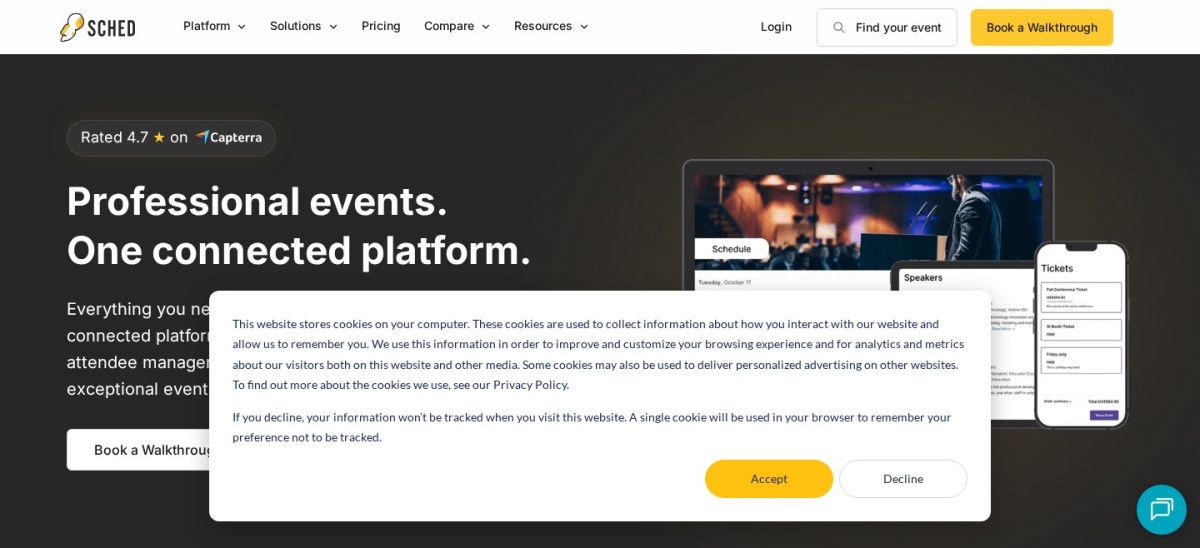
Sched is the conference agenda tool that publishes the schedule, collects speaker proposals and lets attendees build personal agendas from one place. It holds a 4.4 out of 5 G2 rating from 25 reviews, a small base that reflects its niche audience of conference organizers.
The trade off is the per-event price. Engage costs $500 per event with 500 attendees included, and events under 50 attendees are free, but larger events need the higher tiers and ticketing fees apply on paid registrations. It suits conferences, festivals and academic meetings.
What we like
Published per-event pricing with no sales call needed
Free for events under 50 attendees
Speakers manage their own session details
Watch out for
Only 25 G2 reviews, so the rating is thin
Per-event pricing gets expensive for many small events
No staff shift or room booking features
Published agenda pricing, free under 50 attendeesVisit sched.com
02
Whova
4.8/5on G2 (1925 reviews, checked Nov 2026)
Pricing3.0% + $0.99/ticket/yr
Conferences needing an attendee app with agenda
Fee3.0% + $0.99 per paid ticket
PlatformQuote per event
Free ticketsNo fee
AppAgenda, networking, polls, badges
whova.com
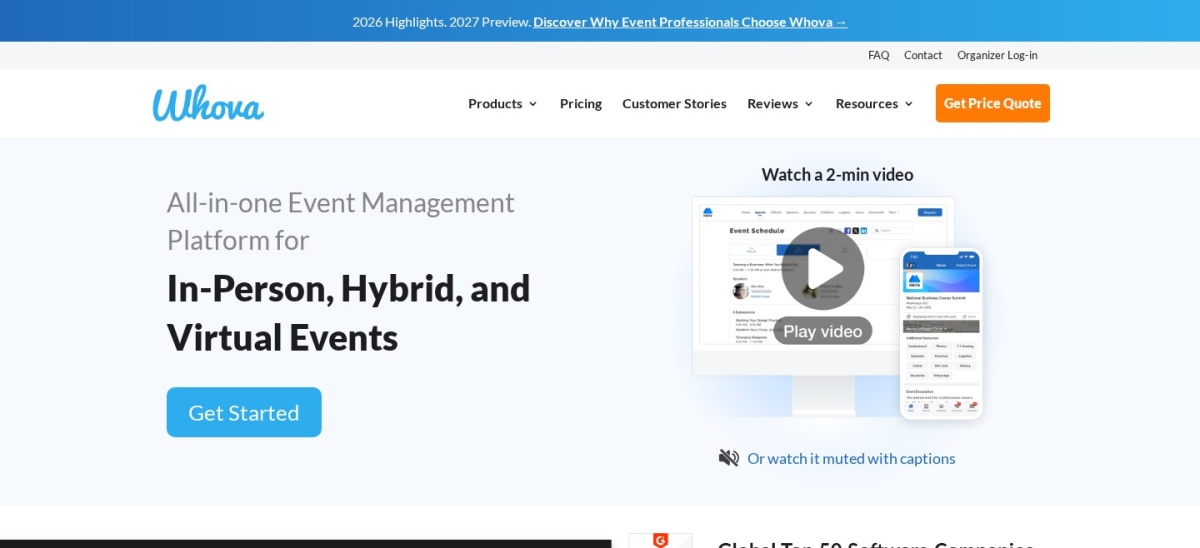
Whova homepage, captured Nov 2026.
Whova is the conference platform that pairs a published agenda with the strongest attendee app in this list. Attendees browse sessions, build personal schedules, network and answer live polls in one place, which is why it holds a 4.8 out of 5 G2 rating from 1,925 reviews.
The trade off is the platform quote. Registration charges 3.0 percent plus $0.99 per paid ticket with no fee on free tickets, but the platform itself is sold by custom quote per event, typically a few thousand dollars. It suits conferences, association meetings and academic events.
What we like
Agenda plus networking, polls and badges in one app
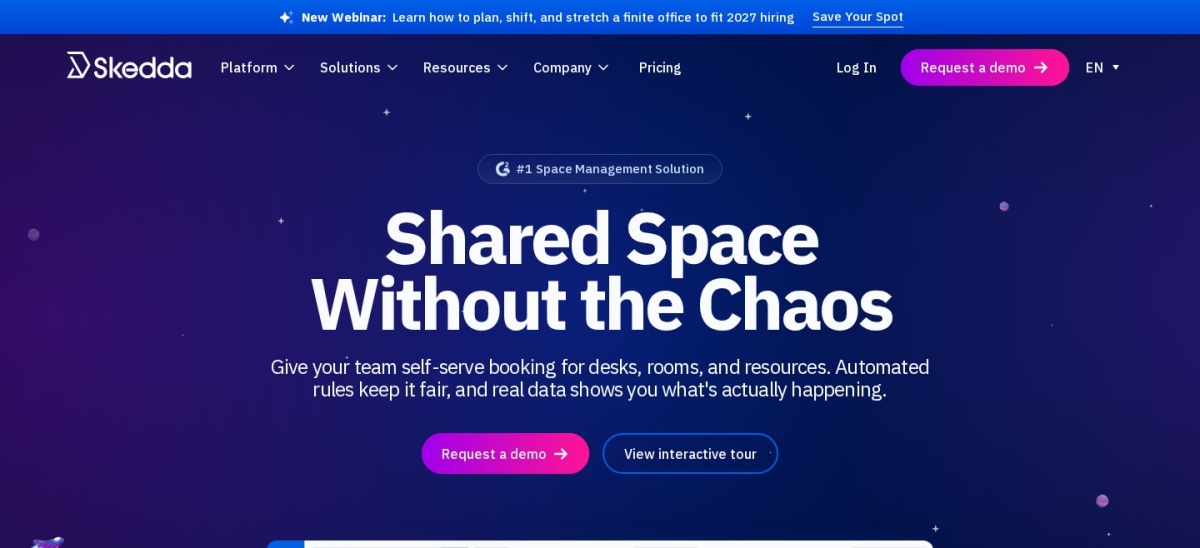
Skedda is the space booking specialist that lets people reserve rooms, desks and studios with visual availability and booking rules, instead of emailing an admin. It holds a 4.8 out of 5 G2 rating from 292 reviews, the joint highest score in this list.
The trade off is the price floor. Plus starts at $249 a month for 35 spaces, billed annually, with unlimited users and bookings, and visitor management costs $99 a month extra. It suits offices, universities and venues where the scarce resource is a place, not a person.
What we like
Per-space pricing, not per user, with unlimited users
Booking rules engine with quotas, buffers and approvals
Interactive floor plans built within 24 hours
Watch out for
US entry price of $249 a month is steep for small teams
Deputy is the workforce tool that turns a published shift schedule into clock-ins, timesheets and payroll exports in one closed loop. It holds a 4.6 out of 5 G2 rating from 666 reviews, the largest review base among the staff schedulers here.
The trade off is that it is a system, not just a scheduler. Lite starts at $5 per user a month with basic scheduling, timesheets and compliance, and there is a $30 monthly minimum spend. It suits multi-location retail, hospitality and healthcare teams.
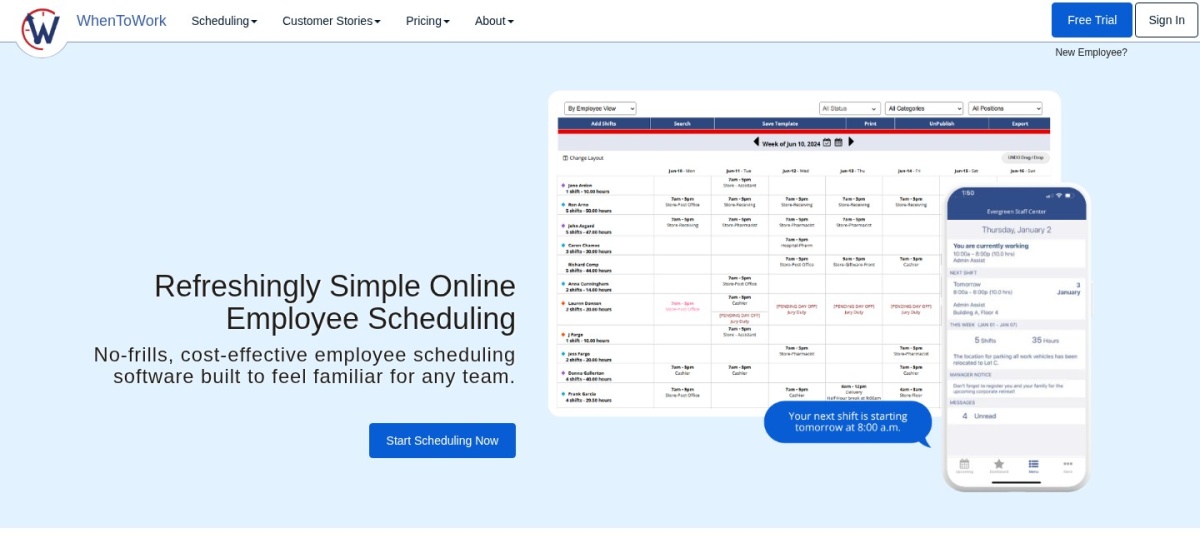
WhenToWork is the straightforward shift scheduler for managers rostering hourly staff across locations without spreadsheet chaos. It holds a 4.4 out of 5 G2 rating from 98 reviews, and its AutoFill builds schedules from preferences, time-off requests and overtime rules.
The trade off is the missing price tag. Pricing is not published, so the cost only appears during the 30-day free trial, which needs no credit card, and seasonal accounts can be suspended at no cost. It suits restaurants, clinics, parks and security firms.
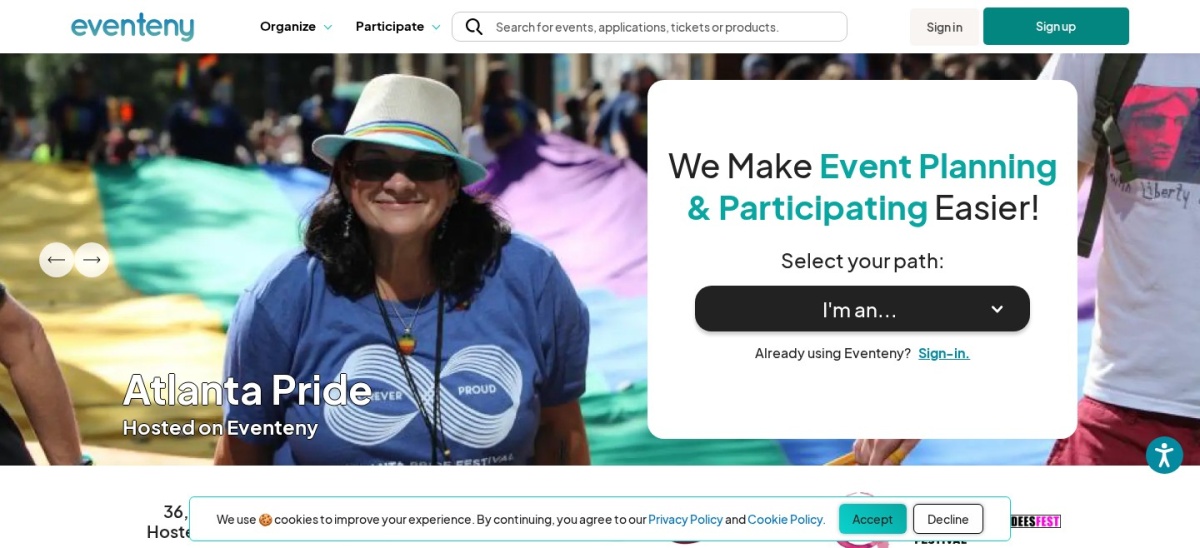
Eventeny is the festival platform that coordinates vendors, artists, sponsors, volunteers and attendees around one schedule. It holds a 4.3 out of 5 G2 rating from 17 reviews, a thin base that reflects its niche of outdoor and multi-stakeholder events.
The trade off is breadth over depth. Vendor applications, booth assignments, artist scheduling and ticketing live together, but pricing is not published and pure shift or room scheduling is tighter elsewhere. It suits festivals, expos and markets.
What we like
Vendor and exhibitor management alongside ticketing
Built for multi-stakeholder outdoor events
Artist scheduling and booth assignments in one place
Watch out for
Only 17 G2 reviews
Pricing is not published
Broader than pure scheduling, so evaluate the modules you use
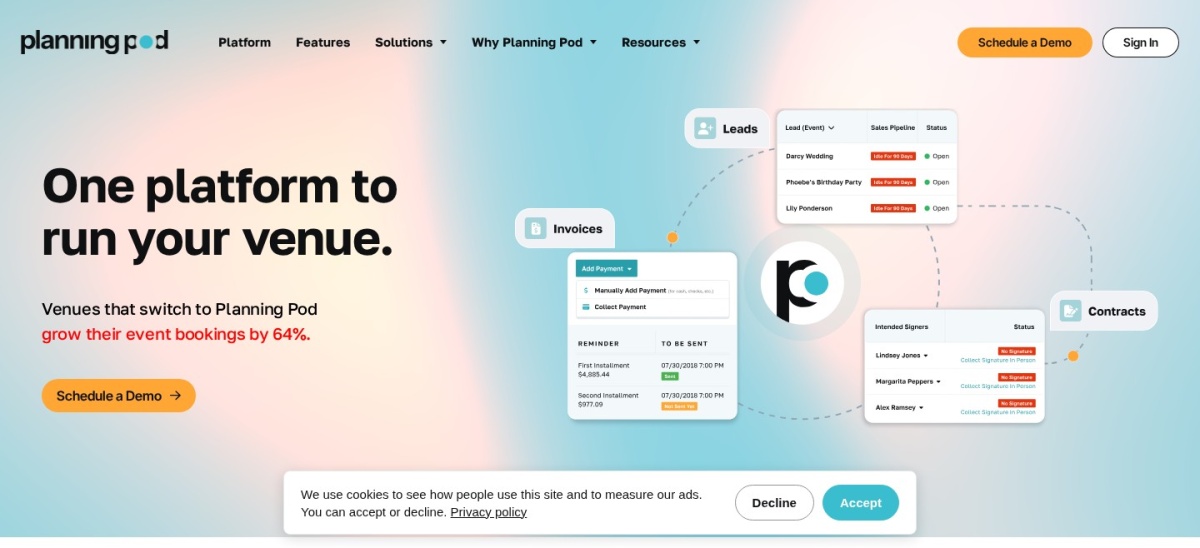
Planning Pod is the operations platform for event businesses, turning leads into proposals, contracts, timelines and floor plans in one pipeline. It holds a 4.0 out of 5 G2 rating from 18 reviews, the lowest score here, which reflects its niche venue audience.
The trade off is the audience and the price. Plans run from $199 to $319 a month per venue, with demos only and no free plan, and a corporate team planning one annual conference will find it heavy. It suits venues, caterers and planners running dozens of events a year.
What we like
Lead to contract to timeline pipeline in one system
Floor plans and client communication attached to each event
Conference sessions, speakers, tracks and attendee agendas: Sched for the agenda itself, Whova when you also want a full attendee engagement app. The deciding question is whether attendees need an app or just a schedule.
Hourly staff across locations and shifts: WhenToWork for simplicity, Deputy when scheduling must connect to time tracking and payroll. The deciding question is whether hours flow into payroll.
Rooms, desks, studios and shared spaces: Skedda. The deciding question is whether the scarce resource is a place rather than a person, and per-space pricing keeps the bill predictable.
Running an event business: Planning Pod for the operations pipeline, Eventeny for festival-style multi-stakeholder chaos. The deciding question is whether events are your business or your occasion.
How we chose
We started from the tools that appear most often in 2026 event scheduling comparisons, then kept those with a verifiable rating on G2.
Prices come from each vendor's pricing page, checked on 25 November 2026, except where noted. Skedda and Deputy prices were confirmed on the vendor's own pricing page. Sched's $500 per event figure rests on November 2026 reads of its pricing page, and Planning Pod's price rests on 2026 comparisons. WhenToWork, Whova and Eventeny publish no prices, so they are listed as quote-only.
We left out tools with no verifiable rating on G2, Capterra or Trustpilot, including Sessionize, which has no G2 listing and no Capterra reviews. No vendor paid for a place, and we do not claim hands-on testing for this list.
How to choose event scheduling software
Name the scheduling problem first, then pick the specialist for it.
Name the scheduling problem. Decide whether you are scheduling a program, staff shifts, shared spaces or an event business, because each has its own specialist.
Check the pricing unit. Per-event, per-user and per-space pricing punish different buyers, so model your real attendee, staff or space count before comparing.
Test the mobile experience. Shift workers and attendees live on phones, so run the actual booking or agenda flow on a phone before committing.
Confirm the integrations. Payroll for Deputy, calendars for Skedda, registration for Sched and Whova. A scheduler that does not talk to your other systems becomes a silo.
FAQ
What is the best event scheduling software?
Sched is the best event scheduling software for conferences, with published per-event pricing and a purpose-built agenda workflow. Whova is the best pick when the event also needs a full attendee app with networking, and Skedda is the specialist for booking rooms and desks.
How much does event scheduling software cost?
Sched costs $500 per event with 500 attendees included, and events under 50 attendees are free. Skedda starts at $249 a month for 35 spaces, Deputy at $5 per user a month, and Planning Pod at $199 a month per venue. WhenToWork, Whova and Eventeny are quote-only.
What is the difference between event scheduling and appointment scheduling?
Event scheduling coordinates programs, staff shifts or spaces around an event, while appointment scheduling books one-to-one meetings such as sales calls. Calendly and Acuity Scheduling are appointment tools; Sched, Whova and Skedda schedule events, people and places.
Do I need a separate tool for staff shifts and the event agenda?
Usually yes. Agenda tools such as Sched do not roster staff, and shift tools such as WhenToWork do not build conference programs. Deputy covers shifts plus time tracking, so pair it with Sched or Whova when one event needs both.
Is there a free event scheduling tool?
Yes, for small events. Sched is free for events under 50 attendees, with no time limit. The other tools here offer trials only: Skedda for 14 days, WhenToWork for 30 days, and Deputy with a free trial period. Free appointment tools such as Calendly do not schedule event programs.
SaaS SEO and WordPress specialist with about 8 years of experience. Rakib compares WordPress plugins, themes, hosting and software using public pricing, documentation and user reviews. See how we rank.