Adobe Lightroom is the best photo editing software for beginners, with a catalogue, RAW editing and AI masks from twelve dollars a month. Canva is the free pick for quick social edits, and Affinity Photo gives pro layer editing free.
How we make this list: we compare pricing pages, product documentation and public user reviews, then re-check every price before each update. No product paid for a place. Disclosure.
Lightroom is the best all-round pick for beginners who shoot often, at $11.99 a month with 1 TB of cloud storage.
Canva covers quick social edits free, and Affinity Photo gives pro layer editing free with a Canva account.
Luminar Neo is the fastest route to dramatic AI edits, with a one-time licence from $129.
Buy-once editors such as Photoshop Elements, DxO PhotoLab and PaintShop Pro suit beginners who refuse subscriptions.
Capture One costs the most per month at $18, but it leads on colour and tethered shooting.
What beginners should look for in a photo editor
A beginner editor should make the first edit fast. One-click fixes, presets and guided steps matter more than a deep menu, because most new photographers quit when the tool fights them.
RAW editing is the second test. A RAW file holds far more detail than a JPEG, so an editor that develops RAW files non-destructively gives a beginner room to recover shadows and highlights.
Price models split this list in two. Subscriptions such as Lightroom and Capture One charge every month, while one-time editors such as Luminar Neo and DxO PhotoLab are bought once and kept.
Tutorials matter as much as features. Lightroom has the widest tutorial library, so a beginner rarely gets stuck, while smaller editors rely on smaller communities. Our guide on AI writing tools covers a different creative category the same way.
The 9 best photography editing software tools for beginners
01
Adobe Lightroom
4.6/5on G2 (3,414 reviews, checked Nov 2026)
Starts at$11.99/mo
Best photo editor for beginners overall
Cloud storage1 TB on Lightroom plan
RAW supportYes, 1,100+ cameras
AI maskingYes, subject and sky
Mobile appiOS and Android
adobe.com
Adobe Lightroom homepage, captured Nov 2026.
Adobe Lightroom is the default photo editor for beginners who want to organise and edit large photo libraries. The Lightroom plan costs $11.99 a month with 1 TB of cloud storage, and it pairs a non-destructive RAW editor with AI masks, presets and syncing across desktop, tablet and phone.
The trade off is the subscription. There is no perpetual licence, and the Photography plan with Photoshop costs $19.99 a month, so the bill never ends. It suits beginners who shoot often and want the widest tutorial support and the strongest catalogue tools.
What we like
Best catalogue and batch workflow
AI masks for skies and subjects
Syncs edits across devices
Watch out for
Subscription only, no buy-once option
Photography plan costs more
Photography plan adds Photoshop for $19.99 a monthVisit adobe.com
02
Canva
4.7/5on G2 (7,915 reviews, checked Nov 2026)
Paid from$120/yr
Best free editor for quick social edits
Free planYes, with templates
Pro plan$120 a year
Photo editingFilters, background remover
Mobile appiOS and Android
canva.com
Canva homepage, captured Nov 2026.
Canva is a free design platform that covers quick photo edits alongside templates for social posts, cards and flyers. The free plan includes filters, cropping, background removal and a huge template library, while Pro at $120 a year adds premium templates, brand kits and more AI tools.
The trade off is depth. Canva cannot match Lightroom for RAW development or precise colour work, and its best AI features sit behind Pro. It suits beginners who edit photos for social media and want fast results without learning a pro editor.
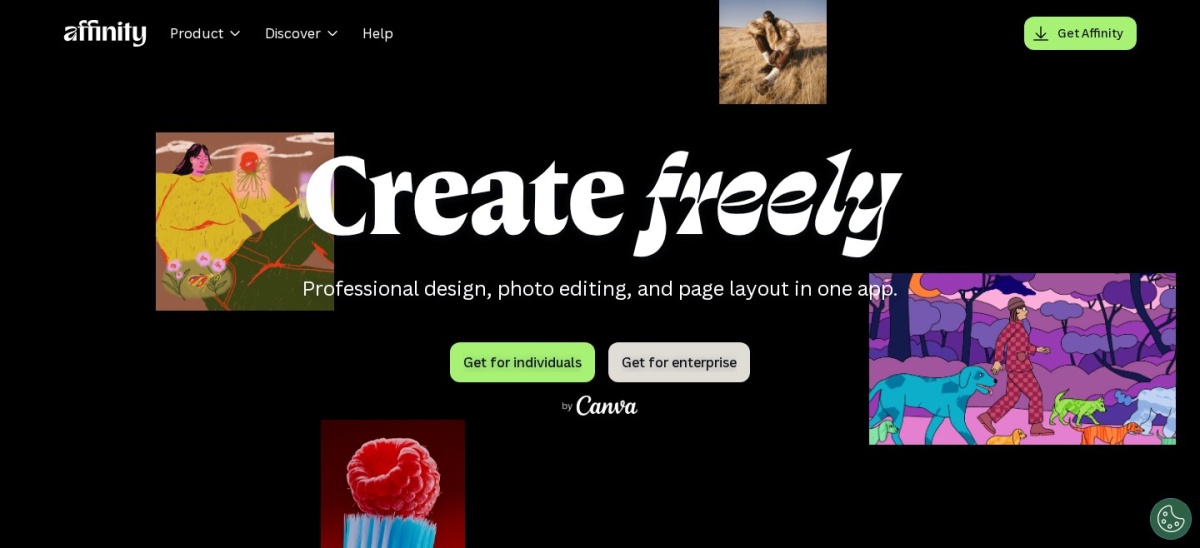
Affinity Photo is a full layer-based editor that now costs nothing under Canva, after Serif dropped the one-time price. It covers layers, masks, frequency separation, focus stacking, HDR merge and panoramas, and it opens and saves PSD files, so it handles most of what Photoshop does.
The trade off is the learning curve. Affinity is a pro tool with pro menus, and beginners face a steeper climb than with Lightroom or Canva. It suits learners who want real retouching power for free and are willing to watch a few tutorials first.
Luminar Neo is built around AI tools that do in one slider what takes many steps elsewhere. Sky replacement, portrait retouching, relighting and power-line removal run automatically, so a beginner can finish a landscape or portrait in minutes without learning curves or masks.
The trade off is depth and pricing churn. The core RAW tools lag behind Lightroom, extensions cost extra, and the list price has moved between $99 and $199. It suits beginners who want fast, dramatic results and do not want to learn manual editing yet.
Photoshop Elements is Adobe's beginner editor, sold once instead of rented monthly. Guided Edits walk a new user through each step, from fixing a crooked horizon to adding a sky, and the organiser keeps photos sorted by date, place and people.
The trade off is power. Elements lacks the full Photoshop toolset and the cloud sync of Lightroom, and upgrades cost extra when a new version ships. It suits beginners who want a friendly Adobe editor they buy once and keep.
Capture One is the studio pick for colour and tethered shooting. It builds custom colour profiles for each supported camera, and its live tethered capture is the most reliable in this list, which is why fashion and product photographers trust it on set.
The trade off is price and learning curve. At $18 a month on the annual plan it costs more than Lightroom, and its deep toolset rewards study. It suits beginners who shoot in a studio or care deeply about colour and are ready to learn a pro workflow.
DxO PhotoLab is the image-quality pick. Its DeepPRIME denoising recovers detail from high-ISO RAW files that other editors smear, and its lab-measured lens modules fix distortion and vignetting automatically for supported camera and lens combinations.
The trade off is price and catalogue. At $249.99 it is the priciest one-time buy here, its catalogue tools lag Lightroom, and its Capterra score rests on only 14 reviews. It suits beginners who shoot in bad light and judge software by the pixels.
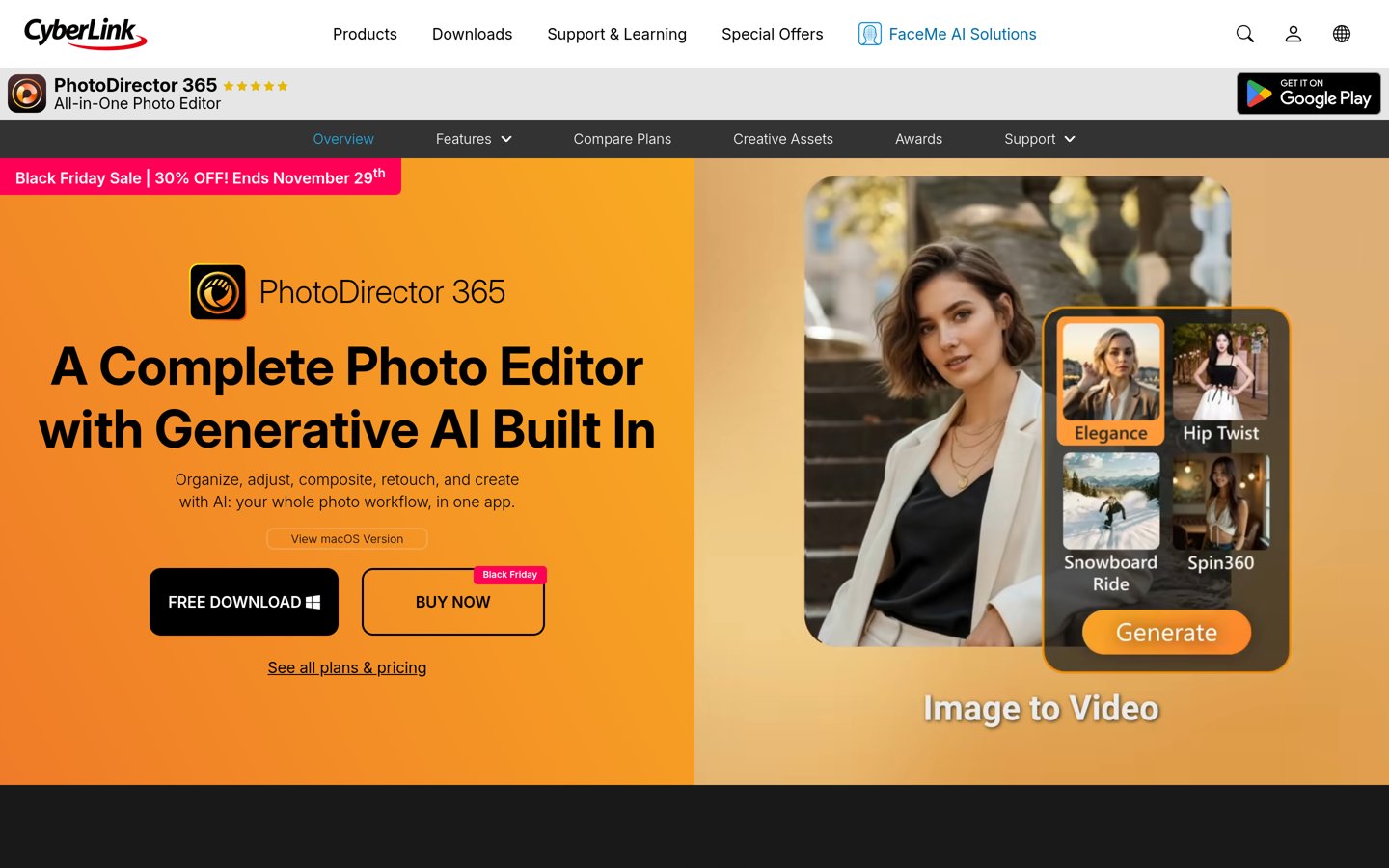
CyberLink PhotoDirector homepage, captured Nov 2026.
CyberLink PhotoDirector is a photo organiser and editor at $64.99 a year, the cheapest subscription in this list. It covers layers, AI sky replacement, object removal and face tagging, so a beginner gets organising and editing in one app.
The trade off is polish. Its RAW engine and colour tools are a step behind Lightroom and DxO, and its G2 score rests on only 53 reviews. It suits beginners who want one cheap app for organising and editing family photos.
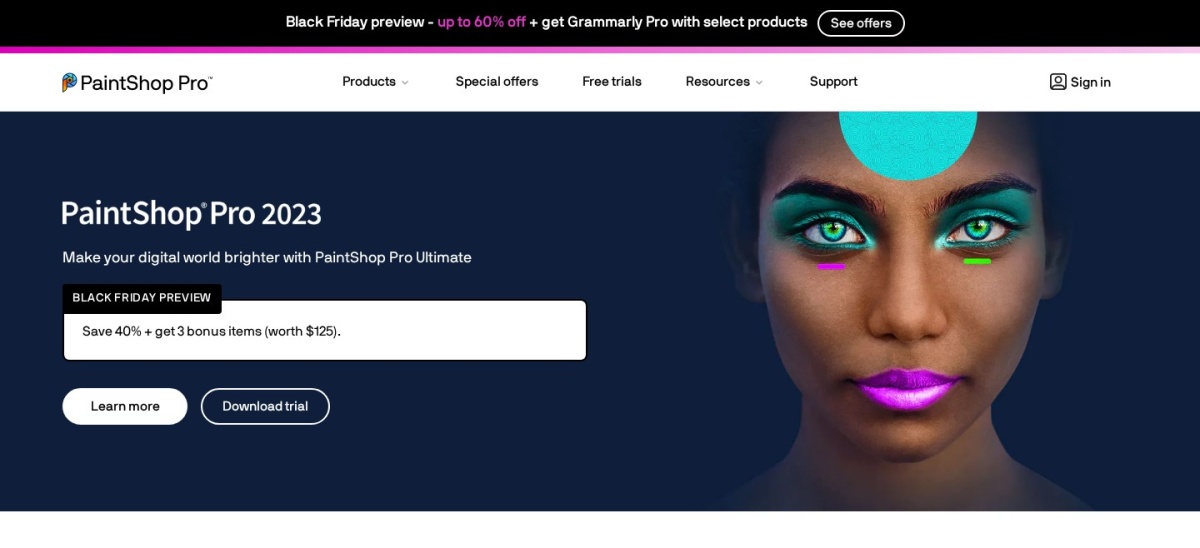
PaintShop Pro is a Windows layer editor sold once for $79.99. It covers layers, masks, AI upsampling and photo correction in a familiar desktop app, and it costs less than most one-time rivals while doing far more than a free browser editor.
The trade off is platform and polish. It runs on Windows only, and its interface feels dated next to Affinity or Lightroom. It suits Windows beginners who want a cheap buy-once editor with real layers.
We started from the best-known photo editors, then kept those with a verifiable G2 or Capterra rating and a published price.
Prices come from each vendor's pricing page, checked on 26 November 2026, or from published price lists where the vendor page did not render. Ratings and review counts come from G2 or Capterra on the same day.
We left out editors with no verifiable rating, including Pixelmator Pro and ON1 Photo RAW. No vendor paid for a place, and we do not claim hands-on testing for this list.
How to choose photo editing software as a beginner
Start with how you shoot, then pick the price model you can live with.
Try the free options first. Canva and Affinity Photo cost nothing, so learn the basics there before paying for a subscription.
Decide between rent and buy once. Lightroom and Capture One charge monthly, while Luminar Neo, DxO and Elements are bought once.
Check RAW support for your camera. Most editors here support hundreds of cameras, but check yours before you buy.
Pick the editor with the best tutorials. Lightroom has the widest tutorial library, which matters when you get stuck.
FAQ
What is the best photo editing software for beginners?
Adobe Lightroom is the best photo editing software for beginners. It pairs a strong catalogue with non-destructive RAW editing, AI masks and syncing across devices, at $11.99 a month with 1 TB of cloud storage, and it has the widest tutorial library.
Is there a free photo editor for beginners?
Yes. Canva covers quick social edits free, and Affinity Photo is a full pro layer editor that now costs nothing with a free Canva account. Both are strong starting points before you pay for Lightroom or Capture One.
Should beginners buy Lightroom or Photoshop Elements?
Pick Lightroom if you shoot often and want cloud sync, a catalogue and AI masks. Pick Photoshop Elements if you want a one-time price and guided step-by-step edits, and you do not need cloud sync or the full Photoshop toolset.
Is Luminar Neo good for beginners?
Yes, for fast results. Its AI tools replace skies, retouch portraits and relight scenes in one slider, so a beginner can finish a photo in minutes. It is weaker than Lightroom for manual RAW work, and its extensions cost extra.
Do I need to pay monthly for a photo editor?
No. Luminar Neo, DxO PhotoLab, Photoshop Elements and PaintShop Pro are all sold once, and Affinity Photo and Canva are free. Subscriptions suit photographers who want constant updates and cloud sync, while one-time licences suit buyers who want a fixed cost.
What is the cheapest good photo editor for beginners?
Affinity Photo is the cheapest good option because it is free and covers pro layer editing. Among paid tools, CyberLink PhotoDirector is the cheapest subscription at $64.99 a year, and PaintShop Pro is the cheapest one-time buy at $79.99.
SaaS SEO and WordPress specialist with about 8 years of experience. Rakib compares WordPress plugins, themes, hosting and software using public pricing, documentation and user reviews. See how we rank.