Homebase is the best payroll software with time tracking for most small businesses, offering free scheduling and time tracking for up to 10 employees at one location. Choose Gusto for payroll and benefits administration or Square Payroll for businesses already using Square to manage sales and employee shifts.
How we make this list: we compare pricing pages, product documentation and public user reviews, then re-check every price before each update. No product paid for a place. Disclosure.
Homebase offers free time tracking for up to 10 employees, with standard payroll pricing of $49/month plus $6 per employee.
Gusto starts at $49/month, while its $80/month Plus plan includes time tracking and scheduling.
Square Payroll provides full-service employee payroll for $35/month plus $6 per person paid.
OnTheClock combines payroll and time tracking for $45/month in base fees plus applicable employee charges.
Rippling earns 4.9/5 from 4,884 Capterra reviews and offers configurable workforce management.
What payroll software with time tracking should include
Payroll software with time tracking connects employee working hours directly to wage calculations. Instead of copying hours between spreadsheets and payroll systems, managers can approve digital timesheets before processing payments.
Look for automatic overtime calculations, break tracking, timesheet approvals and paid time off management. These features matter particularly for businesses with hourly employees, changing schedules and multiple work locations.
A built-in time clock is generally easier to manage than a separate integration. However, payroll platforms with reliable integrations can work well when employees already use an established attendance system.
Compare subscription fees carefully. Some providers include time tracking in their standard plans, while others reserve it for premium subscriptions or charge separately for workforce management.
The 7 best payroll software with time tracking tools
01
Homebase
4.6/5on Capterra (1,158 reviews, checked Nov 2026)
Paid from$49/mo
Best for small businesses with hourly employees
Time trackingBuilt-in
Free time clockUp to 10 employees
Payroll pricing$49/mo + $6/employee
SchedulingIncluded
joinhomebase.com
Homebase homepage, captured Nov 2026.
Homebase is a workforce management platform that combines employee scheduling, attendance and payroll. Its free Basic plan supports up to 10 employees at one location, and the payroll add-on converts recorded working hours into wage calculations and employee payments.
The trade off is that payroll costs $49 per month plus $6 per employee under standard pricing, even when you use free scheduling. A limited-time promotion offers six months of payroll without subscription charges. It suits restaurants, retailers and service businesses managing hourly workers.
4.6/5on Capterra (4,232 reviews, checked Nov 2026)
Starts at$49/mo
Best for payroll and employee benefits
Time trackingPlus plan
Entry plan$49/mo + $6/person
Plus plan$80/mo + $12/person
Payroll runsUnlimited
gusto.com
Gusto homepage, captured Nov 2026.
Gusto is a payroll and HR platform that handles employee payments, tax filing and benefits administration. Its Simple subscription costs $49 per month plus $6 per person and includes unlimited payroll processing, while Plus adds integrated time tracking and employee scheduling.
The trade off is that built-in time tracking requires the Plus plan at $80 per month plus $12 per person. Businesses choosing Simple may need a separate attendance integration. It suits growing companies that want payroll, benefits and employee records managed together.
What we like
Unlimited payroll processing
Integrated benefits administration
Employee scheduling on Plus
Automatic payroll tax filing
Watch out for
Native time tracking requires a higher tier
Per-person charges increase with headcount
Plus adds time tracking, scheduling and faster payroll payments.Visit gusto.com
03
Square Payroll
4.7/5on Capterra (622 reviews, checked Nov 2026)
Starts at$35/mo
Best for retailers using Square
Time trackingSquare Shifts
Employee payroll$35/mo + $6/person
Contractor-only payroll$6/person/mo
Payroll runsUnlimited
squareup.com
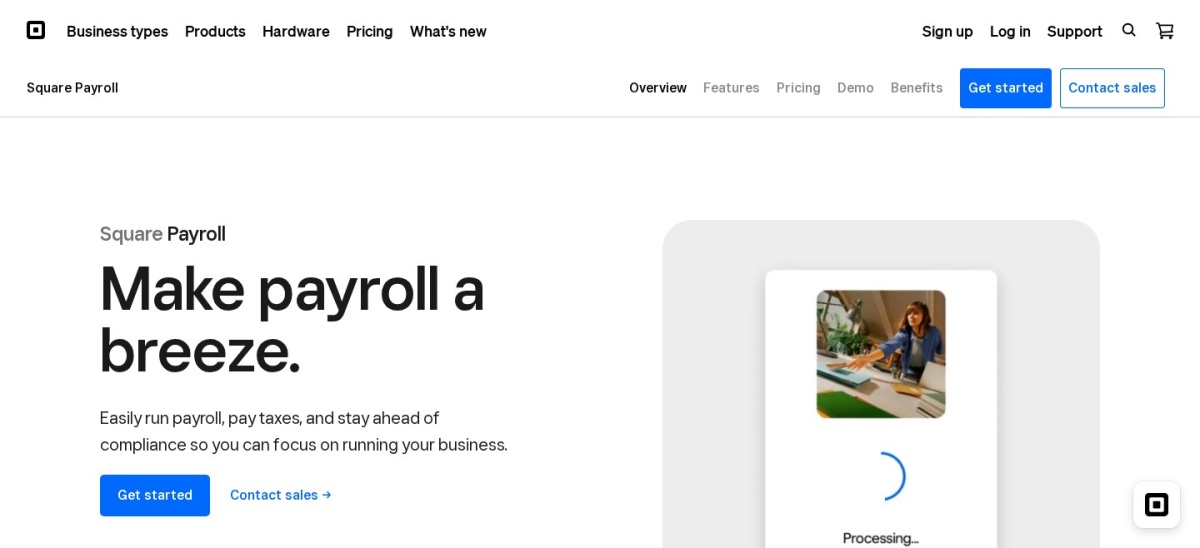
Square Payroll homepage, captured Nov 2026.
Square Payroll is an employee payment platform connected to the Square business ecosystem. Full-service employee payroll costs $35 per month plus $6 per person paid, and managers can import recorded working hours, tips and commissions from compatible Square workforce tools.
The trade off is that advanced workforce management may require additional Square Shifts features beyond the $35 monthly employee payroll subscription. Businesses outside the Square ecosystem may prefer a more independent platform. It suits retailers, restaurants and hospitality teams already using Square.
What we like
Direct integration with Square timecards
Unlimited payroll runs
Supports importing tips and commissions
No long-term payroll commitment
Watch out for
Most useful within the Square ecosystem
Advanced workforce features can cost extra
Full-service payroll adds employee payments and automated tax filing.Visit squareup.com
04
OnTheClock
4.7/5on Capterra (834 reviews, checked Nov 2026)
Starts at$45/mo
Best for mobile and field employee time tracking
Time tracking$5/mo + $4/employee
Payroll add-on$40/mo + $6/employee
Location trackingGPS and geofencing
Payroll onboarding$250 one-time
ontheclock.com
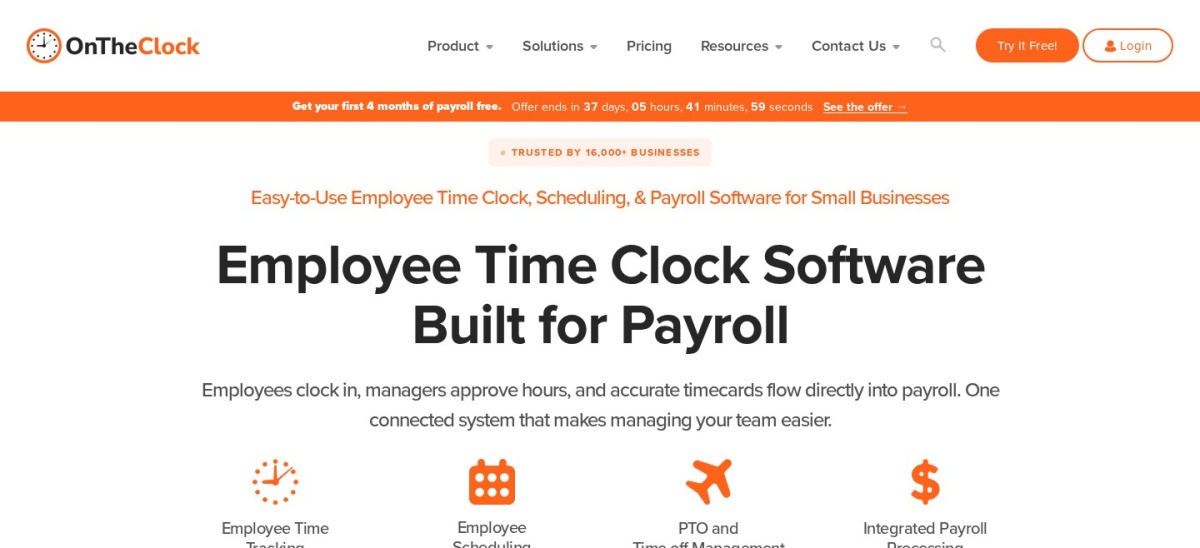
OnTheClock homepage, captured Nov 2026.
OnTheClock is an employee attendance platform with scheduling, overtime calculations, location controls and integrated payroll. Time tracking costs $5 per month plus $4 per employee, while payroll adds a $40 monthly base fee and $6 per paid employee.
The trade off is that combining both services brings the recurring base cost to $45 per month before employee charges, with a required $250 payroll onboarding fee. It suits field service businesses and mobile teams that need location-based clock-ins connected to payroll.
What we like
GPS and geofencing controls
Integrated timecards and payroll
Automatic overtime calculations
Employee scheduling and leave management
Watch out for
Required payroll onboarding fee
Separate employee charges for both services
Payroll eligibility restrictions apply
The payroll add-on includes direct deposit and payroll tax filing.Visit ontheclock.com
05
Rippling
4.9/5on Capterra (4,884 reviews, checked Nov 2026)
PricingCustom pricing
Best for configurable payroll automation
Time trackingAvailable module
PayrollIntegrated
HR managementAvailable
Pricing modelCustom per employee
rippling.com
Rippling homepage, captured Nov 2026.
Rippling is a modular workforce management platform that connects payroll, attendance, employee records and business workflows. Its 4.9/5 Capterra rating reflects feedback across 4,884 reviews, and employers can configure their subscriptions around the workforce products they need.
The trade off is custom pricing based on employee count and selected modules, making direct cost comparisons harder. Initial configuration can also require more planning than a basic payroll service. It suits growing organizations that need configurable payroll approvals and connected HR systems.
What we like
Connected payroll and employee records
Configurable workflow automation
Centralized reporting
Modular workforce management
Watch out for
Complete pricing requires a quote
More configuration than simpler payroll tools
Additional modules increase subscription costs
Selected modules add payroll, attendance and workflow automation.Visit rippling.com
06
Paychex
4.2/5on Capterra (1,820 reviews, checked Nov 2026)
Starts at$65/mo
Best for businesses needing payroll support
Starting price$65/mo + $8/employee
Time trackingAvailable
Payroll processingUnlimited
HR servicesAvailable
paychex.com
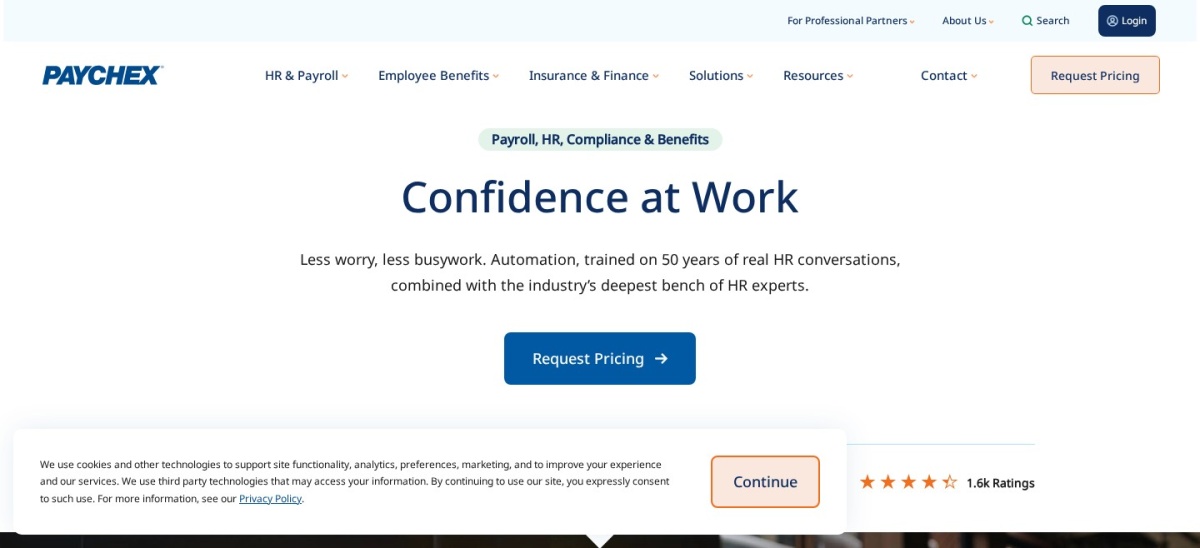
Paychex homepage, captured Nov 2026.
Paychex is a payroll and workforce management provider offering employee payments, tax administration and attendance solutions. Published payroll packages start at $65 per month plus $8 per employee, with unlimited payroll processing and access to additional workforce services.
The trade off is that the $65 monthly starting price does not establish the complete cost of integrated attendance and advanced HR services. Employers need package-specific pricing before purchasing. It suits established businesses that value payroll assistance and configurable workforce services.
What we like
Unlimited payroll processing
Multiple employee payment options
Dedicated workforce management services
Access to payroll specialists
Watch out for
Time tracking may incur additional costs
Package comparisons require sales consultation
Higher starting base fee than several competitors
Additional services provide attendance management and expanded HR support.Visit paychex.com
07
BambooHR
4.6/5on Capterra (3,653 reviews, checked Nov 2026)
Starts at$10/mo
Best for HR-focused payroll management
Core pricing$10/employee/mo
Time trackingPaid add-on
PayrollAvailable add-on
Employee recordsCentralized
bamboohr.com
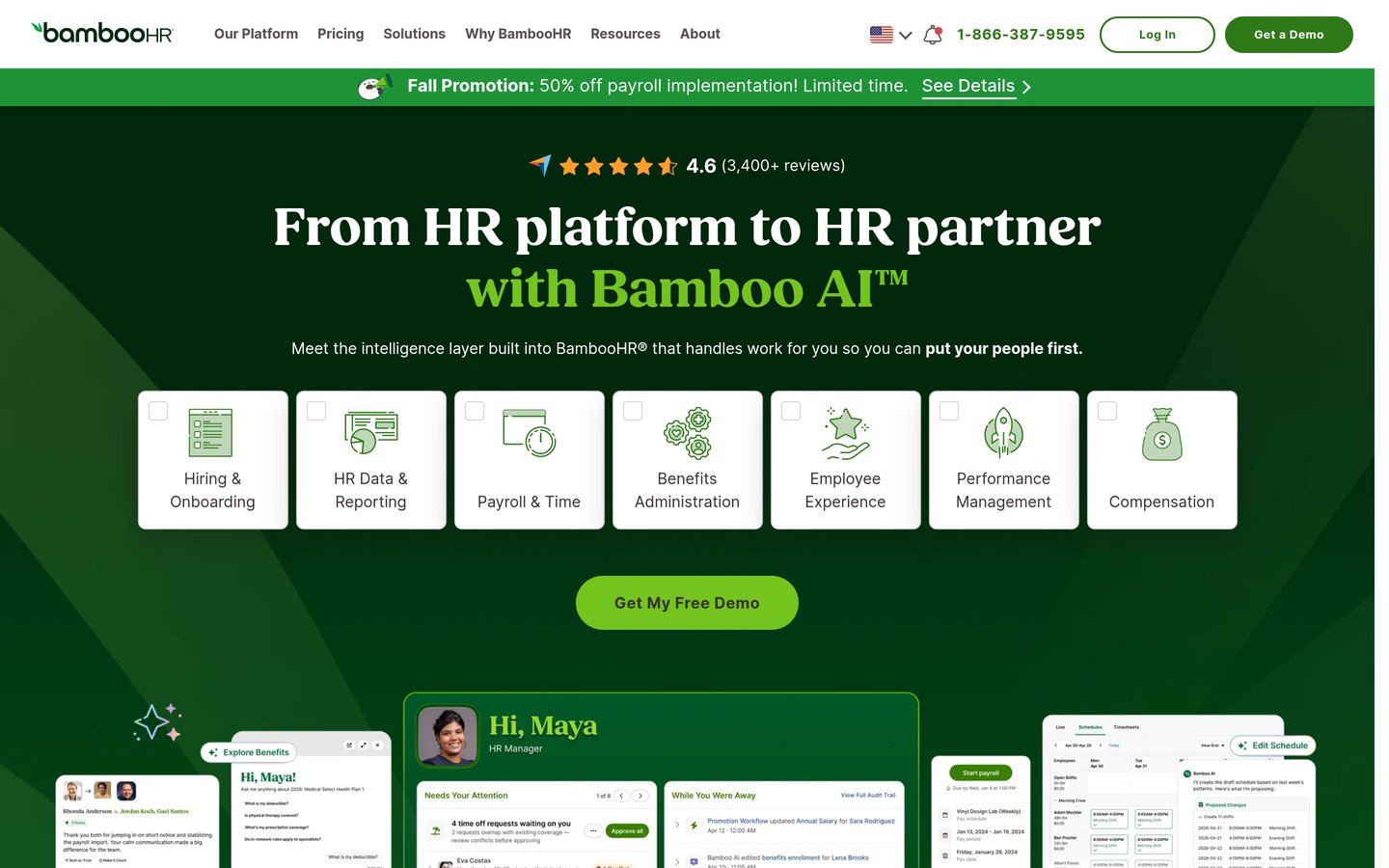
BambooHR homepage, captured Nov 2026.
BambooHR is an HR management platform that connects employee records, payroll, time off and attendance. Its Core subscription starts at $10 per employee per month, while optional payroll and time tracking services allow working hours and personnel information to flow into payroll.
The trade off is that the $10 per employee monthly Core price excludes the complete payroll and attendance configuration. Employers should request pricing for both add-ons before comparing costs. It suits businesses that prioritize organized employee records alongside payroll and workforce management.
What we like
Centralized employee information
Connected time tracking and payroll
Employee self-service features
Time off management
Watch out for
Payroll requires additional services
Time tracking costs extra
Less suitable for payroll-only buyers
Payroll and time tracking add-ons connect attendance to employee payments.Visit bamboohr.com
How much does payroll software with time tracking cost?
The published employee payroll base prices in this comparison start at $35 per month with Square Payroll. Homebase and Gusto start at $49 per month, although their integrated workforce features differ considerably.
The price ladder annualizes the recurring entry fee for payroll or the closest relevant platform subscription. It excludes variable employee charges, onboarding fees and optional modules unless they are explicitly combined in the listed base price.
Calculate your actual subscription using employee count, paid locations and required features. BambooHR's $10 monthly price is per employee and excludes payroll and time tracking add-ons. Rippling requires a custom quote, so its total cannot be compared directly with published entry prices.
Built-in time tracking vs payroll integrations
Built-in time tracking keeps employee hours, approvals and wage calculations within the same platform. This reduces duplicate data entry and makes payroll corrections easier to trace.
External integrations are useful when a business already has attendance hardware or workforce management software. Check whether the connection transfers overtime, paid leave, breaks and employee identifiers rather than just total working hours.
Before switching providers, process a sample payroll using representative employee schedules. Compare the calculated wages against existing records and check that exceptions are visible before payment approval.
How we chose
We selected established payroll and workforce management platforms that support integrated or connected employee time tracking. We compared attendance features, payroll processing, scheduling, employee management and subscription structures.
Prices and public ratings were checked on 25 Nov 2026 using official vendor pricing pages and Capterra listings. Annual prices represent regular recurring entry fees, with employee charges and required upgrades identified separately. Where vendors use custom pricing, we identify that pricing model instead of estimating a subscription.
We excluded standalone time clocks without relevant payroll capabilities and products without established public review records. We prioritized native timesheet connections and clear pricing for the leading recommendations. No vendor paid for a place, and we do not claim testing for this list.
How to choose payroll software with time tracking
Compare payroll platforms using your workforce size, attendance requirements, payroll complexity and available budget.
**Identify your employee time tracking needs.** Determine whether employees need mobile clock-ins, shared kiosks, GPS verification, project tracking or simple digital timesheets.
**Check how recorded hours reach payroll.** Choose a platform that transfers approved hours, overtime, paid leave and applicable wage adjustments without unnecessary manual entry.
**Calculate the complete recurring cost.** Include subscription fees, employee charges, attendance modules, additional locations and required onboarding expenses.
**Review payroll controls and support.** Confirm that the platform supports applicable payroll requirements, approval permissions, correction workflows and accessible customer assistance.
FAQ
What is the best payroll software with time tracking?
Homebase is our top recommendation for small businesses with hourly employees because it combines scheduling, attendance and payroll. Gusto is better suited to employers needing benefits administration, while Square Payroll is particularly useful for businesses already using Square.
Is there free payroll software with time tracking?
Homebase provides free basic scheduling and time tracking for up to 10 employees at one location. However, payroll is a paid service. Businesses should distinguish free attendance tracking from payroll processing, employee payments and tax administration.
Does Gusto include employee time tracking?
Gusto includes native time tracking and scheduling in its Plus plan, which costs $80 per month plus $12 per person. Employers using the less expensive Simple subscription should evaluate compatible external time tracking integrations.
Can payroll software calculate overtime automatically?
Many payroll and attendance platforms calculate overtime using recorded employee hours and configured pay rules. Employers should verify that the system handles their applicable overtime requirements, employee classifications, breaks and wage adjustments before processing payroll.
What is the cheapest payroll software with integrated time tracking?
Square Payroll has a published full-service employee payroll base price of $35 per month plus $6 per person paid. Homebase and OnTheClock are also worth comparing, especially when scheduling, mobile attendance and additional workforce features are important.
Can employees clock in using their phones?
Yes. Platforms such as Homebase and OnTheClock support mobile attendance tracking. OnTheClock also offers GPS and geofencing controls, which help employers manage clock-ins for employees working at different job sites or outside a central office.
Do I need separate HR software if my payroll platform includes time tracking?
Not necessarily. Gusto, Rippling and BambooHR offer HR capabilities alongside payroll and workforce management. Smaller businesses may find an integrated platform sufficient, while larger organizations should evaluate recruitment, performance management, reporting and compliance requirements before consolidating systems.
SaaS SEO and WordPress specialist with about 8 years of experience. Rakib compares WordPress plugins, themes, hosting and software using public pricing, documentation and user reviews. See how we rank.