Mixpanel leads for event-based funnels and retention with up to 1M free monthly events. Firebase fits free mobile usage tracking with no event-volume cap, while AppsFlyer suits paid campaign attribution.
How we make this list: we compare pricing pages, product documentation and public user reviews, then re-check every price before each update. No product paid for a place. Disclosure.
Mixpanel includes up to 1M events and 10K session replays per month on its free tier.
Firebase provides free mobile analytics with no event-volume cap on its Spark plan.
PostHog offers a monthly free allowance on analytics and pay-as-you-go usage pricing above free limits.
AppsFlyer includes a Welcome Package with 12K free conversions in the first year, then charges $0.07 per conversion.
Sentry starts at $26/mo billed annually on its Team plan for error tracking and debugging.
What to look for in app data analytics
Mobile and cross-platform apps generate high volumes of screen views, taps, crashes, and conversion events. Picking the right analytics tool depends on whether your main question is how users move through screens, where paid installs come from, or why an app throws errors.
Event and session meters vary widely across vendors. Some platforms bill by monthly events or monthly active users, while session replay tools meter recorded sessions or charge by conversion volume.
Check free tier caps before instrumenting dozens of custom events. High-frequency telemetry from a single user screen can burn through a monthly quota quickly if events are not scoped carefully.
Consider whether you need store-level visibility alongside in-app behavior. In-app SDKs track user actions inside the product, whereas app store analytics focus on search rankings, store conversion, and review sentiment.
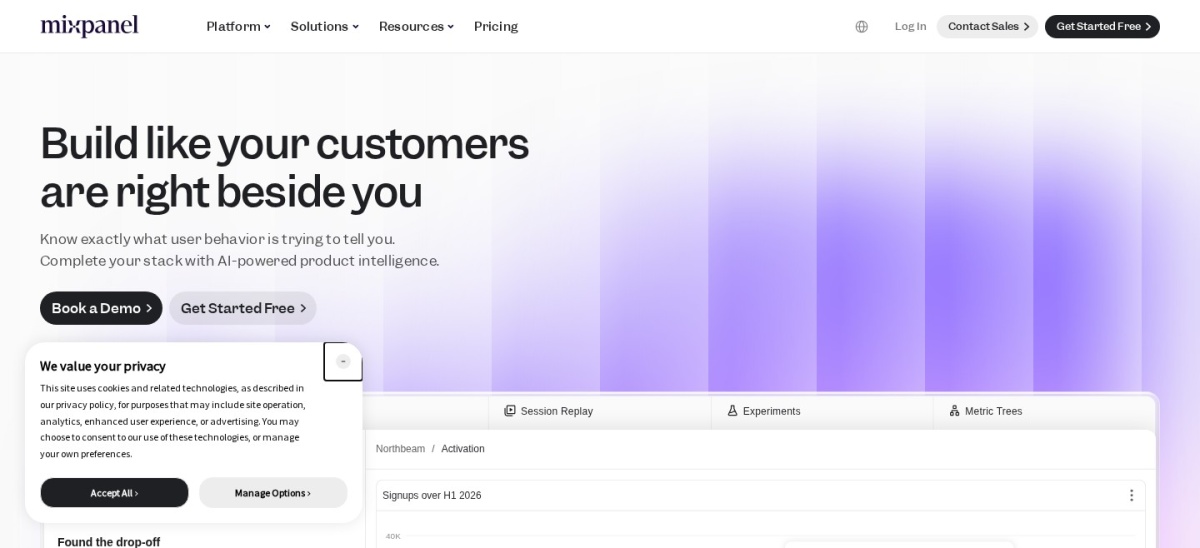
Mixpanel is an event analytics platform built to track user journeys, funnels, and retention across web and mobile apps. Its free plan includes up to 1M monthly events, 10K monthly session replays, and unlimited seats.
The trade off is that paid Growth usage scales with event volume starting from $100/mo billed annually at 1.5M monthly events ($1,200/yr). It suits product teams that want self-serve funnel and retention reports without writing SQL.
What we like
Includes up to 1M events and 10K session replays monthly on the free plan
Supports funnels, retention reports, feature flags, and experiments
Offers unlimited seats across plans
Provides a startup program for eligible early-stage companies
Watch out for
Paid event volume increases costs as traffic grows
Requires thoughtful event naming to keep tracking clean
Monthly billing costs more per month than annual billing
Paid Growth plans raise event and session replay limits and add higher experiment and feature flag allowances.Visit mixpanel.com
02
Firebase
4.5/5on G2 (308 reviews, checked Nov 2026)
PriceFree
Best for free mobile app analytics
Free tierSpark plan ($0)
Event capNo volume cap
PlatformsiOS, Android, Web
Suite linksCrashlytics & A/B
firebase.google.com
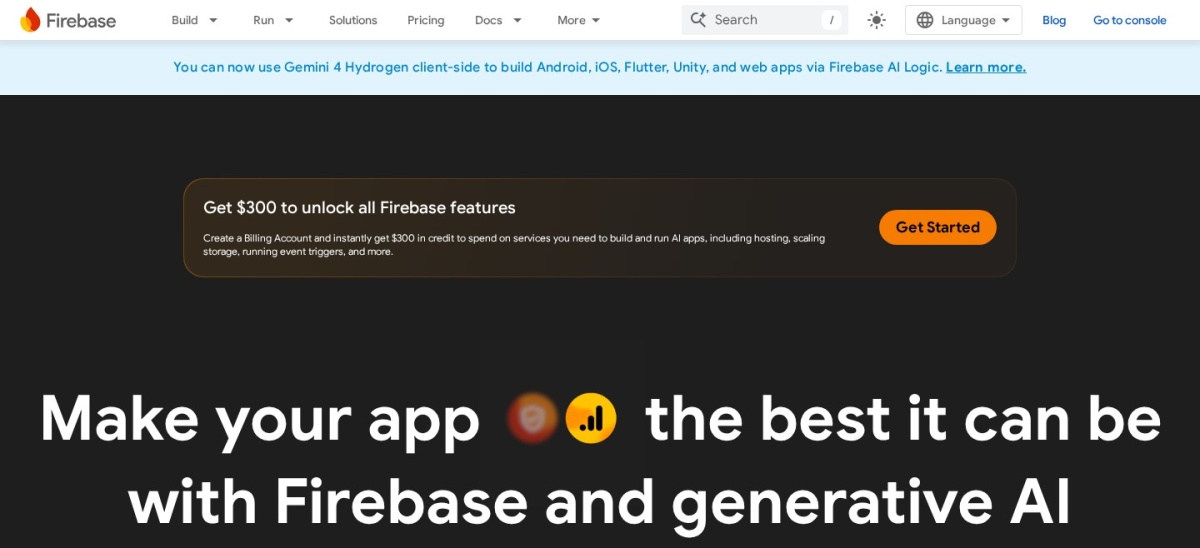
Firebase homepage, captured Nov 2026.
Firebase is an app development platform from Google that pairs mobile analytics with Crashlytics, Remote Config, and A/B testing. Its no-cost Spark plan includes analytics with no event-volume cap and up to 500 distinct event types.
The trade off is that analytics depth is lighter than dedicated product analytics tools, and pay-as-you-go Blaze charges apply to backend cloud resources when used. It suits developers building mobile apps who want free baseline event tracking.
What we like
Analytics is available on the free Spark plan with no event-volume cap
Connects directly with Crashlytics, Cloud Messaging, and Remote Config
Designed around mobile SDKs and app lifecycle events
Watch out for
Less specialized for deep behavioral product analysis than dedicated tools
Does not track app store keyword rankings or store-side reviews
Blaze cloud services introduce usage charges if enabled
Core analytics remains free, while optional Blaze cloud services bill by resource usage.Visit firebase.google.com
03
PostHog
4.5/5on G2 (1,057 reviews, checked Nov 2026)
PriceFree
Best for developer-led product analytics
Free tier1M events/mo
Paid modelPay-as-you-go
Retention1 yr free / 2 yr paid
HostingCloud & open source
posthog.com
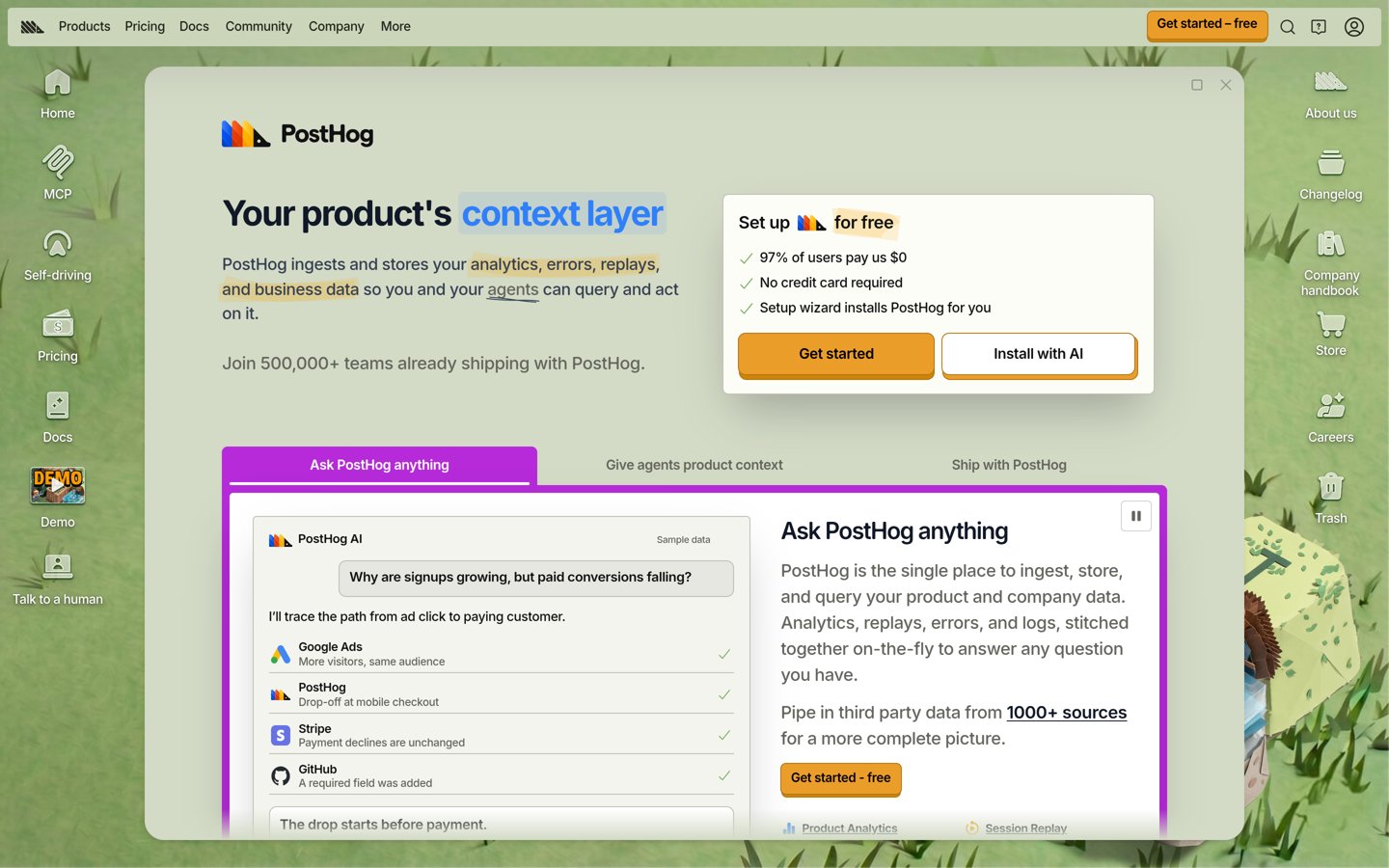
PostHog homepage, captured Nov 2026.
PostHog is a product analytics platform for engineering-led teams that combines analytics, session replays, and feature flags. Its free tier includes 1M monthly analytics events, 1-year data retention, and unlimited team members.
The trade off is that pay-as-you-go usage charges apply once you exceed free monthly allowances or want 2-year retention and up to 6 projects. It suits technical teams that want analytics, session replay, and flags in one place.
What we like
Includes a monthly free tier across products with no credit card required
Bundles event analytics, session replay, and feature flags in one platform
Allows spending limits on most products to cap unexpected overages
Watch out for
Interface and setup lean technical for non-engineering users
Free tier limits retention to 1 year and 1 project
Per-event usage fees add up on high-volume apps
Pay-as-you-go unlocks unlimited usage above free limits, up to 6 projects, and 2-year retention.Visit posthog.com
04
Amplitude
4.4/5on G2 (3,116 reviews, checked Nov 2026)
Paid from$49/mo
Best for behavioral cohorts and retention
Free tier2M events/mo
Replays10K/mo on Free
Paid tiersPlus, Growth, Ent.
StrengthCohorts & retention
amplitude.com
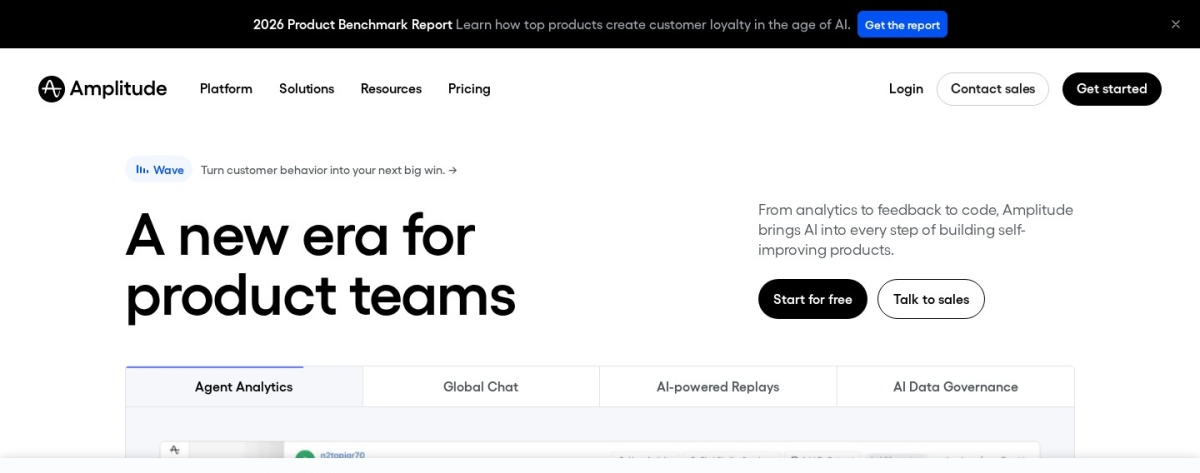
Amplitude homepage, captured Nov 2026.
Amplitude is a product analytics platform focused on behavioral cohorts, retention curves, and experimentation. Its Free plan covers up to 2M monthly events and 10,000 monthly session replays with no credit card required.
The trade off is that Plus and Growth pricing scales by event or MTU volume and add-ons, with most rates calculated dynamically. It suits product and growth teams analyzing long-term retention and user segments.
What we like
Generous Free plan includes up to 2M monthly events and 10,000 replays
Strong cohort, funnel, and retention reporting for product teams
Offers a free year of Growth for qualifying small startups
Watch out for
Paid tier costs depend on volume and add-ons rather than a fixed flat rate
Advanced features can carry a learning curve for new users
Some guides, surveys, and extra replays sit in higher tiers or add-ons
Paid plans expand event and session replay allowances, add heatmaps and 2-year retention on Plus, and unlock SSO on Growth.Visit amplitude.com
05
AppsFlyer
4.5/5on G2 (799 reviews, checked Nov 2026)
PriceFree
Best for paid install attribution
Free planZero plan
Welcome pack12K conversions
Growth rate$0.07 / conversion
Core focusAttribution & links
appsflyer.com
AppsFlyer homepage, captured Nov 2026.
AppsFlyer is a mobile attribution and marketing analytics platform that connects ad campaigns to app installs and conversions. Its Zero plan and Growth Welcome Package include 12K free conversions in the first year, with Growth priced at $0.07 per conversion afterward.
The trade off is that conversion-based billing rises with campaign volume, and Enterprise plans require custom pricing. It suits growth marketers who need to measure paid channels, deep links, and install attribution.
What we like
Includes a Welcome Package with 12K free conversions in the first year
Tracks cross-channel campaign attribution, deep linking, and ROAS
Supports fraud protection and ad network integrations
Zero plan is not suitable for apps with paid marketing activities
Setup across multiple ad partners takes careful configuration
Growth adds paid campaign attribution and engagement journeys at $0.07 per conversion past the 12K Welcome Package.Visit appsflyer.com
06
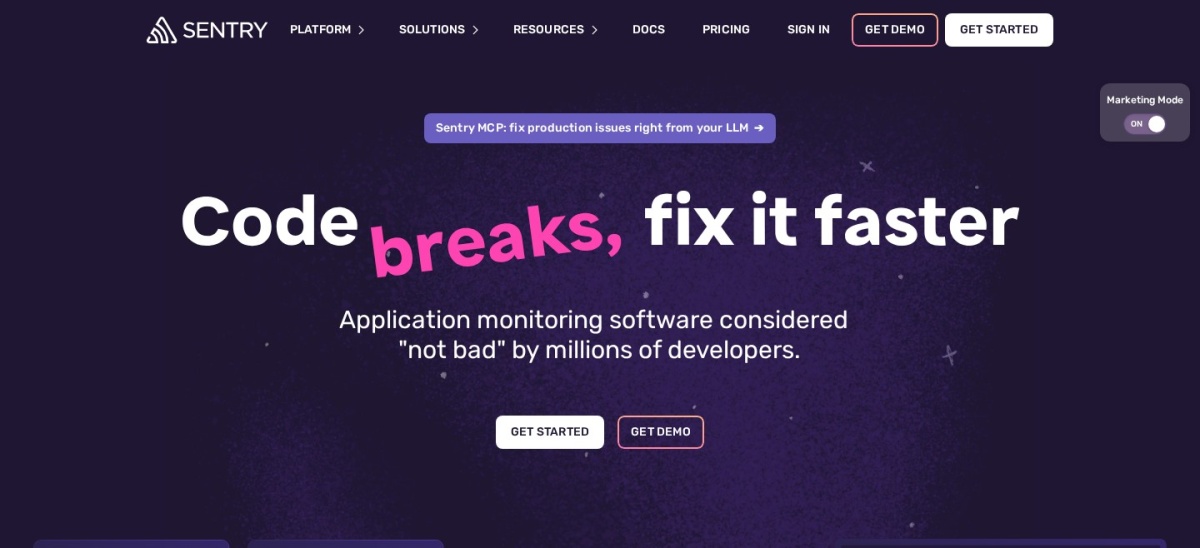
Sentry
4.5/5on G2 (252 reviews, checked Nov 2026)
Paid from$312/yr
Best for crash and error diagnostics
Free tierDeveloper (1 user)
Entry paid$26/mo annual
Team quota50K errors/mo
FocusErrors & performance
sentry.io
Sentry homepage, captured Nov 2026.
Sentry is an application monitoring and error tracking platform that surfaces crashes, stack traces, and performance issues in real time. Its free Developer plan supports 1 user with 5K errors and 50 session replays per month.
The trade off is that paid Team plans start at $26/mo billed annually ($312/yr) and add charges for extra volume or profiling hours. It suits engineering teams prioritizing bug triage and app stability over marketing funnels.
What we like
Free Developer plan includes 5K errors and 50 replays monthly for one user
Provides stack traces, breadcrumbs, tracing, and release health
Team plan removes the single-user cap and increases error quota to 50K/mo
Watch out for
Focused on debugging and stability rather than product or marketing analytics
Default alerts can be noisy until tuned for your app
Profiling and overage quotas add extra usage fees
Team starts at $26/mo billed annually for unlimited users, 50K monthly errors, and up to 90-day lookback.Visit sentry.io
07
AppFollow
4.6/5on G2 (195 reviews, checked Nov 2026)
Paid from$348/yr
Best for app store rankings and reviews
Free tier$0 (2 sources)
Entry paidASO at $29/mo
ASO history30-day access
FocusStore ASO & reviews
appfollow.io
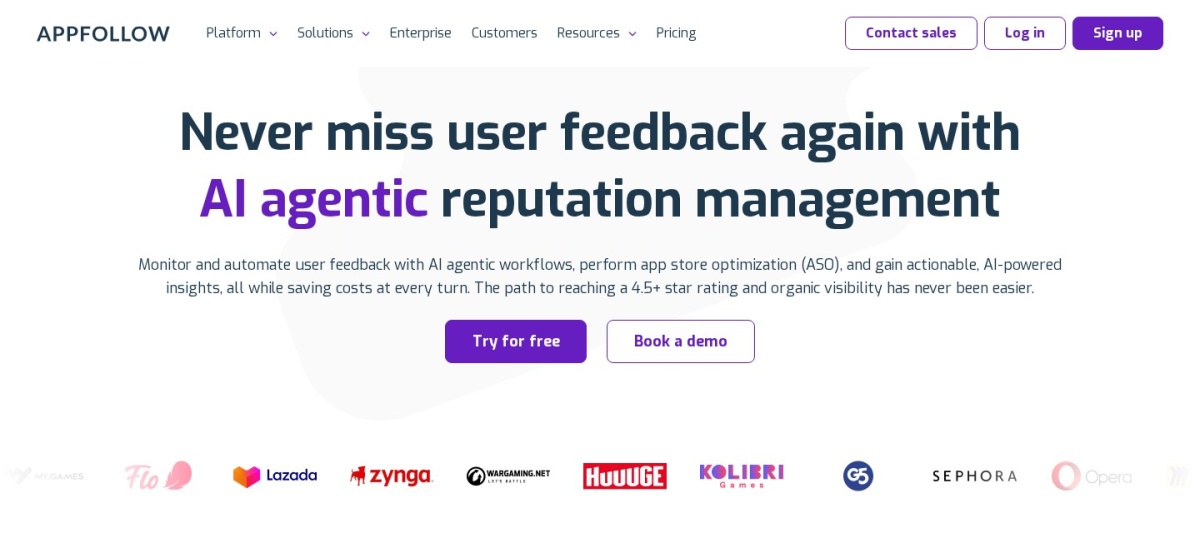
AppFollow homepage, captured Nov 2026.
AppFollow is an app store optimization and review analytics platform for tracking rankings, keywords, and user feedback. Its Free plan costs $0 for up to 2 sources with 7-day historical data access and basic review tools.
The trade off is that the ASO plan starts at $29/mo ($348/yr) at regular price and focuses on store visibility rather than in-app event funnels. It suits app marketers managing store keywords, organic downloads, and customer reviews.
What we like
Offers a $0 Free plan for up to 2 sources with review and ASO basics
Tracks keyword rankings, organic search downloads, and app store reviews
Integrates with Slack and Zendesk for review workflows
Watch out for
Does not replace in-app SDK event and funnel analytics
Free plan limits historical data access to 7 days
Higher tiers jump to $179/mo on Essential for 5 sources and 365-day history
The ASO plan at $29/mo adds AI keyword suggestions, keyword tracking, search downloads, and 30-day history.Visit appfollow.io
In-app SDKs vs. app store analytics
In-app analytics SDKs sit inside your mobile or web code to record screen views, custom events, user cohorts, and crashes. Tools like Mixpanel, Firebase, PostHog, Amplitude, and Sentry measure what happens after someone opens the app.
App store analytics tools such as AppFollow focus on external discovery in app marketplaces, including keyword rankings, store conversion, and public reviews. Attribution tools like AppsFlyer bridge ad clicks and deep links to installs.
How we chose
We assembled this list from established mobile and cross-platform analytics, attribution, error monitoring, and app store analytics platforms. Each product was checked against its official pricing page and public G2 review profile.
All prices, free tier limits, ratings, and review counts were checked on 22 Nov 2026 using regular list pricing rather than promotional discounts. Where a promotional discount appeared on a vendor page, we noted the regular price.
We excluded tools without verifiable pricing or review data in our checks today, as well as tools focused solely on enterprise custom quotes. No vendor paid for a place, and we do not claim testing for this list.
How to choose an app analytics tool
Follow four steps to match an analytics platform to your app stage and tracking goals.
Define your primary question first. Decide whether you need funnel and retention analysis, paid install attribution, crash logs, or app store keyword and review tracking.
Check how usage is metered. Compare monthly event caps, active user counts, session replay quotas, and per-conversion fees against your expected app traffic.
Test on a free tier or trial first. Start on a free plan or trial to verify SDK integration, event naming, and data retention before committing to higher tiers.
Plan for growth and team access. Review seat limits, historical data windows, and team collaboration features so reporting stays clear as your app scales.
FAQ
Which app analytics tool has the highest free event allowance?
Amplitude lists up to 2M free events per month on its Free plan, while Mixpanel and PostHog each include up to 1M free monthly events. Firebase lists analytics on its free Spark plan with no event-volume cap.
What is the difference between product analytics and mobile attribution?
Product analytics tracks how users navigate screens, trigger events, and retain inside your app. Mobile attribution tools like AppsFlyer focus on which ad campaigns, links, or channels drove installs and conversions.
Do I need a separate tool for app crashes and errors?
Dedicated error monitoring tools like Sentry capture stack traces, breadcrumbs, and performance issues to help developers debug crashes quickly. Some analytics platforms also include basic crash reporting or session replay.
Why do usage-based analytics bills rise faster than expected?
Sending extra custom events per screen or capturing high session volumes can push traffic past free allowances or lower tiers. Reviewing event volume before rollout helps keep bills predictable.
Can one tool track both app store rankings and in-app behavior?
Most tools specialize in one side of the funnel. AppFollow focuses on app store keywords, rankings, and reviews, while tools like Mixpanel, PostHog, and Amplitude focus on in-app events and user behavior.
How do session replays help with app data analytics?
Session replays show real user interactions alongside events or errors so teams can see where users get stuck or hit UI friction. Several platforms include a monthly replay allowance on free or entry tiers.
SaaS SEO and WordPress specialist with about 8 years of experience. Rakib compares WordPress plugins, themes, hosting and software using public pricing, documentation and user reviews. See how we rank.