PaintScout leads for painting contractors with production-rate estimating and interactive proposals starting at $99/mo billed annually. Jobber fits small crews wanting quoting alongside scheduling and invoicing from $29/mo billed annually, while STACK suits commercial teams taking off wall and ceiling areas from plans.
How we make this list: we compare pricing pages, product documentation and public user reviews, then re-check every price before each update. No product paid for a place. Disclosure.
#2 Best for small crews
Jobber
Quoting, scheduling, and invoicing for field teams
PaintScout Sales starts at $99/mo billed annually ($119/mo monthly) for production-rate estimating and proposals.
Jobber Core starts at $29/mo billed annually ($49/mo monthly) for one user with quoting, scheduling, and invoicing.
Housecall Pro Basic starts at $59/mo billed annually ($79/mo monthly) with estimates, price books, and online booking.
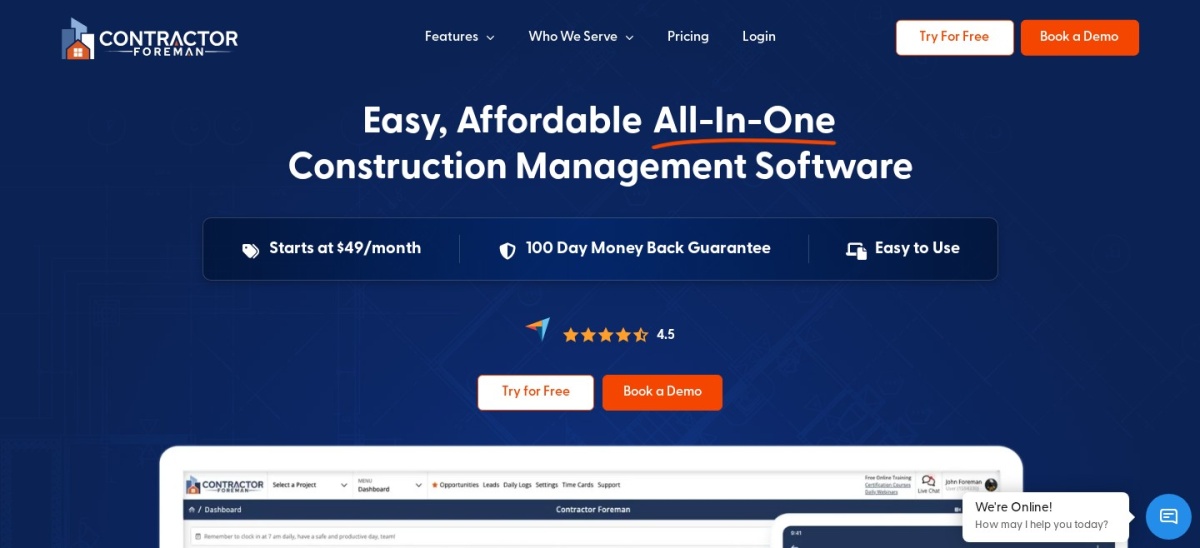
Contractor Foreman starts at $49/mo for one user and holds a 4.5/5 rating across 842 Capterra reviews.
Bluebeam Revu starts at $260/yr per user on Basics for PDF plan measurements and markups.
What to look for in paint estimating software
Residential repainting and commercial coating bids require different math. Residential estimators often price by room dimensions, wall heights, trim linear footage, and customer-facing presentation options. Commercial estimators frequently measure square footage and linear lengths from architectural PDF plans, calculate coat coverage, and format bids or schedules of values for general contractors.
Production-rate estimating connects labor hours and material coverage to square footage or unit counts rather than rough guesswork. When you factor in prep time, coat counts, and material waste, you avoid underbidding cut-in heavy rooms or multi-coat exteriors.
Watch how pricing scales as your business grows. Some platforms charge per estimator or sales seat, while others bundle a fixed user count or add separate charges for operations, scheduling, or accounting sync.
Billing model$99/mo annual or $119/mo monthly (1 sales user)
Ops add-on$79/mo annual or $99/mo monthly
Extra seats$20/user/mo
Trial14-day free trial
paintscout.com
PaintScout homepage, captured Nov 2026.
PaintScout is estimating and proposal software built for painting contractors, with Sales starting at $99/mo billed annually ($119/mo monthly) for one user. It supports production-rate calculations, interactive proposals, e-signatures, and payment collection.
The trade off is that scheduling and job tracking require the Operations add-on at $79/mo annually ($99/mo monthly), plus $20 per added seat. It suits residential painting shops whose estimators build detailed bids daily.
What we like
Built around painting production rates and coat-based estimating
Generates interactive proposals with e-signatures and payments
Offers a 14-day free trial without a credit card
Watch out for
Scheduling and operations cost extra via an add-on
Per-seat charges add up as you expand sales staff
Low review count on Capterra compared to broader field apps
Paid plans start on Sales at $99/mo annual ($1,188/yr); Operations is an extra $79/mo annual.Visit paintscout.com
02
Jobber
4.6/5on Capterra (1,487 reviews, checked Nov 2026)
Starts at$348/yr
Best for small painting crews wanting all-in-one ops
Entry planCore at $29/mo annual ($49/mo monthly) for 1 user
Accounting syncConnect tier (from $99/mo annual)
Job costingGrow tier (from $149/mo annual)
Trial14-day free trial
getjobber.com
Jobber homepage, captured Nov 2026.
Jobber is field service management software used by painting contractors, with Core starting at $29/mo billed annually ($49/mo monthly) for one user. It covers quoting, scheduling, client self-serve hub access, invoicing, and online payments.
The trade off is that quoting lacks dedicated paint production-rate formulas, and features like QuickBooks Online sync and job costing sit on higher tiers. It suits solo painters and small crews that prioritize scheduling and client communication.
What we like
Low entry price at $29/mo billed annually for a solo user
Combines estimates with scheduling, invoicing, and client hub tools
Strong review volume on Capterra with 1,487 reviews
Watch out for
No paint-specific production-rate engine built into estimates
Two-way SMS and job costing require upgrading to higher tiers
Best budget construction suite with estimating tools
Entry planBasic at $49/mo (up to 1 user)
Mid tiersStandard $105/mo (3 users), Pro $221/mo (15 users)
Top tierUnlimited at $332/mo
TrialFree trial available
contractorforeman.com
Contractor Foreman homepage, captured Nov 2026.
Contractor Foreman is a contractor management platform with estimating and job tracking features, starting on Basic at $49/mo for one user. Its broader tiers add change orders, purchase orders, daily logs, and accounting connections.
The trade off is that Basic leaves out change orders, bid management, and QuickBooks integration, and some users report occasional app glitches. It suits cost-conscious contractors who want broad project tools in one subscription.
What we like
Affordable starting price at $49/mo with multi-user tiers up to Unlimited
Includes photo markup, scheduling, daily logs, and job costing on upper plans
Backed by 842 reviews on Capterra
Watch out for
Basic excludes change orders, bid management, and QuickBooks sync
Not specialized for painting coverage or room-by-room paint formulas
Some reviewers cite occasional mobile or reporting friction
4.7/5on Capterra (2,749 reviews, checked Nov 2026)
Starts at$708/yr
Best for home service teams with price-book quoting
Entry planBasic at $59/mo annual ($79/mo monthly) for 1 user
Mid planEssentials at $149/mo annual ($189/mo monthly)
Upper planMAX at $299/mo annual ($329/mo monthly)
Trial14-day free trial
housecallpro.com
Housecall Pro homepage, captured Nov 2026.
Housecall Pro is a field service platform used by home service pros, with Basic starting at $59/mo billed annually ($79/mo monthly) for one user. It supports estimates, price book management, measurement pricing forms, dispatching, and invoicing.
The trade off is that flat-rate pricing, QuickBooks Online sync, and team expansion sit on Essentials or MAX, and add-ons cost extra. It suits residential service teams that want polished dispatch and customer booking alongside estimates.
What we like
Supports measurement-based pricing forms and price books for quotes
High review volume on Capterra with 2,749 reviews at 4.7/5
Strong scheduling, dispatch, and online customer booking workflows
Watch out for
Basic is limited to one user and lacks QuickBooks Online sync
Costs rise sharply on Essentials and MAX or with add-ons
Lacks built-in paint coating libraries found in niche estimating apps
Essentials and MAX add multi-user team features, QuickBooks Online sync, and advanced automations.Visit housecallpro.com
05
Bluebeam
4.7/5on Capterra (979 reviews, checked Nov 2026)
Starts at$260/yr
Best for measuring commercial PDF drawings and markups
Entry planBasics at $260/yr per user
Mid planCore at $330/yr per user
Upper tiersComplete $440/yr, Max $590/yr per user
Trial14-day free trial
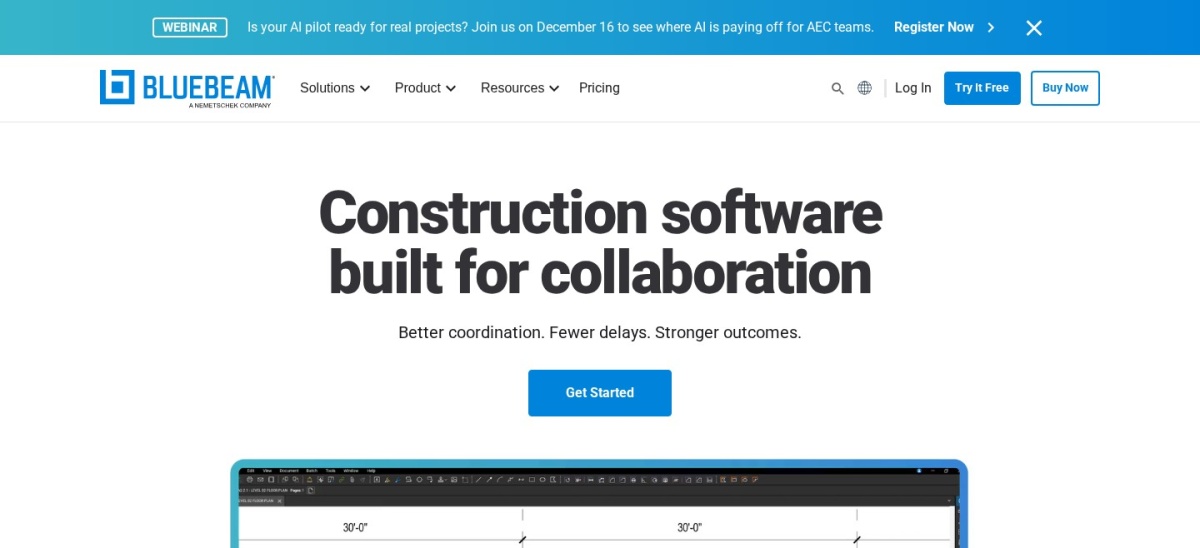
bluebeam.com
Bluebeam homepage, captured Nov 2026.
Bluebeam Revu is a PDF markup and measurement application used on construction drawings, starting on Basics at $260/yr per user. It lets estimators measure lengths and areas on plan sheets, log markups, and export data.
The trade off is that it is a plan markup and measurement tool rather than a dedicated painting cost or CRM system, and large drawing sets can lag. It suits commercial estimators who measure PDF sheets every week.
What we like
Lowest annual starting price on this list at $260/yr per user
Accurate area and linear measurement tools for architectural PDF plans
979 Capterra reviews with a 4.7/5 rating
Watch out for
No built-in paint coverage formulas, client proposals, or scheduling
Hosting Studio Sessions and batch tools require Core or Complete
Can slow down or crash on very large or high-resolution drawing files
Core ($330/yr) and Complete ($440/yr) add session hosting, overlays, and batch document tools.Visit bluebeam.com
06
PlanSwift
4.3/5on Capterra (402 reviews, checked Nov 2026)
Starts at$2,000/yr
Best for heavy assembly-based commercial takeoffs
Entry plan$2,000/yr per seat
Higher plan$3,000/yr per seat
ExportExcel takeoff data export
Trial14-day trial available
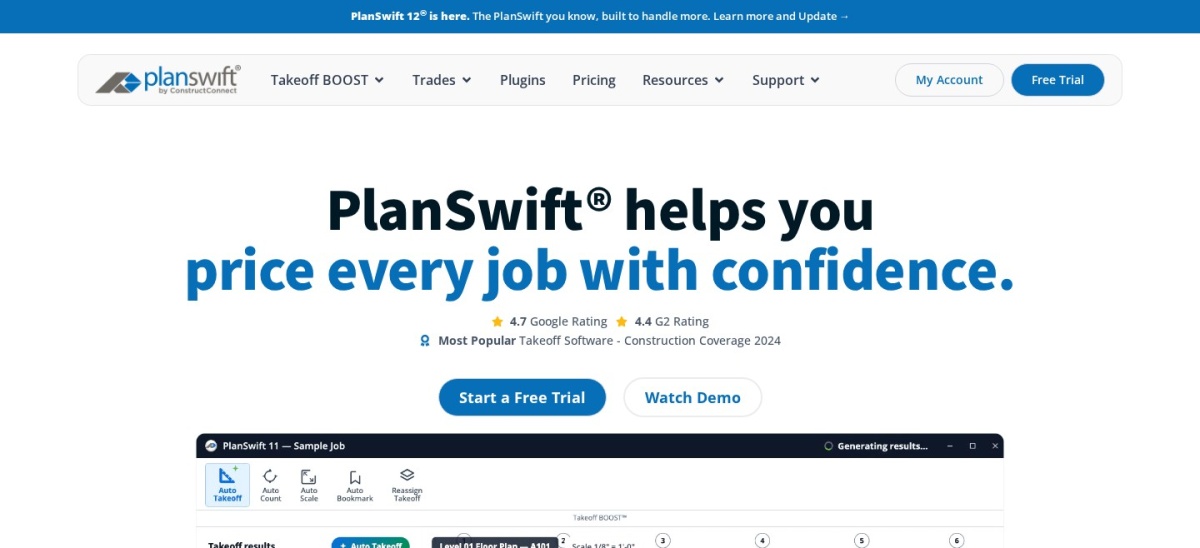
planswift.com
PlanSwift homepage, captured Nov 2026.
PlanSwift is digital takeoff and estimating software that calculates quantities from plans using reusable assemblies, starting at $2,000/yr per seat. Estimators can use painting assemblies and export takeoff results to Excel.
The trade off is a high annual per-seat commitment starting at $2,000/yr, plus reported crashes and support complaints in user reviews. It suits commercial estimators doing high-volume assembly takeoffs.
What we like
Reusable assemblies speed up recurring takeoff calculations on plans
Exports takeoff data directly to Excel for custom spreadsheets
402 Capterra reviews with a 4.3/5 rating
Watch out for
High annual cost starting at $2,000/yr per seat
Reviewers report occasional crashes and slow phone support
Not tailored to residential homeowner proposals or field crews
Higher tiers add expanded takeoff automation and capabilities at up to $3,000/yr per seat.Visit planswift.com
07
STACK
4.5/5on Capterra (1,401 reviews, checked Nov 2026)
Starts at$3,588/yr
Best cloud takeoff and estimating for commercial bids
Paid planStarts at $299/mo billed annually
Takeoff scopeArea, length, and material assemblies on plans
PlatformCloud-based takeoff and estimating
Reviews4.5/5 across 1,401 Capterra reviews
stackct.com
STACK homepage, captured Nov 2026.
STACK is a cloud takeoff and estimating platform for construction contractors, with paid plans starting at $299/mo billed annually. It supports digital plan takeoffs, labor and material assemblies, and structured bid estimates.
The trade off is a higher starting price than small-crew tools and template setup time for painting-specific workflows. It suits commercial painting contractors estimating from blueprints across projects.
What we like
Cloud-based plan takeoff with labor and material assembly support
Strong review depth on Capterra with 1,401 reviews
Handles multi-project estimating and proposal organization
Watch out for
Higher annual cost than residential field-service apps
Requires initial template setup for painting assemblies
More tool than solo residential painters need for simple room quotes
Upper tiers expand takeoff automation, estimating depth, and team workflows.Visit stackct.com
How we chose
We shortlisted established estimating, field service, and takeoff tools used by residential and commercial painting contractors, including dedicated painting estimators and broader contractor platforms.
All prices, plan structures, and third-party review ratings were checked on 22 Nov 2026 using public pricing pages and software review directories.
We excluded tools without clear public pricing or verifiable review counts on the sources we checked today, as well as any software that does not fit estimating or plan measurement workflows. No vendor paid for a place, and we do not claim testing for this list.
How to choose paint estimating software
Follow four practical steps to match a tool to how you measure rooms, price labor, and win bids.
Match the tool to residential or commercial work. Residential bids usually benefit from room-level inputs and clean client proposals, while commercial bids rely on digital plan takeoffs and structured cost breakdowns.
Check how labor and paint coverage are calculated. Look for software that lets you model production rates, surface areas, and coat counts so your estimates reflect real crew speed and material usage.
Calculate total cost for your actual crew size. Compare monthly versus annual billing, per-user seat fees, and add-ons for scheduling or accounting sync before committing.
Test real bids during a free trial. Build two or three typical estimates from past jobs to check how fast your team can move from measurements to a finished quote.
FAQ
Do painting contractors need paint-specific estimating software?
Dedicated painting tools like PaintScout are built around painting production rates and proposals, while general field tools like Jobber or Housecall Pro work well if you mainly need basic quotes, scheduling, and invoicing.
What is the cheapest paid option on this list?
Bluebeam starts at $260/yr per user on Basics for PDF plan measurements, while Jobber Core starts at $29/mo billed annually ($348/yr) for one user with quoting and scheduling.
How do production rates affect a paint estimate?
Production rates connect square footage or linear feet to expected labor hours and material coverage, helping you price prep, multiple coats, and trim details more consistently than flat guesses.
Which software is best for measuring commercial blueprints?
Bluebeam, PlanSwift, and STACK all support measuring areas and lengths on digital plans, with pricing and depth varying by seat count and takeoff features.
Should I choose annual or monthly billing?
Annual billing usually lowers the monthly rate on platforms like PaintScout, Jobber, and Housecall Pro, while monthly billing gives flexibility if your workload fluctuates seasonally.
Do all estimating tools include scheduling and invoicing?
No. Some tools focus primarily on estimating, proposals, or plan takeoffs and require a separate app or paid add-on for crew scheduling, job tracking, or accounting sync.
SaaS SEO and WordPress specialist with about 8 years of experience. Rakib compares WordPress plugins, themes, hosting and software using public pricing, documentation and user reviews. See how we rank.