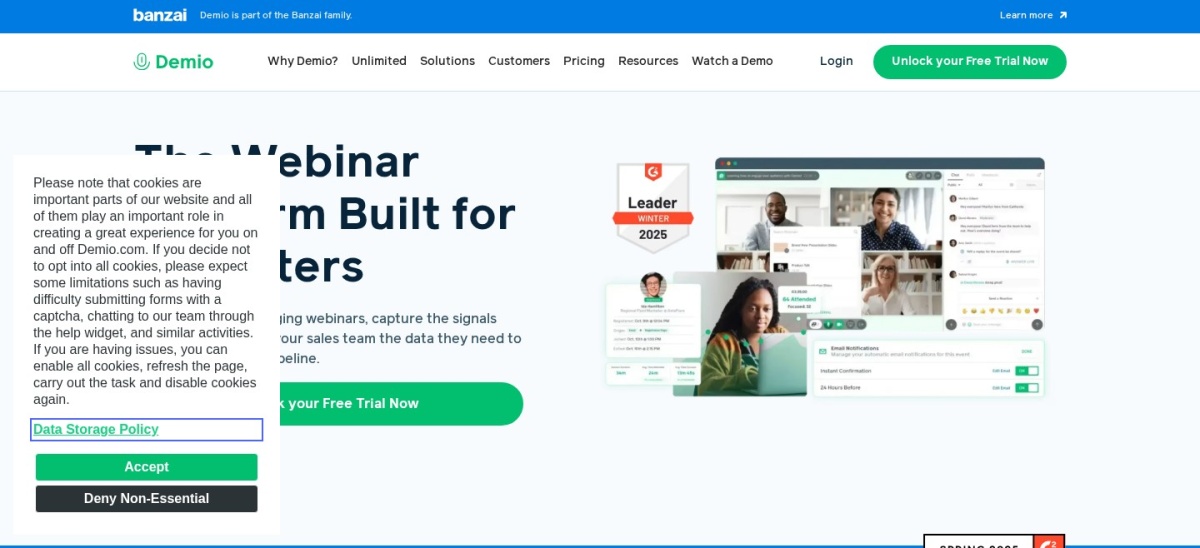
Demio is the best online event software for straightforward marketing webinars, starting at $45/mo per host billed yearly with a 4.6/5 rating across 172 G2 reviews. Consider StreamYard for browser live streams and Zoho Backstage for multi-session events with a free tier.
How we make this list: we compare pricing pages, product documentation and public user reviews, then re-check every price before each update. No product paid for a place. Disclosure.
Demio starts at $45/mo per host billed annually ($63/mo monthly) for a 50-attendee room with live and automated webinars.
Zoho Backstage offers a free tier for up to 100 attendees per event and paid plans from $99/mo billed annually.
Livestorm meters usage with annual attendee credits starting at 400 credits for $1,200/yr ($3.00 per attendee).
Zoom Webinars starts at $66.67/mo billed annually ($89/mo monthly) on top of a Zoom Workplace Pro license.
Networking-focused platforms such as Remo and Airmeet cost more up front for virtual tables, lounges, and multi-track events.
What to look for in online event software
Online event platforms split into three main styles: browser webinar rooms for lead generation, multi-session virtual conference hubs, and live streaming studios.
Pricing models vary sharply. Some tools charge per host or organizer, while others meter by attendee capacity or annual attendee credits.
Check whether your team needs automated replays, virtual networking tables, or CRM integrations before committing to an annual contract.
Several platforms offer free tiers or trials, though limits on session length, attendee count, or branding appear quickly once you host regular events.
Demio is a browser-based webinar platform for live, on-demand, and automated sessions with polls, handouts, and engagement analytics. Its entry Starter plan covers 1 host, a 50-attendee room, a 3-hour session limit, and up to 4 people on stage.
The trade off is host and room scaling. Starter costs $45/mo billed yearly ($63/mo monthly) and caps you at 1 host and 50 attendees. It suits solo marketers and small teams running focused lead-generation webinars.
What we like
No software download needed for hosts or attendees
Supports live, recurring, on-demand, and automated webinars
Clean registration pages, polls, and session analytics
Watch out for
Starter limits you to one host and 50 attendees
Larger rooms and custom domains require higher tiers
StreamYard is a browser live streaming studio for talk shows, product launches, and multistream broadcasts to social channels. Its free plan supports 1 seat, up to 6 on-screen participants, and 2 hours/mo of local recording with StreamYard branding.
The trade off is webinar workflow depth. Core lists at $35.99/mo billed yearly ($44.99/mo monthly) and removes the logo while adding 1080p and 3 multistream destinations. It suits creators and teams broadcasting live shows rather than running formal registration funnels.
What we like
Free plan available with browser-based guest invites
High 4.8/5 rating across 299 G2 reviews
Built-in overlays, local recording, and multistreaming on paid plans
Watch out for
Free streams include StreamYard branding and recording limits
Less suited to structured multi-session conferences
Core removes branding and adds 1080p, multistreaming, and 50 hours storageVisit streamyard.com
03
Zoho Backstage
4.4/5on G2 (29 reviews, checked Nov 2026)
Paid from$99/mo
Best free tier for multi-session events
Free planYes, 100 attendees/event
Entry paid planEssentials, $99/mo yearly
Ticketing fee0% commission stated
Session cap (Free)3 sessions, up to 45 mins
zoho.com
Zoho Backstage homepage, captured Nov 2026.
Zoho Backstage is an event management platform covering event websites, registration, agendas, ticketing, and mobile apps. Its free plan includes unlimited events with up to 100 attendees, 3 speakers, and 3 sessions of up to 45 minutes per event.
The trade off is session length and scale on the free tier. Essentials starts at $99/mo billed annually and raises the limit to 200 attendees and 8-hour sessions. It suits organizers wanting a free starting point or broader event pages beyond simple video calls.
What we like
Free tier included for smaller events up to 100 attendees
Covers event websites, agendas, and mobile apps in one place
0% commission ticketing noted on pricing plans
Watch out for
Free plan caps sessions at 45 minutes and 3 per event
Smaller review count on G2 than webinar-first tools
Essentials increases attendee and session limits and adds networking loungesVisit zoho.com
04
Zoom Events and Webinars
4.5/5on G2 (412 reviews, checked Nov 2026)
Starts at$66.67/mo
Best for teams already on Zoom
Entry planWebinars, $66.67/mo yearly
Monthly billing$89/mo on Webinars
PrerequisiteZoom Workplace Pro required
Max capacityUp to 100,000 attendees
zoom.us
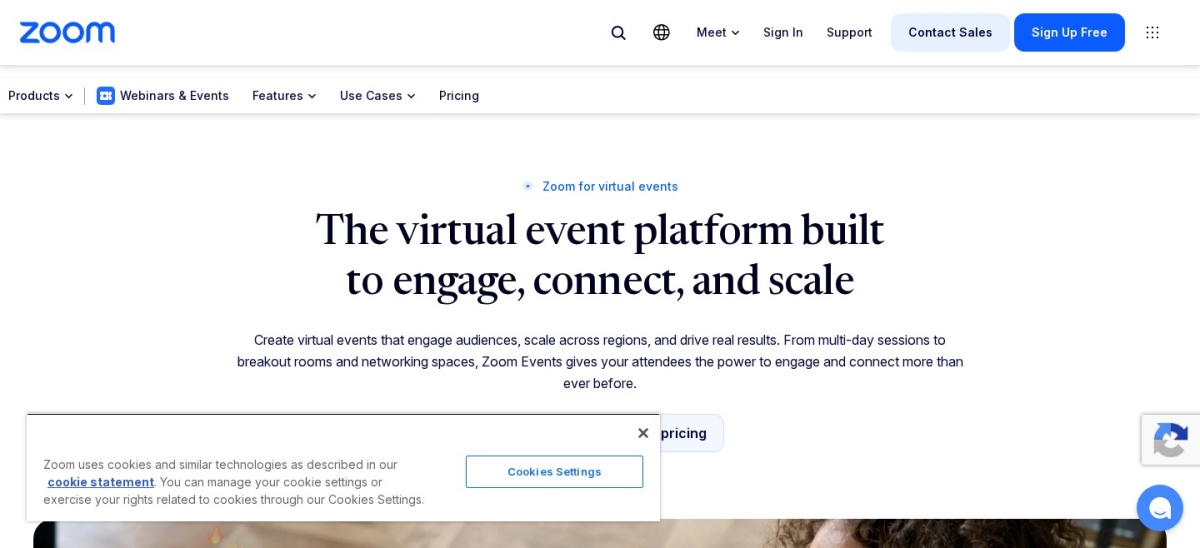
Zoom Events and Webinars homepage, captured Nov 2026.
Zoom Events and Webinars pairs broadcast webinars with multi-session virtual events, lobbies, and hybrid event tools. Webinars starts at $66.67/mo billed annually ($89/mo monthly), while full Events starts at $124.17/mo billed annually ($149/mo monthly).
The trade off is add-on licensing and capacity tiers. Paid webinar and event plans require a Zoom Workplace Pro license and scale up by attendee count. It suits organizations standardized on Zoom that host large audiences or multi-track events.
What we like
Scales up to 100,000 attendees and 1,000 video panelists
Familiar interface for attendees and hosts
Full Events adds multi-session lobbies, sponsors, and hybrid tools
Watch out for
Requires a Zoom Workplace Pro license in addition to event plans
Multi-session Events costs more than standalone Webinars
Webinars Plus and Events add backstage production, simulive, and multi-track lobbiesVisit zoom.us
05
RingCentral Events
4.5/5on G2 (1,027 reviews, checked Nov 2026)
Starts at$99/mo
Best for multi-session virtual and hybrid events
Entry planEvents Pro, $99/organizer/mo
Billing basisPer organizer, billed annually
Events & signupsUnlimited events and registrations
Trial option30-day free trial
ringcentral.com
RingCentral Events homepage, captured Nov 2026.
RingCentral Events supports webinars and virtual events with stage sessions, networking areas, and expo spaces under a per-organizer model. Its entry Events Pro plan lists at $99 per organizer per month billed annually and includes unlimited events and registrations.
The trade off is per-organizer pricing and feature gating across tiers. Advanced integrations, custom domains, and APIs sit on higher plans like Events Pro+ and Events Enterprise. It suits marketers running recurring virtual events or summits with a single organizer seat.
What we like
Over 1,000 G2 reviews with a 4.5/5 rating
Unlimited events and registrations on Events Pro
Covers webinars alongside virtual venue stages and networking
Watch out for
Priced per organizer, so extra organizers raise costs quickly
Custom domains and API access sit on higher tiers
Higher tiers add more integrations, custom domains, APIs, and dedicated supportVisit ringcentral.com
06
Livestorm
4.4/5on G2 (1,742 reviews, checked Nov 2026)
Paid from$1,200/yr
Best for credit-based attendee tracking
Free planYes, 30 attendee credits/yr
Paid entry packPro, 400 credits at $1,200/yr
Unit rate$3.00 per attendee credit
Session capUp to 4 hours on Pro
livestorm.com
Livestorm homepage, captured Nov 2026.
Livestorm runs browser-based live, on-demand, and automated webinars with registration pages, polls, and Q&A. Its free plan includes 30 attendee credits per year and 30-minute events, while Pro starts at 400 credits for $1,200/yr ($3.00 per attendee).
The trade off is credit burn across sessions and replays. Each unique external attendee per session—live or replay—uses a credit, so large audiences consume packs fast. It suits teams running smaller or sporadic sessions with unlimited internal team members.
What we like
Free plan available to test workflows without a card
No charge for internal team members joining sessions
Large review footprint with 1,742 G2 reviews
Watch out for
Attendee credits are consumed per session across live and replay views
Entry annual pack costs $1,200/yr for 400 credits
Larger credit packs and Enterprise add 12-hour sessions and enterprise CRM connectorsVisit livestorm.com
07
Airmeet
4.6/5on G2 (762 reviews, checked Nov 2026)
Starts at$167/mo
Best for interactive lounges and networking
Entry planPremium Webinars, $167/mo yearly
Monthly billing$199/mo on Premium Webinars
Team seats2 team members on entry plan
Networking toolsSocial lounge and speed networking
airmeet.com
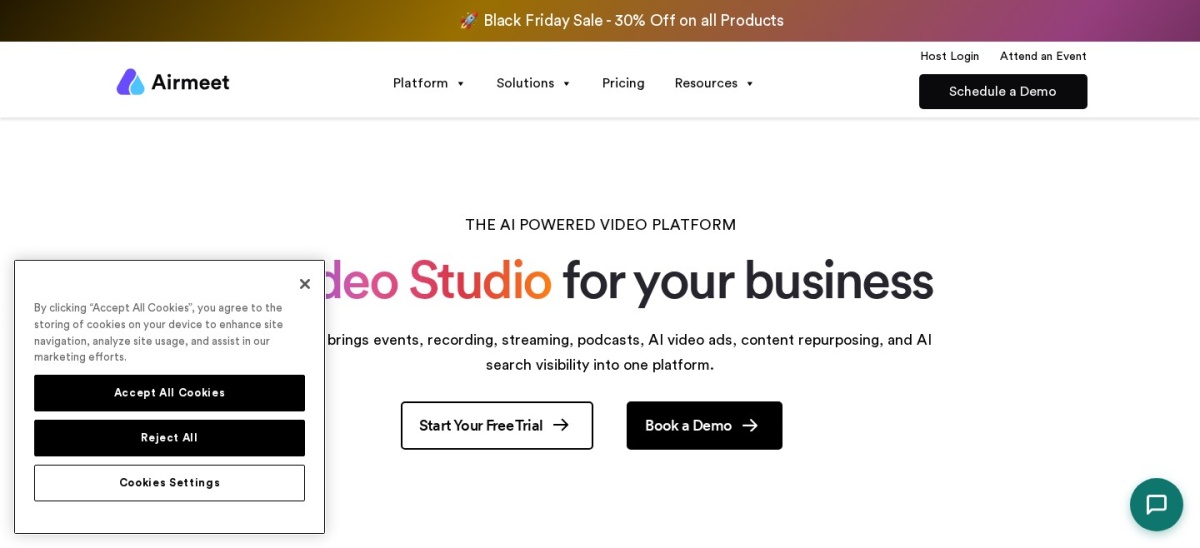
Airmeet homepage, captured Nov 2026.
Airmeet combines webinars and virtual events with interactive tables, speed networking, and attendee lounges. Its Premium Webinars plan starts at $167/mo billed yearly ($199/mo monthly) for 2 team members and 100 attendees per event.
The trade off is higher entry pricing and add-ons for multi-track events. Full multi-track Events and custom branding extras cost more or require a quote. It suits demand-gen and community teams that want networking tables alongside webinars.
What we like
Built-in speed networking and interactive lounge tables
4.6/5 rating across 762 G2 reviews
Supports live, simulive, and on-demand formats
Watch out for
Higher starting price than basic webinar tools
Multi-track Events and certain branding extras are separate or quoted
Events and add-ons expand to multi-track sessions, booths, and custom domainsVisit airmeet.com
How online event pricing models compare
Per-host or per-organizer plans keep costs steady when attendance fluctuates, provided your team stays within seat and room limits.
Attendee-based or credit-based plans charge by capacity or active participants. They can fit occasional events but become expensive if you host frequent sessions or large replays.
Annual billing usually lowers the monthly rate compared with paying month to month. Always check whether an entry tier requires an add-on license or caps session duration.
How we chose
We shortlisted established standalone online event and webinar platforms with active public pricing and verified G2 review counts.
Prices, plan terms, and G2 ratings were checked on 22 November 2026 using each vendor's pricing page and G2 review listings, showing regular entry pricing rather than temporary discounts.
We excluded platforms that gate all pricing behind sales quotes or lack clear public tier figures. No vendor paid for a place, and we do not claim testing for this list.
How to choose online event software
Match the platform format to your session style before comparing monthly fees.
Decide between webinars, live streams, and full events. Pick a webinar tool for lead capture, a streaming studio for social broadcasts, or a multi-session hub for conferences and networking.
Check how attendee limits are counted. Confirm whether a plan caps concurrent attendees, event registrations, or annual attendee credits across live and replay views.
Factor in team seats and add-ons. Check how many hosts, organizers, or base workplace licenses you need before signing up.
Test registration and room flow first. Use a free plan or trial to check browser compatibility, polls, and Q&A before your first public event.
FAQ
What is the best online event software overall?
Demio is a strong fit for straightforward marketing webinars, starting at $45/mo per host billed yearly with a 4.6/5 G2 rating across 172 reviews. If you need multi-session event hubs or live streaming, Zoho Backstage, Zoom Events, and StreamYard fit different workflows.
Is there free online event software?
Yes. StreamYard and Livestorm offer free plans with feature and usage caps, and Zoho Backstage offers a free plan for up to 100 attendees per event with 45-minute session limits.
How do webinar tools differ from virtual event platforms?
Webinar tools focus on presentations, registration, polls, and Q&A for one main session. Virtual event platforms add multi-session agendas, lobbies, networking spaces, and sponsor or exhibitor areas.
Should I pay annually or monthly for event software?
Annual billing usually lowers the monthly rate, such as $45/mo vs. $63/mo on Demio Starter or $35.99/mo vs. $44.99/mo on StreamYard Core. Monthly billing works better if you only run events for part of the year.
Do attendees need to download software to join?
Browser-based platforms like Demio, StreamYard, and Livestorm let attendees join directly in a web browser without installing desktop software. Other platforms may use web views, desktop clients, or mobile apps.
What hidden costs should buyers watch for?
Watch for extra host or organizer seats, add-on base licenses such as Zoom Workplace Pro, higher-capacity tiers, and paid add-ons for custom domains or extra event features.
SaaS SEO and WordPress specialist with about 8 years of experience. Rakib compares WordPress plugins, themes, hosting and software using public pricing, documentation and user reviews. See how we rank.