Best Online Booking Plugins for WordPress in 2026: 7 Tools Compared
WLWPLegible EditorsLast verified 22 Nov 2026How we rank12 min read
★ Short answer
Amelia is the best online booking plugin for WordPress overall, with 90,000+ active installations and support for appointments and events. Choose LatePoint for advanced scheduling features under one paid license, or Bookly for a customizable booking system with 60,000+ active installations.
How we make this list: we compare pricing pages, product documentation and public user reviews, then re-check every price before each update. No product paid for a place. Disclosure.
Amelia leads for appointments and events, with 90,000+ active installations, a 4.6/5 rating and a $49/year Starter plan.
LatePoint has 100,000+ active installations and includes its premium scheduling features in the regular $99/year Starter plan.
Bookly has 60,000+ active installations and offers a modular booking system, with Pro regularly priced at $99/year.
FluentBooking supports team scheduling and unlimited booking calendars, with its Solo plan regularly priced at $79/year.
Simply Schedule Appointments has a 5.0/5 rating from 155 reviews and unlimited free booking calendars. Plus normally costs $129/year.
Booking Calendar is suited to rentals and date-based reservations. Its Personal edition costs $79 one-time at the regular price.
What to look for in a WordPress online booking plugin
An online booking plugin lets visitors choose an available date or time and submit a reservation directly on your WordPress website. It can replace manual appointment requests and reduce scheduling emails.
Start by identifying your booking type. Appointment scheduling works for consultants, salons and clinics, while date-range reservations are more suitable for rental properties, rooms and equipment. Some plugins also support classes, group bookings and events.
Calendar synchronization is another important difference. Two-way Google Calendar or Outlook integration can help prevent double bookings, but some plugins require a higher paid tier to unlock it.
Payment processing, deposits, cancellation rules and automated reminders also vary. Check whether these features are included in the free version, the cheapest paid plan or a more expensive upgrade.
Finally, compare regular renewal prices rather than introductory discounts. Some plugins use annual subscriptions, while others sell one-time licenses with a limited period of updates and support.
4.6/5on WordPress.org (798 reviews, checked Nov 2026)
Paid from$49/yr
Best online booking plugin overall
Free bookingsAppointments and events
Free payment optionSquare
Calendar syncStandard tier and above
Paid planStarter, $49/yr
wpamelia.com
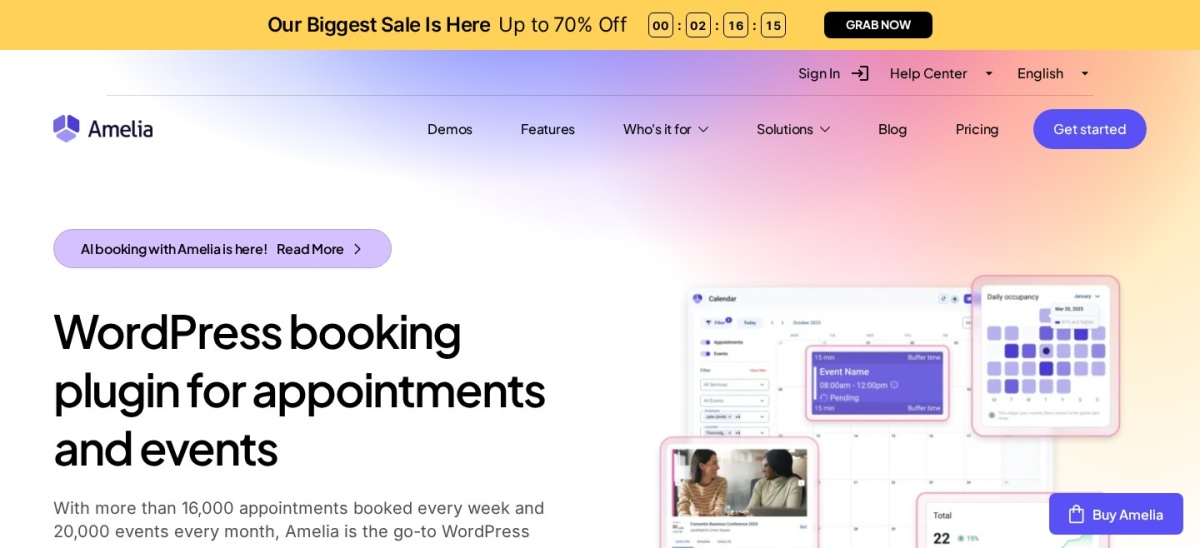
Amelia homepage, captured Nov 2026.
Amelia is a WordPress booking plugin for appointments and events, with over 90,000 active installations. Amelia Lite includes a booking calendar, service scheduling, event management and Square payment support. The paid Starter plan adds features such as group appointments, service extras, coupons and expanded employee scheduling.
The trade off is that two-way calendar synchronization, recurring appointments and additional payment integrations require higher tiers. Starter costs $49 per year, while Standard provides broader scheduling functionality. It suits salons, clinics, fitness businesses and service teams managing appointments and events.
What we like
Handles appointments and events in one plugin
Free version supports online booking and Square payments
Employee and service management
Group appointments available with Starter
Upgrade options for calendar sync and advanced bookings
Watch out for
Two-way calendar sync requires Standard or higher
Advanced scheduling features are divided across paid tiers
SMS notifications can involve additional usage charges
Starter adds group bookings, service extras, coupons and expanded staff management.Visit wpamelia.com
02
LatePoint
4.9/5on WordPress.org (109 reviews, checked Nov 2026)
Paid from$99/yr
Best for advanced scheduling without feature-based upgrades
Free versionAppointment scheduling
Premium featuresAll included in paid plans
Site licensesStarter, 1 site
Paid planStarter, $99/yr
latepoint.com
LatePoint homepage, captured Nov 2026.
LatePoint is an appointment booking plugin with over 100,000 active installations and a 4.9/5 WordPress.org rating. Its free version provides booking forms, service scheduling and appointment management. Paid licenses unlock the full feature set, including recurring appointments, calendar synchronization, payment gateways and automation workflows.
The trade off is that free users cannot access several advanced scheduling and customer management features. Starter normally costs $99 per year for one website, with a $69 introductory promotion. It suits businesses that want access to premium scheduling features without purchasing separate feature add-ons.
What we like
All premium features available in the entry paid plan
Supports recurring appointments and group bookings
Multiple payment gateway integrations
Calendar synchronization and automation tools
Large active installation base
Watch out for
Advanced integrations require a paid license
Free version has fewer notification and rescheduling options
SMS and other external services may charge usage fees
4.4/5on WordPress.org (587 reviews, checked Nov 2026)
Paid from$99/yr
Best for customizable service booking workflows
Booking formResponsive appointment flow
NotificationsEmail and SMS options
Staff schedulingSupported
Paid planPro, $99/yr
booking-wp-plugin.com
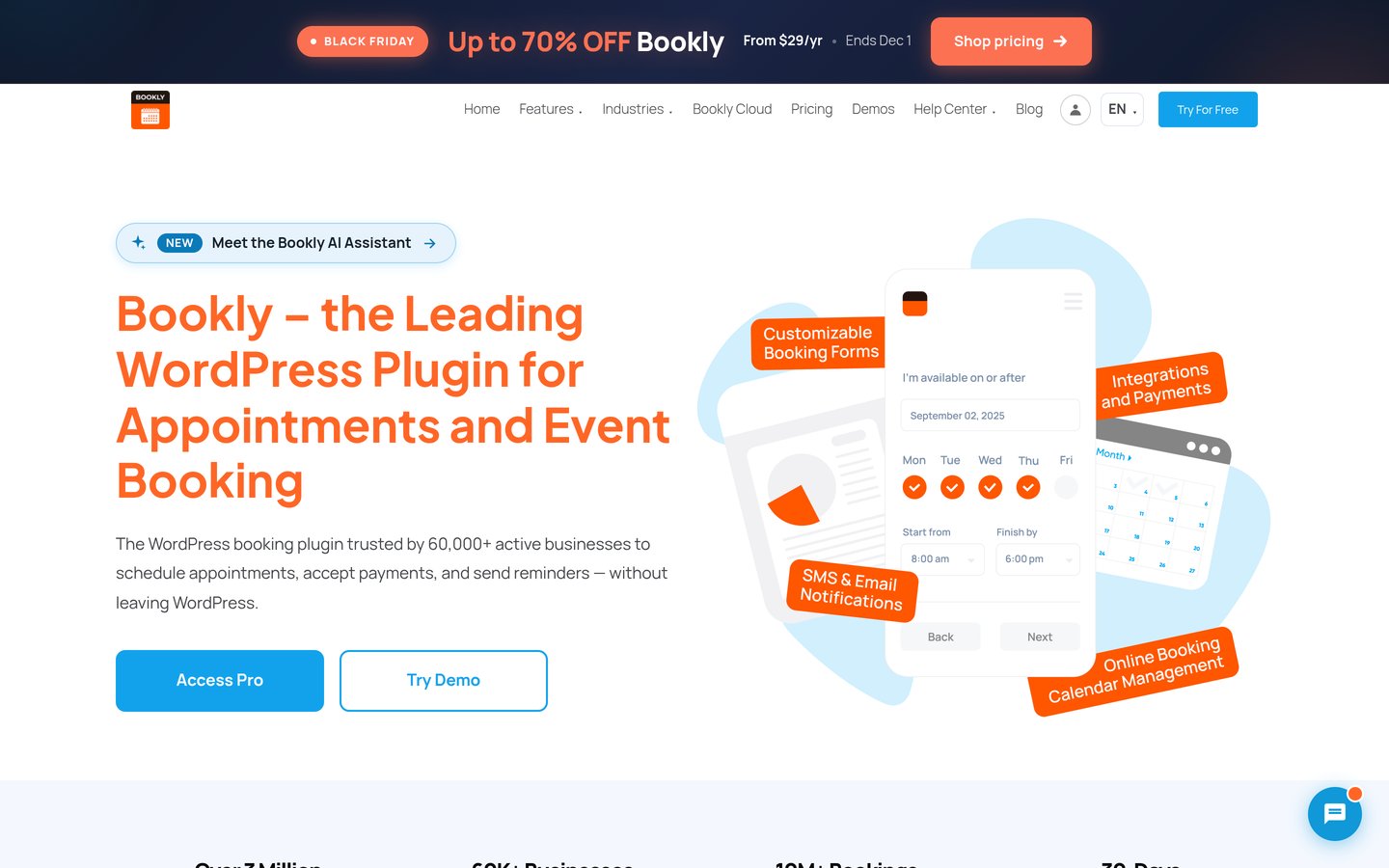
Bookly homepage, captured Nov 2026.
Bookly is a WordPress appointment scheduling plugin with over 60,000 active installations and a 4.4/5 rating. Its free version allows businesses to accept bookings, manage services and maintain customer records. Bookly also provides configurable booking forms and notification options for appointment-based businesses.
The trade off is that advanced scheduling capabilities and integrations require a paid upgrade. Bookly Pro normally costs $99 per year for one website, with a temporary $29 Black Friday offer. It suits salons, consultants and service businesses that want to customize their booking workflow as their requirements change.
What we like
Customizable customer booking forms
Service and appointment management
Email, SMS and WhatsApp notification options
Paid integrations for payments and external calendars
Established WordPress.org presence
Watch out for
Advanced scheduling requires a paid license
Some integration features depend on the selected plan
More configuration options can increase setup complexity
4.7/5on WordPress.org (46 reviews, checked Nov 2026)
Paid from$79/yr
Best for consultants and team meetings
Booking calendarsUnlimited
Team membersUnlimited hosts
Meeting typesIndividual and team
Paid planSolo, $79/yr
fluentbooking.com
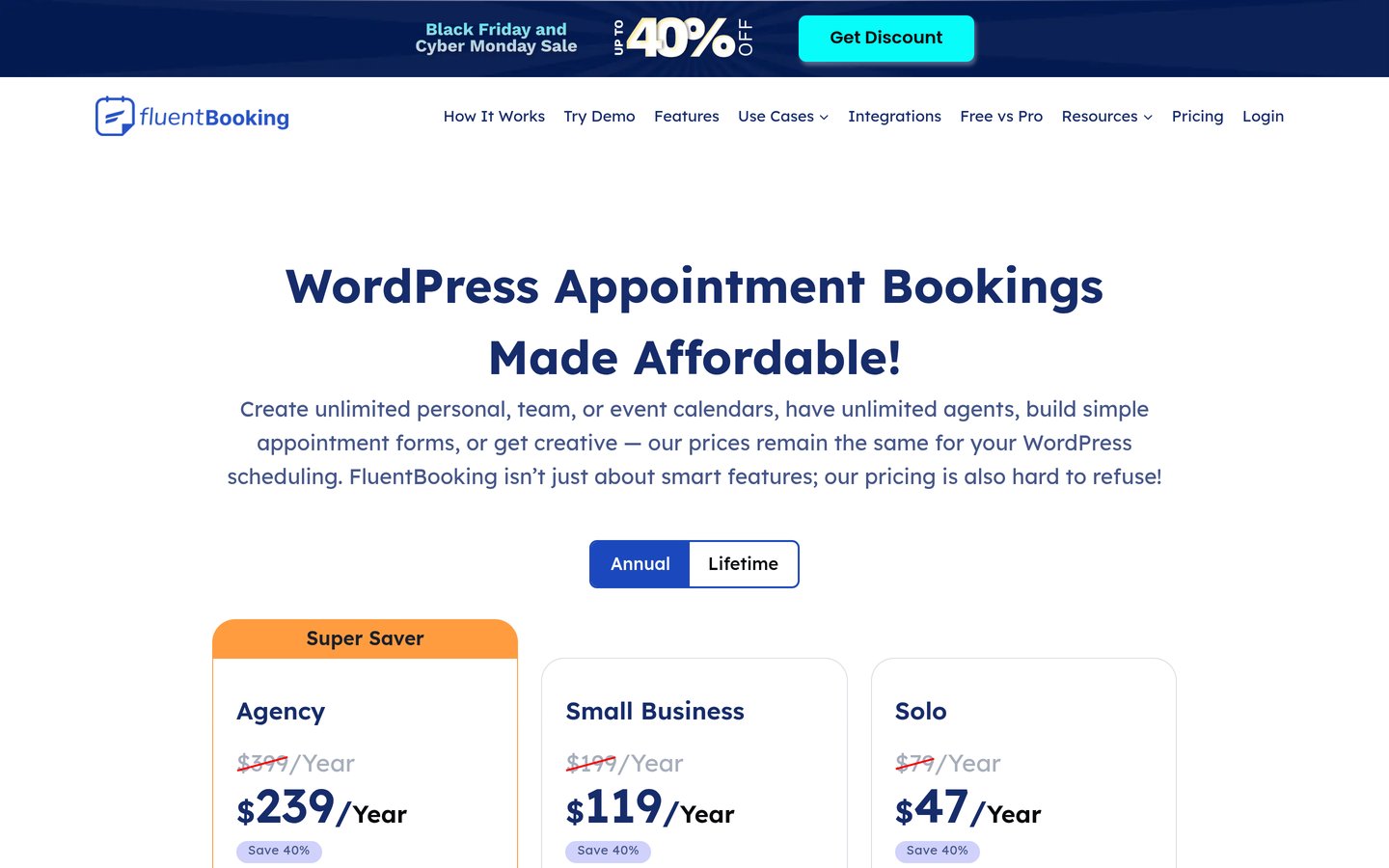
FluentBooking homepage, captured Nov 2026.
FluentBooking is a WordPress scheduling plugin with over 20,000 active installations. Its free version supports appointment calendars, availability settings, booking forms and meeting notifications. The plugin also connects with the wider Fluent ecosystem, making it useful for businesses that manage contacts and follow-up communications through WordPress.
The trade off is that advanced calendar synchronization, payment options and automation integrations require Pro. FluentBooking Solo normally costs $79 per year for one website, with a $47 first-year promotion. It suits consultants, sales teams and agencies that primarily schedule meetings rather than rental reservations.
What we like
Unlimited booking calendars and hosts
Supports personal and team scheduling
Integration with FluentCRM and related tools
Meeting reminders and availability management
All premium features included in Solo
Watch out for
Advanced integrations require Pro
Less focused on accommodation and date-range rentals
Premium automation may require connected services
Solo adds premium calendar sync, payments, team scheduling and integrations.Visit fluentbooking.com
05
Simply Schedule Appointments
5/5on WordPress.org (155 reviews, checked Nov 2026)
Paid from$129/yr
Best for simple consultation bookings
Free calendarsUnlimited
Booking formsIncluded
Google CalendarPlus edition
Paid planPlus, $129/yr
simplyscheduleappointments.com
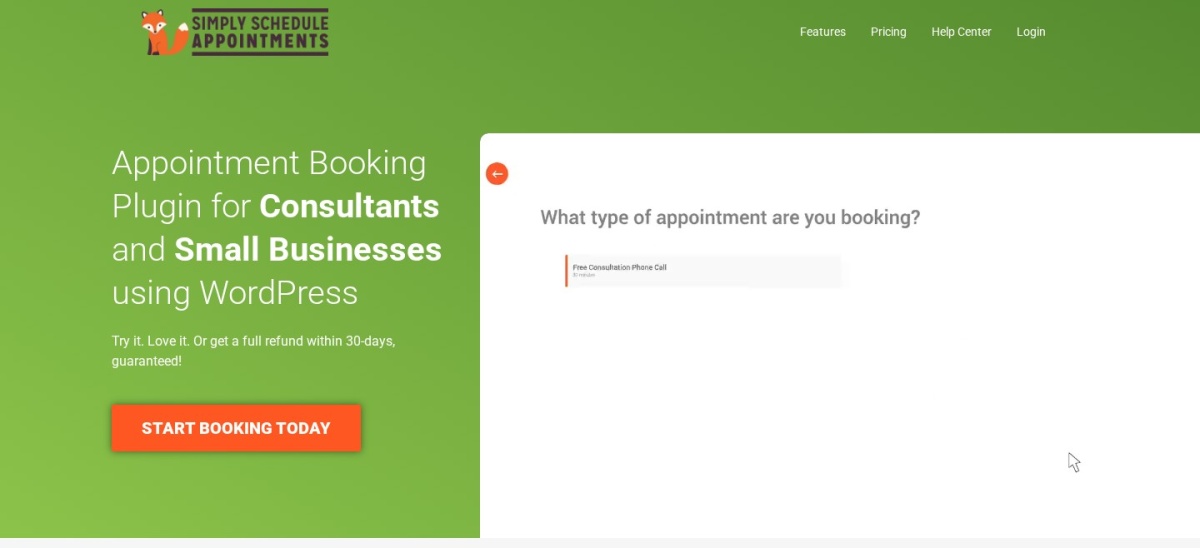
Simply Schedule Appointments homepage, captured Nov 2026.
Simply Schedule Appointments is a WordPress booking plugin with over 50,000 active installations and a 5.0/5 rating from 155 reviews. The free edition supports unlimited appointment calendars, availability rules and customer booking forms. Its setup process focuses on getting a simple appointment calendar onto a website without complicated configuration.
The trade off is that Google Calendar integration, group bookings and custom form fields require Plus, while online payments require Professional. Plus normally costs $129 per year, compared with a $99 promotional offer. It suits coaches, consultants and smaller businesses that prioritize straightforward scheduling.
What we like
Unlimited appointment calendars in the free version
Highly rated WordPress.org plugin
Simple booking form setup
Google Calendar and video meeting integrations with Plus
Works with popular WordPress page builders
Watch out for
Google Calendar integration requires Plus
Stripe and PayPal payments require Professional
Regular premium pricing is higher than several alternatives
4.8/5on WordPress.org (657 reviews, checked Nov 2026)
Paid from$79 one-time
Best for rental and date-based reservations
Booking typesFull-day and time slots
Free versionAvailability calendar
LicenseOne-time purchase
Paid planPersonal, $79
wpbookingcalendar.com
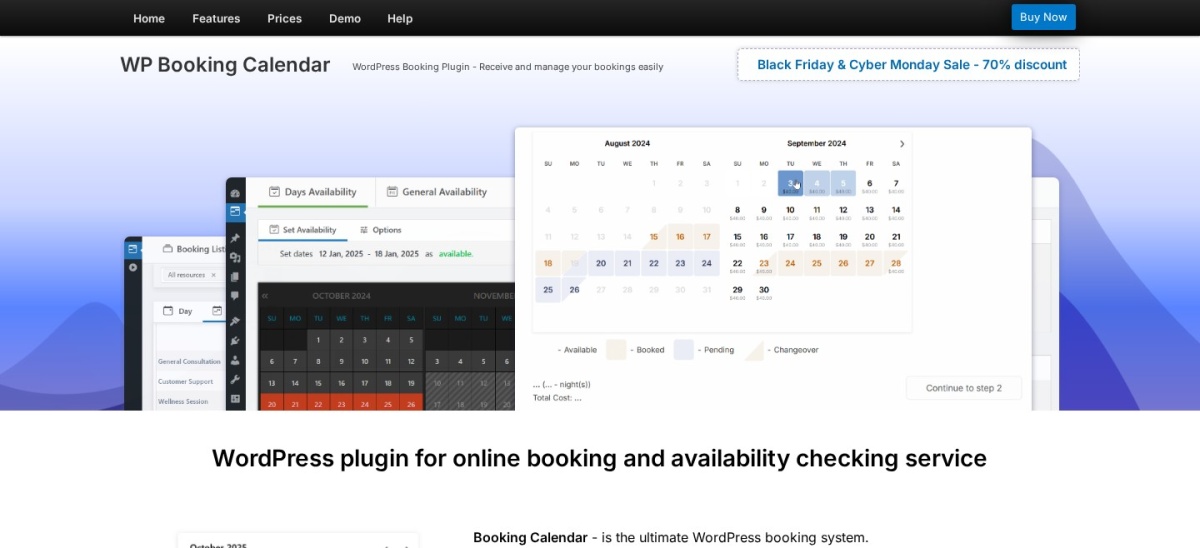
Booking Calendar homepage, captured Nov 2026.
Booking Calendar is a WordPress reservation plugin with over 40,000 active installations and a 4.8/5 rating. Its free version provides an availability calendar, booking form, reservation management and email notifications. It supports full-day reservations and time-slot appointments, making it suitable for different booking requirements.
The trade off is that multiple booking resources require Personal, while payment processing starts with Business Small. Personal normally costs $79 one-time, with a $23.70 Black Friday offer and six months of included updates. It suits rental properties, equipment reservations and businesses that need a visible availability calendar.
What we like
Supports full-day and time-slot bookings
Free availability calendar and reservation forms
One-time paid licensing option
Personal adds multiple booking resources
Suitable for rental and appointment workflows
Watch out for
Online payments require Business Small or higher
Included updates are limited after purchase
Advanced rental pricing and capacity features require higher editions
4.3/5on WordPress.org (131 reviews, checked Nov 2026)
Paid from$39 one-time
Best budget option for multiple workers
Free schedulingWorkers and locations
Booking structureServices, workers, locations
Premium updates1 year included
Paid planPersonal extension, $39
easy-appointments.com
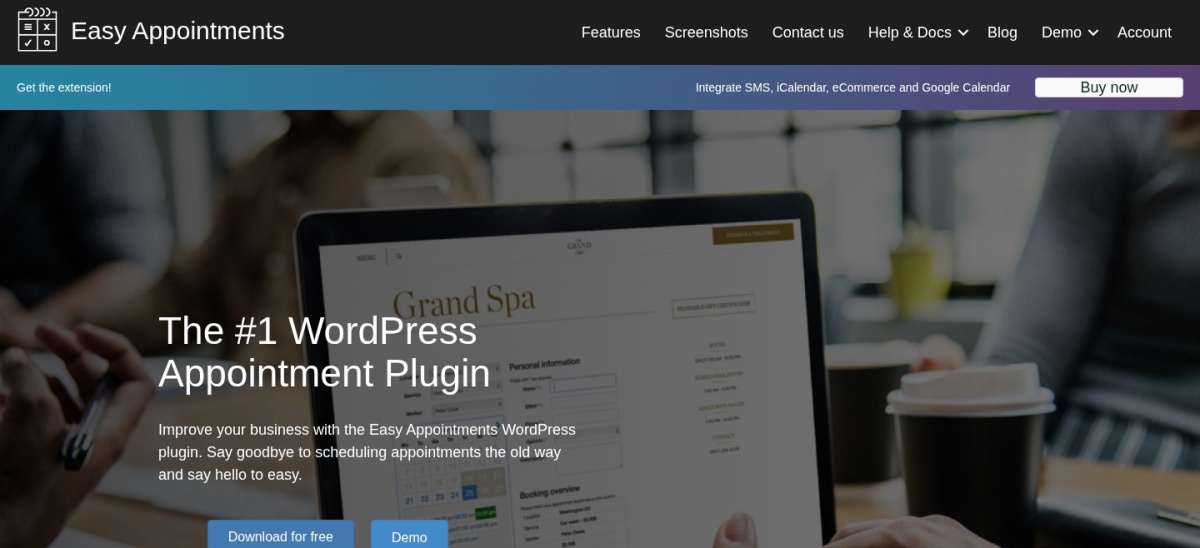
Easy Appointments homepage, captured Nov 2026.
Easy Appointments is a WordPress booking plugin with over 10,000 active installations. Its free version supports multiple workers, locations, services and appointment forms. Businesses can define staff availability and connect services to specific workers and locations without paying for an initial subscription.
The trade off is that Google Calendar synchronization, SMS integrations and online payment connections require the paid extension. Its Personal extension costs $39 one-time, including one year of updates and support. It suits small clinics, salons and service teams that need multi-worker scheduling on a limited budget.
What we like
Multiple workers and locations supported for free
Service-based appointment scheduling
Affordable paid extension
Google Calendar and payment integrations available
No annual subscription required to keep using the purchased extension
Watch out for
External integrations require the paid extension
One-time purchase includes only one year of updates
Lower WordPress.org rating than several competitors
Appointment booking vs rental booking: which plugin do you need?
Appointment plugins are designed around services, employees and available time slots. Amelia, LatePoint, Bookly, FluentBooking, Simply Schedule Appointments and Easy Appointments are natural choices for consultations and service businesses.
Rental booking involves reserving a property, room, resource or piece of equipment for a specific period. Booking Calendar is particularly relevant because it supports full-day reservations and time-slot bookings.
Group bookings introduce another requirement: capacity. If several customers can attend the same class or event, confirm that the plugin supports group capacity rather than treating every reservation as an exclusive time slot.
Businesses offering multiple booking types should examine the workflow before buying. A plugin that handles appointments and events may be more appropriate than combining separate scheduling systems.
How much does a WordPress online booking plugin cost?
All plugins in this comparison offer a free version. Their free features vary, particularly around payment collection, calendar synchronization, multiple employees and automated reminders.
Regular annual entry prices include Amelia Starter at $49, FluentBooking Solo at $79, LatePoint Starter and Bookly Pro at $99 each, and Simply Schedule Appointments Plus at $129.
Booking Calendar and Easy Appointments use a different licensing model. Their regular entry purchases are $79 and $39 respectively, with limited periods of included updates or support. These are one-time license prices rather than recurring annual subscriptions.
The cheapest paid plan may not include every feature your business needs. Check payment processing, two-way calendar synchronization, booking reminders and additional integrations before comparing total costs.
How we chose
We selected established WordPress booking plugins covering appointment scheduling, employee calendars, event reservations and date-based bookings. We compared their official feature documentation, free versions, booking workflows and available integrations. Plugins were ranked according to their suitability for common business needs rather than feature counts alone.
We checked official WordPress.org listings and vendor pricing pages on 22 Nov 2026. Ratings, review counts, active installations and update dates came from WordPress.org. Regular prices were separated from Black Friday and introductory offers, and one-time license costs were identified separately from annual subscriptions.
We excluded plugins that were closed on WordPress.org, had insufficient adoption, lacked recent maintenance or did not have a confirmable paid entry price. We also excluded tools where an external scheduling service was necessary for basic booking management. No vendor paid for a place, and we do not claim hands-on testing for this list.
How to choose the right WordPress booking plugin
Identify your booking workflow first, then compare availability management, payments, integrations and the regular cost of the features you need.
Choose the booking type your business actually needs. Use an appointment-focused plugin for consultations, employee services and scheduled meetings. Choose a date-based booking system for rental properties and other resources. Confirm whether group capacity, recurring appointments or event registrations are required.
Check staff availability and calendar synchronization. Determine whether employees need separate calendars, different working hours and time off. If you already use Google Calendar or Outlook, check whether the plugin offers two-way synchronization and whether it is included in the intended plan.
Review payments and customer notifications. Decide whether customers will pay online, leave a deposit or pay after the appointment. Compare payment gateway support, cancellation rules, confirmation emails and reminders. Remember that third-party payment and messaging fees may apply.
Calculate the regular cost of the required features. Compare renewal prices instead of promotional offers. Check the number of websites supported, update entitlements and whether advanced features require a more expensive tier. A cheaper entry license may not be the cheapest complete solution.
FAQ
What is the best online booking plugin for WordPress?
Amelia is a strong overall choice because it supports appointment and event bookings, employee scheduling and payment integrations. It has over 90,000 active installations and a free Lite version. LatePoint and Bookly are useful alternatives for different scheduling workflows.
Can I accept online bookings in WordPress for free?
Yes. All plugins in this comparison offer free versions that can receive bookings or appointment requests. However, features such as online payments, two-way calendar synchronization, automated reminders and advanced scheduling may require a paid upgrade.
Which WordPress booking plugin supports online payments?
Amelia Lite supports Square payments, while LatePoint, Bookly, FluentBooking and other plugins offer additional payment integrations through paid plans. Booking Calendar requires Business Small or higher for payments. Check the supported gateways and any processing fees before purchasing.
What is the difference between Amelia and Bookly?
Amelia combines appointment and event management with employee scheduling and tier-based premium features. Bookly focuses on configurable service appointments and offers different paid plans for advanced functionality. Amelia Starter begins at $49 per year, while Bookly Pro normally costs $99 per year.
Which booking plugin is best for Google Calendar synchronization?
LatePoint and FluentBooking include calendar synchronization among their premium features. Simply Schedule Appointments includes Google Calendar integration in Plus, while Amelia requires Standard or higher. Compare whether synchronization is one-way or two-way before relying on it to prevent booking conflicts.
Can WordPress booking plugins prevent double bookings?
Yes. Booking plugins generally track reserved dates and times to prevent overlapping reservations inside their own systems. Avoiding conflicts with external calendars may require two-way synchronization. Confirm how imported calendar events affect availability before accepting live bookings.
Can customers cancel or reschedule their own appointments?
Several WordPress booking plugins support customer cancellation and rescheduling, including LatePoint, Bookly and Amelia. However, availability depends on the selected edition and configuration. Check customer account features and cancellation rules if self-service changes are important.
Which WordPress booking plugin is best for rental properties?
Booking Calendar is particularly suitable for rental reservations because it supports full-day booking periods, availability calendars and date-based requests. Its Personal edition adds multiple booking resources, while higher editions introduce more advanced pricing and reservation management features.
Are one-time booking plugin licenses better than annual subscriptions?
One-time licenses can reduce recurring license expenses, but updates and support may be limited. Booking Calendar and Easy Appointments offer one-time purchases with defined update periods. Annual subscriptions may be more convenient when ongoing integrations, technical support and feature updates are important.