Best Calendar Plugins for WordPress Bookings in 2026: 7 Tools Compared
WLWPLegible EditorsLast verified 22 Nov 2026How we rank12 min read
★ Short answer
Amelia is our top WordPress booking calendar plugin, with 90,000+ active installations, a 4.6/5 rating and paid plans starting at $49/year. LatePoint is a strong alternative for appointment-based businesses needing payments and staff scheduling, while Simply Schedule Appointments suits consultants who want a straightforward booking experience.
How we make this list: we compare pricing pages, product documentation and public user reviews, then re-check every price before each update. No product paid for a place. Disclosure.
Amelia has 90,000+ active installations and a 4.6/5 rating from 798 reviews. Its Starter plan is listed at $49/year outside the current promotion.
LatePoint has 100,000+ active installations and a 4.9/5 rating from 109 reviews. Starter renews at $99/year.
Simply Schedule Appointments has 50,000+ active installations and a 5/5 rating from 155 reviews. Plus costs $129/year at the regular rate.
FluentBooking has 20,000+ active installations and a 4.7/5 rating from 46 reviews. Its Solo plan regularly costs $79/year.
Booking Calendar has 40,000+ active installations and a 4.8/5 rating from 657 reviews. Personal costs $79 one-time before discounts.
Bookly has 60,000+ active installations and a 4.4/5 rating from 587 reviews. MotoPress offers a $49/year appointment booking license.
What should a WordPress booking calendar plugin include?
A WordPress booking calendar lets visitors select available dates or time slots and submit reservations without exchanging multiple emails. It can handle consultations, coaching sessions, appointments, classes, equipment reservations and other scheduled services.
Start with availability management. A good plugin should prevent double bookings, account for business hours and let administrators block unavailable dates. Businesses offering different services may also need separate durations, buffer times and staff schedules.
Calendar synchronization is important when appointments are managed across multiple devices or services. Some plugins connect with Google Calendar or Outlook, while others support iCalendar feeds. Check whether synchronization works in both directions and whether it is included in the entry plan.
Payment collection is another important distinction. Some free booking plugins accept reservations but require paid upgrades for Stripe, PayPal, deposits or invoices. Others include limited payment capabilities but charge separately for advanced gateways and integrations.
Finally, check notification options, mobile usability and regular renewal prices. Automated confirmations and reminders can reduce manual work, while an accessible booking form makes scheduling easier for visitors. Choose the features your business needs rather than the plugin with the longest feature list.
The 7 best calendar plugins for WordPress bookings
01
Amelia
4.6/5on WordPress.org (798 reviews, checked Nov 2026)
Paid from$49/yr
Best overall for appointments and event bookings
Main purposeAppointments and events
Active installs90,000+
Entry paid planStarter, 1 site
Paid price$49/yr
wpamelia.com
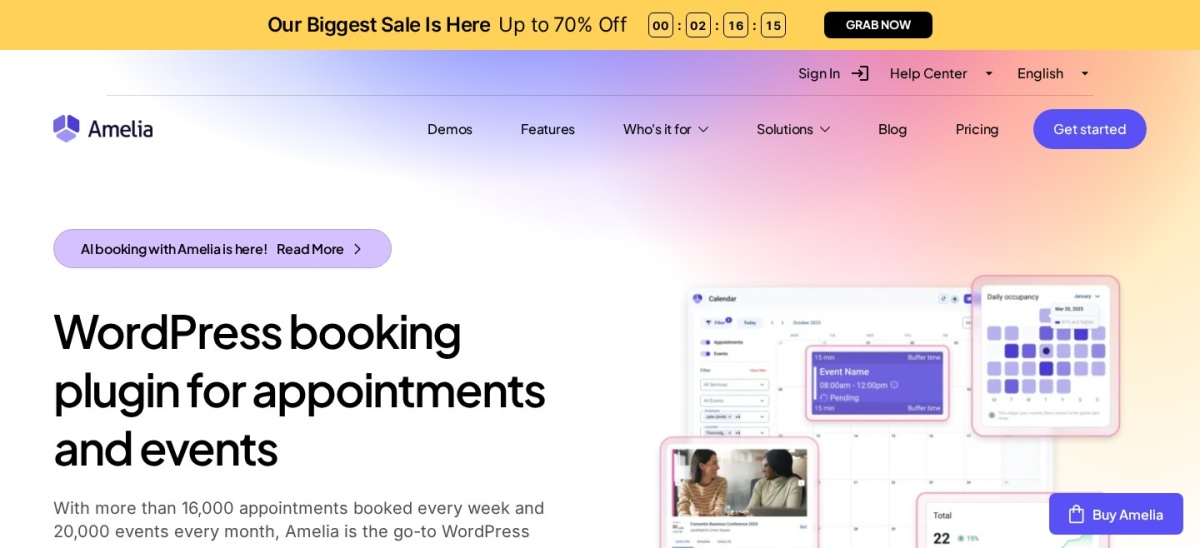
Amelia homepage, captured Nov 2026.
Amelia is a WordPress appointment and event booking plugin with 90,000+ active installations and a 4.6/5 rating from 798 reviews. Amelia Lite provides appointment scheduling, service management and responsive booking forms. Paid plans extend the system with additional payment, event, staff management and scheduling capabilities.
The trade off is that advanced calendar synchronization, integrations and booking features require higher paid tiers. The vendor's published Starter price is $49 yearly, although its current Black Friday pricing page displays a temporary $1 offer. It suits consultants, salons, clinics and service businesses managing appointments and events.
What we like
Combines appointment scheduling and event booking
90,000+ active installations
Responsive booking forms
Supports multiple employees and services
Paid plans include expanded payment and scheduling features
Watch out for
Advanced integrations require higher paid plans
Starter does not include the full calendar synchronization feature set
More settings than a simple consultation scheduler needs
Paid plan features differ significantly by tier
Starter adds paid booking features; Standard expands calendar syncing, payments and integrations.Visit wpamelia.com
02
LatePoint
4.9/5on WordPress.org (109 reviews, checked Nov 2026)
Paid from$99/yr
Best for service businesses managing staff and payments
Main purposeService appointment scheduling
Active installs100,000+
Paid featuresAppointments, events, payments
Paid planStarter, $99/yr
latepoint.com
LatePoint homepage, captured Nov 2026.
LatePoint is a WordPress appointment scheduling plugin with 100,000+ active installations and a 4.9/5 rating from 109 reviews. Its free version provides appointment scheduling, customer booking forms and administrative booking management. Pro adds payment processing, recurring appointments, group bookings, event registration and additional calendar integrations.
The trade off is that advanced booking and payment features require Pro. The Starter annual plan normally costs $99, with a $69 introductory offer currently advertised. It suits appointment-based businesses that need employee schedules, customer reminders, payments and event registrations within WordPress.
What we like
100,000+ active installations
4.9/5 WordPress.org rating
Booking forms and appointment management
All Pro features available across paid site-license tiers
Supports staff scheduling and recurring appointments
Watch out for
Advanced payment options require Pro
Multiple integrations increase configuration work
SMS and WhatsApp messaging may incur separate charges
Free version has fewer advanced scheduling controls
Starter unlocks Pro scheduling, payments, calendar syncing, events and automation for one site.Visit latepoint.com
03
Simply Schedule Appointments
5/5on WordPress.org (155 reviews, checked Nov 2026)
Paid from$129/yr
Best for straightforward appointment scheduling
Main purposeAppointment scheduling
Active installs50,000+
Free calendarsUnlimited
Paid planPlus, $129/yr
simplyscheduleappointments.com
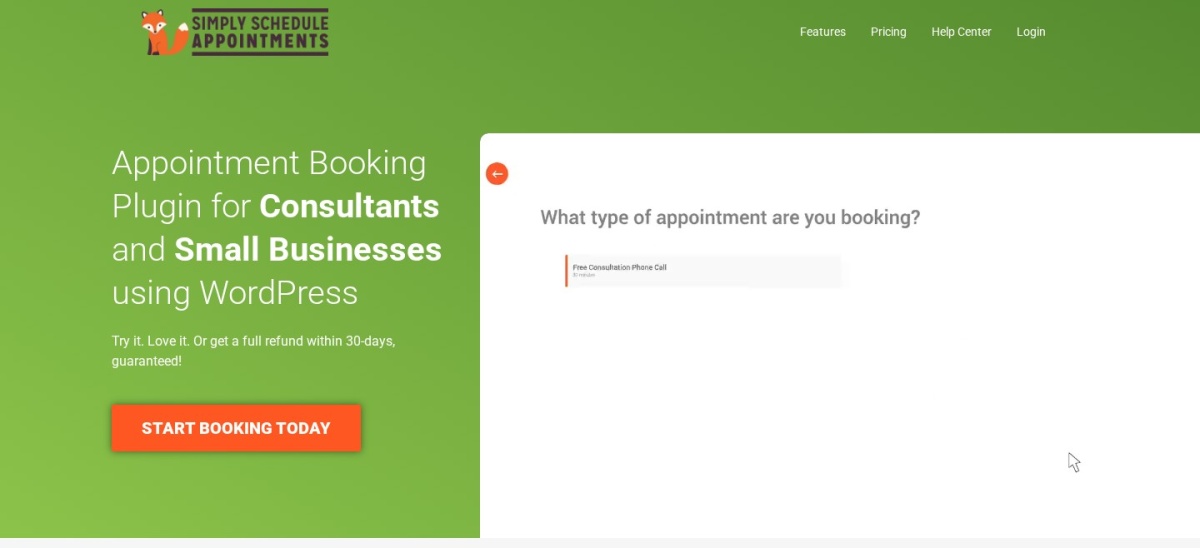
Simply Schedule Appointments homepage, captured Nov 2026.
Simply Schedule Appointments is a WordPress appointment booking plugin with 50,000+ active installations and a 5/5 rating from 155 reviews. Its free Basic Edition includes unlimited booking calendars, customizable notifications, scheduling restrictions and blackout dates. Visitors can choose appointments through a responsive booking interface.
The trade off is that Google Calendar synchronization, custom form fields, group bookings and meeting integrations require Plus, which regularly costs $129 yearly. The current introductory price is $99. Payment collection requires Professional at its regular $249 annual rate. It suits consultants, coaches and service providers who prioritize ease of scheduling.
What we like
5/5 rating from 155 WordPress.org reviews
Unlimited booking calendars in the free edition
Customizable booking notifications
Simple appointment setup and scheduling controls
Paid plans provide calendar and meeting integrations
Watch out for
Google Calendar integration requires Plus
Stripe and PayPal payments require Professional
Team scheduling requires the Business tier
Higher regular paid price than several alternatives
4.7/5on WordPress.org (46 reviews, checked Nov 2026)
Paid from$79/yr
Best for meetings and WordPress-based scheduling
Main purposeMeetings and appointment bookings
Active installs20,000+
Pro licenseSingle website
Paid planSolo, $79/yr
fluentbooking.com
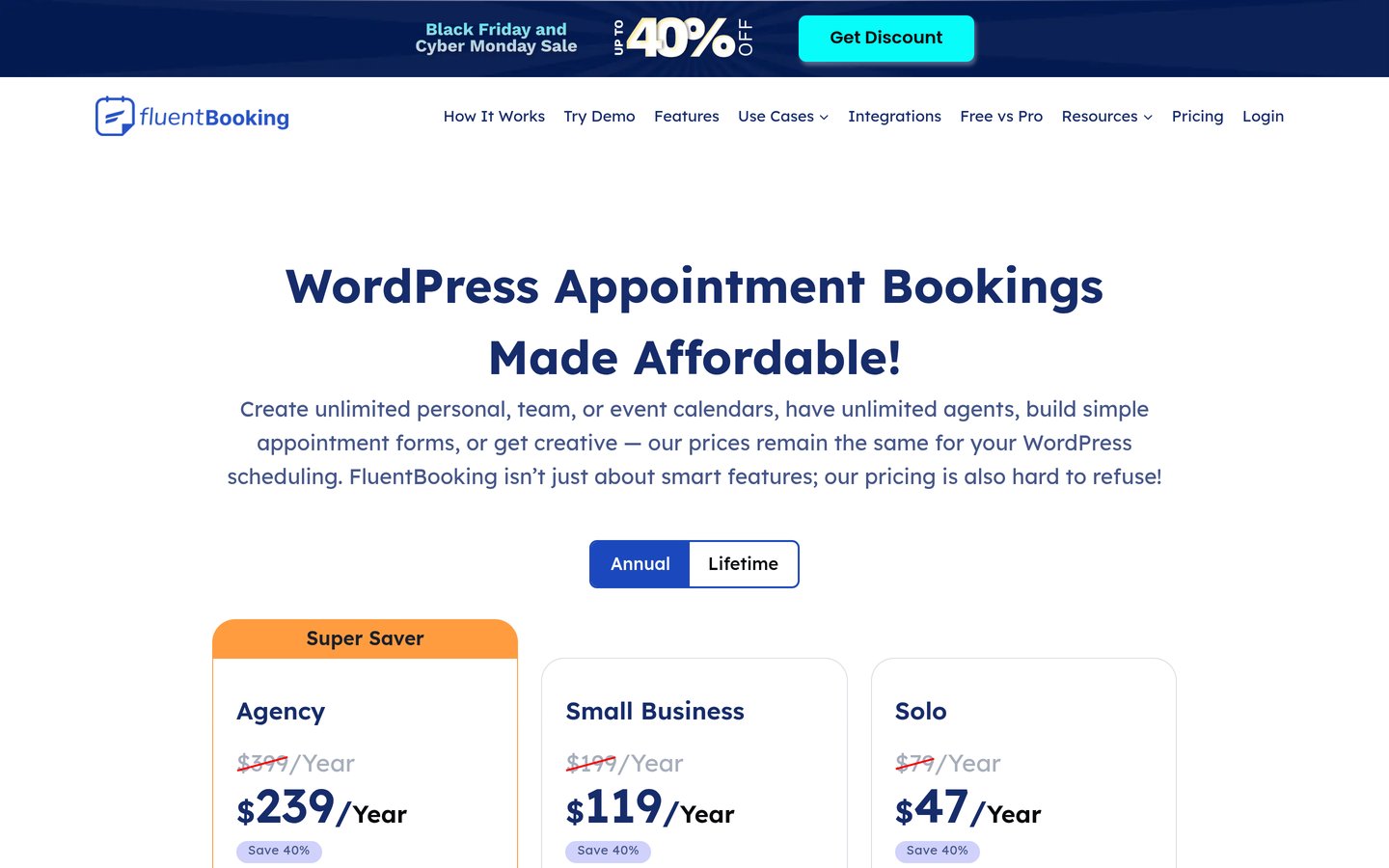
FluentBooking homepage, captured Nov 2026.
FluentBooking is a WordPress appointment and meeting scheduling plugin with 20,000+ active installations and a 4.7/5 rating from 46 reviews. Its free version supports personal booking calendars, availability management and appointment scheduling. Premium features expand integrations with Google Calendar, meeting platforms, payment services and other WordPress tools.
The trade off is that advanced integrations, payments and expanded scheduling workflows require Pro. Solo regularly costs $79 annually, although the current promotion reduces the first-year price to $47. It suits consultants, agencies and teams using WordPress for appointment scheduling alongside FluentCRM or Fluent Forms.
What we like
Unlimited calendars and hosts advertised for Pro
20,000+ active installations
Supports personal and team scheduling workflows
Premium integrates with FluentCRM and Fluent Forms
Solo includes all paid features for one website
Watch out for
Advanced integrations require Pro
Email and payment services may have separate costs
Smaller public review history than older booking plugins
More specialized service bookings may need custom configuration
Solo adds premium calendar integrations, meeting tools, payment collection and automation features.Visit fluentbooking.com
05
Booking Calendar
4.8/5on WordPress.org (657 reviews, checked Nov 2026)
Paid from$79 one-time
Best for reservations and date-based availability
Main purposeReservations and availability
Active installs40,000+
Free featuresBookings, availability, forms
Paid licensePersonal, $79 one-time
wpbookingcalendar.com
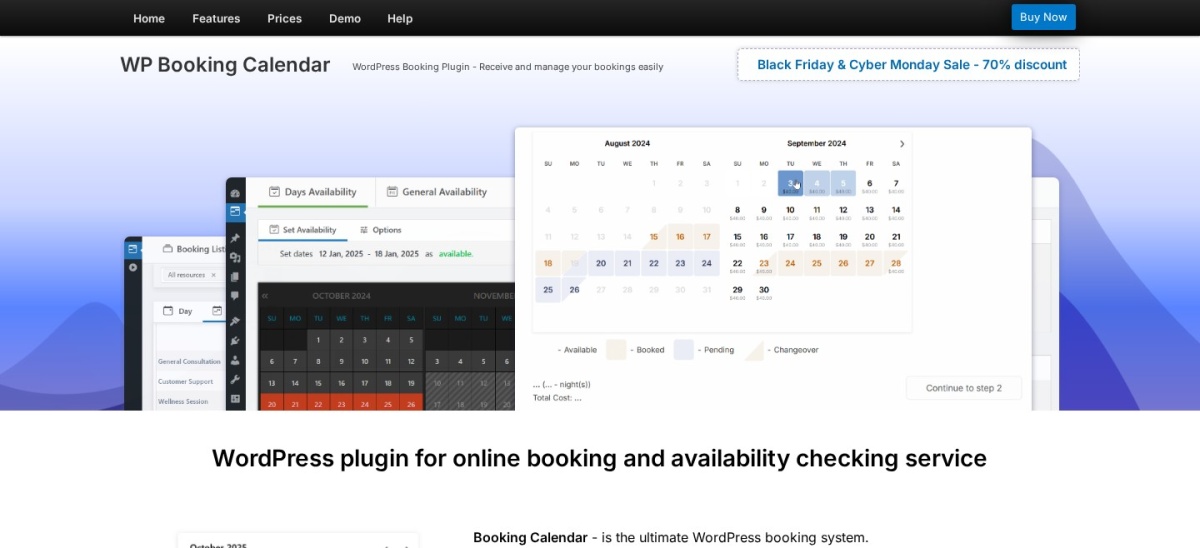
Booking Calendar homepage, captured Nov 2026.
Booking Calendar is a WordPress reservation plugin with 40,000+ active installations and a 4.8/5 rating from 657 reviews. Its free version supports availability calendars, appointment time slots, customizable booking forms and administrative approval. It can manage appointments, rental reservations and date-based bookings without requiring a separate scheduling service.
The trade off is that multiple booking resources require the paid Personal edition, while advanced pricing and payment tools require higher editions. Personal normally costs $79 one-time, with a temporary $23.70 sale price and six months of updates included. It suits rental operators and service providers managing date-based availability.
What we like
40,000+ active installations
Free availability calendars and booking forms
Supports date-based and time-slot reservations
One-time paid license rather than mandatory annual billing
4.8/5 rating from 657 reviews
Watch out for
Advanced payment tools require higher editions
Personal does not include every pricing feature
Only six months of updates are included with the one-time purchase
More complex booking resources require additional configuration
Personal adds multiple booking resources; higher editions add advanced prices, payments and booking rules.Visit wpbookingcalendar.com
06
Bookly
4.4/5on WordPress.org (587 reviews, checked Nov 2026)
Paid from$99/yr
Best for established appointment scheduling workflows
Main purposeAppointment booking
Active installs60,000+
Free featuresBookings and customer management
Paid planPro, $99/yr
booking-wp-plugin.com
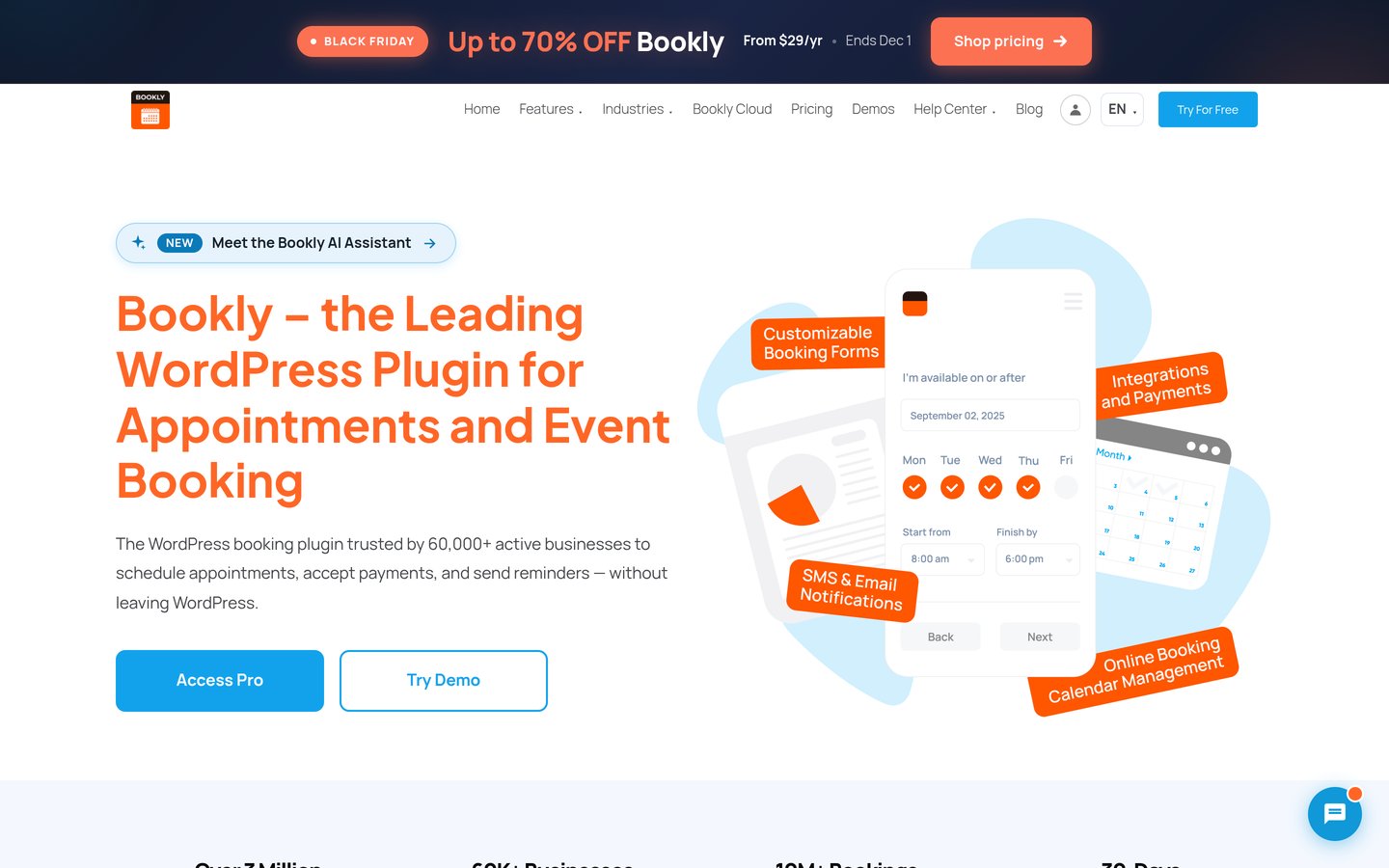
Bookly homepage, captured Nov 2026.
Bookly is an established WordPress appointment scheduling plugin with 60,000+ active installations and a 4.4/5 rating from 587 reviews. Its free version supports online appointment requests, booking calendars, service management and customer records. Paid plans extend the system with additional staff, services, payments and integrations.
The trade off is that the free version restricts advanced features such as online payments and broader staff management. Bookly Pro normally costs $99 annually, with a temporary $29 Black Friday price currently advertised. It suits salons, consultants, clinics and service providers looking for a booking system with a broad extension ecosystem.
What we like
Established plugin with 60,000+ installations
Free appointment scheduling and customer records
Responsive booking forms
Premium supports unlimited staff and services
Annual and lifetime paid licenses available
Watch out for
Online payments require paid access
Some advanced integrations require higher tiers
Add-ons and external messaging can increase costs
Lower WordPress.org rating than several competitors
Pro expands staff and service limits; higher tiers unlock additional integrations and booking features.Visit booking-wp-plugin.com
07
MotoPress Appointment Booking
4.5/5on WordPress.org (21 reviews, checked Nov 2026)
Paid from$49/yr
Best for service appointments and group sessions
Main purposeService and group bookings
Active installs2,000+
Paid license1 website
Paid plan$49/yr
motopress.com
MotoPress Appointment Booking homepage, captured Nov 2026.
MotoPress Appointment Booking is a WordPress appointment scheduling plugin with 2,000+ active installations and a 4.5/5 rating from 21 reviews. Its free Lite version provides service calendars, staff scheduling, appointment forms and booking management. It supports individual and group appointments, with configurable durations, capacities and availability.
The trade off is that additional payment, synchronization and advanced management capabilities require the paid plugin or separate extensions. The single-site license costs $49 annually, while a lifetime license is available separately. It suits tutors, fitness instructors, salons and small service businesses needing flexible appointment schedules.
What we like
Free service and appointment scheduling
Supports multiple employees and locations
Customizable service durations and availability
Individual and group booking capabilities
Affordable $49 annual single-site license
Watch out for
Smaller WordPress.org review base
Some integrations require paid extensions
Advanced workflows need additional configuration
Less public adoption than leading competitors
The paid plugin expands payment processing, scheduling controls and booking management capabilities.Visit motopress.com
Appointment booking vs reservation calendars: which do you need?
Appointment booking plugins are designed for services that happen at specific times. Examples include consultations, haircuts, tutoring sessions and fitness classes. These systems usually manage staff availability, service duration and appointment confirmations.
Reservation calendars are better suited to resources booked for particular dates or time ranges. Examples include vacation rentals, meeting rooms, equipment reservations and facilities.
Amelia, LatePoint, Simply Schedule Appointments, FluentBooking and Bookly focus primarily on service appointments. Booking Calendar offers more flexibility for date-based reservations and rentals.
Some businesses need both models. A wellness center may book individual consultations and group classes, while a coworking space may reserve meeting rooms and schedule consultations.
Choose the booking model that matches how availability is calculated. Staff-based scheduling and resource-based reservations often need different rules to prevent double bookings.
Which booking features usually require paid upgrades?
Free booking plugins generally provide availability calendars, basic forms and administrative booking management. Advanced capabilities such as online deposits, automatic calendar synchronization and custom workflows may require premium access.
Simply Schedule Appointments provides unlimited free booking calendars, but Google Calendar integration requires Plus and payment processing requires Professional. Bookly also reserves online payments and broader staff management for paid plans.
FluentBooking Pro includes payment integrations and additional meeting tools. LatePoint Pro includes payments, recurring appointments and external calendar syncing under its paid licenses.
Booking Calendar uses a different licensing approach. Its Personal edition costs $79 one-time, while payment and advanced pricing features require higher editions. Updates beyond the included support period may cost extra.
Compare the complete booking workflow before purchasing. A plugin that costs less initially may need additional extensions for payment gateways, reminders or synchronization.
How we chose
We shortlisted established WordPress booking calendar plugins covering appointment scheduling, staff availability, service reservations, group sessions and payments. The selected tools have public WordPress.org ratings, meaningful installation histories and recent maintenance activity. We prioritized practical booking features, administrative controls and clear upgrade paths.
We opened each selected plugin's WordPress.org listing and official developer pricing page on 22 Nov 2026. Ratings, review counts, active installations and maintenance details came from WordPress.org. Prices reflect regular paid rates rather than promotional offers, including the current Black Friday discounts. Booking Calendar's one-time Personal license is identified separately from annual subscriptions.
We excluded plugins closed on WordPress.org, products without recent updates and options with insufficient adoption or unclear paid pricing. Easy Appointments and Appointment Hour Booking were reviewed but excluded because their accessible paid pricing did not provide a verifiable regular USD amount. No vendor paid for a place, and we do not claim hands-on testing for this list.
How to choose the best WordPress booking calendar plugin
Identify how customers book your services, compare availability and payment features, and choose a plugin that fits your scheduling workflow.
Define what customers need to book. Decide whether customers reserve appointment slots, complete days, individual employees or shared resources. Appointment-focused tools are better for service businesses, while reservation calendars are useful for rentals and facilities. Confirm the plugin supports your required booking model.
Check scheduling and availability controls. Look for working hours, unavailable dates, service durations, buffer periods and double-booking prevention. If several employees provide services, confirm that each person can manage availability independently. Group classes may also require capacity limits and recurring sessions.
Compare payments and calendar integrations. Determine whether customers need to pay immediately, place deposits or simply request appointments. Check which plans include Stripe, PayPal, Google Calendar and meeting integrations. Do not assume these features are included in the cheapest paid tier.
Review public ratings and regular ownership costs. Compare WordPress.org reviews, recent updates and installation figures. Consider recurring subscriptions, one-time licenses, support periods and additional extension costs. Choose the simplest system that handles your real booking requirements without unnecessary complexity.
FAQ
What is the best WordPress calendar plugin for bookings?
Amelia is our top overall choice because it combines appointment scheduling, service management and event booking in one WordPress plugin. It has 90,000+ active installations and a 4.6/5 rating. LatePoint is a strong alternative for staff scheduling, while Simply Schedule Appointments focuses on straightforward appointment booking.
Can I accept bookings on WordPress for free?
Yes. Amelia Lite, LatePoint, Simply Schedule Appointments, FluentBooking, Booking Calendar, Bookly and MotoPress Appointment Booking all provide free versions. These generally cover basic scheduling and booking forms, but advanced payments, calendar synchronization and additional management tools may require paid licenses.
Which WordPress booking plugin is best for appointments?
Amelia, LatePoint and Simply Schedule Appointments are suitable for appointment-based businesses. Amelia supports services and events, LatePoint offers extensive premium booking workflows, and Simply Schedule Appointments emphasizes a straightforward scheduling experience. Choose according to your staff, payment and calendar integration requirements.
Can a WordPress booking calendar prevent double bookings?
Yes. Booking plugins can block unavailable time slots when appointments or reservations are recorded. The exact behavior depends on staff, resources, booking status and synchronization settings. If you also use external calendars, confirm that conflicts are checked correctly before accepting live reservations.
Which WordPress booking plugins support online payments?
Amelia, LatePoint, FluentBooking, Bookly, MotoPress and Simply Schedule Appointments offer payment capabilities through their paid features or integrations. Supported providers and plan requirements differ. Booking Calendar also supports payments through higher paid editions. Check payment processing fees separately from plugin licensing.
Can I connect a WordPress booking calendar to Google Calendar?
Several booking plugins offer Google Calendar integration, including Amelia, LatePoint, FluentBooking and Simply Schedule Appointments. Some integrations require premium plans. Check whether synchronization works in both directions, how frequently availability updates and whether external appointments block website bookings automatically.
What is the cheapest paid WordPress booking calendar plugin?
Amelia's published Starter price and MotoPress Appointment Booking both begin at $49 annually. FluentBooking Solo regularly costs $79 yearly. Booking Calendar Personal costs $79 one-time rather than annually, although future updates may involve additional charges. Compare included features because the cheapest plan may not support your required payment or calendar integrations.
Are WordPress booking plugins suitable for multiple staff members?
Yes. Amelia, LatePoint, Bookly and MotoPress provide options for managing staff schedules. FluentBooking also offers team scheduling capabilities. Free versions may limit staff management or integrations, so verify the number of employees, available services and locations supported by the plan you select.
Should I use a WordPress booking plugin or an external scheduling service?
A WordPress plugin is useful when you want booking forms, customer records and scheduling administration integrated with your website. External services can reduce some hosting maintenance but may charge recurring subscription fees. Compare data ownership, calendar syncing, payment support and administrative requirements before choosing.