Best Free WordPress Calendar Plugins in 2026: 7 Tools Compared
WLWPLegible EditorsLast verified 22 Nov 2026How we rank12 min read
★ Short answer
My Calendar is our top free WordPress calendar plugin, with 20,000+ active installations, a 4.7/5 rating and recurring events included at no cost. The Events Calendar is better for established public event listings, while Events Manager offers free registration and booking features. PublishPress Planner is the editorial calendar choice.
How we make this list: we compare pricing pages, product documentation and public user reviews, then re-check every price before each update. No product paid for a place. Disclosure.
My Calendar has 20,000+ active installations and a 4.7/5 rating from 159 reviews. Recurring events are free, and Pro costs $69/year.
The Events Calendar has 600,000+ active installations and a 4.2/5 rating from 2,467 reviews. Its Pro plan costs $399/year.
Events Manager has 60,000+ active installations and a 4.2/5 rating from 553 reviews. Free features include recurring events and bookings; Pro regularly costs $129/year.
Sugar Calendar has 10,000+ active installations and a 4.5/5 rating from 24 reviews. Its Basic plan regularly costs $99/year.
Eventin has 10,000+ active installations and a 4.7/5 rating from 416 reviews. Standard regularly costs $99/year.
Pie Calendar has 1,000+ active installations and a $299 one-time Pro license. PublishPress Planner has 6,000+ installations and a $149/year premium bundle.
What can a free WordPress calendar plugin do?
A WordPress calendar plugin displays scheduled events, activities or content inside your website. It can help visitors find upcoming workshops, classes, meetings and community events. Some plugins also manage registrations, while others help editors organize publishing dates.
The most useful free calendar features include monthly views, upcoming event lists, event categories and responsive layouts. Recurring events are especially valuable when you organize weekly classes, regular meetings or repeating activities.
Some free plugins also support event registrations and bookings. Events Manager provides booking functionality, while Sugar Calendar includes basic ticket registration. More advanced payment, attendee management and automation tools may require premium upgrades.
Not every WordPress calendar serves the same purpose. Public event calendars display information to visitors, while editorial calendars help website administrators plan articles. PublishPress Planner focuses on content scheduling rather than public event registration.
Before choosing, check maintenance history, WordPress.org reviews, editor compatibility and upgrade pricing. A free plugin may cover everything your website needs, but advanced calendar synchronization, event submissions and ticketing workflows often cost extra.
Price ladder: cheapest paid upgrade, annual or one-time
List prices, USD, checked Nov 2026
My CalendarFREE$69
Sugar CalFREE$99
EventinFREE$99
Events MgrFREE$129
PlannerFREE$149
Pie CalendarFREE$299
Events CalFREE$399
The 7 best free WordPress calendar plugins
01
My Calendar
4.7/5on WordPress.org (159 reviews, checked Nov 2026)
Paid from$69/yr
Best overall free WordPress event calendar
Main purposeAccessible event management
Active installs20,000+
Free recurrenceIncluded
Paid planSite Owners, $69/yr
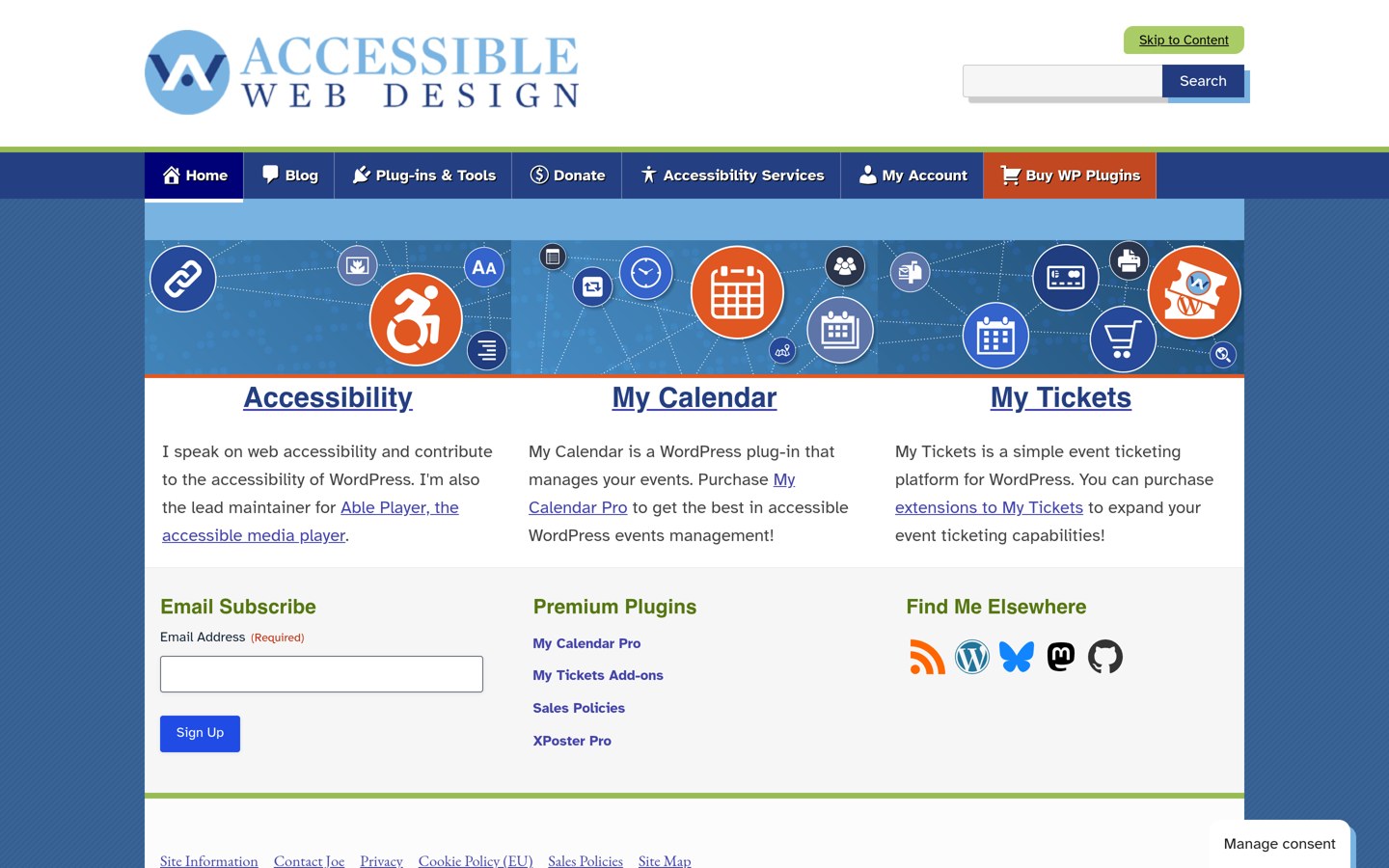
joedolson.com
My Calendar homepage, captured Nov 2026.
My Calendar is an accessibility-focused WordPress calendar plugin with 20,000+ active installations and a 4.7/5 rating from 159 reviews. Its free version supports recurring events, customizable calendar layouts, event categories, locations and upcoming event lists. The plugin emphasizes accessibility for visitors and administrators using assistive technology.
The trade off is that front-end event submissions, custom fields and external calendar imports require Pro. The Site Owners license costs $69 annually for 3 websites. It suits community organizations, nonprofits and publishers that need accessible public calendars with useful free scheduling features.
What we like
Recurring events included free
Accessibility-focused calendar development
Customizable month and list displays
Event categories and venue management
Pro license covers 3 websites
Watch out for
Front-end event submissions require Pro
Advanced custom fields require Pro
Design customization may require configuration
Ticket payments may need additional tools
Pro adds front-end submissions, custom fields, calendar imports and expanded event administration.Visit joedolson.com
02
The Events Calendar
4.2/5on WordPress.org (2,467 reviews, checked Nov 2026)
Paid from$399/yr
Best for established websites publishing public events
Main purposePublic event calendars
Active installs600,000+
Free featuresEvents, venues, organizers
Paid planPro, $399/yr
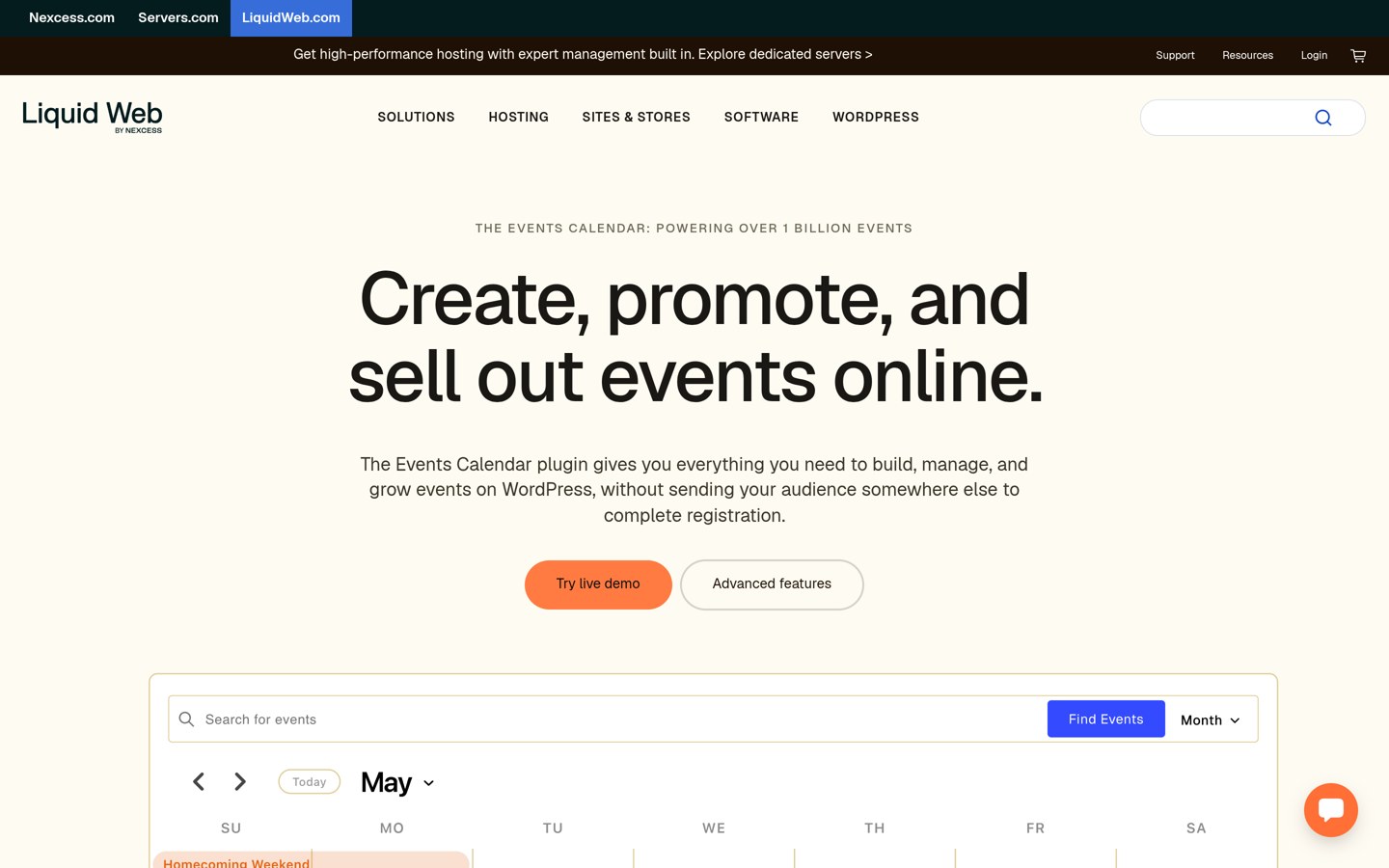
liquidweb.com
The Events Calendar homepage, captured Nov 2026.
The Events Calendar is a WordPress event management plugin with 600,000+ active installations and a 4.2/5 rating from 2,467 reviews. Its free version supports event creation, venue and organizer information, monthly calendars and event lists. It is designed for websites regularly publishing in-person or virtual activities.
The trade off is that advanced recurrence, expanded calendar views and premium ticketing features require paid access. The official product page now lists Pro at $399 annually through Liquid Web. It suits established event websites that want a widely adopted free calendar with a comprehensive upgrade path.
What we like
600,000+ active installations
Free event, venue and organizer management
Month and list calendar displays
Compatible with WordPress blocks
Advanced event features available in Pro
Watch out for
Pro costs $399 annually
Advanced recurring events require paid access
Ticketing may require additional configuration
More features than occasional event publishers need
Pro adds recurring events, seven calendar views, expanded ticketing and attendee management.Visit liquidweb.com
03
Events Manager
4.2/5on WordPress.org (553 reviews, checked Nov 2026)
Paid from$129/yr
Best for free event bookings and registrations
Main purposeEvent scheduling and bookings
Active installs60,000+
Free bookingsIncluded
Paid planPro, $129/yr
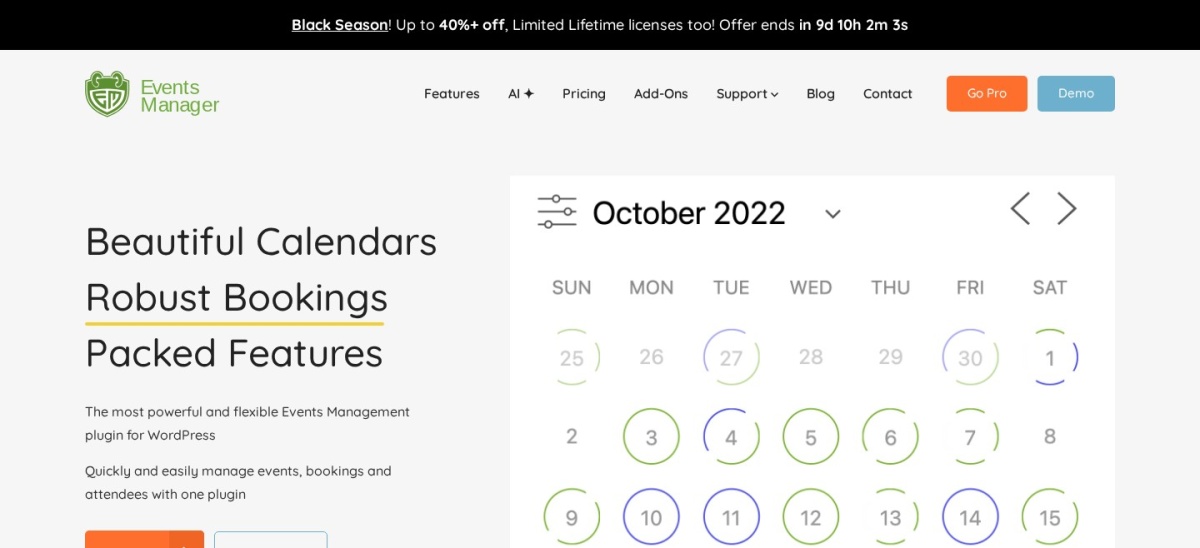
wp-events-plugin.com
Events Manager homepage, captured Nov 2026.
Events Manager is a WordPress calendar and booking plugin with 60,000+ active installations and a 4.2/5 rating from 553 reviews. Its free version includes recurring events, event registration, locations, booking management and calendar displays. It can organize appointments, workshops, community gatherings and other scheduled activities.
The trade off is that premium payment integrations, expanded booking controls and priority support require Pro. Its regular annual price is $129, compared with a current $89 promotional offer. It suits organizations that need booking functionality without immediately purchasing a commercial plugin.
What we like
Free event registration and bookings
Recurring event scheduling
Venue and location management
Multiple event display formats
60,000+ active installations
Watch out for
Advanced payment features require Pro
Many configuration options can complicate setup
Premium booking controls cost extra
Not intended for editorial content planning
Pro adds premium booking features, payment integrations, advanced controls and priority support.Visit wp-events-plugin.com
04
Sugar Calendar
4.5/5on WordPress.org (24 reviews, checked Nov 2026)
Paid from$99/yr
Best for straightforward event calendars and ticket registration
Main purposeEvent calendars and tickets
Active installs10,000+
Free registrationIncluded
Paid planBasic, $99/yr
sugarcalendar.com
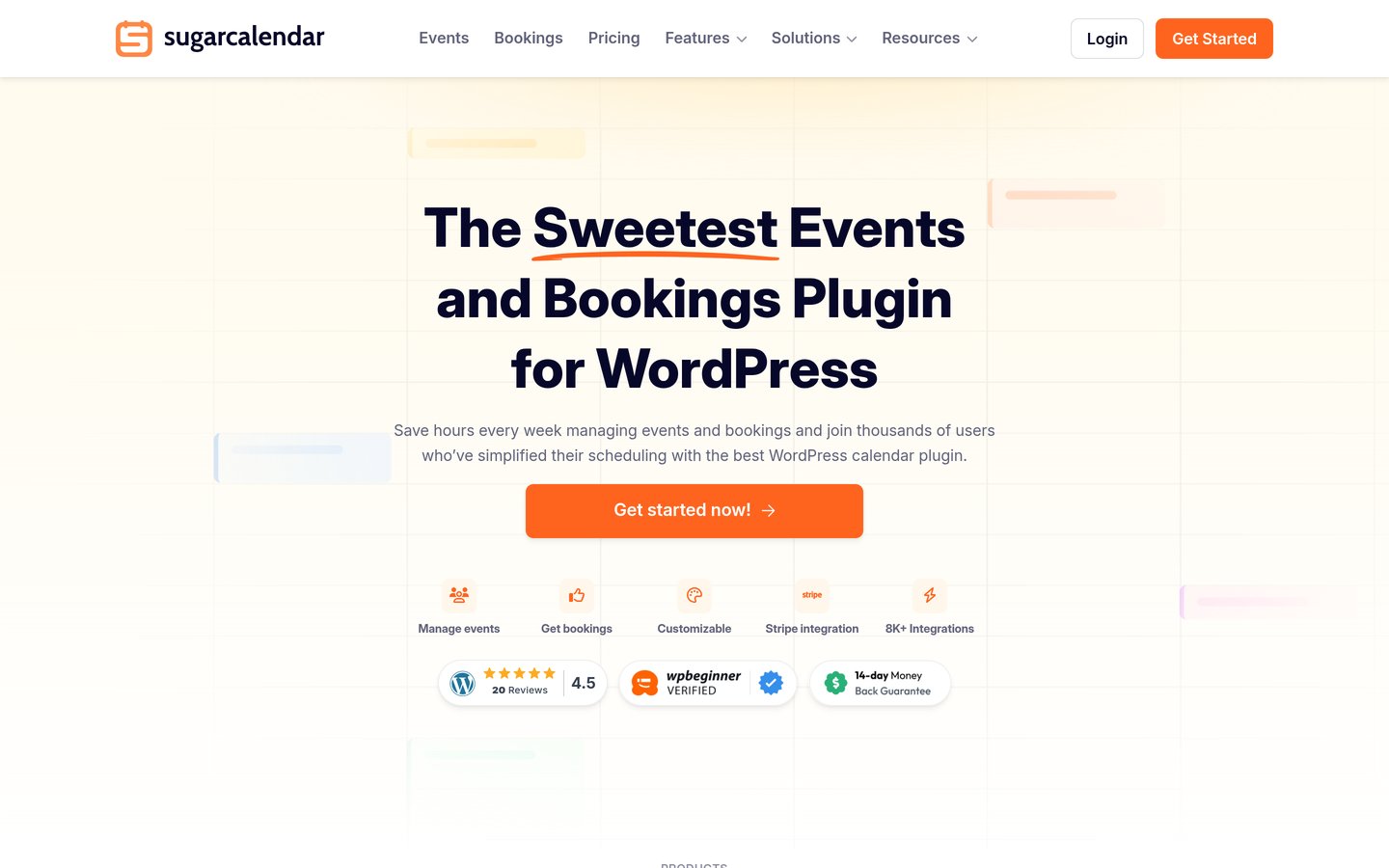
Sugar Calendar homepage, captured Nov 2026.
Sugar Calendar is a WordPress event calendar plugin with 10,000+ active installations and a 4.5/5 rating from 24 reviews. Its free version supports event publishing, calendar and list views, registrations and ticket sales through Stripe. WordPress blocks and Elementor widgets provide options for displaying events.
The trade off is that advanced recurring schedules, external calendar integrations and additional event management features require paid plans. Basic regularly costs $99 annually, while an introductory discount reduces the initial payment. It suits small businesses and creators wanting a straightforward event calendar with optional registrations.
4.7/5on WordPress.org (416 reviews, checked Nov 2026)
Paid from$99/yr
Best for free event registration and ticket workflows
Main purposeEvents and attendee registration
Active installs10,000+
Online eventsZoom integration
Paid planStandard, $99/yr
themewinter.com
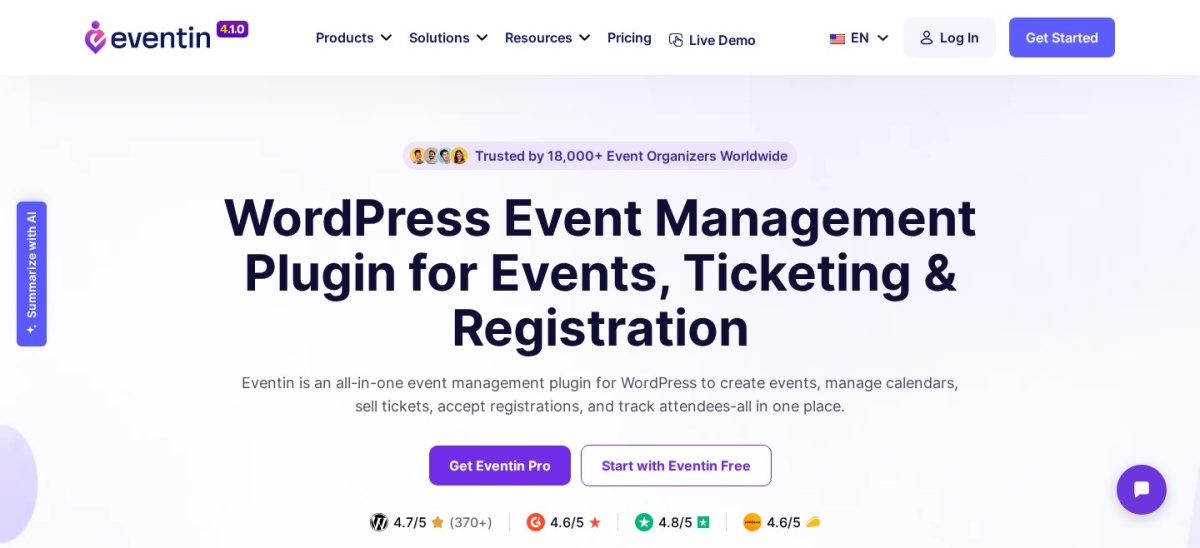
Eventin homepage, captured Nov 2026.
Eventin is a WordPress event management plugin with 10,000+ active installations and a 4.7/5 rating from 416 reviews. Its free features include event publishing, registration workflows, Zoom integration and options for virtual events. It also supports event tickets and attendee management.
The trade off is that advanced templates, waiting lists, premium automation and expanded event controls require Pro. Standard regularly costs $99 annually for 2 domains, with a current $69 promotional offer. It suits course creators and organizations running workshops, webinars or ticketed activities.
What we like
Event registration and ticketing tools
Zoom integration in the free version
Supports virtual and in-person events
4.7/5 rating from 416 reviews
Standard covers 2 domains
Watch out for
Advanced ticketing tools require Pro
Premium templates cost extra
More complex than a basic calendar
Payment gateways may charge transaction fees
Standard adds premium templates, advanced event features, automation, waiting lists and ticket controls.Visit themewinter.com
06
Pie Calendar
4.7/5on WordPress.org (24 reviews, checked Nov 2026)
Paid from$299 one-time
Best for displaying existing WordPress posts as events
Main purposePost-based event calendars
Active installs1,000+
Free viewsMonth, week, day, list
Paid licensePro, $299 one-time
piecalendar.com
Pie Calendar homepage, captured Nov 2026.
Pie Calendar is a WordPress event plugin with 1,000+ active installations and a 4.7/5 rating from 24 reviews. Its free version turns existing posts, pages and supported custom post types into calendar events. It provides month, week, day and list views without requiring a separate event content system.
The trade off is that recurring events, blackout dates and additional display controls require Pro. Its regular Pro license costs $299 as a one-time purchase covering unlimited websites. External ICS feeds and Eventbrite integration require the separate Connector add-on. It suits publishers who prefer creating events in the familiar WordPress editor.
What we like
Turns existing posts and pages into events
Supports custom post types
Four free calendar views
Works with WordPress editing tools
One-time unlimited-site Pro license
Watch out for
Recurring events require Pro
External calendar feeds require a separate add-on
Smaller installation base than other picks
Higher upfront premium license cost
Pro adds recurring events, blackout dates, color controls and ecommerce-related integrations.Visit piecalendar.com
07
PublishPress Planner
4.9/5on WordPress.org (178 reviews, checked Nov 2026)
Paid from$149/yr
Best free editorial calendar for WordPress publishing
Main purposeEditorial content planning
Active installs6,000+
Free featuresCalendar and Kanban board
Paid planBusiness bundle, $149/yr
publishpress.com
PublishPress Planner homepage, captured Nov 2026.
PublishPress Planner is a WordPress editorial calendar plugin with 6,000+ active installations and a 4.9/5 rating from 178 reviews. Its free version includes a content calendar, Kanban board and publishing overview. Editors can organize scheduled articles and manage publication dates directly from the WordPress dashboard.
The trade off is that it does not display a public event calendar. Advanced planning features are available through the PublishPress Business bundle, which costs $149 annually for one website and includes other publishing plugins. It suits bloggers and editorial teams planning content rather than public activities.
What we like
Free editorial calendar
Drag-and-drop post scheduling
Kanban content planning
Useful for multi-author publishing teams
4.9/5 rating from 178 reviews
Watch out for
Not a public event calendar
Does not provide event ticketing
Premium access is sold in a larger bundle
Some advanced workflows require Pro
Business includes Planner Pro and other premium PublishPress editorial and content management tools.Visit publishpress.com
Free event calendars vs editorial calendars
Event calendars display scheduled activities to visitors. They usually include dates, locations, event descriptions and public calendar views. Some also provide registrations, attendee records and ticketing.
My Calendar, The Events Calendar, Events Manager, Sugar Calendar, Eventin and Pie Calendar are primarily public event tools. Their free features differ, particularly around recurrence, registration and how event entries are created.
Editorial calendars are used inside WordPress to organize publishing schedules. PublishPress Planner shows planned articles, draft status and upcoming publication dates. Visitors do not use it to book events.
A website can use both types of calendars. A community blog might plan articles with PublishPress Planner while displaying public workshops through My Calendar or Events Manager.
When is a paid WordPress calendar worth it?
Free WordPress calendar plugins can handle event listings, simple schedules and basic publishing requirements. My Calendar includes recurring events, while Events Manager includes registration and booking features without requiring a premium license.
Paid upgrades become more useful when you need front-end event submissions, external calendar synchronization, advanced ticketing, complex recurrence or specialized attendee management.
My Calendar Pro costs $69 yearly, Sugar Calendar Basic costs $99 yearly and Eventin Standard regularly costs $99 yearly. Events Manager Pro costs $129 yearly.
The Events Calendar currently lists Pro at $399 annually. PublishPress Planner's premium features are included in a $149 annual bundle.
Pie Calendar uses a different pricing model, offering Pro for a $299 one-time payment. Compare license terms alongside features rather than assuming every paid calendar uses an annual subscription.
How we chose
We shortlisted seven established WordPress calendar plugins covering public events, bookings, ticket registration, post-based calendars and editorial scheduling. We prioritized useful free features, public adoption, recent maintenance and clear upgrade paths.
We opened every selected plugin's WordPress.org listing and official pricing page on 22 Nov 2026. Ratings, review counts, active installations and update information came from WordPress.org. Paid prices reflect regular published rates rather than temporary discounts. Pie Calendar's one-time license is labeled separately from annual subscriptions.
We excluded plugins with insufficient adoption, outdated maintenance or unverifiable paid pricing. Products with inaccessible pricing pages were not included. Recommendations are based on published documentation, features, pricing and public reviews. No vendor paid for a place, and this comparison does not include product testing.
How to choose the best free WordPress calendar plugin
Identify your calendar's purpose, compare essential free features and check what additional functionality would cost.
**Choose between public events and editorial planning.** Use an event calendar when visitors need to find upcoming activities. Choose PublishPress Planner when your goal is organizing WordPress articles and publication dates. These tools serve different workflows.
**Check recurring events and available calendar views.** Look for monthly grids, upcoming event lists and category filters. If you organize repeating activities, verify whether recurrence is free. My Calendar and Events Manager include recurring schedules without requiring an upgrade.
**Review registration and payment requirements.** Determine whether visitors need to register, reserve spaces or purchase tickets. Events Manager offers free booking functionality, while Sugar Calendar provides basic ticket registration. Advanced payment integrations may require a commercial plan.
**Compare maintenance and regular upgrade prices.** Review WordPress.org installation counts, ratings and recent updates. Check the vendor's regular license price, website limits and included support. Choose a free option that covers your requirements before paying for additional features.
FAQ
What is the best free calendar plugin for WordPress?
My Calendar is our top overall free choice because it includes recurring events, customizable displays and accessibility-focused features. It has 20,000+ active installations and a 4.7/5 WordPress.org rating. The Events Calendar is another established option for public event listings.
Can I add a calendar to WordPress for free?
Yes. My Calendar, The Events Calendar, Events Manager, Sugar Calendar, Eventin and Pie Calendar all offer free public event calendar functionality. PublishPress Planner provides a free editorial calendar for scheduling WordPress content. Additional features may require paid upgrades.
Which free WordPress calendar plugin supports recurring events?
My Calendar and Events Manager include recurring events in their free versions. Other plugins may require paid licenses for advanced recurring schedules. Check whether your required pattern includes weekly repeats, exceptions, multiple dates or changes to individual occurrences.
Which free WordPress calendar plugin supports event bookings?
Events Manager includes booking and event registration features in its free version. Sugar Calendar also provides event registration and basic ticketing. Compare attendee limits, payment integrations and booking rules to determine whether the free functionality meets your needs.
Is The Events Calendar free?
Yes. The Events Calendar has a free WordPress plugin with event publishing, organizers, venues and public calendar displays. Its current commercial Pro plan costs $399 annually and expands recurrence, ticketing, calendar views and attendee management.
Can I display Google Calendar events in WordPress for free?
Some calendar plugins support external event feeds, although synchronization often requires a premium feature or additional extension. Pie Calendar offers external ICS feeds through its separate Connector add-on. Check whether you need automatic imports, event exports or two-way synchronization.
What is the best free editorial calendar for WordPress?
PublishPress Planner is a dedicated editorial calendar for WordPress. It includes a publishing calendar, content overview and Kanban-style planning. It is useful for bloggers and teams that schedule articles but does not replace a public event calendar.
Can free WordPress calendar plugins sell tickets?
Some can. Sugar Calendar supports basic ticket sales through Stripe, while Eventin offers event ticketing workflows. Events Manager includes free registration and booking tools. Advanced payment gateways, ticket customization and attendee features may require commercial upgrades.
Should I use a free or paid WordPress event calendar?
Start with a free plugin if you need event dates, descriptions, recurring schedules or simple registration. Consider paying when you need advanced integrations, attendee workflows, premium templates or external calendar imports. Compare regular prices and the exact features included in each tier.