MaintainX ranks #1 for oil and gas asset management with a 4.8 Capterra rating across 1,080 reviews and a $240/yr annual entry plan. UpKeep suits mobile-heavy field crews starting at $288/yr, while MAPCON fits hybrid cloud or on-premise operations from $420/yr.
How we make this list: we compare pricing pages, product documentation and public user reviews, then re-check every price before each update. No product paid for a place. Disclosure.
MaintainX leads with a 4.8/5 rating on Capterra (1,080 reviews), a permanent free tier, and $20/user/mo annual entry billing ($240/yr).
UpKeep starts at $24/user/mo ($288/yr) with free view-only and requester seats plus 250 monthly AI credits.
Fiix includes spare parts inventory on its free plan, with paid tiers starting at $45/user/mo ($540/yr).
MAPCON offers concurrent-user licensing from $35/mo ($420/yr) in the cloud or a $595 perpetual on-premise license.
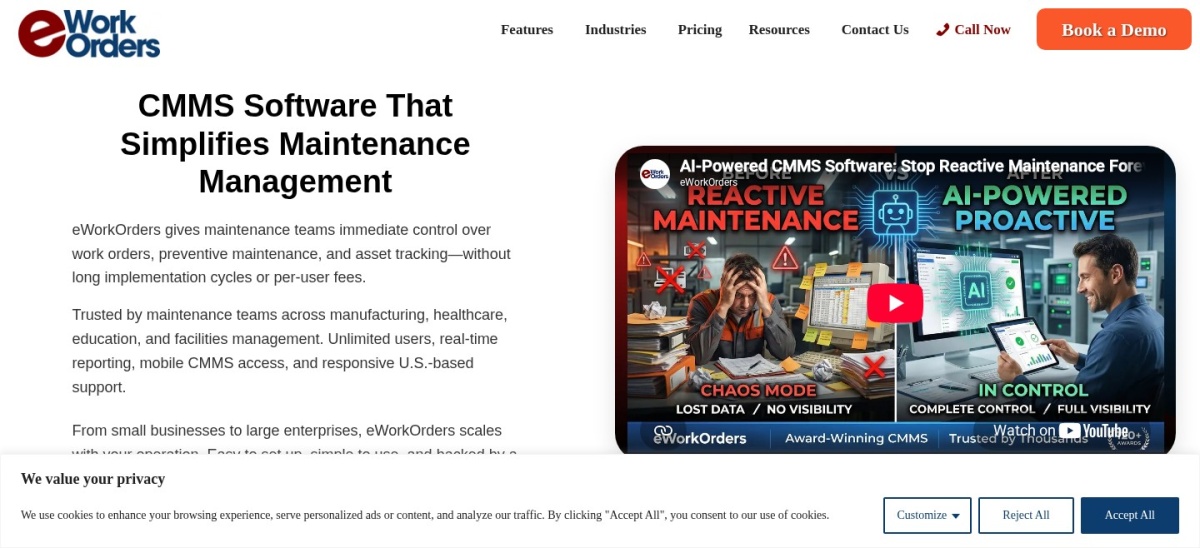
eWorkOrders charges a flat $380/mo ($4,560/yr) for unlimited users, lowering per-seat costs for larger field teams.
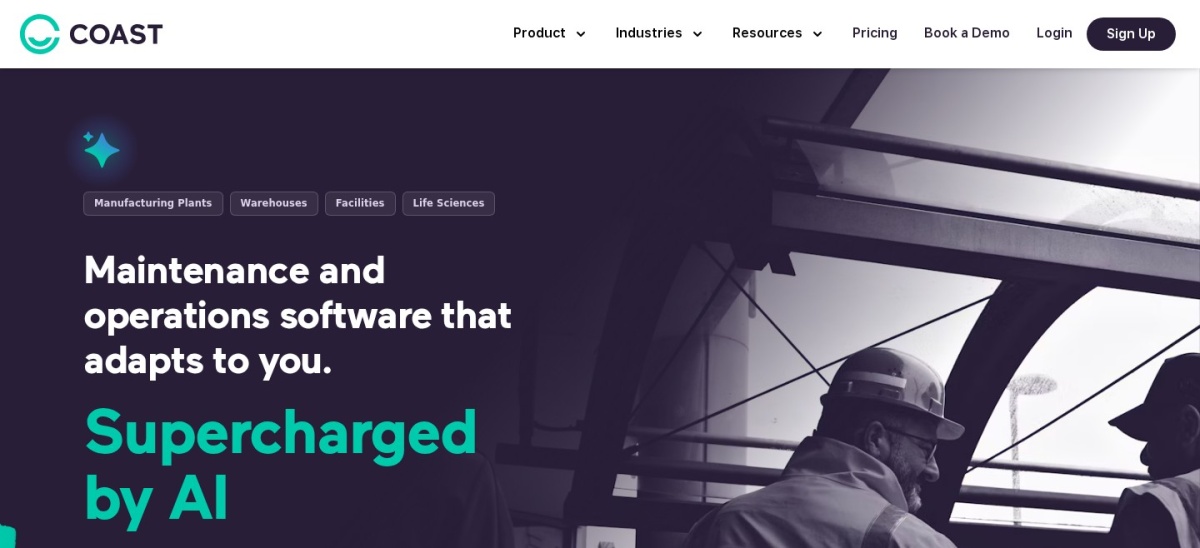
Coast delivers the lowest paid entry tier at $1.80/user/mo billed annually ($21.60/yr) for lightweight work order tracking.
What to look for in oil and gas asset management software
Oil and gas operations span remote wellheads, compressor stations, pipelines, and processing facilities where equipment downtime carries high safety and financial costs. Standard office maintenance tools fail when technicians lose cellular connectivity at offshore rigs or remote gathering lines.
Offline mobile execution is non-negotiable for field crews. Technicians need to scan asset QR codes, complete digital safety checklists, log meter readings, and capture photos without an active signal, then sync records automatically once back in range.
Regulatory compliance and preventive maintenance triggers matter equally. Look for platforms that track equipment service history, enforce lock-out/tag-out or inspection procedures, and trigger work orders by running hours or meter thresholds rather than calendar dates alone.
Pricing models vary sharply across vendors. Per-seat subscriptions stay affordable for small teams under ten technicians, while flat-rate unlimited-user plans or concurrent-user licenses protect budgets as headcount grows across multiple sites.
Free tierUnlimited work orders, procedures, and requesters
Mobile offlineNative iOS and Android offline mode included
Meter triggersAvailable on Premium ($65/user/mo annual)
getmaintainx.com
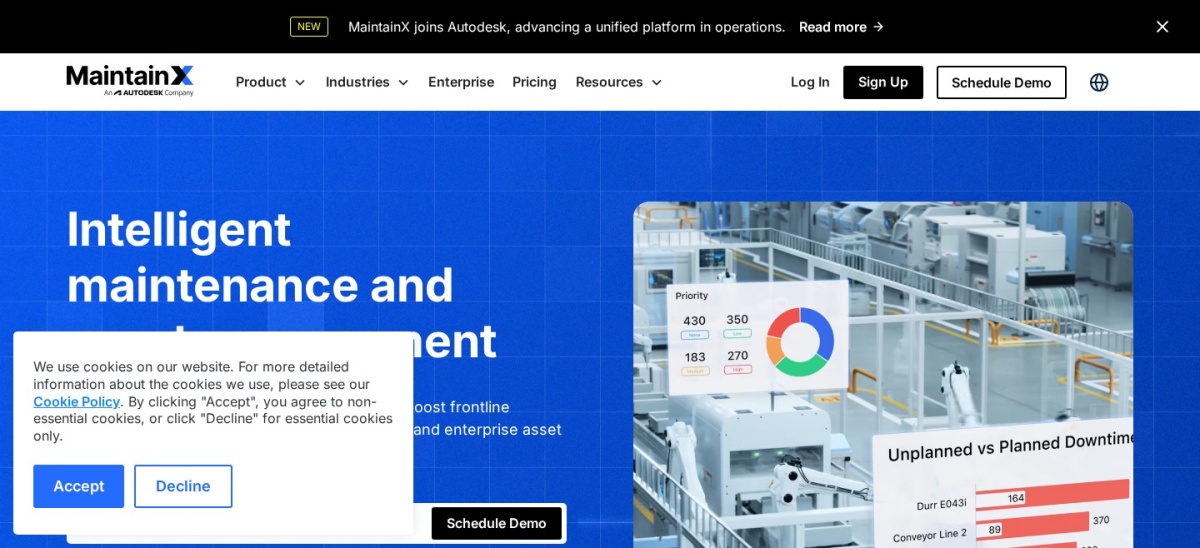
MaintainX homepage, captured Nov 2026.
MaintainX is a cloud CMMS and asset management platform built for frontline technicians managing equipment, work orders, and safety procedures. Its free Basic plan includes unlimited work orders, real-time messaging, and unlimited requester accounts, while Essential starts at $20/user/mo billed annually ($240/yr; $25 month-to-month) for unlimited repeating work orders and photo attachments.
The trade off is that meter-based maintenance, parts inventory, and purchase orders require upgrading to Premium at $65/user/mo billed annually ($780/yr). It suits oilfield service crews and midstream operators prioritizing fast mobile adoption and digital audit trails.
What we like
Permanent free tier with unlimited work orders and requester seats
Offline mobile app syncs inspections and photos from remote sites
Built-in team messaging tied directly to individual work orders
High user satisfaction across 1,080 Capterra reviews
Watch out for
Parts inventory and meter-based PMs require the $65/user/mo Premium tier
Multi-site management and ERP integrations sit on custom Enterprise plans
Essential ($20/user/mo annual) unlocks unlimited repeating work orders and image uploads.Visit getmaintainx.com
02
UpKeep
4.6/5on Capterra (1,331 reviews, checked Nov 2026)
Starts at$288/yr
Best for technician usability and free view-only seats
Entry plan$24/user/mo Essential (no credit card trial)
Free seatsUnlimited requester and view-only accounts
AI credits250 Nova Credits/mo included on Essential
Parts & PMsFull scheduling and inventory on Premium ($55/user/mo)
upkeep.com
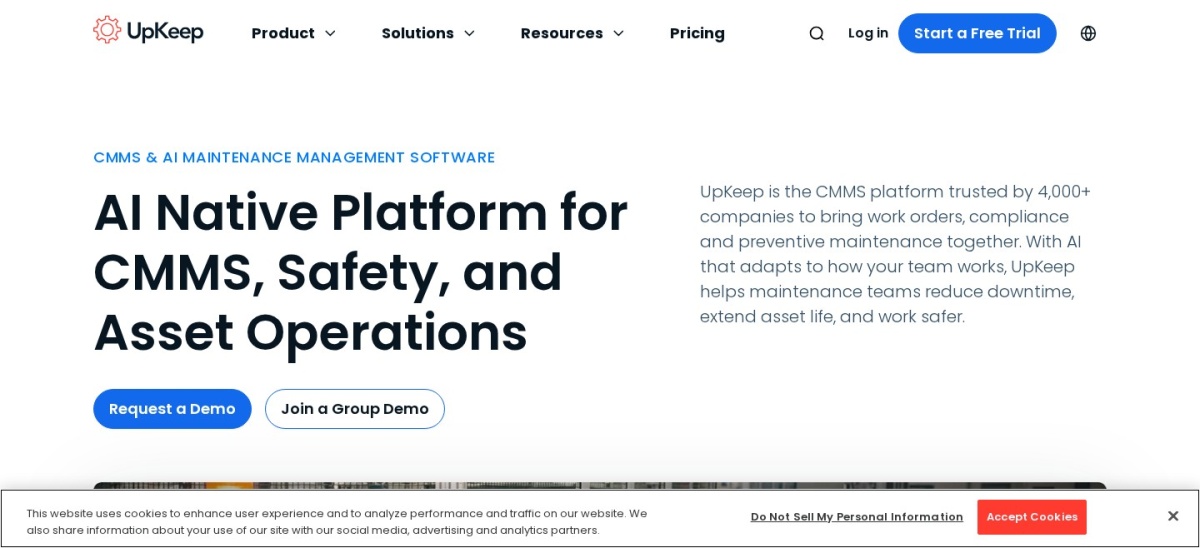
UpKeep homepage, captured Nov 2026.
UpKeep is an asset operations and maintenance management platform designed around mobile technician workflows and QR-code asset lookup. Its Essential plan starts at $24/user/mo ($288/yr), bundling unlimited work orders, asset lifecycle history, 250 monthly Nova AI credits, and free view-only and requester licenses for supervisors and operators.
The trade off is that there is no permanent free tier, and full preventive maintenance scheduling plus parts inventory require Premium at $55/user/mo ($660/yr). It suits upstream and midstream maintenance teams that want broad stakeholder visibility without paying per viewer.
What we like
Free requester and view-only accounts keep stakeholder costs down
Strong mobile interface for barcode scanning and field updates
1,331 verified Capterra reviews with a 4.6/5 rating
Watch out for
No free plan after the initial trial period
Purchase orders are restricted to custom Enterprise quotes
Premium ($55/user/mo) adds preventive maintenance scheduling, parts inventory, and 500 Nova Credits.Visit upkeep.com
03
Fiix
4.5/5on Capterra (629 reviews, checked Nov 2026)
Paid from$540/yr
Best for spare parts tracking and Rockwell ecosystems
Entry plan$45/user/mo Basic (monthly or annual)
Free tier25 active PMs, inventory, and mobile app
CertificationsTechnician certification tracking on Basic
Multi-siteIncluded on Professional ($75/user/mo)
fiixsoftware.com
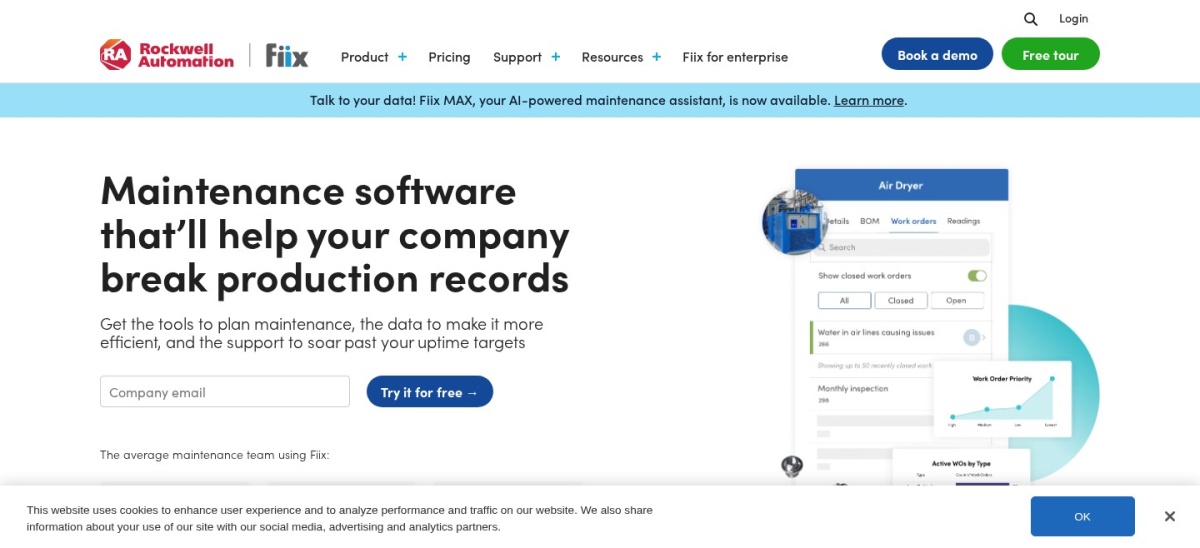
Fiix homepage, captured Nov 2026.
Fiix is a Rockwell Automation CMMS built for industrial equipment, rotating machinery, and spare parts control. Unlike most competitors, its Free tier includes parts and supplies inventory alongside 25 active preventive maintenance tasks and mobile QR scanning, while Basic starts at $45/user/mo ($540/yr) for unlimited PMs and technician certification tracking.
The trade off is its higher $45/user/mo starting price, with multi-site management and purchasing gated behind Professional at $75/user/mo ($900/yr). It suits processing plants and facilities running Allen-Bradley PLCs or strict technician certification rules.
What we like
Free tier includes parts and supplies inventory management
Built-in technician certification tracking and Pass/Fail inspections on Basic
Direct integration path with Rockwell Automation and SCADA systems
Watch out for
Highest per-user starting price among mid-market cloud CMMS tools
Multi-site reporting and RFQs require the $75/user/mo Professional tier
Basic ($45/user/mo) removes the 25-PM cap and adds certification tracking and phone support.Visit fiixsoftware.com
04
MAPCON
4.2/5on Capterra (144 reviews, checked Nov 2026)
Starts at$420/yr
Best for concurrent licensing and on-premise deployment
Entry plan$35/mo cloud Lite or $595 perpetual license
Meter triggersIncluded in Professional ($69/mo cloud)
mapcon.com
MAPCON homepage, captured Nov 2026.
MAPCON is a long-running industrial CMMS available as either a hosted cloud subscription or a self-hosted on-premise installation. Cloud Lite starts at $35/mo ($420/yr) or $595 one-time to own for one concurrent user and 100 assets, including work orders, preventive maintenance, equipment databases, and over 200 standard reports.
The trade off is an older desktop-oriented interface and a 100-asset base cap that scales up as your equipment registry grows, with meter triggers requiring Professional at $69/mo ($828/yr). It suits remote facilities requiring local server ownership and shift-based concurrent logins.
What we like
Concurrent-user pricing saves money across rotating field shifts
Option to purchase a perpetual on-premise license ($595 Lite / $1,200 Pro)
Over 200 prebuilt maintenance and cost reports out of the box
Watch out for
User interface feels dated compared to newer mobile-first apps
Base tier limits deployments to 100 tracked assets before add-ons
Professional ($69/mo) adds meter-triggered PMs, shift tracking, and multi-location asset controls.Visit mapcon.com
05
eWorkOrders
4.9/5on Capterra (121 reviews, checked Nov 2026)
Starts at$4,560/yr
Best for large teams needing flat unlimited-user pricing
Entry plan$380/mo Starter for unlimited users
Mobile accessIncluded on Advanced ($480/mo unlimited users)
Storage25 GB file storage and 500 MB database on Starter
GIS & APIAvailable on Enterprise ($45–$120/user/mo)
eworkorders.com
eWorkOrders homepage, captured Nov 2026.
eWorkOrders is a security-focused CMMS offering predictable flat-rate subscriptions instead of per-seat fees on its entry tiers. The Starter plan costs $380/mo ($4,560/yr) for unlimited users, covering work orders, asset management, preventive maintenance scheduling, KPI dashboards, and 25 GB of document storage.
The trade off is that smartphone and tablet access requires the Advanced tier at $480/mo ($5,760/yr), while GIS mapping, inventory control, and APIs move to per-user Enterprise pricing. It suits mid-sized oil and gas sites with 15 or more technicians who want flat licensing.
What we like
Unlimited users on Starter ($380/mo) and Advanced ($480/mo) eliminate seat anxiety
4.9/5 rating across 121 Capterra reviews with strong support scores
Includes phone, web, and email support on every subscription tier
Watch out for
Mobile smartphone and tablet access is excluded from the $380/mo Starter plan
GIS integration and advanced inventory control require Enterprise pricing
Advanced ($480/mo) unlocks smartphone and tablet access plus QR and barcode scanning.Visit eworkorders.com
06
Cryotos
4.6/5on G2 (366 reviews, checked Nov 2026)
Starts at$348/yr
Best for QR-driven checklists and offline mobile workflows
Preventive & offlineIncluded on Starter ($39/user/mo)
GPS & IoTAvailable on Professional ($69/user/mo annual)
ERP syncREST API on Professional; SAP/SSO on Enterprise
cryotos.com
Cryotos homepage, captured Nov 2026.
Cryotos is a cloud CMMS and asset tracking platform built around QR-code breakdown reporting, custom inspection checklists, and automated workflows. Its Basic plan starts at $29/user/mo billed annually ($348/yr; $30 monthly) for work requests, custom checklists, photo attachments, and exportable dashboards.
The trade off is that preventive maintenance schedules, asset history, and offline mobile access require Starter at $39/user/mo ($468/yr), while GPS tracking and downtime analytics sit on Professional at $69/user/mo. It suits field teams standardizing QR-based inspection routines.
What we like
QR code scanning lets technicians raise and update asset tickets in seconds
GPS tracking, NFC/beacon support, and downtime tracking on Professional
4.6/5 rating across 366 verified G2 reviews
Watch out for
Offline mobile access and preventive maintenance require the $39/user/mo Starter tier
Some G2 reviewers report occasional mobile dashboard lag
Starter ($39/user/mo) adds preventive maintenance, asset history, QR scanning, and offline mobile access.Visit cryotos.com
07
Coast
4.7/5on Capterra (101 reviews, checked Nov 2026)
Paid from$21.60/yr
Best low-cost entry for small field maintenance crews
Free tierUnlimited work orders and real-time team chat
Pro dashboards$3.60/user/mo billed annually ($4 monthly)
Rollout speedMobile-first interface with under 5-minute crew onboarding
coastapp.com
Coast homepage, captured Nov 2026.
Coast is a mobile-first maintenance and work order platform geared toward small field crews tracking vehicles, machinery, and routine upkeep. Its Free plan includes unlimited work orders and real-time messaging, while Starter costs $1.80/user/mo billed annually ($21.60/yr; $2 monthly) to unlock unlimited work history.
The trade off is limited depth for complex regulatory compliance, SCADA telemetry, or multi-site spare parts hierarchies compared to industrial EAMs. It suits small oilfield contractors and service fleets moving off paper logs and spreadsheets.
What we like
Lowest paid entry price at $1.80/user/mo billed annually plus a free tier
Fast technician adoption with minimal training required
4.7/5 rating across 101 Capterra reviews
Watch out for
Lacks native SCADA, PI historian, or heavy regulatory PSM compliance modules
Reporting and custom workflows require upgrading to Pro ($3.60/user/mo annual)
Pro ($3.60/user/mo annual) adds custom workflow fields, KPI dashboards, and reporting.Visit coastapp.com
When to step up to Tier-1 oil and gas EAM suites
Mid-market CMMS platforms cover work orders, preventive maintenance, QR asset registries, and parts tracking at transparent per-seat or flat rates. However, major upstream operators, offshore platforms, and refineries often require specialized engineering layers such as IBM Maximo Application Suite, SAP S/4HANA Asset Management, or AVEVA Asset Performance Management.
Those Tier-1 suites natively integrate with AVEVA PI historians, 3D digital twins, and OSHA Process Safety Management (PSM) or BSEE audit frameworks. They are excluded from our main price ladder because vendors sell them via custom enterprise quotes—often starting above $39,000/yr—with multi-month implementation cycles.
How we chose
We evaluated cloud and hybrid CMMS/EAM platforms actively used in oilfield services, midstream pipeline operations, and industrial plant maintenance. Each candidate had to publish transparent entry pricing on its official website and hold verified user reviews on Capterra or G2.
All prices, plan tiers, review counts, and ratings were verified on 22 Nov 2026 directly from vendor pricing pages and public review listings. Annual billing rates were used where published to reflect the lowest regular yearly cost per seat or account.
We excluded enterprise-only platforms that hide all pricing behind sales quotes (such as IBM Maximo, SAP EAM, and AVEVA APM) as well as tools lacking verified review volume. No vendor paid for a place, and we do not claim testing for this list.
How to choose oil and gas asset management software
Match your software tier to your field connectivity, asset count, and technician headcount before signing an annual contract.
Verify offline mobile sync for remote sites. Confirm that the mobile app caches work orders, safety checklists, and asset histories locally so crews at dead-zone wellheads or offshore rigs can log data without cellular service.
Check where meter-based maintenance and parts sit. Many vendors advertise low entry rates for calendar-based tasks but gate running-hour triggers, spare parts inventory, and purchase orders behind $55–$69/user/mo tiers.
Compare per-seat math against flat or concurrent plans. Multiply your active technician count by the tier that includes mobile and parts access; once you pass 10 to 15 users, flat-rate plans like eWorkOrders or concurrent seats like MAPCON often cost less.
Confirm audit trail and safety permit requirements. Ensure the platform captures technician timestamps, digital signatures, and attachable safe-work permits so equipment inspection histories stay ready for OSHA or API audits.
FAQ
What is the difference between CMMS and EAM for oil and gas?
CMMS software focuses on maintenance execution—work orders, preventive schedules, parts inventory, and mobile technician checklists. Enterprise Asset Management (EAM) spans the full asset lifecycle from engineering design and capital procurement to decommissioning, often integrating directly with SCADA sensors and corporate ERP systems.
Which oil and gas asset management software has a free plan?
MaintainX, Fiix, and Coast all offer permanent free tiers. MaintainX includes unlimited work orders and requester accounts, Fiix includes spare parts inventory and 25 active preventive maintenance tasks, and Coast covers unlimited work orders and team messaging for small crews.
How much does oil and gas maintenance software cost per year?
Entry-level per-user CMMS plans range from $21.60/yr (Coast Starter) to $540/yr (Fiix Basic) per technician on annual billing. Flat-rate unlimited-user plans like eWorkOrders start at $4,560/yr, while Tier-1 enterprise EAM suites typically exceed $39,000/yr.
Do field technicians need an internet connection to log work orders?
Not if you choose an offline-capable platform. MaintainX, UpKeep, Fiix, and Cryotos (Starter and above) allow technicians to complete checklists, scan QR codes, and attach photos offline, automatically syncing records to the cloud once connectivity returns.
When should an operator choose concurrent licensing over named seats?
Concurrent licensing—offered by MAPCON starting at $420/yr—charges based on how many staff log in simultaneously rather than total headcount. It works well for 24/7 rotating shifts where 30 technicians share 10 active system logins across day and night rotations.
SaaS SEO and WordPress specialist with about 8 years of experience. Rakib compares WordPress plugins, themes, hosting and software using public pricing, documentation and user reviews. See how we rank.