Connecteam is the best nursing shift app for most healthcare teams, offering a permanent free plan for up to 10 users and paid tiers from $29/mo for 30 users. When I Work ($2.50/user/mo) suits outpatient clinics needing fast shift trades, while Sling ($0 free tier) fits tight budgets.
How we make this list: we compare pricing pages, product documentation and public user reviews, then re-check every price before each update. No product paid for a place. Disclosure.
Connecteam leads with a 4.6/5 Capterra score across 5,322 reviews and a free plan for up to 10 staff.
Per-user pricing runs from $1.70/user/mo billed annually on Sling to $5/user/mo on Deputy.
Flat-rate team pricing from Connecteam ($29/mo for 30 users) and Findmyshift ($28/mo for 20 users) avoids per-head surprises.
Homebase and ZoomShift provide free entry tiers for single-unit teams of 10 to 20 staff members.
NurseGrid stays free for individual nurses on mobile, while manager access starts at $5/user/mo.
What to look for in a nursing shift app
Healthcare schedules change constantly due to callouts, float-pool reassignments, and 12-hour rotating shifts. A reliable nursing shift app needs clear mobile visibility so clinicians can check upcoming rotations, claim open shifts, and trade hours without back-and-forth text chains.
Managers should check how each platform prices growth. Flat-rate plans cover a fixed headcount block for one monthly fee, whereas per-user subscriptions scale linearly with every per-diem or part-time nurse added to the roster.
Time clock accuracy and compliance also separate basic calendar apps from clinical workforce tools. Look for geofenced mobile clock-ins, overtime alerts, and qualification tags that keep shift pickups limited to properly credentialed staff.
4.6/5on Capterra (5,322 reviews, checked Nov 2026)
Paid from$29/mo
Best for mobile-first care teams
Free tierUp to 10 users
Entry paid plan$29/mo for 30 users
Shift swapsOpen-shift claims & approvals
Time trackingGPS mobile clock-in
connecteam.com
Connecteam homepage, captured Nov 2026.
Connecteam is an all-in-one workforce management app built for deskless and healthcare teams. Its permanent Small Business plan covers up to 10 users at $0, including drag-and-drop shift scheduling, open-shift claiming, team chat, and a GPS-enabled mobile time clock.
The trade off is that recurring shift templates and geofencing require upgrading to the Advanced tier at $49/mo billed annually, while the Basic plan starts at $29/mo billed annually ($35/mo monthly) for 30 users. It suits clinics and home-health teams wanting scheduling, chat, and attendance in one app.
What we like
Free forever for teams of up to 10 staff members
Flat $29/mo rate covers the first 30 users
Combines shift swaps, GPS time clock, and team chat
High 4.6/5 rating across 5,322 Capterra reviews
Watch out for
Recurring shift templates require the $49/mo Advanced plan
Separate hubs for Operations and Communications can add cost
4.5/5on Capterra (1,300 reviews, checked Nov 2026)
Starts at$2.50/mo
Best for fast outpatient shift trades
Free tier14-day trial only
Entry paid plan$2.50/user/mo
Shift swapsPeer trades & open shift drops
Time trackingOptional paid add-on
wheniwork.com
When I Work homepage, captured Nov 2026.
When I Work is a cloud-based employee scheduling and shift-trading app used by outpatient clinics and medical offices. The entry Single Location plan costs $2.50/user/mo and includes unlimited schedule templates, one-click auto-scheduling, availability tracking, and peer-to-peer shift swaps.
The trade off is that there is no permanent free plan, and integrated time tracking with attendance enforcement requires an extra add-on or moving to the $5/user/mo Multi Location plan. It suits small and midsize clinics that want nurses trading shifts on mobile with minimal admin setup.
What we like
Low $2.50/user/mo starting rate with no base fee
Simple mobile interface for shift drops and trades
Includes unlimited schedule templates on the entry tier
Watch out for
No permanent free tier for small teams
Time clock and multi-unit scheduling cost extra
Multi Location ($5/user/mo) adds multi-site scheduling and advanced permissions.Visit wheniwork.com
03
Sling
4.6/5on Capterra (214 reviews, checked Nov 2026)
Paid from$1.70/mo
Best budget pick for growing units
Free tierUp to 30 users
Entry paid plan$1.70/user/mo billed annually
Shift swapsAvailable shifts & trade approvals
Time trackingMobile clock-in on Premium
getsling.com
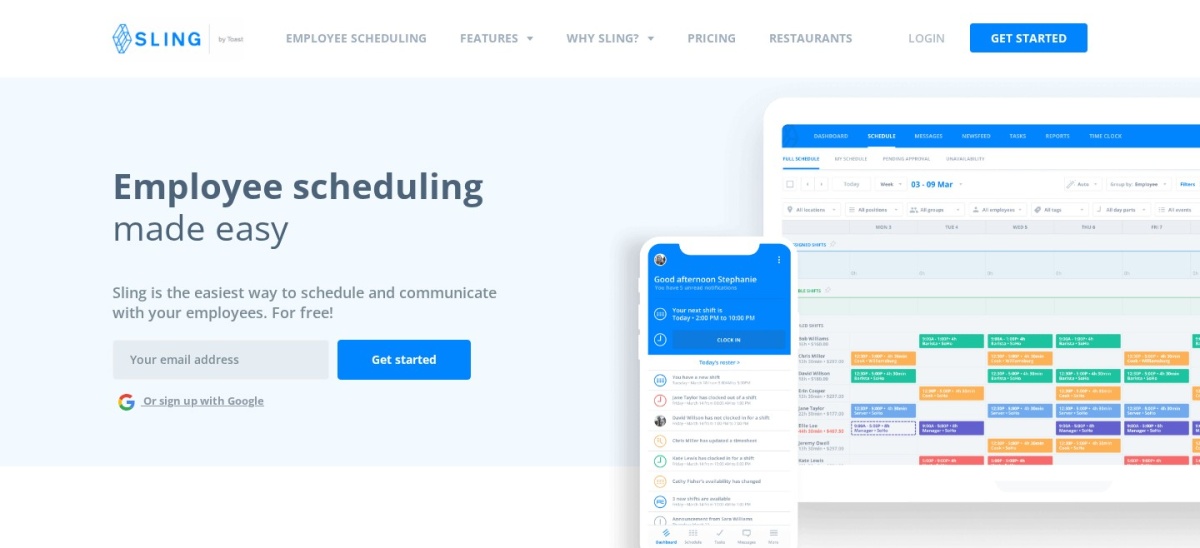
Sling homepage, captured Nov 2026.
Sling is an employee scheduling and communication platform owned by Toast that offers a generous free tier for up to 30 users. The free plan covers shift building, time-off requests, available open shifts, and private messaging without a credit card.
The trade off is that mobile time tracking, overtime alerts, and labor cost forecasting sit on the Premium plan at $1.70/user/mo billed annually ($2/user/mo monthly). It suits budget-conscious nursing teams that want free core scheduling and low-cost per-user upgrades.
What we like
Free plan supports up to 30 staff members
Cheapest per-user paid tier at $1.70/user/mo annually
Built-in private and group messaging included
Watch out for
Mobile clock-in and overtime tracking require Premium
Kiosk time clock and PTO accruals require the $3.40/user/mo Business tier
Premium ($1.70/user/mo annual) unlocks mobile time clock, overtime alerts, and calendar sync.Visit getsling.com
04
Deputy
4.6/5on Capterra (828 reviews, checked Nov 2026)
Starts at$5/mo
Best for break & overtime compliance
Free tier30-day trial only
Entry paid plan$5/user/mo
Shift swapsSelf-service swaps & open-shift alerts
Time trackingKiosk & mobile clock-in included
deputy.com
Deputy homepage, captured Nov 2026.
Deputy is a workforce scheduling and time-tracking platform built for shift-heavy healthcare and service teams. Its Lite plan costs $5/user/mo and includes unlimited shift scheduling, shift swaps, leave management, mobile and kiosk time clocks, and payroll exports.
The trade off is higher per-seat pricing than entry tools and no permanent free version, while auto-scheduling and wage-cost forecasting require the $6.50/user/mo Core tier. It suits multi-location clinics that need strict meal-break compliance and timesheet approvals.
What we like
Strong meal-break and overtime compliance tracking
Includes kiosk and mobile time clock on the entry Lite tier
Direct integrations with major payroll systems
Watch out for
Starts at $5/user/mo with no free plan
Labor forecasting and auto-scheduling require the Core tier
Core ($6.50/user/mo) adds demand-based auto-scheduling and wage forecasting.Visit deputy.com
05
Homebase
4.6/5on Capterra (1,164 reviews, checked Nov 2026)
Paid from$24/mo
Best for single-location practices
Free tier1 location, up to 10 staff
Entry paid plan$24/mo billed annually
Shift swapsShift trades & open-shift claims
Time trackingBuilt-in time clock & timesheets
joinhomebase.com
Homebase homepage, captured Nov 2026.
Homebase is a scheduling and time-clock app priced per physical location rather than per employee. Its Basic plan is free for one location with up to 10 employees, covering basic shift scheduling, shift trades, and mobile time tracking.
The trade off is that Essentials starts at $24/mo per location billed annually ($30/mo monthly) for unlimited employees, while PTO controls and department permissions require the Plus tier at $56/mo annually ($70/mo monthly). It suits single-site clinics with large nursing headcounts.
What we like
Unlimited employees per location on all paid plans
Free Basic plan covers up to 10 staff at one site
Built-in team messaging and time clock included
Watch out for
Costs multiply quickly across multiple clinic addresses
PTO tracking and department permissions are gated to Plus
Essentials ($24/mo annual per location) removes the 10-employee cap and adds advanced scheduling.Visit joinhomebase.com
06
Findmyshift
4.6/5on Capterra (1,201 reviews, checked Nov 2026)
Paid from$25.20/mo
Best for spreadsheet-style rota grids
Free tierUp to 5 team members
Entry paid plan$25.20/mo billed annually
Shift swapsSelf-service shift requests & swaps
Time trackingWeb & mobile time clock
findmyshift.com
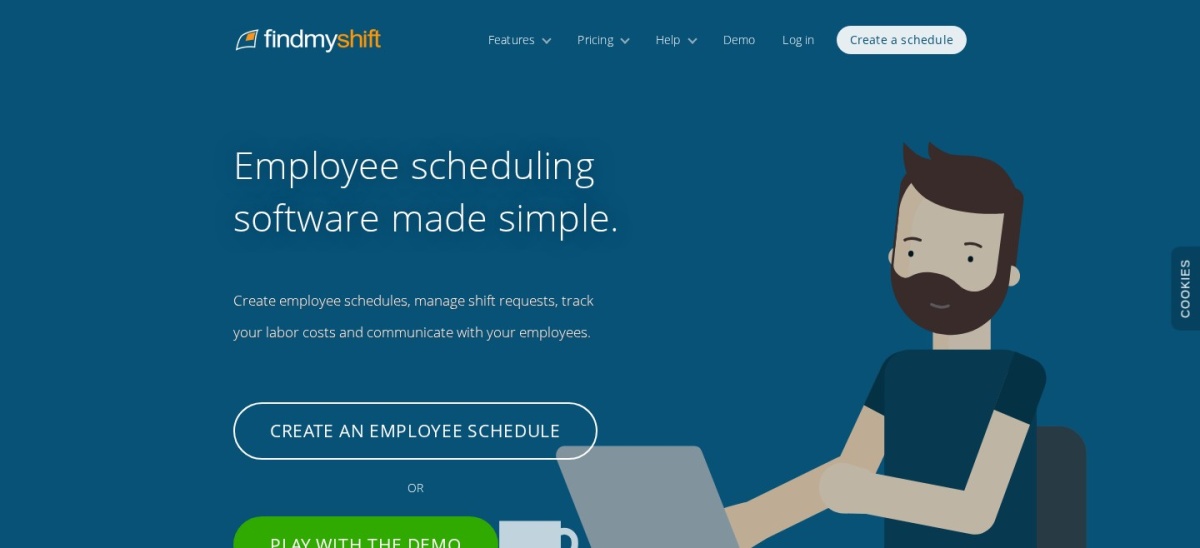
Findmyshift homepage, captured Nov 2026.
Findmyshift is a browser- and app-based staff scheduling tool built around a fast, spreadsheet-style rota grid. Its permanent free tier covers up to 5 team members and 1 manager with drag-and-drop shifts, shift reminders, and basic time tracking.
The trade off is that Starter costs $25.20/mo billed annually ($28/mo monthly) for up to 20 staff, and crossing 20 members forces a jump to the $44/mo Business tier. It suits nurse schedulers who prefer keyboard-driven grid editing over complex HR suites.
What we like
Flat per-team pricing up to 20, 100, or 300 members
Generous 3-month full-feature trial with no credit card
Fast copy-and-paste rota grid familiar to spreadsheet users
Watch out for
Free plan caps out at 5 team members and 1 week ahead
SMS shift alerts require purchasing extra text credits
Starter ($25.20/mo annual) supports 20 staff, 1 year of history, and 3 months forward planning.Visit findmyshift.com
NurseGrid is a mobile shift calendar designed specifically for nurses, now owned by HealthStream. Individual clinicians use the mobile app at $0 to color-code 8- and 12-hour shifts, sync personal calendars, compare schedules with unit colleagues, and track credentials.
The trade off is that facility-wide schedule publishing and open-shift broadcasting require NurseGrid Manager at $5/staff/mo, and the platform lacks built-in payroll time clocks. It suits individual nurses organizing rotating shifts or hospital units already running HealthStream tools.
What we like
Completely free mobile app for individual nurses
Built specifically for nursing shift types and colleague comparisons
Includes a personal credential wallet for licenses and certifications
Watch out for
No built-in time clock or payroll integration
Manager features carry fewer public reviews (13 on Capterra) than general tools
NurseGrid Manager ($5/staff/mo) lets unit managers publish rosters and broadcast open shifts.Visit nursegrid.com
Flat team pricing vs. per-user subscriptions
Nursing departments often carry a large roster of per-diem, float, and part-time clinicians who only work a few shifts each month. Under per-user billing like When I Work ($2.50/user/mo) or Deputy ($5/user/mo), every active login adds to the monthly bill regardless of hours worked.
Flat-rate tiers solve this for mid-sized units. Connecteam covers up to 30 users for $29/mo billed annually, Findmyshift covers 20 staff for $25.20/mo billed annually, and Homebase includes unlimited staff at a single clinic address for $24/mo billed annually.
How we chose
We evaluated scheduling apps used by outpatient clinics, home-health agencies, and hospital units, focusing on mobile shift visibility, peer shift-swap workflows, overtime alerts, and transparent public pricing.
All prices, free-tier limits, and Capterra user ratings were verified directly against vendor pricing pages and public review listings on 22 Nov 2026.
We excluded enterprise-only hospital rostering suites such as QGenda, RLDatix, and OnShift because they hide pricing behind custom sales quotes and target large health systems rather than self-serve teams. No vendor paid for a place, and we do not claim testing for this list.
How to choose a nursing shift app
Match your unit's roster structure and compliance needs to the right pricing tier before rolling out an app to staff.
Count active and per-diem staff logins. Include float nurses and part-time clinicians in your headcount so you can see whether a flat-rate bundle or per-user fee is cheaper.
Check shift-swap and open-shift approval rules. Make sure charge nurses or managers must approve peer trades before changes go live on the unit roster.
Verify time-clock and overtime tracking requirements. Decide whether you only need a mobile calendar or also require geofenced clock-ins and automated 40-hour overtime warnings.
Test mobile notifications on iOS and Android. Open-shift broadcasts only fill callouts quickly when push alerts reach nurses reliably on both phone platforms.
FAQ
What is the best free nursing shift app for individual nurses?
NurseGrid is 100% free for individual nurses on iOS and Android, letting you color-code shifts, sync personal calendars, and compare schedules with coworkers without needing your hospital to buy a license.
Which nursing shift app is free for a whole clinic or unit?
Sling offers a free plan for up to 30 users, ZoomShift covers up to 20 active users, and both Connecteam and Homebase offer permanent free tiers for teams of up to 10 staff members.
How much does nursing shift scheduling software cost?
Self-serve nursing shift apps cost between $1.70 and $5 per user per month on per-seat plans, or $24 to $29 per month for flat-rate team bundles covering 20 to 30 staff members.
Can nurses swap shifts directly inside these apps?
Yes. All seven apps on this list let nurses post open shifts or request peer-to-peer shift trades from their phones while routing final approval to a unit manager.
Why are hospital systems like QGenda and OnShift not ranked here?
Enterprise hospital suites like QGenda, RLDatix, and OnShift require custom enterprise contracts and do not publish transparent self-serve pricing, making them a poor fit for teams comparing upfront software costs.
SaaS SEO and WordPress specialist with about 8 years of experience. Rakib compares WordPress plugins, themes, hosting and software using public pricing, documentation and user reviews. See how we rank.