Homebase is the best employee time clock software for most small teams, with a free plan for up to 10 employees, scheduling and payroll in one app. When I Work is the cheapest paid pick, while Buddy Punch leads on ratings for teams that need fraud-proof clock-ins.
How we make this list: we compare pricing pages, product documentation and public user reviews, then re-check every price before each update. No product paid for a place. Disclosure.
Homebase is the best free time clock for small teams, free for one location and up to 10 employees.
When I Work is the cheapest paid plan here at $2.50 per user a month.
Buddy Punch holds the highest G2 rating at 4.8, with GPS and facial recognition built in.
Jibble is the only tool here with a free plan for unlimited users.
Deputy and QuickBooks Time both charge a base fee on top of per-user prices, so check the total.
What to look for in time clock software
A time clock records when staff start and finish work, and the best ones feed those hours straight into payroll. The rest, scheduling, GPS and facial recognition, is about stopping errors and buddy punching.
Most time clocks price per user or per location, so the cheapest option depends on team size. A $24 per-location fee beats $5 per user for a team of 10, while a $2.50 per-user fee wins for a team of two; our guide to the best workforce management software covers the wider scheduling stack.
Free plans are common here. Homebase, Connecteam, Clockify and Jibble all offer one, and Jibble's has no user cap, so small teams can start free and pay only when they grow.
Watch for the base fee. Deputy charges a $30 monthly minimum, QuickBooks Time adds a $20 base fee and Buddy Punch adds $19, so the per-user price is never the whole bill.
Homebase is a time clock and scheduling app built for hourly teams in restaurants, retail and salons. The free Basic plan covers one location and up to 10 employees, and Essentials costs $24 per location a month billed annually.
The trade off is the location model. Homebase charges per location, not per user, so a multi-site business pays for every site even with few staff. It suits single-location small businesses that want a free time clock with scheduling built in.
Connecteam is a mobile-first workforce app where deskless staff clock in, check schedules, chat and read company news without a corporate email address. The Small Business plan is free for up to 10 users, and Basic costs $29 a month per hub.
The trade off is hub pricing. Each hub costs $29 a month for the first 30 users, so the bill climbs fast once a team needs operations, communications and HR together. It suits small businesses with frontline or mobile workforces that want one app for the basics.
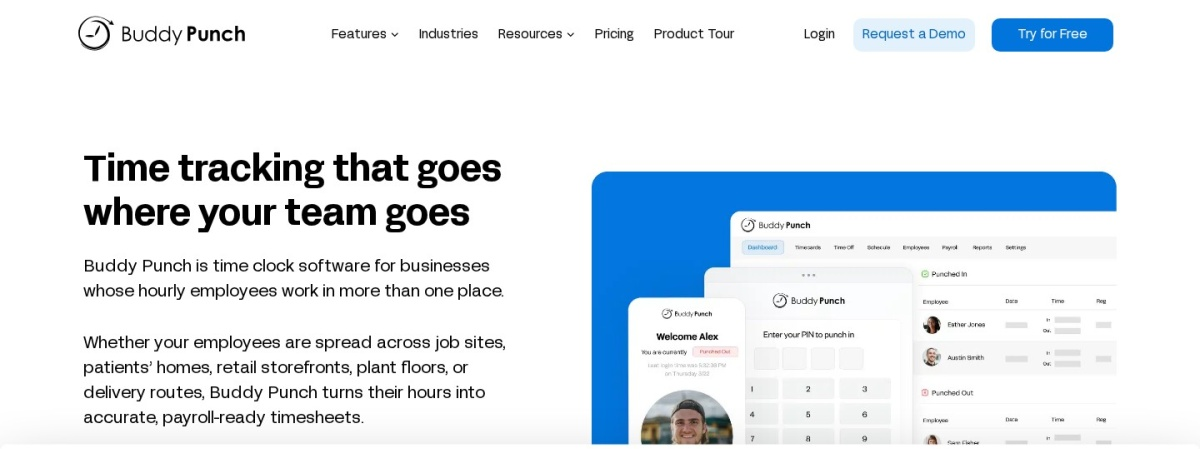
Buddy Punch is a time clock app that stops buddy punching with GPS tracking, facial recognition and IP restrictions, then sends hours straight to payroll. It costs $19 a month plus $4.99 per user billed annually, with a 14-day trial.
The trade off is the base fee. Buddy Punch charges $19 a month before any user fees, so a team of one pays more than with a per-user tool. It suits small and mid-size teams that need accurate, fraud-proof time records for payroll.
Deputy is a scheduling and time clock platform that builds rosters, tracks attendance and forecasts labour costs for shift-based teams. Lite costs $5 per user a month, with a $30 monthly minimum and a 31-day trial.
The trade off is the minimum. Deputy charges at least $30 a month, so a team of two pays $30, not $10. It suits restaurants, retail and care teams that need scheduling and a time clock in one place.
Clockify is a time tracker with a kiosk mode that turns any tablet into a clock-in station for shift workers. Paid plans start at $3.99 per user a month, and a free plan covers up to 5 users.
The trade off is price history. Some sources list Clockify at $4.99 per user a month, which is the monthly-billing rate, while the annual rate is $3.99. It suits teams that want a cheap, simple time clock with a kiosk for the shop floor.
QuickBooks Time is a time clock that posts hours straight into QuickBooks Online, with GPS tracking, scheduling and overtime alerts. Premium costs $8 per user a month plus a $20 base fee a month.
The trade off is the base fee. The $20 monthly base fee sits on top of the per-user charge, so a small team pays more than the headline suggests. It suits businesses whose books already live in QuickBooks Online.
4.5/5on Capterra (Not published reviews, checked Nov 2026)
Starts at$2.50/user/mo
Best budget scheduling with a time clock
Rating4.5 out of 5 (Capterra)
Free planNo, 14-day trial
Paid plan$2.50 a user a month
Best forHourly teams
wheniwork.com
When I Work homepage, captured Nov 2026.
When I Work is a scheduling and time clock app for hourly teams in restaurants, retail and healthcare. It costs $2.50 per user a month, the cheapest paid plan in this list, with a 14-day trial.
The trade off is the review base. When I Work holds 4.5 out of 5 on Capterra, but no verified G2 review count was found, so the rating rests on a directory table. It suits small hourly teams that want the cheapest scheduling and time clock combo.
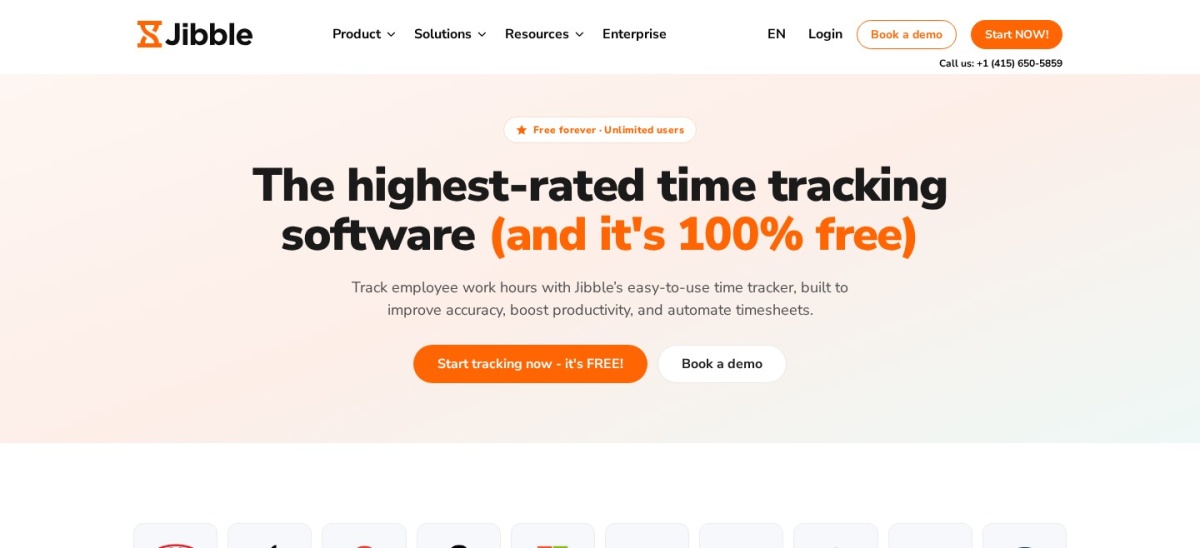
Jibble is a time and attendance platform with a free plan for unlimited users, facial recognition and GPS tracking built in. Premium costs $4.99 per user a month billed annually, with a 14-day trial.
The trade off is the rating variance. Jibble's G2 rating ranges from 4.5 to 4.8 across snapshots, and its price is listed as $2 to $5.99 elsewhere, so confirm both before buying. It suits teams that want a free time clock with no user cap.
4.7/5on Capterra (Not published reviews, checked Nov 2026)
Starts at$5/mo
Best simple time clock for small teams
Rating4.7 out of 5 (Capterra)
Free planNo, 30-day trial
Paid plan$5 a month base
Per employee$4 a month
ontheclock.com
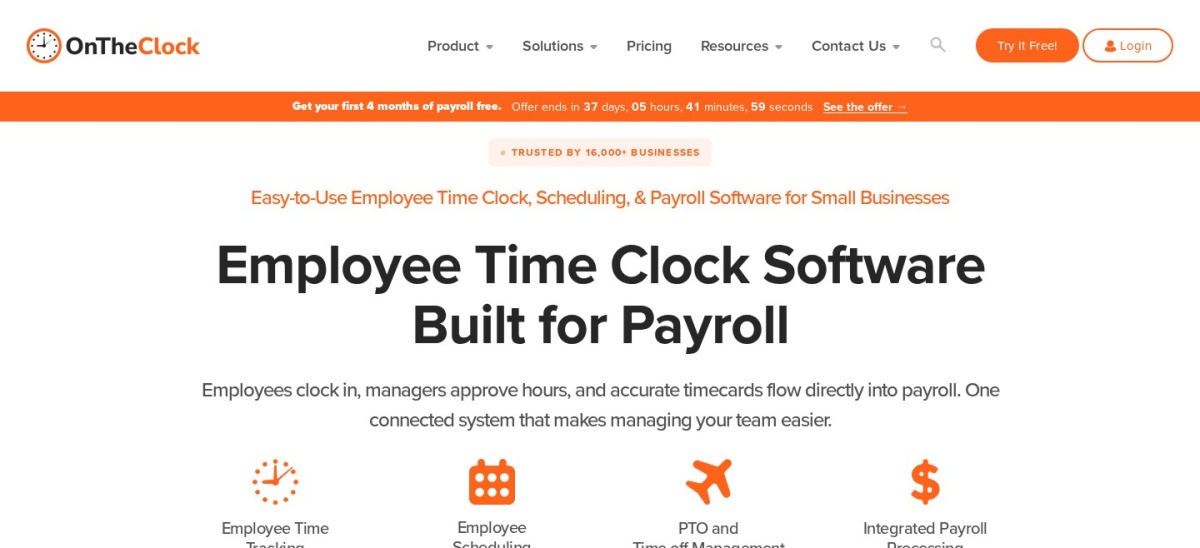
OnTheClock homepage, captured Nov 2026.
OnTheClock is a simple time clock for small teams, with clock-in, PTO tracking and payroll exports in one login. It costs $5 a month plus $4 per employee a month, with a 30-day trial.
The trade off is the review base. OnTheClock holds 4.7 out of 5 on Capterra, but no verified G2 review count was found, so the rating rests on a directory table. It suits small teams that want a simple, cheap time clock without scheduling extras.
Time clock pricing splits two ways: per user or per location. The cheaper option depends entirely on team size and site count.
Per-user tools like When I Work at $2.50 and Clockify at $3.99 suit small teams, while per-location tools like Homebase at $24 suit teams of 10 or more at one site.
Base fees change the maths again. Deputy charges a $30 monthly minimum, QuickBooks Time adds $20 and Buddy Punch adds $19, so add the base fee before comparing.
How we chose
We started from the time clock tools that lead G2's time tracking reports, then kept the nine with a live product and a verifiable G2 or Capterra rating.
Prices come from each vendor's pricing page or a vendor-listed G2 price, checked on 25 November 2026. Ratings and review counts come from G2 or Capterra on the same day. Where two sources disagree, the list says so instead of picking one quietly.
We left out tools with no verifiable rating and scheduling tools with no time clock. No vendor paid for a place, and we do not claim hands-on testing for this list.
How to choose time clock software
Start with your locations and team size, then check the free plan limits.
Count your locations, not just your staff. Homebase charges per location, so a multi-site business pays more than a per-user tool would cost.
Check the free plan limits. Homebase and Connecteam cap free plans at 10 users, while Jibble has no user cap at all.
Decide if you need fraud protection. GPS and facial recognition stop buddy punching, so pick Buddy Punch or Jibble if clock-in fraud is a real risk.
Confirm the payroll integration. Most tools export hours to payroll, so check yours is supported before buying.
FAQ
What is the best employee time clock software?
Homebase is the best employee time clock software for most small teams. The free Basic plan covers one location and up to 10 employees, with scheduling and payroll in the same app, and it holds a 4.6 out of 5 rating on G2.
How much does time clock software cost?
Time clock software usually costs $2.50 to $8 per user a month, plus a base fee on some tools. When I Work is cheapest at $2.50 per user a month, while QuickBooks Time costs $8 per user plus a $20 base fee.
Is there a free time clock app?
Yes, four tools in this list have free plans. Homebase is free for up to 10 employees, Connecteam for up to 10 users, Clockify for up to 5 users, and Jibble is free for unlimited users.
What is buddy punching?
Buddy punching is when one employee clocks in for another, which inflates payroll. Buddy Punch, Jibble and QuickBooks Time stop it with GPS tracking, facial recognition or IP restrictions on the clock-in device.
Does a time clock integrate with payroll?
Yes, most time clocks in this list send hours to payroll. Homebase, Connecteam, Buddy Punch, QuickBooks Time and OnTheClock all export hours or sync directly with payroll providers, so no manual entry is needed.
What is the difference between Homebase and Deputy?
Homebase is a free time clock with scheduling for single-location small teams, while Deputy is a paid scheduling platform with a time clock for shift-based teams. Homebase charges per location, and Deputy charges $5 per user a month with a $30 minimum.
SaaS SEO and WordPress specialist with about 8 years of experience. Rakib compares WordPress plugins, themes, hosting and software using public pricing, documentation and user reviews. See how we rank.