Teramind is the best employee screen monitoring software for most security-minded teams, with activity tracking, screenshots and insider-risk alerts in one platform. Hubstaff is the cheapest pick, while Controlio leads on ratings for teams that need live screen visibility.
How we make this list: we compare pricing pages, product documentation and public user reviews, then re-check every price before each update. No product paid for a place. Disclosure.
Teramind leads for insider-risk monitoring at $14 per seat a month, with keystroke logging and screen recording.
Controlio holds the highest G2 rating at 4.9, but from only 112 reviews.
Hubstaff is the cheapest paid plan here at $4.99 per user a month, with screenshots and payroll built in.
Veriato is the dearest option at $18 per user a month, built for compliance-grade activity records.
Monitask and Insightful skip keystroke logging, which makes them easier to roll out to staff.
What to look for in screen monitoring software
Screen monitoring software records what staff see and do on work devices: screenshots, live screens, app use and, in some tools, keystrokes. The best tools use that data for security and coaching, not punishment.
Intrusiveness is the dividing line. Live screen viewing and keystroke logging are the heaviest forms of monitoring, while screenshots and app tracking are lighter; our guide to the best employee monitoring software covers the wider monitoring category.
Prices cluster between $5 and $10 per user a month, so the choice comes down to depth. Insider-risk detection and live viewing push the price up, and the intrusiveness up with it.
Free plans are thin here. Only ActivTrak, Hubstaff and DeskTime offer one, and each caps at 1 to 3 users, so most teams should budget from the cheapest paid plan.
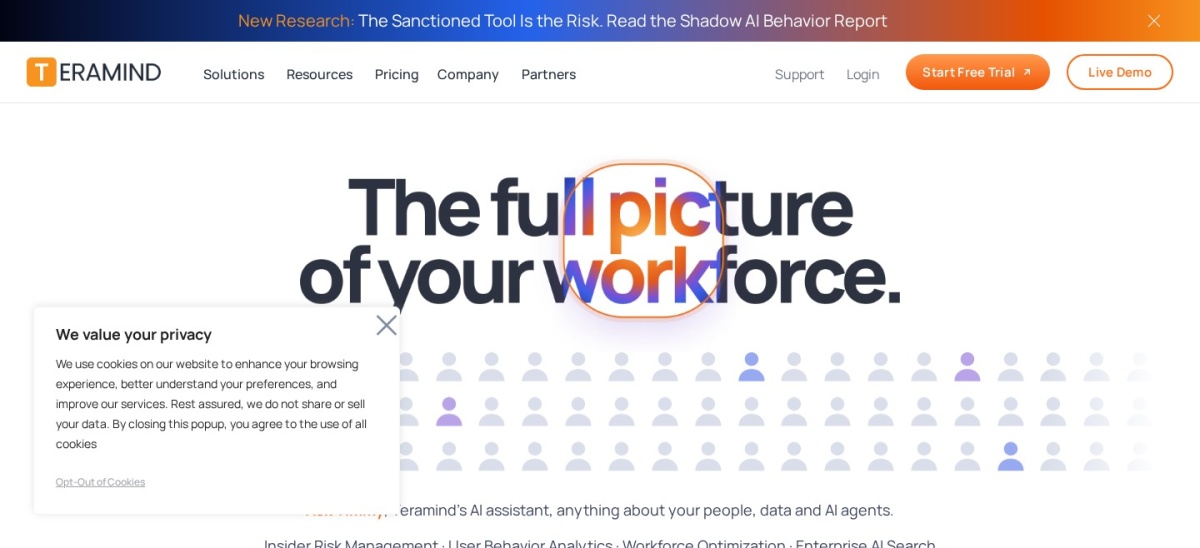
Teramind is an employee monitoring platform that combines activity tracking, screenshots, keystroke logging and insider-risk alerts. Starter costs $14 per seat a month billed annually, with a 5-seat minimum and a 7-day trial.
The trade off is the surveillance depth. Keystroke logging and screen recording are powerful for security teams but heavy-handed for most offices, and some staff will object. It suits regulated firms that need insider-threat detection, not casual time tracking.
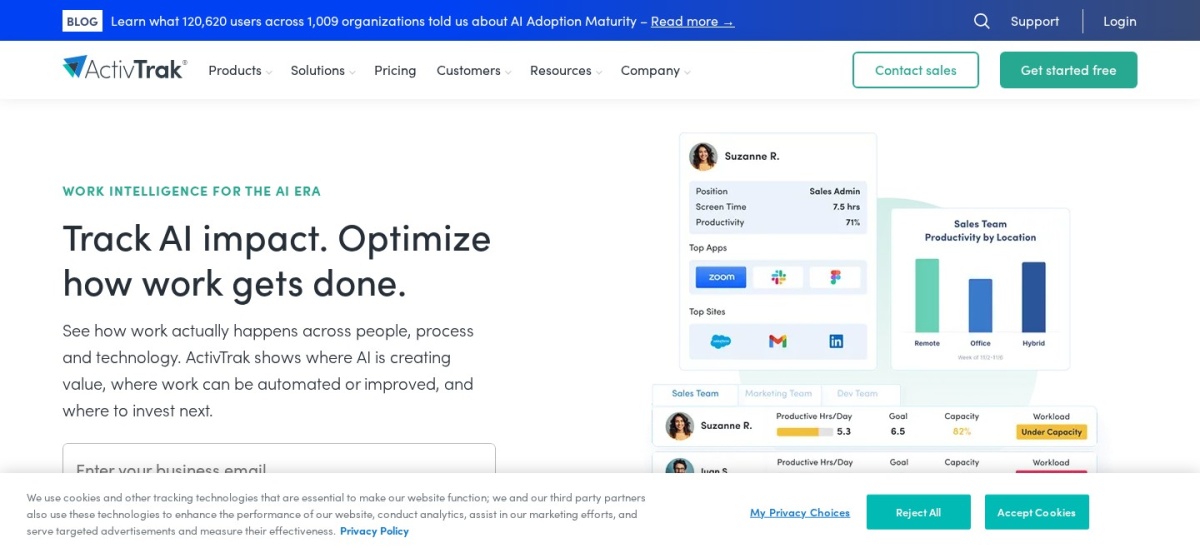
ActivTrak is a workforce analytics platform that tracks app and website use, then turns it into productivity scores, coaching prompts and team benchmarks. Work Activity Tracking costs $10 per worker a month billed annually, with a free plan for up to 3 users.
The trade off is the lowest rating in this list. ActivTrak holds 4.3 out of 5 on G2, and some reviewers call the dashboards busy. It suits managers who want analytics and coaching, not screenshots and surveillance.
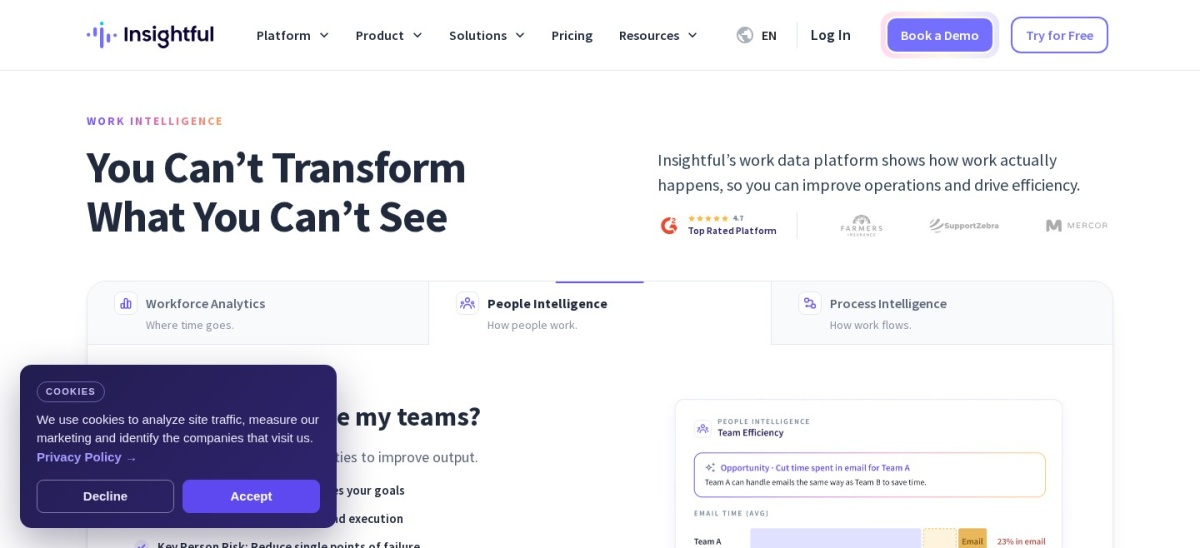
Insightful is a workforce analytics tool that tracks app and website use, time and focus, then reports on productivity trends by team. The Productivity plan costs $6.40 per user a month, with optional screenshots and time tracking add-ons.
The trade off is price transparency. G2 lists $8 per user a month while the vendor's own comparison page says $6.40, so confirm the rate before buying. It suits data-led managers who want deep analytics without keystroke logging.
Hubstaff is a time tracker for remote and field teams that pairs activity levels with screenshots, app use and optional GPS. Starter costs $4.99 per user a month billed annually, and payroll, invoicing and scheduling sit in the same login.
The trade off is the monitoring feel. Screenshots and activity scores can feel like surveillance to staff, so teams need clear policies before switching it on. It suits agencies and field teams that bill by the hour and need proof of work.
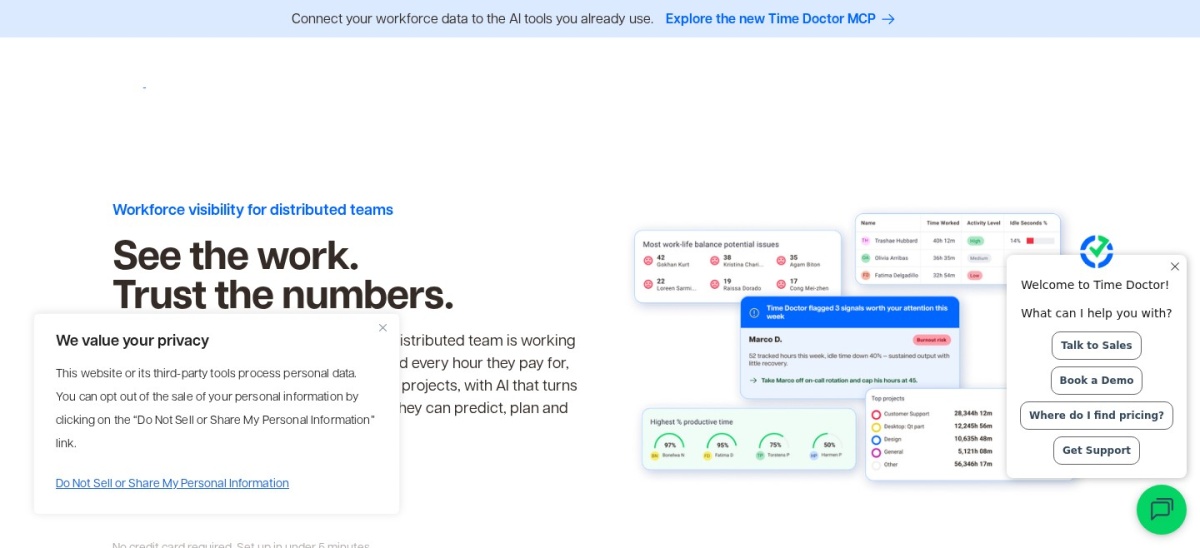
Time Doctor is a time tracking and productivity tool that records work hours, screenshots, web and app use, then nudges staff when they drift to distracting sites. Basic costs $6.67 per user a month billed annually, with payroll built in.
The trade off is the trial. Time Doctor has no free plan, only a 14-day trial, and screenshot monitoring needs team buy-in to work. It suits remote teams that want gentle distraction alerts alongside time tracking.
DeskTime is an automatic time tracker that logs app and website use, idle time and project time without manual timers. Pro costs $6.42 per user a month billed annually, and a free plan covers a single user.
The trade off is the review base. DeskTime holds 4.5 out of 5 on G2 from about 400 reviews, and its reporting is simpler than ActivTrak or Insightful. It suits small teams that want automatic tracking without setting up timers.
Controlio is an employee monitoring platform that shows live screens, records video and flags idle time in real time. Basic costs $6.67 per user a month billed annually, with a 5-user minimum and a 7-day trial.
The trade off is the review base. Controlio holds the highest G2 rating in this list at 4.9, but from only 112 reviews, and live screen viewing is the most intrusive monitoring here. It suits security-minded teams that need live visibility, not light time tracking.
Veriato is a user activity monitoring platform that records screens, tracks app and web use and flags risky behaviour for security teams. It costs $18 per user a month billed annually, with a 5-user minimum and a 7-day trial.
The trade off is the thin review base. Veriato holds 4.3 out of 5 on G2 from only 37 reviews, and G2 lists $15 per user a month against the vendor's $18. It suits security teams that want detailed activity records for compliance.
Monitask is an employee monitoring tool that tracks time, screenshots and activity without keystroke logging, which makes it easier to roll out to staff. Pro costs $6.49 per user a month billed annually, with a 10-day trial.
The trade off is the thin review base. Monitask holds 4.8 out of 5 on Capterra from about 138 reviews, and its pricing differs between vendor and directory listings. It suits teams that want monitoring staff will accept, with screenshots and no keystrokes.
Every tool in this list tracks apps, websites and time. The difference is what else it watches.
Teramind, Controlio and Veriato go furthest, with keystroke logging, screen recording and live viewing. Hubstaff, Time Doctor, DeskTime and Monitask sit in the middle with screenshots and activity scores.
ActivTrak and Insightful are the lightest touch, tracking time and apps without screenshots or keystrokes, which makes them the easiest to roll out.
How we chose
We started from the screen monitoring tools that lead G2's employee monitoring reports, then kept the nine with a live product and a verifiable G2 or Capterra rating.
Prices come from each vendor's pricing page or a vendor-listed G2 price, checked on 25 November 2026. Ratings and review counts come from G2 or Capterra on the same day. Where two sources disagree, the list says so instead of picking one quietly.
We left out tools with no verifiable rating and tools that only track time without screen features. No vendor paid for a place, and we do not claim hands-on testing for this list.
How to choose screen monitoring software
Start with how much monitoring staff will accept, then compare annual prices.
Decide how much monitoring staff will accept. Keystroke logging and live screens need clear policies, so start with screenshots if trust is thin.
Compare the annual price, not the monthly one. Hubstaff costs $4.99 billed annually but $7 month to month, so the annual rate is the fair comparison.
Check the free plan limits. Free plans here cap at 1 to 3 users, so a team of 10 will always pay.
Run a trial with one team first. Most tools offer a 7-day trial, so test with real staff before rolling out company-wide.
FAQ
What is the best employee screen monitoring software?
Teramind is the best employee screen monitoring software for most security-minded teams. Starter costs $14 per seat a month, covers activity tracking, screenshots and insider-risk alerts, and holds a 4.6 out of 5 rating on G2 from 182 reviews.
How much does screen monitoring software cost?
Most tools in this list cost $5 to $10 per user a month billed annually. Hubstaff is cheapest at $4.99 per user a month, while Veriato is dearest at $18 per user a month with a 5-user minimum.
Is screen monitoring software legal?
In most US states, employers can monitor work devices with notice, but rules vary by state and country. Tell staff what is recorded, why it is recorded and where the data goes, and check local law before switching on keystroke logging.
What is the difference between Teramind and Controlio?
Teramind focuses on insider-risk detection with keystroke logging and behaviour alerts, while Controlio focuses on live screen viewing and video recording. Teramind costs $14 per seat a month, and Controlio starts at $6.67 per user a month.
Which screen monitoring tool does not log keystrokes?
Monitask and Insightful do not log keystrokes by design, tracking screenshots, apps and time instead. Teramind and Controlio do offer keystroke logging, so check the setting before buying if privacy matters to your team.
Is there a free employee screen monitoring tool?
Yes, three tools in this list have free plans. ActivTrak is free for up to 3 users, and Hubstaff and DeskTime each offer a free plan for a single user, though screenshots are limited on the free tiers.
SaaS SEO and WordPress specialist with about 8 years of experience. Rakib compares WordPress plugins, themes, hosting and software using public pricing, documentation and user reviews. See how we rank.