Best Newsletter Platforms for WordPress in 2026: 7 Tools Compared
WLWPLegible EditorsLast verified 22 Nov 2026How we rank13 min read
★ Short answer
FluentCRM is the best newsletter platform for WordPress overall, with 80,000+ active installations and a $129 annual Pro plan that does not charge by subscriber count. Icegram Express is better for straightforward newsletters and post notifications, while Brevo offers managed email delivery starting at $9 per month.
How we make this list: we compare pricing pages, product documentation and public user reviews, then re-check every price before each update. No product paid for a place. Disclosure.
FluentCRM has 80,000+ active installations and a 4.8/5 rating from 251 reviews, with Pro starting at a regular $129 per year.
Icegram Express supports unlimited contacts and newsletters in its free version, with Max costing $99 annually for 3 websites.
Brevo offers a free email marketing plan and Starter from $9 monthly for 5,000 emails, with 100,000+ WordPress installations.
MC4WP has 1 million+ active installations and a 4.8/5 rating from 1,499 reviews; its Premium connector costs $59 annually, separate from Mailchimp.
Noptin supports WordPress newsletters and post notifications, with 10,000+ active installations and Personal at $149 per year.
MailerLite includes 250 subscribers and 2,500 monthly emails in its free plan, with Comfort starting at $12 per month.
What to look for in a WordPress newsletter platform
A newsletter platform connects your WordPress website to an email audience. It should help collect subscribers, design campaigns, manage lists, send messages, and measure engagement. The best choice depends on whether you want those features inside WordPress or in an external email marketing service.
There are two main approaches. WordPress-native platforms such as FluentCRM, Icegram Express, and Noptin manage contacts and campaigns within your website. Hosted platforms such as Brevo and MailerLite handle campaign delivery and audience management through their own services.
Email delivery deserves special attention. Sending large newsletters directly through ordinary WordPress hosting can cause delivery problems. Native newsletter tools often work best with a dedicated SMTP or transactional email provider. Hosted services generally include sending infrastructure in their subscription.
Compare subscriber limits, email allowances, automation features, and recurring costs. A platform charging by subscribers may become more expensive as your audience grows, while a site-license plugin may require separate sending-service fees.
Also consider consent management, unsubscribe links, authentication, reporting, and integration with WooCommerce or your preferred forms plugin. A newsletter platform should support responsible list growth and make it easy for recipients to manage their subscriptions.
4.8/5on WordPress.org (251 reviews, checked Nov 2026)
Paid from$129/yr
Best newsletter platform for WordPress overall
Free contactsUnlimited
Campaign managementInside WordPress
Email deliveryExternal SMTP or API
Paid planSolo/Blogger, 1 site
fluentcrm.com
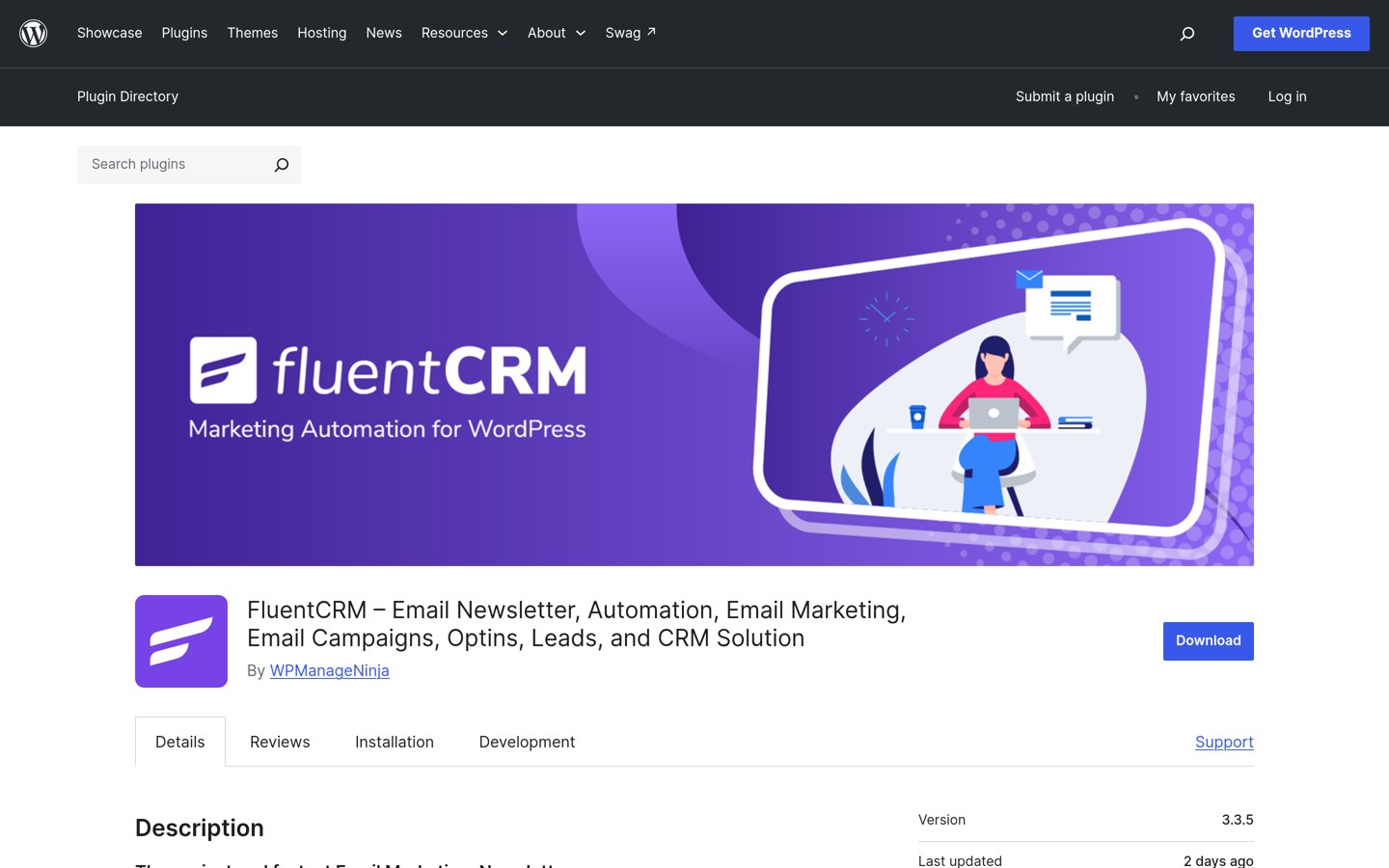
FluentCRM homepage, captured Nov 2026.
FluentCRM is a WordPress-native email marketing and CRM plugin with 80,000+ active installations and a 4.8/5 rating from 251 reviews. Its free version supports unlimited contacts, email campaigns, subscriber lists, tags, segmentation, and contact management directly inside WordPress, with email delivery handled through a configured sending service.
The trade off is that advanced automation, email sequences, detailed reporting, and premium integrations require Solo/Blogger at the regular $129 annual price, currently advertised with a 40% discount. It suits growing blogs, membership websites, and WooCommerce businesses that want to manage their email audience without subscriber-based software fees.
What we like
Unlimited contacts without per-subscriber plugin pricing
Subscriber data and campaigns remain inside WordPress
Free email campaigns, lists, and contact management
Pro includes advanced automation and segmentation
Integrates with WooCommerce and membership plugins
Watch out for
Requires a separate email sending service for reliable delivery
Advanced automation and reporting require Pro
Contact database and automation jobs use WordPress resources
Initial configuration is more involved than a hosted platform
Pro adds automation workflows, email sequences, advanced reports, and premium integrations.Visit fluentcrm.com
02
Icegram Express
4.6/5on WordPress.org (1,170 reviews, checked Nov 2026)
Paid from$99/yr
Best for blog newsletters and post notifications
Free contactsUnlimited
Free newslettersUnlimited
Post notificationsYes
Paid planMax, 3 sites
icegram.com
Icegram Express homepage, captured Nov 2026.
Icegram Express is a WordPress newsletter and email marketing plugin with 50,000+ active installations and a 4.6/5 rating from 1,170 reviews. Its free Lite version supports unlimited contacts, newsletters, forms, and lists, along with email broadcasts, new post notifications, and basic reports.
The trade off is that advanced automation, detailed reporting, bounce handling, and additional marketing features require Max at $99 per year for 3 websites. Email delivery also depends on your configured sending method. It suits bloggers, publishers, and small businesses that want an established WordPress newsletter system with a useful free version.
What we like
Unlimited subscribers and newsletters in the free version
Automatic notifications for newly published posts
Built-in subscription forms and audience management
Free newsletter broadcasts and basic reporting
Max license supports multiple websites
Watch out for
Advanced reporting and workflows require Max
Sending infrastructure needs separate consideration
More specialized automation features are premium
Complex campaigns may require additional setup
Max adds automation workflows, advanced reporting, email hygiene, and expanded marketing tools.Visit icegram.com
03
Brevo
4.1/5on WordPress.org (284 reviews, checked Nov 2026)
Paid from$9/mo
Best hosted newsletter platform for WordPress
Free email allowance300 emails/day
Starter email allowance5,000 emails/month
Email deliveryBrevo infrastructure
Paid planStarter
brevo.com
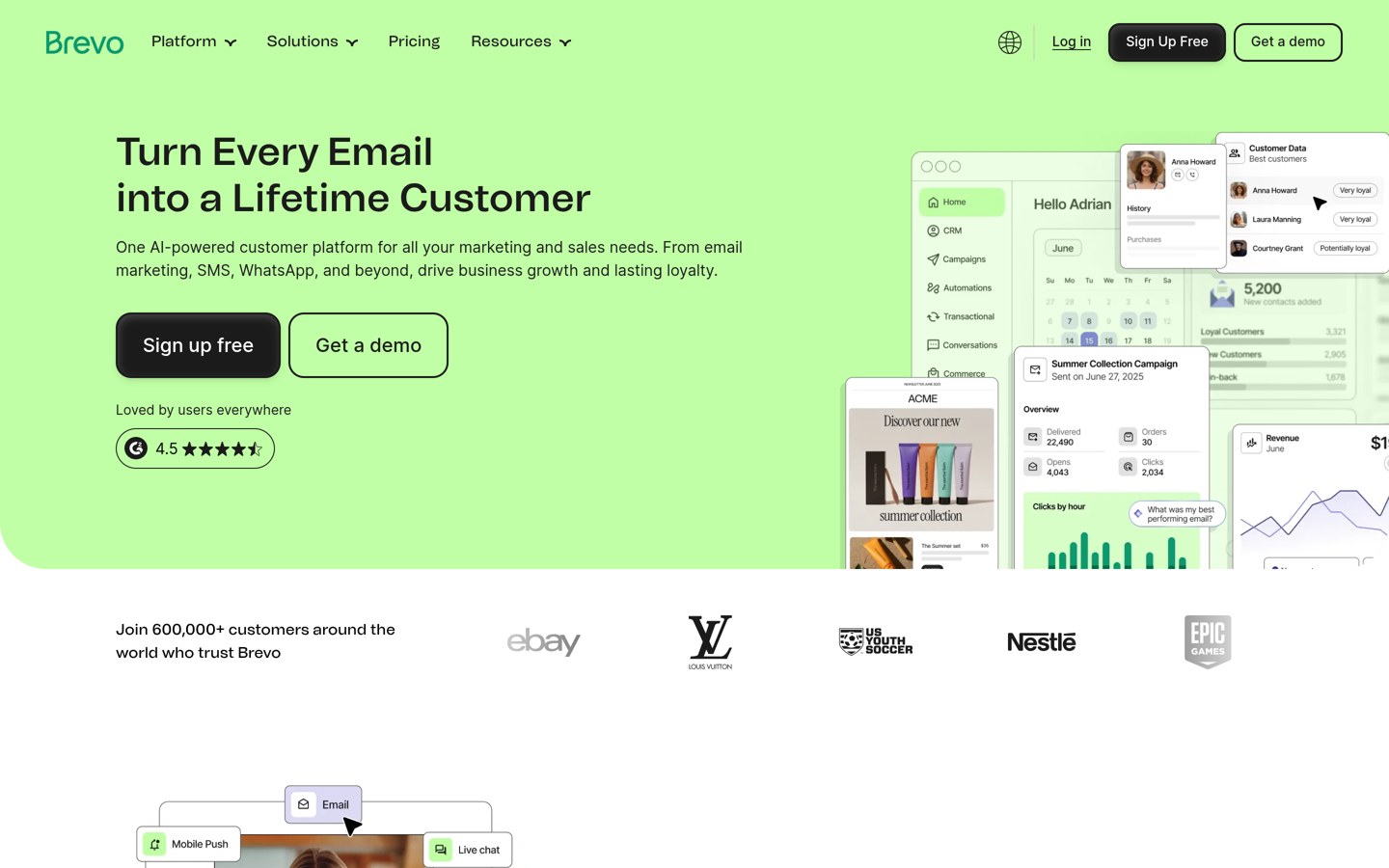
Brevo homepage, captured Nov 2026.
Brevo is a hosted email marketing platform with an official WordPress plugin used on 100,000+ websites and rated 4.1/5 from 284 reviews. Its free plan includes 300 emails per day, while the plugin connects WordPress signup forms, contact synchronization, marketing activity, and transactional email delivery to Brevo.
The trade off is that its free sending allowance restricts campaign volume, while Starter costs $9 per month for 5,000 monthly emails, with higher volumes costing more. It suits businesses that want newsletter campaigns, subscriber management, and email delivery handled outside their WordPress hosting environment.
What we like
Hosted email sending infrastructure
Free allowance for smaller email campaigns
Official WordPress integration
Supports marketing and transactional emails
Pricing based primarily on email volume
Watch out for
Free plan has a daily sending limit
Campaign management takes place primarily outside WordPress
Advanced automation and features may require higher plans
Costs increase with sending requirements
Starter increases the sending allowance to 5,000 monthly emails and provides paid-plan support.Visit brevo.com
04
MC4WP
4.8/5on WordPress.org (1,499 reviews, checked Nov 2026)
Paid from$59/yr
Best WordPress newsletter connector for Mailchimp
Newsletter platformMailchimp
WordPress signup formsYes
Campaign sendingMailchimp account
Paid planSingle, 1 site
mc4wp.com
MC4WP homepage, captured Nov 2026.
MC4WP is a WordPress plugin that connects websites to Mailchimp, with more than 1 million active installations and a 4.8/5 rating from 1,499 reviews. Its free version provides customizable newsletter signup forms and integrations that add subscribers to a connected Mailchimp audience.
The trade off is that MC4WP does not independently send newsletters, and Mailchimp subscription charges are separate from its $59-per-year Single upgrade. Premium adds multiple forms, advanced styling, notifications, and WooCommerce integration. It suits websites already using Mailchimp that need reliable subscriber collection through WordPress.
What we like
Established WordPress-to-Mailchimp integration
Free customizable newsletter signup forms
Works with common WordPress form workflows
Premium supports WooCommerce integrations
Large installation base and public review history
Watch out for
Requires a separate Mailchimp account
Mailchimp subscription costs are additional
Does not provide its own newsletter sending engine
Multiple forms and advanced features require Premium
4.5/5on WordPress.org (122 reviews, checked Nov 2026)
Paid from$149/yr
Best for WordPress newsletter automation
Free contactsUnlimited
Newsletter broadcastsYes
Post notificationsYes
Paid planPersonal, 1 site
noptin.com
Noptin homepage, captured Nov 2026.
Noptin is a WordPress newsletter and automation plugin with 10,000+ active installations and a 4.5/5 rating from 122 reviews. Its free version supports subscriber collection, email broadcasts, automated new post notifications, audience management, and integration with WordPress content and user activity.
The trade off is that premium integrations, advanced workflows, and expanded automation capabilities require Personal at the regular $149 annual price, currently discounted to $59.60. Sending costs may also apply through your email provider. It suits publishers and businesses wanting WordPress-based newsletters with room for more sophisticated automation.
What we like
WordPress-native subscriber and newsletter management
Automatic new post notification emails
Unlimited subscribers without a plugin contact cap
Integrates with WordPress content and user activity
Paid plans include expanded automation options
Watch out for
Advanced integrations require a paid license
Requires appropriate email delivery configuration
Smaller user community than leading alternatives
Automation setup can require additional configuration
Personal unlocks premium integrations, expanded automation, and support for one website.Visit noptin.com
06
MailOptin
4.8/5on WordPress.org (438 reviews, checked Nov 2026)
Paid from$99/yr
Best for newsletter signup forms and lead capture
Free functionalityOpt-in forms and popups
Email integrationsMailchimp, Brevo and others
Newsletter automationHigher paid plans
Paid planStandard, 1 site
mailoptin.io
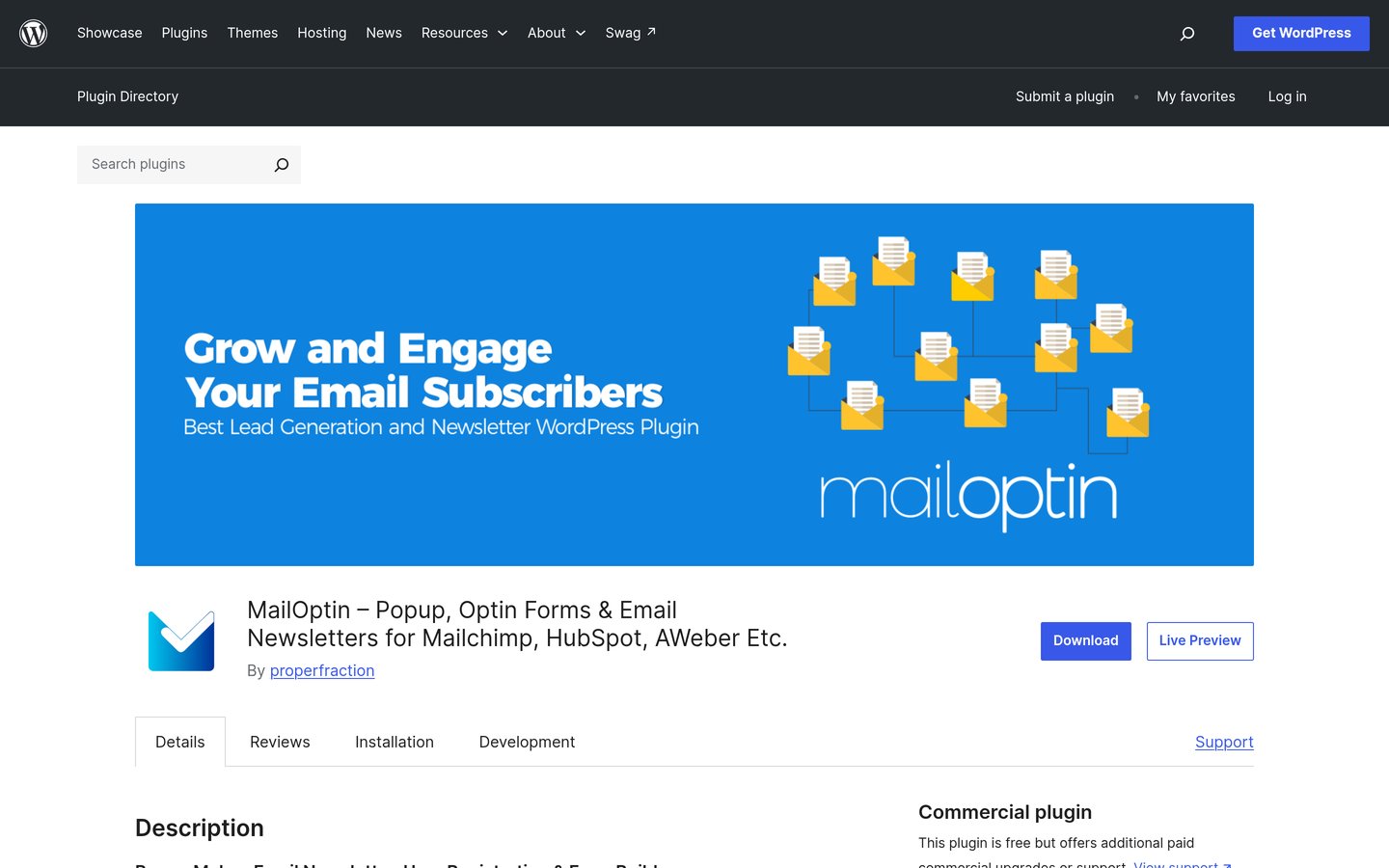
MailOptin homepage, captured Nov 2026.
MailOptin is a WordPress lead generation and newsletter integration plugin with 10,000+ active installations and a 4.8/5 rating from 438 reviews. Its free version supports opt-in forms, popups, and connections with email marketing services, helping website owners collect subscribers through WordPress.
The trade off is that Standard costs $99 per year but focuses on lead generation rather than newsletter sending or automation. Those functions require Pro at $289 annually. It suits businesses that already use an email marketing platform and primarily need better WordPress signup forms.
What we like
Multiple newsletter service integrations
Customizable subscriber forms and popups
Strong WordPress.org rating
Supports targeted lead generation workflows
Higher plans include newsletters and automation
Watch out for
Cheapest paid plan excludes newsletter sending
Pro is required for automation and newsletter features
External email platforms may charge separately
More focused on subscriber acquisition than campaign management
Standard adds paid lead-generation features; Pro adds newsletters and email automation.Visit mailoptin.io
07
MailerLite
2.9/5on WordPress.org (42 reviews, checked Nov 2026)
Paid from$12/mo
Best hosted newsletter platform for beginners
Free subscribers250
Free monthly emails2,500
Email deliveryMailerLite infrastructure
Paid planComfort
mailerlite.com
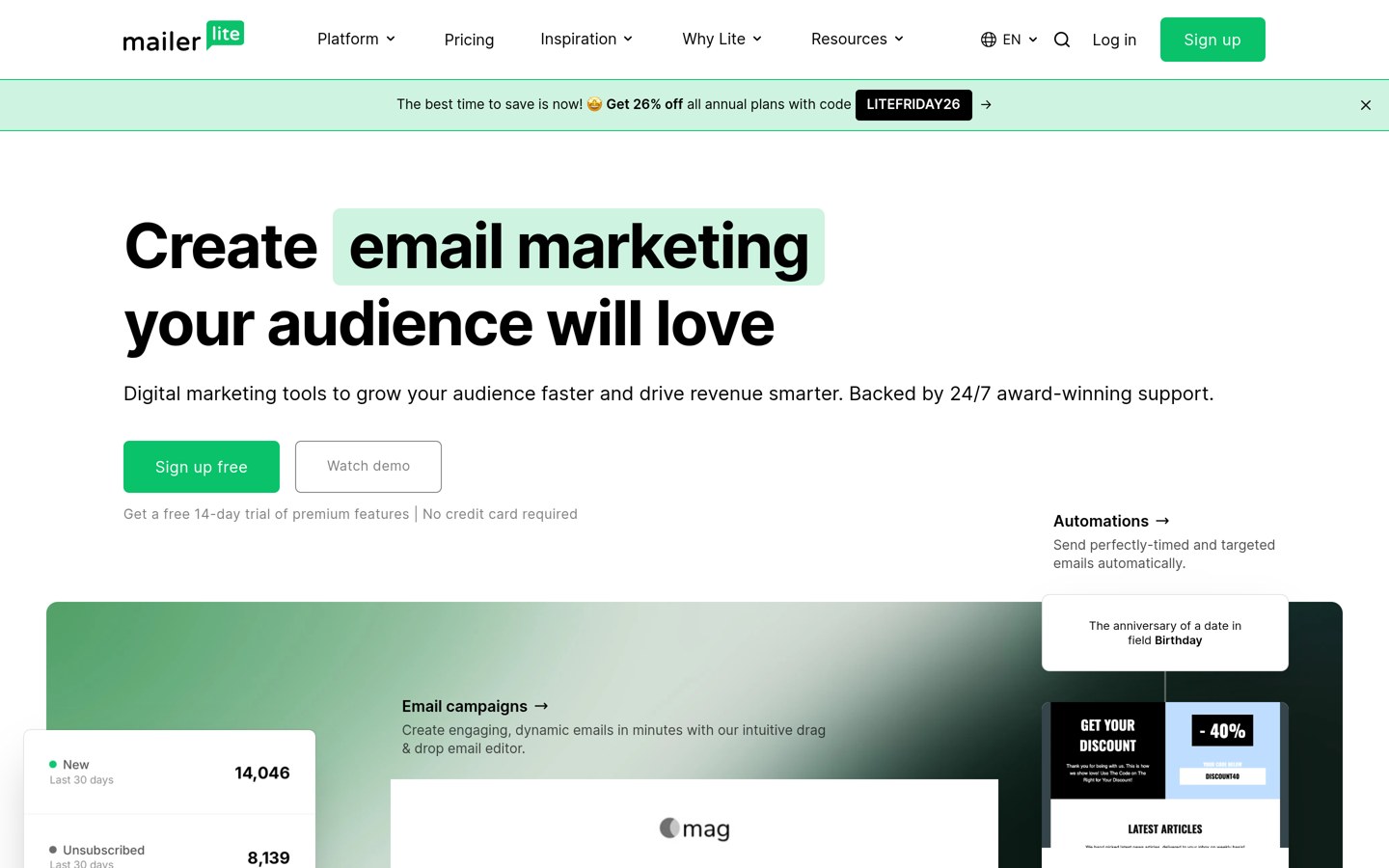
MailerLite homepage, captured Nov 2026.
MailerLite is a hosted newsletter platform with an official WordPress signup forms plugin used on 100,000+ websites and rated 2.9/5 from 42 reviews. Its free plan includes 250 subscribers, 2,500 monthly emails, campaigns, basic automation, signup forms, landing pages, and email editors.
The trade off is that its free subscriber allowance is small, while Comfort starts at $12 per month and provides expanded automation, templates, forms, and email marketing features. The WordPress plugin also carries a compatibility warning. It suits small publishers who prefer designing campaigns and managing delivery through a hosted service.
What we like
Hosted newsletter creation and delivery
Free campaigns, forms, and landing pages
Visual email editors and automation features
Paid plans provide additional audience management tools
Official WordPress signup form integration
Watch out for
Free plan limited to 250 subscribers
Official WordPress plugin has a comparatively low rating
Plugin listing carries a WordPress compatibility warning
Subscriber and sending limits increase costs as lists grow
Comfort expands automations, forms, templates, personalization, and subscriber allowances.Visit mailerlite.com
WordPress-native vs hosted newsletter platforms
A WordPress-native newsletter platform keeps subscriber management and campaign creation within your WordPress dashboard. FluentCRM, Icegram Express, and Noptin follow this approach, allowing website owners to connect email marketing directly with their content and customer data.
The benefit is control. You can use existing WordPress information for segmentation, automate content notifications, and manage contacts without moving between multiple marketing dashboards. However, sending thousands of emails requires dependable delivery infrastructure and ongoing attention to database performance.
Hosted platforms such as Brevo and MailerLite provide their own campaign interfaces and sending infrastructure. WordPress plugins connect signup forms and contact data to these systems. This reduces the amount of email-related administration inside WordPress but introduces an external subscription.
MC4WP and MailOptin serve a related but different purpose. They primarily connect WordPress forms and visitor activity to external marketing services. Their plugin prices should not be mistaken for the full cost of the connected email marketing platform.
How to improve newsletter deliverability from WordPress
Email deliverability depends on more than the newsletter plugin. Your sending infrastructure, domain authentication, recipient engagement, complaint rates, and list quality all affect whether messages reach subscribers.
Configure SPF, DKIM, and DMARC for the domain used to send email. If you choose a WordPress-native platform, connect an appropriate email sending provider rather than relying on basic hosting mail delivery for large campaigns.
Use permission-based subscription forms, provide clear unsubscribe options, and remove invalid or consistently unengaged addresses. Avoid adding contacts who have not agreed to receive marketing emails.
Start with a manageable sending schedule and review delivery errors, bounce reports, complaints, opens, and clicks. Hosted platforms usually provide delivery reporting, while WordPress-native tools may need integrations or paid features for more detailed monitoring.
How we chose
We built this shortlist from established WordPress.org plugins and their associated newsletter platforms. We compared newsletter creation, signup forms, subscriber management, automation, email delivery methods, WordPress integration, public reviews, and free-plan usefulness. Plugins that primarily connect WordPress to hosted platforms are identified separately from complete newsletter systems.
WordPress.org ratings, review counts, active installations, and maintenance information were checked on 22 Nov 2026, alongside official vendor pricing pages. Prices reflect the cheapest confirmed paid plan at its regular rate, excluding temporary promotions. Monthly plans are converted to annual equivalents for comparison, and separate email delivery or platform fees are explained where relevant.
We excluded inactive plugins, closed listings, products without verifiable regular prices, and services lacking a meaningful WordPress integration. The comparison also distinguishes subscriber-based pricing from website-license pricing and highlights compatibility concerns. No vendor paid for a place, and we do not claim direct product testing for this list.
How to choose a newsletter platform for WordPress
Identify your email marketing requirements, then compare the platform's delivery model, audience limits, and total recurring cost.
Decide where to manage your newsletters. Choose a WordPress-native platform if you want contacts and campaigns inside your website. Use a hosted platform if you prefer externally managed sending and campaign infrastructure. Connector plugins are useful when you already have an email marketing account.
Calculate your subscriber and sending needs. Estimate your current audience, expected growth, and newsletter frequency. Compare subscriber caps, monthly email allowances, and upgrade costs. Remember that a WordPress plugin with unlimited contacts may still incur separate delivery charges.
Check automation and integration features. Decide whether you need welcome sequences, post notifications, segmentation, abandoned-cart reminders, or WooCommerce campaigns. Verify which features are included in the free version and whether your existing forms and ecommerce plugins integrate with the platform.
Evaluate deliverability and long-term costs. Choose an appropriate email delivery service, confirm authentication support, and review unsubscribe and reporting features. Compare normal renewal prices rather than introductory offers, including any separate hosting, SMTP, or external newsletter service charges.
FAQ
What is the best newsletter platform for WordPress?
FluentCRM is our top overall recommendation for websites that want to manage newsletters, contacts, and automation directly inside WordPress. It has 80,000+ active installations and a 4.8/5 WordPress.org rating. Brevo is a strong alternative when hosted email delivery is more important.
Can I send newsletters directly from WordPress?
Yes. Plugins such as FluentCRM, Icegram Express, and Noptin let you create newsletters and manage subscribers inside WordPress. However, reliable delivery generally requires a dedicated SMTP or email API service. Using ordinary website hosting to send bulk campaigns can create deliverability and sending-limit problems.
Which WordPress newsletter platform is completely free?
Several platforms have free versions. Icegram Express supports unlimited contacts and newsletter broadcasts, while FluentCRM provides free campaign and subscriber management. Brevo includes a daily sending allowance, and MailerLite provides a limited free plan. External sending services and higher-volume requirements may introduce additional costs.
Is FluentCRM better than Mailchimp for WordPress?
FluentCRM is useful when you want to store contacts and manage campaigns inside WordPress without paying plugin fees based on audience size. Mailchimp provides hosted campaign management and sending, while MC4WP connects WordPress forms to Mailchimp. The better option depends on your workflow, delivery preferences, and automation requirements.
What is the cheapest paid newsletter plugin for WordPress?
MC4WP has the lowest paid plugin entry price in this comparison at $59 annually, but it is a Mailchimp connector rather than a complete standalone newsletter service. Icegram Express costs $99 annually for Max, while Brevo starts at $9 monthly for hosted email marketing.
Do I need an SMTP plugin to send WordPress newsletters?
A dedicated sending integration is generally recommended for WordPress-native newsletter systems. Depending on the platform, you may use SMTP, an email API, or an integrated delivery service. Hosted platforms such as Brevo and MailerLite provide their own sending infrastructure, reducing the need for a separate WordPress SMTP setup.
Can WordPress automatically email subscribers when I publish a blog post?
Yes. Icegram Express and Noptin support notifications for newly published posts, while other newsletter tools offer content-based campaigns and automations. Check whether the feature is included in the free plan and how frequently notifications are sent before enabling it for your subscribers.
Which newsletter platform is best for WooCommerce?
FluentCRM is suitable for WooCommerce businesses that want customer segmentation and marketing automation within WordPress. Brevo provides hosted campaigns and transactional email integration. MC4WP connects WooCommerce-related signup workflows to Mailchimp through its Premium plugin. Advanced store automation may require additional paid features.
How much does a WordPress newsletter cost per month?
Costs depend on your platform, audience size, and sending volume. Brevo Starter begins at $9 monthly, and MailerLite Comfort starts at $12 monthly. WordPress-native options such as FluentCRM use annual plugin licenses, but sending-service charges may apply separately. Free plans can be sufficient for small audiences.