Best WordPress Google Analytics Plugins in 2026: 8 Tools Compared
WLWPLegible EditorsLast verified 22 Nov 2026How we rank12 min read
★ Short answer
Site Kit by Google is the best WordPress Google Analytics plugin for most websites, with 5 million+ active installations and free GA4 and Search Console integration. MonsterInsights is better for detailed marketing reports, while Analytify offers page-level analytics and premium ecommerce tracking.
How we make this list: we compare pricing pages, product documentation and public user reviews, then re-check every price before each update. No product paid for a place. Disclosure.
Site Kit by Google is the top free choice, with 5M+ active installations, a 4.2/5 rating and no paid plugin plan.
MonsterInsights has 2M+ active installations and a 4.5/5 rating. Its regular Plus plan costs $199/year.
Analytify has 20,000+ active installations and a 4.7/5 rating. Its StartUp plan normally costs $199/year for 2 sites.
GA Google Analytics is a lightweight tracking option with 400,000+ installations, a 4.9/5 rating and Pro starting at $20/year.
GTM4WP supports Google Tag Manager and GA4 ecommerce data, with 700,000+ active installations and no paid plugin plan.
Beehive Pro starts at $50/year, while ShareThis provides a free GA4 dashboard with 80,000+ active installations.
What to look for in a WordPress Google Analytics plugin
Google Analytics 4 tracks how visitors find and interact with your website. A WordPress Google Analytics plugin helps install the tracking code, connect your GA4 property and, in some cases, display reports directly inside the WordPress dashboard.
The first distinction is tracking installation versus dashboard reporting. Simple plugins add the GA4 measurement tag and leave reporting to Google's interface. Dashboard plugins bring visitor statistics, traffic sources and content performance into WordPress.
Consider whether you need advanced event tracking. Ecommerce stores and lead-generation websites may need purchase events, form submissions, outbound clicks and conversion reports. These features are often available through premium integrations or Google Tag Manager.
Free Google Analytics plugins can cover basic traffic measurement. Paid upgrades usually add reporting convenience, ecommerce integrations, automated events, custom dimensions and support. Compare regular renewal prices rather than temporary promotional offers.
Finally, check compatibility with consent management and existing tracking scripts. Installing several plugins that independently insert the same Google Analytics tag can create duplicate events and misleading traffic numbers.
4.2/5on WordPress.org (1,016 reviews, checked Nov 2026)
PriceFree
Best free WordPress Google Analytics plugin overall
GA4 integrationFree
Search ConsoleIncluded
Active installs5M+
Paid plugin planNone
sitekit.withgoogle.com
Site Kit homepage, captured Nov 2026.
Site Kit is Google's official WordPress plugin, with 5 million+ active installations and a 4.2/5 rating. It connects Google Analytics 4, Search Console, AdSense and PageSpeed Insights, displaying sitewide statistics and individual page insights inside WordPress without requiring code edits.
The trade off is limited reporting customization compared with specialized premium analytics plugins, although Site Kit itself is completely free. It suits beginners, bloggers and website owners who want reliable Google integrations without paying for a separate analytics dashboard.
What we like
Official Google plugin with free GA4 integration
Combines Analytics and Search Console reporting
Displays sitewide and individual page insights
Supports AdSense and PageSpeed Insights
No premium plugin subscription
Watch out for
Fewer advanced marketing reports than premium alternatives
Not a dedicated ecommerce event tracking solution
Requires connecting the appropriate Google accounts
4.5/5on WordPress.org (3,161 reviews, checked Nov 2026)
Paid from$199/yr
Best for marketing reports and business analytics
GA4 dashboardYes
Active installs2M+
Ecommerce reportsPro
Cheapest paid planPlus, $199/yr
monsterinsights.com
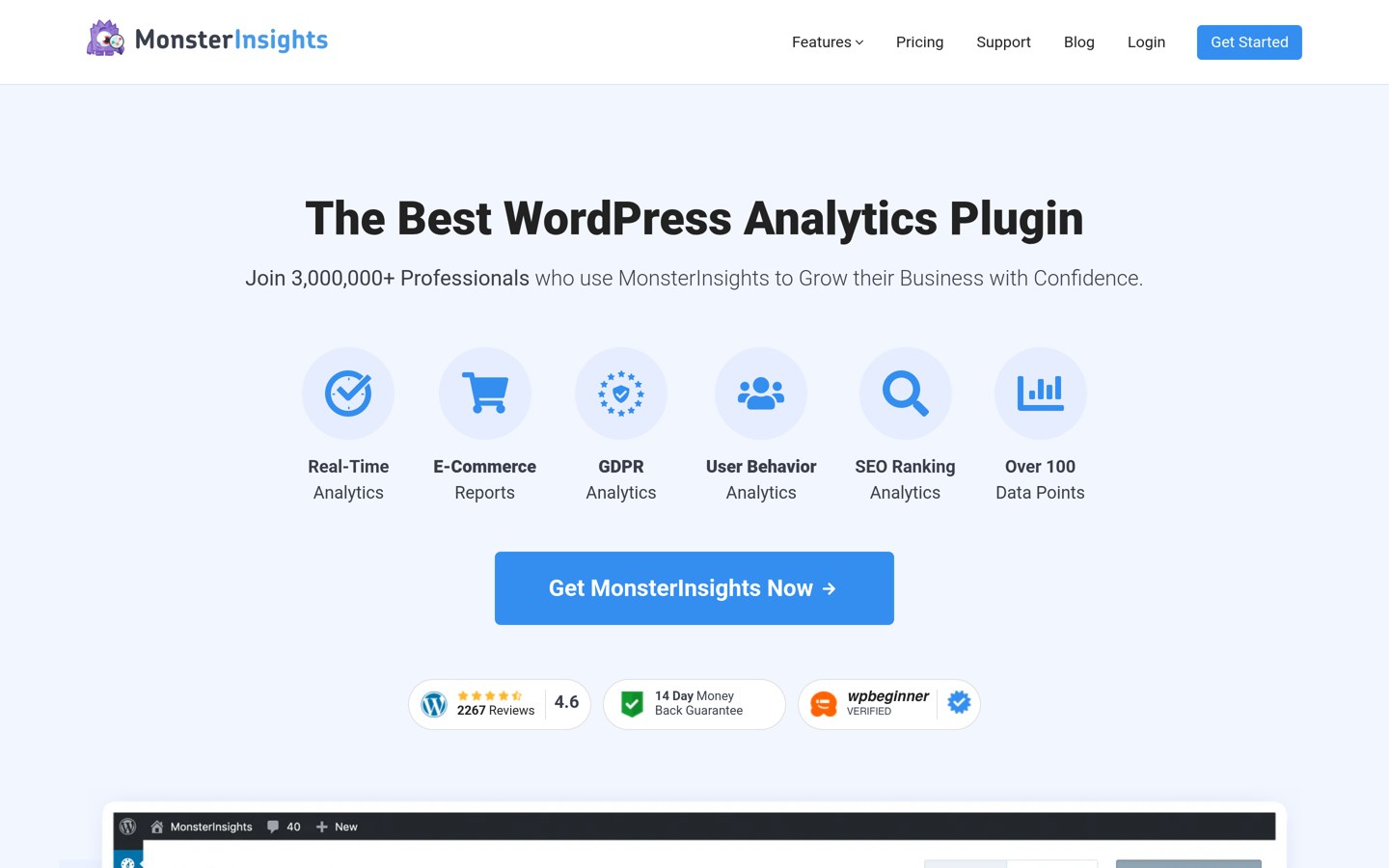
MonsterInsights homepage, captured Nov 2026.
MonsterInsights is a Google Analytics dashboard plugin with 2 million+ active installations and a 4.5/5 rating. Its free version connects GA4 and displays essential website statistics, while premium plans add real-time reporting, publisher insights, campaign reports and advanced tracking features.
The trade off is pricing: Plus normally costs $199/year, although an introductory 50% discount is advertised, and ecommerce reporting requires the higher Pro tier. It suits marketing teams and businesses that want actionable analytics without regularly opening the full Google Analytics interface.
What we like
Beginner-friendly GA4 setup
Traffic and audience reports inside WordPress
Premium real-time and publisher reports
Advanced form and ecommerce tracking integrations
Large user base and extensive documentation
Watch out for
Many detailed reports require a subscription
Ecommerce reports require a higher paid tier
Regular renewal pricing is higher than basic alternatives
Plus adds real-time reports, publisher insights and expanded tracking; Pro adds ecommerce reporting.Visit monsterinsights.com
03
Analytify
4.7/5on WordPress.org (488 reviews, checked Nov 2026)
Paid from$199/yr
Best for content analytics and page-level reporting
GA4 integrationYes
Page-level insightsYes
Active installs20K+
Cheapest paid planStartUp, $199/yr
analytify.io
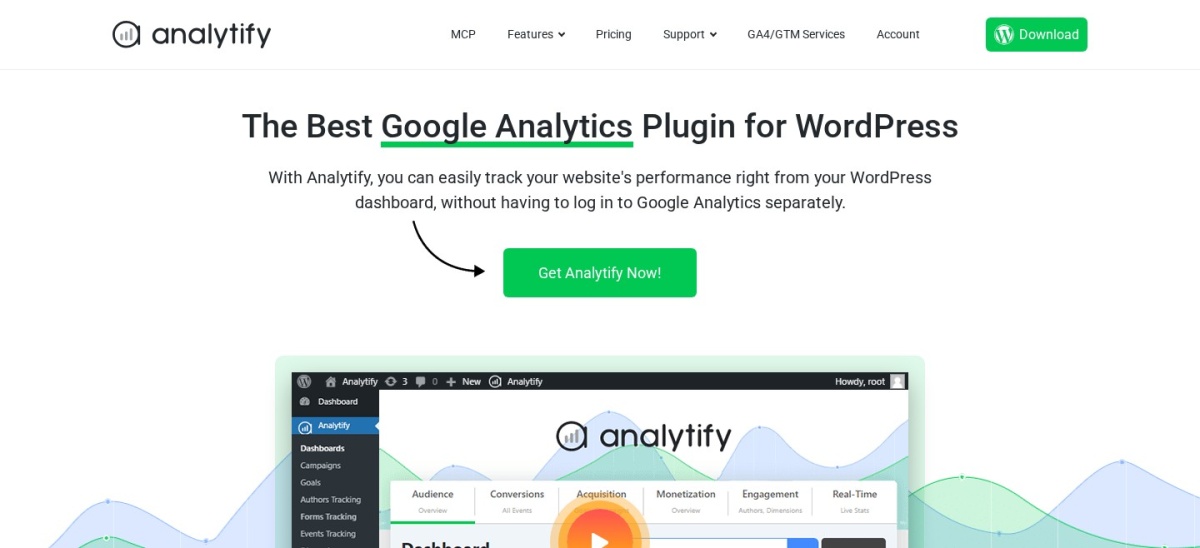
Analytify homepage, captured Nov 2026.
Analytify is a WordPress GA4 reporting plugin with 20,000+ active installations and a 4.7/5 rating. Its free version connects Google Analytics and displays traffic statistics in WordPress, including individual post and page performance, while premium plans add specialized tracking and reporting extensions.
The trade off is the regular $199/year StartUp subscription for 2 sites, despite a promotional $99 price shown on the vendor's pricing page. It suits content publishers, website managers and online stores that need accessible page-level reporting and optional premium integrations.
What we like
Individual post and page analytics
Google Analytics 4 integration
Free WordPress dashboard reports
Premium ecommerce and form tracking add-ons
StartUp plan supports two websites
Watch out for
Advanced integrations require a paid subscription
Regular pricing is substantially above the advertised discount
Additional reports may overlap with native GA4 features
StartUp includes premium tracking add-ons, ecommerce integrations and support for 2 sites.Visit analytify.io
04
GA Google Analytics
4.9/5on WordPress.org (159 reviews, checked Nov 2026)
Paid from$20/yr
Best lightweight Google Analytics tracking plugin
GA4 trackingFree
Active installs400K+
Visitor opt-outPro
Cheapest paid planPersonal, $20/yr
plugin-planet.com
GA Google Analytics homepage, captured Nov 2026.
GA Google Analytics is a lightweight WordPress tracking plugin with 400,000+ active installations and a 4.9/5 rating. Its free version inserts Google Analytics 4 tracking code across your website using a measurement ID, without introducing a large reporting interface or requiring theme edits.
The trade off is that analytics reports remain in your Google Analytics account, while advanced options require GA Pro at $20/year for a single site. It suits developers and website owners who want a simple tracking installation and prefer Google's native reporting tools.
What we like
Lightweight GA4 tracking implementation
High 4.9/5 WordPress.org rating
Simple measurement ID configuration
Low-cost premium upgrade
Pro supports multiple tracking codes and visitor opt-out
Watch out for
No built-in analytics reporting dashboard
Advanced exclusions and custom tracking require Pro
Less suitable for beginners wanting visual reports
GA Pro adds visitor opt-out controls, multiple tracking codes and advanced exclusions.Visit plugin-planet.com
05
GTM4WP
4.5/5on WordPress.org (155 reviews, checked Nov 2026)
PriceFree
Best for Google Tag Manager and event tracking
GTM integrationFree
Active installs700K+
Ecommerce data layerSupported
Paid plugin planNone
gtm4wp.com
GTM4WP homepage, captured Nov 2026.
GTM4WP is a WordPress Google Tag Manager integration plugin with 700,000+ active installations and a 4.5/5 rating. It installs GTM container snippets and supplies page, user and ecommerce information through the data layer, helping configure Google Analytics 4 tracking without directly editing theme files.
The trade off is that GTM4WP does not automatically configure every GA4 tag or display analytics reports; you manage those settings in Google Tag Manager. It suits developers, marketers and ecommerce teams that need flexible event tracking and already understand tag management.
What we like
Free Google Tag Manager integration
Supports Google Analytics 4 event workflows
Provides WordPress data layer information
Supports ecommerce tracking data
No paid plugin subscription
Watch out for
Requires familiarity with Google Tag Manager
No native WordPress analytics dashboard
Incorrect container setup can cause duplicate tracking
No paid upgrade; GTM integration and supported data layer features are free.Visit gtm4wp.com
06
Beehive
4.5/5on WordPress.org (13 reviews, checked Nov 2026)
Paid from$50/yr
Best for agencies using WPMU DEV
GA4 dashboardYes
Active installs20K+
Multisite reportingPro
Cheapest paid planPro Basic, $50/yr
wpmudev.com
Beehive homepage, captured Nov 2026.
Beehive is a WordPress Google Analytics dashboard plugin from WPMU DEV, with 20,000+ active installations and a 4.5/5 rating. Its free version connects GA4 and displays traffic statistics inside WordPress, while Beehive Pro adds advanced analytics management and multisite reporting capabilities.
The trade off is that premium functionality comes through WPMU DEV membership rather than a standalone Beehive license, starting at $50/year for the Pro Basic plan. It suits agencies and site managers who also benefit from the vendor's broader WordPress management tools.
What we like
GA4 reporting inside WordPress
Free analytics dashboard
Supports Google Tag Manager workflows
Premium multisite management options
Membership includes other WPMU DEV tools
Watch out for
Small WordPress.org review sample
Premium access uses a bundled membership
May be unnecessary for a basic analytics installation
Pro Basic adds access to Beehive Pro and the WPMU DEV plugin membership for one site.Visit wpmudev.com
07
ShareThis Analytics
3.6/5on WordPress.org (138 reviews, checked Nov 2026)
PriceFree
Best for a completely free GA4 dashboard
GA4 connectionFree
Active installs80K+
Traffic dashboardIncluded
Paid plugin planNone
sharethis.com
ShareThis Analytics homepage, captured Nov 2026.
ShareThis Analytics is a free WordPress Google Analytics dashboard plugin with 80,000+ active installations and a 3.6/5 rating. It connects to GA4 and displays traffic trends, referral sources, popular pages and visitor information in WordPress without charging for premium reports.
The trade off is its lower public rating and narrower reporting capabilities compared with established paid analytics plugins, although the vendor states that all plugin features are free. It suits budget-conscious website owners who want basic GA4 reports directly in WordPress.
What we like
Completely free Google Analytics dashboard
GA4 connection without manual code editing
Traffic source and popular page reports
No subscription or premium upgrade
Established WordPress installation base
Watch out for
Lower WordPress.org rating than leading competitors
Limited advanced ecommerce reporting
Less reporting customization than premium plugins
No paid upgrade; the vendor includes the plugin's reporting features free.Visit sharethis.com
08
ExactMetrics
2.5/5on WordPress.org (1,546 reviews, checked Nov 2026)
Paid from$199/yr
Best for configurable business analytics reports
GA4 integrationYes
Active installs200K+
Ecommerce reportsPro
Cheapest paid planPlus, $199/yr
exactmetrics.com
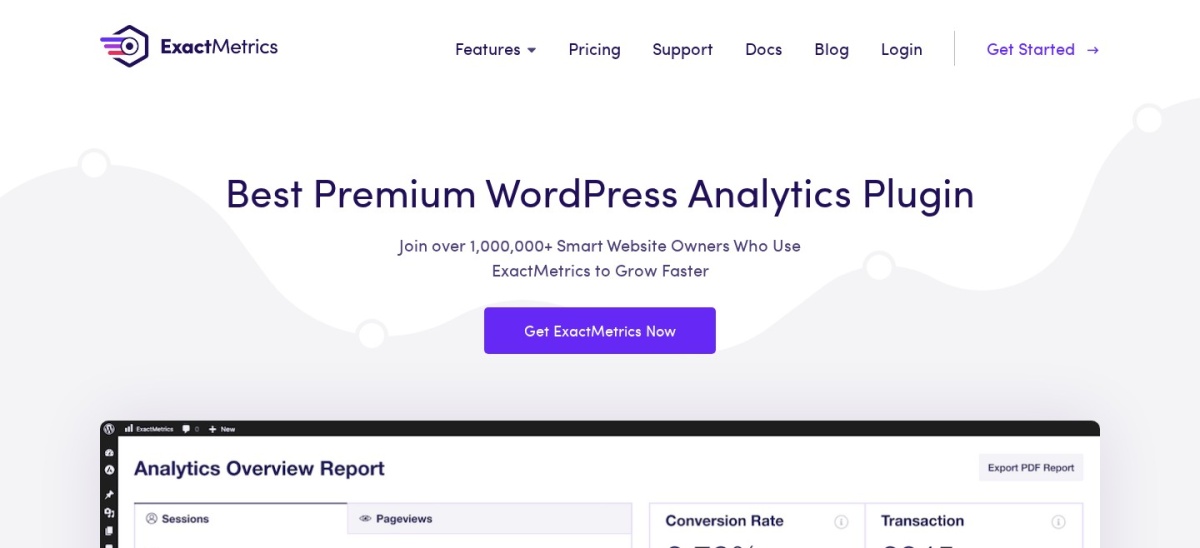
ExactMetrics homepage, captured Nov 2026.
ExactMetrics is a WordPress Google Analytics dashboard plugin with 200,000+ active installations and a 2.5/5 rating. Its free version connects GA4 and provides website analytics summaries, while paid plans add real-time reports, publisher insights, automatic event tracking and additional business reports.
The trade off is its comparatively low public rating and regular $199/year Plus subscription, currently advertised with a 50% introductory discount. It suits businesses that prefer WordPress-based reports and want premium marketing integrations, provided they are comfortable with the plugin's review history.
What we like
GA4 integration without manual code changes
WordPress-based traffic reporting
Premium real-time and publisher reports
Advanced event and ecommerce tracking options
Integrations with business and marketing plugins
Watch out for
Low 2.5/5 WordPress.org rating
Premium features have relatively high renewal costs
Ecommerce reporting requires the higher Pro tier
Feature overlap with MonsterInsights
Plus adds detailed reports and automatic events; Pro adds ecommerce and form conversion reports.Visit exactmetrics.com
Google Analytics 4 vs Google Tag Manager: what is the difference?
Google Analytics 4 collects and reports information about website visitors and their interactions. Google Tag Manager manages the tags and event configurations that send information to analytics and advertising platforms.
You do not need Google Tag Manager to use GA4. Site Kit, MonsterInsights and other direct integration plugins can connect Analytics without requiring a separate GTM container.
Google Tag Manager becomes useful when you manage multiple tracking platforms or need more control over events and triggers. GTM4WP helps install the container and provides WordPress-specific information through its data layer.
Avoid inserting the same GA4 measurement tag through both a direct analytics plugin and Google Tag Manager unless the setup is deliberately configured to prevent duplicate events.
How to avoid duplicate Google Analytics tracking in WordPress
Duplicate GA4 tracking can inflate page views and distort event counts. It commonly happens when a theme, analytics plugin and Google Tag Manager all send the same events independently.
Before installing a new plugin, inspect your existing analytics configuration. Determine whether the GA4 tag is already installed through your theme, Site Kit, a header script plugin or a tag management container.
Use a single primary method for installing the GA4 tag. If you need multiple analytics tools for reporting, disable redundant tag insertion where the plugins support that option.
After changing your setup, use GA4 DebugView or Tag Assistant to inspect events. Verify that expected page views and conversion events appear without unintended duplication.
How we chose
We reviewed established WordPress plugins that integrate Google Analytics 4, display GA4 reports or support Google Analytics through Google Tag Manager. The shortlist includes official integrations, dedicated analytics dashboards, lightweight tracking plugins and tools for advanced event management.
We checked WordPress.org ratings, review counts, active installations and maintenance information alongside official vendor pricing pages on 22 Nov 2026. We used regular paid-plan prices instead of introductory discounts and distinguished free plugins from commercial memberships and premium upgrades.
We excluded closed or outdated plugins, legacy-only tracking solutions and products without verifiable pricing information. Rankings consider functionality, pricing, maintenance and public feedback, with lower-rated options clearly identified. No vendor paid for a place, and we do not claim independent product testing for this list.
How to choose the right WordPress Google Analytics plugin
Decide which reports and tracking features your website actually needs before choosing a plugin.
**Start with your reporting requirements.** If you mainly need traffic numbers and Search Console insights, Site Kit provides a free starting point. If your team needs publisher reports, campaign insights and advanced event tracking in WordPress, compare MonsterInsights and Analytify.
**Choose between direct GA4 tracking and Tag Manager.** Use a direct integration when you want a simple analytics connection. Consider GTM4WP when you already manage analytics and marketing tags through Google Tag Manager or need configurable data layer events.
**Compare regular premium prices.** GA Google Analytics Pro starts at $20/year, Beehive Pro Basic costs $50/year, and the regular entry plans for MonsterInsights and Analytify cost $199/year. Check which reporting features are included before paying for an upgrade.
**Check privacy controls and tracking accuracy.** Confirm that your plugin works with your consent management setup and does not duplicate existing analytics tags. Review administrator exclusions, ecommerce events and GA4 DebugView before relying on the data for marketing decisions.
FAQ
What is the best Google Analytics plugin for WordPress?
Site Kit by Google is the best choice for most WordPress websites because it is free, officially maintained by Google and connects GA4 with Search Console. MonsterInsights is worth considering when you need detailed publisher reports, marketing insights and advanced tracking integrations.
Is Site Kit by Google completely free?
Yes. Site Kit is a free WordPress plugin with no paid plugin upgrade. It connects supported Google services and displays their information in WordPress. Separate advertising services or other Google products may have their own costs, but Site Kit itself does not charge a subscription.
Can I add Google Analytics 4 to WordPress without a plugin?
Yes. You can install GA4 through theme code, a suitable header script mechanism or Google Tag Manager. A dedicated plugin simplifies installation and ongoing management, especially when you change themes or want analytics reports available directly inside WordPress.
Which WordPress Google Analytics plugin is best for WooCommerce?
MonsterInsights, Analytify and GTM4WP are relevant choices for WooCommerce tracking. MonsterInsights and Analytify offer premium ecommerce reporting integrations, while GTM4WP provides ecommerce data layer information for configuring Google Analytics 4 events through Google Tag Manager.
Does Google Analytics slow down WordPress?
Google Analytics adds browser-side tracking requests, so it can contribute to page loading work. The effect depends on how tags are installed, consent settings and other scripts. A lightweight plugin helps avoid unnecessary WordPress overhead, but tracking performance should be evaluated separately.
What is the difference between MonsterInsights and Site Kit?
Site Kit is Google's free integration plugin covering Analytics, Search Console and other Google services. MonsterInsights focuses on detailed website reporting and marketing tracking inside WordPress, with many advanced features reserved for paid plans. Site Kit is generally the simpler starting point.
Can I use Site Kit and MonsterInsights together?
You can install both, but you should avoid having both independently insert the same GA4 tracking tag. Duplicate collection can inflate reported activity. Configure a single tracking installation method and verify the resulting events before relying on either dashboard.
Do I need Google Tag Manager to use GA4?
No. Google Analytics 4 works without Google Tag Manager, and plugins such as Site Kit can connect it directly. Tag Manager is useful when you want centralized control over multiple tracking tags, custom triggers and more complex event configurations.
Which Google Analytics plugin has the cheapest paid upgrade?
GA Google Analytics has the lowest confirmed paid entry price in this comparison, with a Personal Pro license at $20/year. However, Site Kit, GTM4WP and ShareThis Analytics have no paid plugin plans. The cheapest choice depends on whether you need tracking installation or dashboard reporting.