Best Managed Hosting Software in 2026: 7 Tools Compared
WLWPLegible EditorsLast verified 22 Nov 2026How we rank12 min read
★ Short answer
Kinsta is our top managed hosting pick for businesses that want WordPress-specific infrastructure, daily backups and 24/7 expert support, starting at $35 a month at regular rates. Cloudways suits developers who want more cloud server control, while WP Engine is a strong alternative for WordPress agencies managing staging and deployment workflows.
How we make this list: we compare pricing pages, product documentation and public user reviews, then re-check every price before each update. No product paid for a place. Disclosure.
Kinsta starts at $35/mo regularly, with 1 WordPress install, 10GB storage and 14-day backup retention.
Cloudways offers managed cloud servers from $14/mo, with 1GB RAM, 25GB NVMe storage and 1TB transfer.
WP Engine's Essential plan starts at $28/mo billed annually, with daily backups and managed WordPress updates.
Pressable's Signature 1 costs $250/yr and supports 1 WordPress install, 30,000 monthly visits and 20GB storage.
SiteGround StartUp renews at $17.99/mo, while DreamHost DreamPress 1 renews at $19.99/mo.
Hostinger Premium lists at $12.99/mo before discounts, with a lower Black Friday promotional rate.
What matters when choosing managed hosting software
Managed hosting reduces the server maintenance that normally falls on website owners. The provider handles infrastructure updates, security monitoring and routine hosting operations, although the exact level of management varies.
Look beyond the advertised starting price. Some providers offer steep introductory discounts, while others charge predictable monthly rates. Compare the regular cost, billing commitment and renewal terms before choosing.
Performance depends on more than storage. Server resources, caching, CDN access, PHP workers and bandwidth policies can affect how a site behaves when traffic increases.
Backups and staging are equally important. Check whether backups are automatic, how long copies are retained, and whether you can restore a site without contacting support.
Finally, distinguish managed WordPress hosting from managed cloud infrastructure. WordPress-focused providers simplify site operations, while cloud platforms generally provide more control over server sizing and application deployment.
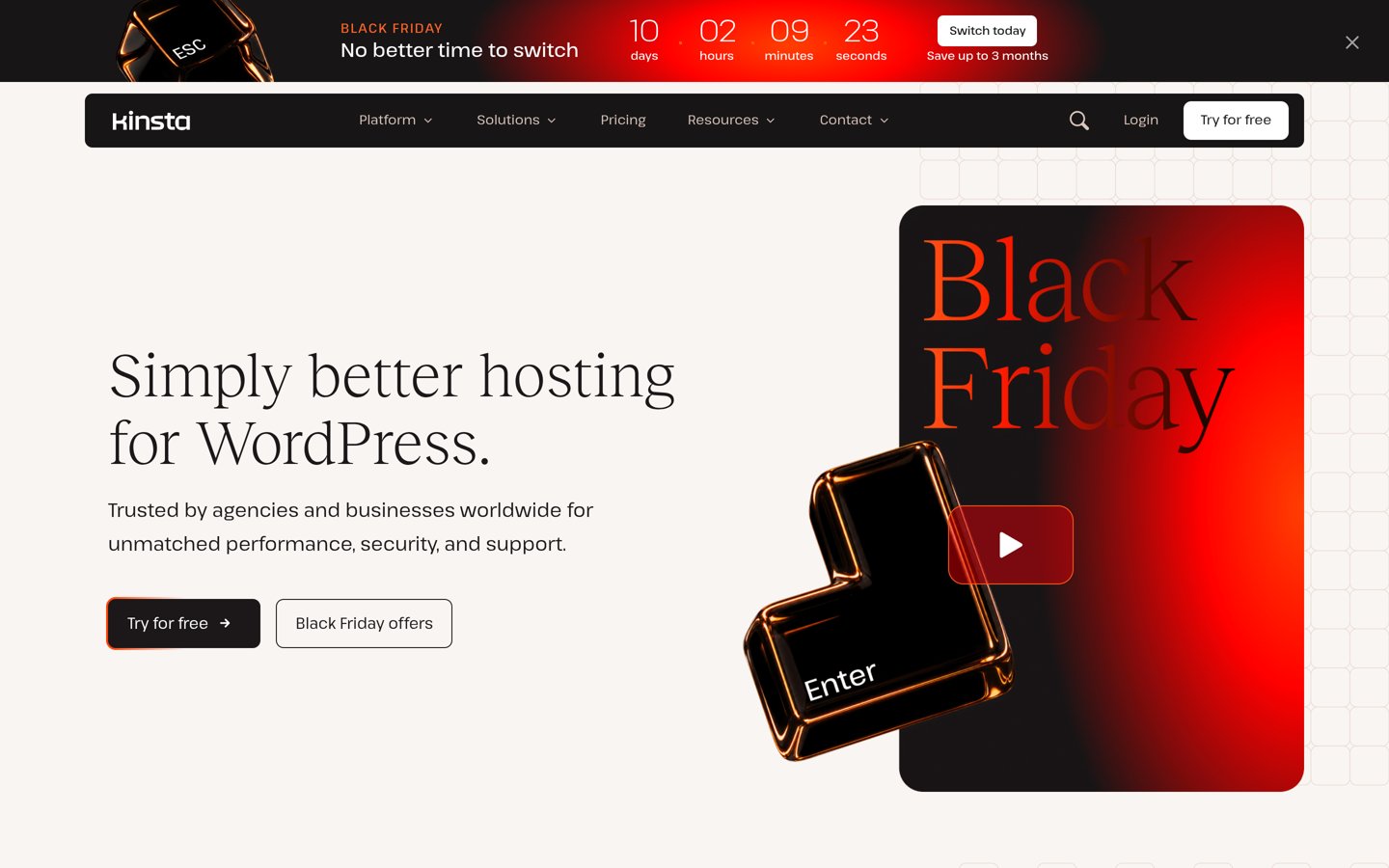
Kinsta is a managed WordPress hosting platform with infrastructure monitoring, automatic daily backups, caching, CDN access and specialist support. Its Single 20GB plan includes 1 WordPress install, 10GB storage, 20GB monthly server bandwidth, 125GB CDN bandwidth and 14-day backup retention.
The trade off is the $35 monthly regular price, which puts Kinsta above entry-level shared hosting. A Black Friday offer temporarily reduces the initial bill, but regular pricing remains the better comparison. It suits established WordPress websites, online stores and businesses that want hosting operations handled by specialists.
What we like
WordPress-focused support available around the clock
Automatic daily backups with 14-day retention
CDN, caching and uptime monitoring included
Unlimited free migrations
Application performance monitoring included
Watch out for
Higher entry price than budget managed hosting
Entry plan covers only 1 WordPress installation
Bandwidth and storage limits require planning
Higher plans add sites, storage and bandwidth capacityVisit kinsta.com
02
Cloudways
4.7/5on G2 (1,150 reviews, checked Nov 2026)
Starts at$14/mo
Best for flexible managed cloud hosting
Entry serverDigitalOcean Micro
RAM1GB
Storage25GB NVMe
Bandwidth1TB transfer
cloudways.com
Cloudways homepage, captured Nov 2026.
Cloudways is a managed cloud hosting platform for WordPress, WooCommerce, Magento and PHP applications. Its entry DigitalOcean Micro server costs $14 monthly and includes 1GB RAM, 1 vCPU, 25GB NVMe storage and 1TB transfer, with access to managed infrastructure and application deployment tools.
The trade off is that server resources, backup storage and optional services need closer attention than on fixed WordPress packages. Offsite backup storage carries an additional usage charge. It suits developers, agencies and growing businesses that want cloud server selection without managing every infrastructure component themselves.
What we like
Choose from several cloud infrastructure providers
Hourly billing with published monthly rates
Flexible server scaling options
Supports WordPress and other PHP applications
Free trial available
Watch out for
More configuration decisions than WordPress-only hosts
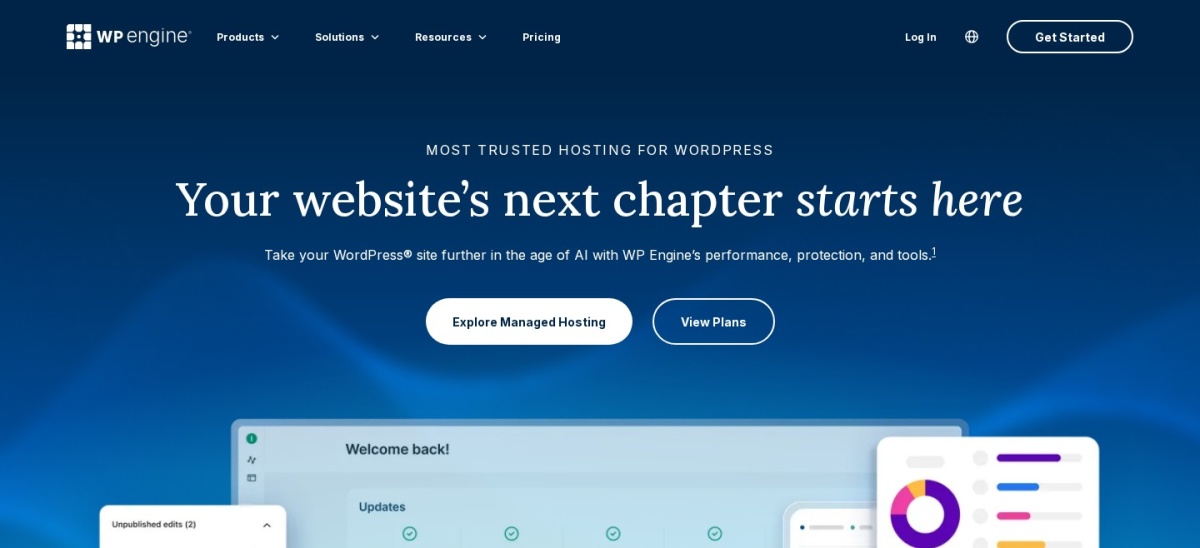
WP Engine is a managed WordPress hosting platform that handles WordPress, PHP and MySQL maintenance, caching, security patching and backups. Its Essential tier starts at $28 monthly billed annually, and includes daily automated backups, SSL, SSH access and 24/7 chat support.
The trade off is that certain advanced services, including automated plugin updates with visual checks and additional security controls, are optional upgrades on Essential. The annual starting cost is $336. It suits agencies and business websites that depend on staging, repeatable deployment processes and dedicated WordPress support.
What we like
WordPress-focused platform maintenance
Development and staging workflows
Daily automated backups
Integrated caching and CDN
SSH access for development teams
Watch out for
Some advanced security and maintenance tools cost extra
WordPress-specific hosting rather than general application hosting
4.6/5on Trustpilot (303 reviews, checked Nov 2026)
Starts at$250/yr
Best for agencies managing WordPress sites
Entry planSignature 1
WordPress installs1
Monthly visits30,000
Storage20GB
pressable.com
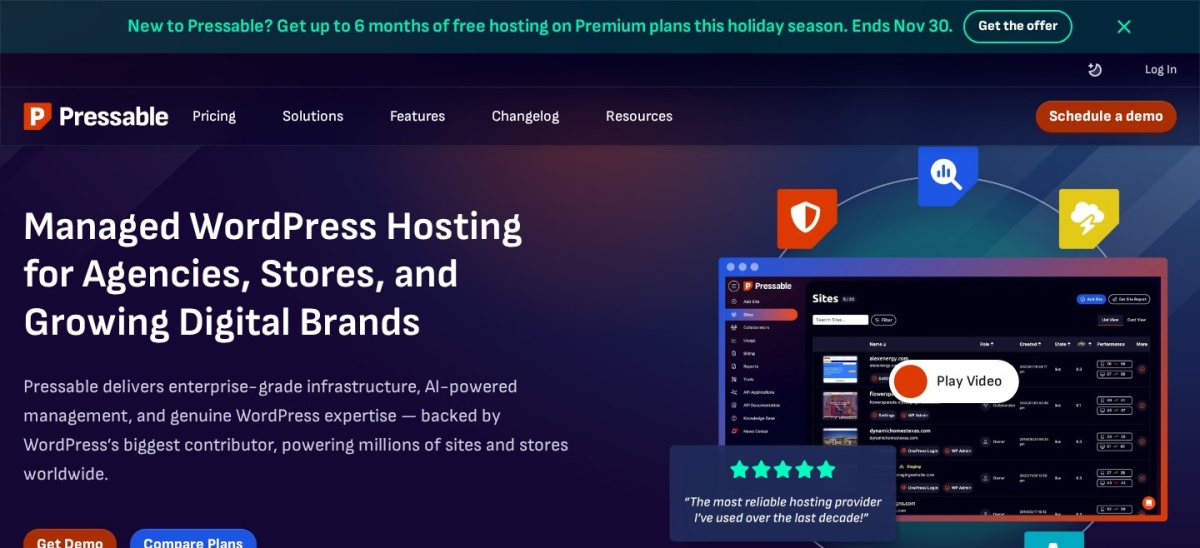
Pressable homepage, captured Nov 2026.
Pressable is an Automattic-backed managed WordPress hosting platform with edge caching, backup services and infrastructure designed for WordPress sites. Signature 1 costs $250 annually, equivalent to about $20.83 monthly, and includes 1 WordPress installation, up to 30,000 monthly visits and 20GB storage.
The trade off is that the entry package only covers 1 installation, and larger site portfolios require higher plans. A holiday promotion offers temporary hosting credits, but the published annual rate is the comparison price. It suits WordPress agencies, WooCommerce businesses and teams wanting managed hosting from a WordPress-focused company.
4.9/5on Trustpilot (31,849 reviews, checked Nov 2026)
Starts at$17.99/mo
Best for small businesses wanting managed WordPress
Entry planStartUp
Websites1
Storage10GB
Regular rate$17.99/mo
siteground.com
SiteGround homepage, captured Nov 2026.
SiteGround is a managed WordPress hosting provider with automatic WordPress updates, caching, SSL, CDN, backups and security tools. Its StartUp plan supports 1 website with 10GB storage and includes managed updates, site migration options, WP-CLI and SSH.
The trade off is the gap between introductory and renewal prices. StartUp currently advertises a Black Friday rate of $1.99 monthly but renews at $17.99 monthly, prepaid annually. It suits small businesses and WordPress beginners who want hosting, email and maintenance tools within one account.
What we like
Managed WordPress updates included
Free SSL, CDN and backup services
Caching and security optimization tools
Email hosting included
Strong public customer review volume
Watch out for
Large increase after introductory discounts
Entry plan supports only 1 website
Staging and on-demand backups require higher plans
4.6/5on Trustpilot (8,327 reviews, checked Nov 2026)
Starts at$19.99/mo
Best for straightforward managed WordPress hosting
Entry planDreamPress 1
Websites1
Storage15GB NVMe
Monthly visits40,000
dreamhost.com
DreamHost homepage, captured Nov 2026.
DreamHost is a hosting provider offering fully managed WordPress through its DreamPress product line. DreamPress 1 includes 1 website, 15GB NVMe SSD storage, an allowance of 40,000 monthly visits, 14-day backup retention, CDN access, staging and SSH.
The trade off is that its advertised first-year price of $14.99 monthly rises to a $19.99 monthly renewal rate. The entry plan also limits the account to 1 website. It suits publishers and small businesses looking for managed WordPress with staging, email and straightforward site administration.
What we like
Managed WordPress environment with staging
Bunny CDN included
Daily backups and restoration options
Email mailboxes included
Priority site transfer included
Watch out for
Introductory pricing rises at renewal
Entry package supports only 1 website
Storage and visit limits apply
Higher DreamPress tiers add sites, storage and visit capacityVisit dreamhost.com
07
Hostinger
4.6/5on Trustpilot (74,367 reviews, checked Nov 2026)
Starts at$12.99/mo
Best for budget-focused managed WordPress hosting
Entry planPremium
Websites3
Storage20GB SSD
BackupsWeekly
hostinger.com
Hostinger homepage, captured Nov 2026.
Hostinger is a managed WordPress hosting provider with LiteSpeed caching, WordPress installation tools, security monitoring and AI-assisted website features. The Premium plan lists at $12.99 monthly before discounts, supports 3 websites and includes 20GB SSD storage, weekly backups and CDN access.
The trade off is its long promotional commitment and plan-specific backup features. The current Black Friday promotion advertises $1.99 monthly with a 48-month upfront purchase, while the published renewal rate is $10.99 monthly for the same term. It suits beginners, small sites and owners who prioritize hosting costs.
What we like
Low published regular entry price
Supports multiple websites on Premium
LiteSpeed caching and WordPress tools
Malware protection and managed security features
Large customer base and review volume
Watch out for
Lowest advertised price requires a long commitment
Shared hosting describes how server resources are allocated. Managed hosting describes how much of the maintenance and operational work the provider handles. The categories can overlap.
A managed WordPress plan may still run on shared infrastructure, but it usually includes automatic updates, backups, optimized caching, security monitoring and WordPress-specific support.
Premium managed providers may offer stronger isolation, more development tools and additional monitoring. The benefit depends on your workload, not simply the word managed in the product name.
For a small informational website, a budget managed plan may be sufficient. Businesses running frequently updated stores or complex WordPress installations should examine resource limits, staging and recovery features more closely.
Hidden costs and renewal terms to check
Introductory prices can make managed hosting appear much cheaper than its long-term cost. Compare regular rates, billing periods and renewal terms rather than focusing on promotional banners.
Backups can also affect total cost. Some hosts include backup creation but charge for external storage or enhanced retention. Others limit restoration features to higher plans.
Check how the provider measures traffic. Visits, bandwidth, storage, PHP workers and CPU resources are different limits. A provider advertising unlimited visits may still impose resource or fair-use restrictions.
Finally, investigate migration assistance, email hosting, CDN allowances and security add-ons. Their inclusion can make a higher-priced entry plan more economical than a cheaper package with separately billed services.
How we chose
This shortlist covers established managed WordPress and cloud hosting providers, including specialized platforms and broader hosting companies with managed services. We prioritized platforms with public review histories, active commercial offerings, documented hosting features and clearly identified entry plans.
The comparison uses official pricing information and public ratings associated with the November 2026 verification period, with pages opened on 23 Nov 2026. We compared regular plan prices rather than promotional signup offers, and normalized monthly pricing to an annual equivalent for the price ladder.
We excluded providers whose entry pricing could not be confirmed, products without sufficiently established review evidence and unmanaged infrastructure services that would require customers to perform most server administration themselves. No vendor paid for a place, and we do not claim testing for this list.
How to choose the right managed hosting software
Start by identifying the applications you host, then compare management coverage, resource allowances and regular pricing before committing to a plan.
Identify the applications you need to host. Choose a WordPress specialist if your website runs entirely on WordPress and you value platform-specific support. Consider managed cloud hosting when you need to deploy other PHP applications, configure server resources or manage different kinds of projects.
Compare resources against your expected workload. Look at storage, bandwidth, monthly visits, CPU, RAM and caching rather than comparing prices alone. An informational website has different hosting needs from an ecommerce store with dynamic checkout activity.
Check backups, security and development tools. Confirm backup frequency, retention periods, restoration procedures, security responsibilities and staging availability. Also review whether migrations and updates are managed automatically or require manual approval.
Calculate the regular annual cost. Use standard plan prices rather than temporary discounts. Include paid backup storage, additional sites, email, CDN overages and premium security services when relevant. Check whether the billing commitment is monthly, annual or longer.
FAQ
What is managed hosting software?
Managed hosting software is a hosting platform or service that takes responsibility for routine infrastructure operations. These can include server maintenance, monitoring, security updates, caching and backups. The exact coverage varies by provider, so managed does not necessarily mean every application or website maintenance task is included.
Which managed hosting provider is best for WordPress?
Kinsta is our top overall pick for established WordPress sites that value dedicated support, caching, backups and a WordPress-focused platform. WP Engine is particularly relevant for agency development workflows, while SiteGround and Hostinger offer more accessible entry plans for smaller websites.
How much does managed hosting cost?
The providers in this comparison have regular entry prices ranging from $12.99 to $35 monthly, or equivalent annual commitments. Costs depend on the provider, server resources and included services. Promotional prices may be much lower initially, but renewal terms should guide long-term budgeting.
Is managed hosting better than shared hosting?
Managed hosting and shared hosting describe different aspects of a service. Managed refers to operational responsibilities, while shared describes resource allocation. A managed service can use shared infrastructure. The better choice depends on website traffic, required support, security needs and how much maintenance you want to handle.
What is the difference between managed WordPress hosting and managed cloud hosting?
Managed WordPress hosting concentrates on maintaining and optimizing WordPress websites. Managed cloud hosting usually offers broader application support, configurable server resources and greater infrastructure flexibility. WordPress-only businesses may prefer the simpler platform, while developers handling varied workloads may benefit from cloud hosting.
Does managed hosting include website backups?
Many managed hosting providers include automated backups, but frequency, retention and restoration options differ. Kinsta's entry plan lists 14-day retention, while Hostinger Premium includes weekly backups. Always confirm whether offsite storage, manual backup creation or longer retention requires an additional charge.
Can I host multiple websites on managed hosting?
Yes, but the number of sites depends on the provider and plan. Kinsta's entry package and Pressable Signature 1 cover one WordPress installation, while Hostinger Premium supports three websites. Cloudways allows multiple applications on server-based plans, although available resources still determine practical capacity.
Is Cloudways fully managed?
Cloudways manages important cloud infrastructure functions, including deployment tools, monitoring and server administration features. However, customers still make decisions about server sizing, application configuration and optional services. Its Flexible offering gives more infrastructure control than a typical WordPress-only hosting plan.
Should I choose the cheapest managed hosting plan?
Choose the cheapest plan only when its limits and included services match your requirements. Review renewal pricing, backup frequency, available support, storage, staging and scalability. A slightly more expensive plan can be worth the difference when it reduces maintenance work or includes services you would otherwise purchase separately.