Mailmeteor is the best mail merge software for most small businesses, offering 500 emails per month on its free plan and affordable paid upgrades. Choose GMass for advanced Gmail campaigns or YAMM for spreadsheet-based personalization and recipient tracking.
How we make this list: we compare pricing pages, product documentation and public user reviews, then re-check every price before each update. No product paid for a place. Disclosure.
Mailmeteor offers 500 free emails per month, with Starter increasing capacity to 5,000.
GMass Standard costs $249 per year and has a 4.7/5 G2 rating.
YAMM offers 20 free recipients per day and up to 400 on its entry paid plan.
Right Inbox includes mail merge on its $7.95/month annual subscription.
Streak includes 50 daily mail merge sends for free, alongside email tracking.
What to look for in mail merge software
Mail merge software combines a contact list with an email template to create individual messages. Personalization fields can insert recipient names, company details and other information from a spreadsheet.
Look for compatibility with your existing mailbox and contact management system. Gmail extensions work well for individual senders, while CRM integrations help sales teams coordinate communication.
Sending capacity matters more than advertised campaign limits. Your email provider can restrict daily sending regardless of the subscription you purchase.
Check whether personalized attachments, unsubscribe management, email tracking and automated follow-ups are included in the entry plan or require an upgrade.
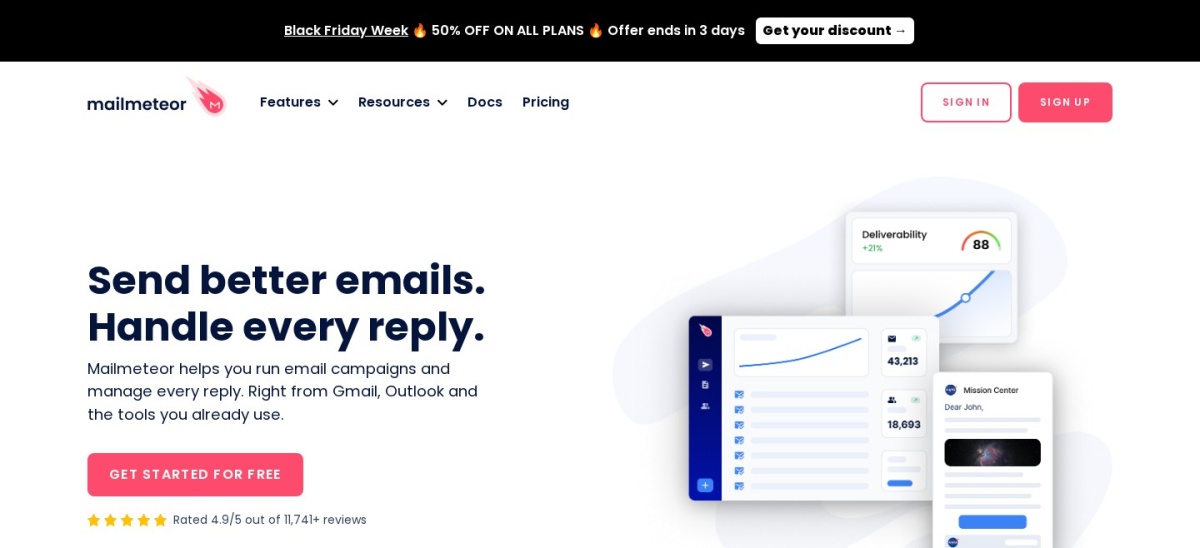
Mailmeteor is an email personalization platform for sending individual messages from spreadsheet data. Its free Hobby plan includes 500 monthly emails, templates, scheduling and email tracking.
The trade off is that advanced automated follow-ups require a higher subscription than Starter, which costs $53.99 annually. It suits freelancers, recruiters and small businesses that need affordable mail merging.
What we like
Generous monthly free allowance
Google Sheets and Excel integrations
Email scheduling and tracking
Affordable annual subscription
Watch out for
Advanced follow-ups require an upgrade
Mailbox sending restrictions still apply
Starter adds 5,000 monthly emails, verification and reply detection.Visit mailmeteor.com
02
GMass
4.7/5on G2 (1,339 reviews, checked Nov 2026)
Starts at$249/yr
Best for advanced Gmail campaigns
Email platformGmail
Contact limitUnlimited on Standard
PersonalizationSpreadsheet fields
Paid planStandard
gmass.co
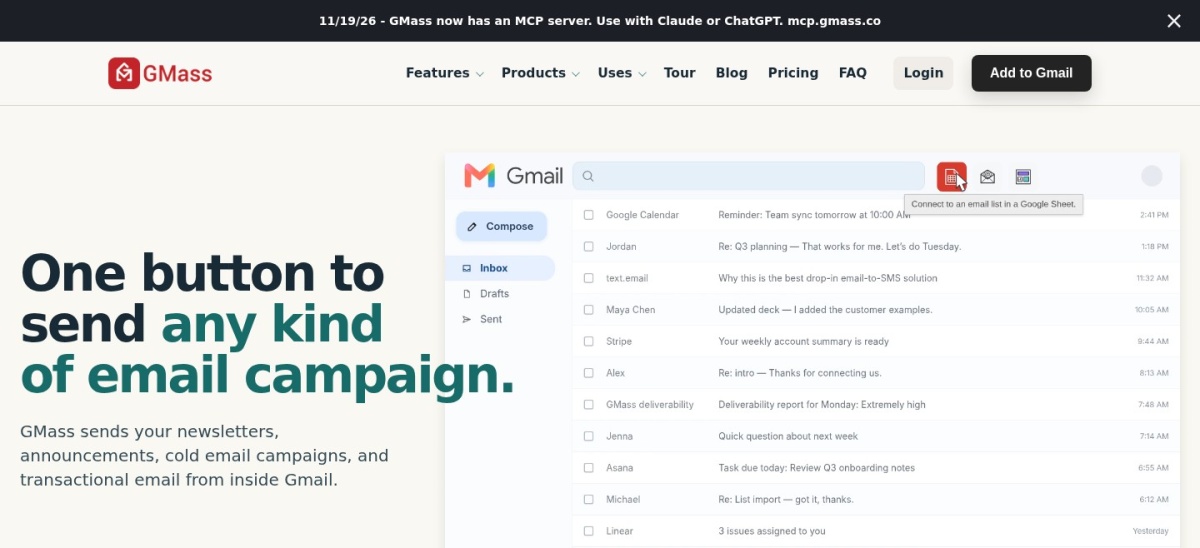
GMass homepage, captured Nov 2026.
GMass is a Gmail campaign extension that connects recipient data with personalized email templates. Its $249 annual Standard plan includes unlimited contacts and campaigns, email address verification and mail merge personalization.
The trade off is that Standard excludes automated sequences and A/B testing despite costing $249 annually. It suits regular Gmail senders who need detailed campaign controls and can justify a dedicated subscription.
What we like
Large public review base
Works inside Gmail
Built-in email verification
Custom tracking links
Watch out for
Higher entry cost than basic merge tools
Automated follow-ups require Premium
Gmail sending limits remain relevant
Standard unlocks ongoing campaigns; Premium adds automated sequences.Visit gmass.co
03
YAMM
4.3/5on G2 (91 reviews, checked Nov 2026)
Paid from$72/yr
Best for Google Sheets mail merge
Free allowance20 recipients/day
Entry paid allowance400 recipients/day
Data sourceGoogle Sheets
Paid planPro Gmail
yamm.com
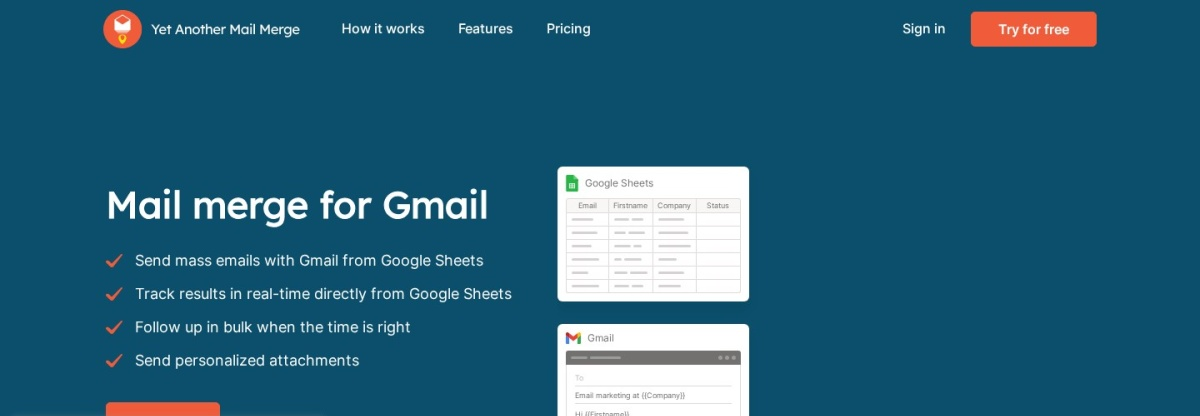
YAMM homepage, captured Nov 2026.
YAMM is a Google Sheets add-on that combines spreadsheet records with Gmail drafts. Its free plan supports 20 recipients daily, personalized attachments and campaign tracking.
The trade off is that scheduling requires a paid subscription, starting at $72 annually for personal Gmail accounts. It suits educators, small businesses and teams that maintain contact lists in Google Sheets.
What we like
Familiar spreadsheet workflow
Personalized attachments
Tracks replies and unsubscribes
Permanent free plan
Watch out for
Limited free sending allowance
Workspace subscriptions cost more
Focused on the Google ecosystem
Pro increases sending capacity and adds scheduling.Visit yamm.com
04
Right Inbox
4.8/5on G2 (27 reviews, checked Nov 2026)
Paid from$7.95/mo
Best for Gmail productivity and mail merge
Free mail mergeNo
Paid mail mergeUnlimited tool usage
Email sequencesProfessional
Paid planProfessional
rightinbox.com
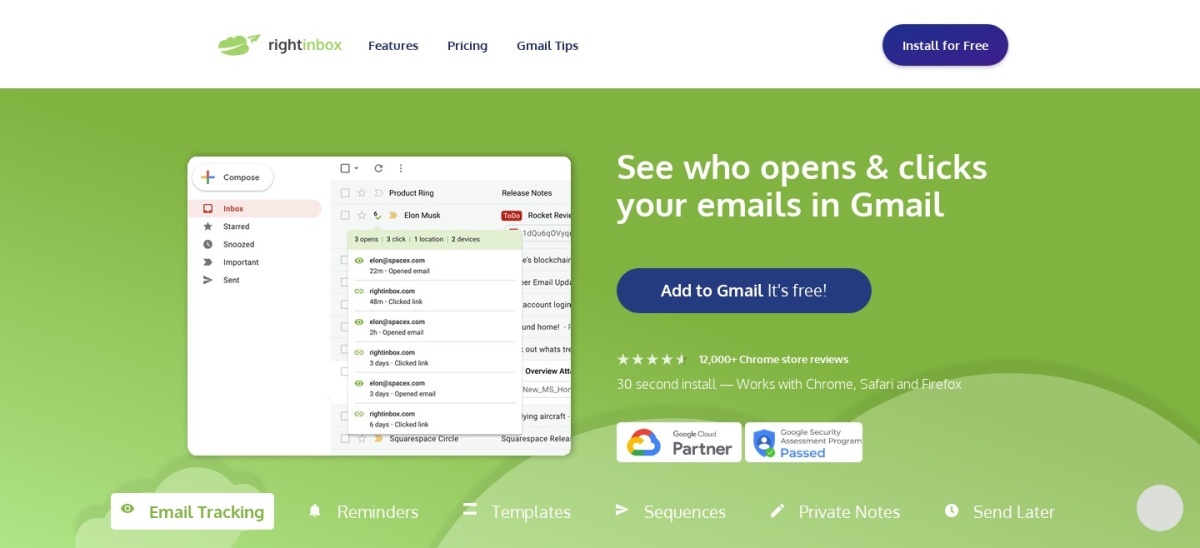
Right Inbox homepage, captured Nov 2026.
Right Inbox is a Gmail extension combining personalized campaigns with everyday email productivity features. Its Professional subscription costs $7.95 per month with annual billing and includes mail merge, sequences and reminders.
The trade off is that the free subscription excludes mail merge, making the $95.40 annual upgrade necessary for campaigns. It suits individual professionals who want personalization and inbox management together.
What we like
Mail merge and sequences in one subscription
Email reminders and reusable templates
Affordable annual pricing
CRM integration
Watch out for
No mail merge on the free plan
Primarily designed for Gmail
Professional unlocks mail merge, sequences and recurring emails.Visit rightinbox.com
05
Yesware
4.4/5on G2 (821 reviews, checked Nov 2026)
Paid from$15/mo
Best for personalized sales communication
Free campaign recipients10/month
Pro campaign recipients20/month
Email platformsGmail and Outlook
Paid planPro
yesware.com
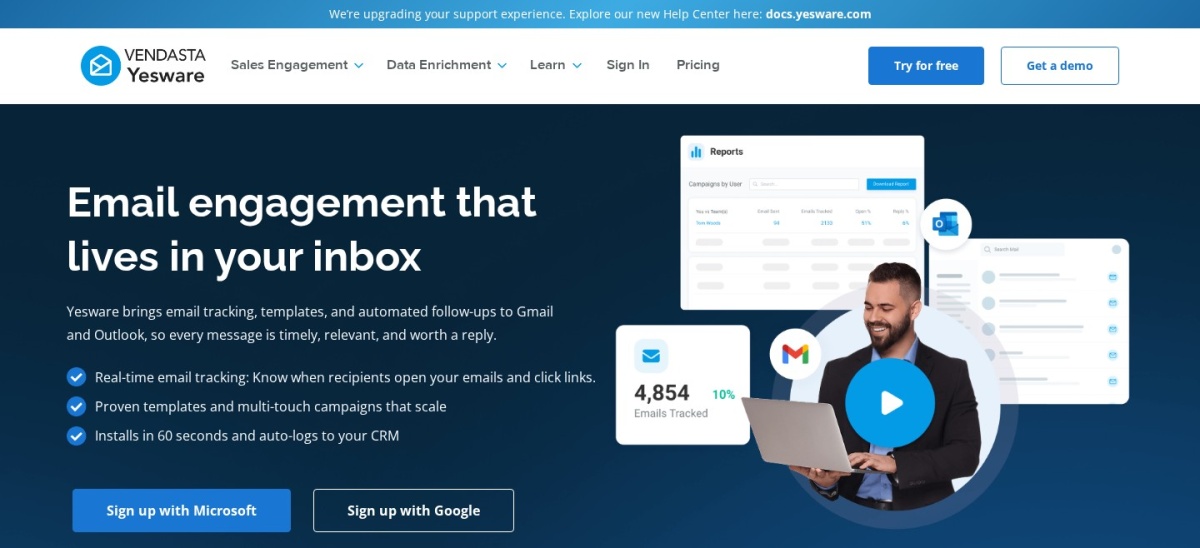
Yesware homepage, captured Nov 2026.
Yesware is an email productivity and sales engagement platform offering personalized campaigns, templates and tracking. Its Free Forever subscription includes 10 campaign recipients monthly and basic engagement tracking.
The trade off is that Pro costs $15 per month with annual billing but supports only 20 monthly campaign recipients. It suits sales professionals who prioritize tracking individual relationships over sending large campaigns.
What we like
Gmail and Outlook compatibility
Email and attachment tracking
Meeting scheduling
Sales-focused reporting
Watch out for
Low entry-plan campaign allowance
Higher-volume campaigns require an upgrade
Less suitable for bulk newsletters
Pro adds unlimited email tracking and a larger campaign allowance.Visit yesware.com
06
Mixmax
4.6/5on G2 (1,502 reviews, checked Nov 2026)
Paid from$29/mo
Best for automated email follow-ups
Free recipients50/month
Entry paid recipients100/month
Follow-upsAutomated sequences
BillingAnnual, per user
mixmax.com
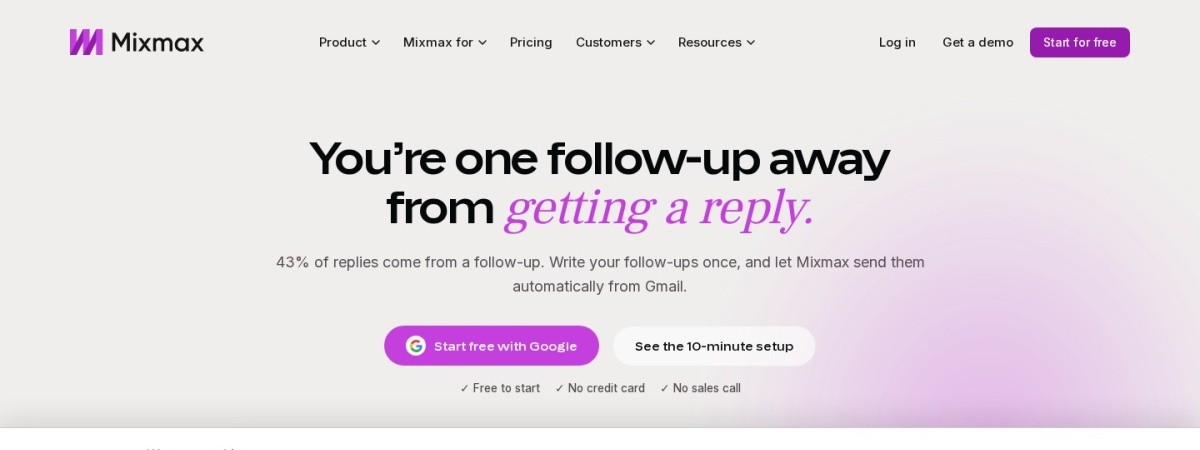
Mixmax homepage, captured Nov 2026.
Mixmax is a Gmail outreach platform that combines personalized messages with automated follow-up sequences and meeting scheduling. Its free tier supports 50 monthly sequence recipients with limited features.
The trade off is recipient-based pricing, with the $29 monthly annual-billing option supporting 100 recipients. It suits consultants, recruiters and sales professionals managing targeted conversations rather than large mailing lists.
What we like
Automated follow-up workflows
Stops follow-ups after replies by default
Email engagement tracking
Integrated meeting scheduling
Watch out for
Expensive for larger recipient lists
Limited free features
More configuration than basic mail merge tools
Paid subscriptions unlock additional features and recipient capacity.Visit mixmax.com
07
Streak
4.5/5on G2 (269 reviews, checked Nov 2026)
Paid from$49/mo
Best for Gmail CRM and mail merge
Free mail merge50 sends/day
Paid mail mergeUp to 1,500 sends/day
CRM pipelinesPro
Paid planPro
streak.com
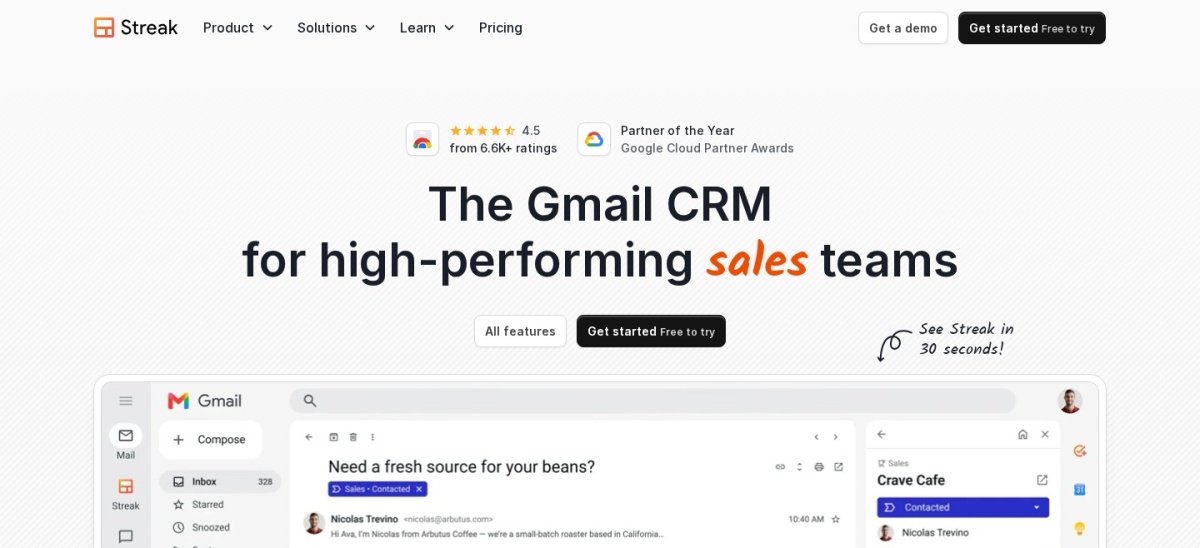
Streak homepage, captured Nov 2026.
Streak is a Gmail-based CRM with personalized email campaigns and contact management features. Its free email tools include 50 daily mail merge sends, reusable snippets and email tracking.
The trade off is the $49 monthly Pro subscription with annual billing, which is expensive for mail merge alone. It suits businesses that also need shared pipelines, contact records and communication management.
What we like
Free daily mail merge allowance
CRM and email tools in Gmail
Shared pipelines on Pro
Automated follow-up support
Watch out for
Highest entry subscription in this comparison
Free tier excludes CRM pipelines
Advanced integrations require higher plans
Pro adds CRM pipelines and increases daily mail merge capacity.Visit streak.com
Mail merge software vs email marketing platforms
Mail merge tools send individually personalized messages using recipient records and a reusable template. They are useful for customer updates, recruiting, event invitations and relationship-based communication.
Email marketing platforms are generally better for newsletters, subscription management and automated customer journeys. They typically provide dedicated infrastructure for larger permission-based mailing lists.
Choose mail merge when personal replies and existing inbox workflows matter. Choose an email marketing platform when subscriber management and campaign design are your main priorities.
How we chose
We shortlisted established email personalization products with documented mail merge or personalized campaign features and public customer reviews. We compared spreadsheet support, sending capacity, tracking, scheduling and entry-plan restrictions.
The requested editorial verification date is 22 Nov 2026. Pricing and ratings were retrieved from official vendor pages and G2 during research for this article; the exact historical values on the editorial date could not be independently confirmed. Annual subscription rates are used where available.
We excluded products without sufficiently documented pricing or qualifying public reviews. Free-plan availability does not necessarily mean free mail merge, as illustrated by Right Inbox. No vendor paid for a place, and we do not claim testing for this list.
How to choose the best mail merge software
Compare your mailbox, recipient volume and personalization requirements before purchasing a subscription.
**Choose a compatible email platform.** Confirm that the software works with your existing Gmail or Outlook account and preferred spreadsheet application.
**Calculate your sending requirements.** Estimate how many recipients you contact daily and monthly, then compare the plan allowance with your mailbox restrictions.
**Check personalization and tracking features.** Look for custom fields, personalized attachments, reply tracking and automated follow-ups if your workflow requires them.
**Compare the actual annual cost.** Consider subscription fees, additional sender accounts and necessary upgrades rather than relying on the lowest advertised monthly price.
FAQ
What is the best mail merge software?
Mailmeteor is our top choice for affordable personalized email campaigns and spreadsheet integration. GMass is better for advanced Gmail campaign controls, while YAMM works well for users who prefer managing recipients directly in Google Sheets.
Is there free mail merge software?
Yes. Mailmeteor, YAMM and Streak offer free mail merge allowances. These subscriptions have sending or feature restrictions, but they can cover occasional personalized announcements, small customer lists and event invitations without a paid subscription.
Can I use Excel for mail merge?
Yes. Tools such as Mailmeteor support Excel-based email personalization. Your spreadsheet should contain separate columns for recipient addresses, names and other information that you want to insert into individual messages.
Can mail merge software send personalized attachments?
Some mail merge tools support different attachments for individual recipients. YAMM offers personalized attachments, making it useful for sending certificates, invoices and individualized documents. Always confirm attachment permissions and recipient mappings before sending.
Does mail merge software guarantee email delivery?
No. Delivery depends on mailbox restrictions, sender reputation, recipient consent, authentication and message quality. Mail merge software can help organize personalized communication, but it cannot guarantee inbox placement or prevent every delivery failure.
SaaS SEO and WordPress specialist with about 8 years of experience. Rakib compares WordPress plugins, themes, hosting and software using public pricing, documentation and user reviews. See how we rank.