Best Software for Creating Newsletters in 2026: 7 Tools Compared
WLWPLegible EditorsLast verified 22 Nov 2026How we rank12 min read
★ Short answer
Mailchimp is our top newsletter creation software for small businesses, combining email templates, audience segmentation and an Essentials plan starting at $13 monthly. Brevo is better for businesses managing email volume and transactional messages, while Kit suits creators building newsletters, automated sequences and digital products.
How we make this list: we compare pricing pages, product documentation and public user reviews, then re-check every price before each update. No product paid for a place. Disclosure.
Mailchimp Essentials starts at $13 monthly and includes a monthly sending allowance equal to 10 times the selected contact limit.
Brevo Starter starts at $9 monthly, making it an affordable entry point for newsletter campaigns.
Kit offers a free Newsletter plan for up to 10,000 subscribers, while Creator costs $39 monthly at its regular rate.
EmailOctopus Starter supports 2,500 subscribers and 10,000 monthly emails free; Pro starts at $9 monthly with annual billing.
GetResponse Starter costs $19 monthly or $15.58 monthly with annual billing and includes unlimited monthly email sends.
beehiiv Lite starts at $49 monthly with annual billing and adds paid subscriptions, monetization and newsletter automation.
What to look for in newsletter creation software
Newsletter software helps businesses and creators design emails, manage subscribers, schedule campaigns and measure engagement. Most platforms include visual editors and templates, but their automation, publishing and monetization features vary considerably.
Start with the email editor. Drag-and-drop layouts, reusable templates, mobile previews and brand customization make newsletters easier to prepare. A good editor should let you build consistent campaigns without requiring HTML knowledge.
Subscriber management is equally important. Look for signup forms, landing pages, audience segmentation, unsubscribe handling and tools for maintaining clean contact lists. These features support relevant communication and responsible email marketing.
Pricing can depend on subscriber counts, monthly sends or both. Some vendors include generous subscriber allowances but restrict sending, while others provide unlimited monthly campaigns within a selected contact tier.
Finally, consider your newsletter's purpose. A business promoting products may need ecommerce integrations and automated journeys. An independent publisher may prioritize a hosted newsletter website, paid subscriptions and audience growth features.
Mailchimp is an email marketing platform for designing newsletters, managing subscribers and tracking campaign performance. Its free plan provides entry-level email marketing tools, while Essentials adds features including additional templates, audience management and email scheduling. The Essentials monthly sending allowance is 10 times the selected contact limit.
The trade off is that subscription costs increase as your audience grows, and advanced automation requires higher plans. Essentials starts at $13 monthly, equivalent to $156 yearly, after introductory promotions. It suits small businesses wanting newsletter design, subscriber management and campaign reporting in one platform.
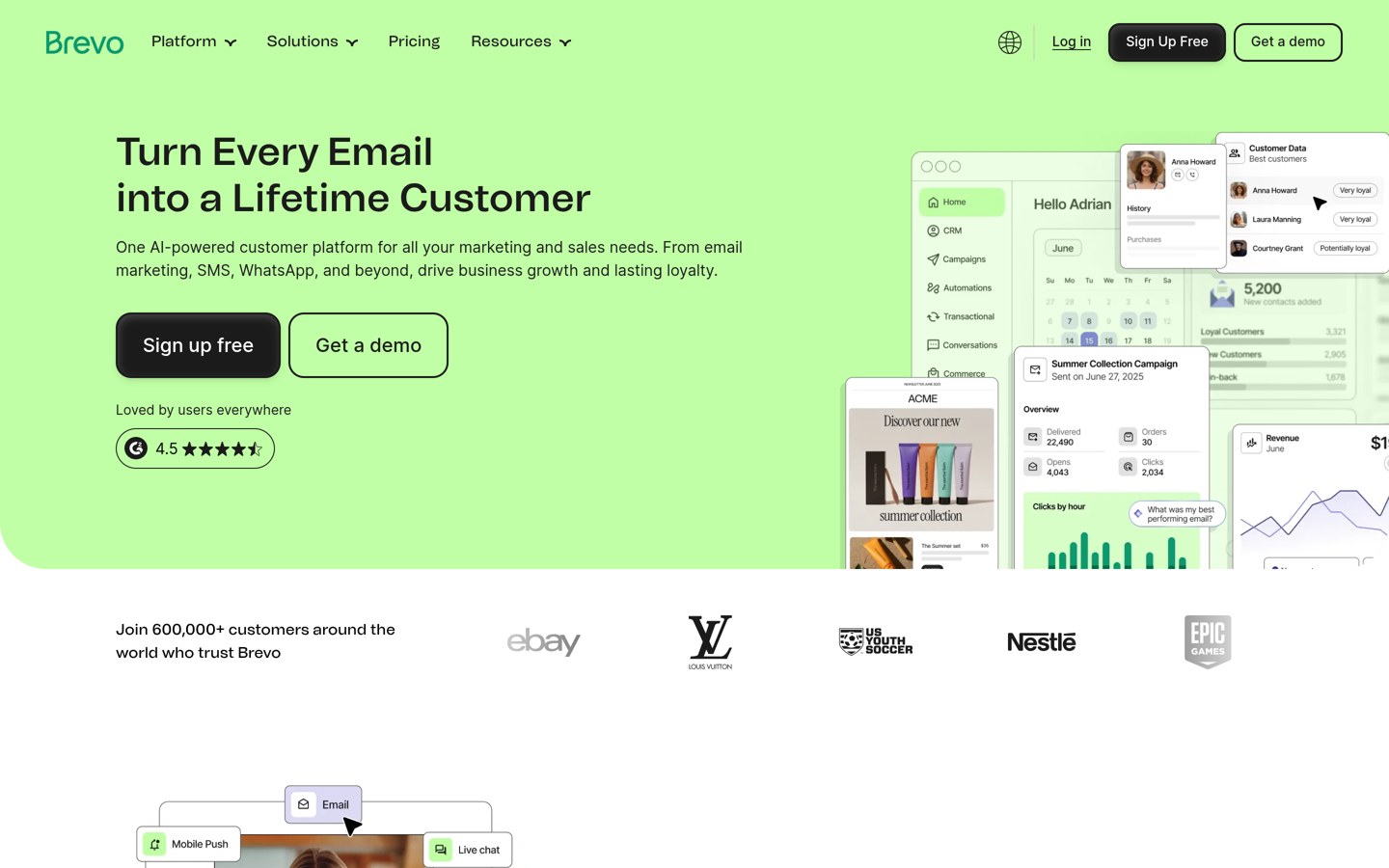
Brevo is a marketing platform for creating newsletters, managing contacts and sending email campaigns. Its free plan includes basic email marketing capabilities, while Starter provides additional sending capacity. The platform also supports transactional email, marketing automation and multichannel communication through its broader product offerings.
The trade off is that email volume and optional features affect the final subscription cost. Starter begins at $9 monthly, equivalent to $108 yearly at the entry rate, and removing Brevo branding can require an additional charge. It suits businesses that prioritize sending flexibility and affordable email marketing.
What we like
Affordable Starter subscription
Free newsletter marketing option
Visual email campaign editor
Transactional email capabilities
Marketing automation and contact management
Watch out for
Additional sending capacity increases costs
Branding removal may require an add-on
Advanced automation requires higher plans
Starter adds paid sending capacity, with optional upgrades for additional capabilities.Visit brevo.com
03
Kit
4.3/5on G2 (237 reviews, checked Nov 2026)
Paid from$39/mo
Best for creators and independent publishers
Free subscribersUp to 10,000
Free broadcastsUnlimited
Creator automationsUnlimited visual automations
Paid planCreator, $39/mo
kit.com
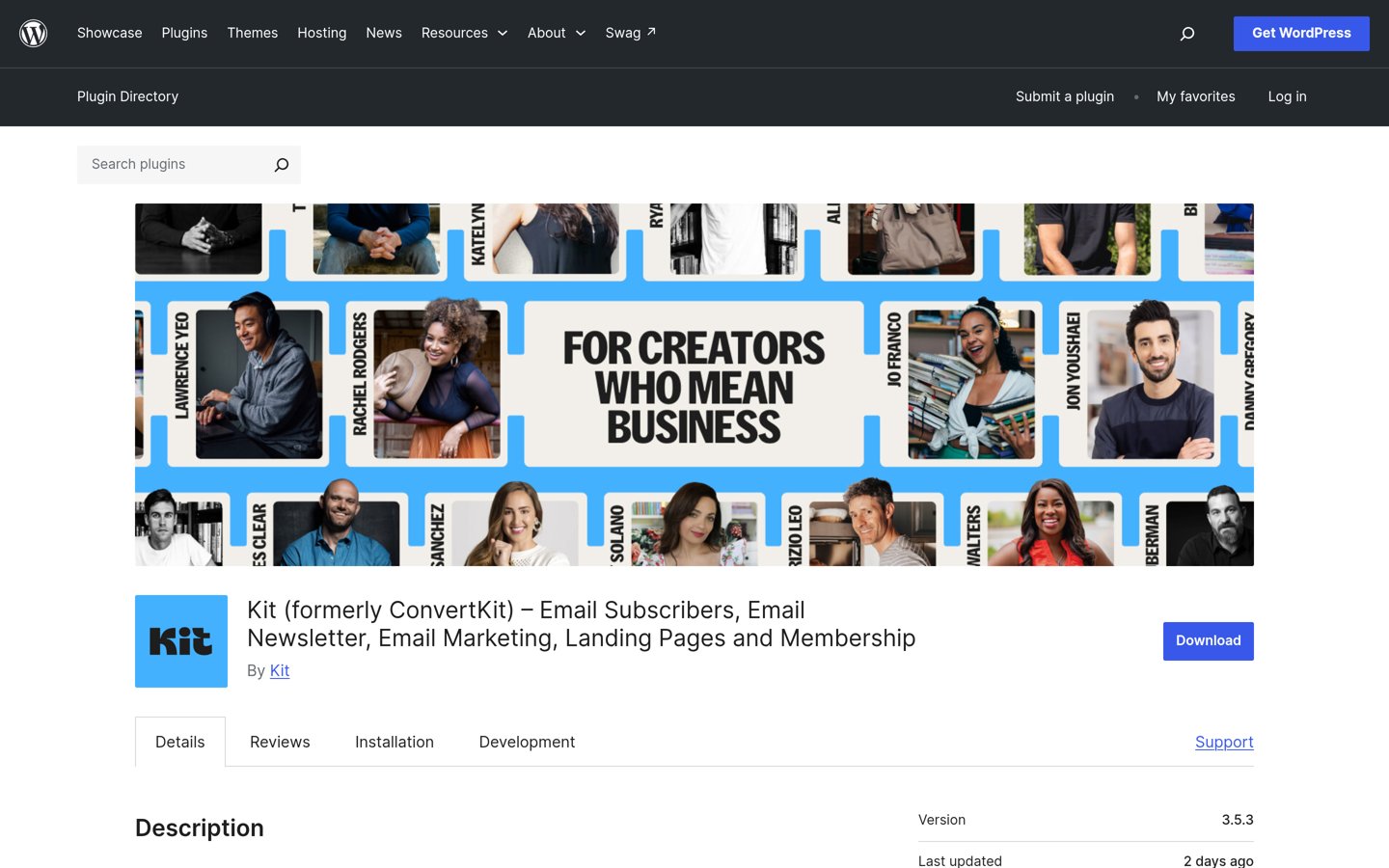
Kit homepage, captured Nov 2026.
Kit is an email marketing platform built for creators publishing newsletters, building audiences and selling digital products. Its free Newsletter plan supports up to 10,000 subscribers, unlimited email broadcasts, landing pages, forms and audience tagging. Creator adds visual automations, unlimited email sequences, subject-line testing and additional integrations.
The trade off is that advanced newsletter automation requires a paid subscription, while some creator monetization services carry separate fees. Creator costs $39 monthly, equivalent to $468 yearly, although a temporary promotion discounts the opening months. It suits writers, educators and creators developing subscriber-based businesses.
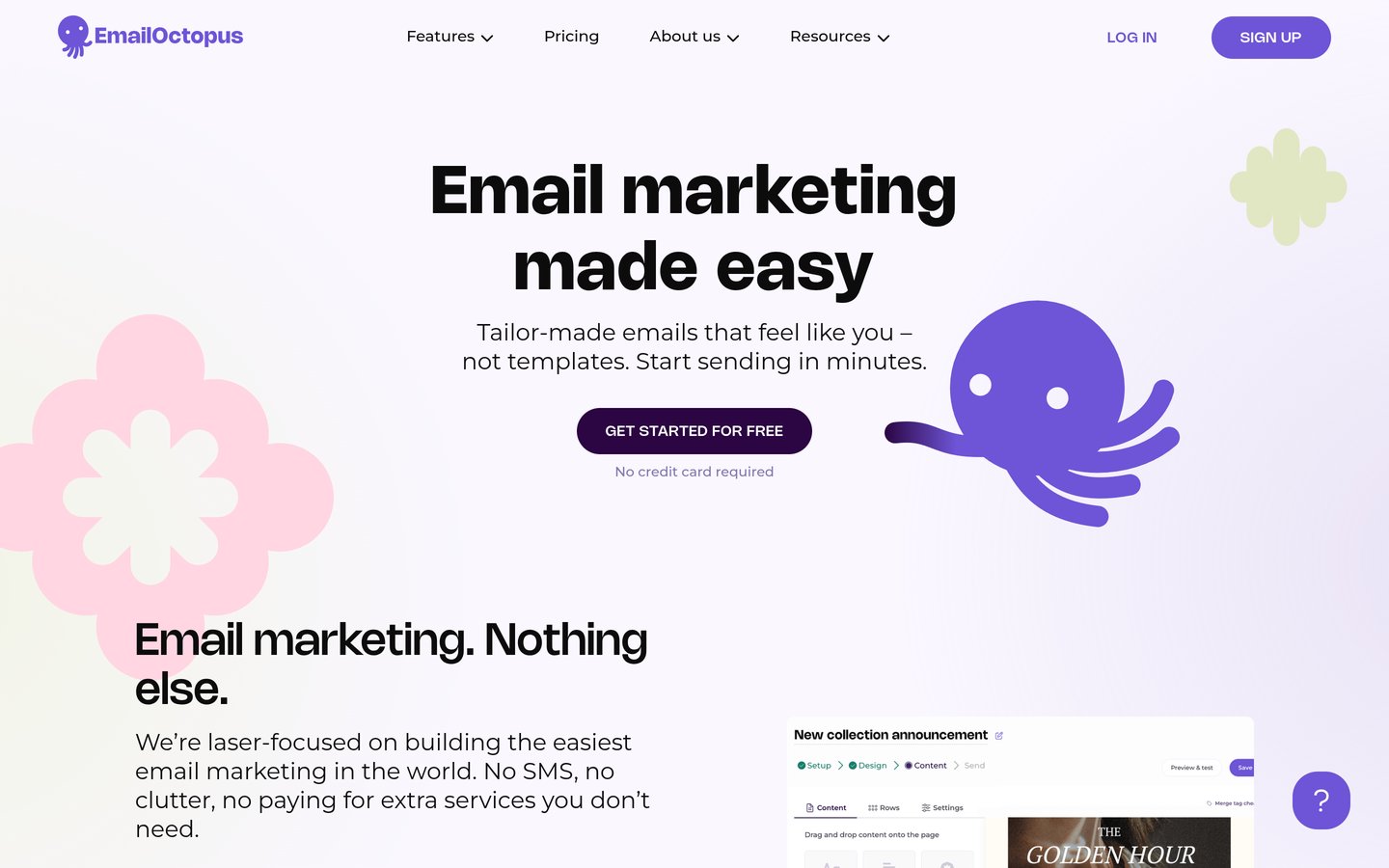
EmailOctopus is an email newsletter platform offering a drag-and-drop editor, responsive templates, subscriber management and automated campaigns. Starter supports 2,500 subscribers, 10,000 monthly emails, 1 landing page and 1 form. Its Pro plan adds unlimited forms, landing pages and user access, alongside permanent reporting history.
The trade off is that Starter includes EmailOctopus branding and limits reporting history to 30 days. Pro starts at $9 monthly with annual billing, equivalent to $108 yearly, and automatically moves to higher pricing tiers as subscriber needs grow. It suits publishers seeking straightforward newsletter functionality without an expensive subscription.
What we like
Free plan supports 2,500 subscribers
10,000 free monthly emails
Drag-and-drop newsletter editor
Pro includes unlimited users
Simple subscription structure
Watch out for
Free emails include vendor branding
Starter reporting history is limited
Advanced marketing capabilities are comparatively limited
Subscriber growth increases paid costs
Pro removes branding and adds unlimited forms, users and permanent reporting history.Visit emailoctopus.com
05
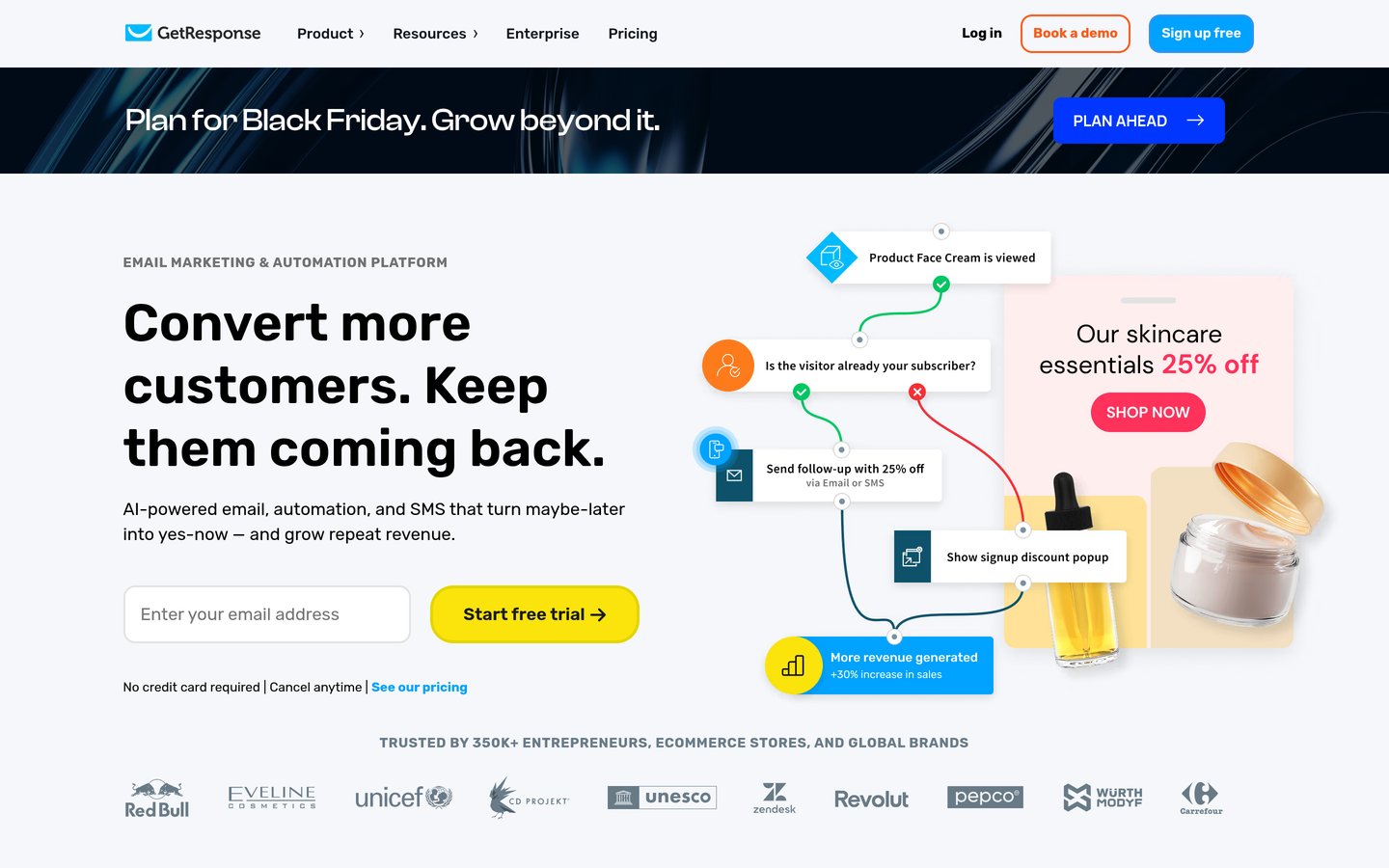
GetResponse
4.3/5on G2 (1,149 reviews, checked Nov 2026)
Starts at$15.58/mo
Best for newsletter automation and funnels
Monthly emailsUnlimited on Starter
Automation workflows1 custom workflow
Newsletter editorAI-assisted
Paid planStarter, $15.58/mo annually
getresponse.com
GetResponse homepage, captured Nov 2026.
GetResponse is an email marketing and automation platform for creating newsletters, landing pages and subscriber campaigns. Starter includes unlimited monthly email sends, AI content generators, welcome email sequences, signup forms and popups. It also supports 1 custom automation workflow and a landing page builder.
The trade off is that more extensive automation and advanced segmentation require higher subscriptions. Starter costs $19 monthly or $15.58 monthly with annual billing, equivalent to $186.96 yearly. It suits businesses that want newsletters alongside welcome sequences, lead capture and structured marketing funnels.
What we like
Unlimited monthly sends on Starter
AI-assisted email creation
Welcome sequences and autoresponders
Landing pages and signup forms
Upgrade path for advanced automation
Watch out for
Starter includes limited custom automation
Advanced segmentation requires higher plans
Contact-based pricing increases with audience growth
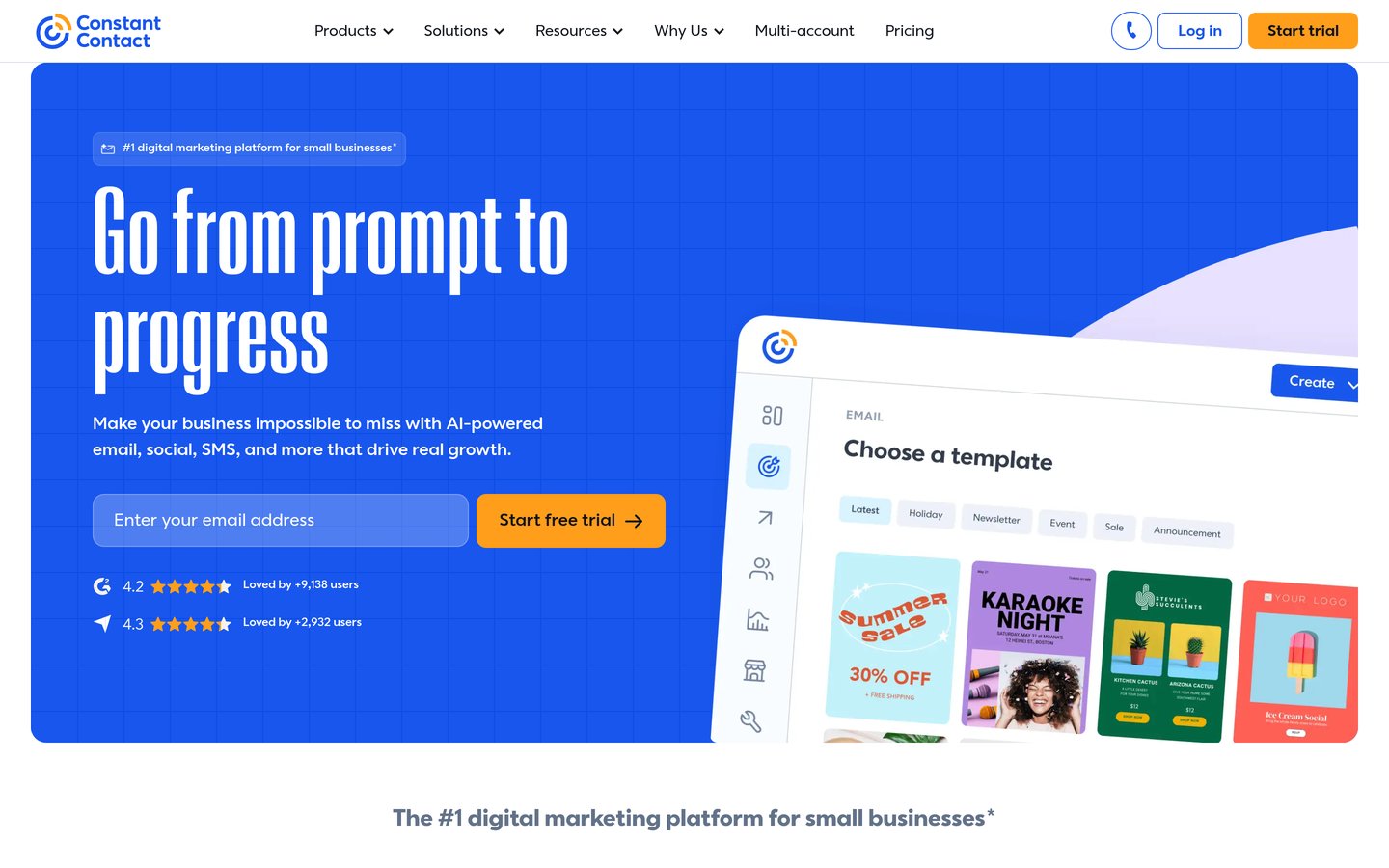
Constant Contact is a digital marketing platform for designing newsletters, managing contacts and coordinating email and social campaigns. Lite includes a drag-and-drop email editor, AI copy generator, newsletter templates, basic reporting and 1 automation template. Users can also access marketing support and social media publishing tools.
The trade off is that advanced reporting, segmentation and automated journeys require higher subscriptions. Lite starts at its regular rate of $12 monthly, equivalent to $144 yearly, while a temporary offer discounts the opening months. It suits small businesses that want guided email marketing alongside social media communication.
What we like
Drag-and-drop newsletter creation
AI copy generator and templates
Social media marketing tools
Live phone and chat support
Straightforward entry-level email features
Watch out for
Advanced automation requires higher plans
Contact and sending volume affect pricing
No permanent free plan confirmed
Entry-level reporting is basic
Standard adds advanced reporting, more automation templates and automatic resends.Visit constantcontact.com
07
beehiiv
4.5/5on G2 (40 reviews, checked Nov 2026)
Paid from$49/mo
Best for newsletter monetization
Free monthly sendsUnlimited
Newsletter websiteIncluded
Lite subscription fees0% platform take rate
Paid planLite, $49/mo annually
beehiiv.com
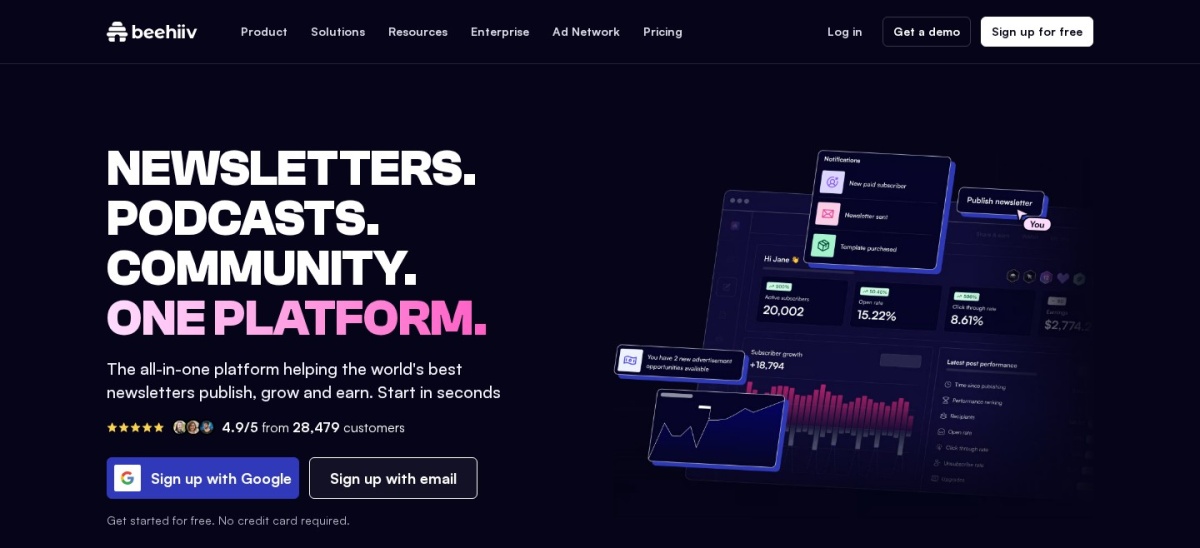
beehiiv homepage, captured Nov 2026.
beehiiv is a newsletter publishing platform combining email campaigns, hosted websites, audience growth and monetization. Its free plan includes unlimited email sends, templates, landing pages and a recommendation network. Lite adds paid subscriptions, advertising monetization, automations, audience polls and A/B testing.
The trade off is that its monetization-focused paid plan costs more than conventional email newsletter tools, and removing platform branding requires Pro. Lite costs $49 monthly with annual billing, equivalent to $588 yearly. It suits newsletter publishers building a content business around advertising, sponsorships and paid subscribers.
What we like
Newsletter publishing and website tools
Unlimited email sends on the free plan
Recommendation network for audience growth
Paid subscriptions with no platform revenue share
Lite includes advertising monetization
Watch out for
Lite costs more than basic email platforms
Branding removal requires Pro
Advanced analytics require an upgrade
Some monetization tools have eligibility conditions
Lite adds paid subscriptions, ad monetization, automations, polls and A/B testing.Visit beehiiv.com
Email marketing software vs dedicated newsletter platforms
Traditional email marketing platforms focus on subscriber management, promotional campaigns and automated customer communication. Mailchimp, Brevo, Constant Contact and GetResponse fit this category, with different combinations of segmentation, reporting and marketing automation.
Creator-focused platforms prioritize publishing newsletters, developing an audience and earning revenue from subscribers. Kit and beehiiv offer tools for audience growth and monetization, making them relevant to writers, educators and independent publishers.
Budget newsletter platforms emphasize sending campaigns with straightforward pricing. EmailOctopus provides a free allowance and a lower-cost paid upgrade without requiring a broader marketing suite.
Choose according to your business model. A retailer may need promotional automation and customer segmentation, while an independent writer may value a newsletter website and paid subscriptions.
How newsletter software pricing changes as you grow
Newsletter platforms use different subscription models. Some base pricing primarily on subscriber counts, while others emphasize email sending volume. This makes comparing entry prices alone unreliable.
Mailchimp's Essentials sending allowance depends on the selected contact tier. EmailOctopus combines subscriber and monthly email limits, while GetResponse Starter includes unlimited monthly sends within its subscription conditions.
Creator platforms may charge higher subscriptions because they include monetization, automation and audience growth tools. Kit and beehiiv provide free entry plans, but paid features differ substantially.
Before choosing, estimate audience growth, newsletter frequency and expected monetization needs. Compare regular recurring charges and account for optional add-ons, transaction processing and future subscription tiers.
How we chose
We selected established newsletter and email marketing platforms covering business campaigns, creator publishing, automation, subscriber management and monetization. Products needed an active official offering, a relevant newsletter editor and sufficient independent review history.
Official pricing pages, vendor support documentation and G2 review records were opened on 24 November 2026 for this article carrying the requested 22 November 2026 editorial date. We compared regular published prices, free-plan allowances, newsletter capabilities and independently reported ratings. Annual equivalents use the stated billing rate.
We excluded products without enough public review evidence or a confirmable paid entry price. We also excluded tools focused solely on transactional delivery or email verification rather than newsletter creation. No vendor paid for a place, and we do not claim testing for this list.
How to choose the best software for creating newsletters
Define your newsletter goals, then compare editing features, audience limits, automation and total subscription costs.
Choose software based on your newsletter's purpose. Decide whether you are publishing promotional campaigns, educational newsletters or paid content. Mailchimp and Brevo suit general marketing, while Kit and beehiiv focus on creators and audience monetization.
Compare the editing and publishing workflow. Look for reusable templates, mobile previews, brand customization and straightforward scheduling. An editor should allow you to prepare consistent newsletters without rebuilding layouts for every campaign.
Check subscriber management and automation. Review signup forms, audience segmentation, welcome emails and automated sequences. If your newsletter supports ecommerce or lead generation, choose software that integrates with your existing customer and sales systems.
Calculate costs at your expected audience size. Compare subscriber tiers, sending limits, annual billing terms and monetization fees. Include additional users, premium features and optional automation charges instead of relying on the lowest advertised introductory price.
FAQ
What is the best software for creating newsletters in 2026?
Mailchimp is our overall recommendation for small businesses because it combines newsletter templates, contact management, scheduling and campaign reporting. Essentials starts at $13 monthly. Brevo is a lower-cost alternative, while Kit is particularly useful for creators developing recurring newsletter content.
What is the best free newsletter software?
Kit and EmailOctopus offer useful free newsletter plans. Kit supports up to 10,000 subscribers with unlimited broadcasts, while EmailOctopus allows 2,500 subscribers and 10,000 monthly emails. beehiiv and Brevo also offer free options with different publishing and sending capabilities.
Is Mailchimp better than Brevo for newsletters?
Mailchimp is a good fit for businesses prioritizing newsletter design, audience segmentation and campaign reporting. Brevo emphasizes email sending and broader marketing communication. Mailchimp Essentials starts at $13 monthly, while Brevo Starter begins at $9 monthly. Compare subscriber limits and sending requirements before choosing.
Which newsletter software is best for writers?
Kit and beehiiv are particularly relevant to writers and independent publishers. Kit includes free broadcasts, landing pages and digital product sales. beehiiv combines newsletters with hosted websites, paid subscriptions and an advertising monetization option. The better choice depends on your publishing and revenue strategy.
Can I create newsletters without coding?
Yes. The platforms in this comparison provide visual newsletter editing tools or templates that reduce the need to write HTML. You can generally add text, images, links and branded elements using an editor. Preview the finished email before sending because email clients may display layouts differently.
Which software supports paid newsletters?
Kit and beehiiv support paid newsletter subscriptions. Kit also offers digital product selling, while beehiiv Lite includes paid subscriptions with a 0% platform revenue share. Payment processing and other transaction charges may still apply, so compare monetization terms alongside subscription pricing.
How much does newsletter creation software cost?
Several platforms offer free plans. Paid entry pricing includes Brevo Starter from $9 monthly, EmailOctopus Pro at $9 monthly with annual billing, Mailchimp Essentials from $13 monthly and Kit Creator at $39 monthly. Costs can rise with subscribers, sending volume and additional features.
What features should newsletter software include?
Look for an email editor, reusable templates, contact management, signup forms, audience segmentation, scheduling and campaign reports. Automation, A/B testing and integrations become more important as your newsletter grows. Publishers selling subscriptions should also evaluate monetization features and payment processing.
Can newsletter software automatically send welcome emails?
Many newsletter platforms provide automated welcome messages or sequences. GetResponse Starter includes welcome email series, while Kit Creator supports unlimited email sequences. Brevo, Mailchimp and other marketing platforms also provide automation capabilities that vary by subscription. Check trigger conditions and plan limits before purchasing.