Roboflow is the best machine vision software for developing custom visual inspection applications, with a 4.7/5 G2 rating from 161 reviews and integrated training and deployment tools. Choose Nyckel for accessible image classification or CVAT for preparing and annotating machine vision training datasets.
How we make this list: we compare pricing pages, product documentation and public user reviews, then re-check every price before each update. No product paid for a place. Disclosure.
Roboflow Core costs $39/month and includes 20 monthly credits for computer vision workloads.
Nyckel Starter costs $149/month and supports 15,000 monthly invocations.
CVAT Solo starts at $276/year with annual billing and has a 4.5/5 G2 rating.
Google Cloud Vision API includes 1,000 free monthly units per image analysis feature.
SuperAnnotate has a 4.8/5 G2 rating from 382 reviews, with unpublished subscription prices.
Encord has a 4.8/5 G2 rating across 65 reviews and supports image and video annotation.
What machine vision software should include
Machine vision software processes images and video to identify objects, detect defects, verify product quality and automate visual decisions. Modern platforms combine conventional image processing with machine learning.
Look for image acquisition compatibility, object detection, classification and segmentation. Manufacturing applications may also require dimensional measurements, industrial camera connectivity and production equipment integration.
Deployment requirements matter. Cloud inference works for connected applications, while local inference can reduce network dependency and improve response times in production environments.
Distinguish complete machine vision systems from annotation platforms and image recognition APIs. Annotation software prepares training datasets, while inference services process images and complete development platforms connect these activities.
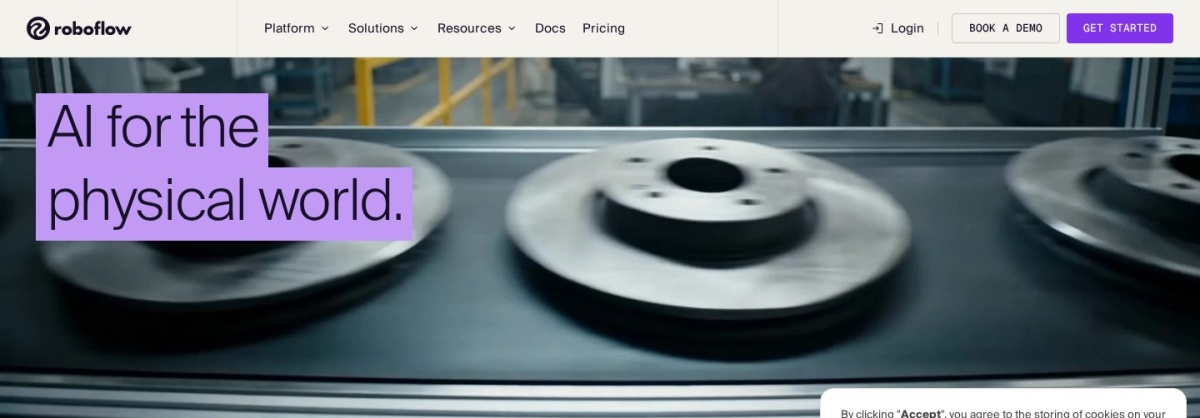
Roboflow is an end-to-end computer vision platform for preparing image datasets, training detection models and deploying automated inspection applications. Its free tier includes 10 monthly credits and supports local inference on compatible edge hardware.
The trade off is credit-based billing, with Core costing $39 monthly for 20 total credits and larger workloads requiring additional capacity. It suits engineering teams developing custom defect detection, object counting and visual inspection applications.
What we like
Integrated annotation and model training
Cloud and local inference deployment
Free monthly usage allowance
Supports custom visual inspection models
Watch out for
Training and inference consume credits
Industrial equipment integration may require development
Enterprise support requires custom pricing
Core increases the included monthly credits from 10 to 20.Visit roboflow.com
02
Nyckel
4.7/5on G2 (11 reviews, checked Nov 2026)
Paid from$149/mo
Best for accessible image classification
Free monthly invocations100
Starter monthly invocations15,000
Starter functionsUp to 20
Paid planStarter, $1,788/yr
nyckel.com
Nyckel homepage, captured Nov 2026.
Nyckel is a visual AI platform for developing image classifiers, detecting objects and automating image-based decisions. Its free subscription includes 100 monthly invocations, up to 200 samples and five functions, with access to ready-made models.
The trade off is that custom model training requires Starter at $149 monthly, with additional invocations costing $0.005 each. It suits businesses automating product categorization, visual quality checks and image classification without building neural networks from scratch.
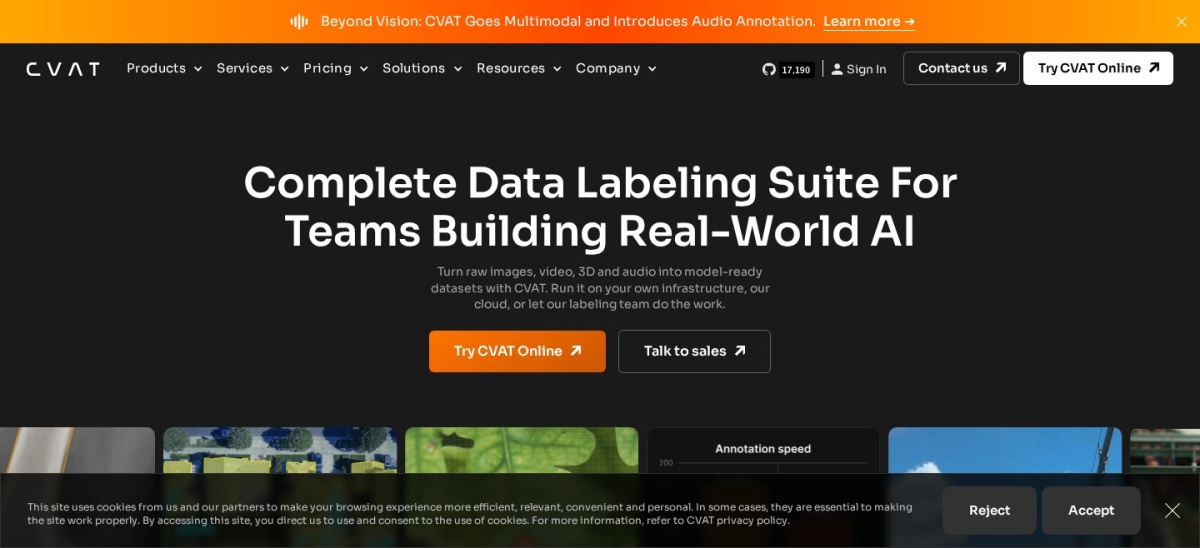
CVAT is an open-source data annotation platform for preparing image and video datasets used in machine vision development. Its free online subscription includes manual annotation, quality review, API access and annotation export.
The trade off is that advanced automated labeling requires Solo at $23 monthly with annual billing or $33 on monthly billing. It suits developers preparing reliable training datasets for custom industrial inspection and object detection models.
What we like
Open-source Community edition
Free online annotation capabilities
Image and video labeling support
Automated segmentation on paid plans
Watch out for
Not a complete production inspection system
Collaborative controls require Team
Self-hosted deployment requires maintenance
Solo adds batch auto-annotation, dataset export, analytics and advanced image segmentation.Visit cvat.ai
04
Google Cloud Vision API
4.4/5on G2 (142 reviews, checked Nov 2026)
Pricing$1.50/1,000 units
Best for pretrained cloud image recognition
Free monthly units1,000 per feature
Label detection$1.50/1,000 units
Text detection$1.50/1,000 units
Paid planPay-as-you-go
cloud.google.com
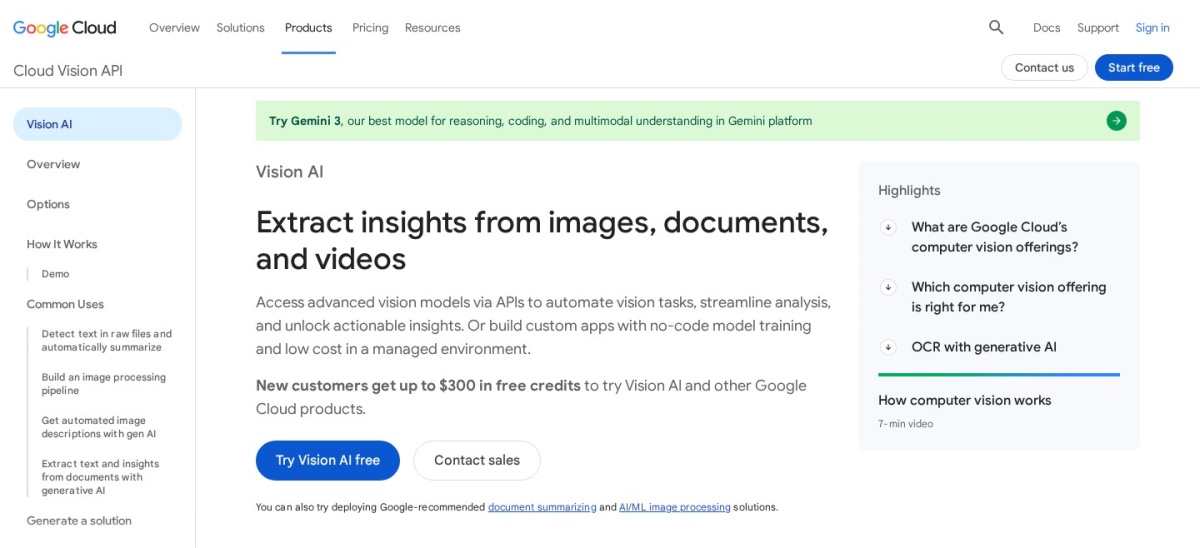
Google Cloud Vision API homepage, captured Nov 2026.
Google Cloud Vision API is a managed image analysis service for identifying visual content, recognizing logos and extracting text from images. It includes 1,000 free monthly units per supported feature, allowing developers to begin integrating pretrained image recognition into applications.
The trade off is feature-based consumption pricing, with standard label and text detection costing $1.50 per 1,000 units after the free allowance at the initial paid tier. It suits teams requiring general-purpose recognition without maintaining custom training infrastructure.
What we like
Pretrained image analysis capabilities
Monthly free usage allowance
Optical character recognition
No fixed subscription commitment
Watch out for
Multiple features generate separate charges
Requires connectivity for API requests
Specialized defect detection may require custom models
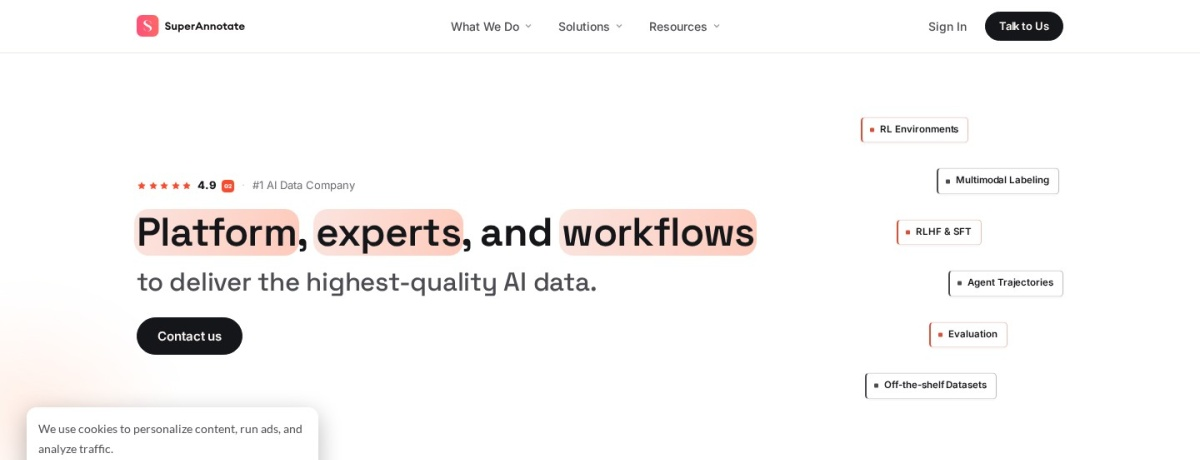
SuperAnnotate is an AI data development platform for managing annotation, dataset curation and quality control workflows. Its Starter package includes image and video editors, project management capabilities and 1,000 orchestration compute hours.
The trade off is unpublished subscription pricing and the need for separate production inference infrastructure. It suits machine vision teams preparing complex training datasets and coordinating annotation quality across multiple contributors.
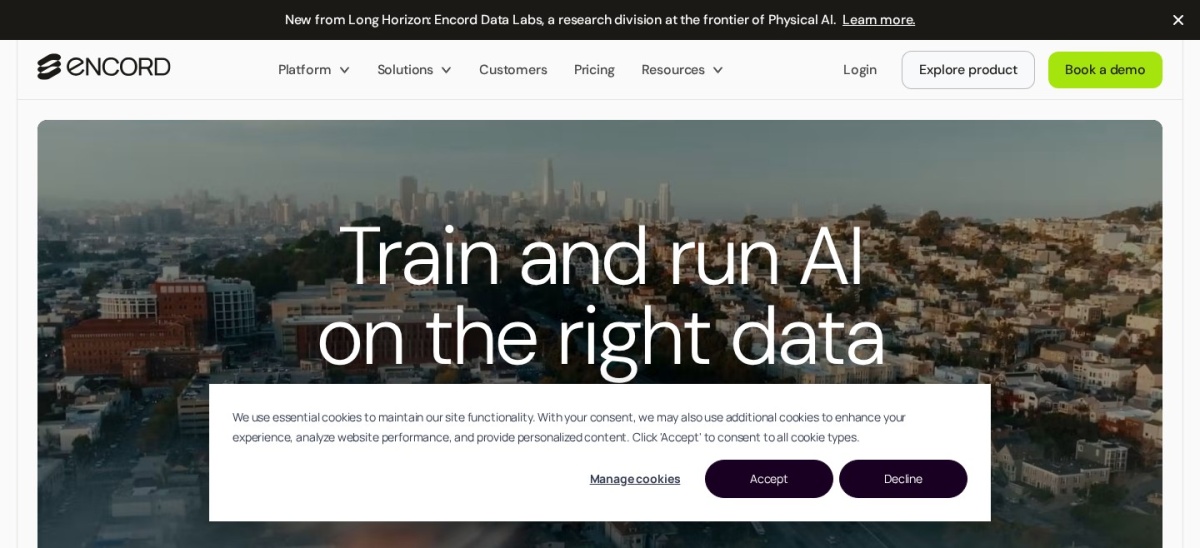
Encord is a multimodal AI data platform supporting machine vision dataset annotation, curation and model evaluation. Its Starter offering includes image and video annotation, configurable workflows and Index capacity for up to 500,000 data items.
The trade off is that subscription prices are not publicly displayed, while model evaluation and performance analytics are highlighted in the Team package. It suits machine vision developers managing complex datasets and improving training data quality.
What we like
Image and video annotation workflows
Configurable labeling structures
Dataset curation and exploration
Model evaluation on Team
Watch out for
Subscription prices require direct confirmation
Does not replace industrial camera control software
Enterprise deployment features require higher plans
Starter provides visual annotation, configurable workflows and dataset management.Visit encord.com
07
Amazon Rekognition
4.3/5on G2 (28 reviews, checked Nov 2026)
PricingUsage-based pricing
Best for AWS-based image and video analysis
Image analysisSupported
Video analysisSupported
Custom recognitionCustom Labels
Paid planConsumption-based
aws.amazon.com
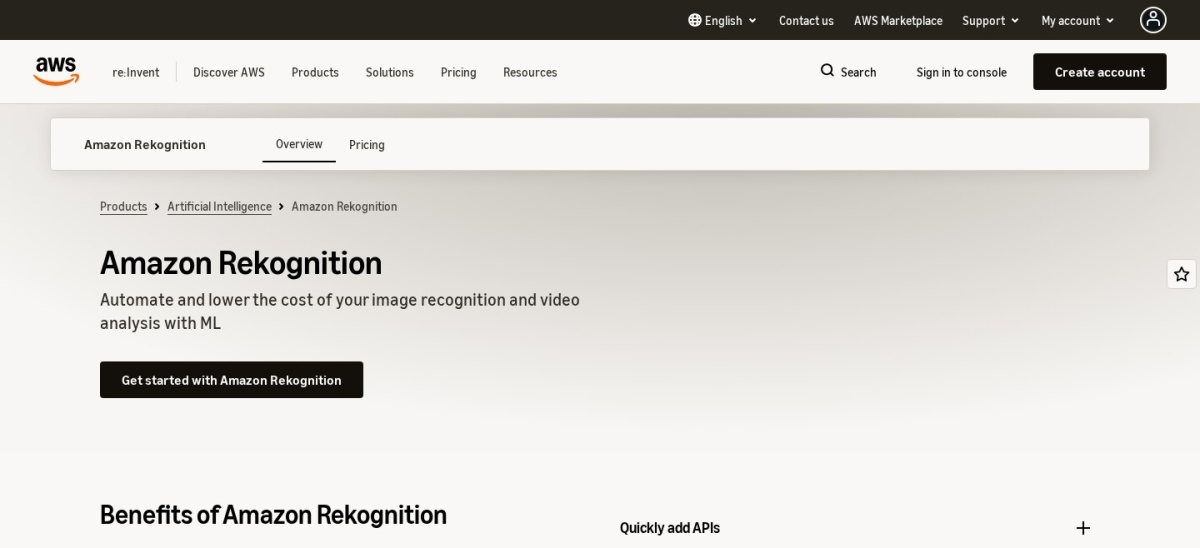
Amazon Rekognition homepage, captured Nov 2026.
Amazon Rekognition is a managed visual analysis service for identifying objects, scenes and text within images and video. Its G2 listing has a 4.3/5 rating from 28 reviews, and the service integrates image recognition into AWS-based applications.
The trade off is workload-dependent pricing that varies across image processing, video analysis and custom model usage, without a fixed annual subscription. It suits developers adding automated visual analysis to applications already operating on AWS infrastructure.
What we like
Managed image and video processing
Integration with AWS infrastructure
Pretrained visual recognition capabilities
Custom model options
Watch out for
Consumption charges vary by feature
Requires development and API integration
Not designed as standalone industrial inspection software
Paid consumption covers selected image analysis, video processing and custom recognition workloads.Visit aws.amazon.com
What is the difference between machine vision and computer vision?
Computer vision is the broader field of enabling software to interpret visual information. Applications include image classification, medical imaging, object recognition and video analysis.
Machine vision typically applies these technologies to automated physical processes, particularly manufacturing inspection, product sorting, measurement and quality control.
The distinction matters when selecting software. A cloud recognition API may work for image classification, but production inspection often requires local processing, compatible industrial cameras, controlled lighting and equipment integration.
How we chose
We shortlisted established visual AI and computer vision platforms using G2 reviews and official vendor documentation. We compared dataset preparation, recognition capabilities, model development, deployment options and subscription pricing.
The editorial reference date is 22 Nov 2026. Pricing and review pages were opened on 25 Nov 2026, so their exact historical values on the reference date could not be confirmed. Fixed subscriptions are annualized, custom prices use the requested zero placeholder, and consumption-based services have null annual costs.
We excluded candidates with insufficient reviews, inaccessible pricing pages or pricing that redirected to unrelated products. The shortlist emphasizes AI-based machine vision development and supporting annotation tools rather than dedicated industrial vision SDKs. Free access was not assumed where vendor documentation was unclear. No vendor paid for a place, and we do not claim testing for this list.
How to choose machine vision software
Compare machine vision tools against your inspection requirements, available hardware and expected production workloads.
Define the visual inspection task. Determine whether your application requires object detection, defect identification, classification, text recognition, dimensional measurements or automated product sorting.
Check camera and equipment compatibility. Confirm support for your existing imaging hardware, production equipment, industrial communication requirements and preferred deployment environment.
Evaluate dataset and model requirements. Determine whether pretrained recognition models are sufficient or whether you need custom annotation, model training and evaluation workflows.
Calculate complete deployment costs. Include software subscriptions, image processing charges, camera hardware, edge computing resources, integration expenses and ongoing model maintenance.
FAQ
What is the best machine vision software?
Roboflow is our overall pick for developing AI-based machine vision applications because it combines dataset preparation, model training and deployment. Nyckel is suitable for straightforward image classification, while CVAT specializes in training dataset annotation.
Is there free machine vision software?
Yes. Roboflow, Nyckel and CVAT offer free subscriptions or development capabilities. These options are useful for preparing datasets, evaluating visual recognition models and developing prototypes before investing in production infrastructure or paid subscriptions.
How much does machine vision software cost?
CVAT Solo starts at $276 annually, Roboflow Core costs $468 annually, and Nyckel Starter costs $1,788 annually. Complete production expenses may also include cameras, lighting, processing hardware, additional inference usage and equipment integration.
Can machine vision software detect manufacturing defects?
Yes. Custom computer vision models can identify visible manufacturing defects, incorrect product assembly and missing components. Detection accuracy depends on image quality, representative training datasets, consistent lighting, model selection and appropriate production validation.
Does machine vision require artificial intelligence?
No. Conventional machine vision can use rule-based image processing, pattern matching and geometric measurements. AI-based approaches are particularly useful when defects vary in appearance or when manually defining reliable inspection rules becomes difficult.
SaaS SEO and WordPress specialist with about 8 years of experience. Rakib compares WordPress plugins, themes, hosting and software using public pricing, documentation and user reviews. See how we rank.