Bill4Time is the best legal timekeeping software for firms focused on billing, starting at $39 per user per month with annual billing. Choose MyCase for integrated case management and trust accounting, or PracticePanther for time tracking alongside legal workflow management.
How we make this list: we compare pricing pages, product documentation and public user reviews, then re-check every price before each update. No product paid for a place. Disclosure.
Bill4Time starts at $468 per user annually and holds a 4.8/5 Capterra rating.
MyCase Basic costs $600 per user annually and includes time entry and trust accounting.
PracticePanther holds a 4.7/5 rating across 529 reviews.
LeanLaw starts at $55 per user monthly and connects directly with QuickBooks Online.
Smokeball holds a 4.8/5 rating across 360 reviews and offers automatic time capture on higher plans.
TimeSolv has 647 Capterra reviews and offers dedicated legal billing features.
What to look for in legal timekeeping software
Legal timekeeping software records billable work against clients and matters. It helps attorneys turn recorded activities into accurate invoices without maintaining separate spreadsheets.
Look for timers, manual entries, flexible hourly rates and mobile access. Attorneys should be able to record work immediately rather than reconstructing their activities later.
Electronic billing formats such as LEDES matter when working with corporate clients. Check whether your preferred subscription includes these capabilities.
Trust accounting, invoice approval and payment reconciliation can reduce administrative work. However, firms should confirm that their chosen software supports applicable professional accounting requirements.
Bill4Time is a timekeeping and billing platform with a $39 monthly entry subscription per user when billed annually. It includes time entries, expense records, invoicing, client management and mobile access.
The trade off is that advanced legal billing requirements may require a higher subscription than the $468 annual entry plan. It suits firms that prioritize recording billable work and generating invoices.
What we like
Dedicated time and expense tracking
Customizable invoice templates
QuickBooks integration
Watch out for
Advanced legal features require upgrades
Invoice corrections can involve manual work
Legal upgrades add specialized billing and accounting capabilities.Visit bill4time.com
02
MyCase
4.6/5on Capterra (807 reviews, checked Nov 2026)
Starts at$50/mo
Best for integrated legal practice management
Time entryIncluded
Trust accountingIncluded
Document storageUnlimited
Entry planBasic
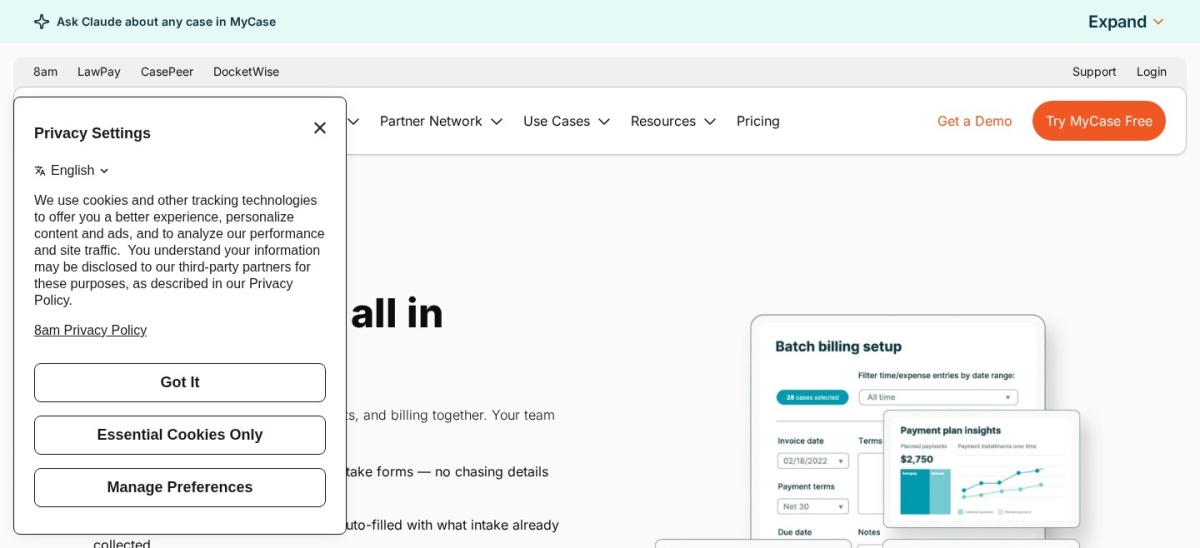
mycase.com
MyCase homepage, captured Nov 2026.
MyCase is a legal practice management platform offering its Basic subscription at $50 per user monthly with annual billing. Attorneys can manage matters, record time, prepare invoices and track trust funds.
The trade off is that premium billing capabilities and automated workflows require Pro at $100 per user monthly with annual billing. It suits smaller firms seeking a shared system for case administration and billing.
What we like
Integrated matter-based time entries
Trust accounting on Basic
Centralized document storage
Watch out for
Limited entry-level client portal
Advanced workflows require Pro
Pro adds advanced invoicing and workflow automation.Visit mycase.com
03
PracticePanther
4.7/5on Capterra (529 reviews, checked Nov 2026)
Starts at$49/mo
Best for legal workflow management
Time and expensesAll plans
Mobile appsAvailable
LEDES billingBusiness
Entry planSolo
practicepanther.com
PracticePanther homepage, captured Nov 2026.
PracticePanther is a legal practice management system with a published Solo rate of $49 per user monthly. Its entry offering combines timekeeping, matter organization, document templates and task workflows.
The trade off is that electronic legal billing requires Business, listed at $89 per user monthly. It suits attorneys who want to connect their recorded working hours with routine case management tasks.
4.7/5on Capterra (1,752 reviews, checked Nov 2026)
Starts at$49/mo
Best for growing law firms
Time trackingIncluded
Matter managementIncluded
Legal accountingIncluded
Entry planStarter
clio.com
Clio homepage, captured Nov 2026.
Clio is a legal management platform with a published starting price of $49 per user. Its Starter subscription covers matter records, timekeeping, expenses, online payments and account reconciliation.
The trade off is that advanced billing automation requires higher subscriptions with individually quoted prices above the $49 starting tier. It suits growing practices that want timekeeping within a broader legal management platform.
What we like
Integrated matter and financial records
Legal accounting capabilities
Large public review base
Watch out for
Higher-tier prices require inquiries
More features than billing-only firms may need
Core adds automated bill drafting and additional practice management tools.Visit clio.com
05
LeanLaw
4.7/5on Capterra (92 reviews, checked Nov 2026)
Starts at$55/mo
Best for QuickBooks Online users
Time trackingIncluded
QuickBooks syncTwo-way
Trust accountingIncluded
Entry planCore
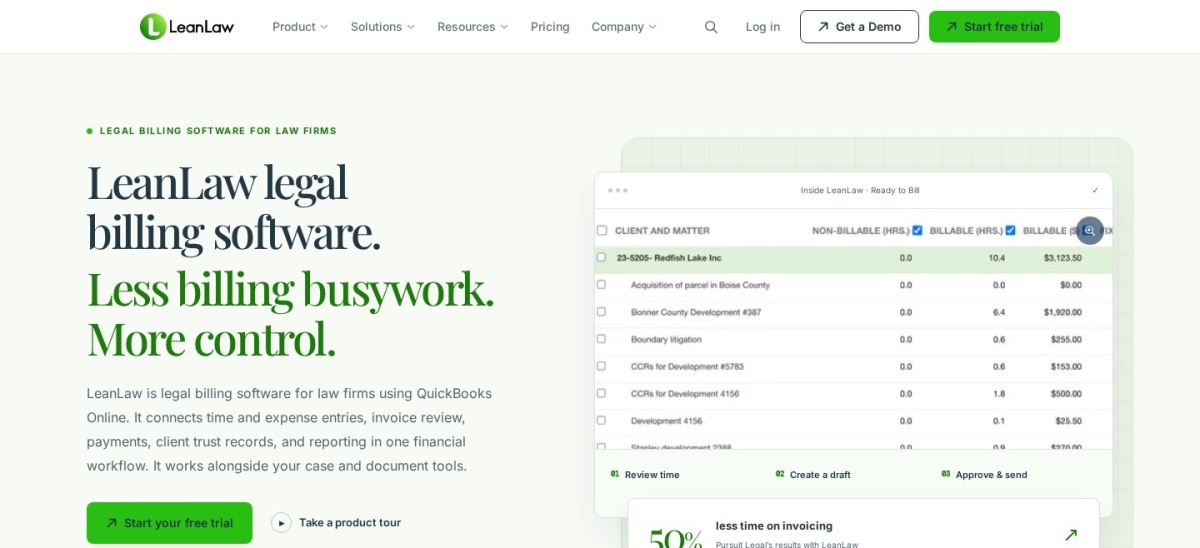
leanlaw.co
LeanLaw homepage, captured Nov 2026.
LeanLaw is a legal billing platform starting at $55 per user monthly. Its Core subscription connects recorded hours, expenses, invoices, trust transactions and financial reporting with QuickBooks Online.
The trade off is its dependence on QuickBooks Online, which represents an additional software requirement beyond the $660 annual LeanLaw subscription. It suits firms that already use QuickBooks for financial administration.
What we like
Two-way QuickBooks Online synchronization
Integrated trust accounting
Dedicated legal billing workflow
Watch out for
Requires QuickBooks Online
Smaller review base than major competitors
Core includes timekeeping, invoicing and accounting synchronization.Visit leanlaw.co
06
TimeSolv
4.7/5on Capterra (647 reviews, checked Nov 2026)
PricingCustom pricing
Best for specialized legal billing
Time and expensesBoth plans
Batch invoicingBoth plans
LEDES billingLegal
Entry planPro
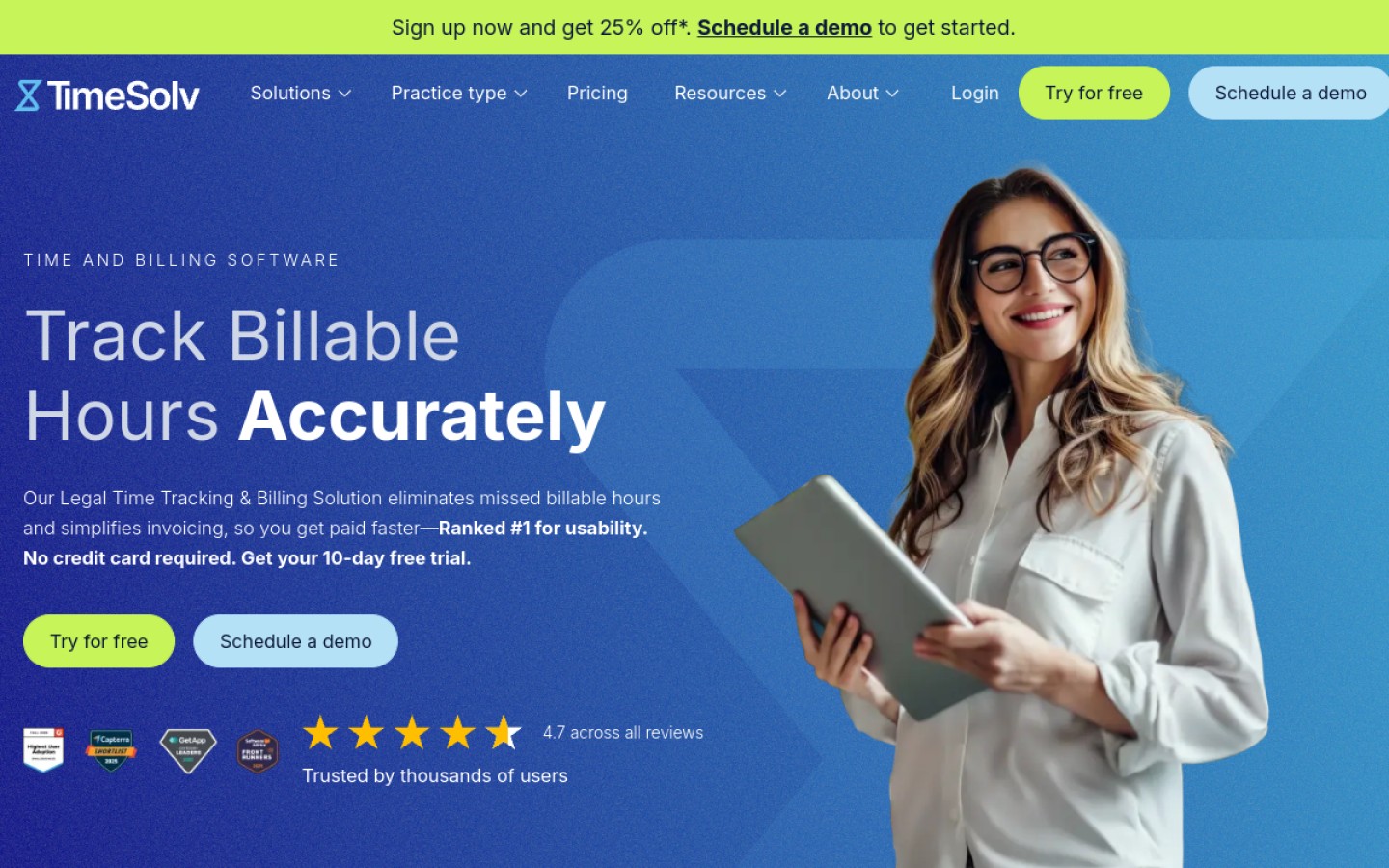
timesolv.com
TimeSolv homepage, captured Nov 2026.
TimeSolv is a dedicated timekeeping and invoicing platform offering Pro and Legal subscriptions. Both include expense recording, flexible billing rates, mobile access and batch invoicing, while its Capterra rating is 4.7/5.
The trade off is that regular subscription prices are not displayed on the official pricing page, so custom pricing applies in this comparison. It suits practices with specialized billing requirements and established accounting workflows.
Legal adds LEDES billing, trust accounting and split billing.Visit timesolv.com
07
Smokeball
4.8/5on Capterra (360 reviews, checked Nov 2026)
PricingCustom pricing
Best for automatic legal time capture
Manual timekeepingBill plan
Automatic captureProsper+
Trust accountingAvailable
Entry planBill
smokeball.com
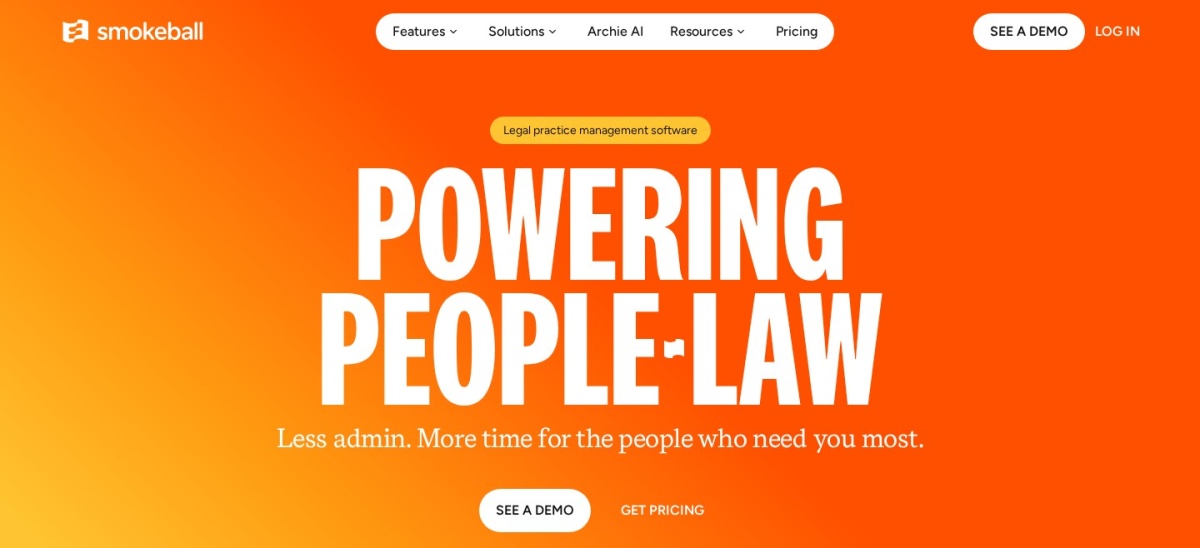
Smokeball homepage, captured Nov 2026.
Smokeball is a legal practice management platform rated 4.8/5 across 360 Capterra reviews. Its Bill subscription includes time and expense recording, invoicing, payment collection and trust accounting.
The trade off is custom pricing across its subscriptions, with automatic time capture included in Prosper+ or available as a Grow add-on. It suits document-heavy practices where manually recording every activity becomes difficult.
Manual timekeeping gives attorneys control over recorded activities through timers and direct entries. It works well when staff consistently record work as it happens.
Automatic timekeeping captures supported work activities for later review. Attorneys should still verify matter assignments, billing descriptions and chargeable durations before approving invoices.
How we chose
We shortlisted established legal timekeeping and practice management platforms offering matter-based billing, expense records and invoicing. Rankings prioritize billing capabilities, entry costs and public customer feedback.
The editorial check date is 22 Nov 2026. Pricing and ratings were retrieved from official vendor pages and Capterra on 25 Nov 2026, so the figures cannot be represented as independently verified on the earlier date. Annual prices are calculated from published monthly rates where available.
We excluded products without accessible official pricing information or sufficient public review evidence. Quote-based subscriptions use a zero annual-price placeholder rather than indicating free access. No vendor paid for a place, and we do not claim testing for this list.
How to choose legal timekeeping software
Compare these requirements before committing your firm to a subscription.
**Identify your timekeeping requirements.** Decide whether attorneys need manual timers, mobile time entry or automatic activity capture.
**Check your billing requirements.** Confirm support for client-specific rates, electronic billing formats, invoice approvals and trust transactions.
**Review accounting integrations.** Choose software compatible with your existing bookkeeping system to minimize duplicate financial records.
**Calculate the complete subscription cost.** Include attorney accounts, administrative users, required upgrades, accounting subscriptions and onboarding charges.
FAQ
What is the best legal timekeeping software?
Bill4Time is our top pick for dedicated legal timekeeping because it combines time recording, expense management and invoicing at $39 per user monthly with annual billing.
What software do lawyers use to track billable hours?
Lawyers commonly use platforms such as Bill4Time, MyCase, Clio and PracticePanther. These products associate recorded work with client matters and help convert approved time entries into invoices.
Is automatic legal time tracking worth it?
Automatic tracking can help attorneys identify work they might otherwise forget to record. Its value depends on supported applications, the accuracy of captured activities and the time required to review entries.
How much does legal timekeeping software cost?
Published starting prices in this comparison range from $39 to $55 per user monthly. Higher subscriptions, automatic time capture and specialized billing requirements can increase the total cost.
What is LEDES billing in legal software?
LEDES is a standardized electronic billing format used to exchange legal invoice information. Firms serving corporate clients should confirm that their software supports the particular billing format those clients require.
SaaS SEO and WordPress specialist with about 8 years of experience. Rakib compares WordPress plugins, themes, hosting and software using public pricing, documentation and user reviews. See how we rank.