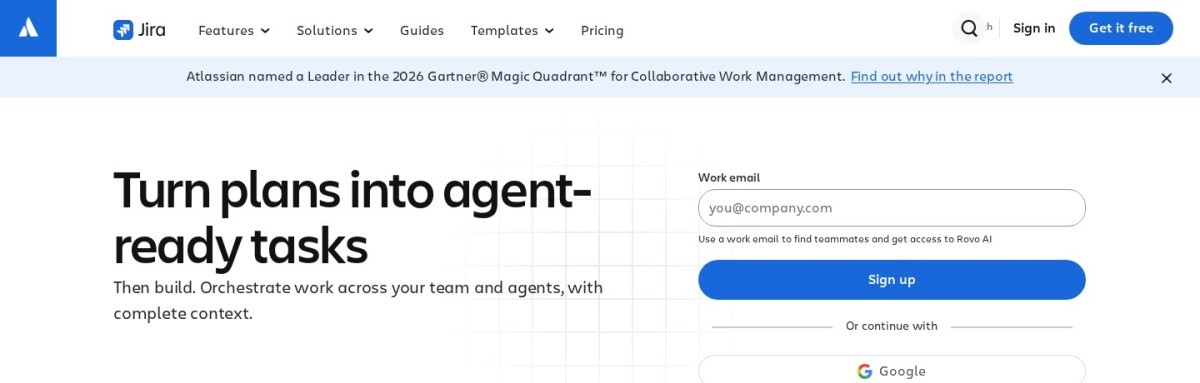
Jira Automation is the best Jira automation tool for most teams because it is built into Jira Cloud and needs no extra subscription. Pick Zapier for the widest app coverage and Make for the cheapest paid plan at $9 a month.
How we make this list: we compare pricing pages, product documentation and public user reviews, then re-check every price before each update. No product paid for a place. Disclosure.
Jira Automation is built into Jira Cloud and needs no extra subscription: Free covers 150 steps a month and Standard covers 400 per user.
Zapier connects Jira to the widest range of apps, but Professional starts at $19.99 a month for 750 tasks.
Make is the cheapest paid plan at $9 a month for 10,000 credits, with branching flows Zapier charges more to run.
n8n is the only tool here with a free self-hosted edition, and it holds the highest G2 rating at 4.7 out of 5.
Unito is the only pick built for live two-way sync, but Basic starts at $65 a month and counts each synced item twice.
ClickUp and Asana automate work around Jira rather than inside it, so pick them only if your team also works there.
What Jira automation should cover
Jira automation means rules that move issues, assign work and send alerts without a person doing each step by hand. The built-in builder covers most of that inside Jira, while outside tools connect Jira to email, chat, docs and code.
Start with the trigger. A good automation starts when an issue is created, moves status or nears its due date, and does one clear thing next. Rules that try to do everything in one flow are the ones that break first.
Watch the meter, not just the monthly price. Jira counts steps, Zapier counts tasks, Make counts credits and Unito counts items in sync, so the cheapest plan on paper can cost the most on a busy project. Our guide on whether Fluent Forms Pro integrates with Zapier shows how one Zapier connection is set up.
Sync is not the same as automation. A trigger that creates a Jira issue from a form is automation; keeping that issue and a task in another tool identical is sync, and only Unito and the Jira links in ClickUp and Asana do the second job well.
Jira Automation is the no-code rule builder built into Jira Cloud, so teams automate without buying another tool. A rule has a trigger, conditions and actions, and Jira includes a library of templates for common jobs such as assigning issues, moving them between statuses and sending alerts when a due date nears.
The trade off is the meter. From 3 December 2026 Atlassian counts automation steps, with 150 a month on Free and 400 per user a month on Standard, and extra steps cost $0.50 per 1,000. It suits teams that already live in Jira and want their first automations close to the work.
Zapier is a no-code automation platform that connects Jira to thousands of other apps through Zaps. A Zap can create a Jira issue from a form, post a message in chat when an issue moves, or log completed work in a sheet, and triggers and built-in tools do not count as tasks.
The trade off is price. Professional starts at $19.99 a month billed annually for 750 tasks, and every successful action step counts as one task, so busy Jira projects move up the bands fast. It suits teams that want the widest app coverage with the least setup.
What we like
Widest app coverage in this list
Free plan covers 100 tasks a month
No code needed for most Jira flows
Watch out for
Costs rise with task volume
Per-task pricing is hard to predict
Professional adds multi-step Zaps, premium apps and webhooksVisit zapier.com
03
Make
4.6/5on G2 (470 reviews, checked Nov 2026)
Paid from$9/mo
Best value visual automation
Free plan1,000 credits a month
Cheapest paidCore, 10,000 credits
Visual builderRouters, filters and iterators
SchedulingRuns every minute on Core
make.com
Make homepage, captured Nov 2026.
Make is a visual automation platform where Jira workflows are built as scenarios on a canvas. Routers split a flow into branches, filters decide which issues take each path, and error handlers catch failed steps, which makes it a good fit for Jira processes with more than one outcome.
The trade off is the learning curve. The canvas is more powerful than a simple trigger-action list, so a first scenario takes longer to build, and credits run out fast when a flow processes issues one by one. It suits teams that want branching Jira logic at a low monthly price.
What we like
Cheapest paid plan in this list
Branching and error handling built in
Free plan covers 1,000 credits a month
Watch out for
Takes longer to learn than Zapier
Credit use is easy to underestimate
Core adds 10,000 credits a month and 1-minute schedulingVisit make.com
04
n8n
4.7/5on G2 (294 reviews, checked Nov 2026)
Paid from$20/mo
Best for technical teams and self-hosting
Free optionSelf-hosted Community Edition
Cheapest cloudStarter, 2,500 executions
Code nodesJavaScript and Python
Jira nodeCreate, update and query issues
n8n.io
n8n homepage, captured Nov 2026.
n8n is a workflow automation platform with a node-based builder, code steps and a free self-hosted edition. Its Jira node can create, update and query issues, and workflows can call the Jira API directly when a ready-made node does not cover a job.
The trade off is effort. Self-hosting is free of licence fees but needs a server and upkeep, and the cloud Starter plan at $20 a month covers only 2,500 executions. It suits technical teams that want full control and high-volume Jira flows.
What we like
Free self-hosted edition with no execution cap
Code nodes cover jobs no template can
Highest G2 rating in this list
Watch out for
Steep learning curve for non-developers
Self-hosting adds maintenance work
Starter adds 2,500 cloud executions a monthVisit n8n.io
05
Microsoft Power Automate
4.4/5on G2 (1,094 reviews, checked Nov 2026)
Paid from$15/user/mo
Best for Microsoft 365 teams
Free optionIncluded with Microsoft 365
Cheapest paidPremium, $15/user/mo
Connectors500+ apps and services
Daily limit40,000 requests on Premium
microsoft.com
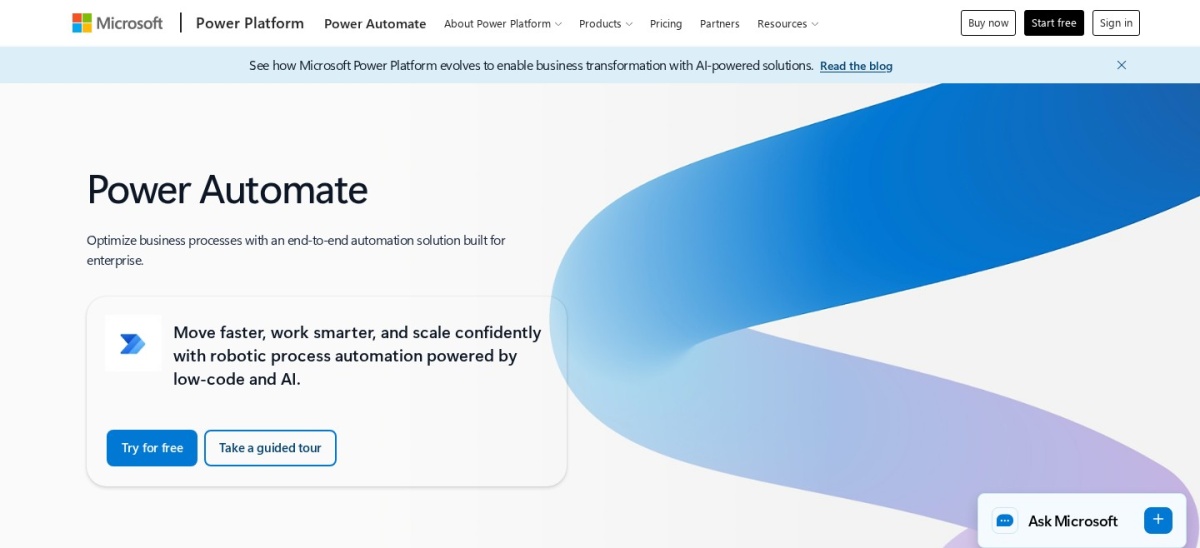
Microsoft Power Automate homepage, captured Nov 2026.
Microsoft Power Automate is the low-code automation tool inside Microsoft 365, with a Jira connector for cloud flows. It can turn a Teams message into a Jira issue, post issue updates to Outlook, or run approval flows that write the result back to Jira.
The trade off is the connector wall. Standard connectors are included with Microsoft 365, but premium connectors, desktop flows and higher limits need Premium at $15 per user a month. It suits teams that already run on Outlook, Teams and SharePoint.
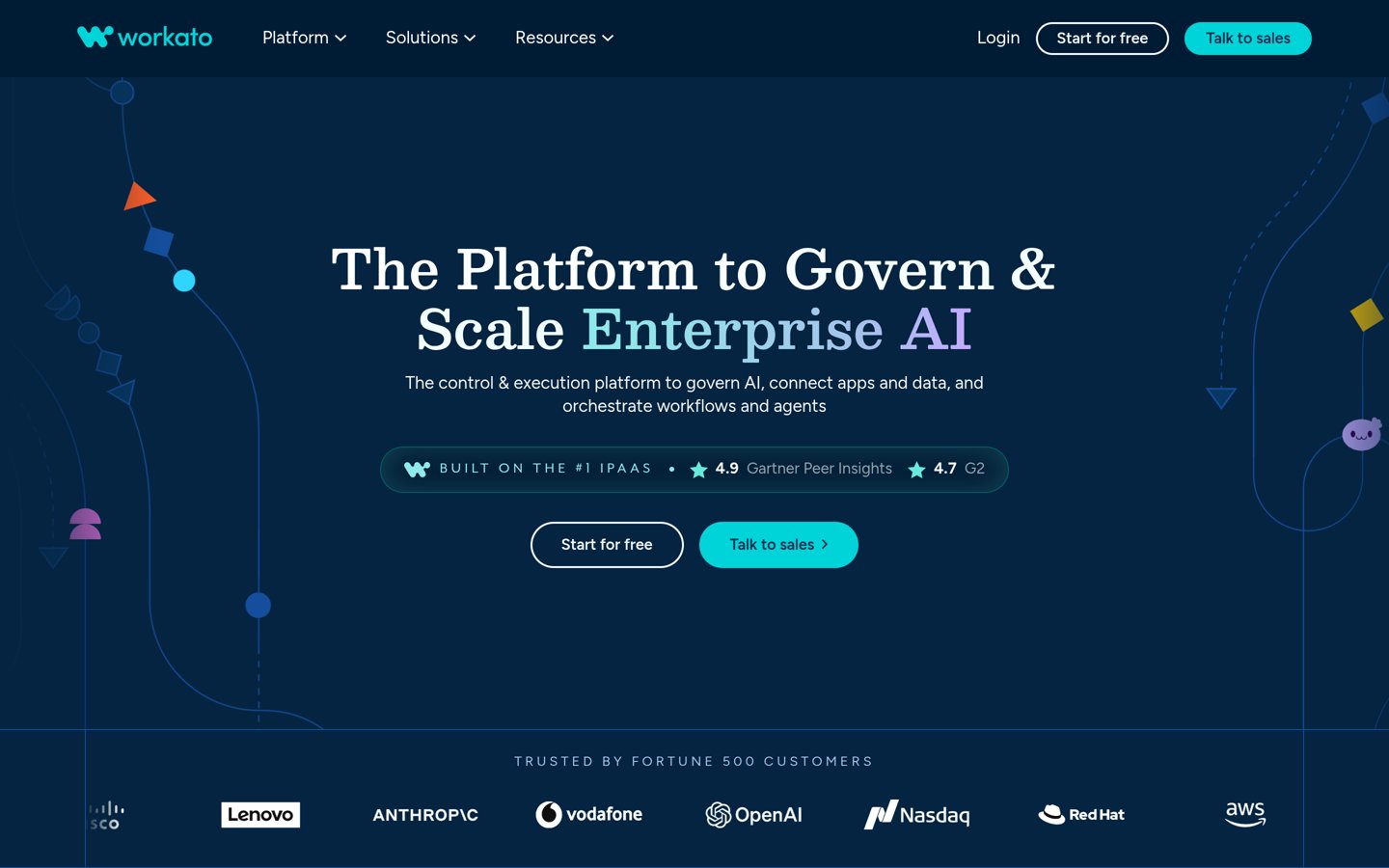
Workato is an enterprise automation platform that connects Jira to other business systems with recipes, data pipelines and AI agents. It is built for IT teams that need approval steps, audit logs and role-based access on every Jira flow.
The trade off is price and weight. Pro starts at $75 a month for 2,500 credits, and the larger workspace editions are sold by quote, so small teams pay for controls they may not need. It suits larger teams that must prove who changed a Jira flow and when.
What we like
Strong governance and audit logs
1,200+ connectors
Rated 4.7 out of 5 on G2 from 858 reviews
Watch out for
Expensive for small teams
Larger editions have no public price
Pro adds 2,500 credits a month; larger editions are quotedVisit workato.com
07
Unito
4.5/5on G2 (90 reviews, checked Nov 2026)
Starts at$65/mo
Best for two-way Jira sync
Cheapest planBasic, 750 items in sync
Sync directionTwo-way field sync
Connectors60+ tools
Update speedEvery 15 minutes on Basic
unito.io
Unito homepage, captured Nov 2026.
Unito is a no-code sync platform that keeps Jira issues aligned with work in Asana, Trello, GitHub and more than 60 other tools. When a status, assignee or comment changes on one side, the matching item updates on the other, so teams can keep using their own tools.
The trade off is the meter. Basic starts at $65 a month for 750 items in sync, and each item synced between two tools counts twice, so a busy Jira project fills the allowance fast. It suits teams that need live two-way sync rather than one-way triggers.
ClickUp is a work platform with built-in automations, a Jira import and a two-way Jira sync. Teams can run status changes, assignments and reminders inside ClickUp, or keep Jira as the source and mirror selected work across for teams that prefer ClickUp.
The trade off is fit. ClickUp is a Jira alternative first and a Jira automation tool second, so teams that stay in Jira get more from the native builder or a sync tool. It suits teams moving work out of Jira, or running mixed teams on both tools.
Asana is a project platform whose rule builder automates routine steps such as assigning tasks, setting due dates and moving work between sections. Its Jira Cloud integration links Asana tasks to Jira issues, so status changes on one side show on the other.
The trade off is depth. Asana rules cover common handoffs well, but they cannot match the branching logic of Make or n8n, and the Jira link is a connector rather than a full sync. It suits non-technical teams that want simple, visible rules.
Native rules win on cost and closeness. Jira Automation ships with Jira, so there is no second bill, no second login and no delay between a status change and the rule that follows it.
Outside tools win on reach. Zapier, Make and n8n connect Jira to apps Atlassian never built for, from forms and sheets to billing and chat, and Power Automate does the same inside Microsoft 365.
A common setup uses both: native rules for issue routing inside Jira, and one outside tool for the flows that leave Jira. Check the step, task or credit allowance on each side before you split a flow in two.
How we chose
We started from the tools teams actually use to automate Jira: the built-in builder, general automation platforms with a Jira connector, and sync tools made for Jira. We kept only established tools with a public rating and a published price.
Prices come from each vendor's pricing page, checked on 25 November 2026. Ratings and review counts come from G2 on the same day. Where a vendor shows a sale, the list shows the regular price.
We left out tools with no public rating or no published price. No vendor paid for a place, and we do not claim to have used these tools ourselves for this list.
How to choose a Jira automation tool
Start with where the work already lives, then pick the tool that reaches it.
Decide if the flow stays inside Jira. If the trigger and the action both live in Jira, the built-in builder is enough and costs nothing extra.
List the apps the flow must touch. A flow that leaves Jira needs a connector for each outside app, so check the connector list before the price.
Count what the vendor meters. Steps, tasks, credits and synced items all run out at different speeds, so estimate a busy week before you buy.
Test one flow before you migrate the rest. Build the single most repeated job first, watch it for a week, then move the next flow across.
FAQ
What is the best Jira automation tool?
Jira Automation is the best pick for most teams because it is built into Jira Cloud and needs no extra subscription. Its Free plan covers 150 automation steps a month, and Standard covers 400 steps per user a month.
Is Jira Automation free?
Yes, in part. Every Jira Cloud plan includes automation, with 150 steps a month on the Free plan. Standard, Premium and Enterprise raise the allowance per user, and extra steps cost $0.50 per 1,000 from 3 December 2026.
Can Zapier automate Jira?
Yes. Zapier connects Jira to thousands of apps with Zaps that create, update and search issues. The free plan covers 100 tasks a month, and multi-step Zaps need Professional at $19.99 a month billed annually.
What is the cheapest way to automate Jira?
Make is the cheapest paid option here at $9 a month for 10,000 credits, and n8n is free if you self-host it. Jira Automation itself costs nothing extra on the Free plan, up to its 150-step monthly allowance.
What is the difference between Jira automation and sync?
Automation runs a rule when something happens, such as creating an issue from a form. Sync keeps the same work identical in two tools, so a status change in Jira also changes the linked task in Asana or Trello.
Do I need code to automate Jira?
No. Jira Automation, Zapier, Make, Power Automate and Unito all offer no-code builders for common flows. Code helps only for edge cases, which n8n covers with JavaScript and Python nodes, and Jira Automation covers with webhooks.
SaaS SEO and WordPress specialist with about 8 years of experience. Rakib compares WordPress plugins, themes, hosting and software using public pricing, documentation and user reviews. See how we rank.