Best Interactive Video Platform in 2026: 7 Tools Compared
WLWPLegible EditorsLast verified 22 Nov 2026How we rank13 min read
★ Short answer
Mindstamp is the best interactive video platform for most teams, with quizzes, clickable hotspots and viewer-level reporting from $99 monthly, or $990 annually. H5P is the better choice for free self-hosted interactive lessons, while WeVideo offers interactive video creation and assessment tools for educators.
How we make this list: we compare pricing pages, product documentation and public user reviews, then re-check every price before each update. No product paid for a place. Disclosure.
Mindstamp Basic costs $99/month or $990/year and includes 5 active videos, 10,000 monthly streaming minutes and interactive questions.
H5P has 40,000+ active WordPress installations, a 4.7/5 rating and free self-hosted interactive video creation.
WeVideo's Instructor plan costs $384/year and includes 30 seats, an interactive video designer and real-time analytics.
LearnWorlds Starter costs $49/month, but its interactive video features begin with Pro Trainer at $99/month on regular monthly billing.
Wistia Business costs $79/month billed annually and includes interactive calls to action, forms and advanced video analytics.
Vidyard Starter costs $89/seat/month on regular monthly billing and includes video CTA templates, while Vimeo's full interactive video tools require Enterprise.
What to look for in an interactive video platform
Interactive video platforms transform passive video into experiences where viewers can answer questions, click objects, choose paths or submit information. Common uses include employee training, educational lessons, product demonstrations and marketing campaigns.
Start with interaction types. Some platforms support basic calls to action and lead forms, while others provide branching scenarios, clickable hotspots, quizzes and conditional navigation. Confirm which interactions are included in the plan you intend to purchase.
For education and training, examine assessment tracking and learning management system integration. Quiz scoring, completion records, SCORM export and LMS reporting can be more important than visual customization.
Marketing teams should prioritize lead capture, clickable product links and viewer analytics. A platform that connects video engagement with customer records may be more useful than a sophisticated branching editor without reporting.
Finally, compare video limits, hosting requirements, streaming allowances and author seats. Some tools add interactive layers to existing videos, while others host the content themselves. Entry subscription prices do not always include the complete interactive feature set.
Mindstamp is an interactive video platform that adds clickable hotspots, questions, buttons and viewer tracking to existing videos. Basic costs $99 monthly or $990 annually and includes 5 active videos, 1 admin seat, 10,000 monthly streaming minutes and videos up to 30 minutes long. Interactions can be added without changing the original video file.
The trade off is that Basic limits the video library and excludes advanced personalization, SCORM export and some integrations. Core costs $299 monthly, or $2,990 annually, and supports 50 videos and 3 admin seats. It suits businesses and educators needing detailed interactive video experiences rather than simple embedded calls to action.
What we like
Questions, buttons and clickable hotspots
Viewer-level engagement reporting
Works with existing video hosting sources
Unlimited viewers without per-viewer charges
14-day trial without a credit card
Watch out for
Basic allows only 5 active videos
Video length limited on Basic
SCORM export and personalization require Core
Higher plans cost considerably more
Core adds SCORM export, personalization, AI tools and higher limitsVisit mindstamp.com
02
H5P
4.7/5on WordPress.org (62 reviews, checked Nov 2026)
Paid from$1,560/yr
Best free interactive video creation
Free softwareOpen-source
WordPress installs40,000+
Hosted paid planPro, $1,560/year
Hosted authors3
h5p.org
H5P homepage, captured Nov 2026.
H5P is an open-source interactive content framework for creating video quizzes, hotspots, questions and learning activities. Its WordPress plugin is free, has 40,000+ active installations and is rated 4.7/5. For hosted use, H5P.com Pro starts at $1,560 annually for 3 authors, with interactive content types, embedding and LMS integration options.
The trade off is that free self-hosting requires compatible infrastructure and maintenance, while the hosted service has a separate subscription. H5P.com pricing varies with authors and reporting requirements. It suits educators, course creators and organizations wanting reusable interactive learning content without depending entirely on proprietary authoring software.
What we like
Free, open-source self-hosted software
Interactive video quizzes and hotspots
Reusable HTML5 learning activities
WordPress integration available
Hosted service supports LMS workflows
Watch out for
Self-hosting requires technical maintenance
Hosted subscriptions are relatively expensive for individuals
Advanced reporting depends on integrations
Not designed primarily for marketing lead generation
H5P.com Pro adds managed hosting, author accounts and LMS integrationVisit h5p.org
03
WeVideo
4.6/5on G2 (98 reviews, checked Nov 2026)
Starts at$89/yr
Best for classroom interactive video assignments
Entry paid planSingle Teacher
Starting price$89/year
Instructor plan$384/year
Instructor seats30
wevideo.com
WeVideo homepage, captured Nov 2026.
WeVideo is a video creation and learning platform that combines editing, interactive lessons and assessment workflows. Its Single Teacher plan costs $89 annually for eligible educators, while Instructor costs $384 annually and includes 30 seats, an interactive video designer, ready-made projects and real-time analytics. Students can answer questions within assigned videos.
The trade off is that the lowest Single Teacher plan is not equivalent to the full Instructor package, and access to interactive assignments depends on the selected education license. Instructor is the clearer published package for managed interactive classroom activities. It suits teachers and training teams that need video creation and learner assessment together.
What we like
Video editing and interactive lesson creation
Quizzes and assessment tools
Real-time learner analytics
Education-focused collaboration
Instructor package includes 30 seats
Watch out for
Interactive capabilities differ by plan
Education pricing has eligibility requirements
LMS integrations may involve additional fees
Less focused on marketing and ecommerce
Instructor adds interactive video design, classroom seats and analyticsVisit wevideo.com
04
LearnWorlds
4.7/5on G2 (400 reviews, checked Nov 2026)
Starts at$49/mo
Best for selling interactive video courses
Entry planStarter
Regular monthly price$49
Starter learners1,000 active/month
Interactive video tierPro Trainer
learnworlds.com
LearnWorlds homepage, captured Nov 2026.
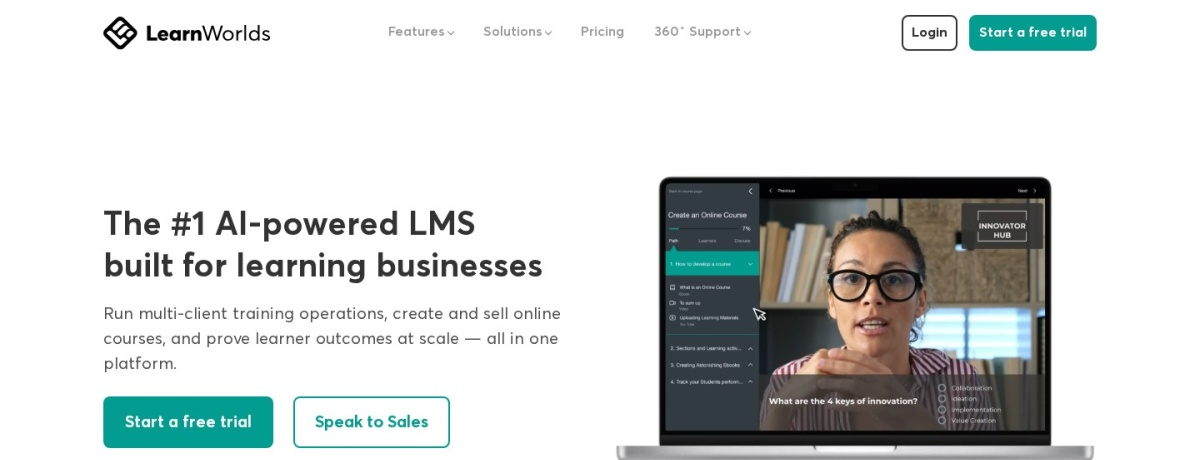
LearnWorlds is an online course platform with interactive video, quizzes, course hosting and learner management. Starter costs $49 monthly, or $44 monthly billed annually, and includes 1 admin, up to 1,000 active monthly learners and a $5 course enrollment fee. Pro Trainer adds basic interactive video capabilities and removes enrollment fees.
The trade off is that Starter does not include the interactive video editor, making Pro Trainer at $99 monthly the relevant entry tier for this feature. Learning Center adds advanced interactive video tools at a regular $299 monthly, with a temporary discount advertised separately. It suits course businesses combining video lessons, student tracking and paid enrollments.
What we like
Interactive video integrated with course delivery
Quizzes, assessments and learner tracking
Built-in course sales and payment tools
Advanced video learning options on higher plans
30-day trial
Watch out for
Starter excludes interactive video tools
Starter charges $5 per course enrollment
Advanced interactivity requires Learning Center
Includes broader LMS features that may be unnecessary
Pro Trainer adds basic interactive video, certificates and learning pathsVisit learnworlds.com
05
Wistia
4.6/5on G2 (1,196 reviews, checked Nov 2026)
Paid from$79/mo
Best for interactive marketing videos
Free storage25 GB
Paid planBusiness
Starting price$79/mo, annual
Business storage250 GB+
wistia.com
Wistia homepage, captured Nov 2026.
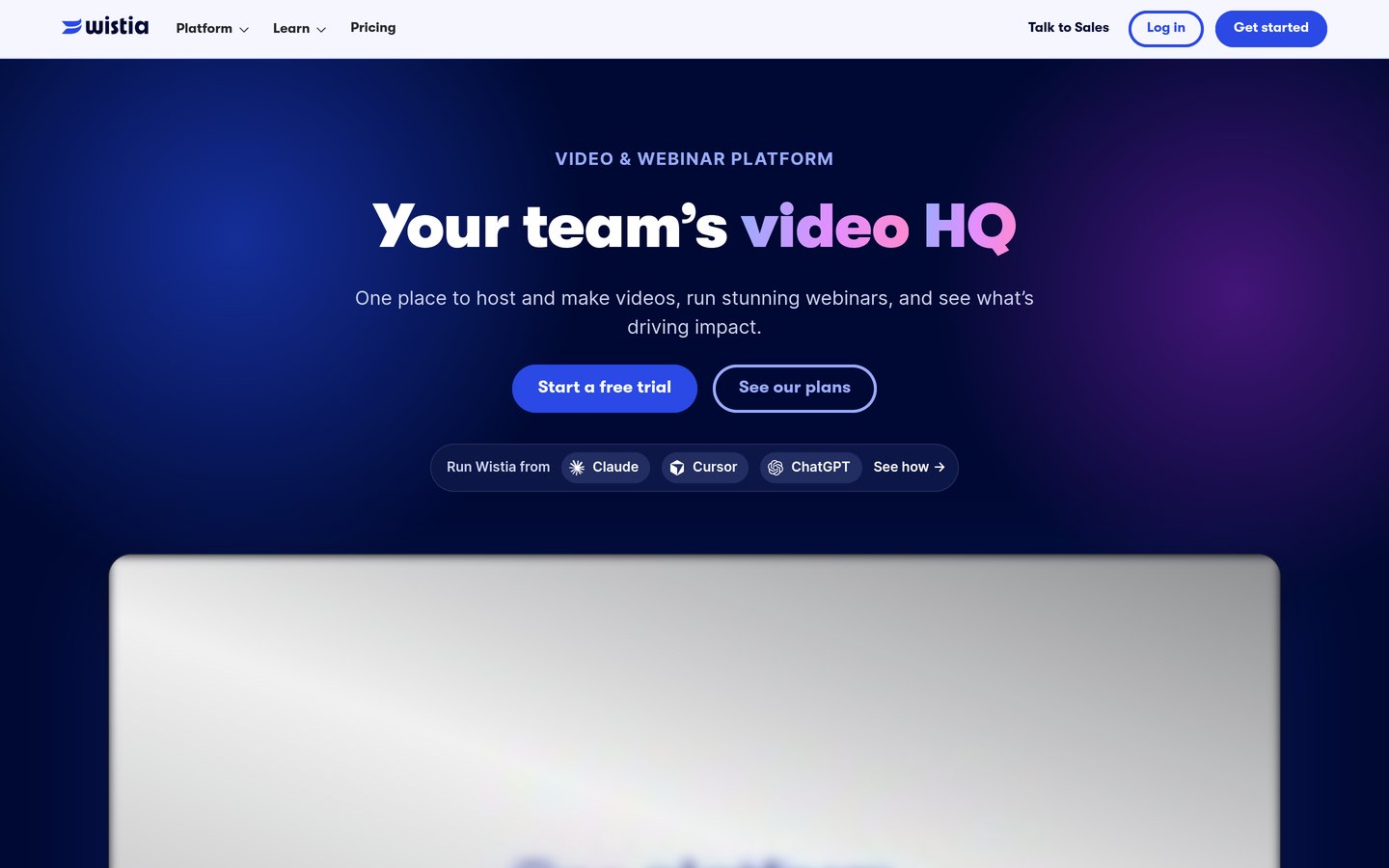
Wistia is a business video hosting and marketing platform with interactive calls to action, lead forms and engagement analytics. Its free plan includes 25 GB of storage and basic analytics. Business costs $79 monthly billed annually and includes 250 GB or more of storage, at least 3 users, video CTAs, forms and advanced analytics.
The trade off is that Wistia focuses on marketing interactions rather than complex video branching or scored learning scenarios. Business + Signals costs $329 monthly billed annually and adds marketing platform connections, lead scoring and revenue measurement. It suits marketing teams using videos for lead generation, product demonstrations and website conversion.
What we like
In-video calls to action and lead forms
Detailed engagement analytics
Free video hosting plan
Customizable business video player
Marketing automation available on higher plans
Watch out for
Limited branching and quiz functionality
CTAs and forms require Business
Advanced attribution requires Business + Signals
Annual billing for the advertised paid rate
Business adds lead forms, CTAs, branding controls and advanced analyticsVisit wistia.com
06
Vidyard
4.5/5on G2 (839 reviews, checked Nov 2026)
Paid from$89/mo
Best for interactive sales and prospecting videos
Free AI videos15
Entry paid planStarter
Regular monthly price$89/seat
Annual billing rate$59/seat/mo
vidyard.com
Vidyard homepage, captured Nov 2026.
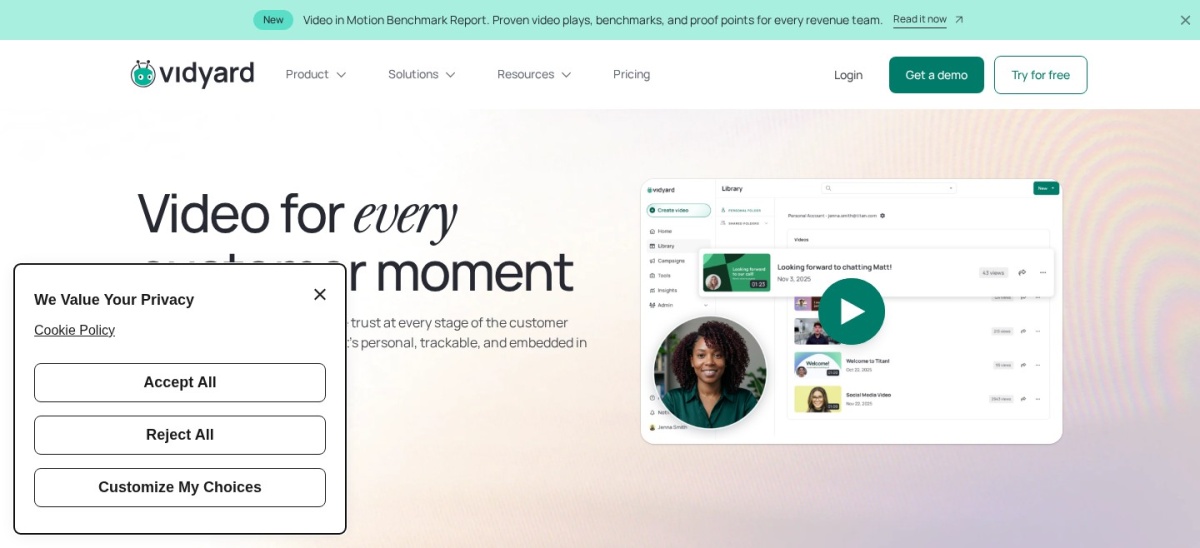
Vidyard is a business video platform for creating, sharing and measuring personalized sales videos. Its free plan includes limited video recording and AI video capabilities. Starter costs $89 per seat monthly, or $59 monthly on annual billing, and includes unlimited recording, video analytics, branded sharing pages, CTA templates and password protection.
The trade off is that Starter provides basic calls to action rather than complex branching, interactive quizzes or customizable scenarios. Fully customizable CTAs and deeper CRM integrations require Teams with custom pricing. It suits sales and marketing teams that want viewers to take action after watching personalized videos.
What we like
Personalized video recording and sharing
CTA templates included in Starter
Free entry plan
Video analytics and team reporting
CRM integrations available on higher plans
Watch out for
Not a dedicated branching video editor
Advanced CTAs require Teams
Starter charges per seat
AI Video Agent is an additional paid service
Starter adds unlimited recording, CTA templates and branded sharingVisit vidyard.com
07
Vimeo
4.3/5on G2 (723 reviews, checked Nov 2026)
Paid from$12/mo
Best for enterprise interactive video delivery
Entry paid planStarter
Starting price$12/seat/mo
Starter storage2 TB
Full interactive videoEnterprise only
vimeo.com
Vimeo homepage, captured Nov 2026.
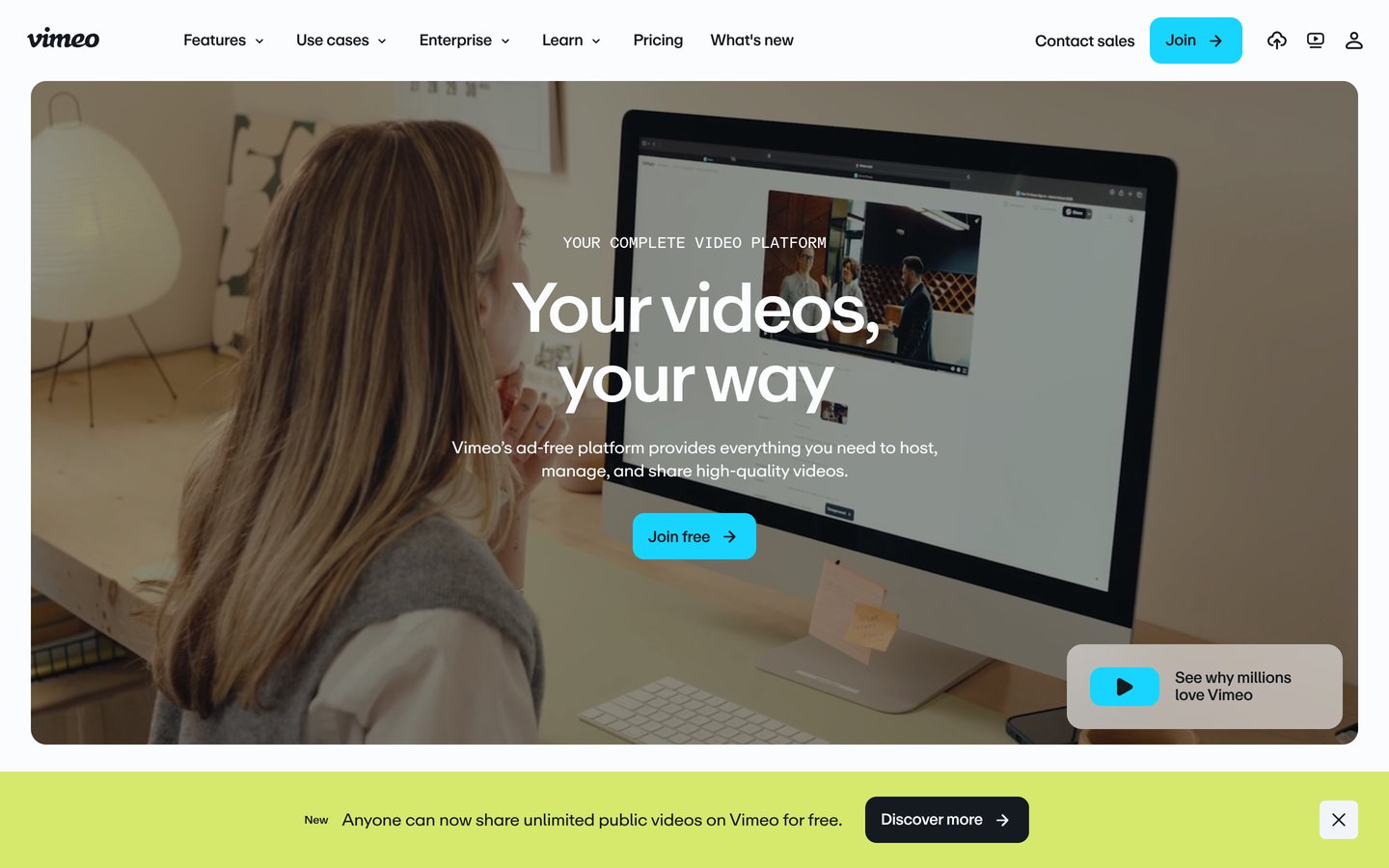
Vimeo is a video hosting and distribution platform with professional playback, privacy controls and enterprise interactive video capabilities. Starter costs $12 per seat monthly and includes 2 TB of storage, a customizable player and engagement analytics. Standard adds lead capture and calls to action at $25 per seat monthly.
The trade off is that full interactive video functionality is reserved for Enterprise, whose actual subscription price requires a sales quote. The advertised $12 Starter price does not purchase branching or hotspot tools. It suits organizations that already rely on Vimeo hosting and may need a larger enterprise video solution.
What we like
Established video hosting platform
Customizable player and privacy controls
Lead capture and CTAs available on Standard
Enterprise interactive video capabilities
Free hosting option
Watch out for
Full interactive video requires Enterprise
Enterprise pricing requires a custom quote
Starter does not include interactive authoring
Advanced training workflows are not part of basic plans
Standard adds CTAs; Enterprise unlocks full interactive videoVisit vimeo.com
What makes a video truly interactive?
Not all video interactions serve the same purpose. A call to action prompts viewers to visit a page or submit information, while a clickable hotspot lets them interact with an object or area inside the video.
Quizzes add knowledge checks during playback. Some platforms pause the video until a viewer answers, while others collect responses without interrupting the presentation. H5P, Mindstamp and WeVideo are suited to these educational interactions.
Branching videos let viewers influence what happens next. They can choose a scenario, answer questions or navigate to different content based on their decisions. Mindstamp provides branching and logic capabilities, though advanced conditional features depend on the plan.
Marketing-oriented tools such as Wistia and Vidyard emphasize action prompts, lead capture and viewer analytics. These are valuable interactions, but they should not be confused with full branching video production.
How interactive video platform pricing works
Interactive video platforms use several pricing models. Mindstamp Basic costs $99 monthly or $990 annually and limits the active video library. Wistia Business costs $79 monthly billed annually, with video storage and marketing tools included.
Open-source and education-focused products follow different approaches. H5P can run without a software license fee when self-hosted, while its managed H5P.com Pro service starts at $1,560 annually for 3 authors. WeVideo offers education licenses, including a $384 annual Instructor package.
Some platforms advertise inexpensive entry plans that exclude the core interactive features. LearnWorlds Starter costs $49 monthly but requires Pro Trainer for interactive video. Vimeo Starter costs $12 per seat monthly, but full interactive authoring requires Enterprise.
Before comparing annual totals, identify the lowest tier that actually supports your required interactions. Consider hosting, author seats, video capacity, streaming limits, reporting and LMS or CRM integrations.
How we chose
We selected established video platforms with documented interactive capabilities, accessible official pricing and sufficient public review evidence. The shortlist covers dedicated interactive video editors, open-source authoring tools, educational video platforms and marketing video services. We compared quizzes, hotspots, branching, calls to action, analytics, publishing options and integrations.
Official vendor pricing pages, WordPress.org plugin information and G2 review pages were checked on 23 Nov 2026 for this article dated 22 Nov 2026. Prices reflect published regular entry rates, with annual-billing options identified separately. Review scores and counts are sourced from WordPress.org or G2, and annual equivalents are calculated from published subscription amounts.
We excluded products without confirmable public entry pricing, closed or outdated WordPress plugins and services without sufficient independent review evidence. We distinguished low-cost hosting plans from tiers that actually unlock interactive video features. No vendor paid for a place, and we do not claim testing for this list.
How to choose an interactive video platform
Define what viewers should do during playback, then compare the platforms that support those interactions within your budget.
Identify the interactions your project needs. Decide whether you need questions, clickable hotspots, branching scenarios, lead forms or calls to action. Check the exact paid plan because many video hosting platforms include basic engagement tools but reserve advanced interactivity for higher tiers.
Match the platform to your audience and purpose. For employee training or lessons, prioritize assessment tracking and LMS integration. For marketing, examine lead capture, analytics and CRM connections. For interactive demonstrations, compare clickable objects, branching options and viewer navigation.
Calculate the full production and delivery cost. Consider author seats, storage, streaming minutes, active videos and integration charges. Compare monthly and annual commitments, and verify what happens to published content after cancellation or a downgrade.
Review publishing, accessibility and reporting. Check embedding options, mobile playback, captions, keyboard accessibility and data exports. Confirm whether the platform records individual responses, completion rates or conversion actions. A small pilot can reveal whether the authoring interface supports your workflow.
FAQ
What is the best interactive video platform in 2026?
Mindstamp is our top overall recommendation for interactive questions, clickable hotspots, branching and detailed viewer reporting. Basic costs $99 monthly, or $990 annually. H5P is a strong free self-hosted alternative, while WeVideo is particularly suitable for interactive classroom lessons and assessments.
Is there a free interactive video platform?
Yes. H5P is open-source software that can create interactive videos, quizzes and hotspots without a software license fee when self-hosted. Wistia, Vidyard and Vimeo also offer free video plans, but their free tiers do not provide the same advanced interaction authoring features.
How much does interactive video software cost?
Pricing varies widely. Mindstamp Basic costs $99 monthly, Wistia Business costs $79 monthly billed annually, and WeVideo Instructor costs $384 annually. H5P offers free self-hosting, while its hosted Pro subscription starts at $1,560 annually for 3 authors. Compare feature access before choosing by price.
What is branching interactive video?
Branching video lets viewers choose what happens next or follow different paths based on their actions. For example, a training video can show different scenarios depending on an employee's answer. The platform must support navigation logic and linked content, not merely clickable calls to action.
Which interactive video platform is best for education?
H5P and WeVideo are strong education-focused choices. H5P supports reusable interactive learning content and self-hosted authoring. WeVideo combines video creation, interactive questions and learner assessment tools. LearnWorlds is more suitable when interactive lessons also need to be packaged and sold as online courses.
Can interactive videos generate leads?
Yes. Marketing video platforms can add calls to action and forms that encourage viewers to request information or continue to a landing page. Wistia Business includes CTAs and forms, while Vidyard Starter includes CTA templates. Higher-tier integrations can connect engagement data with marketing systems.
Can I add interactive elements to an existing video?
Yes. Mindstamp can layer interactions over videos hosted on supported platforms without altering the underlying video file. H5P can create interactive activities around suitable video sources, while other products provide their own video hosting and authoring tools. Compatibility depends on the source and format.
What is the difference between interactive video and ordinary video hosting?
Ordinary hosting focuses on storage, playback, sharing and analytics. Interactive video adds viewer actions such as answering questions, making choices, clicking hotspots or submitting information. Some hosting platforms include limited interaction features, but full branching and assessment tools may require separate products or enterprise plans.
Does interactive video software integrate with learning management systems?
Some platforms do. H5P.com supports LMS integrations, Mindstamp Core offers SCORM export, and WeVideo provides education-oriented integration options. Check the export format, supported LMS, learner authentication and reporting requirements before subscribing, since integration capabilities differ by plan.