Best Live Stream Platform in 2026: 9 Tools Compared
WLWPLegible EditorsLast verified 23 Nov 2026How we rank13 min read
★ Short answer
YouTube Live is the best live stream platform for most creators: it is free, rated 4.4 out of 5 on G2, and puts your stream in front of the largest video audience. Pick StreamYard for browser-based shows with guests, or Restream to send one stream to many platforms at once.
How we make this list: we compare pricing pages, product documentation and public user reviews, then re-check every price before each update. No product paid for a place. Disclosure.
YouTube Live is free, rated 4.4/5 on G2 from 219 reviews, and every stream can stay up as a regular video.
StreamYard runs a full studio in the browser, rated 4.8/5 on G2, with Essential at $18.99 a month.
Restream sends one stream to 30+ destinations at once, with a free plan for 2 channels and Standard at $19 a month.
OBS Studio is free and open source, rated 4.7/5 on Capterra, and costs $0 with no paid plan at all.
Vimeo is the priciest way to go live here: live events start with Professional at $120 a month billed monthly.
What to look for in a live stream platform
A live stream platform is either a destination with its own audience, like YouTube Live or Twitch, or a tool that sends your stream to those destinations, like Restream or StreamYard. Most creators need one of each: a place to be found, and a way to produce the show.
Start with where your audience already spends time. A free destination with a built-in audience beats a paid tool with no viewers, even if the paid tool has better production features.
Then check the limits that matter for your format: how many guests can join, whether you can stream to more than one place at once, and whether the free plan adds a logo to your stream.
Price is the last filter, not the first. Seven of the nine tools here have a usable free plan, and the cheapest paid plans start at $18.99 a month.
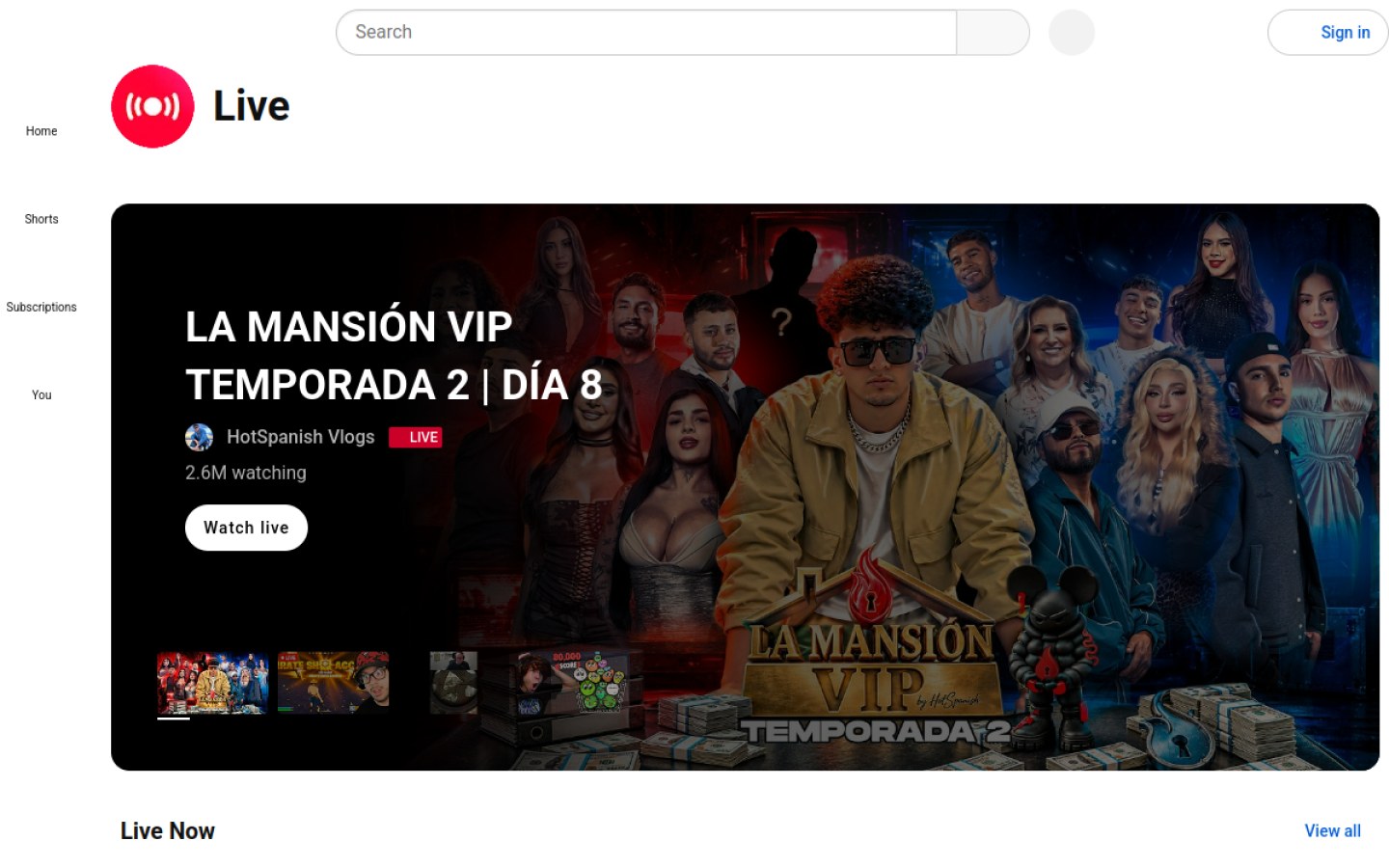
YouTube Live is the free live streaming built into YouTube, with live chat, Super Chat tipping and channel memberships for eligible creators. Every stream can stay on your channel as a regular video, so one broadcast keeps earning views after it ends.
The trade off is control. You stream on YouTube's terms, with its ads and content rules, and you cannot brand the player as your own. It suits creators whose audience already watches YouTube and who want the largest possible live reach for $0.
StreamYard is a live production studio that runs in the browser, with on-screen guests, overlays, backgrounds and screen sharing. The free plan covers 6 on-screen participants and 1 destination, while Essential at $18.99 a month adds unlimited streaming in Full HD 1080p to 2 destinations.
The trade off is branding. Essential keeps the StreamYard logo on your streams, and removing it needs Core at $44.99 a month. It suits interview and panel shows that need guests on screen fast, with nothing to install.
What we like
Full studio in the browser, nothing to install
Highest G2 rating in this list at 4.8/5
Guests join from a link, no software needed
Watch out for
Essential keeps the StreamYard logo
Individual plans only; business use needs a Business plan
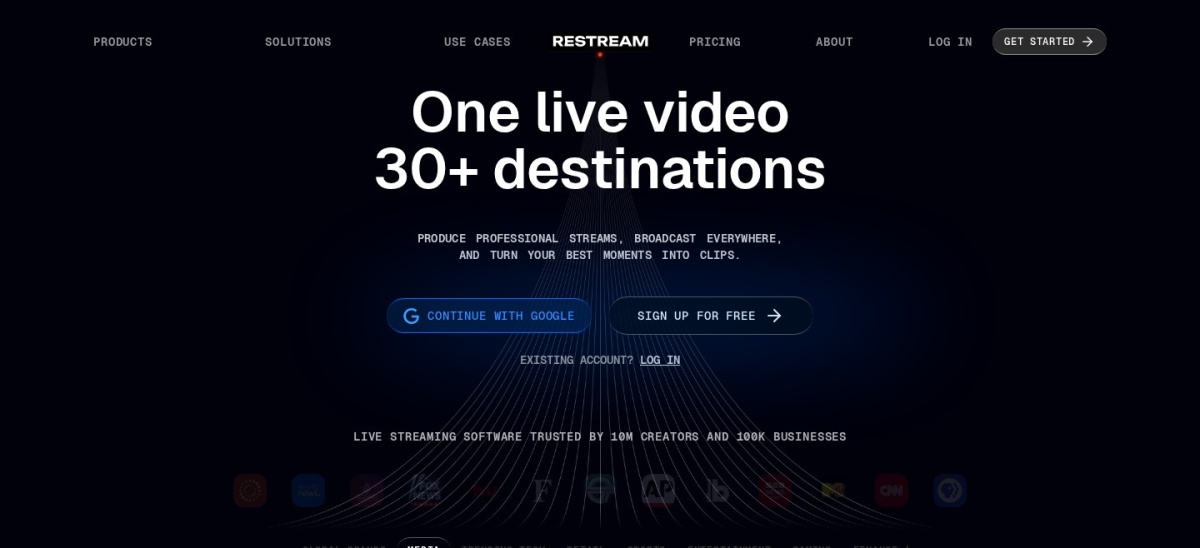
Restream is a multistreaming platform that sends one broadcast to YouTube, Facebook, Twitch, LinkedIn and 30+ other destinations at the same time, with all comments pulled into one chat window. The free plan covers 2 channels at once, and Standard at $19 a month adds a third channel and removes the Restream branding.
The trade off is quality. Standard is still capped at 720p in the Studio, and Full HD 1080p needs Professional at $49 a month. It suits creators who publish the same live show everywhere and want one place to read the chat.
4.7/5on Capterra (1,075 reviews, checked Nov 2026)
PriceFree
Best free software for full control
Cost$0, no paid plan
PlatformsWindows, macOS, Linux
Scenes and sourcesUnlimited
Paid planNone
obsproject.com
OBS Studio homepage, captured Nov 2026.
OBS Studio is free, open source software for live streaming and recording, with unlimited scenes and sources, an audio mixer and a large library of community plugins. It runs on Windows, macOS and Linux, and streams to any platform that accepts an RTMP stream key.
The trade off is setup. There are no built-in guests, alerts or multistream destinations, so you add those with plugins or pair OBS with a service like Restream. It suits streamers who want full control and will never pay a monthly fee for the software itself.
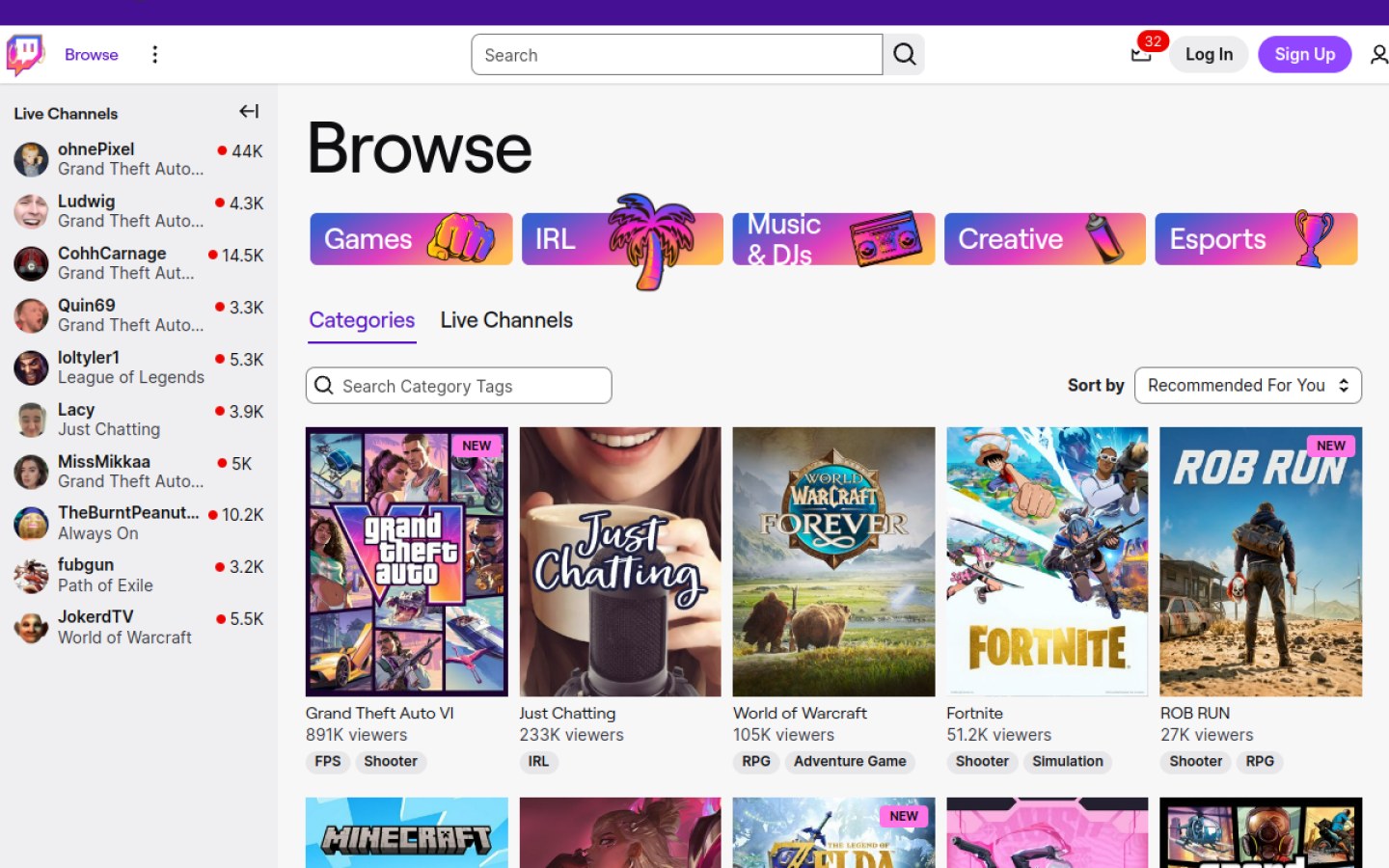
Twitch is the live-first platform where viewers show up specifically to watch live, with chat, clips, raids and channel points built around the broadcast. Creators can earn through subscriptions, Bits and ads once they reach Affiliate or Partner status.
The trade off is discovery. New streamers face a crowded directory, and the audience leans heavily toward gaming. It suits gamers and community-driven creators who stream on a regular schedule and talk with chat while they play.
What we like
Audience that comes to watch live
Chat, clips and raids built in
Subs, Bits and ads for Affiliates and Partners
Watch out for
Hard for new streamers to get discovered
Audience leans heavily toward gaming
Earnings need Affiliate or Partner status
No paid creator plan; viewers can buy Turbo insteadVisit twitch.tv
06
Facebook Live
4.3/5on G2 (236 reviews, checked Nov 2026)
PriceFree
Best for reaching a Facebook audience
Free planYes
Go live fromProfile or Page
Live featuresComments and reactions
Paid planNone
facebook.com
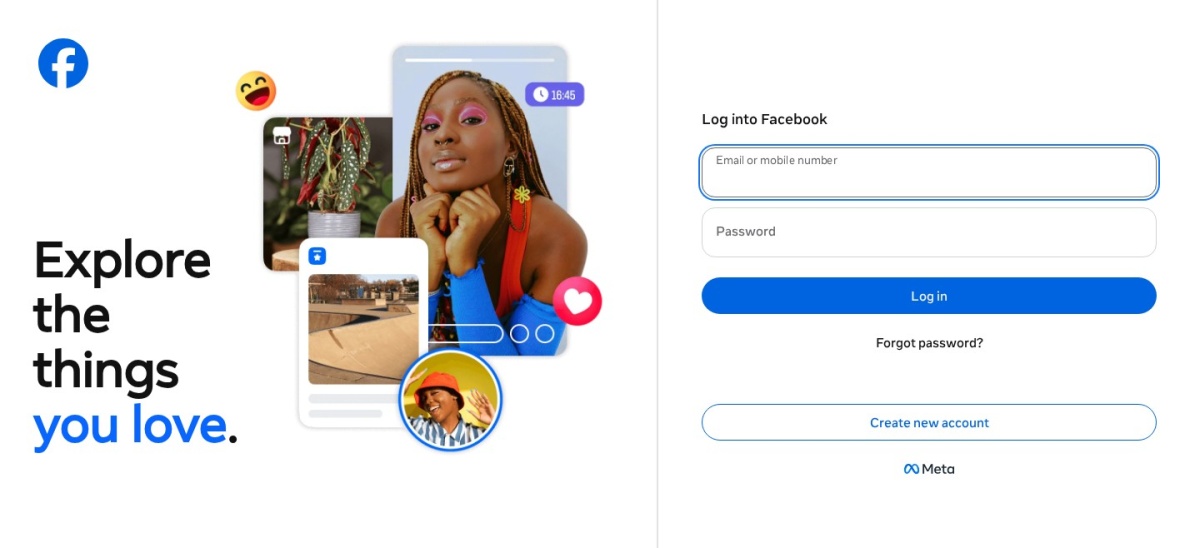
Facebook Live homepage, captured Nov 2026.
Facebook Live lets you go live from a profile or Page to the followers you already have, with comments, reactions and shares built in. It works from a phone or a desktop encoder, and live videos stay on your Page for people to replay later.
The trade off is reach. How many followers see a live video depends on Facebook's feed, and the built-in production tools are basic next to a studio like StreamYard. It suits businesses and community pages whose audience already follows them on Facebook.
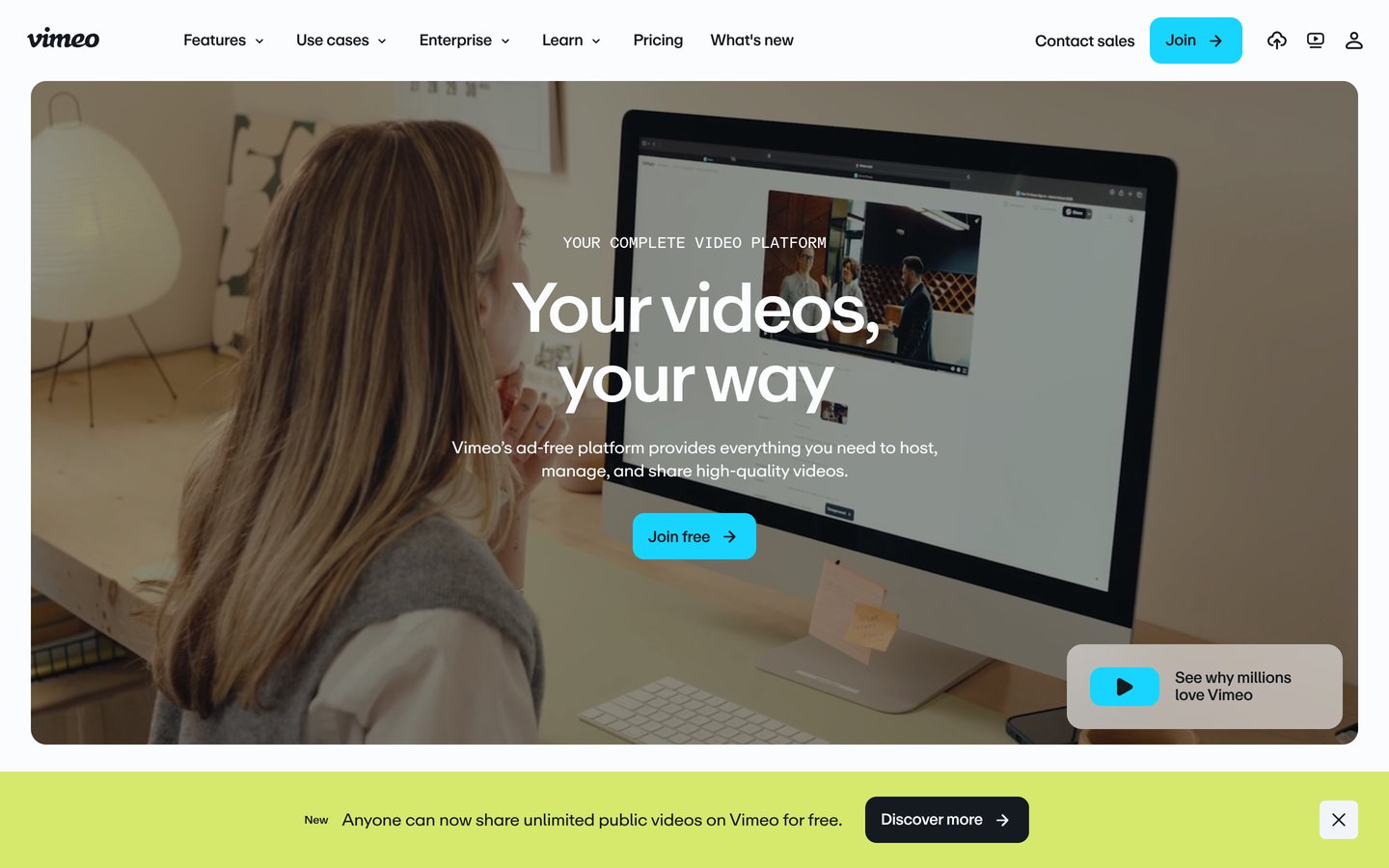
Vimeo is an ad-free video platform where live events and webinars sit on the Professional plan, with a branded player, simulcast to social platforms and registration for up to 100 people per event. Below Enterprise it allows two concurrent events, each up to 12 hours long.
The trade off is price. Live starts at Professional, which is $120 a month billed monthly or $71 a month billed annually, and companies are moved to Studio at $400 a month billed annually. It suits businesses that want polished, ad-free events on their own brand.
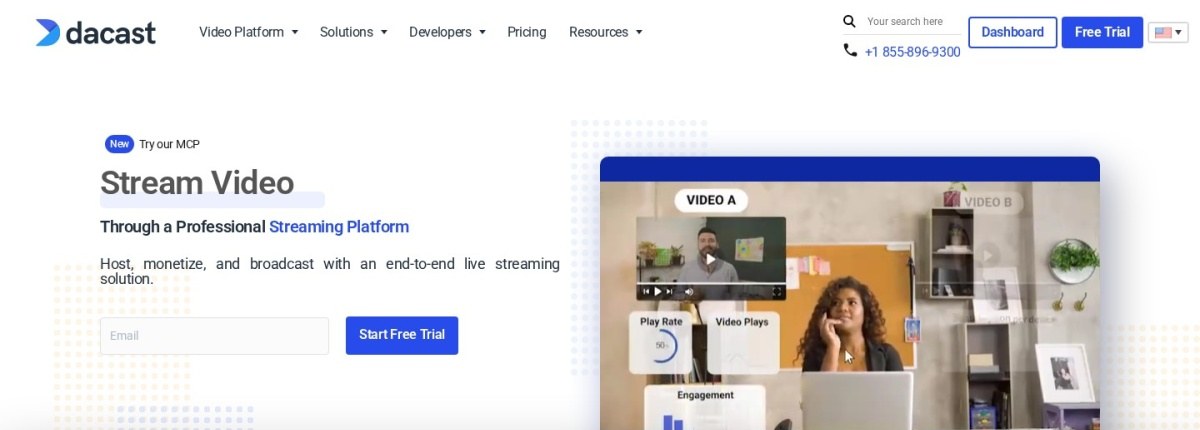
Dacast is a live streaming and video hosting platform for businesses, with a white-label player, paywalls, subscriptions and advertising monetisation. Starter at $39 a month billed annually includes 2.4 TB of bandwidth per year and 500 GB of storage, with a 14-day trial to start.
The trade off is the bill. There is no free plan, and Starter and Event are billed upfront for the full year, so the first payment is $468. It suits sports, churches, schools and media teams that sell access to live events.
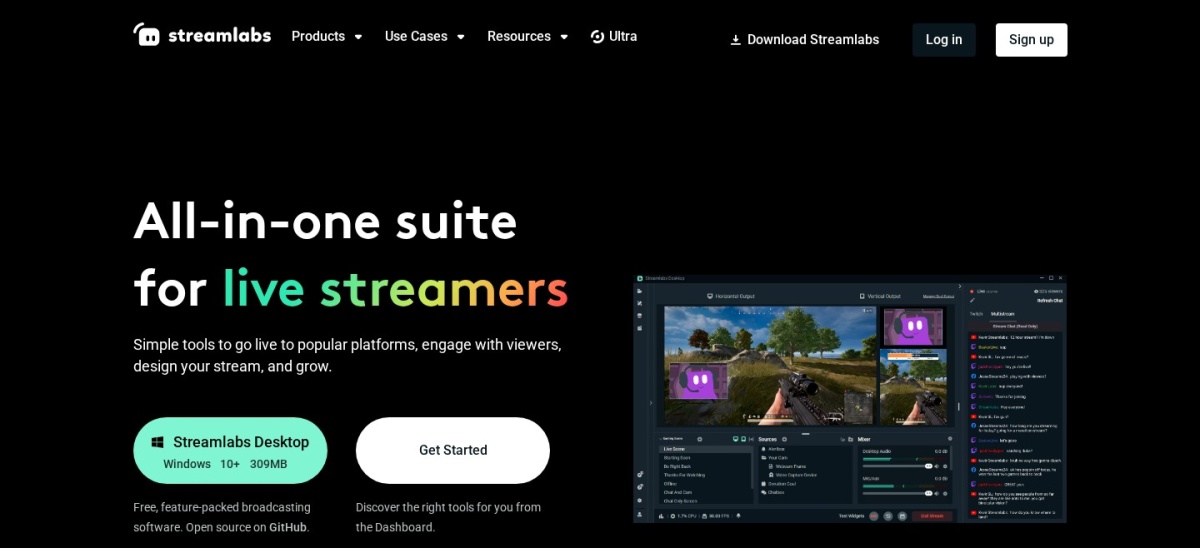
Streamlabs Desktop is built on the OBS engine and adds alerts, tip jars, overlays, a merch store and chat widgets out of the box. The free Starter plan covers core streaming, while Ultra at $27 a month adds premium themes, multistreaming and extra creator tools.
The trade off is weight. Streamlabs uses more CPU and memory than plain OBS on the same machine, and the best themes and multistreaming sit behind Ultra. It suits new streamers who want a polished setup fast without hunting for plugins.
Free plans cover the basics well. YouTube Live, Twitch and Facebook Live are free destinations, and OBS Studio is free software with no paid tier at all.
Paid plans mostly add reach and polish. You get multistreaming, a logo-free stream, more guests on screen and cloud recording.
If you stream to one audience on one platform, a free tool is often enough. Pay when you need to be on several platforms at once, or when your stream is part of how your business earns money.
How we chose
We started from the platforms creators actually use to go live: free destinations with their own audiences, browser studios, multistreaming tools and business streaming platforms.
Prices come from each vendor's pricing page, checked on 23 November 2026. Ratings come from G2 or Capterra on the same day. Where a vendor shows a monthly and an annual price, the list shows the monthly-billed price.
We left out enterprise-only platforms with no public pricing. No vendor paid for a place, and we do not claim hands-on testing for this list.
How to choose a live stream platform
Start with where your audience already is, then pick the tool that fits how you produce the show.
Pick your main destination first. YouTube Live, Twitch or Facebook Live, depending on where your audience spends time. A destination with viewers beats a tool with features.
Decide if you need to be in more than one place. If one stream must reach several platforms at once, add Restream or StreamYard on top of your destination.
Choose your production style. Use a browser studio like StreamYard for guest shows, or OBS Studio if you want full control and no monthly bill.
Check the free plan before you pay. Stream on the free plan for a few shows first. Pay only when a limit you actually hit, like the logo or the 720p cap, gets in your way.
FAQ
What is the best live stream platform?
YouTube Live is the best pick for most creators. It is free, rated 4.4 out of 5 on G2 from 219 reviews, and reaches the largest video audience. StreamYard is better for guest shows, and Restream is better for streaming to many platforms at once.
What is the best free live stream platform?
YouTube Live is the strongest free option, followed by Twitch and Facebook Live. For free software rather than a destination, OBS Studio costs $0, has no paid plan and is rated 4.7 out of 5 on Capterra.
Can I stream to YouTube and Twitch at the same time?
Yes, with a multistreaming tool. Restream sends one stream to 30+ destinations at once, with a free plan for 2 channels. StreamYard multistreams too, with 2 destinations on Essential at $18.99 a month.
Do I need paid software to live stream?
No. YouTube Live, Twitch and Facebook Live are free, and OBS Studio is free software. Paid plans add multistreaming, logo removal, more guests and recording, but none of those are needed for a first stream.
Is OBS Studio really free?
Yes. OBS Studio is free and open source, with no paid plan, no watermark and no locked features. It is rated 4.7 out of 5 on Capterra from 1,075 reviews, and it runs on Windows, macOS and Linux.
Which live stream platform is best for business events?
Vimeo is the best fit for branded, ad-free business events, with webinars and registration on its Professional plan. Dacast is better if you sell access to events, with paywalls and subscriptions from $39 a month.