Zapier is the best HubSpot integration for most teams, connecting HubSpot to more than 9,000 apps and rated 4.5 out of 5 by 2,163 reviewers on G2. Pick Slack for deal alerts in team chat, and Salesforce when two CRMs must stay in sync.
How we make this list: we compare pricing pages, product documentation and public user reviews, then re-check every price before each update. No product paid for a place. Disclosure.
Zapier links HubSpot to 9,000+ apps, with a free plan for 100 tasks a month and paid plans from $19.99 a month.
Slack Pro costs $7.25 per user a month and puts HubSpot deal alerts where the team already chats.
Salesforce Starter is $25 per user a month, but the next tier jumps to $100, so costs climb fast.
Calendly's HubSpot lead routing needs the $16 Teams plan; the $10 Standard plan books meetings only.
PandaDoc's native HubSpot sync needs the $49 Business plan; Essentials at $19 has no CRM sync.
All 9 tools have a free plan or trial; the cheapest paid plans run from $7.25 to $29 a month.
What makes a good HubSpot integration
HubSpot keeps contacts, deals and tickets in one place, but most teams also live in chat, email, calendars and stores. An integration earns its place when it moves that data without manual copying.
Look first at sync direction. Some tools only send alerts into HubSpot, others keep records in step both ways, and a few need a higher plan before the HubSpot connection works at all.
Price is the second check. Most tools here charge per user or per seat, so a $7.25 plan for a team of 20 costs $145 a month before add-ons. Our guide on WordPress vs HubSpot CMS covers when HubSpot itself is the right home for your site.
Free plans are useful for a trial, but they cap the features that matter: one event type, 100 tasks, or two seats. Budget for the first paid tier, not the free one.
Zapier is an automation platform that moves data between HubSpot and more than 9,000 other apps without code. Its free plan covers 100 tasks a month with two-step Zaps, and the HubSpot connection can create contacts, update deals and trigger workflows from form fills or new deals.
The trade off is price. Professional starts at $19.99 a month billed annually for 750 tasks, and the bill climbs with every action step, so busy teams can outgrow the base tier fast. It suits teams that want one connector for every app instead of a separate integration for each tool.
Slack is team chat built around channels, and its HubSpot app posts deal, task and ticket alerts straight into a channel. The free plan keeps 90 days of message history and up to 10 app connections, which is enough for a small team to try the alerts.
The trade off is that Slack is a notifier, not a sync tool. It does not move contact or deal data back into HubSpot, and Pro costs $7.25 per user a month billed annually for unlimited history and apps. It suits teams that live in Slack and want sales updates where they already work.
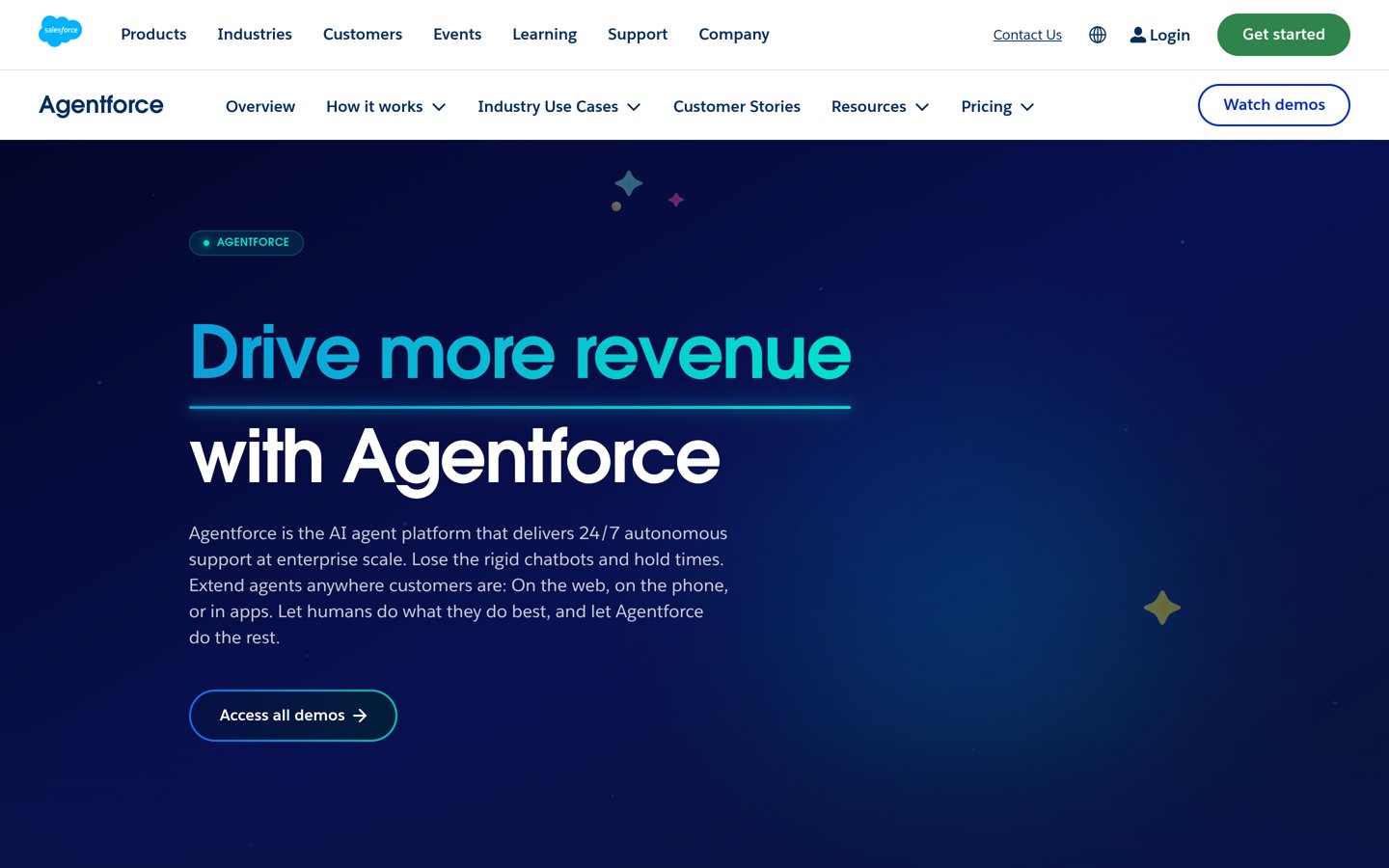
Salesforce Sales Cloud homepage, captured Nov 2026.
Salesforce Sales Cloud is the largest CRM on this list, and its HubSpot integration keeps contacts, companies and deals in step between the two systems. A free Suite covers up to 2 users, and the Starter Suite at $25 per user a month adds lead, account and opportunity management.
The trade off is cost and setup. Starter is capped at 10 users, and the next step, Pro Suite, jumps to $100 per user a month, while setup needs real admin time. It suits companies that run Salesforce beside HubSpot and need both CRMs to agree on every record.
Zoom Workplace is video meetings, chat and phone in one app, and its HubSpot integration logs calls and meetings to contact and deal records. The free Basic plan covers meetings up to 40 minutes with 100 participants, and Pro adds 30-hour meetings and cloud recording.
The trade off is price. Pro costs $14.16 per user a month billed annually, or $16.99 billed monthly, and the page also shows a 30% off offer for new subscribers, so check the regular price before you buy. It suits sales teams that meet customers on video every day.
What we like
Meetings, chat and phone in one app
Free plan covers 40-minute meetings
AI meeting summaries on Pro
Watch out for
Pro costs $14.16 per user a month
Sale prices on the page can confuse the regular price
Pro adds 30-hour meetings and cloud recordingVisit zoom.us
05
Calendly
4.7/5on G2 (2,680 reviews, checked Nov 2026)
Paid from$10/mo
Best for booking sales meetings
Free plan1 event type
Cheapest paidStandard, $10/seat/mo
HubSpot routingLead routing on Teams
G2 rating4.7/5, 2,680 reviews
calendly.com
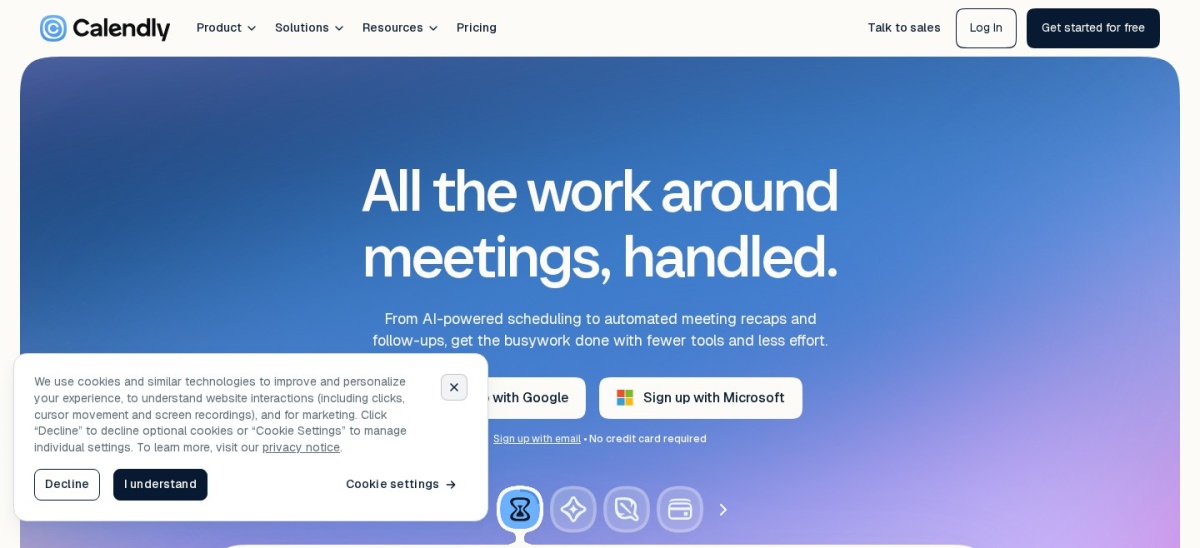
Calendly homepage, captured Nov 2026.
Calendly is a scheduling tool that lets contacts book meetings straight into a HubSpot owner's calendar. The free plan covers one event type and one connected calendar, and Standard at $10 a seat a month adds unlimited event types, automated reminders and payment links.
The trade off is routing. HubSpot lead routing and round-robin booking need the Teams plan at $16 a seat a month, so Standard alone will not route by HubSpot owner. It suits sales teams that want prospects to book themselves without the email back-and-forth.
Shopify is the store platform behind millions of online shops, and its HubSpot integration syncs customers, orders and products into HubSpot contacts and deals. Basic costs $29 a month billed annually and covers an online store with unlimited products, hosting and payment processing.
The trade off is that there is no free plan. Shopify offers a short trial, then $1 a month for 3 months, and the bill rises with apps and payment fees on top of the $29. It suits stores that want every order and customer visible inside HubSpot.
Mailchimp is an email marketing platform, and its HubSpot integration syncs contacts and campaign results between the two tools. The free plan covers 250 contacts and 500 sends a month, and Essentials starts at $13 a month for 500 contacts with A/B testing and automation flows.
The trade off is contact-based pricing. The bill climbs as the list grows, reaching $110 a month on Essentials at 10,000 contacts, and flows longer than four steps need Standard at $20. It suits small teams that send newsletters and want opens and clicks back in HubSpot.
Asana is work management for teams, and its HubSpot integration turns deals and tickets into Asana tasks with the HubSpot record attached. The Personal plan is free for up to 2 users, and Starter at $10.99 per user a month adds timelines, dashboards and unlimited automations.
The trade off is seats. The free plan stops at two users, so a whole team pays per seat, and Advanced at $24.99 a month holds portfolios and workload views. It suits teams that run delivery work in Asana and want it tied to the deal that started it.
PandaDoc is document software for proposals, quotes and contracts with built-in e-signatures, and its HubSpot integration pulls deal data into documents. The free eSign plan covers 5 documents, and Essentials at $19 per user a month adds unlimited documents and templates.
The trade off is the HubSpot connection itself. Native HubSpot sync needs the Business plan at $49 per user a month, so Essentials users get Zapier only. It suits sales teams that send proposals daily and want signatures tracked against the deal.
A native integration is built by the vendor, so setup is usually one click and the sync is maintained for you.
Zapier covers the gaps. If a tool has no native HubSpot app, or the native sync sits on a pricey plan, a Zap can move the same data for $19.99 a month.
Use native first for the tools your team opens daily, such as Slack, Calendly and Shopify, and use Zapier for the rest.
How we chose
We started from the most widely used tools that connect with HubSpot, covering automation, chat, CRM, meetings, scheduling, stores, email, work management and documents.
Prices come from each vendor's pricing page, checked on 25 November 2026, and ratings come from G2 on the same day. Where a vendor shows a sale, the list shows the regular price.
We left out tools with no public rating and tools whose pricing is quote-only. No vendor paid for a place, and we do not claim to have used these tools ourselves.
How to choose a HubSpot integration
Start with the data you already move by hand, then pick the tool that moves it for you.
List the manual copies first. If your team retypes orders, meeting notes or signatures into HubSpot, that task is the integration to buy first.
Check which plan unlocks the sync. Several tools gate the HubSpot connection behind a higher tier, so read the pricing page before you commit.
Count seats before you compare prices. A $7.25 per-user plan costs $145 a month for 20 people, while a flat $29 plan stays $29.
Try the free plan on one workflow. Connect one real workflow, such as booking pages, and check the data lands in HubSpot correctly. See how to add Calendly to a WordPress site if your booking page runs on WordPress.
FAQ
What is the best HubSpot integration?
Zapier is the best HubSpot integration for most teams. It links HubSpot to more than 9,000 apps, is rated 4.5 out of 5 by 2,163 reviewers on G2, and its free plan covers 100 tasks a month.
Does HubSpot integrate with Slack?
Yes. The Slack app for HubSpot posts deal, task and ticket alerts into Slack channels, and you can reply to some alerts from Slack. It does not sync contact or deal records back into HubSpot, so use it for alerts rather than data entry.
Can I connect Salesforce to HubSpot?
Yes, the native integration syncs contacts, companies and deals between the two CRMs. The free Suite covers up to 2 users and Starter costs $25 per user a month, but the next tier jumps to $100, so check the plan limits first.
Is there a free HubSpot integration?
Most tools on this list have a free plan, including Zapier, Slack, Zoom, Calendly, Mailchimp and Asana. Free plans cap the features that matter, such as tasks, seats or event types, so budget for the first paid tier.
Does Calendly work with HubSpot?
Yes. Calendly books meetings straight into a HubSpot owner's calendar and logs the booking on the contact record. Lead routing by HubSpot owner needs the Teams plan at $16 a seat a month, not the $10 Standard plan.
Which HubSpot integration is best for sales teams?
Zapier suits most sales teams because it connects every tool in the stack, while Calendly handles booking and PandaDoc handles proposals. Teams that run Salesforce beside HubSpot should use the native two-way sync instead.
SaaS SEO and WordPress specialist with about 8 years of experience. Rakib compares WordPress plugins, themes, hosting and software using public pricing, documentation and user reviews. See how we rank.