Best Hosting for WordPress Ecommerce Plugins in 2026: 7 Tools Compared
WLWPLegible EditorsLast verified 22 Nov 2026How we rank5 min read
★ Short answer
Kinsta leads for WordPress ecommerce plugins thanks to isolated containers and built-in caching that keep dynamic carts responsive. For flexible cloud scaling, Cloudways suits stores wanting provider choice, while Hostinger fits budget shops starting out.
How we make this list: we compare pricing pages, product documentation and public user reviews, then re-check every price before each update. No product paid for a place. Disclosure.
Kinsta starts at $35/mo ($420/yr) regular rate and holds a 4.8/5 rating across 1,713 reviews on G2.
Cloudways Flexible starts at $14/mo ($168/yr) regular rate with hourly billing across multiple cloud providers.
Hostinger Premium renews at $10.99/mo ($131.88/yr) regular rate after introductory discounts.
Pressable starts at $25/mo ($300/yr) monthly or $20.83/mo ($250/yr) billed annually with flat renewal rates.
SiteGround StartUp renews at $17.99/mo ($215.88/yr) regular rate after first-term discounts.
What to look for in hosting for WordPress ecommerce plugins
Ecommerce plugins such as WooCommerce, Easy Digital Downloads, and membership or booking extensions bypass full-page caching whenever shoppers add items, log in, or calculate shipping. That dynamic traffic hits PHP workers and database queries directly, making server isolation and object caching far more important than static page speed alone.
Check how each host handles traffic bursts during sales or email campaigns. Platforms with isolated containers, autoscaling, or dedicated PHP workers reduce checkout slowdowns when multiple carts update at once.
Pay close attention to renewal pricing versus promotional offers. Many hosts advertise steep first-term discounts or seasonal deals that jump significantly at renewal, so comparing regular monthly or annual rates prevents budget surprises.
Finally, check staging environments, automatic backups, and SSH or WP-CLI access. Testing plugin updates and payment gateway changes on a staging copy protects live orders from broken checkouts.
The 7 best hosting for wordpress ecommerce plugins
01
Kinsta
4.8/5on G2 (1,713 reviews, checked Nov 2026)
Starts at$35/mo
Best for isolated store performance
Regular entry rate$35/mo ($420/yr)
Entry storage10 GB
Staging & backups1-click staging, daily
InfrastructureGoogle Cloud containers
kinsta.com
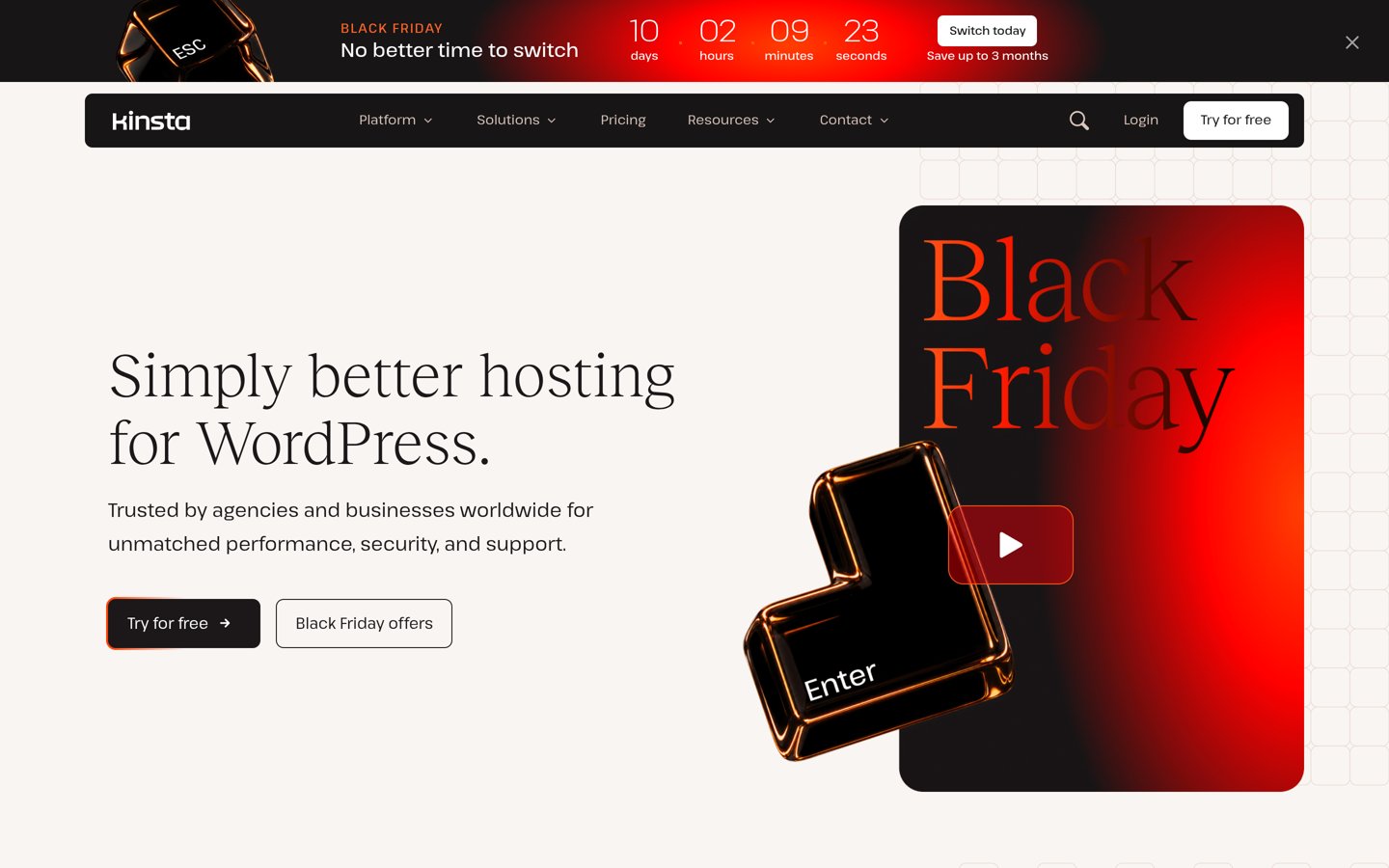
Kinsta homepage, captured Nov 2026.
Kinsta is a managed WordPress host running isolated containers on Google Cloud with built-in edge caching, APM monitoring, and daily backups. Its entry plans start at $35/mo regular pricing (seasonal promotions may discount initial months or annual terms).
The trade off is higher ongoing cost starting at $35/mo ($420/yr) and visit or bandwidth caps on lower tiers. It suits growing stores that rely on heavy ecommerce plugins and want predictable isolation.
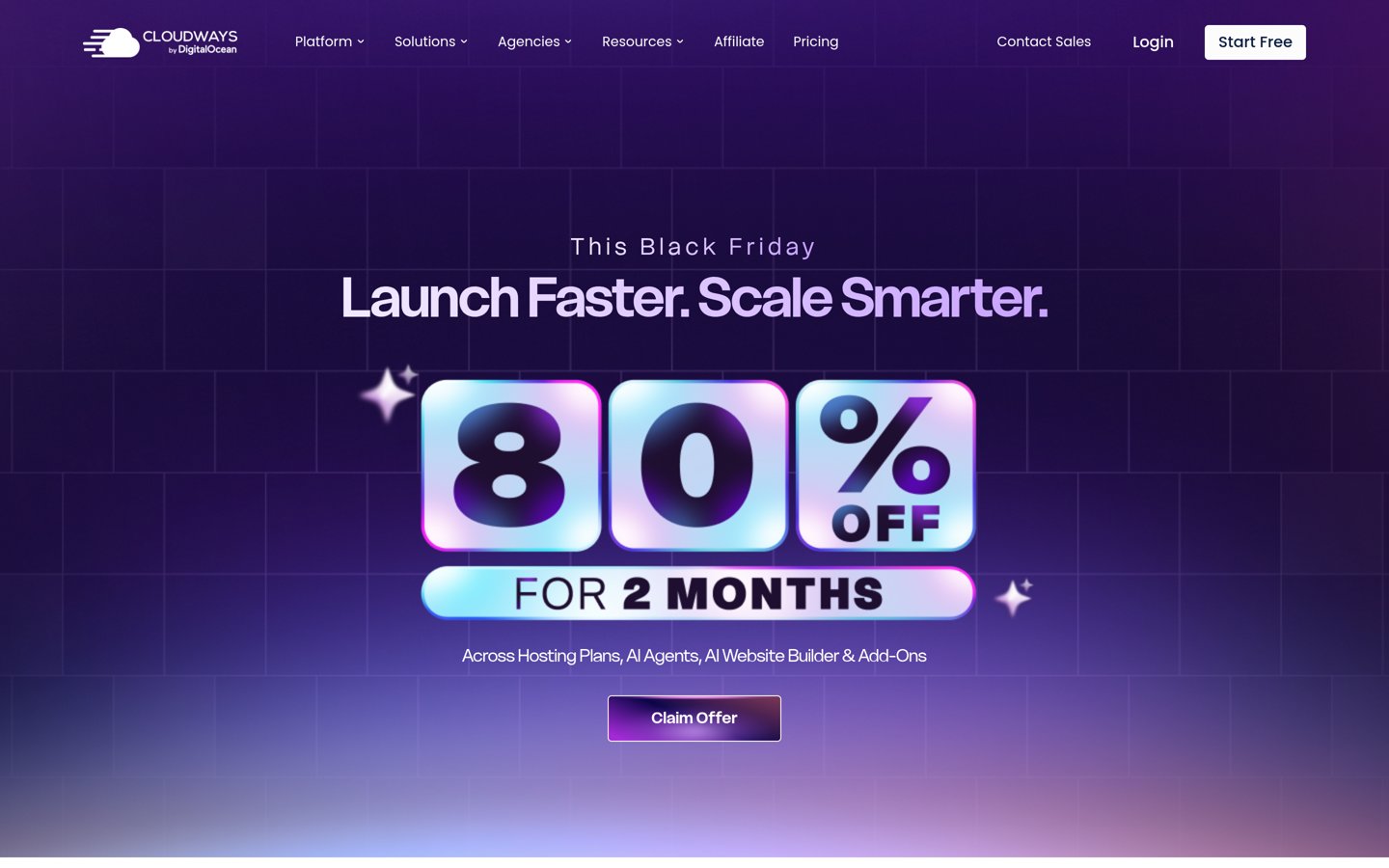
Cloudways is a managed cloud hosting platform that lets you deploy WordPress and ecommerce plugins on providers like DigitalOcean, Vultr, Linode, AWS, and Google Cloud. Entry Flexible plans start at $14/mo regular pricing (promotional discounts may apply to initial months).
The trade off is extra charges for add-ons such as offsite backup storage and excess CDN bandwidth, starting at $14/mo ($168/yr) regularly. It suits store owners and agencies who want cloud server control without managing raw servers.
What we like
Choice of cloud infrastructure providers and server sizes
Flexible scaling with hourly pay-as-you-go billing
Staging environments and free SSL included
Watch out for
Add-ons like extra backup storage cost extra
Steeper learning curve than basic shared hosts
No free domain registration included
Higher server tiers and Autonomous plans add more RAM, CPU cores, and autoscaling capacity.Visit cloudways.com
03
Pressable
4.8/5on G2 (181 reviews, checked Nov 2026)
Starts at$25/mo
Best for transparent flat renewal pricing
Regular entry rate$25/mo ($300/yr) or $20.83/mo annual
Entry storage20 GB
BandwidthUnlimited
Included securityJetpack Security daily backups
pressable.com
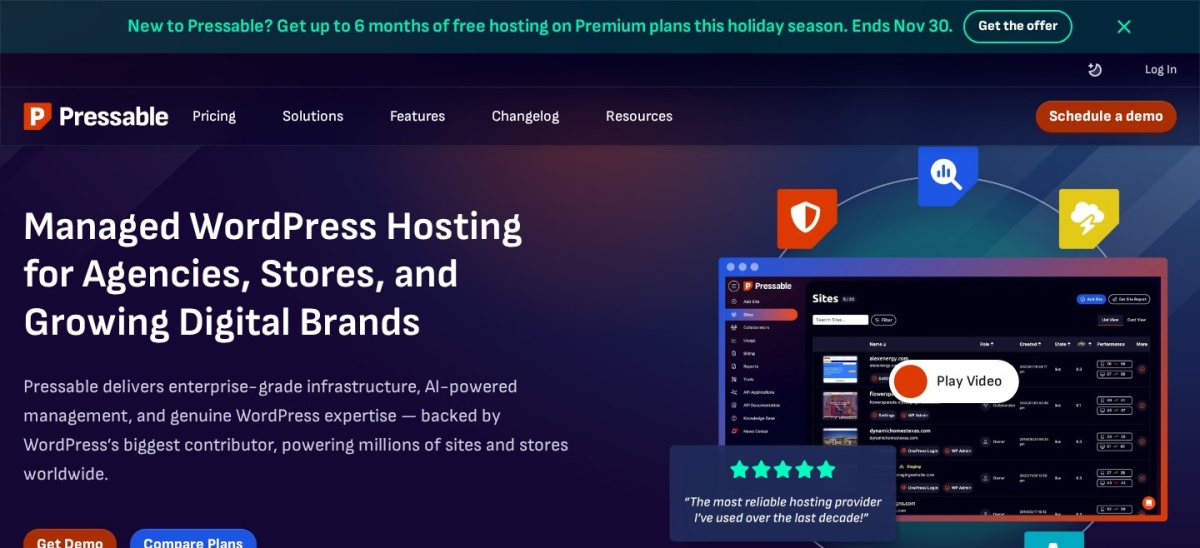
Pressable homepage, captured Nov 2026.
Pressable is a managed WordPress hosting service built on WP Cloud with staging, free migrations, and Jetpack Security daily backups. Entry pricing starts at $25/mo monthly ($300/yr) or $20.83/mo billed annually ($250/yr) at regular rates.
The trade off is no permanent free plan and higher entry cost than budget hosts at $25/mo ($300/yr) monthly. It suits merchants who want predictable flat pricing and WordPress-focused engineering.
What we like
Consistent renewal pricing without teaser cliffs
Jetpack Security daily backups and CDN included
Free site migrations and staging tools
Watch out for
Higher starting price than shared or budget plans
WordPress-only hosting environment
No phone support listed
Upper tiers increase WordPress installs, monthly visit allowances, storage, and support options.Visit pressable.com
04
WP Engine
4.6/5on G2 (375 reviews, checked Nov 2026)
Starts at$150/mo
Best for dedicated ecommerce workflows
Ecommerce plan start$150/mo ($1,800/yr)
Entry ecommerce capUp to 100k visitors/mo, 15 GB
Workflow tools1-click staging, Git, SSH
Caching & securityEverCache, DDoS mitigation
wpengine.com
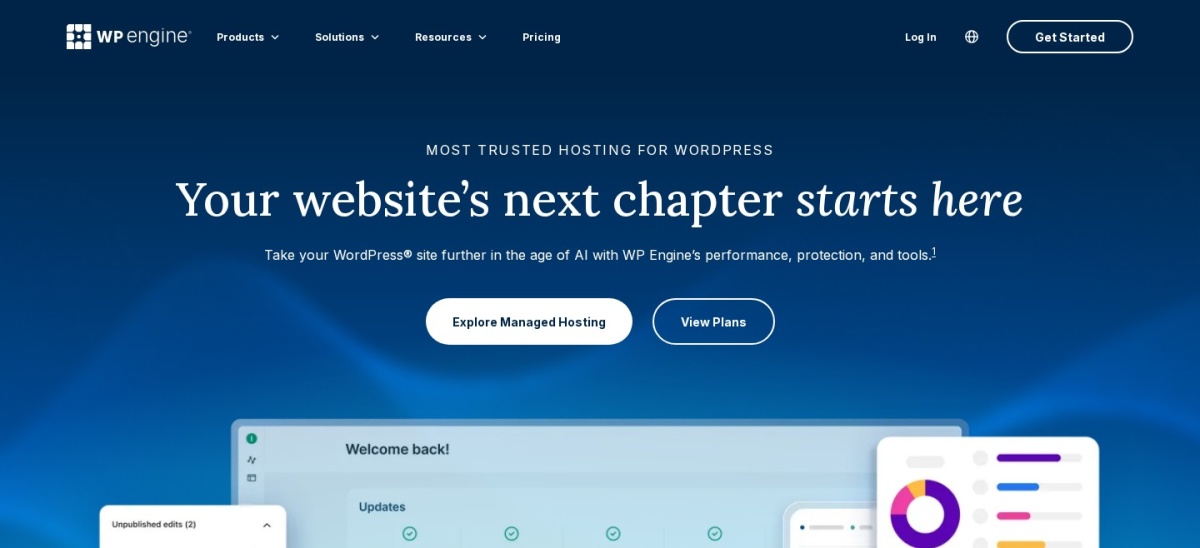
WP Engine homepage, captured Nov 2026.
WP Engine provides managed WordPress hosting with EverCache, staging environments, and specialized ecommerce plans designed for stores running commerce plugins. Its Essential eCommerce plan starts at $150/mo regular pricing.
The trade off is steep pricing starting at $150/mo ($1,800/yr) for ecommerce plans and plugin restrictions on the platform. It suits established stores that prioritize managed operations and store-focused tooling.
What we like
Purpose-built ecommerce plans with caching and monitoring
Staging, Git workflows, and automated daily backups
24/7 WordPress technical support
Watch out for
High starting price for smaller stores
Certain resource-heavy or disallowed plugins are restricted
Add-ons can raise total monthly spend
Business and Enterprise ecommerce tiers add isolated resources, higher traffic limits, and SLAs.Visit wpengine.com
05
Hostinger
4.4/5on G2 (903 reviews, checked Nov 2026)
Starts at$10.99/mo
Best for low-cost starter stores
Regular renewal rate$10.99/mo ($131.88/yr)
Entry storage20 GB SSD
Websites includedUp to 3 websites
Control panelhPanel with LiteSpeed support
hostinger.com
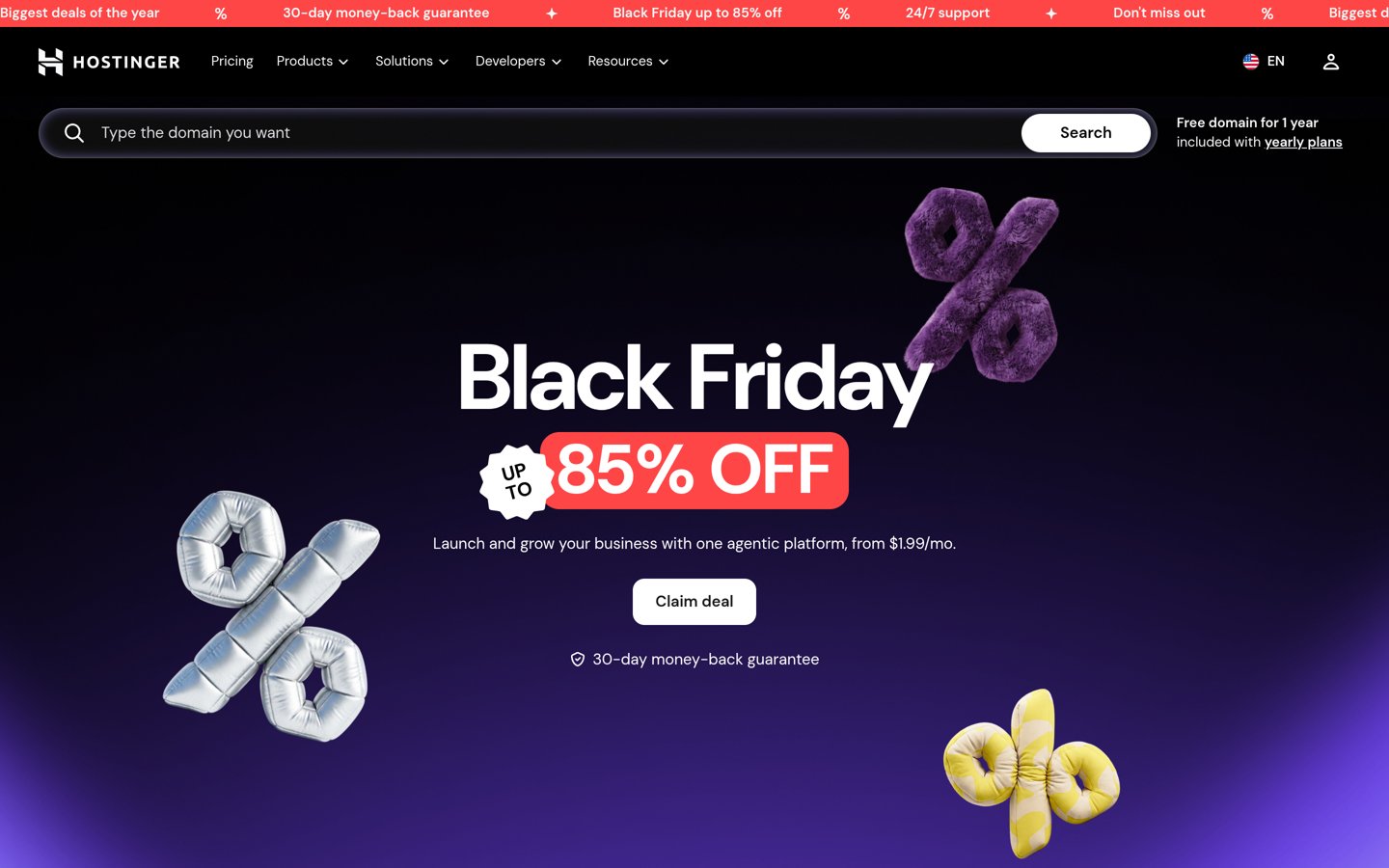
Hostinger homepage, captured Nov 2026.
Hostinger offers budget WordPress and ecommerce hosting with hPanel, free SSL, and LiteSpeed web server technology. Its Premium plan renews at $10.99/mo regular pricing (promotional multi-year offers and seasonal sales lower initial checkout prices).
The trade off is renewal pricing jumping to $10.99/mo ($131.88/yr) after discounted terms and weekly backups on the base tier. It suits new or small stores keeping initial costs low.
What we like
Low entry pricing and beginner-friendly hPanel interface
Free domain for the first year and SSL on plans
Supports WordPress and ecommerce setups out of the box
Watch out for
Renewal rates are notably higher than promo pricing
Entry plan provides weekly rather than daily backups
Shared resources can feel tight under heavy store traffic
Higher plans add NVMe storage, daily backups, more resources, and cloud or agency options.Visit hostinger.com
06
SiteGround
4.2/5on G2 (312 reviews, checked Nov 2026)
Starts at$17.99/mo
Best for WordPress support
Regular renewal rate$17.99/mo ($215.88/yr)
Entry storage10 GB
Backups & emailDaily backups, free email
InfrastructureGoogle Cloud with SuperCacher
siteground.com
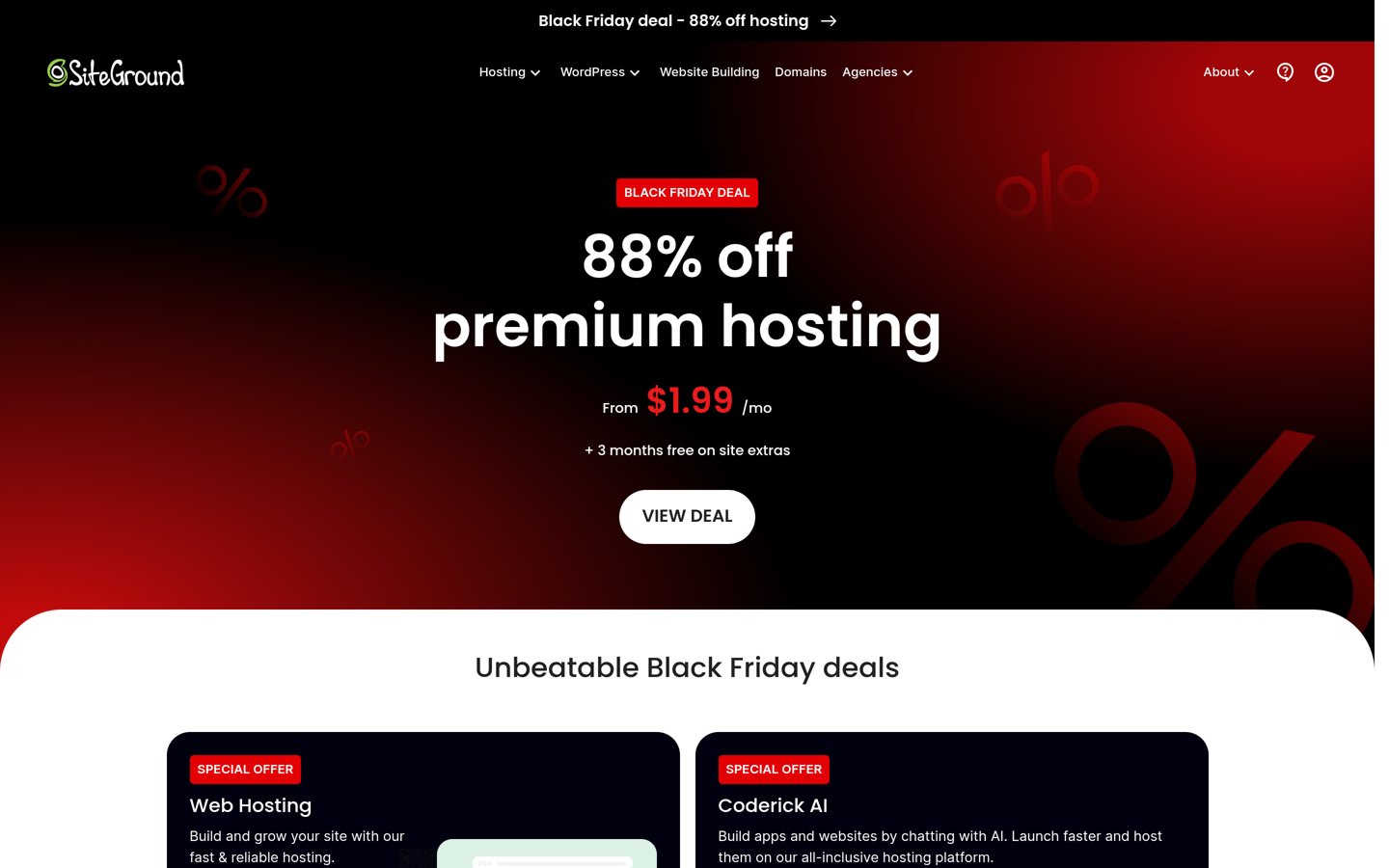
SiteGround homepage, captured Nov 2026.
SiteGround runs managed WordPress hosting on Google Cloud with custom caching, daily backups, free email, and 24/7 support. Its StartUp plan renews at $17.99/mo regular pricing (promotional and seasonal discounts apply to the first term).
The trade off is renewal jumping to $17.99/mo ($215.88/yr) and staging starting on higher tiers. It suits small stores that value responsive WordPress support and built-in caching tools.
What we like
Responsive 24/7 customer support and intuitive Site Tools
Daily backups, free SSL, and business email included
Runs on Google Cloud infrastructure
Watch out for
Regular renewal rate is much higher than first-term promos
StartUp plan caps at 1 site and lacks staging
Storage limits require upgrades as media grows
GrowBig and GoGeek add more storage, staging, faster PHP options, and multi-site capacity.Visit siteground.com
07
Bluehost
3.4/5on G2 (295 reviews, checked Nov 2026)
Starts at$21.99/mo
Best for bundled store starter tools
Regular renewal rate$21.99/mo ($263.88/yr)
Entry storage100 GB NVMe
Staging & backupsStaging site, daily backups
Commerce setupWooCommerce auto-install & tools
bluehost.com
Bluehost homepage, captured Nov 2026.
Bluehost offers managed WordPress and WooCommerce hosting plans that bundle store setup tools, staging, and daily backups. Its eCommerce Essentials plan renews at $21.99/mo regular pricing (multi-year discounts and promotions lower initial rates).
The trade off is renewal pricing rising to $21.99/mo ($263.88/yr) and mixed user ratings on support and billing. It suits beginners who want guided WooCommerce setup and bundled commerce features.
What we like
Guided onboarding and WooCommerce setup tools included
100 GB NVMe storage and staging on eCommerce Essentials
24/7 chat and phone support available
Watch out for
Renewal price increases after initial promotional terms
Lower review score than several managed competitors
Checkout upsells can clutter initial setup
eCommerce Premium unlocks additional built-in store extensions such as bookings and gift cards.Visit bluehost.com
Why ecommerce plugins need careful caching rules
Standard static caching speeds up blog posts and product pages, but cart, checkout, and account pages must stay dynamic for each shopper. Misconfigured page caching can show stale cart totals or expose another user's session state.
Managed hosts configure bypass rules for ecommerce endpoints automatically, while self-managed or budget setups often require testing caching plugins carefully before going live.
How we chose
We selected established web hosts that support WordPress ecommerce plugins and maintain active documentation, clear plan tiers, and public user reviews.
All prices, plan features, and G2 review figures were checked on 22 Nov 2026 from official vendor pricing pages and G2 review profiles, using regular or renewal rates rather than temporary discounts.
We excluded hosts without clear published regular pricing for their entry plans or with limited track records for dynamic WordPress stores. No vendor paid for a place, and we do not claim testing for this list.
How to choose hosting for your store plugins
Follow these four steps before picking a host for your ecommerce stack.
List your active ecommerce and checkout plugins first. Payment gateways, subscriptions, bookings, and tax or shipping calculators add database queries that require sufficient PHP memory and worker capacity.
Compare regular renewal prices alongside promotional offers. First-term discounts often drop sharply at renewal, so check the regular monthly or annual rate to estimate year-two operating costs.
Verify staging and backup frequency for live orders. Daily backups and one-click staging let you test plugin updates and theme edits safely without disrupting active shoppers.
Match server resources to peak sales traffic. Flash sales and email campaigns spike concurrent sessions, so pick a tier or cloud architecture that can scale before checkout slows down.
FAQ
Is shared hosting enough for WordPress ecommerce plugins?
Small stores with light traffic and few plugins can start on shared hosting, but busy checkouts or heavy extensions often run better on isolated or managed cloud plans.
Why do renewal prices differ from advertised hosting prices?
Many providers discount initial 12-month or multi-year terms heavily and renew at standard rates afterward. Always check the regular renewal rate when budgeting.
Do I need a specialized ecommerce hosting plan for WooCommerce?
Not always, as standard WordPress plans can run WooCommerce. Specialized plans often pre-configure performance caching or bundle commerce extensions that save setup time.
What happens to cart and checkout pages when caching is enabled?
Cart, checkout, and customer account pages should be excluded from full-page caching so each shopper sees accurate items, prices, and session data.
Why is a staging environment important for online stores?
Staging lets you test WordPress core, theme, and plugin updates in a separate copy first so a buggy update does not break checkout on your live store.
How much storage should a WordPress store start with?
Start with at least 10 GB to 20 GB of SSD or NVMe storage, and plan for more if you host high-resolution product images, videos, or large databases.