FileZilla is the best FTP client software for most people: it is free, runs on Windows, macOS and Linux, covers FTP, FTPS and SFTP, and is rated 4.5 out of 5 on G2 from 769 reviews. Pick WinSCP for Windows automation or Cyberduck for free cloud storage access.
How we make this list: we compare pricing pages, product documentation and public user reviews, then re-check every price before each update. No product paid for a place. Disclosure.
FileZilla is free on Windows, macOS and Linux, with 769 G2 reviews behind its 4.5 out of 5 rating.
WinSCP is the strongest free Windows client, rated 4.6 out of 5, with scripting and folder sync built in.
Cyberduck is free and adds Amazon S3, Google Drive and Dropbox beside FTP and SFTP.
Transmit at $45 once and Fetch at $29 once are the best one-time buys for Mac users.
SmartFTP is the priciest pick here at $79.99 a user a year, and only pays off for scheduled Windows transfers.
What an FTP client should cover
An FTP client moves files between your computer and a server. Most people use it to upload a website, download backups or fix a file a web editor cannot reach.
Secure protocols matter more than speed. Plain FTP sends passwords in the clear, so pick a client that supports SFTP or FTPS, as our guide on what FTP is in WordPress explains.
Your operating system narrows the list fast. FileZilla and Cyberduck run on Windows and Mac, WinSCP and SmartFTP are Windows only, and Transmit, Fetch and Commander One are Mac only.
Most of the best clients are free. Pay only when you need a specific strength: Mac polish, scheduled transfers, or servers mounted as local drives.
Cloud storage is the main split. Cyberduck and ExpanDrive treat S3 and Google Drive like servers, while FileZilla keeps cloud access in its paid Pro version.
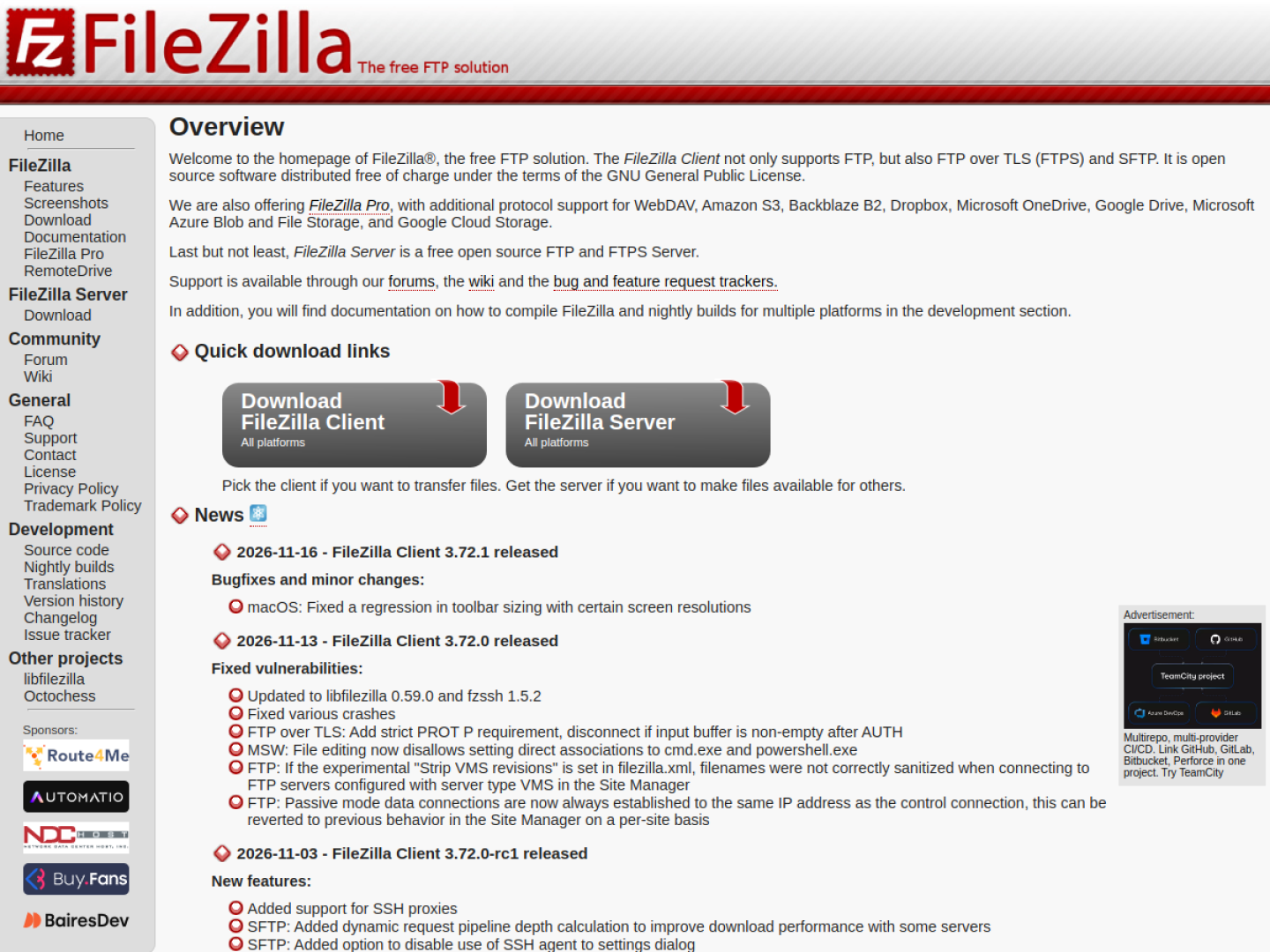
FileZilla is a free, open-source FTP client for Windows, macOS and Linux. It covers FTP, FTPS and SFTP in a familiar two-pane view, with a Site Manager for saved connections, drag-and-drop transfers and a transfer queue.
The trade off is polish and cloud access. The interface looks dated next to paid Mac clients, and Amazon S3, Google Drive and Dropbox need the paid Pro version. It suits almost anyone who wants a free client that works the same on every desktop system.
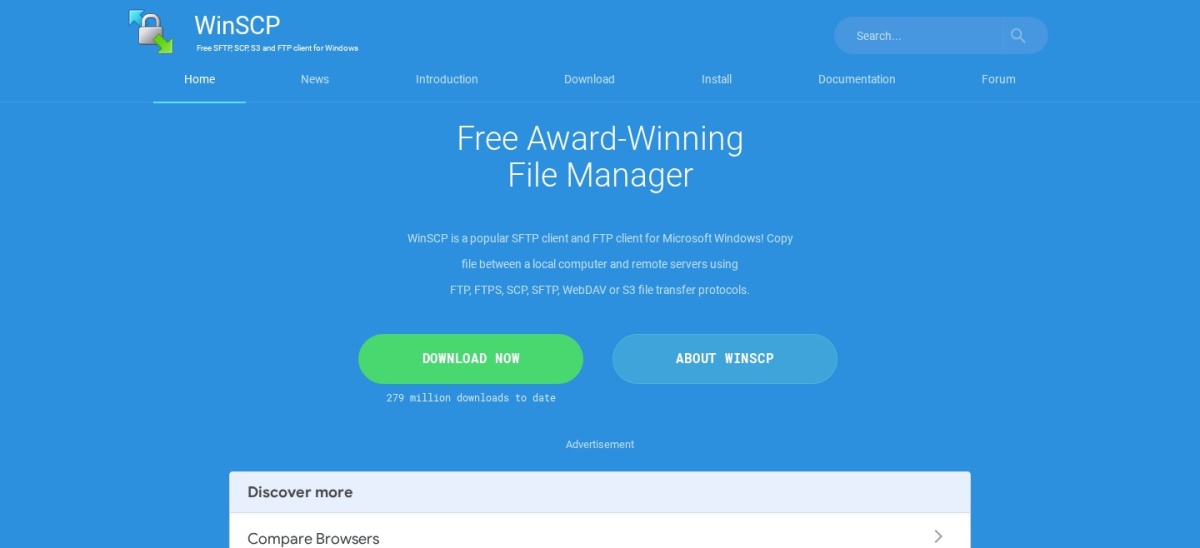
WinSCP is a free, open-source file transfer client for Windows. It supports FTP, FTPS, SFTP, SCP, WebDAV and Amazon S3, with directory synchronisation, an integrated text editor and a choice of Commander or Explorer-style interfaces.
The trade off is platform. WinSCP runs on Windows only, so Mac and Linux users need another client. It suits Windows administrators and developers who want free scripting and scheduled sync without paying for a commercial client.
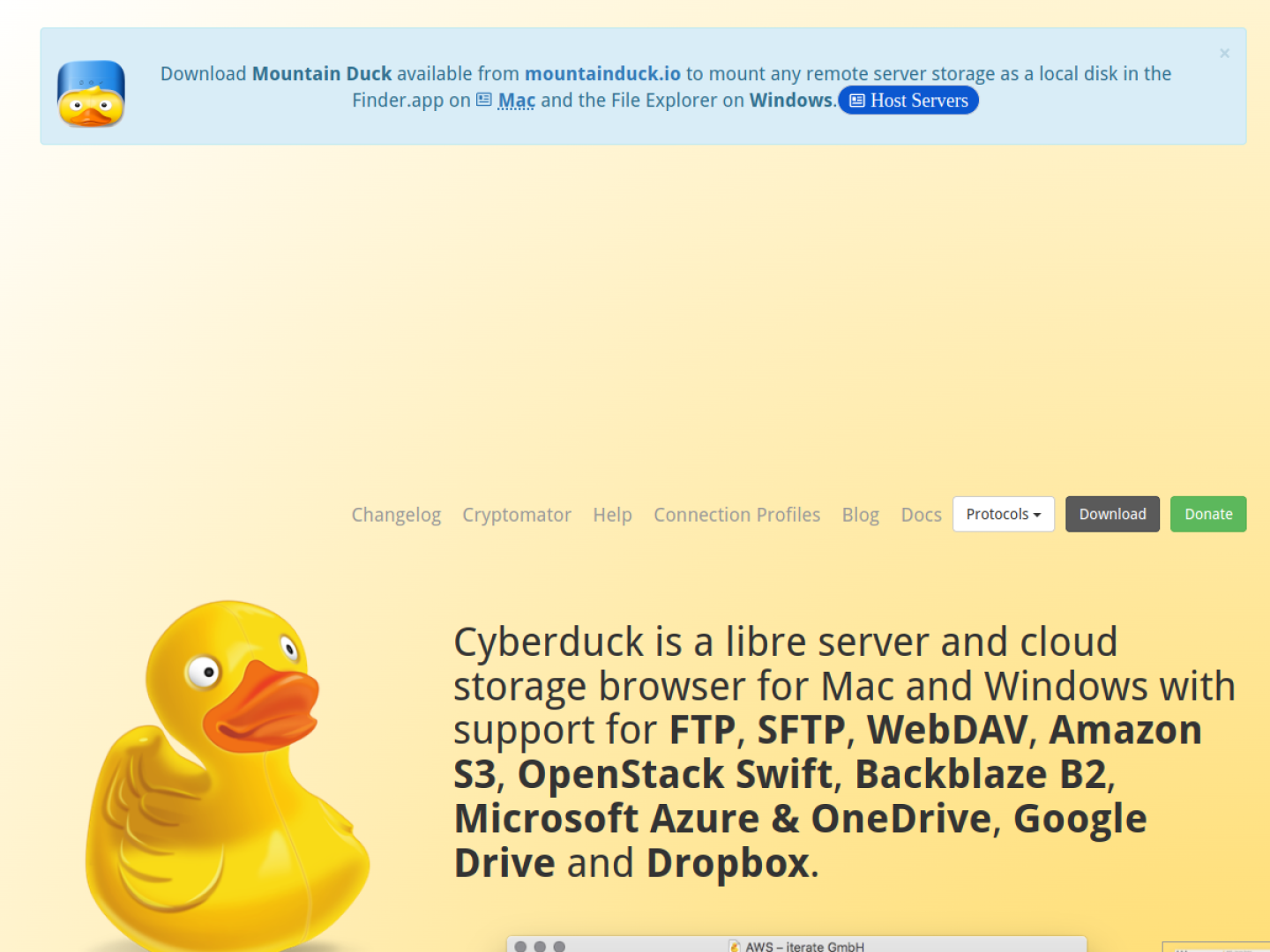
Cyberduck is a free, open-source browser for servers and cloud storage on Mac and Windows. Beside FTP, SFTP and WebDAV it connects to Amazon S3, Backblaze B2, Google Drive, Dropbox and OneDrive, with bookmarks, sync previews and an external editor for remote files.
The trade off is the donation prompt. The free download asks for a donation every time you quit until you register a $10 donation key. It suits people who move files between servers and cloud storage in one free app.
Transmit is a paid Mac file transfer client from Panic. It handles FTP, SFTP, WebDAV and S3 plus Backblaze B2, Box, Google Drive, Dropbox and Azure, with a dual-pane view, File Sync, Panic Sync for server lists, batch rename and built-in key management.
The trade off is the price and the platform. The direct licence costs $45 one-time, the Mac App Store version is a separate $24.99 a year subscription, and there is no Windows version. It suits Mac users who transfer files daily and want the most polished client.
What we like
Fast, polished Mac-native interface
One-time $45 licence direct from Panic
File Sync and Panic Sync across Macs
Wide cloud service support
Watch out for
Mac only, no Windows or Linux version
App Store and direct licences are not interchangeable
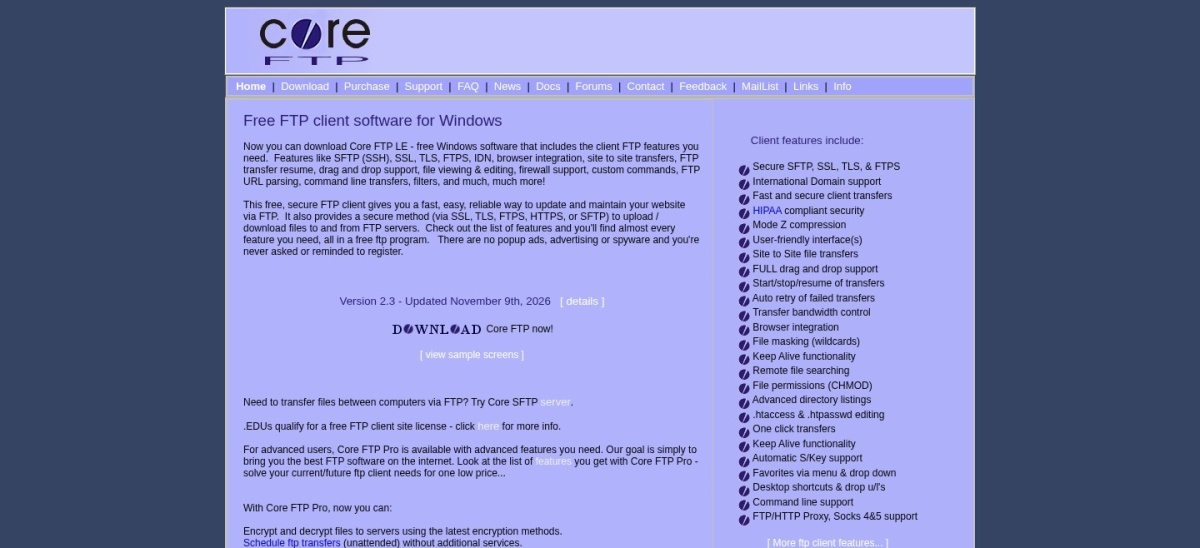
Core FTP is a free Windows FTP client, sold as Core FTP LE. It covers FTP, FTPS and SFTP with drag-and-drop transfers, transfer resume, site-to-site transfers, remote file search and a command line, plus editing of remote files such as .htaccess.
The trade off is age. The interface looks dated, it disconnects after a few minutes idle, and scheduled transfers need the $39.95 one-time Pro version. It suits Windows users who want a free client that handles awkward servers and resumes broken transfers.
What we like
Free LE version for Windows
Transfer resume and site-to-site transfers
Remote file search and .htaccess editing
Rated 4.1 out of 5 on G2 from 5 reviews
Watch out for
Windows only
Interface looks dated
Disconnects after a few minutes idle
Pro adds scheduled transfers and encryption at $39.95 onceVisit coreftp.com
06
Fetch
4.6/5on G2 (19 reviews, checked Nov 2026)
Starts at$29/once
Best simple Mac FTP client
PlatformsmacOS only
ProtocolsFTP, SFTP
New licence$29 once
Upgrade$10 for existing owners
fetchsoftworks.com
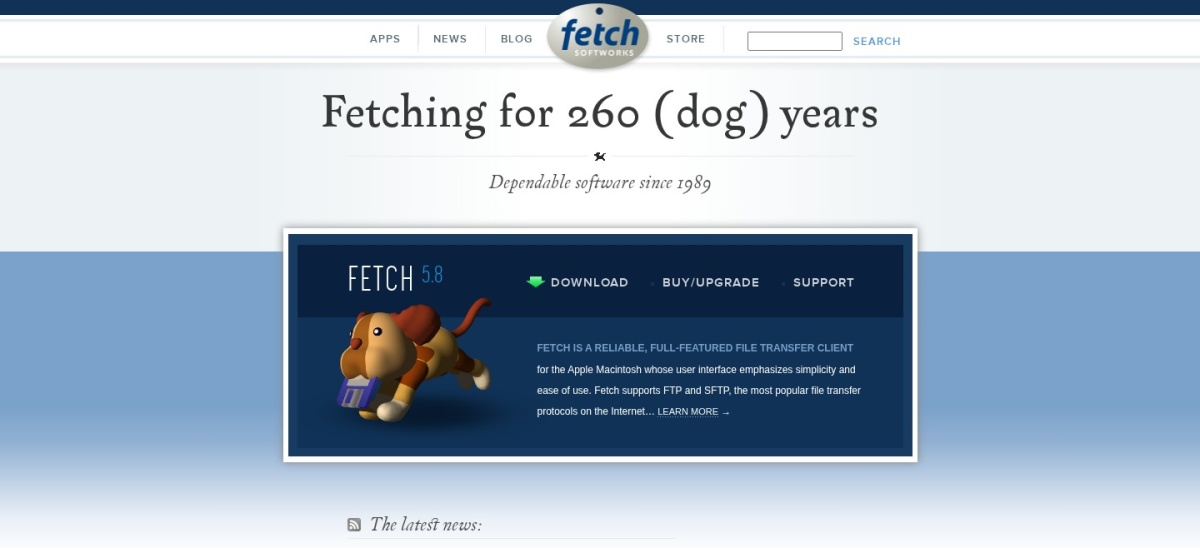
Fetch homepage, captured Nov 2026.
Fetch is a straightforward Mac FTP client from Fetch Softworks. It covers FTP and SFTP with folder synchronisation and task scheduling, in a clean interface that shows the files that matter instead of a wall of panels.
The trade off is scope. Fetch is Mac only and covers fewer protocols than Cyberduck or Transmit, with no cloud storage connections. It suits Mac users who want the simplest possible client for occasional uploads and downloads.
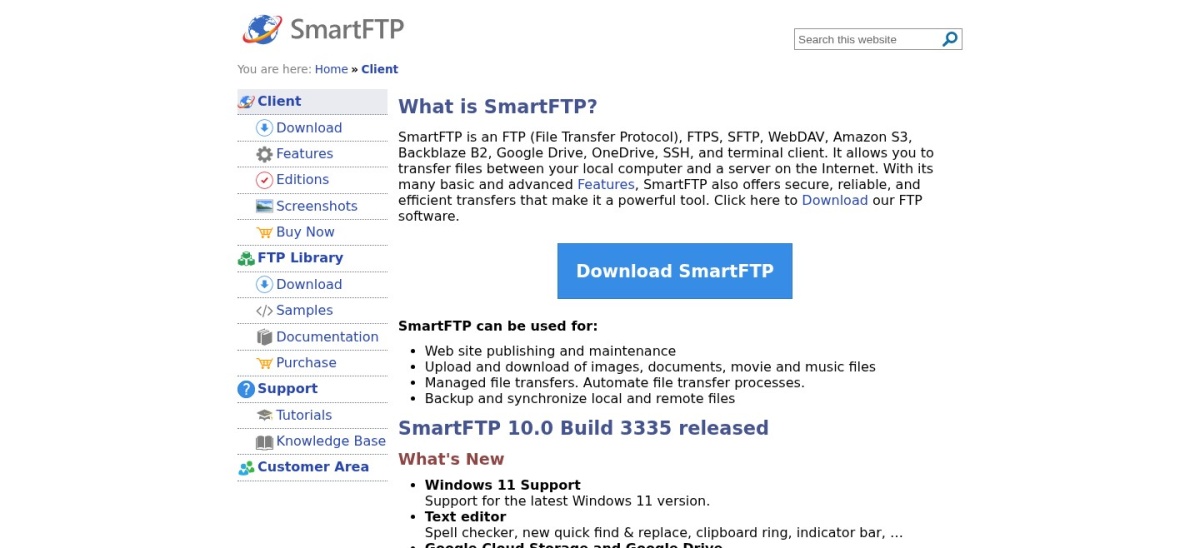
SmartFTP is a commercial Windows client for managed transfers. It supports FTP, FTPS, SFTP, WebDAV, Amazon S3, Google Drive and OneDrive, with a transfer queue, visual comparison, a terminal client and scheduled transfers in the Enterprise edition.
The trade off is price. The Professional subscription costs $79.99 a user a year, and scheduled transfers need Enterprise at $399.99 a user a year. It suits Windows teams that schedule and log transfers every day.
What we like
Scheduled and managed transfer queues
Terminal client and visual comparison
Detailed transfer logs
30-day trial runs as Enterprise
Watch out for
Windows only
Highest yearly price in this list
Scheduled transfers need the $399.99 Enterprise plan
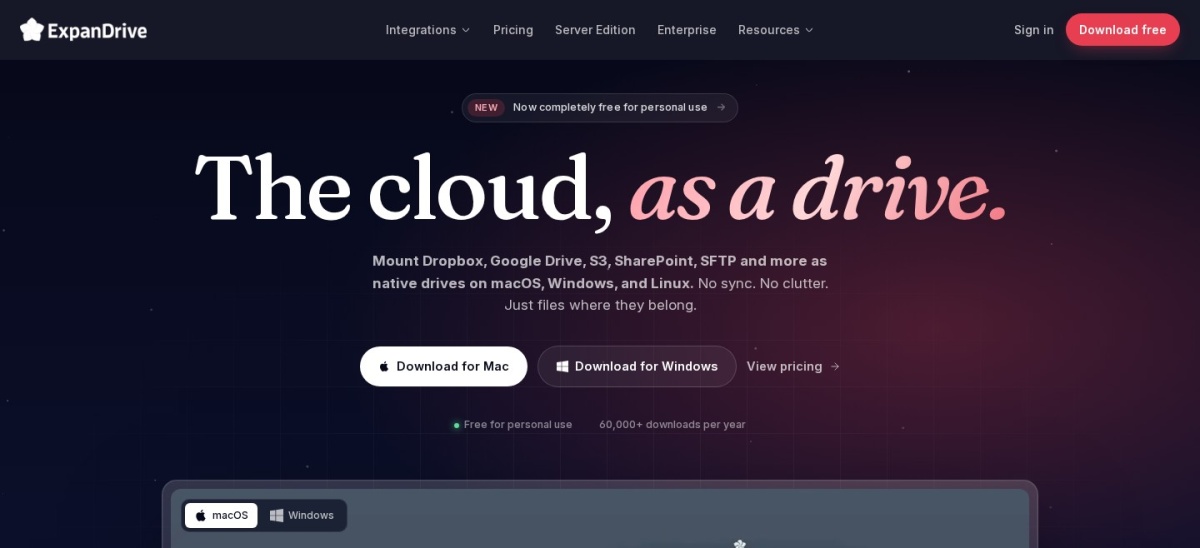
ExpanDrive is a drive-mounting app from Files.com for Mac, Windows and Linux. It mounts FTP, SFTP, WebDAV and cloud storage such as Google Drive, Dropbox, OneDrive and Amazon S3 as local drives, so you open and save remote files from any app.
The trade off is that it is not a transfer client. There is no transfer queue or site manager, and teams need the Business plan at $29 a month for up to 10 users. It suits people who edit files on a server rather than uploading finished files.
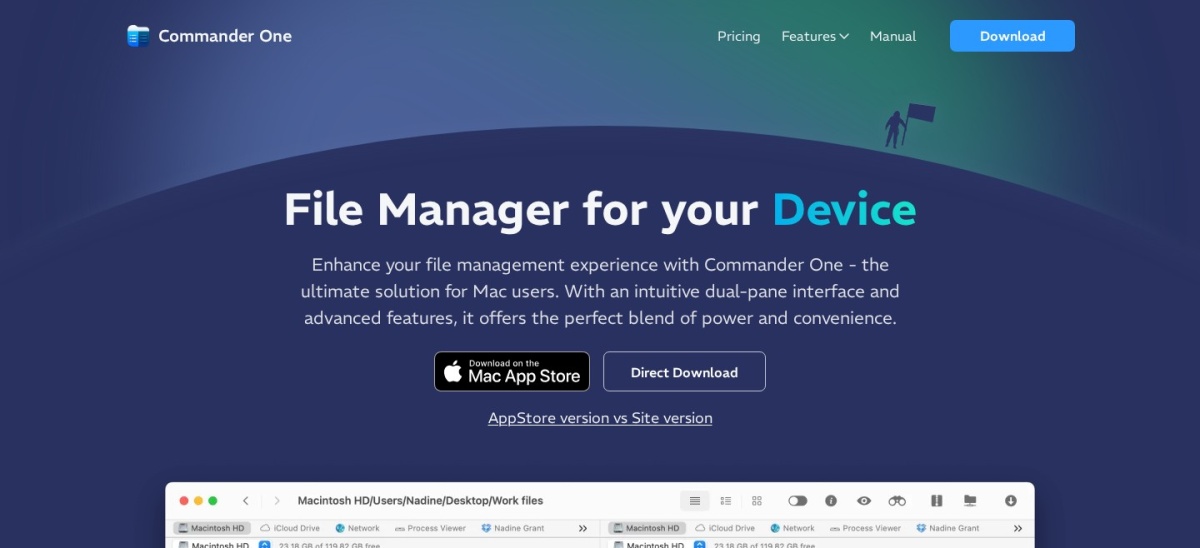
Commander One is a dual-pane file manager for Mac from Electronic Team. The free version handles local files, and the $29.99 one-time PRO Pack adds FTP, SFTP, WebDAV, Amazon S3, Google Drive, Dropbox and OneDrive, with archives, encryption and an operations queue.
The trade off is that FTP is paid-only. The free version cannot connect to a server at all, and the G2 rating rests on only 5 reviews. It suits Mac users who want one app for local files and servers together.
Free clients cover the core job. FileZilla, WinSCP and Cyberduck all handle FTP, FTPS and SFTP at no cost, and ExpanDrive is free for personal use.
Paid clients sell convenience, not protocols. Transmit sells a polished Mac interface, SmartFTP sells scheduled and managed transfers, and Commander One sells FTP inside a file manager.
One-time licences are the better deal here. Transmit at $45, Fetch at $29 and Commander One at $29.99 are single payments, while SmartFTP is the only yearly subscription in this list at $79.99 a user a year.
Check the licence before you buy. Transmit and FileZilla Pro sell different builds in the Mac App Store and direct, and the two licences are not interchangeable.
How we chose
We started from the FTP clients most often named in current roundups, then kept nine established desktop clients that cover Windows, Mac and Linux between them.
Prices come from each vendor's pricing or homepage, checked on 25 November 2026. Ratings and review counts come from G2 on the same day. Where a vendor shows a sale, the list shows the regular price.
We left out server software and managed file transfer platforms, which are a different product from a desktop client. No vendor paid for a place, and we do not claim hands-on testing for this list.
How to choose an FTP client
Start with your operating system, then match the client to the server and the work you do most.
Check your operating system first. WinSCP, SmartFTP and Core FTP are Windows only, while Transmit, Fetch and Commander One are Mac only. FileZilla, Cyberduck and ExpanDrive run on both.
Match the protocol to your server. Use SFTP or FTPS where the host supports them, since plain FTP sends passwords in the clear. See how to get FTP access to WordPress for the details your host will give you.
Decide if you need cloud storage too. Cyberduck and ExpanDrive connect to S3, Google Drive and Dropbox beside FTP. FileZilla keeps cloud access in its paid Pro version.
Pay only for a specific strength. Start free with FileZilla, WinSCP or Cyberduck. Pay $29 to $45 once for a polished Mac client, or $79.99 a year for SmartFTP only if you schedule transfers daily.
FAQ
What is the best FTP client software?
FileZilla is the best FTP client for most people. It is free, runs on Windows, macOS and Linux, covers FTP, FTPS and SFTP, and is rated 4.5 out of 5 on G2 from 769 reviews.
What is the best free FTP client?
FileZilla is the best free pick overall, and WinSCP is the best free pick on Windows. Cyberduck is the best free option if you also need Amazon S3, Google Drive or Dropbox access.
What is the best FTP client for Mac?
Cyberduck is the best free Mac client, with FTP, SFTP and cloud storage. Transmit is the best paid Mac client at $45 one-time, and Fetch is the simplest paid option at $29 one-time.
What is the best FTP client for Windows?
WinSCP is the best free Windows client, rated 4.6 out of 5 on G2, with scripting and folder sync. FileZilla is the best cross-platform alternative, and SmartFTP suits teams that schedule transfers.
Is FTP safe to use?
Plain FTP is not safe, because it sends usernames and passwords without encryption. Use SFTP or FTPS instead, which every client in this list supports, and ask your host which secure protocol it offers.
Do I need to pay for an FTP client?
No, for most people. FileZilla, WinSCP and Cyberduck are free and cover FTP, FTPS and SFTP. Pay only for a polished Mac interface, scheduled transfers, or servers mounted as local drives.
SaaS SEO and WordPress specialist with about 8 years of experience. Rakib compares WordPress plugins, themes, hosting and software using public pricing, documentation and user reviews. See how we rank.