Best Free WordPress Multilingual Plugins in 2026: 7 Tools Compared
WLWPLegible EditorsLast verified 22 Nov 2026How we rank12 min read
★ Short answer
Polylang is the best free WordPress multilingual plugin overall, with 900,000+ active installations and support for translating posts, pages, taxonomies, and menus without a language limit. TranslatePress is better for visual translation editing, while GTranslate offers automatic language switching without requiring you to translate content manually.
How we make this list: we compare pricing pages, product documentation and public user reviews, then re-check every price before each update. No product paid for a place. Disclosure.
Polylang leads for free manual translation, with 900,000+ active installs, a 4.7/5 rating, and Pro starting at €99 per year.
TranslatePress has 400,000+ active installs and a 4.7/5 rating from 1,672 reviews; its free version supports one additional language.
GTranslate has 900,000+ active installs and a 4.9/5 rating from 4,965 reviews, with free machine translation and paid plans starting at $12 per month.
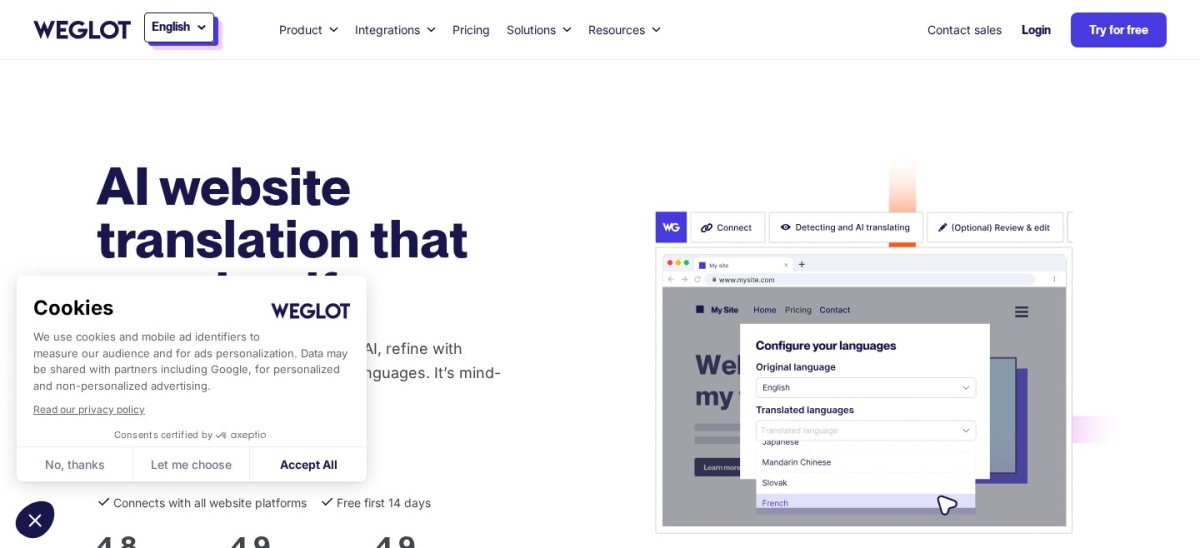
Weglot includes 2,000 translated words and one additional language for free; its Starter plan costs $170 per year.
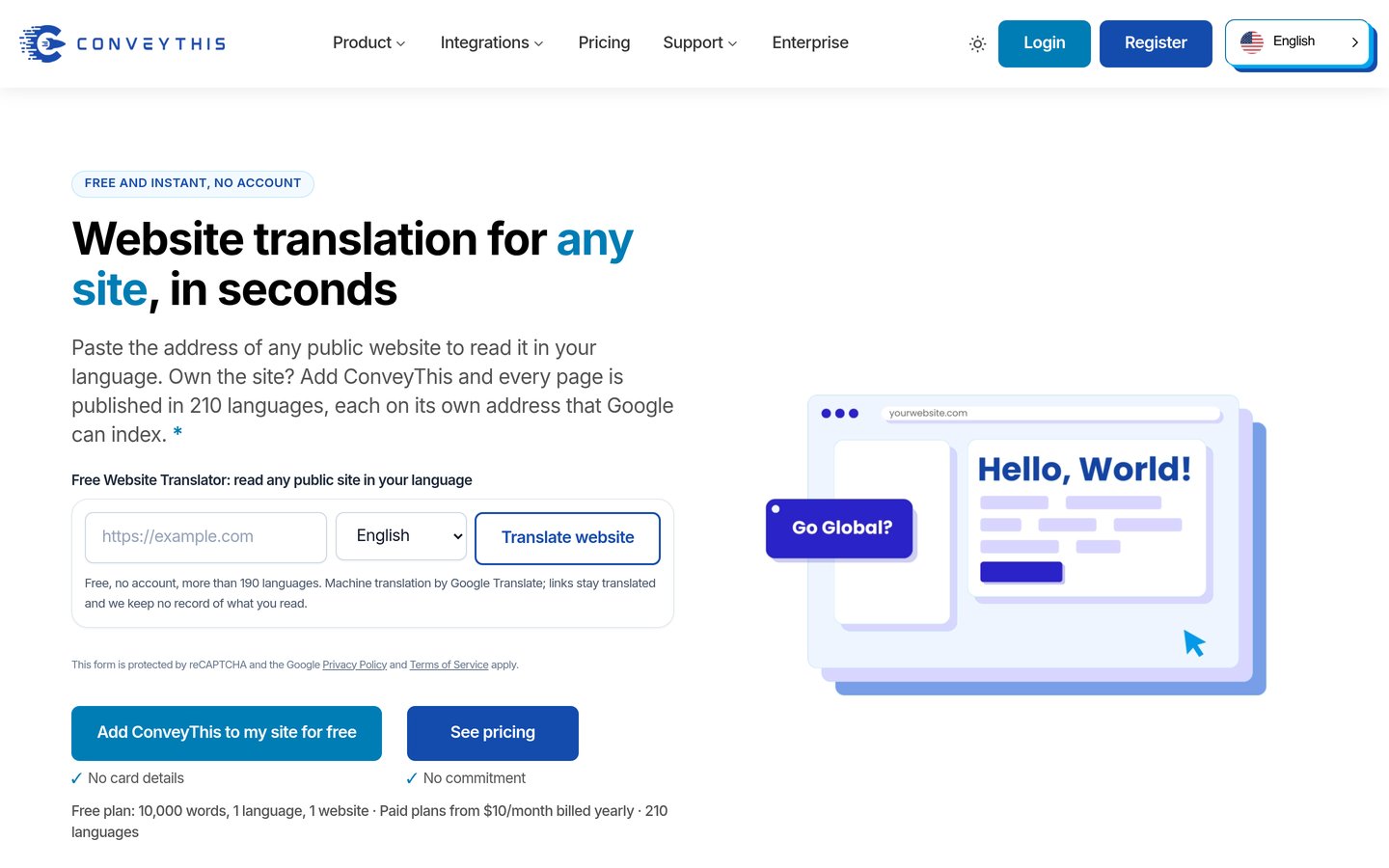
ConveyThis offers 10,000 translated words on its free plan, while the $120-per-year Starter plan increases the allowance to 60,000 words.
Bogo is completely free, has 10,000+ active installations, and uses WordPress-native multilingual content management without additional database tables.
What to look for in a free WordPress multilingual plugin
A multilingual WordPress plugin lets visitors read your website in different languages. Depending on the plugin, you can translate posts, pages, navigation menus, product descriptions, custom fields, and other visible content.
The biggest difference is manual translation versus automatic translation. Manual tools give you control over every translated page, while automatic services can generate translations quickly. Automatic translations still benefit from editorial review, particularly for technical or commercial content.
Free plans have different limits. Polylang supports multiple languages through manual content management, while TranslatePress limits its free version to one additional language. Hosted services such as Weglot and ConveyThis impose translated-word allowances.
For organic search, look beyond the language switcher. Proper multilingual SEO involves language-specific URLs, hreflang tags, translated metadata, and content that search engines can crawl. Some plugins reserve important SEO features for paid subscriptions.
Consider where translations are stored. WordPress-native plugins generally retain translated content in your installation, while hosted translation services manage translations externally. That distinction matters when migrating, changing providers, or canceling a subscription.
List prices in each vendor's currency, checked Nov 2026
BogoFree
PolylangFREE€99
TranslatePressFREE€99
WP MultilangFREE$99
ConveyThisFREE$120
GTranslateFREE$144
WeglotFREE$170
The 7 best free WordPress multilingual plugins
01
Polylang
4.7/5on WordPress.org (3,011 reviews, checked Nov 2026)
Paid from€99/yr
Best free WordPress multilingual plugin overall
Free languagesUnlimited
Translation methodManual content editing
Active installs900K+
Paid planPolylang Pro, 1 site
polylang.pro
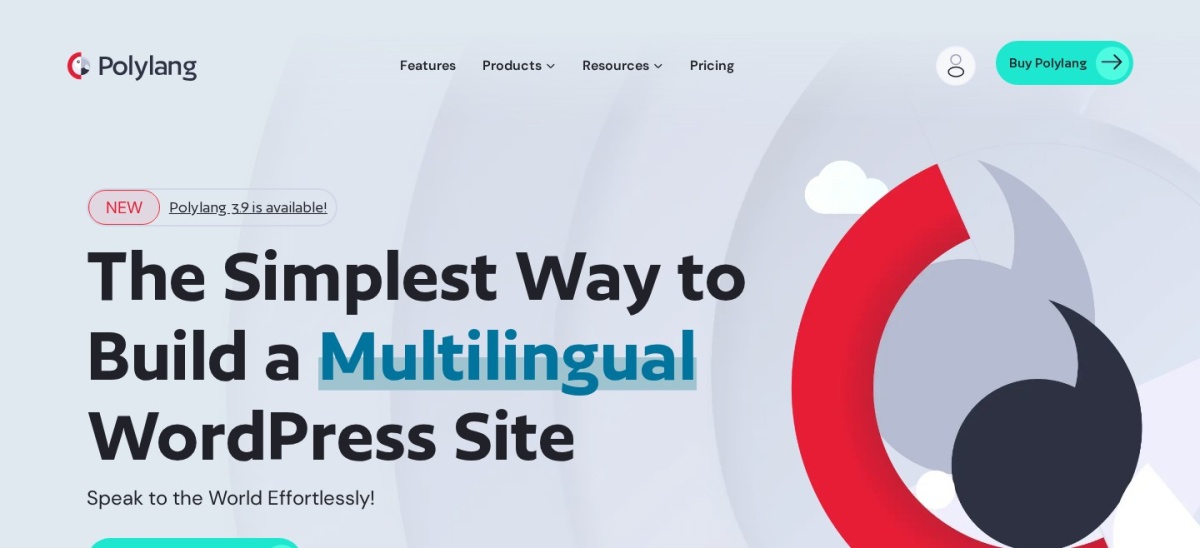
Polylang homepage, captured Nov 2026.
Polylang is a WordPress multilingual plugin with 900,000+ active installations and a 4.7/5 rating from 3,011 reviews. Its free version supports multiple languages, translated posts, pages, categories, tags, menus, and language switchers, with separate content records for each translation.
The trade off is that you must create translations yourself, while advanced features such as DeepL integration, URL slug translation, and enhanced block editor compatibility require Polylang Pro at €99 per year. It suits publishers and business websites that want editorial control without recurring translation-service fees.
What we like
No fixed language limit in the free version
Supports posts, pages, taxonomies, and menus
Translations remain in WordPress
Language-specific URLs for multilingual SEO
Large established user community
Watch out for
Manual translation requires significant editorial work
Automatic translation integration requires Pro
WooCommerce needs a separate commercial integration
Some advanced editor integrations require Pro
Pro adds DeepL integration, slug translation, enhanced editor support, and premium assistance.Visit polylang.pro
02
TranslatePress
4.7/5on WordPress.org (1,672 reviews, checked Nov 2026)
Paid from€99/yr
Best for visual translation editing
Free languages1 additional language
Translation methodVisual editor and automatic
Active installs400K+
Paid planPersonal, 1 site
translatepress.com
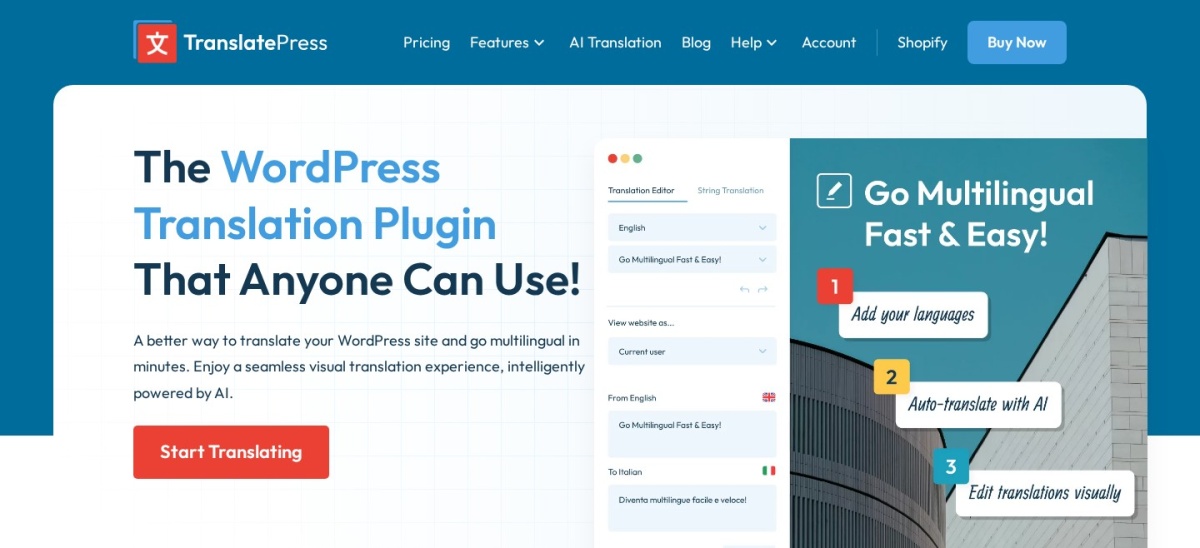
TranslatePress homepage, captured Nov 2026.
TranslatePress is a visual WordPress translation plugin with 400,000+ active installations and a 4.7/5 rating from 1,672 reviews. Its free version lets you translate a website into one additional language through a frontend editor, with support for WooCommerce, Gutenberg, page builders, and Google Translate integration.
The trade off is that adding multiple translated languages, translating URL slugs, and accessing the SEO Pack require the Personal plan at €99 per year. It includes 50,000 AI-translated words and suits website owners who prefer editing translations while viewing the actual page.
What we like
Visual frontend translation interface
Free support for one additional language
Compatible with WooCommerce and popular page builders
Manual and automatic translation options
Translations stored within WordPress
Watch out for
Additional languages require a paid plan
SEO Pack and translated slugs are premium features
Automatic translation may involve external service costs
Some advanced translator features require higher tiers
Personal adds multiple languages, SEO Pack, translated slugs, and 50,000 AI-translated words.Visit translatepress.com
03
GTranslate
4.9/5on WordPress.org (4,965 reviews, checked Nov 2026)
Paid from$12/mo
Best for free automatic language switching
Free translationMachine translation
Free word limitUnlimited
Active installs900K+
Paid planCustom
gtranslate.io
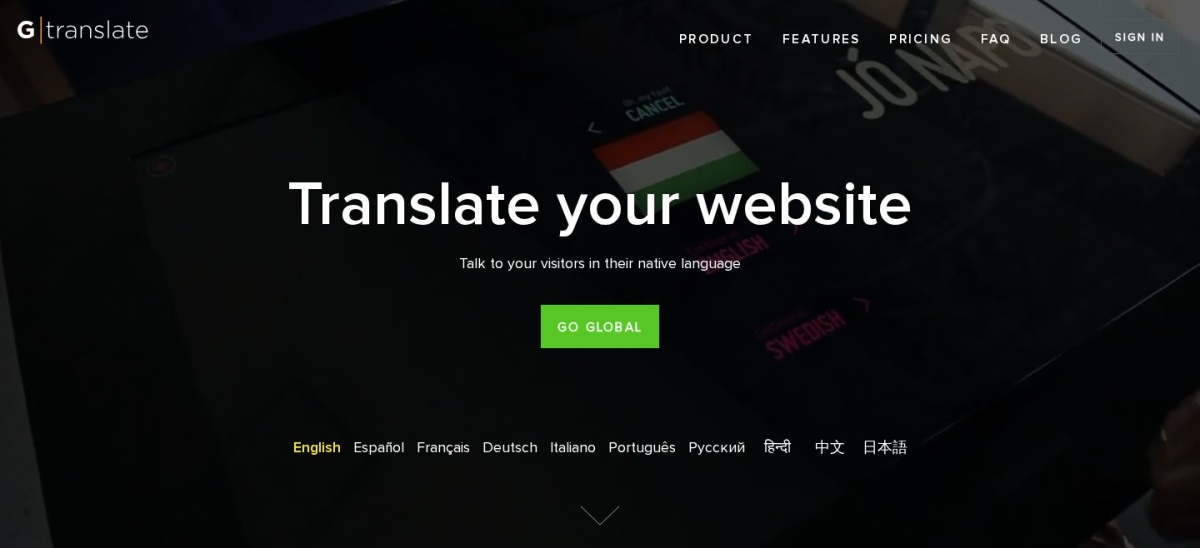
GTranslate homepage, captured Nov 2026.
GTranslate is an automatic website translation plugin with 900,000+ active installations and a 4.9/5 rating from 4,965 reviews. Its free version provides a language selector, machine translation, and unlimited words and pageviews, allowing visitors to choose their preferred reading language.
The trade off is that free translations are not search-engine-indexable, and editing translations or enabling indexed multilingual pages requires the Custom plan from $12 per month. It suits blogs and informational websites that want visitor-facing translation without manually creating language-specific pages.
What we like
Free automatic translation across supported languages
No free word or pageview limit
Multiple language switcher styles
Large WordPress.org user base
Paid service supports search-engine-indexable translations
Watch out for
Free translated pages are not indexed independently
Editing translations requires payment
Translated URLs and language hosting need higher tiers
4.8/5on WordPress.org (1,944 reviews, checked Nov 2026)
Paid from$170/yr
Best hosted translation service
Free word allowance2,000 total words
Free languages1 additional language
Active installs50K+
Paid planStarter, 10,000 words
weglot.com
Weglot homepage, captured Nov 2026.
Weglot is a hosted multilingual translation service with 50,000+ WordPress installations and a 4.8/5 rating from 1,944 reviews. Its free plan supports one additional language and 2,000 total translated words, with automatic translation, a visual editor, and multilingual SEO capabilities.
The trade off is that the free word allowance is small, and the Starter plan costs $170 per year for 10,000 total translated words and one additional language. It suits small websites that want automatic translation and externally managed translation workflows with minimal WordPress configuration.
What we like
Automatic translation and visual editing
Free plan available without a credit card
Supports multilingual SEO features
Translation exclusions and glossary tools
Externally managed translation workflow
Watch out for
Free plan limited to 2,000 total words
Starter still supports only one additional language
Translations depend on an external subscription
Larger websites may require expensive plans
Starter raises the translated-word allowance to 10,000 and adds access to professional translators.Visit weglot.com
05
ConveyThis
4.4/5on WordPress.org (145 reviews, checked Nov 2026)
Paid from$120/yr
Best free hosted translation allowance
Free word allowance10,000 words
Free languages1 additional language
Free monthly views2,500
Paid planStarter, 60,000 words
conveythis.com
ConveyThis homepage, captured Nov 2026.
ConveyThis is an automatic WordPress translation plugin with 1,000+ active installations and a 4.4/5 rating from 145 reviews. Its free plan includes one additional language, 10,000 translated words, one domain, and 2,500 monthly pageviews, with translation management handled through a hosted service.
The trade off is that the free plan has traffic and translation limits, while Starter costs $120 per year for 60,000 words and 15,000 monthly pageviews, with a temporary first-year discount advertised. It suits smaller business websites that want automatic translation with a larger initial word allowance than Weglot.
What we like
Free plan includes 10,000 translated words
Automatic translation of website content
Supports menus, widgets, and dynamic content
Translation editing and management tools
Paid plans include higher word and traffic limits
Watch out for
Free plan limits monthly pageviews
Only one additional language on the free tier
Hosted translations depend on the service
Word and traffic allowances require monitoring
Starter raises limits to 60,000 words and 15,000 monthly pageviews.Visit conveythis.com
06
Bogo
4.5/5on WordPress.org (48 reviews, checked Nov 2026)
PriceFree
Best completely free lightweight multilingual plugin
Translation methodManual
Content storageNative WordPress posts
Active installs10K+
Paid planNone
wordpress.org
Bogo homepage, captured Nov 2026.
Bogo is a free WordPress multilingual plugin with 10,000+ active installations and a 4.5/5 rating from 48 reviews. It uses native WordPress localization features, assigns one language to each post, supports language packs and switchers, and does not create additional custom database tables.
The trade off is that Bogo provides no built-in machine translation, so you must write translated versions yourself and may need additional development for complex content integrations. It has no paid upgrade and suits straightforward multilingual blogs and developers who prefer a minimal WordPress-native approach.
What we like
Completely free without a commercial upgrade
No additional custom database tables
Uses WordPress-native localization
Supports language switchers and language packs
Regularly maintained WordPress.org listing
Watch out for
No automatic translation feature
Limited advanced translation management
Custom integrations may require development
Less suitable for complex multilingual stores
No paid plan; all available Bogo functionality is included in the free plugin.Visit wordpress.org
07
WP Multilang
4.3/5on WordPress.org (100 reviews, checked Nov 2026)
Paid from$99/yr
Best for WordPress-native custom content translations
Free languagesUnlimited
Content storageNo duplicate posts
Active installs10K+
Paid planPersonal, 1 site
wp-multilang.com
WP Multilang homepage, captured Nov 2026.
WP Multilang is a WordPress multilingual plugin with 10,000+ active installations and a 4.3/5 rating from 100 reviews. Its free version supports translations for posts, pages, taxonomies, menus, widgets, and custom fields without duplicating posts or adding database tables, and it includes multilingual SEO compatibility.
The trade off is that automatic translation, translated URL slugs, and advanced integrations with builders such as Elementor and Divi require Personal at $99 per year. It suits content-heavy websites needing flexible language management while keeping translated versions within existing WordPress content structures.
What we like
Supports unlimited languages in the free version
Avoids duplicate posts and additional database tables
Handles taxonomies, menus, widgets, and custom fields
Compatible with major WordPress SEO plugins
Supports WordPress multisite
Watch out for
Advanced page builder integrations require Pro
Automatic translation is a premium feature
Some third-party plugins need custom integration
Existing websites should be backed up before migration
Personal adds automatic translation, URL slug translation, builder integrations, and priority support.Visit wp-multilang.com
Manual vs automatic WordPress translation: which is better?
Manual translation gives you control over terminology, tone, product descriptions, and important messages. Polylang, Bogo, and WP Multilang allow you to manage translated content directly in WordPress without depending on a hosted machine translation service.
Automatic translation can reduce the initial workload. GTranslate provides free visitor-facing machine translation, while Weglot and ConveyThis offer hosted services with free word allowances. TranslatePress combines visual editing with automatic translation integrations.
The main drawback of automatic translation is quality control. Product names, industry terminology, technical instructions, and culturally sensitive expressions may require human review before publication.
For a small website with carefully written content, manual translation may be manageable. For frequently updated websites with substantial content, an automatic service with editorial review tools can be more practical.
What makes a WordPress multilingual plugin SEO-friendly?
Search engines need to discover and understand each language version of a page. This generally requires crawlable language-specific URLs, appropriate hreflang annotations, and translated content that can be indexed independently.
Polylang supports a WordPress-native multilingual content structure and language-specific URLs. TranslatePress adds advanced multilingual SEO controls through its paid SEO Pack, while paid GTranslate plans provide indexable translated pages.
The free GTranslate widget is different because it translates content for visitors without creating independently indexable translations. That can improve accessibility for readers, but it does not provide the same multilingual organic search opportunity as dedicated indexed language pages.
Before choosing a plugin, check whether it supports translated titles, meta descriptions, slugs, image metadata, and XML sitemap integrations. Also consider what happens to translated pages if you cancel a hosted translation subscription.
How we chose
We selected established WordPress multilingual plugins from the official WordPress.org directory and compared their translation methods, free-plan restrictions, language management, SEO features, compatibility, and public reviews. The shortlist includes manual translation plugins, visual editors, and hosted automatic translation services.
WordPress.org ratings, review counts, active installations, maintenance dates, and official pricing pages were checked on 22 Nov 2026. Prices reflect the cheapest confirmed paid plans at regular rates, excluding temporary discounts. Vendor-listed currencies are preserved where applicable, and hosted services are compared using their advertised annual or monthly billing options.
We excluded closed or outdated plugins and products without verifiable paid pricing where a commercial upgrade is offered. We also distinguished visitor-facing translation widgets from independently indexable multilingual content. No vendor paid for a place, and we do not claim direct product testing for this list.
How to choose a free WordPress multilingual plugin
Decide how translations will be created, maintained, and discovered before selecting your multilingual plugin.
Choose manual or automatic translation. Use Polylang, Bogo, or WP Multilang when you want editorial control over translated content. Consider TranslatePress for visual editing or a hosted service when automatic translation would reduce the amount of initial content work.
Calculate your language and content requirements. Count the additional languages and estimate the words that need translation. Compare those requirements with free-plan restrictions, especially the limits imposed by Weglot, ConveyThis, and TranslatePress.
Check multilingual SEO and plugin compatibility. Confirm support for crawlable language URLs, hreflang, translated metadata, and your existing SEO plugin. If your website uses WooCommerce, custom fields, or a page builder, verify those integrations before changing your content structure.
Compare long-term costs and content ownership. Evaluate annual renewals, automatic translation allowances, translation storage, and migration requirements. Consider whether translations remain available after a subscription ends and how much ongoing editing your website will need.
FAQ
What is the best free multilingual plugin for WordPress?
Polylang is our overall recommendation for websites that want to manage translated content directly in WordPress. Its free version supports multiple languages, translated posts, pages, categories, tags, and menus. TranslatePress is better for visual editing, while GTranslate is simpler for automatic visitor-facing translation.
Can I make a WordPress website multilingual for free?
Yes. Plugins such as Polylang, Bogo, and WP Multilang allow you to create multilingual content without purchasing a license. TranslatePress also has a free version for one additional language. Automatic services offer free plans, although their translation and SEO capabilities may be limited.
Which free WordPress multilingual plugin supports unlimited languages?
Polylang, Bogo, and WP Multilang support multiple languages without the fixed free-tier language limits found in some hosted services. However, you are responsible for preparing the translated content. Language support alone does not mean every page will be automatically translated.
Is Polylang completely free?
Polylang has a free WordPress.org version that supports multilingual posts, pages, taxonomies, and language switching. A paid Pro edition starts at €99 per year and adds advanced functionality, including DeepL integration and translated URL slugs. Specialized WooCommerce integration is sold separately.
Can I automatically translate WordPress for free?
Yes. GTranslate provides free visitor-facing machine translation without a word limit, while TranslatePress supports an automatic translation integration. Weglot and ConveyThis also provide limited free translation allowances. The important distinction is whether translated pages can be indexed independently by search engines.
Which WordPress multilingual plugin is best for SEO?
Polylang is a good option for managing indexable translated content through WordPress. TranslatePress offers additional SEO capabilities through its paid SEO Pack, while Weglot includes multilingual SEO functionality within its hosted service. The best choice depends on URL handling, translated metadata, and your publishing workflow.
Does GTranslate free help with multilingual SEO?
The free GTranslate widget makes translated text available to visitors, but it does not create independently indexable translated pages. For multilingual organic search, its paid service provides search-engine-indexable translations. If search visibility in additional languages is the main goal, consider a plugin with crawlable language-specific URLs.
Can I translate a WooCommerce store with a free plugin?
TranslatePress supports WooCommerce translation in its free version, making it a useful starting point for a bilingual store. Other options may require separate WooCommerce extensions or additional configuration. Always check product attributes, checkout messages, transactional text, and compatibility with your payment and shipping extensions.
What happens if I stop paying for a multilingual plugin?
It depends on how translations are stored. Plugins that keep translated content within WordPress may preserve existing translations after a license expires, although premium updates and features can stop. Hosted services manage translations externally, so canceling the subscription may affect whether translated pages remain available.