Best Wpdatatables Alternatives (Free and Paid) in 2026: 8 Tools Compared
WLWPLegible EditorsLast verified 22 Nov 2026How we rank11 min read
★ Short answer
TablePress is the best wpDataTables alternative: free, rated 5.0 from 4,625 reviews, with 600,000+ installs and Pro from $89 a year. Ninja Tables is the best paid upgrade at $79 a year, while WP Table Builder is the cheapest paid plan at $39 a year.
How we make this list: we compare pricing pages, product documentation and public user reviews, then re-check every price before each update. No product paid for a place. Disclosure.
TablePress leads with a 5.0 rating from 4,625 reviews and 600,000+ installs, all free.
Ninja Tables is the best paid upgrade at $79 a year for one site.
WP Table Builder has the cheapest paid plan at $39 a year, or $19.50 on sale.
Visualizer is the only chart-first pick, but it renews at $199 a year.
Every tool here has a free version, and seven of the eight paid plans cost under $100 a year.
What to look for in a wpDataTables alternative
wpDataTables is a premium table plugin, and these eight alternatives cover the same job: tables, pricing tables and data displays in WordPress. TablePress is the closest free replacement, with the largest install base and a 5.0 rating, while Ninja Tables and WP Table Builder add visual builders and templates. See our guide on how to add a table in WordPress.
Prices here are the regular yearly price for the cheapest paid plan, not the Black Friday sale price shown on several homepages this week. Visualizer is the exception to watch: Personal is $99 in year one and $199 a year after that. Tablesome has no single-site plan, so its $99 a year covers five sites.
If you only need simple tables, the free version of TablePress or WP Table Builder is enough. Pick Ninja Tables or Supsystic for product and pricing tables, Visualizer for charts, and WP Data Access or Tablesome when your tables connect to forms or a database.
We checked every rating on WordPress.org and every price on the vendor's own pricing page on 22 November 2026. Prices below are the regular yearly price, not a first-year or Black Friday sale price.
5/5on WordPress.org (4,625 reviews, checked Nov 2026)
Paid from$89/yr
Best free table plugin overall
Free planYes, unlimited tables
Sorting and searchYes, built in
Paid planPro, $89/yr
Rating5.0 from 4,625 reviews
tablepress.org
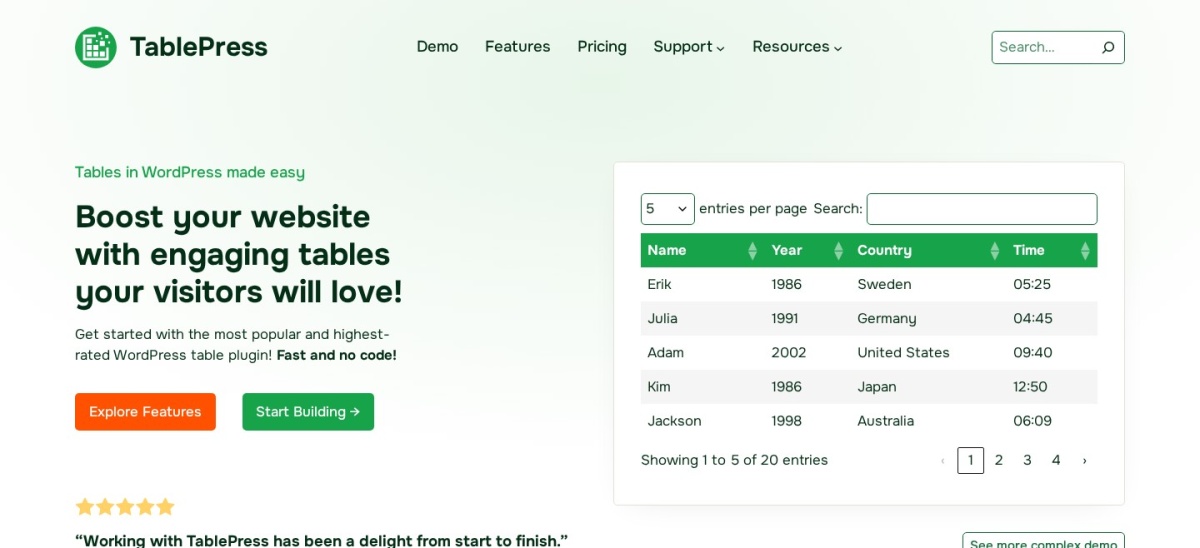
TablePress homepage, captured Nov 2026.
TablePress is a free WordPress table plugin with more than 600,000 active installs and a 5.0 out of 5 rating from 4,625 reviews. The free version builds tables with sorting, search and pagination.
The trade off is price. Pro costs $89 a year for one site, and the Max plan at $189 a year covers more sites. It suits anyone who wants the most-used free table plugin and only pays if they need Pro features.
What we like
Free version covers sorting, search and pagination
Largest install base of any table plugin
5.0 rating from 4,625 reviews
Watch out for
Pro starts at $89 a year, more than most rivals
No built-in charts; pair it with a chart plugin for graphs
4.6/5on WordPress.org (472 reviews, checked Nov 2026)
Paid from$79/yr
Best paid upgrade for data tables
Free planYes, core tables
Conditional formattingYes
Paid planPro, $79/yr
Rating4.6 from 472 reviews
ninjatables.com
Ninja Tables homepage, captured Nov 2026.
Ninja Tables is a free WordPress table plugin with more than 70,000 active installs and a 4.6 out of 5 rating from 472 reviews. It turns data into responsive tables with customizable layouts, filters and conditional formatting, and it is built to showcase products and compare pricing.
The trade off is price. Pro costs $79 a year for one site, with Agency at $129 a year and Unlimited at $299 a year, so multi-site use adds up. It suits sites that need polished product or pricing tables and are happy to pay for the Pro features.
What we like
Responsive tables with filters and layouts
Conditional formatting for data tables
70,000+ installs with a 4.6 rating
Watch out for
Pro costs $79 a year for a single site
Agency and Unlimited plans cost $129 and $299 a year
4.8/5on WordPress.org (681 reviews, checked Nov 2026)
Paid from$39/yr
Cheapest paid plan in this list
Free planYes, drag-and-drop builder
Templates25+ pre-built templates
Paid planStarter, $39/yr
Rating4.8 from 681 reviews
wptablebuilder.com
WP Table Builder homepage, captured Nov 2026.
WP Table Builder is a free drag-and-drop table plugin with more than 50,000 active installs and a 4.8 out of 5 rating from 681 reviews. It builds pricing tables, comparison tables and data tables, and it ships with more than 25 pre-built templates plus an AI assistant.
The trade off is that the headline price is a sale price. Starter costs $39 a year at the regular price, with the current Black Friday price at $19.50, and Agency is $99 a year. It suits anyone who wants a visual table builder with templates at the lowest regular price in this list.
4.7/5on WordPress.org (497 reviews, checked Nov 2026)
Paid from$49/yr
Best for Excel-style data tables
Free planYes, core tables
ChartsYes, from table data
Paid planPro, $49/yr
Rating4.7 from 497 reviews
supsystic.com
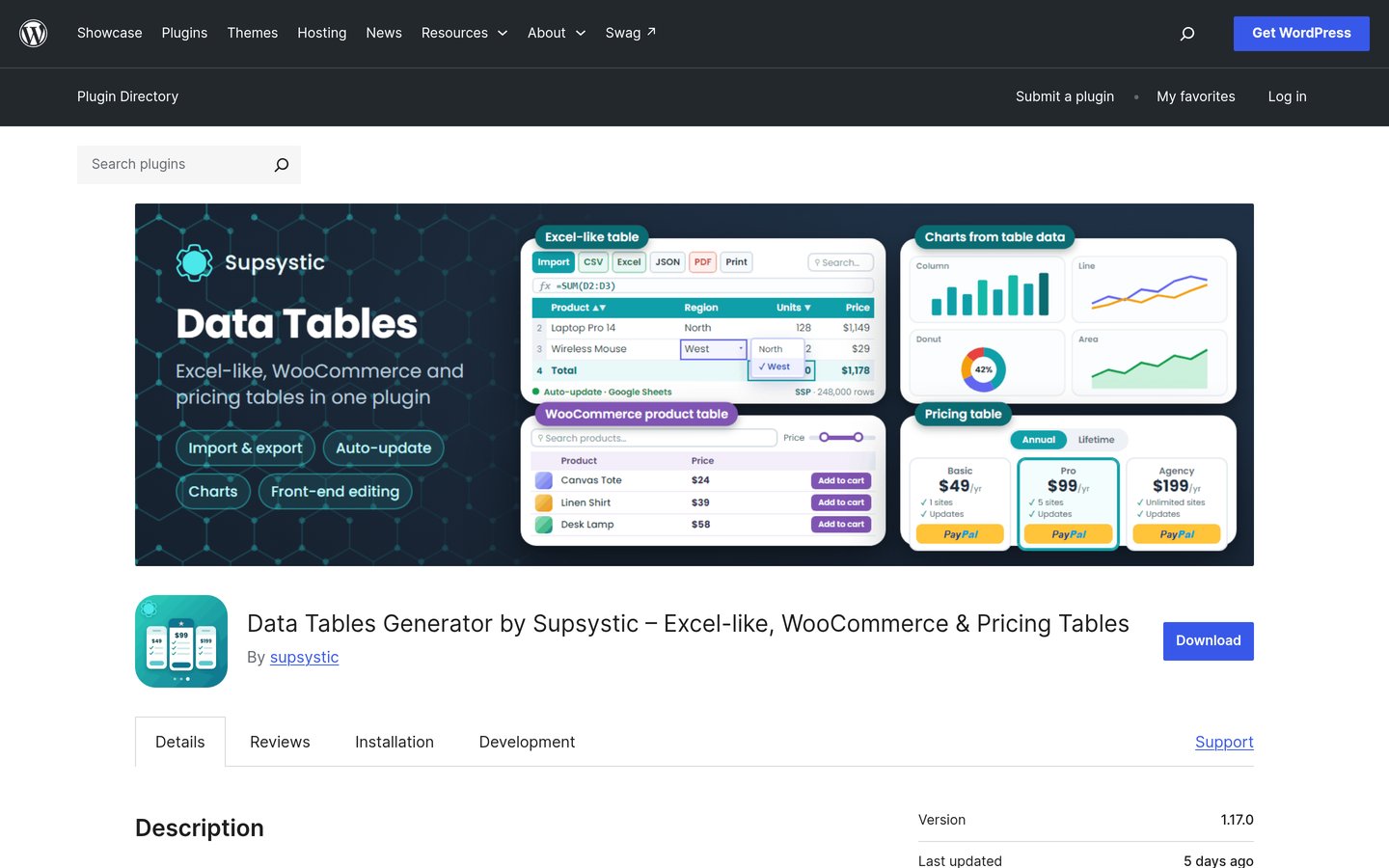
Data Tables Generator by Supsystic homepage, captured Nov 2026.
Data Tables Generator by Supsystic is a free WordPress table plugin with more than 20,000 active installs and a 4.7 out of 5 rating from 497 reviews. It builds Excel-like, WooCommerce and pricing tables, with import and export, charts from table data and front-end editing.
The trade off is a smaller user base than the top picks. Pro costs $49 a year for one site, with a lifetime option at $199, and the free version covers the core table features. It suits shops that want WooCommerce product tables and charts without paying TablePress prices.
4.4/5on WordPress.org (228 reviews, checked Nov 2026)
Paid from$199/yr
Best for charts from table data
Free planYes, basic charts
Chart types15+ chart types
Paid planPersonal, $199/yr
Rating4.4 from 228 reviews
themeisle.com
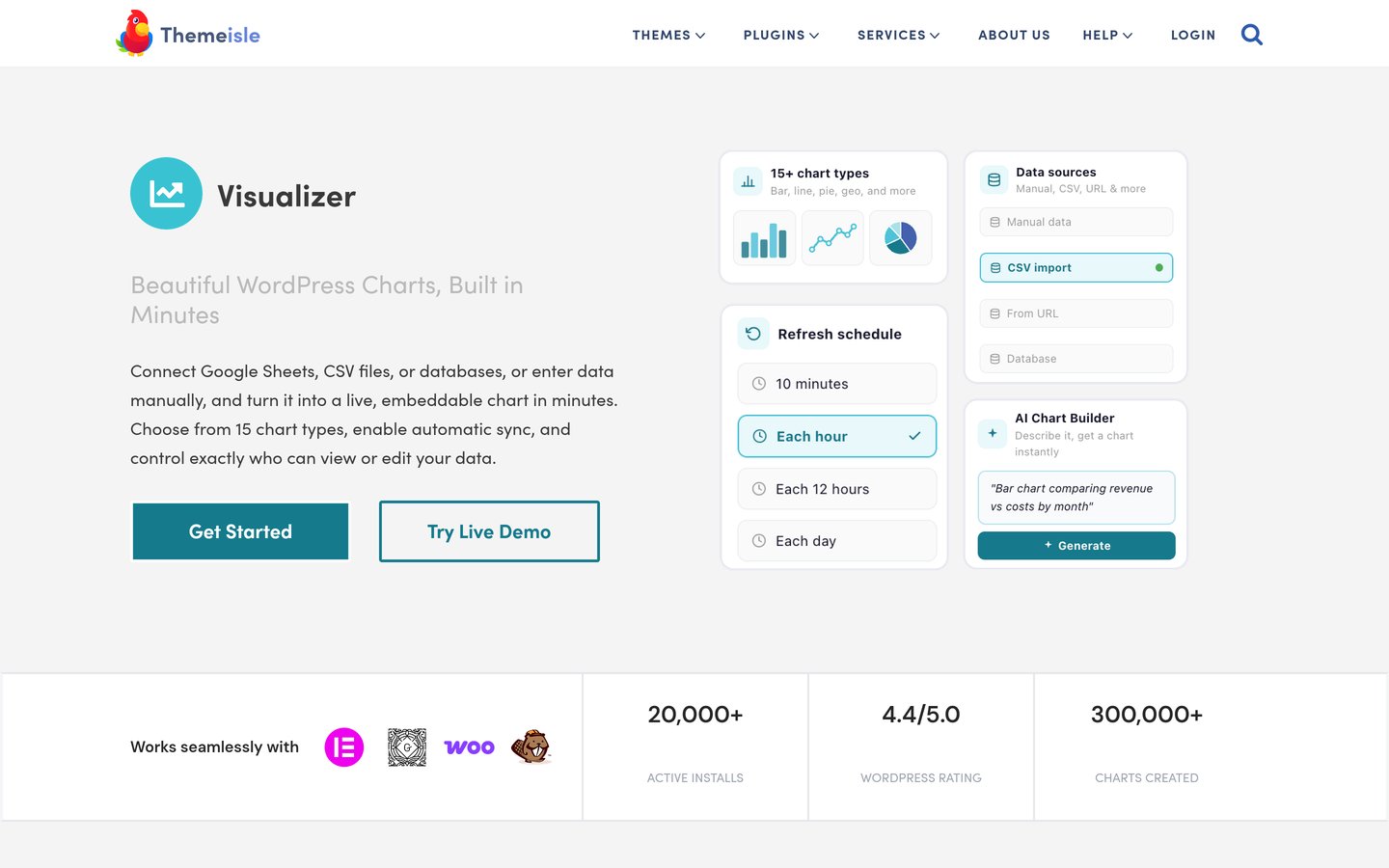
Visualizer homepage, captured Nov 2026.
Visualizer is a free WordPress chart plugin with more than 20,000 active installs and a 4.4 out of 5 rating from 228 reviews. It turns Google Sheets, CSV files and databases into embeddable charts, with more than 15 chart types and automatic refresh on a schedule.
The trade off is the renewal price. Personal costs $99 in the first year and renews at $199 a year, which is the highest starting price in this list. It suits sites that publish charts from live data and need scheduled refreshes and more chart types.
4.9/5on WordPress.org (88 reviews, checked Nov 2026)
Paid from$49.99/yr
Best for app-style data tables
Free planYes, core features
Data appsTables, forms and charts
Paid planPremium, $49.99/yr
Rating4.9 from 88 reviews
wpdataaccess.com
WP Data Access homepage, captured Nov 2026.
WP Data Access is a free WordPress data plugin with more than 10,000 active installs and a 4.9 out of 5 rating from 88 reviews. It builds tables, forms, charts, maps and dashboards from WordPress data, with no coding needed and hooks for advanced users.
The trade off is a small review base for such a high rating. Premium costs $49.99 a year for one site, with three-site and unlimited plans at $99.99 and $149.99 a year. It suits developers who want database-driven tables and apps without writing code.
What we like
Highest rating in this list at 4.9
Tables, forms, charts and dashboards in one plugin
4.8/5on WordPress.org (89 reviews, checked Nov 2026)
Paid from$99/yr
Best for tables plus form workflows
Free planYes, tables and workflows
Form triggersContact Form 7, Elementor, more
Paid plan5 sites, $99/yr
Rating4.8 from 89 reviews
tablesomewp.com
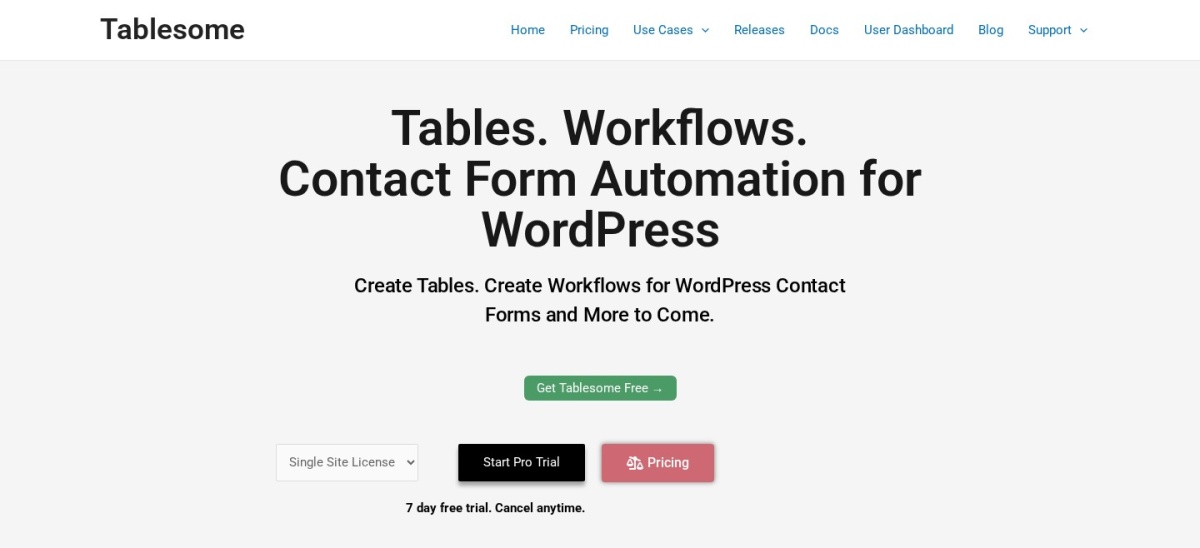
Tablesome homepage, captured Nov 2026.
Tablesome is a free WordPress table plugin with more than 7,000 active installs and a 4.8 out of 5 rating from 89 reviews. It creates tables and workflows for WordPress contact forms, with triggers for Contact Form 7, Elementor Forms, WPForms and Gravity Forms.
The trade off is that there is no single-site paid plan on the pricing page. The cheapest paid plan is $99 a year for five sites, and 25 sites cost $199 a year. It suits sites that already use contact forms and want table data tied to form submissions.
4.8/5on WordPress.org (46 reviews, checked Nov 2026)
Paid from$29/yr
Best block-editor table plugin
Free planYes, block tables
EditorBuilt for Gutenberg
Paid planStarter, $29/yr
Rating4.8 from 46 reviews
tableberg.com
Tableberg homepage, captured Nov 2026.
Tableberg is a free WordPress table block with more than 4,000 active installs and a 4.8 out of 5 rating from 46 reviews. It builds tables inside the block editor, and it is made by DotCamp, the team behind Ultimate Blocks.
The trade off is the small user base. Starter costs $29 a year for one site, with Pro Yearly at $49 a year for unlimited sites and a lifetime option at $149. It suits block-editor sites that want styled tables without leaving Gutenberg.
Every tool in this list has a free version, and for simple tables the free version is often enough. TablePress, WP Table Builder and Tablesome all build usable tables without paying, and Supsystic adds charts and WooCommerce tables for free.
Pay when you need more: Ninja Tables Pro adds integrations, Tableberg Starter adds Pro blocks for $29 a year, and Visualizer Personal adds more chart types. Start free, then pay only for the feature you actually miss.
How we chose
We started from the WordPress.org plugin directory and the best-known table plugins, then kept the eight with a live free version, recent updates and enough reviews to judge. TablePress, Ninja Tables, WP Table Builder, Supsystic, Visualizer, WP Data Access, Tablesome and Tableberg all made the list.
We checked every rating and review count on WordPress.org and every price on the vendor's pricing page on 22 November 2026, using the regular price where a Black Friday sale was running. Two prices needed checking: TablePress Pro at $89 a year, because the vendor page renders no prices in text, and Visualizer at $199 a year, because the first-year price is $99. Both are confirmed against independent sources that quote the vendor pages.
We left out Flexible Table Block, which has no paid plan to compare, and wpDataCharts, which has no WordPress.org listing. No vendor paid for a place, and we do not claim hands-on testing for this list.
How to choose a wpDataTables alternative
Start with the table you need to build, then match the tool to it.
Decide what the table has to do. A simple price list needs TablePress or Tableberg, while product tables point to Ninja Tables or Supsystic and charts point to Visualizer.
Check the free version first. Install the free version and build one real table with your data before you pay, so you see the editor and the front-end result.
Count the sites you need to cover. Tablesome has no single-site plan, and TablePress Pro at $89 a year covers one site, so check the plan limits before you buy.
Watch the renewal price, not the sale price. Visualizer renews at $199 a year after a $99 first year, and WP Table Builder and Tableberg both show Black Friday prices this week.
FAQ
What is the best wpDataTables alternative?
TablePress is the best wpDataTables alternative for most sites: free, rated 5.0 from 4,625 reviews, with 600,000+ installs. Ninja Tables is the best paid upgrade at $79 a year, and WP Table Builder has the cheapest paid plan at $39 a year.
Is there a free wpDataTables alternative?
Yes. Every tool in this list has a free version, including TablePress, Ninja Tables and WP Table Builder. TablePress is the most-used free option, with 600,000+ installs and a 5.0 rating from 4,625 reviews.
Which wpDataTables alternative is cheapest?
Tableberg Starter is the cheapest paid plan at $29 a year for one site. WP Table Builder Starter is next at $39 a year, though its Black Friday price this week is $19.50. Both have free versions you can try first.
Can I make charts from my tables?
Yes, with Visualizer or Data Tables Generator by Supsystic. Visualizer turns Google Sheets, CSV files and databases into more than 15 chart types, while Supsystic builds charts from the data already in your tables.
Which alternative works with WooCommerce?
Data Tables Generator by Supsystic builds WooCommerce product tables, and WP Data Access builds database-driven tables, forms and dashboards. Tablesome links tables to contact form submissions from plugins like WPForms and Gravity Forms.
Do I need to pay for a table plugin?
No, not for basic tables. The free versions of TablePress, WP Table Builder and Tablesome all build working tables. Pay only when you need Pro features such as integrations, more templates or extra sites.