Best WordPress Ad Plugins in 2026: 7 Tools Compared
WLWPLegible EditorsLast verified 22 Nov 2026How we rank13 min read
★ Short answer
Ad Inserter is the best WordPress ad plugin for most sites, rated 4.9 out of 5 by 2,435 users with more than 300,000 installs. Pick WP QUADS for simple AdSense placement and Site Kit by Google if you want AdSense earnings inside the WordPress dashboard for free.
How we make this list: we compare pricing pages, product documentation and public user reviews, then re-check every price before each update. No product paid for a place. Disclosure.
Ad Inserter is the top pick: 4.9 out of 5 from 2,435 reviews, more than 300,000 installs, and Pro from €20 a year.
WP QUADS is the lightest AdSense option: 4.9 out of 5, with a free version that places up to 10 in-content ads.
Site Kit by Google is the only fully free Google tool here: more than 5 million installs, with AdSense earnings in the dashboard.
AdRotate is the pick for selling your own banners: unlimited ads and groups free, with Pro at €59 a year adding an advertiser area.
AdPlugg's free plan caps at 100,000 impressions a month, and Pro is $10 a month plus usage charges.
What a WordPress ad plugin should cover
WordPress has no built-in way to place ads. An ad plugin puts network code such as AdSense, or banners you sell yourself, into posts, pages and sidebars without editing theme files.
Placement control matters most. The best plugins insert ads before or after a paragraph, image or heading, rotate several ads in one slot and hide ads from logged-in users or on chosen pages.
Ads also slow pages down. Heavy ad code and too many units hurt load times, so check our guide on speeding up WordPress after you add ads, and keep the number of units small.
Decide first whether you run a network or sell space yourself. AdSense plugins suit blogs that want hands-off income, while banner managers suit sites with local sponsors.
List prices in each vendor's currency, checked Nov 2026
Site KitFree
WP-InsertFree
Ad InserterFREE€20
Ads for WPFREE$29
AdRotateFREE€59
WP QUADSFREE$89
AdPluggFREE$120
The 7 best WordPress ad plugins
01
Ad Inserter
4.9/5on WordPress.org (2,435 reviews, checked Nov 2026)
Paid from€20/yr
Best ad plugin overall
Free planYes, full placement control
AdSense supportYes, built in
Ad rotationYes
Paid planPro Personal, €20/yr (2 sites)
adinserter.pro
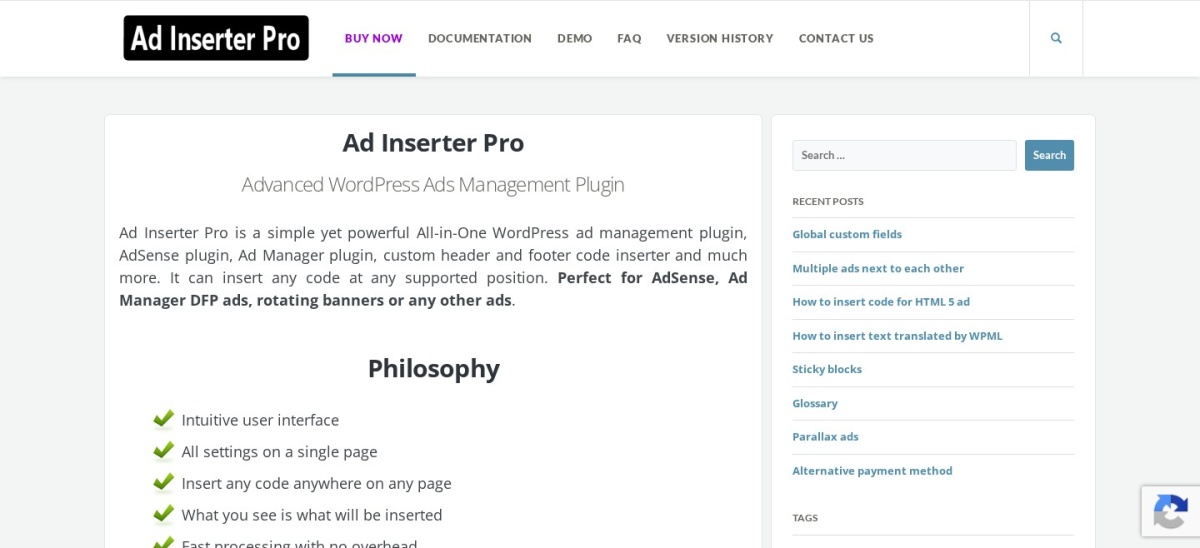
Ad Inserter homepage, captured Nov 2026.
Ad Inserter is the most-installed dedicated ad plugin on WordPress.org, with more than 300,000 active installs and a 4.9 out of 5 rating from 2,435 reviews. The free version inserts ads before or after posts, paragraphs, images and any HTML element, and it covers AdSense, Google Ad Manager and other networks with rotation, an ads.txt editor and device detection.
The trade off is the settings panel, which packs in dozens of options and takes time to learn. Pro starts at €20 a year for two sites and adds statistics, A/B testing, geo targeting and click fraud protection. It suits publishers who paste network code and need exact control over where each ad appears.
What we like
Most precise placement control in this list
Free version covers rotation, ads.txt and device detection
Works with AdSense, Google Ad Manager and any network
4.9/5on WordPress.org (1,087 reviews, checked Nov 2026)
Paid from$89/yr
Best for simple AdSense setup
Free planYes, up to 10 ads
AdSense supportYes, automatic code
Ad blocker detectionPro only
Paid planPersonal, $89/yr
wpquads.com
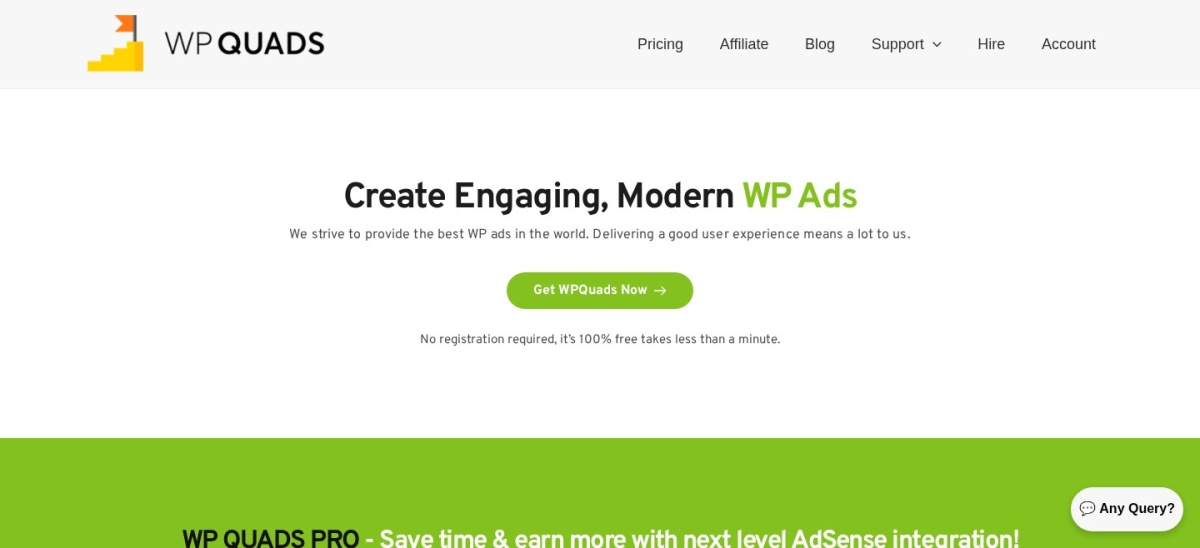
WP QUADS homepage, captured Nov 2026.
WP QUADS is a lightweight AdSense plugin with more than 20,000 active installs and a 4.9 out of 5 rating from 1,087 reviews. The free version places up to 10 ads inside your content, with responsive sizing and automatic AdSense code handling, so setup takes minutes.
The trade off is the 10-ad limit on the free version. Pro costs $89 a year for one site and lifts the limit, adds ad blocker detection, device conditions and more layout controls. It suits bloggers who run AdSense and want a simple plugin that stays out of the way.
What we like
Simplest AdSense setup in this list
Rated 4.9 out of 5 from 1,000+ reviews
Free version covers the basics well
Watch out for
Free version caps at 10 content ads
Pro is $89 a year for one site
Pro lifts the 10-ad limit and adds ad blocker detectionVisit wpquads.com
03
Site Kit by Google
4.2/5on WordPress.org (1,016 reviews, checked Nov 2026)
PriceFree
Best free Google AdSense tool
Free planYes, fully free
AdSense moduleYes, built in
Analytics in dashboardYes, GA4
Paid planNone, free
sitekit.withgoogle.com
Site Kit by Google homepage, captured Nov 2026.
Site Kit by Google is the official Google plugin for WordPress, with more than 5 million active installs and a 4.2 out of 5 rating from 1,016 reviews. It connects AdSense, Analytics, Search Console and PageSpeed Insights, so you can see AdSense earnings and traffic in the WordPress dashboard without extra code.
The trade off is that Site Kit connects AdSense rather than managing it. There is no ad rotation, placement control or geo targeting, so you still need another plugin to place ads. It suits sites that want Google data in the dashboard and already place ads another way.
4.3/5on WordPress.org (655 reviews, checked Nov 2026)
Paid from€59/yr
Best for selling your own banners
Free planYes, unlimited ads
Banner rotationYes, with schedules
Advertiser areaPro only
Paid planPro, €59/yr (1 site)
ajdg.solutions
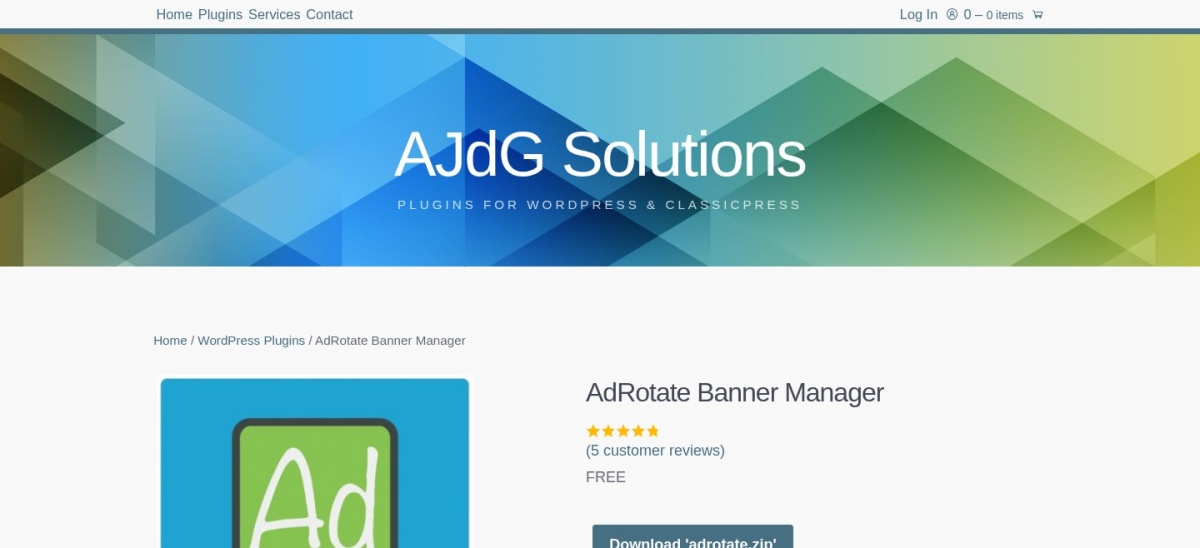
AdRotate homepage, captured Nov 2026.
AdRotate is a banner manager for sites that sell their own ad space, with more than 20,000 active installs and a 4.3 out of 5 rating from 655 reviews. The free version creates unlimited ads and groups, with campaign scheduling, rotation and click and impression statistics for each ad.
The trade off is that the advertiser tools are paid. Pro lists at €59 a year for one site and adds geo targeting, an advertiser area where clients submit ads, and HTML5 ads. It suits publishers with local sponsors who want to manage banners themselves.
4.5/5on WordPress.org (142 reviews, checked Nov 2026)
PriceFree
Best free option for small sites
Free planYes, fully free
AdSense supportYes
Ad widgetsYes
Paid planNone, free
wordpress.org
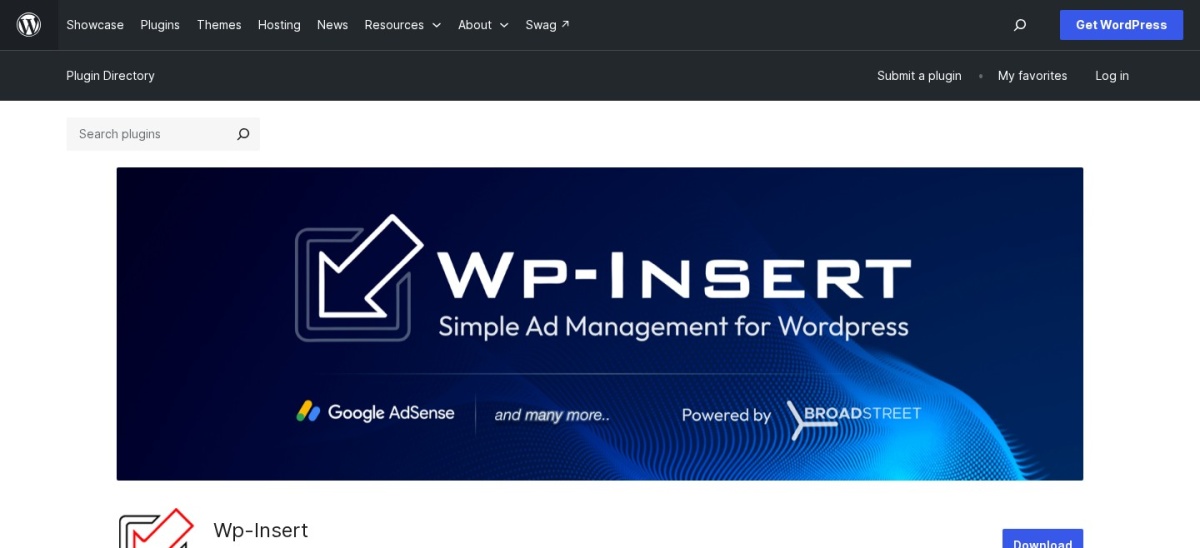
WP-Insert homepage, captured Nov 2026.
WP-Insert is a free ad insertion plugin with more than 9,000 active installs and a 4.5 out of 5 rating from 142 reviews. It places ads inside posts and pages, adds ad widgets and in-post units, and includes tools for AdSense, so small publishers can start earning without paying.
The trade off is support and polish. There is no paid version, so there is no premium support channel, and the settings screens look dated next to Ad Inserter. It suits small sites that want a free plugin for basic in-content ads.
4.6/5on WordPress.org (43 reviews, checked Nov 2026)
Paid from$29/yr
Best for AMP sites
Free planYes, AdSense + AMP
AMP supportYes
Click fraud protectionPro only
Paid planPersonal, $29/yr
adsforwp.com
Ads for WP homepage, captured Nov 2026.
Ads for WP is an AdSense and banner plugin built for WordPress and AMP, with more than 1,000 active installs and a 4.6 out of 5 rating from 43 reviews. The free version covers unlimited in-content ads, AdSense units, an ads.txt manager and GDPR consent tools.
The trade off is size. Only 43 reviews back the 4.6 rating, so it is a weaker signal than the 2,435 behind Ad Inserter. Pro costs $29 a year for one site and adds click fraud protection and lazy loading. It suits AMP sites that want AdSense without a heavy plugin.
4.4/5on WordPress.org (36 reviews, checked Nov 2026)
Paid from$10/mo
Best cloud ad server
Free planYes, 100K impressions/mo
Ad formatsImage, video, interstitial
Cloud dashboardYes
Paid planPro, $10/mo + usage
adplugg.com
AdPlugg homepage, captured Nov 2026.
AdPlugg is a cloud ad server with a WordPress plugin, rated 4.4 out of 5 from 36 reviews and 400+ active installs on WordPress.org. The free plan covers up to 100,000 impressions a month, with image ads, scheduling, rotation and path targeting managed from the AdPlugg dashboard.
The trade off is the bill. Pro costs $10 a month plus usage rates that rise with impressions, so a busy site pays more than a flat yearly licence. It suits publishers who want a hosted ad server with many formats instead of a plugin that runs everything on WordPress.
What we like
Hosted ad server, so WordPress stays light
Free plan covers 100,000 impressions a month
Many ad formats, from image to video
Watch out for
Pro is $10 a month plus usage, so costs rise with traffic
Free versions cover placement well. Ad Inserter, WP QUADS, AdRotate and Ads for WP all place ads for free, and Site Kit and WP-Insert cost nothing at all.
Paid plans mostly add stats and targeting. You get impression and click reports, A/B testing, geo targeting and click fraud protection.
AdPlugg is the exception: its free plan caps at 100,000 impressions a month, and Pro adds usage charges on top of $10 a month, so check your traffic before you pay.
For a site that earns from ads, one paid plan often costs less than a week of lost revenue from a badly placed unit.
What we left out, and why
Advanced Ads was the best-known ad plugin, with more than 90,000 active installs and a 4.9 rating, but WordPress.org closed its listing on 11 November 2026 pending a full review, so it is not in this list. Its Pro plan lists at €59 a year on the vendor site, but check the listing status before you buy.
AdSanity is a premium-only plugin for selling ad space directly, with Blogger at $9 a month billed annually and no free version. We could not verify a public rating for it, so it is not ranked here.
WP AdCenter has not been updated since June 2025, so it is left out until it is maintained again. Check any plugin's last update date before you install it.
How we chose
We started from every ad plugin on WordPress.org with a live listing, then kept the seven with a useful free plan or a clear paid purpose, updated in the last 12 months.
Prices come from each vendor's pricing page, checked on 22 November 2026. Ratings and install counts come from WordPress.org on the same day. Ad Inserter and AdRotate prices are in euros, and the list shows them in euros.
We left out Advanced Ads, whose WordPress.org listing closed on 11 November 2026 pending review, and WP AdCenter, not updated since June 2025. No vendor paid for a place, and we do not claim hands-on testing for this list.
How to choose a WordPress ad plugin
Start with how you earn from ads, then check the free version before you pay.
Decide between a network and direct sales. AdSense and Google Ad Manager suit hands-off income. Direct banner sales need a manager like AdRotate with an advertiser area.
Check placement control first. The plugin should insert ads by paragraph, image or heading, and hide them on chosen pages. Ad Inserter covers this best.
Try the free version on a staging site. Every tool here has a free version. Place a test ad, check the page speed, then decide if the paid plan is worth it.
Budget for the renewal, not the first year. Ad Inserter and AdRotate renew in euros, and AdPlugg adds usage charges on top of $10 a month. See how to speed up WordPress if ads slow the site.
FAQ
What is the best WordPress ad plugin?
Ad Inserter is the best overall pick for most sites. It is rated 4.9 out of 5 from 2,435 reviews, has more than 300,000 installs, and its free version places ads by paragraph, image or any HTML element.
Which WordPress ad plugin is best for AdSense?
WP QUADS is the simplest AdSense option, with a 4.9 rating and a free version that places up to 10 in-content ads. Site Kit by Google is the free alternative if you only want AdSense earnings shown in your dashboard.
Is there a free WordPress ad plugin?
Yes. Ad Inserter, WP QUADS, AdRotate, Ads for WP and AdPlugg all have free versions, and Site Kit by Google and WP-Insert are fully free. Paid plans start at €20 a year for Ad Inserter Pro and $29 a year for Ads for WP.
Can I sell ad space directly with a plugin?
Yes. AdRotate lets you manage banners and sell space, with an advertiser area on its Pro plan at €59 a year. AdSanity is a premium-only option for direct sales, starting at $9 a month billed annually.
Do ad plugins slow down WordPress?
They can. Each ad unit loads code from the ad network, and heavy units slow the page. Keep the number of units small, use lazy loading where the plugin offers it, and test page speed after adding ads.
What happened to Advanced Ads?
WordPress.org closed the Advanced Ads listing on 11 November 2026, pending a full review, so the free version is not available to download there. Its Pro plan is still sold on the vendor site from €59 a year, but check the listing status before you buy.