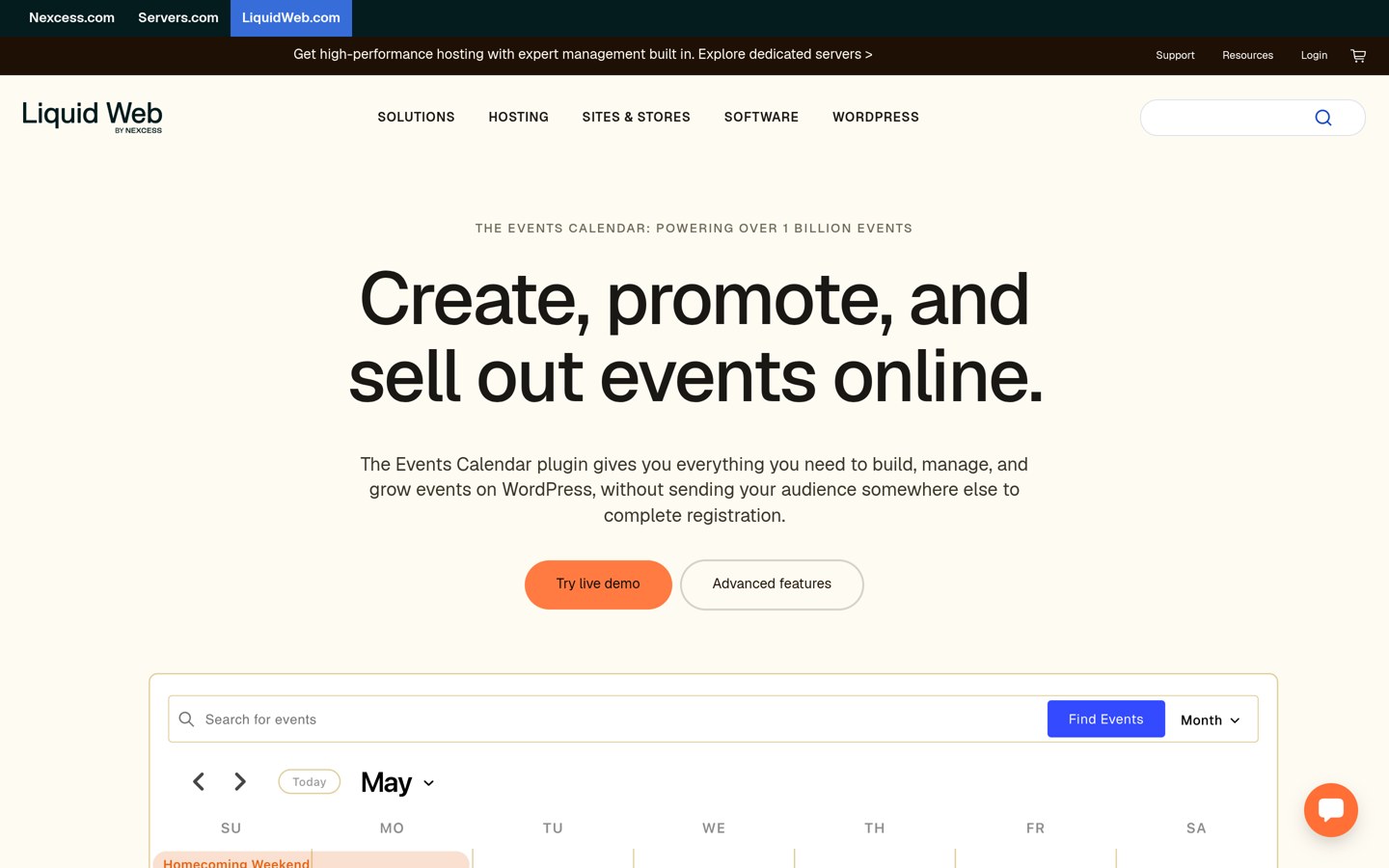
The Events Calendar is the best events plugin for most WordPress sites, with 600,000+ installs and a 4.2 out of 5 rating. Pick Eventin to sell tickets without extra add-ons, Modern Events Calendar for the widest choice of layouts, and EventON if you want a one-time payment.
How we make this list: we compare pricing pages, product documentation and public user reviews, then re-check every price before each update. No product paid for a place. Disclosure.
The Events Calendar leads on installs with 600,000+, but its cheapest paid plan is now $399 a year for Pro, up from the old $99 Pro.
Eventin has the highest WordPress.org rating here at 4.7 out of 5, and its free version already covers tickets, RSVP and speakers.
Modern Events Calendar gives 90+ calendar layouts and 200,000+ users, with Pro from $99 a year.
EventON is the only one-time purchase here at $60, but tickets and RSVP are separate yearly add-ons.
Every tool here has a free version, and paid plans run from €49 a year to $399 a year, plus two one-time options.
What to look for in an events plugin
Most event sites need three things: a calendar visitors can browse, a way to take RSVPs or sell tickets, and reminders that go out on their own. The plugins in this list cover different mixes of those jobs, so the right pick depends on which job matters most.
Install count and rating are the quickest quality check. The Events Calendar has more than 600,000 installs, while Eventin has the highest rating in this list at 4.7 out of 5 from 416 reviews. A small install count is not a flaw on its own, but it means fewer public answers when something breaks.
Price matters after the free version runs out. Our guide on free vs premium WordPress plugins explains when paying is worth it, and the price ladder below shows the cheapest paid plan for each tool. Watch the renewal price: several vendors run Black Friday sales in November, so the price you see today may be a discount.
Do not install two event plugins for the same job. Two calendars can fight over the same event data and double-book your visitors, so pick one main plugin and add a booking or payment tool only if a real gap remains.
List prices in each vendor's currency, checked Nov 2026
AmeliaFREE€49
OrganiserFREE£50
EventONFREE$60
EventinFREE$99
MECFREE$99
WP Event MgrFREE$99
Events MgrFREE$129
TECFREE$399
TicketsFREE$399
The 9 best events plugins for WordPress
01
The Events Calendar
4.2/5on WordPress.org (2,467 reviews, checked Nov 2026)
Paid from$399/yr
Best events plugin overall
Free viewsMonth, list, day
Recurring eventsPaid plans
Free ticketingEvent Tickets plugin
Paid planPro, $399/yr
theeventscalendar.com
The Events Calendar homepage, captured Nov 2026.
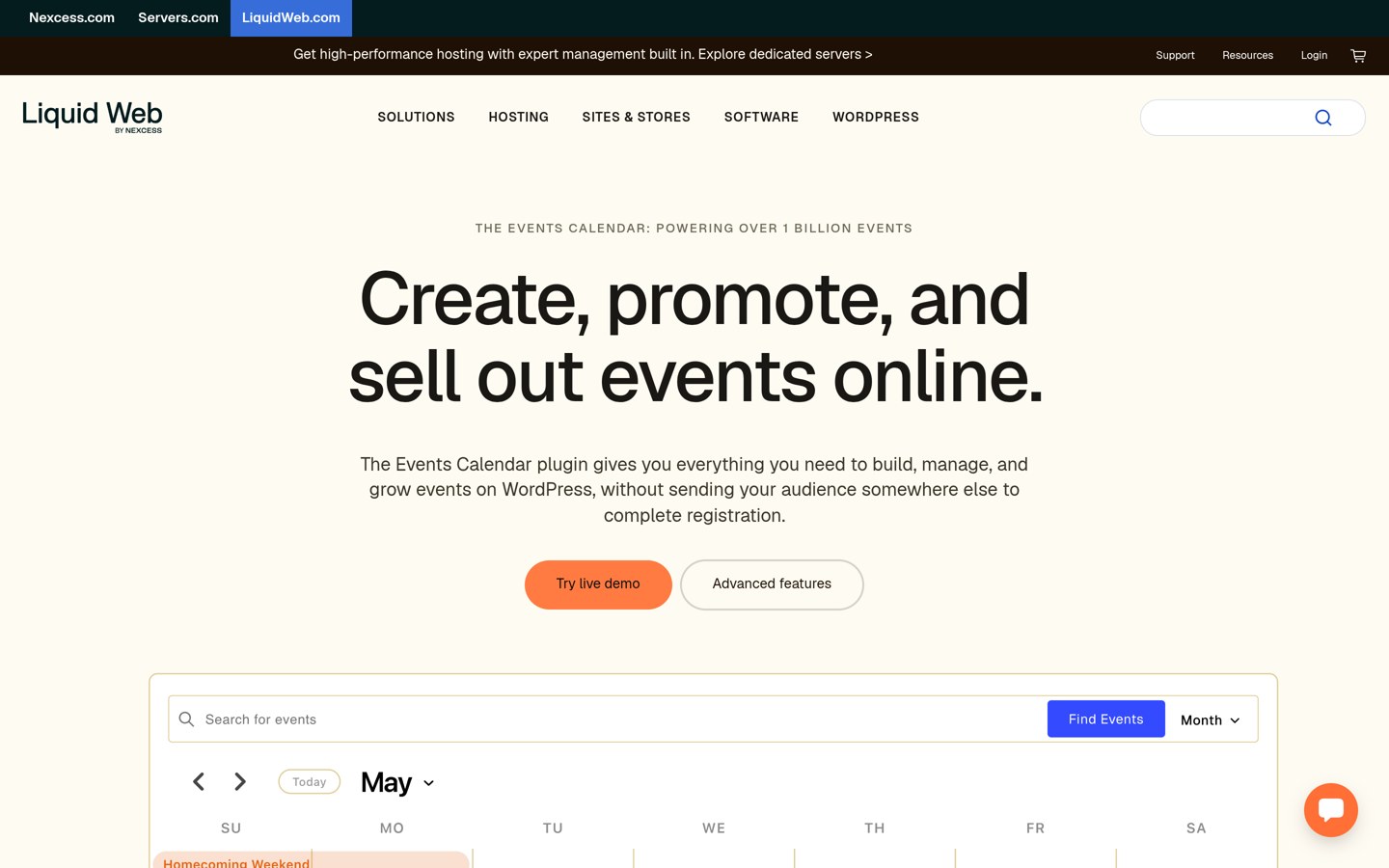
The Events Calendar is the most-installed events plugin on WordPress.org, with more than 600,000 active installs and a 4.2 out of 5 rating from 2,467 reviews. The free version covers month, list and day views, venues, organisers, categories, Google Maps and iCal export, and the free Event Tickets plugin adds RSVPs and ticket sales.
The trade off is the 2026 price jump. The old $99 Pro add-on is gone, and paid plans now start at Pro for $399 a year, with Pro at $399 and Elite at $599. It suits large event programmes and venues that want the biggest ecosystem and can budget for it.
4.7/5on WordPress.org (416 reviews, checked Nov 2026)
Paid from$99/yr
Best for selling tickets
Free ticketsYes, plus RSVP
Recurring eventsPro only
Speaker profilesYes, free
Paid planStandard, $99/yr
themewinter.com
Eventin homepage, captured Nov 2026.
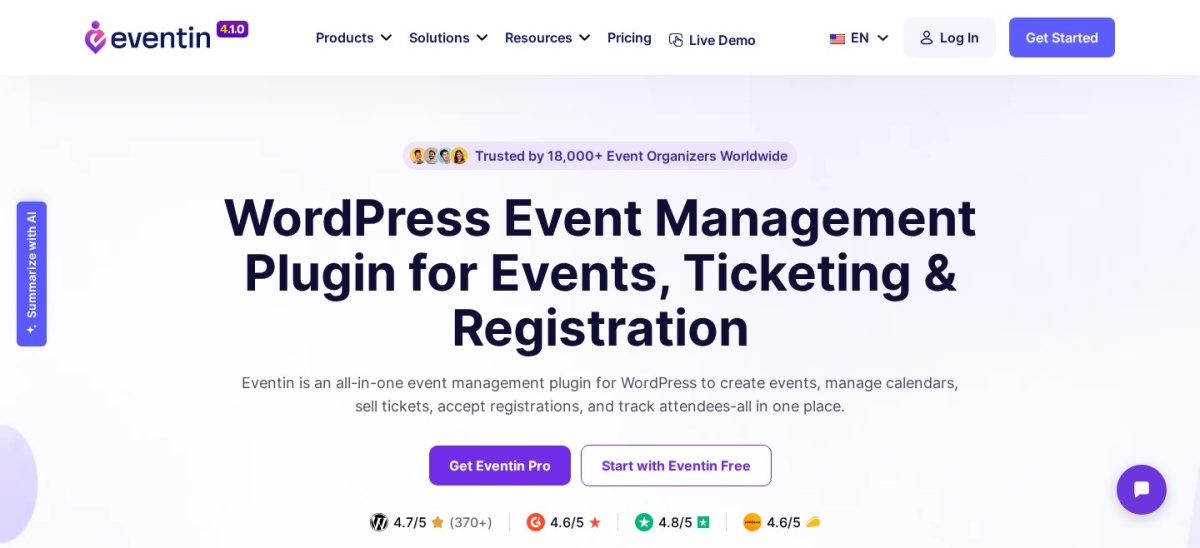
Eventin is an all-in-one event plugin from ThemeWinter, with a 4.7 out of 5 rating from 416 reviews on WordPress.org and more than 10,000 active installs. The free version covers unlimited events, tickets, registration, speaker profiles, Zoom events and email automation, which most rivals charge for.
The trade off is the tier jump. Pro Standard costs $99 a year for two domains and adds recurring events, seat maps and QR check-in, while Premium jumps to $299 a year. It suits conferences and paid events that want ticketing and speakers in one plugin.
Modern Events Calendar homepage, captured Nov 2026.
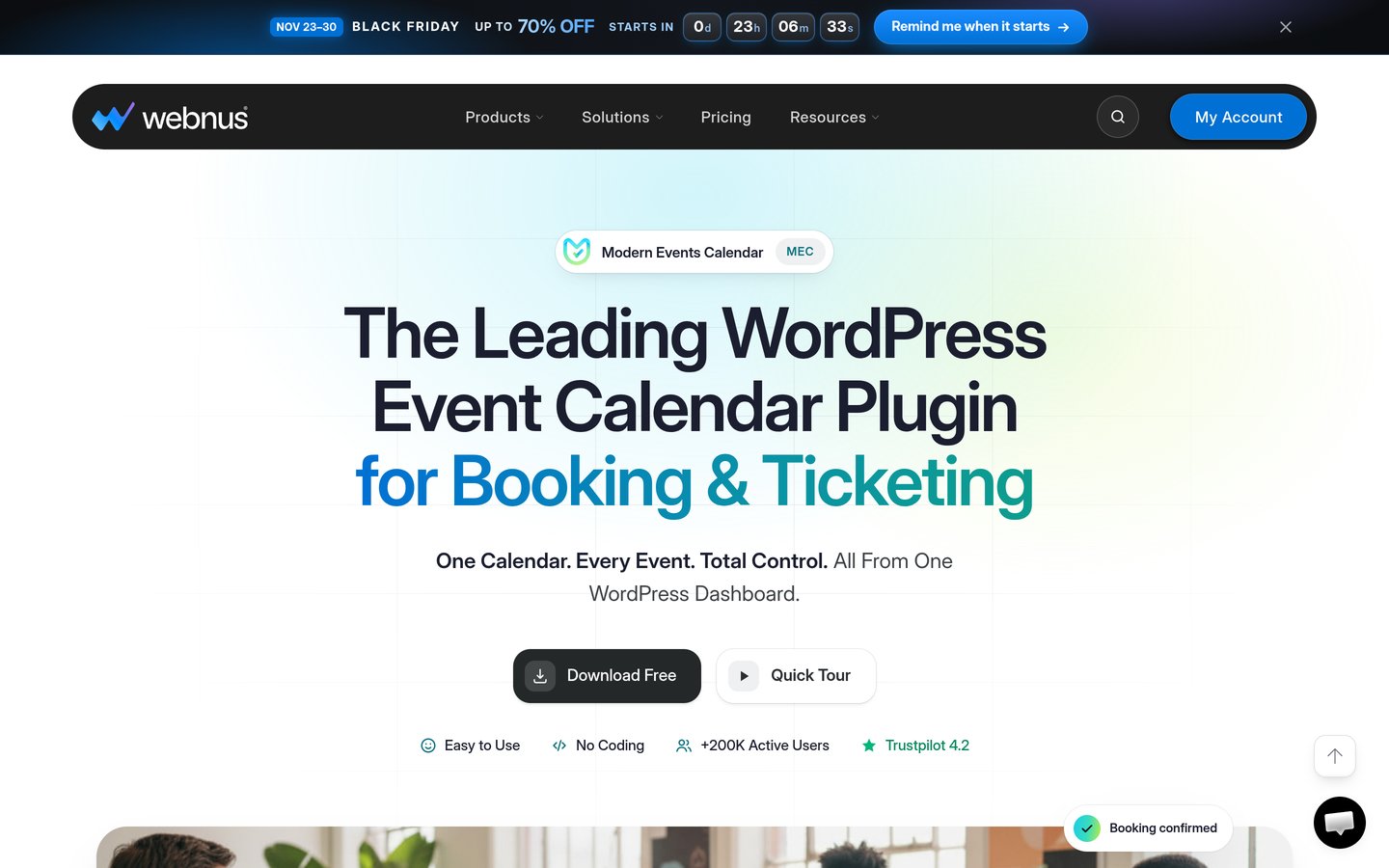
Modern Events Calendar is a design-led calendar plugin from Webnus, with more than 200,000 active users and a 4.1 out of 5 rating from 8 reviews on G2. The free Lite version covers calendar views and event listings, and Pro adds more than 90 layouts, booking forms and ticket sales.
The trade off is the add-on model. Pro starts at $99 a year for one site, but RSVP and ticketing features sit in separate add-ons that push the real cost higher. It suits sites that care most about how the calendar looks and want many layout choices.
4.4/5on CodeCanyon (2,426 reviews, checked Nov 2026)
Paid from$60/site
Best for a beautiful calendar
One-time price$60, 1 site
Free versionYes, Lite
Event Tickets add-on$120/yr
Paid planFull, $60 once
myeventon.com
EventON homepage, captured Nov 2026.
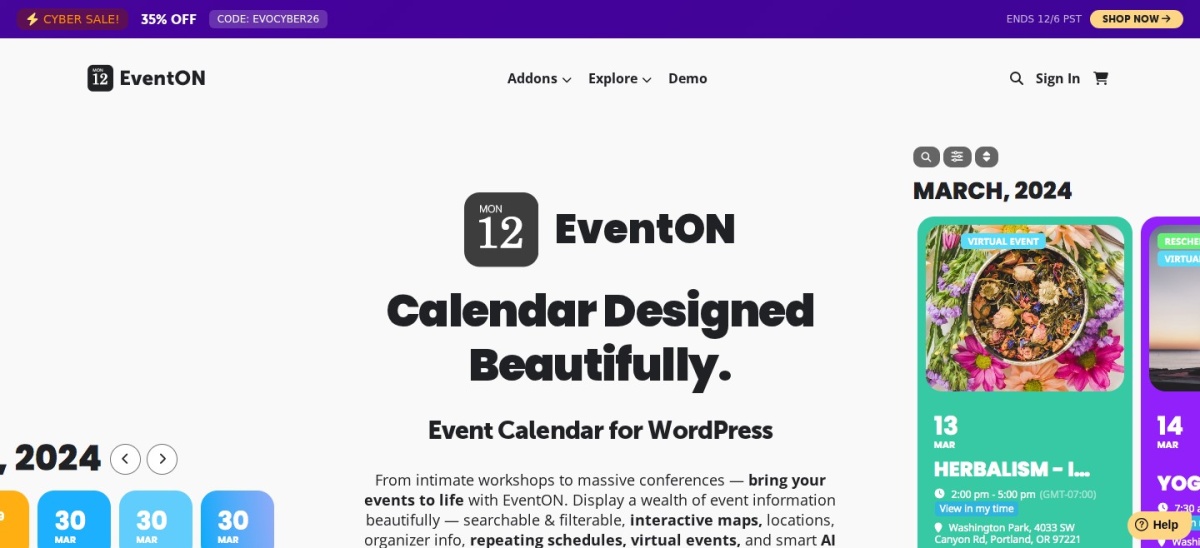
EventON is a design-led calendar plugin from AshanJay, rated 4.4 out of 5 from 2,426 reviews on CodeCanyon, with more than 66,000 sites using it. The free Lite version on WordPress.org covers unlimited events, repeating schedules, virtual events and a Gutenberg block, and the paid Full version is a one-time purchase.
The trade off is that everything operational is an add-on. Full costs $60 once for one site, but the Event Tickets add-on is $120 a year and RSVP is another yearly add-on. It suits sites where the calendar design matters most and ticketing is not needed.
4.2/5on WordPress.org (553 reviews, checked Nov 2026)
Paid from$129/yr
Best free bookings and RSVP
Free bookingsYes, unlimited
Recurring eventsYes, free
Guest submissionsYes, free
Paid planPro, $129/yr
wp-events-plugin.com
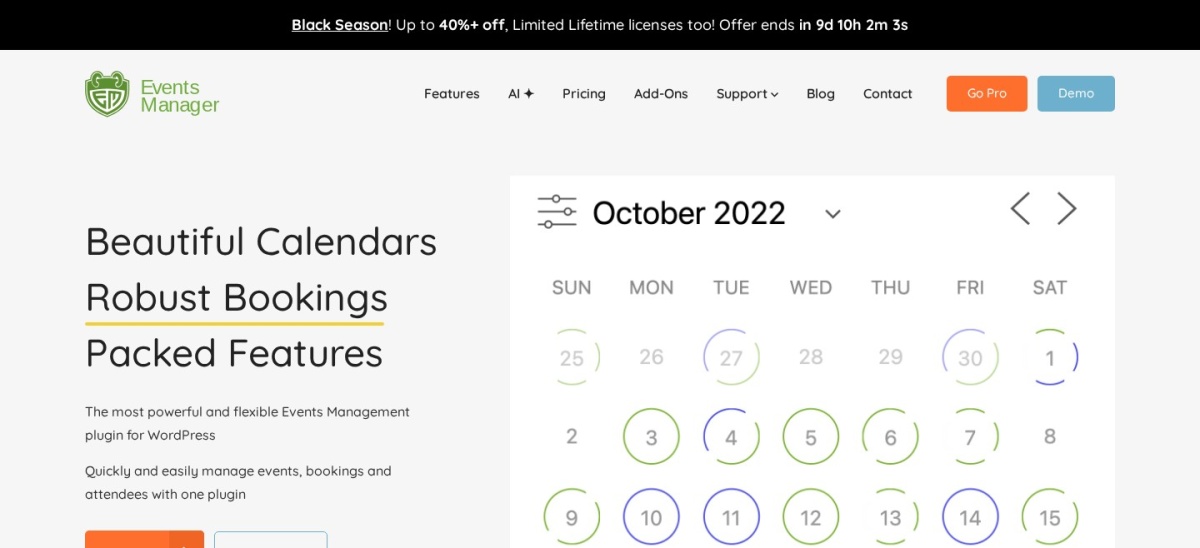
Events Manager homepage, captured Nov 2026.
Events Manager is a free-first events plugin with more than 60,000 active installs and a 4.2 out of 5 rating from 553 reviews on WordPress.org. The free version covers unlimited events, recurring events, bookings, multi-ticket support, guest submissions, Google Maps and time zones, which rivals often charge for.
The trade off is the learning curve. The settings cover a lot of ground, and the interface looks dated next to newer plugins, while Pro starts at $129 a year for one site. It suits organisers who want the most features free and do not mind a plainer dashboard.
4.6/5on WordPress.org (798 reviews, checked Nov 2026)
Paid from€49/yr
Best for appointments and events
Free employees1 in Lite
PaymentsSquare free
Event ticketsStandard and up
Paid planStarter, €49/yr
wpamelia.com
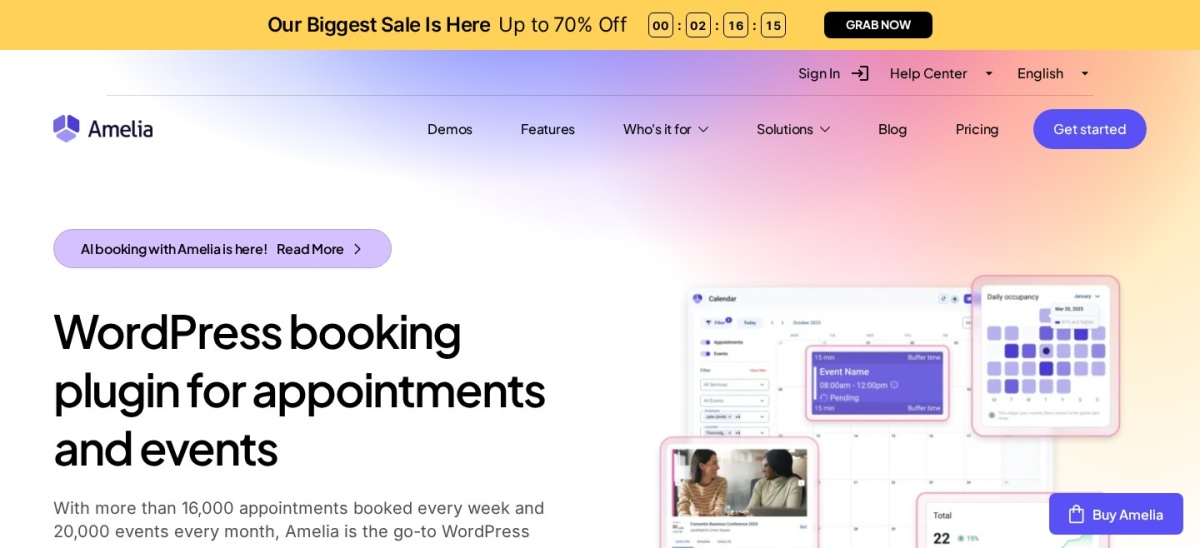
Amelia homepage, captured Nov 2026.
Amelia is a booking plugin from Melograno Ventures, with more than 90,000 active installs and a 4.6 out of 5 rating from 798 reviews on WordPress.org. The free Lite version covers one employee, appointment booking and Square payments, plus a basic events module.
The trade off is that most payment and sync features are paid. Stripe, PayPal, Google and Outlook sync, Zoom and coupons need Standard at €89 a year, and prices are in euros. It suits service businesses that book appointments and run occasional ticketed events.
4.6/5on WordPress.org (140 reviews, checked Nov 2026)
Paid from£50/site
Best for complex repeat patterns
Recurring eventsYes, free
VenuesYes, free
Ticket salesPro only
Paid planPro, £50 once
wp-event-organiser.com
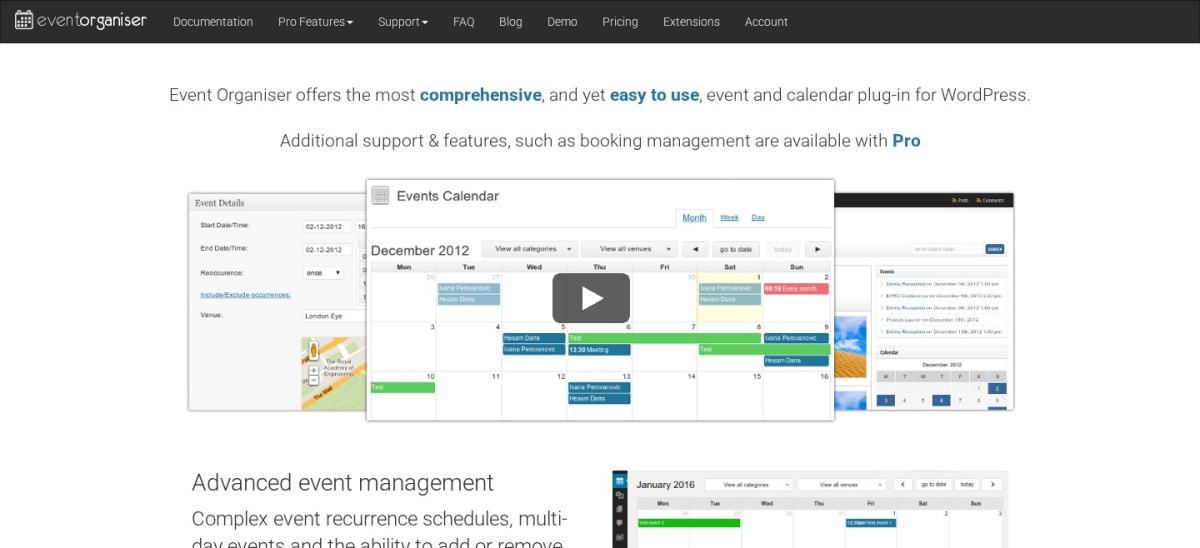
Event Organiser homepage, captured Nov 2026.
Event Organiser is a calendar-led plugin built on WordPress custom post types, with more than 20,000 active installs and a 4.6 out of 5 rating from 140 reviews. The free version covers venues, recurring events with exception rules, iCal import and export, shortcodes and maps.
The trade off is that selling tickets needs Pro. Pro is a one-time £50 payment for one site and adds booking forms, PayPal payments, PDF tickets and QR check-in, with support for a year. It suits developers and venues with awkward repeat patterns.
4/5on WordPress.org (251 reviews, checked Nov 2026)
Paid from$99/yr
Best for event listing directories
Front-end submissionsYes, free
Event listingsYes, free
Sell Tickets add-onPaid
Paid planBundles from $99/yr
wp-eventmanager.com
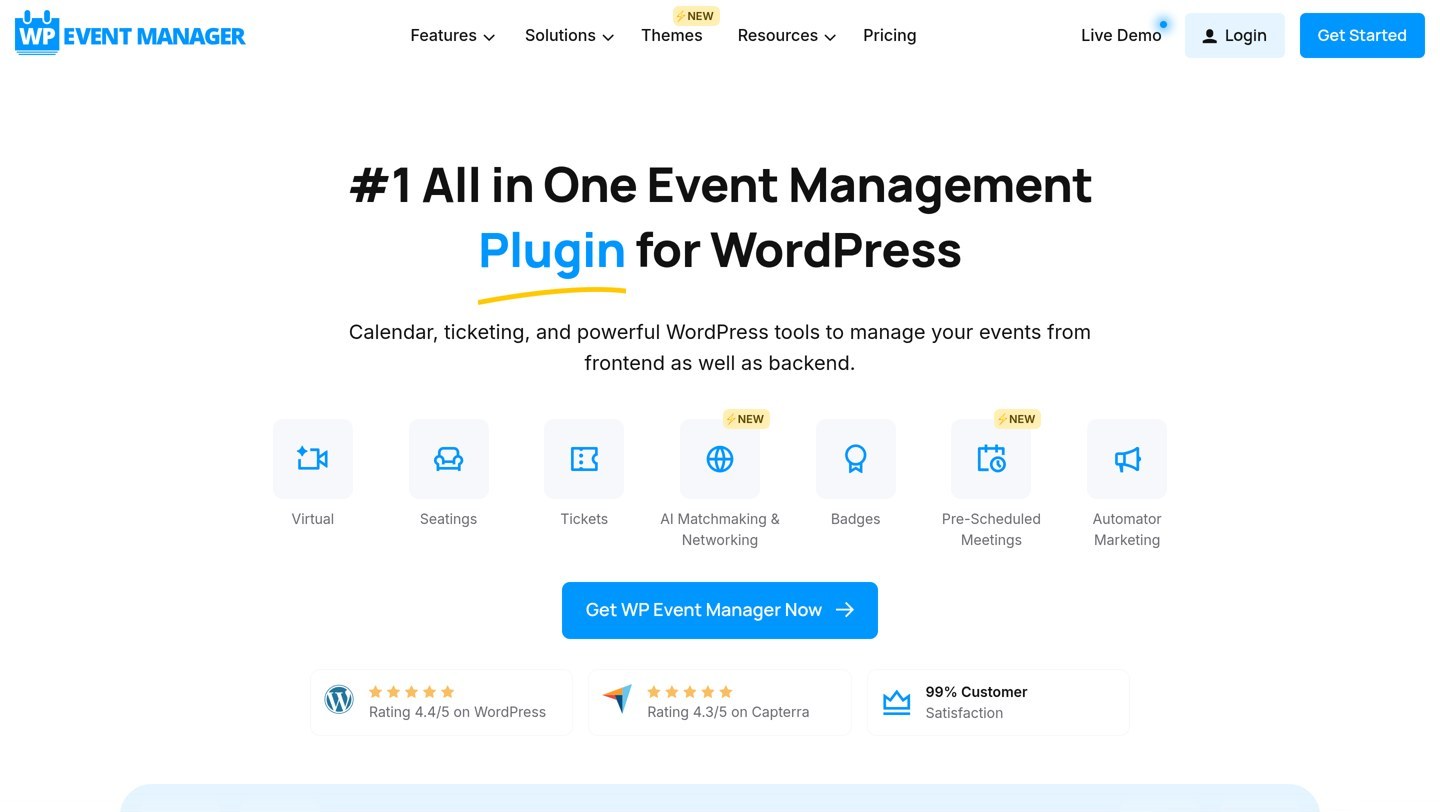
WP Event Manager homepage, captured Nov 2026.
WP Event Manager is a free event listings plugin with more than 20,000 active installs and a 4.0 out of 5 rating from 251 reviews. The free version covers event listings, front-end submissions, filters, shortcodes and widgets, and organisers can submit events without logging into the dashboard.
The trade off is that selling tickets and taking registrations need paid add-ons. Bundles start at $99 a year, and single add-ons such as Sell Tickets and Registrations are sold separately. It suits directories and community sites where many organisers list events.
3.5/5on WordPress.org (236 reviews, checked Nov 2026)
Paid from$399/yr
Best free ticketing and RSVP
Free RSVPsYes
Free ticketsYes
Attendee listsYes
Paid planTEC plans, $399/yr
theeventscalendar.com
Event Tickets homepage, captured Nov 2026.
Event Tickets is the free ticketing plugin from the team behind The Events Calendar, with more than 90,000 active installs and a 3.5 out of 5 rating from 236 reviews. The free version covers RSVPs, free tickets, attendee lists and ticket sales through PayPal, Stripe and Square.
The trade off is the rating and the paid path. At 3.5 out of 5 it has the lowest rating in this list, and paid upgrades such as custom registration forms and WooCommerce tickets now come with The Events Calendar plans, which start at $399 a year. It suits free RSVP lists and simple ticket sales.
Free versions cover the core job well. Every plugin here lists events for free, and most cover RSVPs, recurring events or ticket sales without paying.
Paid plans mostly add recurrence, ticketing and support. The Events Calendar locks recurring events behind Pro, while Events Manager gives them away free.
One-time purchases are the exception. EventON Full costs $60 once and Event Organiser Pro costs £50 once, but both still charge yearly for some add-ons or support.
For a site that earns money from events, one paid plan often costs less than the time lost fixing a problem the free version cannot solve.
Common mistakes when picking an events plugin
Installing two calendar plugins is the most common mistake. Two plugins can fight over the same event data, so pick one main calendar and stick with it.
Paying for features the free version already covers is the second. Events Manager and Eventin both include recurring events and bookings free, so check the free plan first.
Ignoring the paid tier is the third. Recurring events, WooCommerce tickets and QR check-in often sit in paid plans, so check what the free version covers before you build your event pages around it.
How we chose
We started from every events plugin on WordPress.org with more than 10,000 active installs, then added Modern Events Calendar and EventON, which are sold outside WordPress.org.
Prices come from each vendor's pricing page, checked on 22 November 2026. Ratings and install counts come from WordPress.org on the same day, except Modern Events Calendar, rated on G2, and EventON, rated on CodeCanyon. Where a vendor shows a sale, the list shows the regular price.
We left out the Timely calendar, which is closed on WordPress.org, and plugins whose free version is no longer listed there. No vendor paid for a place, and we do not claim hands-on testing for this list.
How to choose an events plugin for WordPress
Start with the job your events need most, then check the free version before you pay.
Decide if you sell tickets or just list events. A simple calendar needs only The Events Calendar or Events Manager free. Selling tickets points to Eventin, Amelia or WP Event Manager.
Check whether recurring events are free. Events Manager and Event Organiser include recurrence free. The Events Calendar and Modern Events Calendar charge for it.
Try the free version first. Every tool here has a free version. Use it for a week before paying, so you know what the paid plan actually adds.
Check the renewal price, not the first year. Several vendors run Black Friday sales in November, and Eventin drops to $69 a year on sale against a $99 regular price. Budget for the renewal.
FAQ
What is the best events plugin for WordPress?
The Events Calendar is the best overall pick for most sites. It has more than 600,000 active installs and a 4.2 out of 5 rating from 2,467 users, and its free version covers calendar views, venues and maps.
Which events plugin is best for selling tickets?
Eventin is the strongest pick for selling tickets. Its free version already covers tickets, registration and speaker profiles, and Pro Standard at $99 a year adds recurring events, seat maps and QR check-in. Amelia is the better pick if you also sell appointments.
Is there a free events plugin for WordPress?
Yes, all nine plugins in this list have a free version. Events Manager is the most generous free option, with recurring events, bookings and multi-ticket support included, while Event Tickets covers free RSVPs and ticket sales.
Do I need a paid plan to take bookings?
Not always. Events Manager and Eventin both take bookings and registrations on their free plans. You need a paid plan for advanced features such as WooCommerce ticket sales, QR check-in, seat maps or calendar sync.
Can I use two events plugins at once?
Avoid running two calendar plugins together, because they can fight over the same event data and show duplicate listings. Pick one main plugin for events, and add a booking or payment tool only if a real gap remains.
What does The Events Calendar cost in 2026?
The free core plugin costs nothing. Paid plans start at Pro for $399 a year, with Elite at $599. The old $99 Pro add-on is gone, so the minimum paid price is now more than double what it was.
SaaS SEO and WordPress specialist with about 8 years of experience. Rakib compares WordPress plugins, themes, hosting and software using public pricing, documentation and user reviews. See how we rank.