STACK is a strong pick for concrete estimating teams that want cloud plan management and quantity takeoffs, holding a 4.5 out of 5 rating across 1,401 Capterra reviews. zzTakeoff suits budget-minded estimators needing fast takeoff templates, while Bluebeam Revu fits teams centered on drawing markups and Excel quantity links.
How we make this list: we compare pricing pages, product documentation and public user reviews, then re-check every price before each update. No product paid for a place. Disclosure.
STACK holds a 4.5/5 rating from 1,401 Capterra reviews with cloud takeoff and estimating starting at $299/mo.
zzTakeoff offers Pro takeoff tools starting at $49.99/user/mo or $549.89/user/yr with a 5.0/5 Capterra score across 73 reviews.
Bluebeam Revu starts at $260/user/yr for Basics and $440/user/yr for Complete with Excel quantity links.
PlanSwift Essential starts at $2,000/yr for one seat with trade assemblies and AI tools.
RSMeans Data Online starts at $346.80/yr for Core unit, labor, and equipment cost data.
What to look for in concrete estimating software
Concrete bids depend on accurate slab thickness, footing dimensions, wall lengths, formwork surface area, and reinforcing steel counts. Software that lets estimators build repeatable concrete assemblies helps prevent missed edge forms, rebar laps, or waste allowances.
Digital takeoff speed matters when bidding multiple commercial or residential slabs under tight deadlines. Tools that calculate area, linear length, volume, and counts on calibrated plans reduce manual calculator errors and speed up addendum updates.
Cost data and proposal handoff determine how quickly a takeoff becomes a competitive bid. Some tools tie takeoffs directly to material and labor pricing or accounting exports, while others act as takeoff or cost-database layers that pair with spreadsheets.
Licensing structure also shapes total cost as your crew grows. Some vendors charge per seat annually, while others offer flat-rate team tiers or charge separately for AI takeoff and estimating modules.
The 7 best estimating software for concrete construction
01
STACK
4.5/5on Capterra (1,401 reviews, checked Nov 2026)
Paid from$299/mo
Best for cloud takeoff and estimating
DeploymentCloud
Takeoff & Estimate$299/mo
Build & Operate$49/mo
Free tierAvailable
stackct.com
STACK homepage, captured Nov 2026.
STACK is a cloud-based construction takeoff and estimating platform for plan viewing, material quantification, and proposal creation. It offers a free tier, while Build & Operate starts at $49/mo and Takeoff & Estimate is $299/mo across 1,401 Capterra reviews.
The trade off is the monthly cost of Takeoff & Estimate at $299/mo ($3,588/yr) and occasional slowdowns on large plan sets. It suits concrete teams that want browser-based plan collaboration and structured estimates.
What we like
Cloud plan organization with unlimited plans and projects on Takeoff & Estimate
Supports area, length, count, and volume takeoffs with custom pricing
Offers a free tier and free trial without a credit card
Strong 4.7/5 customer service rating on Capterra
Watch out for
Takeoff & Estimate at $299/mo is higher than entry takeoff tools
Some users report occasional lag on heavy or complex plan files
Takeoff & Estimate at $299/mo adds quantity, labor, and material takeoff plus proposals.Visit stackct.com
02
zzTakeoff
5/5on Capterra (73 reviews, checked Nov 2026)
Starts at$549.89/yr
Best for low-cost takeoff assemblies
Pro annual$549.89/yr
Pro monthly$49.99/user/mo
Collaborator$219.89/yr
Free trial14 days
zztakeoff.com
zzTakeoff homepage, captured Nov 2026.
zzTakeoff is a takeoff platform with customizable templates, assemblies, AI page naming, and formula-driven quantity calculations. Its Collaborator plan is $219.89/yr for annotations, while Pro with takeoff tools is $549.89/yr or $49.99/user/mo.
The trade off is paying $549.89/yr per user on Pro and spending time building custom assemblies and formulas upfront. It suits cost-conscious estimators who want flexible takeoff math without heavy enterprise fees.
What we like
5.0/5 rating across 73 Capterra reviews with 4.9/5 value for money
Customizable templates, variables, and assemblies for repeat concrete items
Lower-cost Collaborator seat option for plan reviewers
Watch out for
No permanent free plan after the 14-day trial
Building hierarchical templates and formulas takes initial setup
Pro at $549.89/yr unlocks takeoff tools, customizable assemblies, and starter kits.Visit zztakeoff.com
03
Bluebeam Revu
4.7/5on Capterra (979 reviews, checked Nov 2026)
Starts at$260/yr
Best for PDF markups and Excel links
Basics plan$260/user/yr
Core plan$330/user/yr
Complete plan$440/user/yr
Free trialAvailable
bluebeam.com
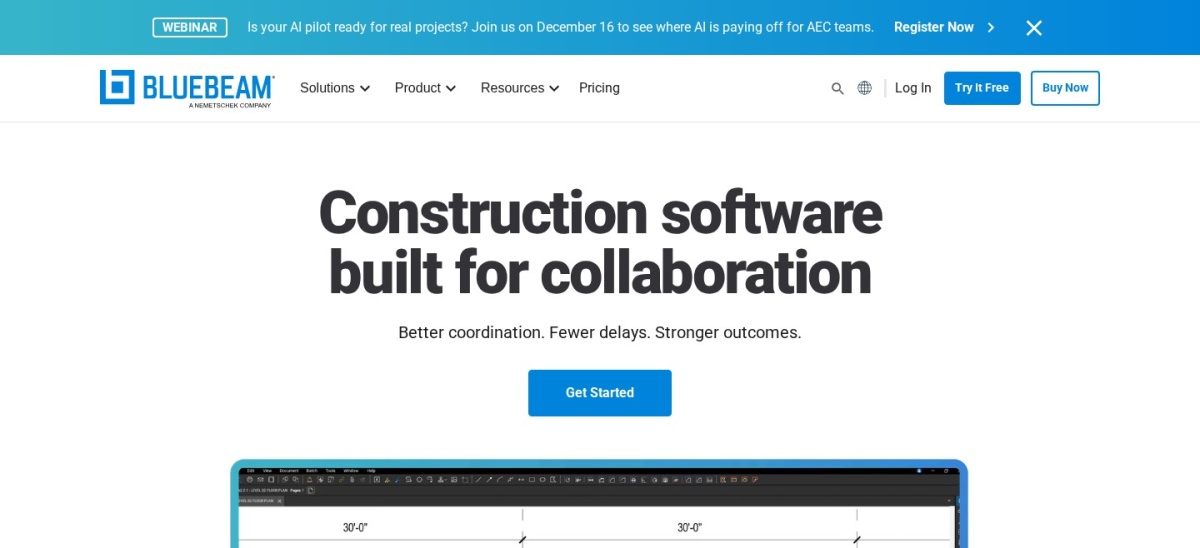
Bluebeam Revu homepage, captured Nov 2026.
Bluebeam Revu is a PDF markup and measurement tool used on construction drawings across desktop, web, and mobile. Basics starts at $260/user/yr for markups and document tools, while Core is $330/user/yr and Complete is $440/user/yr.
The trade off is paying $260/user/yr for Basics without Excel quantity links or volume measurements, which require higher tiers. It suits concrete estimators who already price in Excel and want sharp drawing markups.
What we like
979 Capterra reviews with a 4.7/5 rating
Strong drawing comparison, markups, and Studio collaboration
Complete plan links measurements directly to Microsoft Excel
Watch out for
Not a dedicated estimating database or full bid-management suite
Volume measurements and Excel Quantity Link require higher tiers
Complete at $440/user/yr adds live Excel quantity links, Dynamic Fill, and batch tools.Visit bluebeam.com
04
RSMeans Data Online
4.2/5on Capterra (304 reviews, checked Nov 2026)
Starts at$346.80/yr
Best for benchmark labor and material costs
Core plan$346.80/yr
Complete plan$891.65/yr
Complete Plus$5,077.05/yr
UpdatesQuarterly
rsmeans.com
RSMeans Data Online homepage, captured Nov 2026.
RSMeans Data Online is a construction cost database providing material, labor, and equipment rates updated quarterly. Core starts at $346.80/yr for unit cost data and basic estimate exports, while Complete is $891.65/yr.
The trade off is paying $346.80/yr for a cost reference rather than a full blueprint takeoff tool, and needing local vendor quotes for job specifics. It suits estimators checking benchmark concrete rates and regional labor factors.
What we like
Quarterly cost updates across materials, labor, and equipment
Includes open-shop and union labor datasets plus location factors
Exports estimate data to Excel and PDF
Watch out for
Does not replace on-screen drawing takeoff software
Assembly and square-foot models require Complete at $891.65/yr
Complete at $891.65/yr adds assemblies, square-foot models, and 3-year historical data.Visit rsmeans.com
05
Clear Estimates
4.5/5on Capterra (118 reviews, checked Nov 2026)
Starts at$79/mo
Best for fast itemized bids and proposals
Standard plan$79/mo
Pro plan$119/mo
Franchise plan$250/mo
Free trial30 days
clearestimates.com
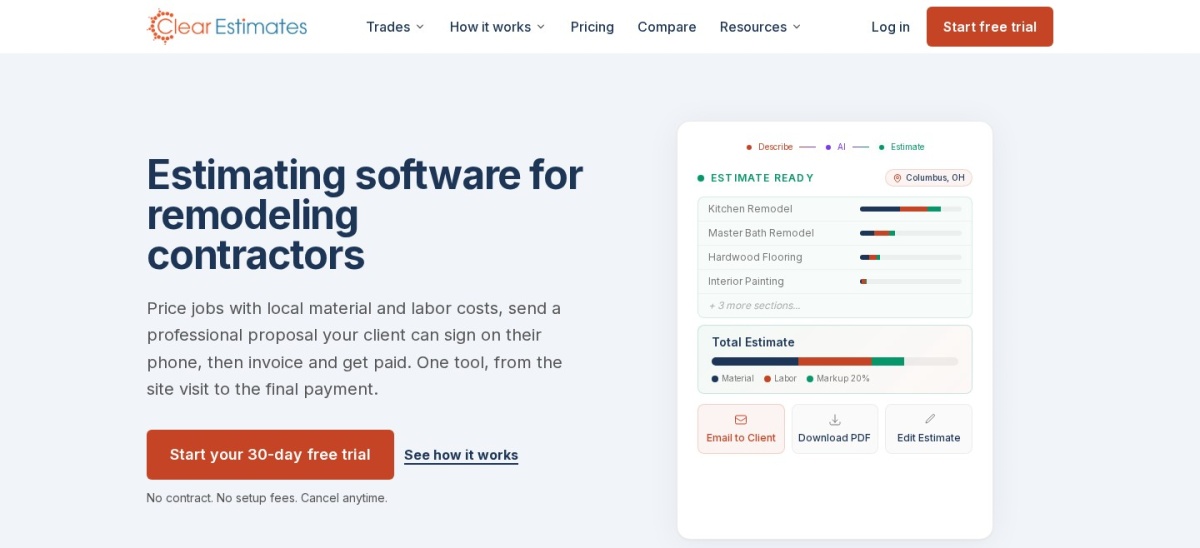
Clear Estimates homepage, captured Nov 2026.
Clear Estimates is cloud estimating and proposal software with preloaded templates, localized cost items, and client quote tools. Standard starts at $79/mo for unlimited estimates and rate updates, while Pro is $119/mo.
The trade off is paying $79/mo ($948/yr) for a tool geared toward general and remodeling estimates rather than heavy commercial takeoff. It suits smaller contractors turning straightforward concrete jobs into proposals quickly.
What we like
4.5/5 rating across 118 Capterra reviews with 4.5/5 value for money
Preloaded templates and localized cost items speed up bid drafting
Includes a 30-day free trial with no setup fee or contract
Watch out for
Less suited to complex commercial takeoff than dedicated takeoff suites
Some users adjust default task pricing to match local field costs
Pro at $119/mo expands capabilities and allows adding extra users for $9/mo.Visit clearestimates.com
06
PlanSwift
4.3/5on Capterra (402 reviews, checked Nov 2026)
Starts at$2,000/yr
Best for custom assemblies and AI takeoff tools
Essential (1 seat)$2,000/yr
Essential (2+ seats)$1,500/yr/seat
Core (1 seat)$3,000/yr
Free trial14 days
planswift.com
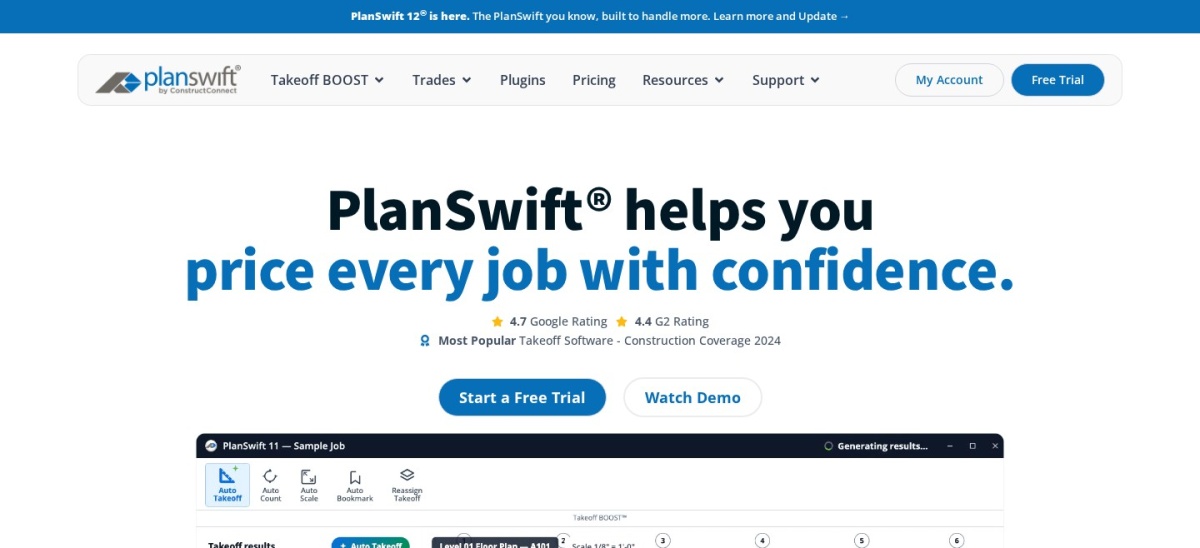
PlanSwift homepage, captured Nov 2026.
PlanSwift is a takeoff and estimating application with pre-built trade assemblies, point-and-click measuring, and AI count and scale tools. Essential starts at $2,000/yr for one seat, while Core is $3,000/yr for the first seat.
The trade off is a $2,000/yr starting price for a single seat and initial effort to configure assemblies. It suits estimators who build custom concrete assemblies and want automated counts on plans.
What we like
402 Capterra reviews with a 4.3/5 overall rating
Pre-built trade assemblies plus Auto Count, Auto Scale, and Auto Bookmark
Lower per-seat rate of $1,500/yr when adding two or more seats on Essential
Watch out for
Higher annual entry cost than lightweight browser takeoff tools
Full Auto Takeoff requires stepping up to Core at $3,000/yr
Core at $3,000/yr adds the full Takeoff BOOST suite with Auto Takeoff.Visit planswift.com
07
Buildxact
4.6/5on Capterra (185 reviews, checked Nov 2026)
Paid from$199/mo
Best for residential jobs and material ordering
Go planFree
Foundation$199/mo
Pro plan$399/mo
Master plan$599/mo
buildxact.com
Buildxact homepage, captured Nov 2026.
Buildxact is estimating, quoting, and job management software for residential builders and trades with digital takeoffs and supplier ordering links. It offers a free Go plan with 5 credits, while Foundation starts at $199/mo.
The trade off is paying $199/mo ($2,388/yr) for Foundation and extra fees for optional AI add-ons. It suits residential concrete contractors who want quoting and job tracking in one place.
What we like
4.6/5 rating across 185 Capterra reviews with 4.7/5 customer service
Includes a free Go plan to test AI estimates and proposals before upgrading
Flat monthly tiers include unlimited users and accounting integrations
Watch out for
Can feel restrictive for highly detailed or non-standard commercial scopes
Several Blu AI tools cost extra on top of base plans
Foundation at $199/mo adds unlimited users, digital takeoffs, and assembly help.Visit buildxact.com
What to check on every concrete takeoff
Confirm drawing scale and sheet revisions before measuring slabs, footings, walls, or curbs. A miscalibrated scale or an unreviewed addendum can throw off every concrete yardage and material total on a bid.
Separate concrete volume, formwork area, and reinforcement items so labor crews and suppliers can price each part clearly. Always apply an explicit waste factor to concrete and rebar rather than bidding exact net plan quantities.
How we chose
We built this shortlist from established construction takeoff, estimating, and cost-database platforms used by contractors for concrete takeoffs and bid pricing. We focused on active tools with transparent public pricing and verified review histories.
Every rating, review count, and plan price in this guide was checked on 22 Nov 2026 against vendor pricing pages and third-party review directories. Where annual billing offers a discount, we show the regular monthly or annual list price and note optional add-ons separately.
We excluded estimating tools that withhold public pricing behind custom quotes or only bundle estimating inside larger enterprise suites without standalone rates. No vendor paid for a place, and we do not claim testing for this list.
How to choose concrete estimating software in 4 steps
Start with your bidding workflow and team size before picking a subscription.
Map your concrete bid complexity. Decide whether you price straightforward residential slabs or multi-pour commercial structures with detailed formwork and rebar.
Separate takeoff from cost pricing. Check whether you need on-screen drawing measurement, a cost database like RSMeans, or both in one workflow.
Compare seat and annual costs. Calculate your 12-month cost across active estimators, including any required add-ons or separate estimating modules.
Run a real plan set during a trial. Measure a recent concrete drawing set in a free trial and compare the quantities against your own checked takeoff before committing.
FAQ
Do concrete contractors need dedicated estimating software?
Dedicated takeoff and estimating software speeds up measuring slabs, footings, and walls from digital plans and reduces manual math mistakes compared to spreadsheets. Smaller crews bidding simple jobs may start with a trial or lower-cost plan before adopting fuller estimating suites.
Can I use PDF markup software instead of takeoff software?
Tools like Bluebeam Revu measure lengths, areas, and markups on drawings, which works well if you already build estimates in Excel. Dedicated takeoff tools usually offer richer assemblies, automated counts, or direct estimate sheets.
What does RSMeans Data Online add to concrete estimating?
RSMeans Data Online provides material, labor, and equipment cost data updated quarterly with location factors. Estimators use it as a pricing benchmark or sanity check alongside drawing takeoffs and local supplier quotes.
Why do estimating tool prices vary so widely?
Pricing depends on whether a tool covers basic PDF markups, cloud takeoff, custom assemblies, AI features, or multi-user project workflows. Per-seat annual licenses and flat monthly tiers also scale differently as you add estimators.
Should I test software on a past concrete bid first?
Yes, running a past project through a free trial lets you check how easily the software handles drawing scales, formwork areas, and slab counts. Comparing results against a completed bid shows where you still need manual checks.
SaaS SEO and WordPress specialist with about 8 years of experience. Rakib compares WordPress plugins, themes, hosting and software using public pricing, documentation and user reviews. See how we rank.