Housecall Pro is the best HVAC software for most small businesses, with scheduling, dispatch, invoicing and payments from $59 a month and a 4.7 out of 5 Capterra rating. Pick Jobber for a solo operator on a budget, or Kickserv if you want five users for $60 a month.
How we make this list: we compare pricing pages, product documentation and public user reviews, then re-check every price before each update. No product paid for a place. Disclosure.
Housecall Pro leads for most small HVAC shops: 4.7 out of 5 on Capterra from about 2,750 reviews, with plans from $59 a month.
Jobber and ServiceM8 both start at $29 a month, the lowest paid entry prices in this list.
Kickserv covers five users for $60 a month, the cheapest five-user plan here by a wide margin.
Service Fusion charges a flat $208 a month with unlimited users, so it beats per-seat pricing once your crew grows.
FieldEdge, Workiz and mHelpDesk do not publish a starting price on their own pages, so confirm the figure in writing before you budget.
Only ServiceM8 has a free plan, covering one user and 30 jobs a month.
What small HVAC shops should look for
A small HVAC shop needs scheduling, dispatch, quotes, invoices and payments in one place. The tools in this list cover that core loop, with mobile apps for techs in the field.
Price shape matters more than the headline number. Some tools charge per user, some per job and some a flat monthly fee, so a $29 plan can cost more than a $59 plan once you add techs.
Online booking matters too: customers who can book a visit themselves save the office a phone call. Our guide on adding a booking calendar to WordPress covers the basics.
Flat-rate price books and service agreements separate HVAC tools from generic job apps. If you sell maintenance plans, check that recurring billing is on the plan you would actually buy.
Trials run 7 to 30 days across this list. Use the trial on real jobs, with your real price book, before you move your customer list across.
4.7/5on Capterra (2,750 reviews, checked Nov 2026)
Starts at$59/mo
Best HVAC software for small business overall
Free planNo, 14-day trial
Entry planBasic, 1 user
Users on MAX8 included
Cheapest paid$59/mo, annual billing
housecallpro.com
Housecall Pro homepage, captured Nov 2026.
Housecall Pro is field service software for residential home service shops, with HVAC as one of its largest trades. The Basic plan costs $59 a month on annual billing for one user and covers online booking, scheduling, dispatch, estimates, invoicing, payments, a price book and review management. A 14-day trial includes the top MAX plan.
The trade off is the step up. QuickBooks sync, GPS tracking, routes and flat-rate pricing need Essentials at $149 a month, and recurring service plans need MAX at $299. The page also shows 50% off the first 3 months right now, so the regular prices above are the ones to budget. It suits 1 to 5 tech residential shops.
Jobber is job management software for small home service businesses, from solo operators to crews of about 15. The Core plan costs $29 a month on annual billing for one user and covers scheduling, quotes, invoicing, online booking, payments, a client manager and job forms. A 14-day trial gives full access to the Grow plan.
The trade off is automation. Automated reminders, QuickBooks sync, two-way texting and job costing sit on Connect and Grow, which start at $99 a month on annual billing for one user. Extra users cost $29 a month each on any plan. It suits solo operators and small crews that want a fast setup and a clean mobile app.
What we like
Cheapest entry price in this list
Fast setup, live in about a day
Strong mobile app ratings
Flat $29 per extra user
Watch out for
Automation needs the higher tiers
QuickBooks sync is not on Core
No free plan, trial only
Connect adds reminders, QuickBooks sync and online booking extrasVisit getjobber.com
03
Kickserv
4.5/5on G2 (185 reviews, checked Nov 2026)
Starts at$60/mo
Best value for a 5-person crew
Free planNo, 30-day trial
Entry planStart, 5 users
QuickBooks syncIncluded on Start
Cheapest paid$60/mo
kickserv.com
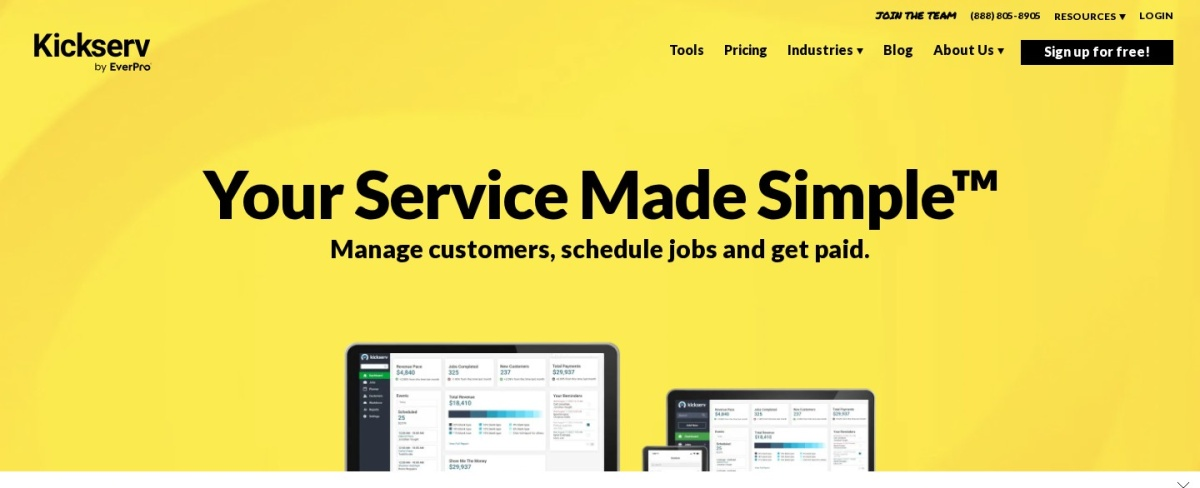
Kickserv homepage, captured Nov 2026.
Kickserv is field service software for small service crews, built around QuickBooks. The Start plan costs $60 a month for five users and covers scheduling, dispatch, invoicing, estimates, time tracking, a customer portal and QuickBooks Online sync. A 30-day free trial is the longest in this list.
The trade off is the mobile app. Reviewers on Capterra praise the simple desktop setup but flag an unreliable mobile experience, which matters when techs work from phones all day. Annual billing saves 20%, though the page does not state the annual dollar amounts. It suits office-led crews that already run QuickBooks.
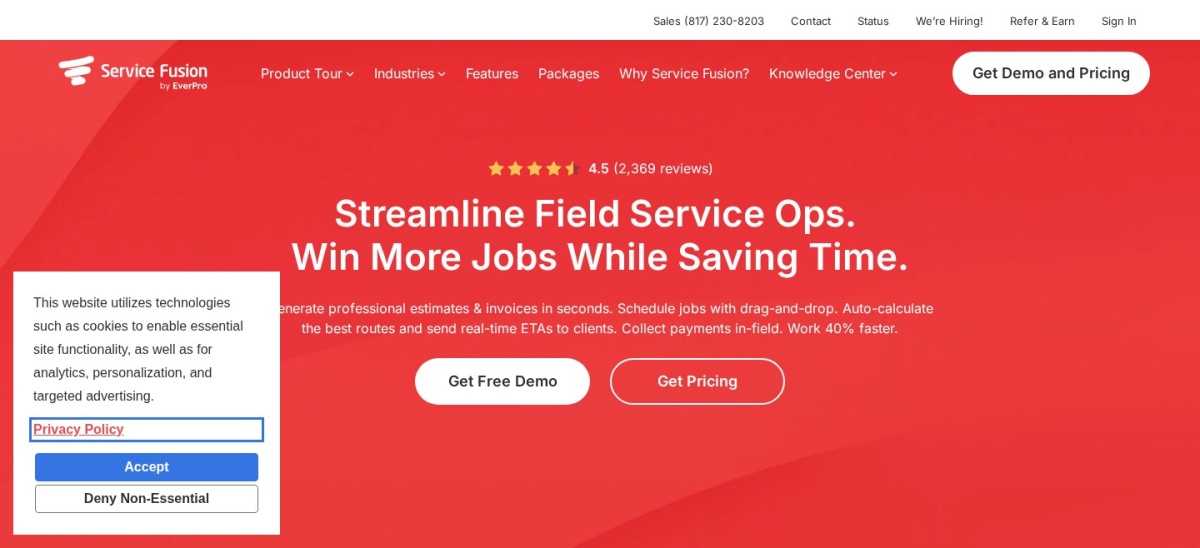
Service Fusion is field service software for contractors that charges a flat monthly fee with unlimited users on every plan. The Starter plan costs $208 a month on annual billing and covers scheduling, dispatch, estimates, invoicing, payments and customer management. There is no per-seat charge as the crew grows.
The trade off is the top tier. Monthly billing is $245 instead of $208, and recurring invoicing, eSignatures and a customer portal need the Pro plan at $533 a month on annual billing. G2 still lists older $259 figures, so check the vendor page. It suits growing crews where per-user pricing gets expensive.
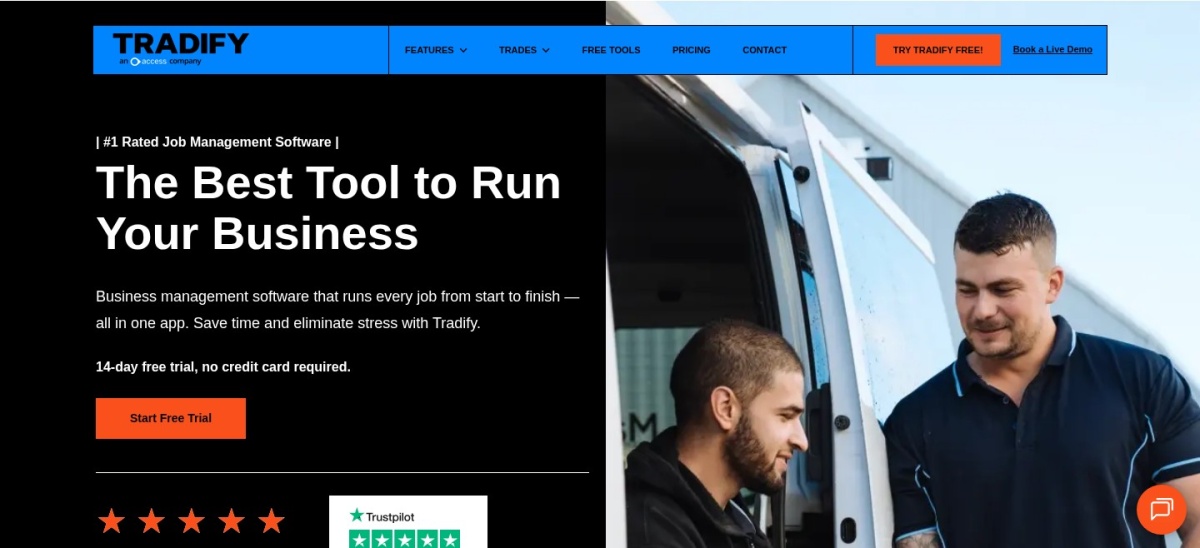
Tradify is job management software built for trade businesses, including HVAC, plumbing and electrical. The Lite plan costs $47 per user a month and covers job management, scheduling, quoting, invoicing, online payments and Xero and QuickBooks Online sync. A 14-day free trial needs no credit card.
The trade off is per-user billing. A five-person crew on the Pro plan pays about $255 a month, and reporting depth is the most common complaint on the lower tiers. Prices are month to month by default, with annual billing available. It suits small crews that want simple pricing and fast quotes.
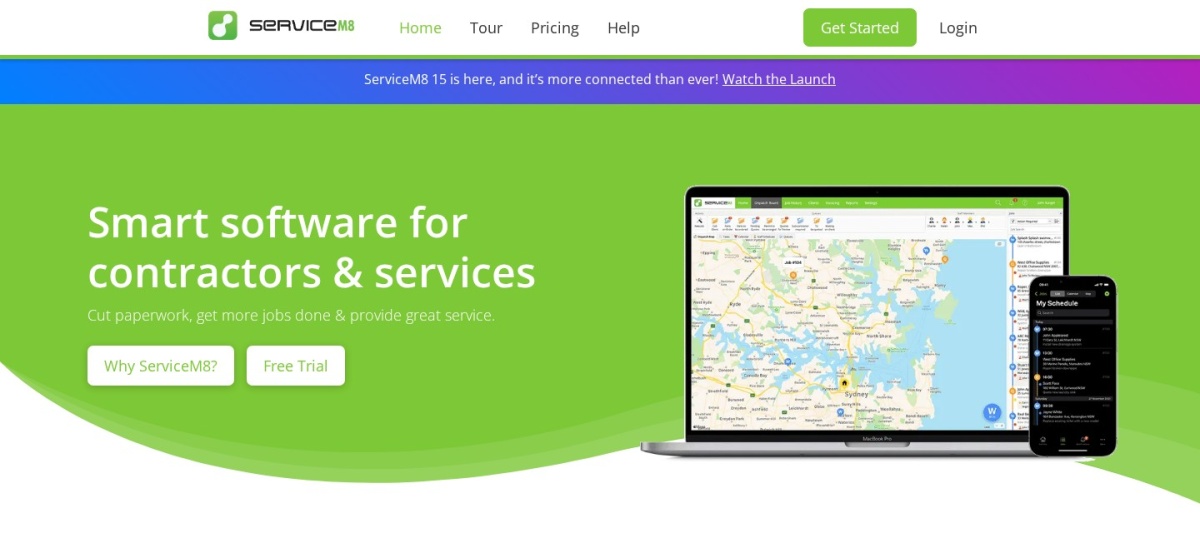
ServiceM8 is job management software that charges by jobs per month instead of by user. The free plan covers one user and 30 jobs a month, and the Starter plan costs $29 a month for 50 jobs with unlimited users. Every plan includes scheduling, quoting, invoicing and QuickBooks and Xero sync.
The trade off is the job cap. A busy month pushes you to Growing at $79 for 150 jobs or Premium at $149 for 500, and the full app is built for iPhone and iPad, with a limited Android experience. It suits small crews with modest job counts, especially those already on Apple devices.
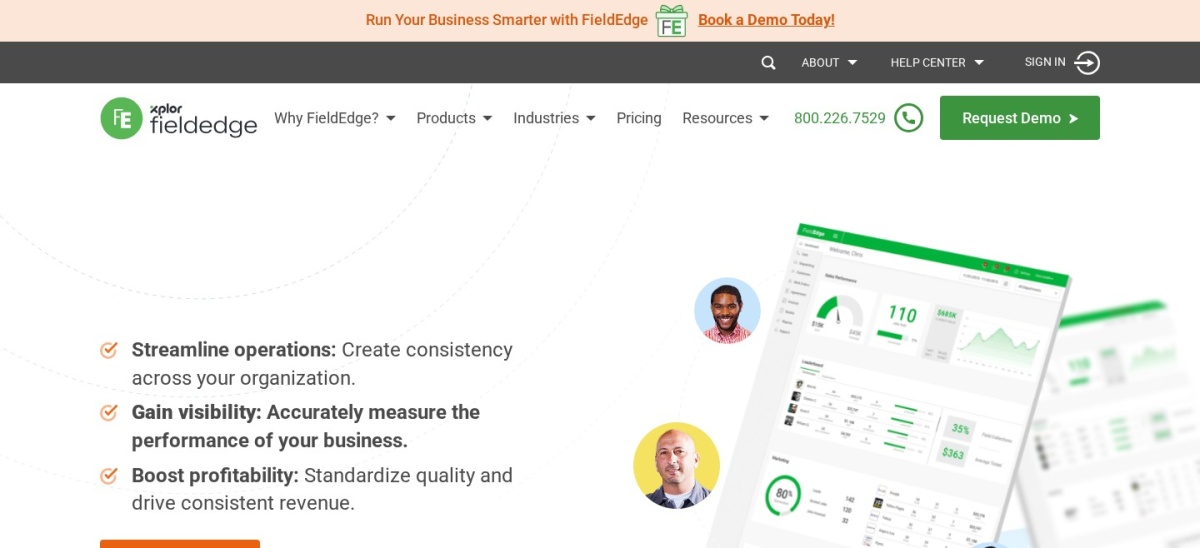
FieldEdge is field service software built for HVAC, plumbing and electrical contractors, with roots going back to 1980. It covers dispatch, flat-rate price books, equipment history, service agreements and a two-way QuickBooks sync that reviewers rate as the best in this list. A demo replaces a free trial.
The trade off is price and polish. FieldEdge publishes no prices, and third-party reports put office users at about $100 a month plus a setup fee, so get a written quote. Reviewers also call the interface dated next to newer apps. It suits established HVAC shops that live in QuickBooks and sell service agreements.
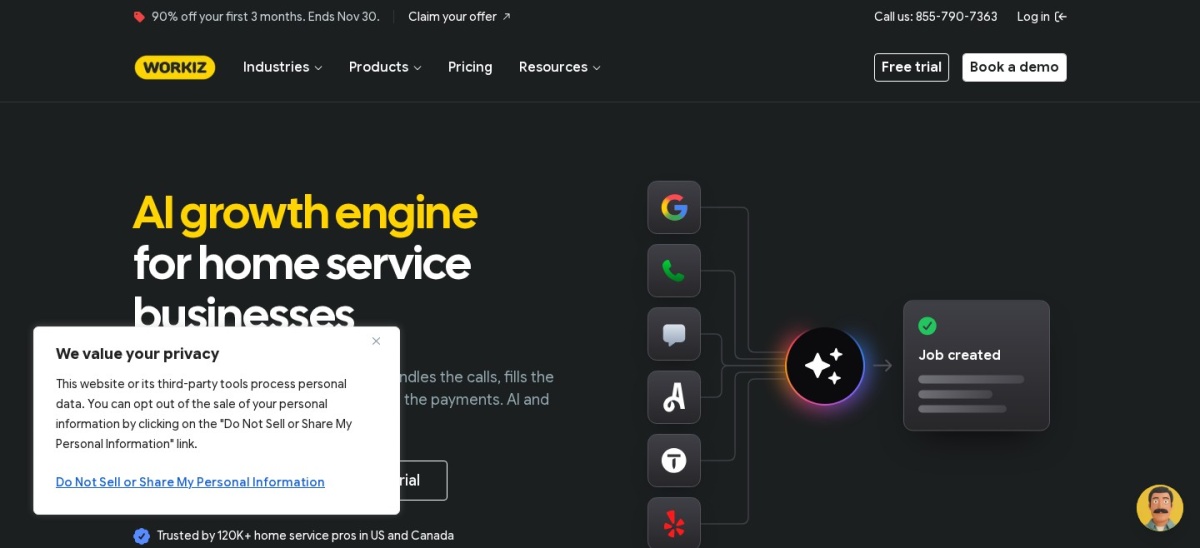
Workiz is field service software for small to mid-sized home service companies, built around a phone system. It covers scheduling, dispatch, invoicing, online booking and built-in VoIP calls and texts, so the office phone and the job board live in one app. A 7-day free trial needs no credit card.
The trade off is pricing. Workiz does not put base prices on its page, and G2 reports paid plans starting at $187 a month for the Kickstart tier, with extra users at about $55 to $65 a month. SMS and AI features cost extra. It suits shops that want calls, texts and jobs handled together.
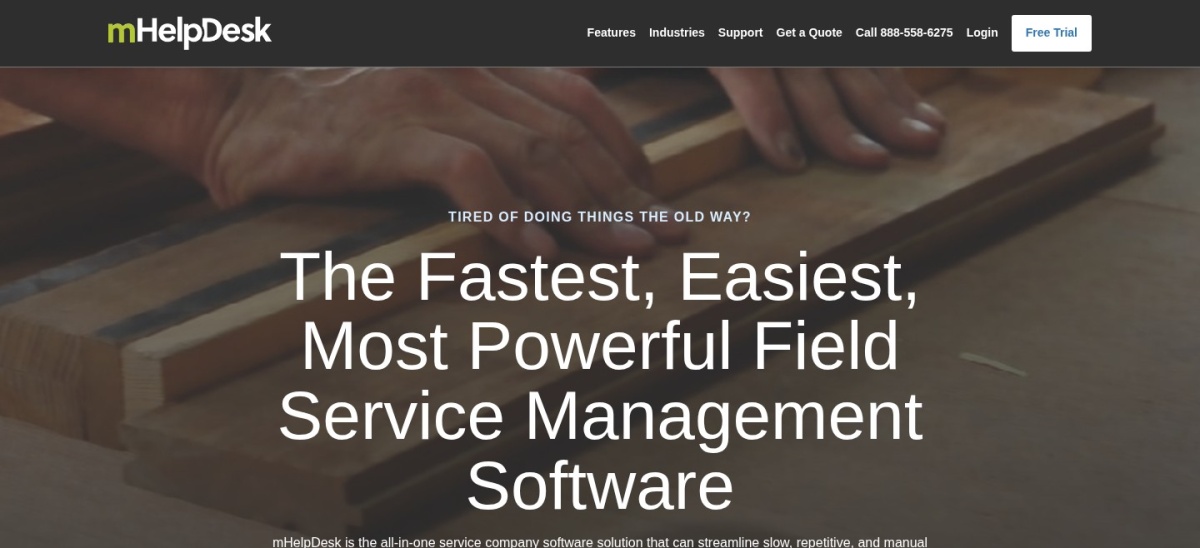
mHelpDesk is field service software for small service companies that need job tracking with equipment and service history. It covers scheduling, dispatch, estimates, invoicing and customer records, and its offline mode lets techs keep working without a signal and sync later. A 14-day free trial is available.
The trade off is transparency. mHelpDesk publishes no prices and its pricing page returns an error, so the $169 a month figure here comes from third-party sources only. Reviewers also note slow product updates. It suits shops that value equipment history and work where the signal is patchy.
ServiceTitan is the best-known name in HVAC software, and it is missing from this list on purpose.
It publishes no prices and prices per technician, with third-party estimates of about $250 to $498 per tech a month. It is built for shops with 10 or more techs and the revenue to match.
If your shop is that size, get a quote from ServiceTitan and compare it with FieldEdge and Service Fusion. If you run fewer than 10 techs, the nine tools above cover the same daily work for far less.
How we chose
We started from the field service tools HVAC owners mention most for small shops, then kept the nine with a published or consistently reported price and a public rating.
Prices come from each vendor's pricing page or, where the vendor publishes none, from G2 and other November 2026 checks, read on 25 November 2026. Ratings and review counts come from G2 and Capterra on the same day. Where a vendor shows a sale, the list shows the regular price.
We left out ServiceTitan and FieldPulse because neither publishes a price. No vendor paid for a place, and we do not claim to have used these tools ourselves.
How to choose HVAC software for a small business
Match the price shape to your crew size before you compare features.
Count the people who need a seat. Per-user tools get expensive fast past five techs. Flat-rate or job-based pricing wins for bigger crews.
Check the price book and service agreements. If you sell maintenance plans, you need recurring billing and a flat-rate price book, not just scheduling.
Confirm QuickBooks sync on the plan you would buy. Sync is often one tier up from the cheapest plan. Check it before you sign, not after.
Run the trial on real jobs. Book, dispatch, invoice and take a payment during the trial. If the mobile app frustrates your techs, walk away.
FAQ
What is the best HVAC software for a small business?
Housecall Pro is the best fit for most small HVAC shops. It covers scheduling, dispatch, estimates, invoicing and payments from $59 a month, holds a 4.7 out of 5 Capterra rating from about 2,750 reviews, and needs no long-term contract.
How much does HVAC software cost for a small business?
Entry prices in this list run from $29 to $208 a month. Jobber Core and ServiceM8 Starter both start at $29 a month, while Housecall Pro Basic is $59 and Kickserv Start covers five users for $60. Tools that hide their prices usually cost more, so get a written quote.
Is there free HVAC software for a small business?
ServiceM8 is the only tool here with a free plan, covering one user and 30 jobs a month. The rest offer free trials of 7 to 30 days. A free plan works for a solo operator with a light job load, but most shops outgrow it within months.
Do I need ServiceTitan for a small HVAC shop?
No. ServiceTitan is built for larger shops, prices per technician, and publishes no prices, with third-party estimates near $250 to $498 per tech a month. A shop with fewer than 10 techs gets the same daily workflow from Housecall Pro, Jobber or Service Fusion for far less.
Which HVAC software has the best QuickBooks integration?
FieldEdge is known for the deepest two-way QuickBooks sync, and it is the main reason established HVAC shops pick it. Kickserv, Jobber and Housecall Pro also sync with QuickBooks, but check the plan, because sync is often one tier above the cheapest price.
What should I check before buying HVAC software?
Check the price shape, the plan that includes QuickBooks sync, and whether service agreements and flat-rate pricing are included. Then run a trial on real jobs with your own price book. If the mobile app slows your techs down, the rest of the features do not matter.
SaaS SEO and WordPress specialist with about 8 years of experience. Rakib compares WordPress plugins, themes, hosting and software using public pricing, documentation and user reviews. See how we rank.