Rise Vision is our top digital signage software for schools, with over 750 customizable templates and education-specific content starting at $11 per display per month. Choose Yodeck for affordable single-screen deployments or OptiSigns for broad hardware compatibility and flexible school communication workflows.
How we make this list: we compare pricing pages, product documentation and public user reviews, then re-check every price before each update. No product paid for a place. Disclosure.
Rise Vision Basic starts at $11 per display monthly, with school-specific templates and unlimited users.
Yodeck offers a permanent single-screen free plan and paid licenses from $8 per screen monthly.
OptiSigns Standard costs $108 per screen annually and has a 4.7/5 G2 rating from 3,959 reviews.
ScreenCloud has a 4.7/5 G2 rating from 455 reviews and starts at $20 per screen monthly.
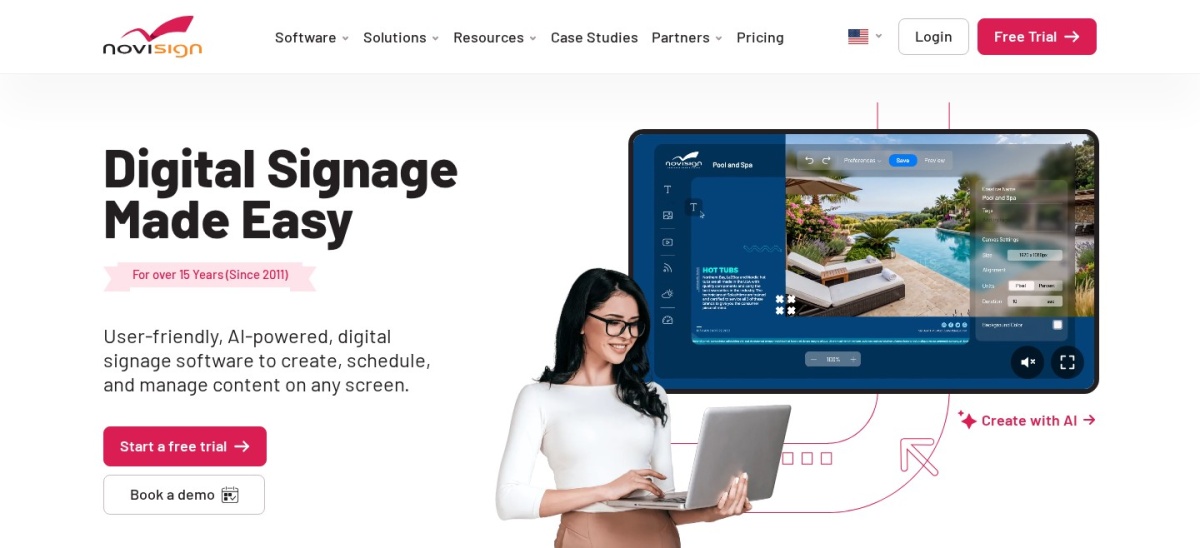
NoviSign Business includes over 500 templates for $168 per screen annually.
What schools should look for in digital signage software
School digital signage helps administrators communicate announcements, cafeteria menus, event schedules and student achievements through connected displays. A central dashboard lets staff update messages without visiting every screen individually.
Prioritize scheduling and screen grouping when managing multiple buildings. Different departments may need separate content while administrators retain control over institution-wide announcements.
Check emergency notification capabilities carefully. Some platforms support integrations with emergency alert systems, while others require higher subscriptions or separate services. Digital displays should supplement rather than replace established emergency communication procedures.
Hardware compatibility affects the overall installation cost. Schools may be able to reuse existing televisions, computers and compatible media players instead of purchasing dedicated equipment.
Compare licensing costs per display, administrative permissions and offline playback capabilities. These features become particularly important when expanding signage across an entire school district.
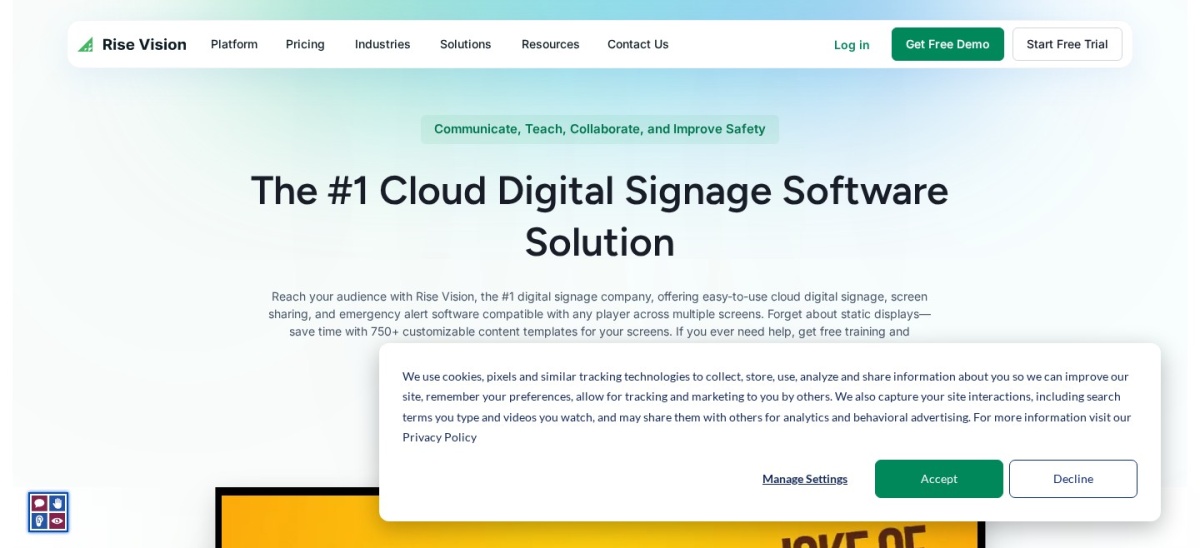
Rise Vision is a digital signage platform with education-focused content, presentation templates and centralized display management. Basic includes more than 750 customizable templates, offline playback, unlimited content storage and unlimited administrative users.
The trade off is that Basic costs $11 per display monthly and excludes integrated emergency alerts, which require Advanced at $138 per display annually. It suits schools seeking educational content and a clear upgrade path for institution-wide communications.
What we like
Templates specifically designed for education
Unlimited administrative users
Offline content playback
Published emergency alert upgrade pricing
Watch out for
Emergency alert integrations require an upgrade
Licensing costs increase with display count
Classroom screen sharing requires Enterprise
Basic includes school content, presentation creation, scheduling and display management.Visit risevision.com
02
Yodeck
4.7/5on G2 (3,372 reviews, checked Nov 2026)
Paid from$8/mo
Best for schools with limited budgets
Free screen allowance1
Customizable templates800+
Basic integrations90+
Annual Basic hardware1 GB RAM Yodeck Player
yodeck.com
Yodeck homepage, captured Nov 2026.
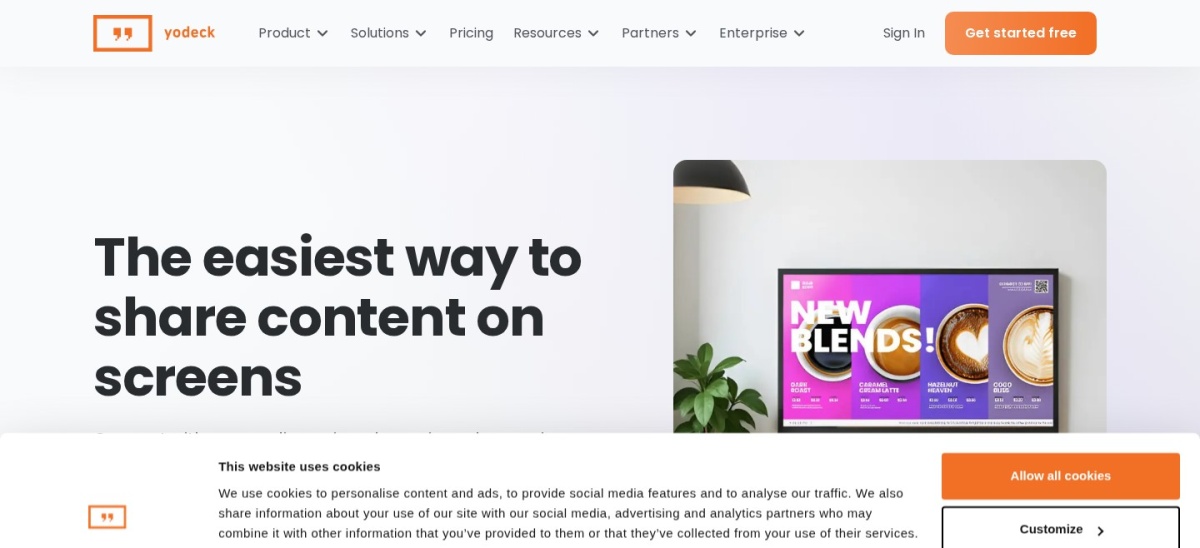
Yodeck is a cloud-based digital signage platform offering a free license for one display. Basic includes over 800 templates, more than 90 essential apps, media scheduling and a visual layout editor for school announcements and informational displays.
The trade off is that additional displays require Basic at $8 per screen monthly, while advanced scheduling requires Premium at $12. Annual Basic subscriptions include compatible player hardware or an alternative discount. It suits schools beginning with reception, cafeteria or hallway displays.
What we like
Permanent single-screen free option
Affordable multi-screen licensing
Player hardware included with eligible annual plans
Basic supports multiple displays, media scheduling and interactive content creation.Visit yodeck.com
03
OptiSigns
4.7/5on G2 (3,959 reviews, checked Nov 2026)
Paid from$9/mo
Best for schools using different display hardware
Entry paid planStandard
Monthly billing$10/screen
Annual billing$9/screen/month
Content integrations100+
optisigns.com
OptiSigns homepage, captured Nov 2026.
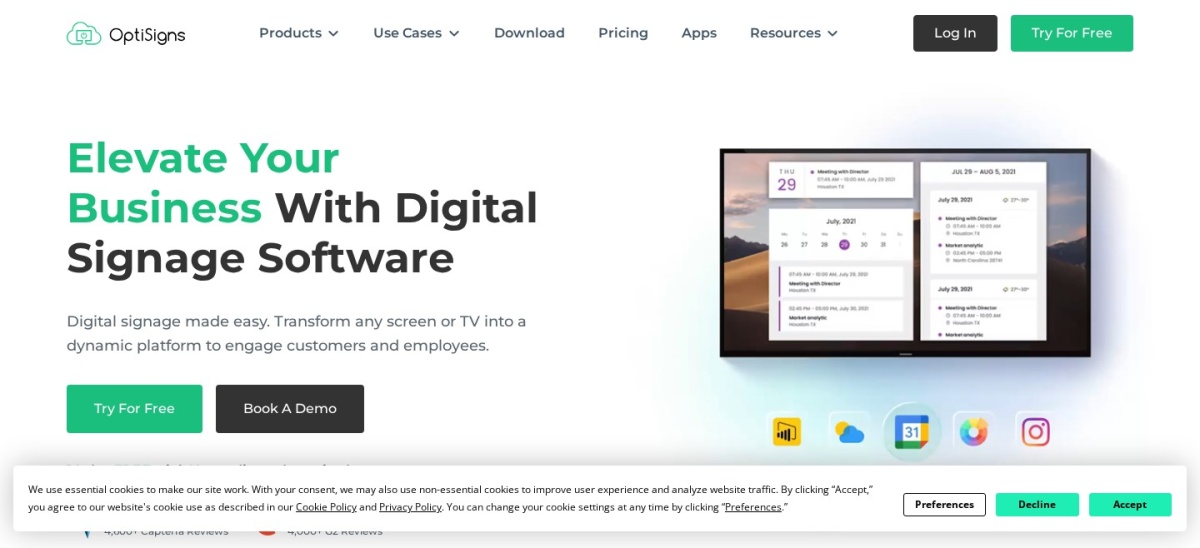
OptiSigns is a digital signage platform supporting existing televisions, Android devices, computers and compatible streaming hardware. Its content library connects with more than 100 applications, allowing schools to display presentations, announcements, weather information and other scheduled media.
The trade off is that Standard costs $9 per screen monthly with annual billing, or $10 with monthly billing. More specialized interactive and administrative capabilities require higher subscriptions. It suits schools that want to reuse different types of existing display hardware.
What we like
Broad media player compatibility
Extensive application integrations
Free entry option
Centralized content scheduling
Watch out for
Free displays carry vendor branding
Advanced interactive features cost more
Hardware capabilities vary by device
Standard provides paid display licensing and expanded signage management.Visit optisigns.com
04
ScreenCloud
4.7/5on G2 (455 reviews, checked Nov 2026)
Starts at$20/mo
Best for campus-wide content management
Entry planCore
Built-in applications80+
Editable templates150+
BillingPer screen, annually
screencloud.com
ScreenCloud homepage, captured Nov 2026.
ScreenCloud is a cloud-based digital signage platform for managing distributed displays and institutional communications. Its content ecosystem includes more than 80 built-in applications and 150 editable templates, supporting announcements, informational dashboards and scheduled presentations.
The trade off is that Core starts at $20 per screen monthly with annual billing, while Pro costs $30. These licensing costs can become significant for larger campuses. It suits schools and universities that prioritize centralized content management and application integrations.
What we like
Extensive built-in content applications
Centralized screen administration
Editable presentation templates
Broad media player compatibility
Watch out for
Higher entry pricing than budget alternatives
No permanent free plan
Enterprise security options require a higher subscription
NoviSign is a digital signage platform combining visual content creation, display scheduling and remote monitoring. Its Business subscription includes more than 500 customizable templates, helping school administrators create multimedia announcements, event promotions and informational displays without dedicated design software.
The trade off is that Business costs $14 per screen monthly with annual billing, and each connected display requires its own license. More specialized deployment requirements may need higher plans. It suits schools that want staff members to create and update visual content independently.
What we like
Large customizable template collection
Visual content editor
Remote display monitoring
Training and support included
Watch out for
Separate license required for each display
No permanent free plan
Smaller G2 review sample than leading alternatives
Business includes design templates, scheduling, display monitoring and support.Visit novisign.com
06
Play Digital Signage
4.7/5on G2 (331 reviews, checked Nov 2026)
Paid from$7.20/mo
Best for flexible content scheduling
Entry paid planEssential
Regular monthly billing$8/screen
Annual billing discount10%
Free screen1, subject to review requirement
playsignage.com
Play Digital Signage homepage, captured Nov 2026.
Play Digital Signage is a cloud-based display management platform offering visual editing, content templates and scheduled multimedia playlists. Essential provides core signage tools, while the free single-screen offer includes Pro features subject to the provider's requirement to submit a review within 30 days.
The trade off is that Essential costs $8 per screen monthly, reduced to $7.20 with regular annual billing, while advanced synchronization and automation require Pro at $12 monthly before annual discounts. It suits schools that need straightforward content creation and flexible display scheduling.
Essential includes content editing, templates, media storage and scheduling.Visit playsignage.com
07
Xibo
4.6/5on Capterra (239 reviews, checked Nov 2026)
PricingCustom pricing
Best for schools with dedicated IT teams
Self-hosted CMSOpen source
Cloud evaluation14 days
Trial display allowance2
Deployment optionsCloud or self-hosted
xibosignage.com
Xibo homepage, captured Nov 2026.
Xibo is an open-source digital signage platform offering self-hosted and managed cloud deployment options. Its cloud trial provides access to Enterprise features for 14 days with two displays, while self-hosting lets school IT departments retain greater control over their infrastructure.
The trade off is that self-hosting transfers server maintenance, security updates and troubleshooting to the school. Commercial hosting and player licensing costs depend on deployment requirements. It suits educational institutions with dedicated technical staff and a preference for infrastructure control.
What we like
Open-source content management system
Self-hosted and cloud deployment options
Flexible display layouts and scheduling
Suitable for technically managed school networks
Watch out for
Self-hosting requires technical expertise
Some media players require separate licenses
Granular permissions can require additional configuration
Commercial options provide managed hosting, supported player licensing and additional services.Visit xibosignage.com
How much does digital signage software cost for schools?
Digital signage software is commonly licensed per display. Yodeck Basic costs $96 per screen annually, OptiSigns Standard costs $108 with annual billing, and NoviSign Business costs $168 with annual billing.
Rise Vision also publishes an Enterprise school license at $1,399 annually for unlimited displays. This pricing structure can be useful for institutions planning substantial signage deployments.
The software subscription is only part of the total cost. Budget for televisions, compatible media players, mounting equipment, network connectivity, installation and ongoing maintenance.
What should schools display on digital signage?
Reception displays can communicate visitor instructions, upcoming events and general announcements. Hallway screens are suitable for class schedules, extracurricular activities and student achievements.
Cafeteria displays can present menus, meal availability and nutrition information. Libraries can promote reading programs, opening hours and upcoming educational activities.
Use readable typography, high-contrast colors and short messages. Establish content approval procedures before allowing student-created materials or displaying identifiable student information.
How we chose
We selected established digital signage platforms suitable for schools, colleges and educational campuses. We compared education-specific content, scheduling, hardware compatibility, remote administration, licensing structures and public customer feedback.
Prices and ratings were checked on 25 Nov 2026 using official vendor pricing pages, G2 and Capterra. The price ladder represents annual software costs for one paid display where a comparable subscription price is available. Regular annual billing discounts are included, but temporary promotions are excluded.
We excluded discontinued platforms, hardware-only suppliers and products without sufficient public customer feedback. Rankings prioritize educational suitability, affordability and practical display management. No vendor paid for a place, and we do not claim testing for this list.
How to choose the best digital signage software for your school
Assess your school's communication requirements, available hardware and annual budget before choosing a digital signage platform.
Identify display locations and communication goals. Determine which screens will serve reception areas, hallways, cafeterias, libraries and classrooms. Define the information each location needs and how frequently staff will update it.
Check existing hardware compatibility. Review supported operating systems, television models and media players. Reusing compatible equipment can reduce installation costs and simplify technical maintenance.
Compare licensing and administrative features. Calculate the subscription cost across all planned displays. Check whether multiple staff accounts, content approval, screen grouping and department-level permissions require higher subscriptions.
Review reliability and emergency communication requirements. Check offline playback, remote monitoring and compatibility with existing emergency notification systems. Establish clear procedures for managing displays during network outages and emergency situations.
FAQ
What is the best digital signage software for schools?
Rise Vision is our top pick because it includes education-specific content, more than 750 customizable templates and dedicated emergency notification upgrades. Yodeck is a more affordable alternative for smaller deployments, while OptiSigns provides broad hardware compatibility.
Is there free digital signage software for schools?
Yes. Yodeck offers a permanent single-screen free plan, and OptiSigns provides a free entry option with vendor branding. Xibo also offers an open-source self-hosted content management system, although hardware, hosting and certain player licenses can create additional costs.
How much does school digital signage software cost?
Yodeck Basic starts at $8 per screen monthly, while Rise Vision Basic lists at $11. Schools should multiply the applicable license cost by their display count and include hardware, installation and network maintenance when calculating the total project budget.
Can schools use regular smart TVs for digital signage?
Yes. Many signage platforms support compatible smart televisions or external media players connected to standard displays. Check the supported operating system, automatic startup behavior, remote management capabilities and offline playback requirements before purchasing or repurposing televisions.
Can digital signage display school emergency alerts?
Some platforms support emergency notification integrations. Rise Vision Advanced supports systems using the Common Alerting Protocol. Schools should confirm compatibility with their existing alerting infrastructure and use digital signage as a supplementary emergency communication channel rather than their only notification method.
Does school digital signage need an internet connection?
Cloud-based signage generally requires internet access to receive updates and synchronize schedules. Platforms supporting offline playback can continue displaying previously downloaded content during certain network interruptions. Live information and emergency messages may still depend on connectivity.
What is the best digital signage software for school districts?
Rise Vision is suitable for districts requiring centralized education content and school-level licensing. ScreenCloud offers distributed content management, while Xibo can suit institutions with technical teams that prefer self-hosted infrastructure and greater control over their signage environment.
SaaS SEO and WordPress specialist with about 8 years of experience. Rakib compares WordPress plugins, themes, hosting and software using public pricing, documentation and user reviews. See how we rank.