Best Email Blasting Software in 2026: 9 Tools Compared
WLWPLegible EditorsLast verified 23 Nov 2026How we rank8 min read
★ Short answer
Postmark is the best email blasting software for teams that put inbox delivery first. It costs $15 a month for 10,000 emails and keeps transactional and broadcast mail on separate streams. Pick Resend for developers and Brevo for the lowest all-in-one price.
How we make this list: we compare pricing pages, product documentation and public user reviews, then re-check every price before each update. No product paid for a place. Disclosure.
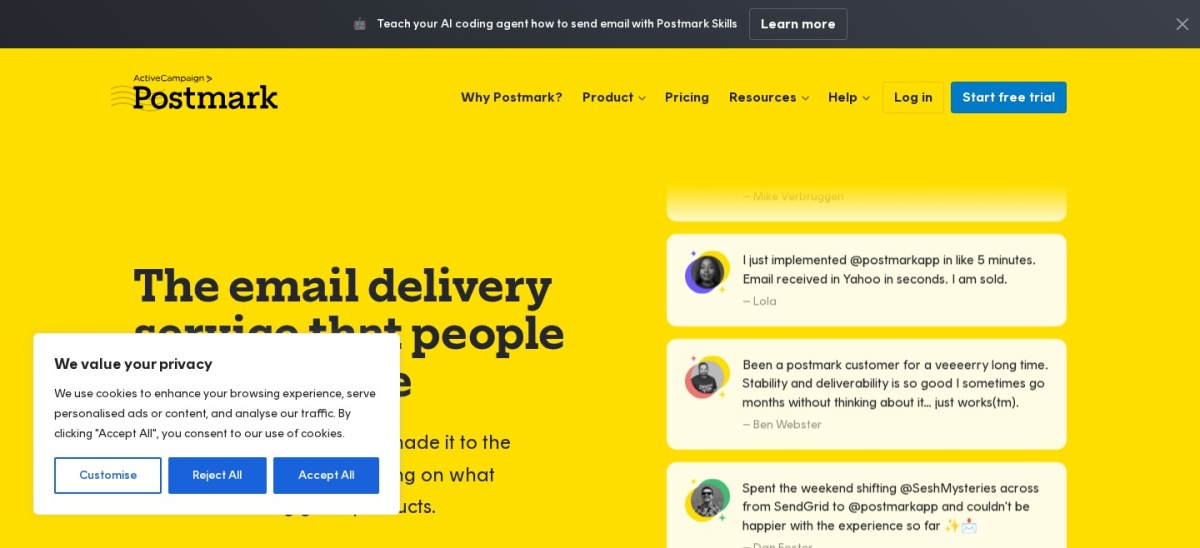
Postmark is a transactional email service from ActiveCampaign. Postmark costs $15 a month for 10,000 emails, keeping transactional and broadcast mail on separate streams so a password reset never queues behind a newsletter. It is rated 4.6/5 on G2 from 32 reviews.
The trade off is its free tier covers only 100 emails a month. It suits teams that put inbox delivery first for bulk and transactional sends.
What we like
Separate streams for transactional and broadcast mail
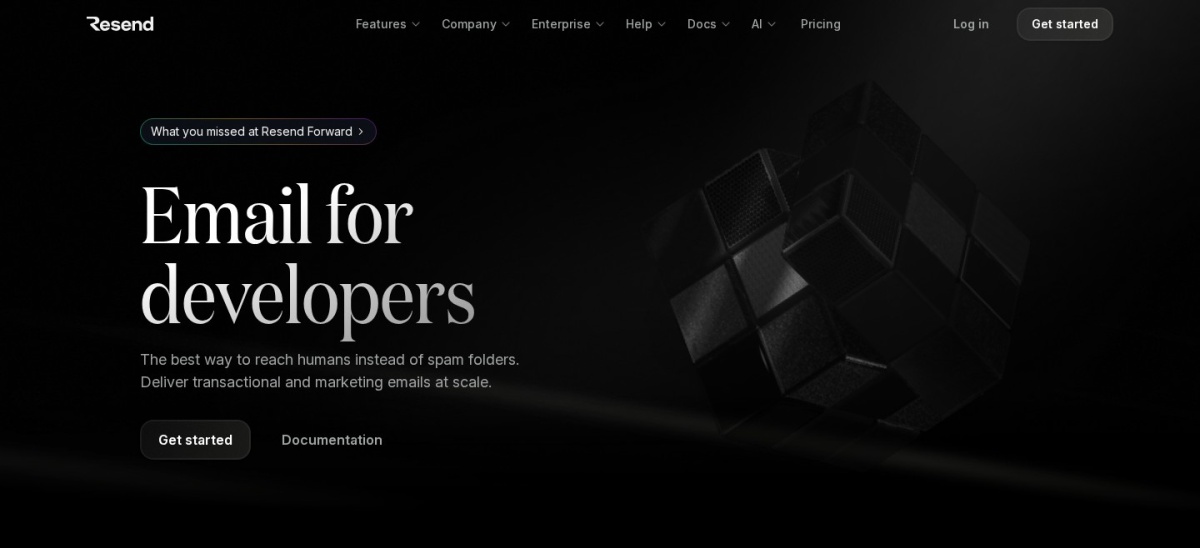
Resend is a developer-first email API for modern stacks. Resend Pro costs $20 a month for 50,000 emails, with a clean API, React email support and a free tier of 3,000 emails a month. It is rated 4.8/5 on G2 from 10 reviews.
The trade off is its G2 base is tiny at 10 reviews and there is no HIPAA BAA. It suits developers who want a modern API and fast setup.
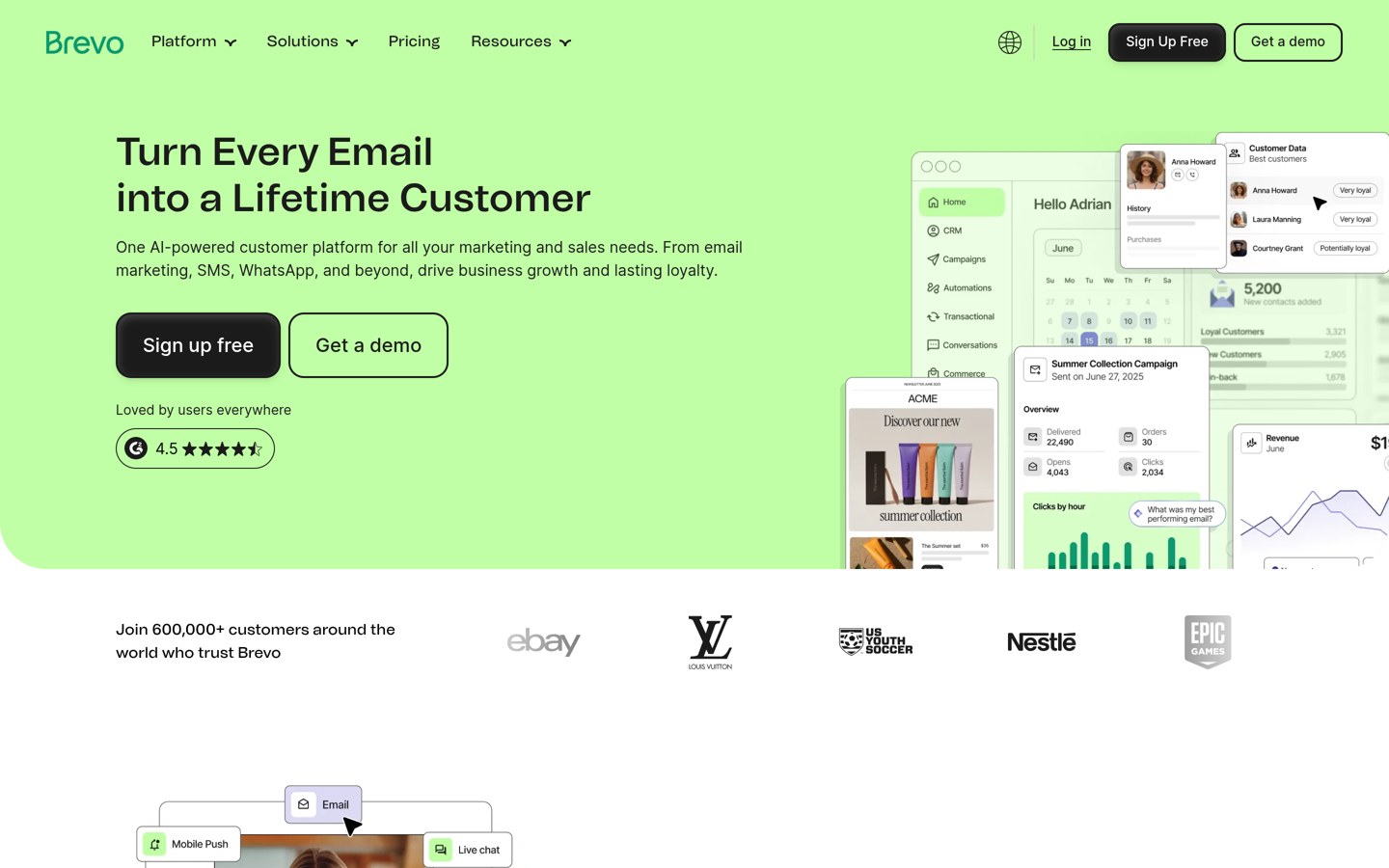
Brevo is an all-in-one marketing platform, formerly Sendinblue. Starter costs $9 a month for 5,000 emails, covering marketing and transactional mail in one account with a CRM, SMS and WhatsApp. It is rated 4.5/5 on G2 from 2,747 reviews.
The trade off is sending limits scale with the plan, so heavy blasts need a higher tier. It suits teams that want free-tier blasting plus marketing email in one place.
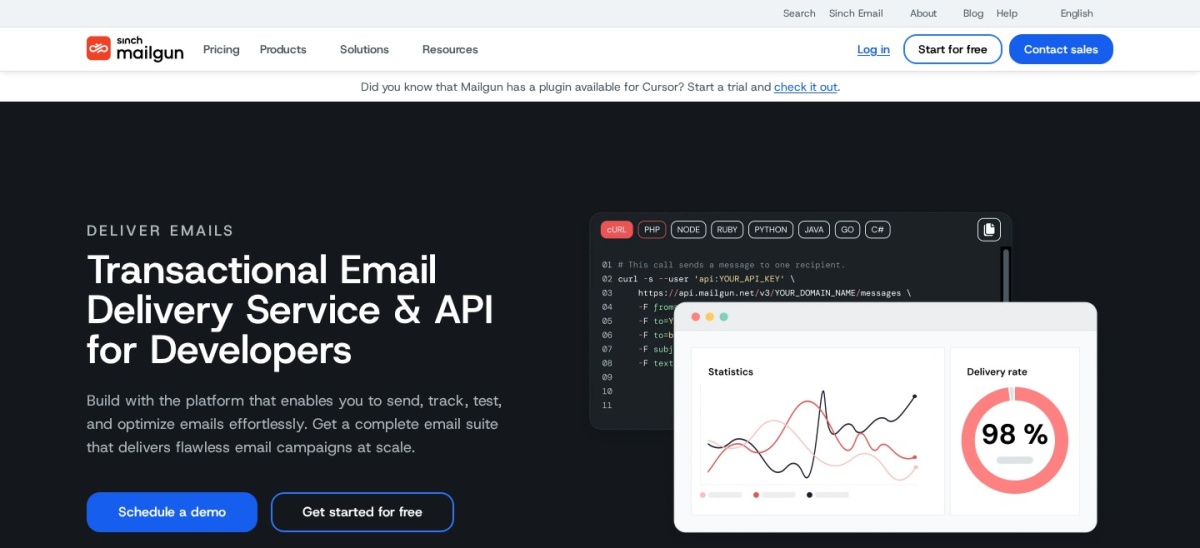
Mailgun is a veteran email API from Sinch. Mailgun Basic costs $15 a month for 10,000 emails, with send, optimize, validate and inspect tools under one roof and an EU region. It is rated 4.2/5 on G2 from 322 reviews.
The trade off is reviewers report inconsistent deliverability and support quality. It suits developers who need sending plus validation and optimization.
SendGrid is Twilio's high-volume email platform. SendGrid Essentials costs $19.95 a month for 50,000 emails, combining transactional and marketing email from one large vendor with ecosystem depth. It is rated 4.0/5 on G2 from 368 reviews.
The trade off is there is no permanent free plan, only a 60-day trial, and some tiers moved behind sales contact in 2026. It suits companies sending at scale that want support and ecosystem depth.
Cheapest paid planPay as you go, $0.10 per 1,000 emails
Free planYes
Rating4.3/5 on G2
UsersNot published
aws.amazon.com
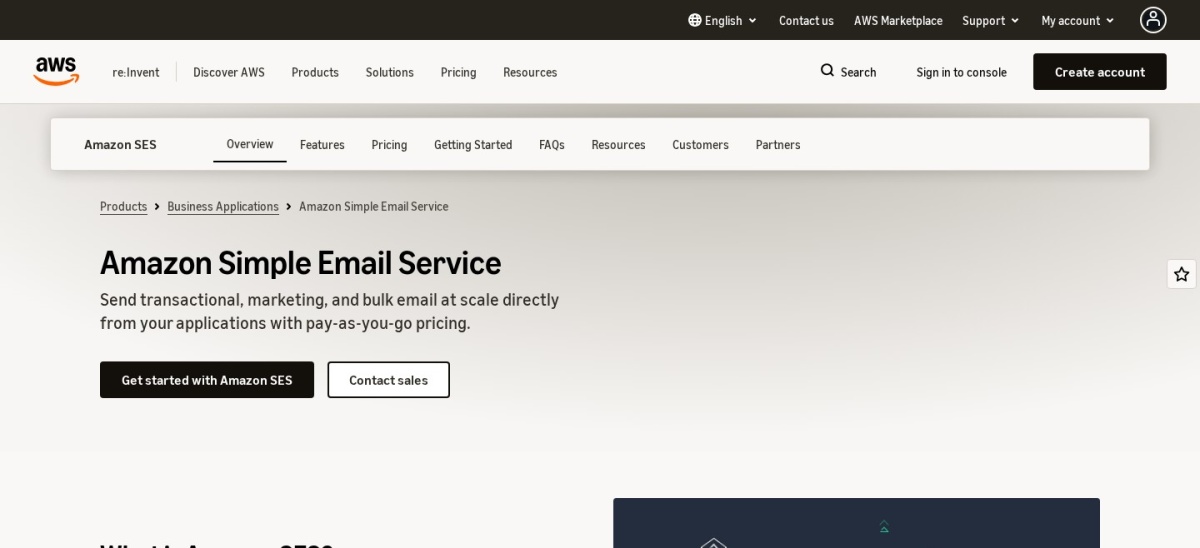
Amazon SES homepage, captured Nov 2026.
Amazon SES is Amazon's bare-bones email service for AWS teams. Amazon SES charges $0.10 per 1,000 emails with a free tier for AWS users, making it the cheapest option at high volume by a wide margin. It is rated 4.3/5 on G2 from 205 reviews.
The trade off is it has no template editor, campaign UI or analytics. It suits AWS teams that want the lowest per-email cost and can build their own sending layer.
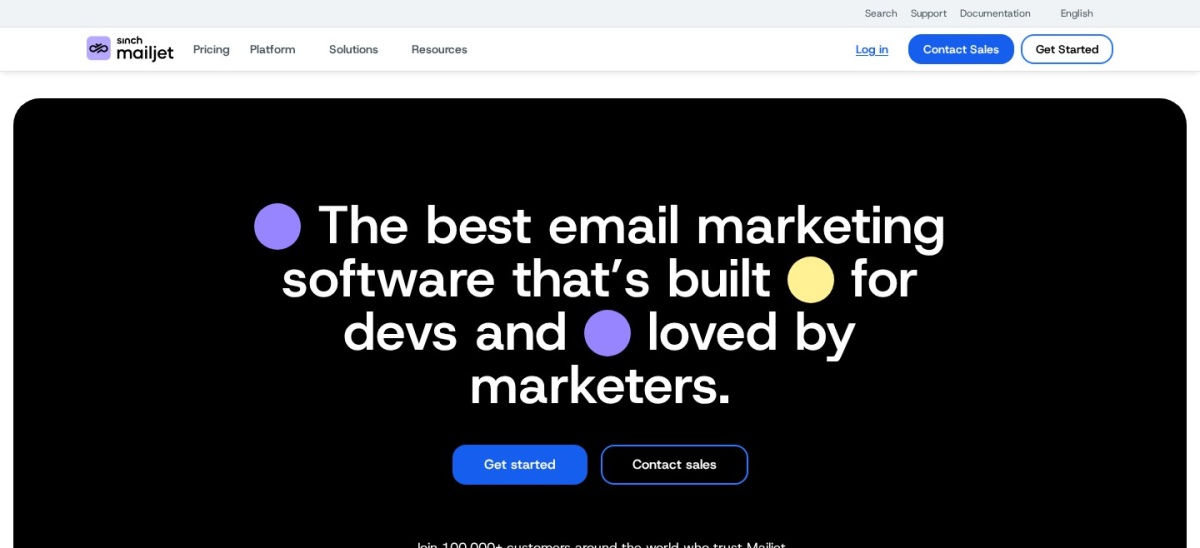
Mailjet is a Sinch email platform with real-time template collaboration. Mailjet Starter costs $9 a month for 8,000 emails, with a team editor, approval workflows, European data residency and a free tier of 6,000 emails a month. It is rated 3.9/5 on G2 from 176 reviews.
The trade off is its G2 rating is the lowest here at 3.9/5. It suits European teams that collaborate on templates and need data residency.
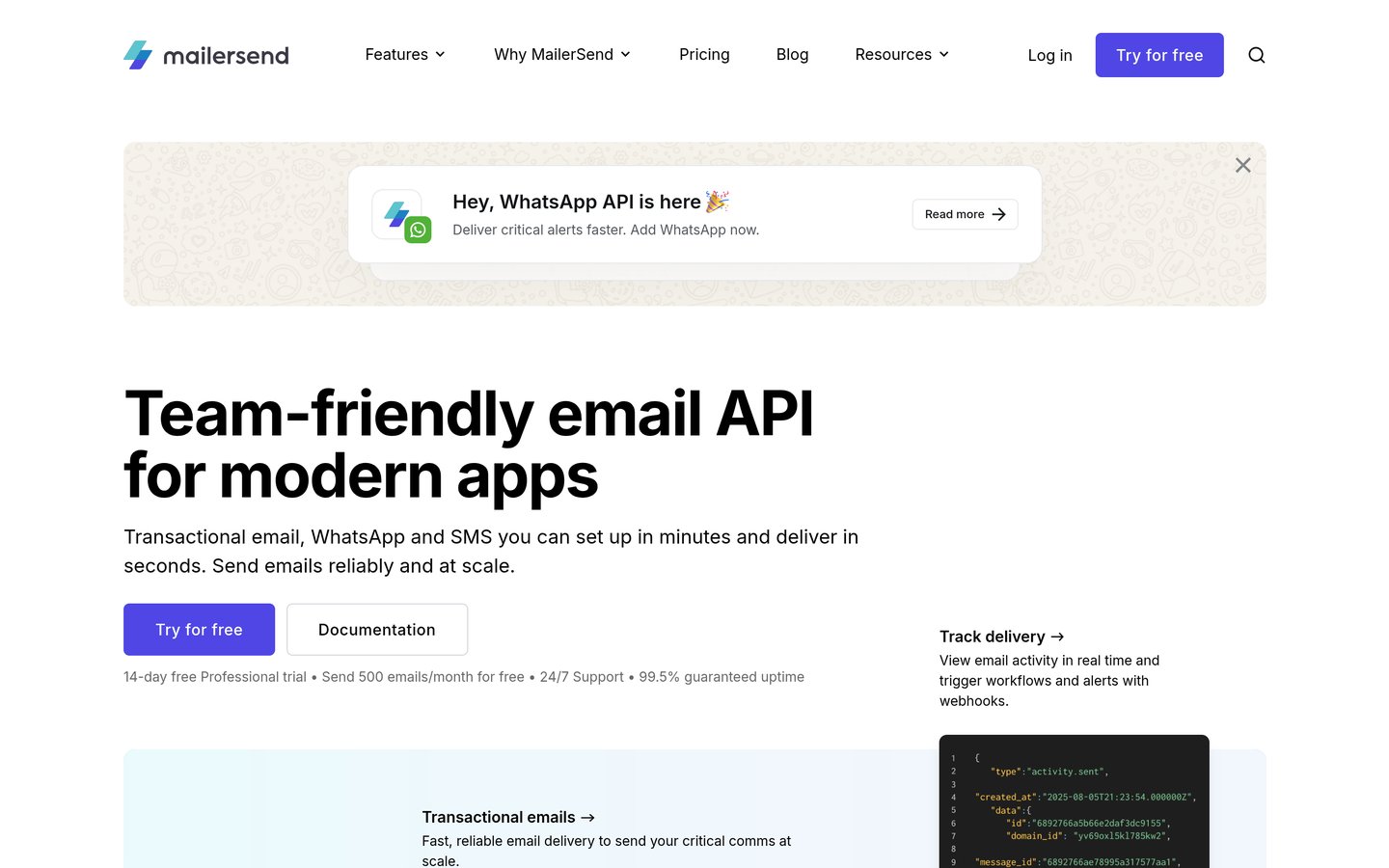
MailerSend is a budget email API for small apps. MailerSend Hobby costs $7 a month for 5,000 emails, with a free plan of 500 emails a month and simple SMTP plus API sending. It is rated 4.1/5 on G2 from 46 reviews.
The trade off is its review base is small at 46 G2 reviews. It suits small apps and side projects that want cheap, simple sending.
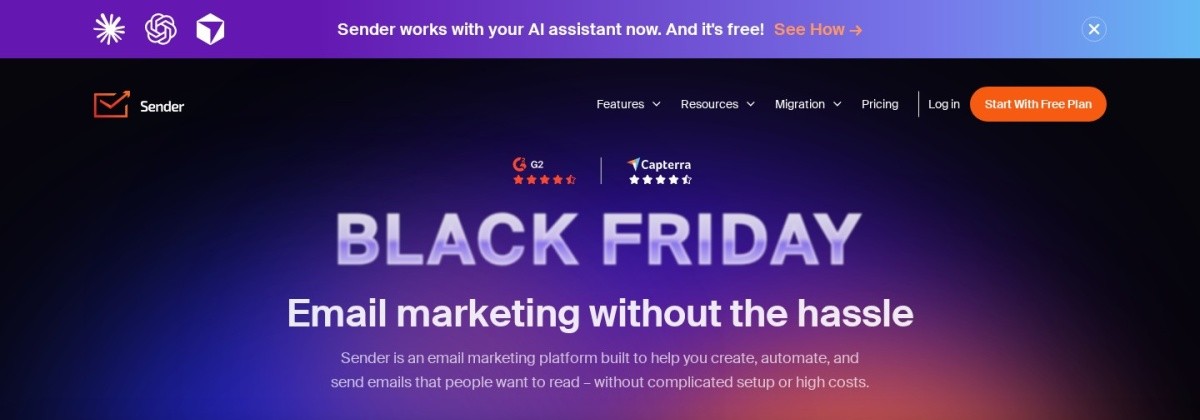
Sender is an email marketing platform with a generous free plan. Sender costs $9 a month and its free plan covers 2,500 subscribers and 15,000 emails a month, with automation, forms and templates included. It is rated 4.7/5 on G2 from 289 reviews.
The trade off is its review count rests on a secondary read and needs a G2 check. It suits small teams that want a working email setup, not just a template editor.
API tools like Postmark, Resend and Mailgun are built for developers. They send fast and report well, but you build the campaign layer yourself.
Platforms like Brevo, Mailjet and Sender add templates, lists and automation, which suits marketers without a developer.
If you send both marketing and transactional mail, keep them on separate streams or separate tools. One bad campaign should never block a password reset.
How we chose
We started from the established tools in this category, then kept those with a published price or a clear quote route and a verifiable rating on G2.
Prices come from each vendor's pricing page, checked on 23 November 2026. Ratings and review counts come from G2 on the same day. Where a vendor page renders its prices in JavaScript, the figure rests on a November 2026 read of that page and is flagged in the notes. Where a price is quote-based, the list says so instead of guessing a figure.
We left out tools with no verifiable rating. No vendor paid for a place, and we do not claim hands-on testing for this list.
How to choose email blasting software
Start with what you already use, then fill the gaps with one main tool.
Check what you already pay for. Many suites include a basic version of this tool. Do not buy a second copy of what you own.
Pick one main tool. Two tools doing the same job create duplicate data and double bills. Choose one and learn it well.
Test the free plan or trial first. Import a small list and run one real workflow before moving everything over.
Check the price at your real volume. Most of these tools charge by contacts, users or sends, so price the plan at the size you will reach in a year.
FAQ
What is the best email blasting software?
Postmark is the strongest pick for most buyers in this list. It combines a high G2 rating with a published price and a free plan or trial, so most teams can start without a sales call.
Do I need a paid plan to start?
No. Most tools here offer a free plan or a 14-day trial that covers the core features. Start free, run one real workflow, and pay only when the limits bite.
Why do prices rise so fast?
Most of these tools charge by contacts, users or sends. A list that doubles in size can double the bill, so check the price at the size you expect in a year, not today.
Can I switch tools later?
Yes, but moving lists, templates and automations takes time. Export your contacts and templates before you cancel, and run the old and new tools side by side for a month.
Is a free plan enough?
For a small list or a single user, often yes. Free plans usually cap contacts, sends or automation steps, so growing teams outgrow them within a year.
What should I check before buying?
Check the price at your real volume, the rating on G2, whether the free plan covers your main workflow, and whether the vendor publishes its price or hides it behind a sales call.